GPT Image 2.5 Sunburst for Precise Product Visuals
Create or refine product images with GPT Image 2.5 Sunburst inside Nextify. Use a prompt or reference image to direct detailed edits, then prepare polished visuals for storefronts, marketplaces, and ad creatives.
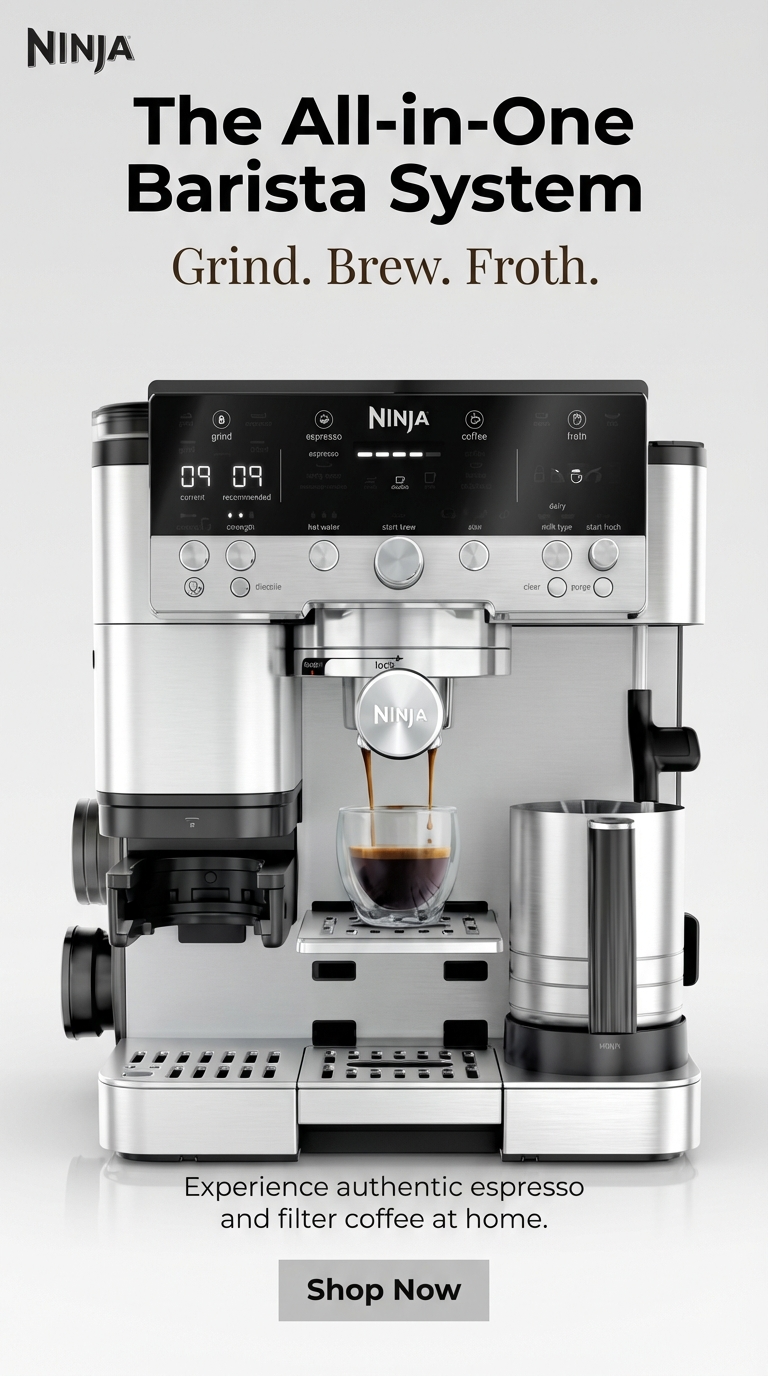
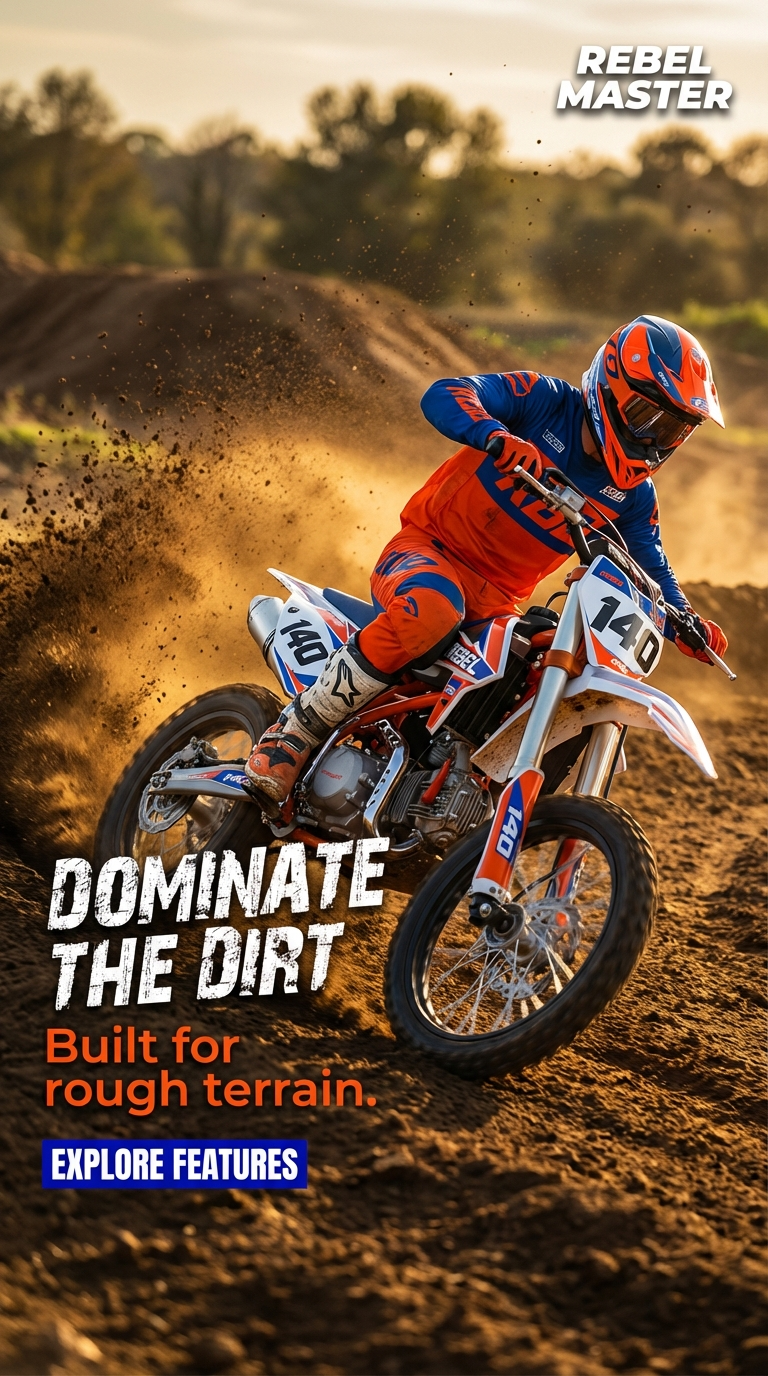
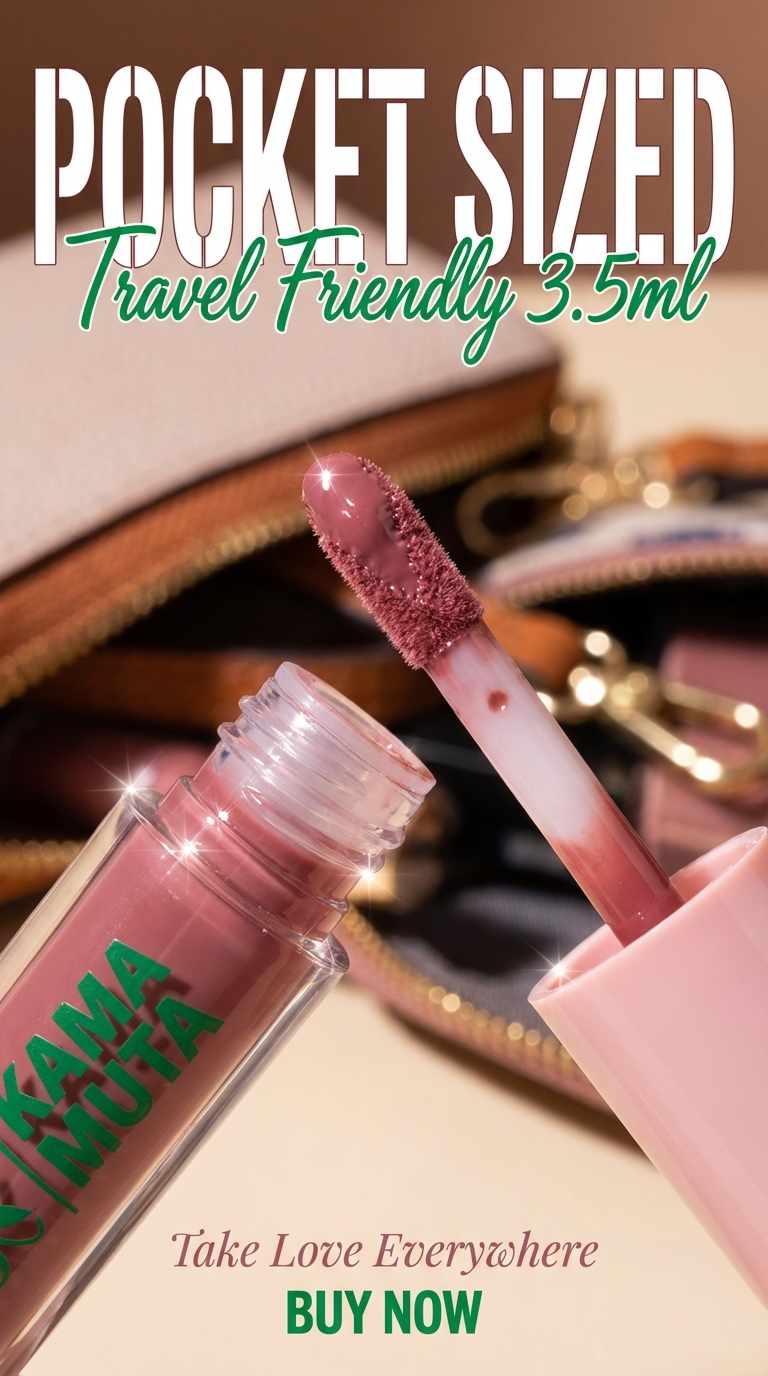
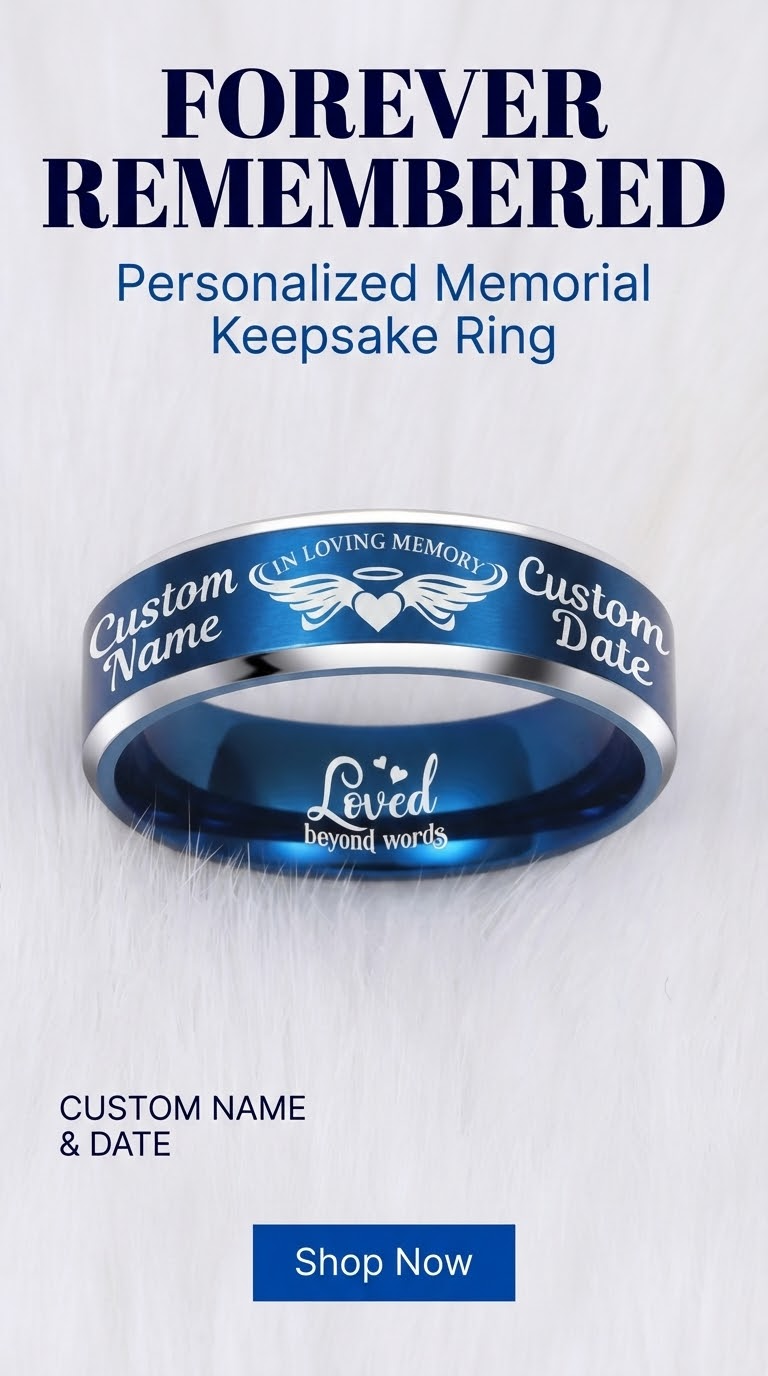
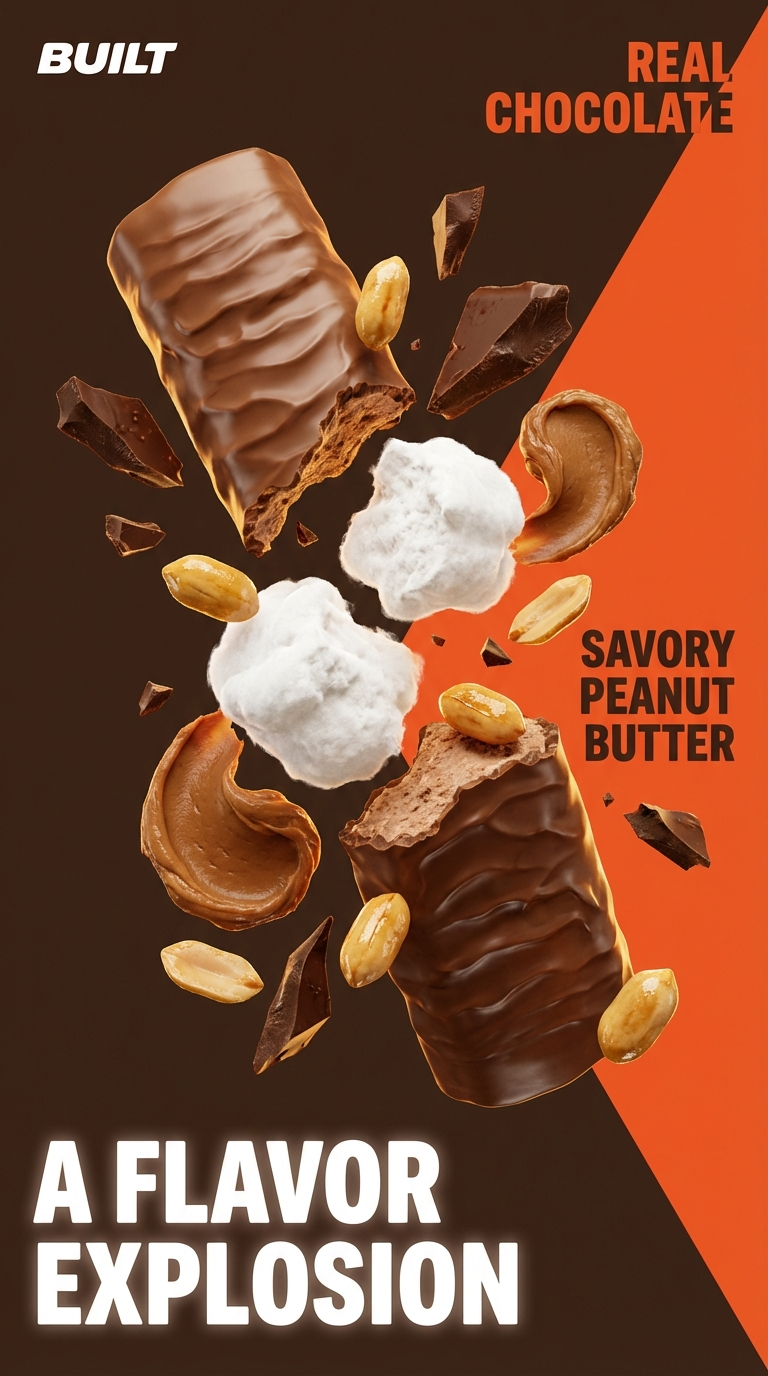
Build Product-Ready Visuals with GPT Image 2.5 Sunburst
GPT Image 2.5 Sunburst is designed for image generation and editing when the details matter. In Nextify, turn a product reference and a clear brief into visual variations for listings, campaigns, and social ads.
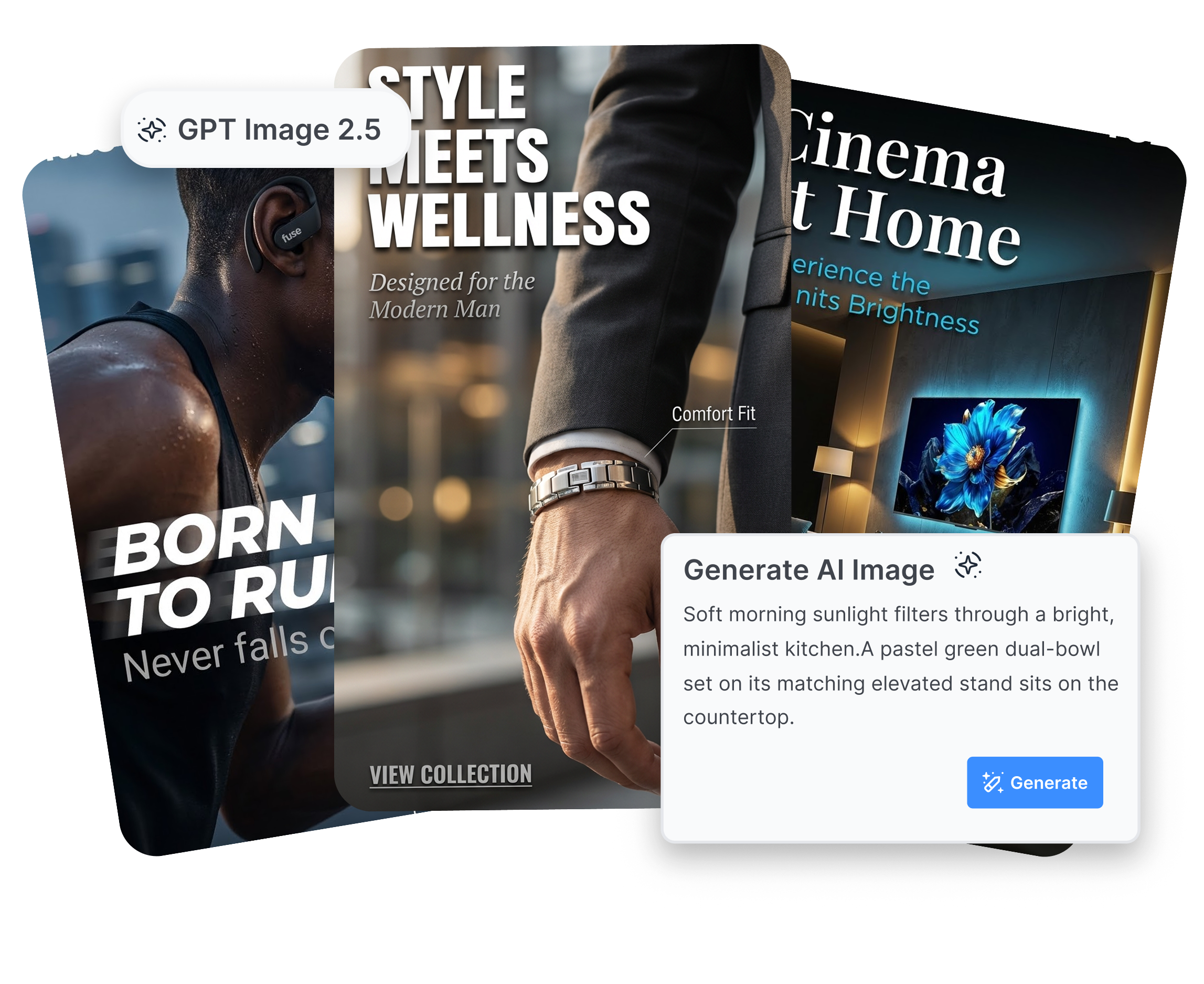
GPT Image 2.5 Sunburst Precision Editing
Make Targeted Edits Without Rebuilding the Whole Scene
Use focused prompts for background swaps, prop changes, seasonal styling, or a new crop. Review the result in Nextify, refine the instruction, and keep the version that fits your product page or ad concept.
GPT Image 2.5 Sunburst Product Image Generation
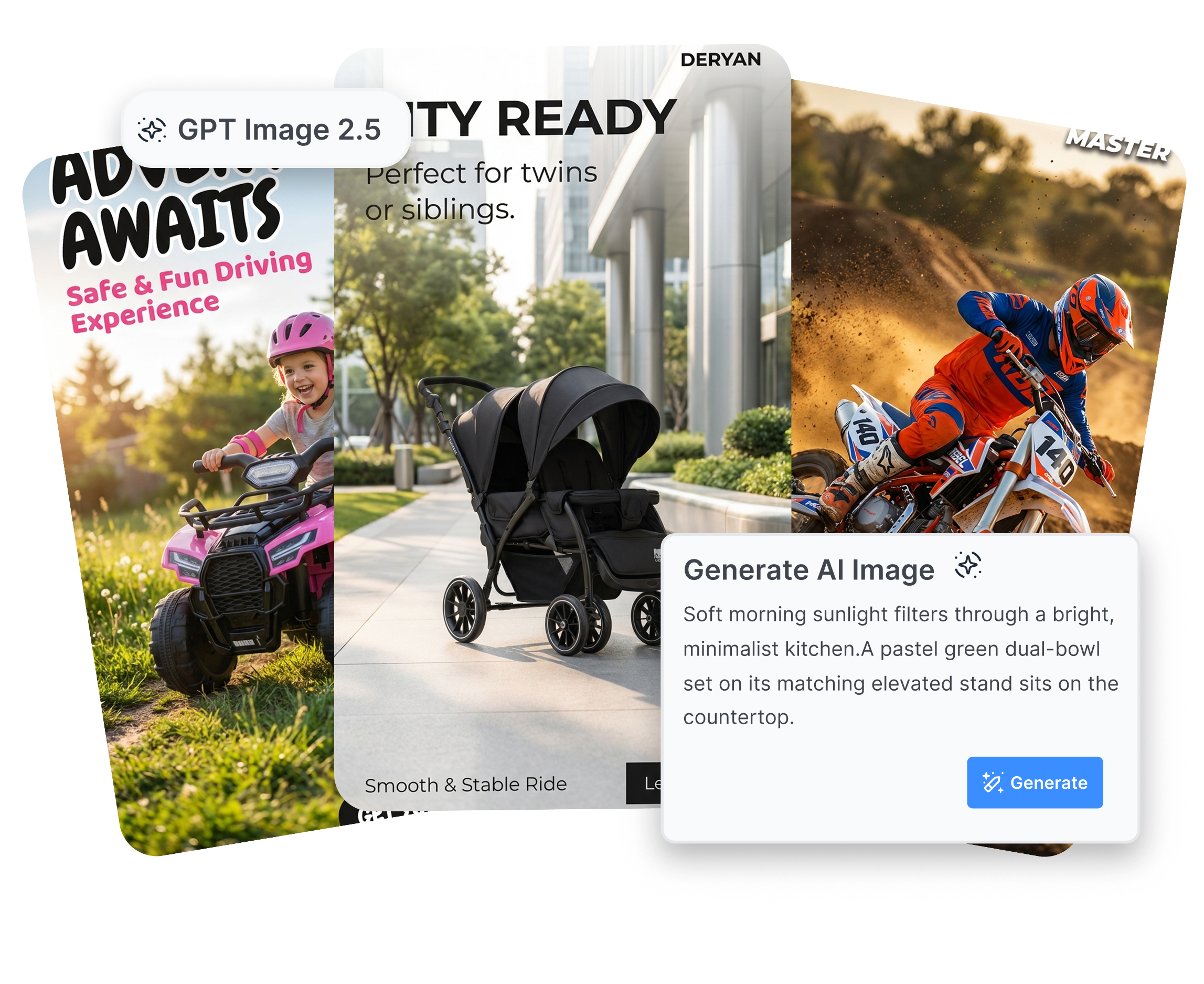
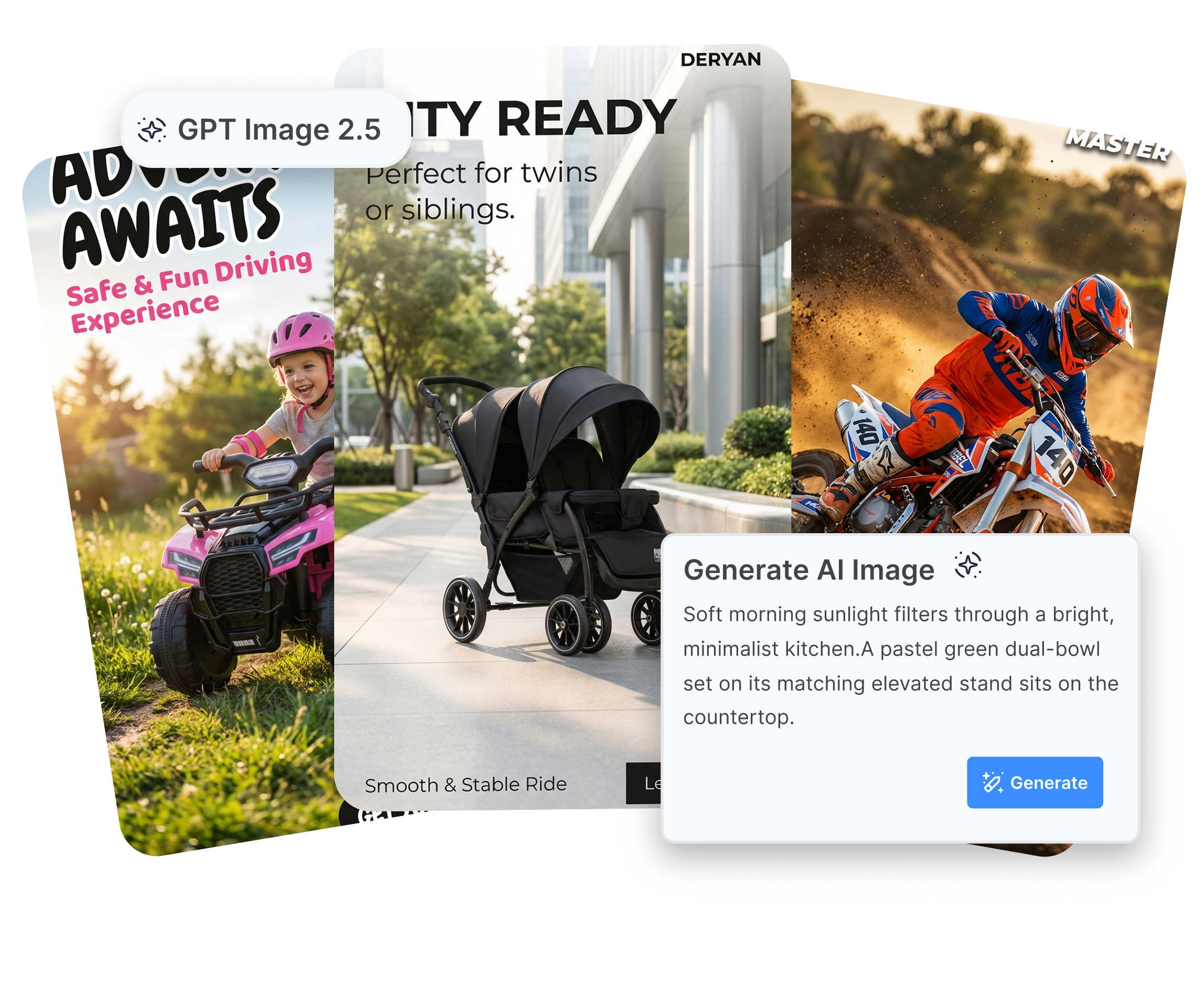
Turn a Packshot into a Complete Campaign Scene
This image-to-image workflow gives creative teams a practical starting point for lifestyle images, PDP modules, and paid-social concepts without booking a new shoot for every variation.
GPT Image 2.5 Sunburst for Art-Directed Images
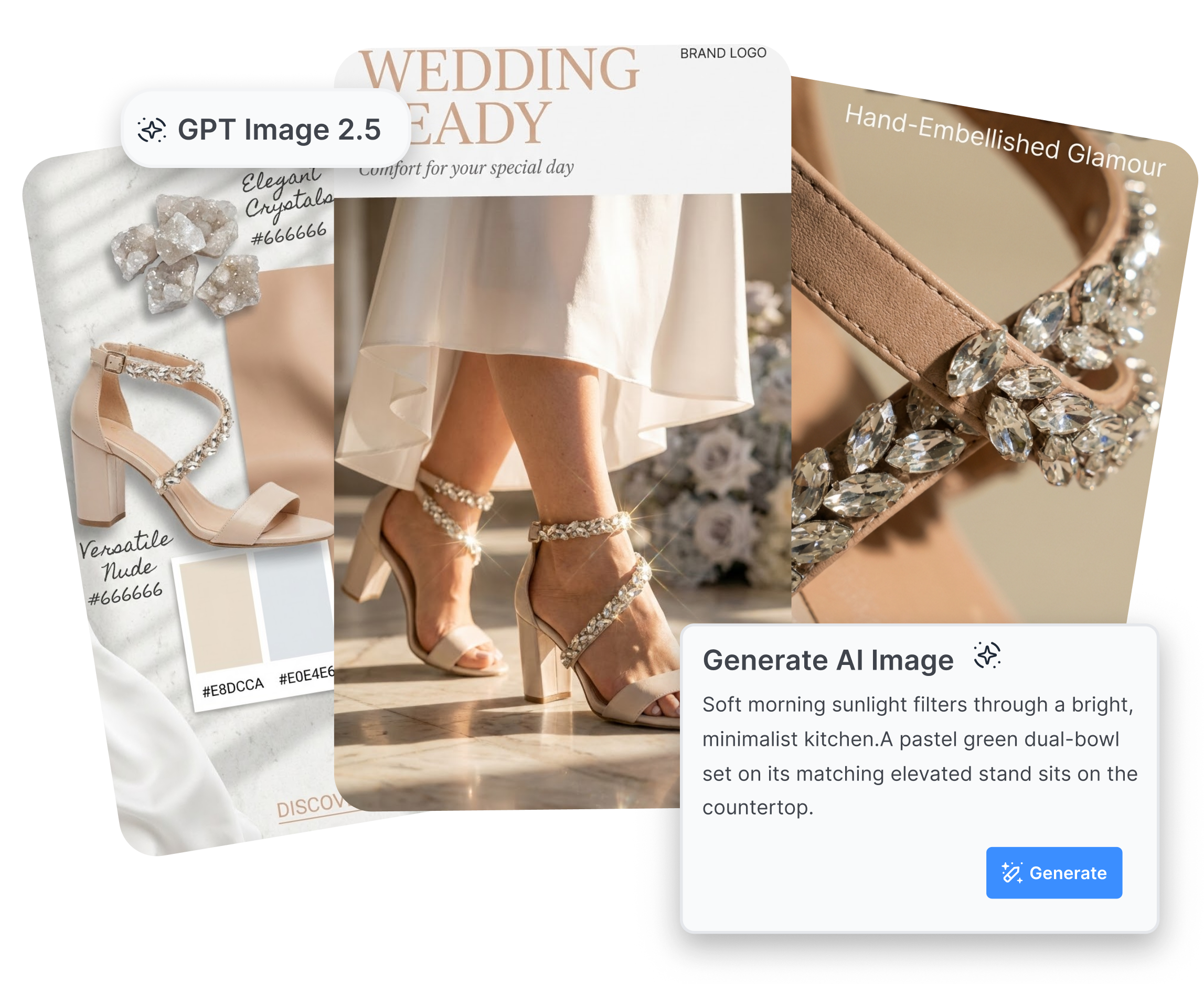
Direct Layout, Lighting, and Commercial Details
Use the detailed model when the composition carries the message. Generate a hero banner with room for a price callout, a detail visual for materials, or a comparison frame for an ad storyboard, then adjust the prompt until the layout feels right.
GPT Image 2.5 Sunburst Creative Variations
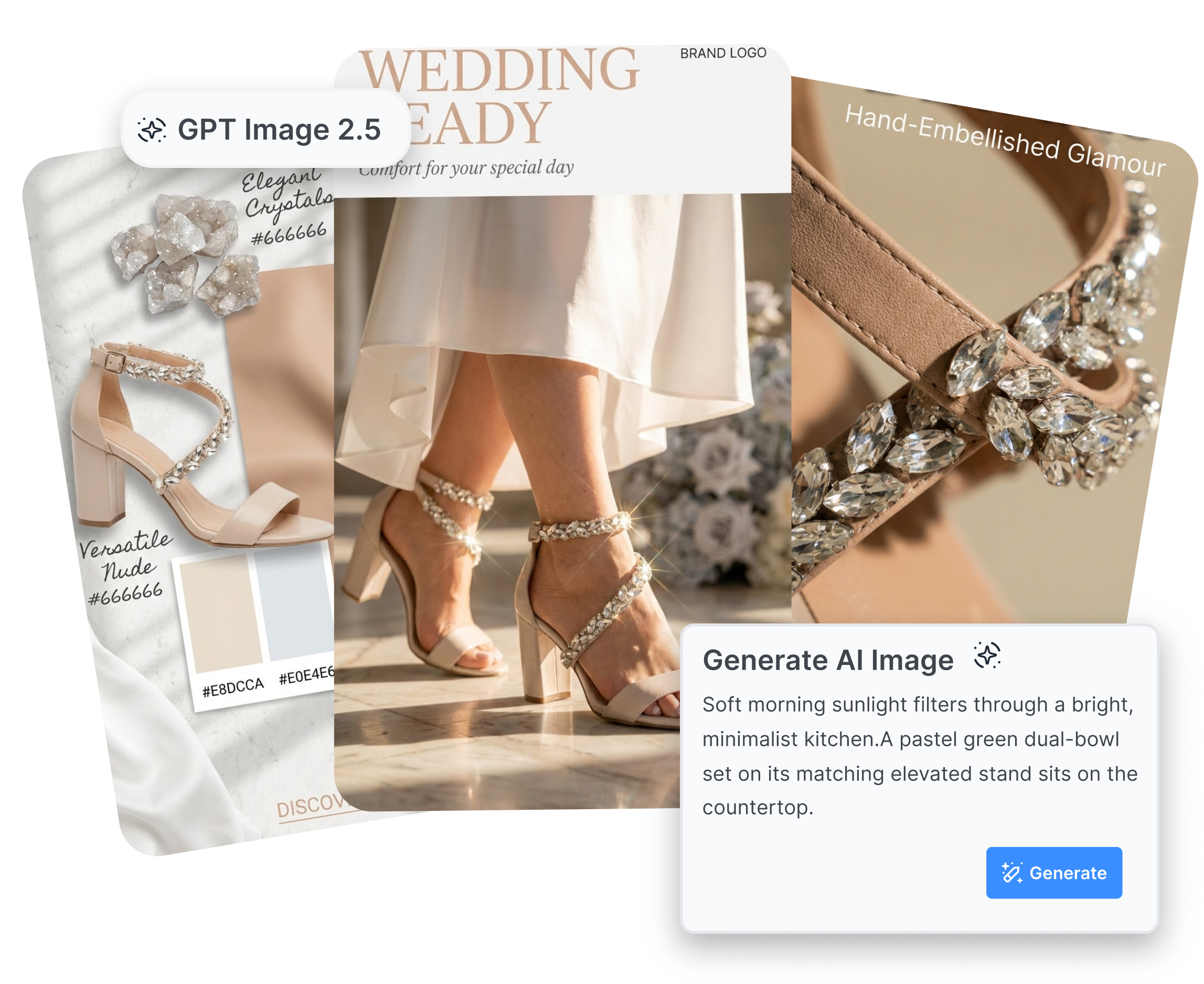
Build Variations from References and Prompts
Save promising outputs in your Nextify project and reuse them across listing images, social posts, and ad concepts. Sunburst is the deliberate choice for briefs where visual relationships and edit precision deserve extra attention.
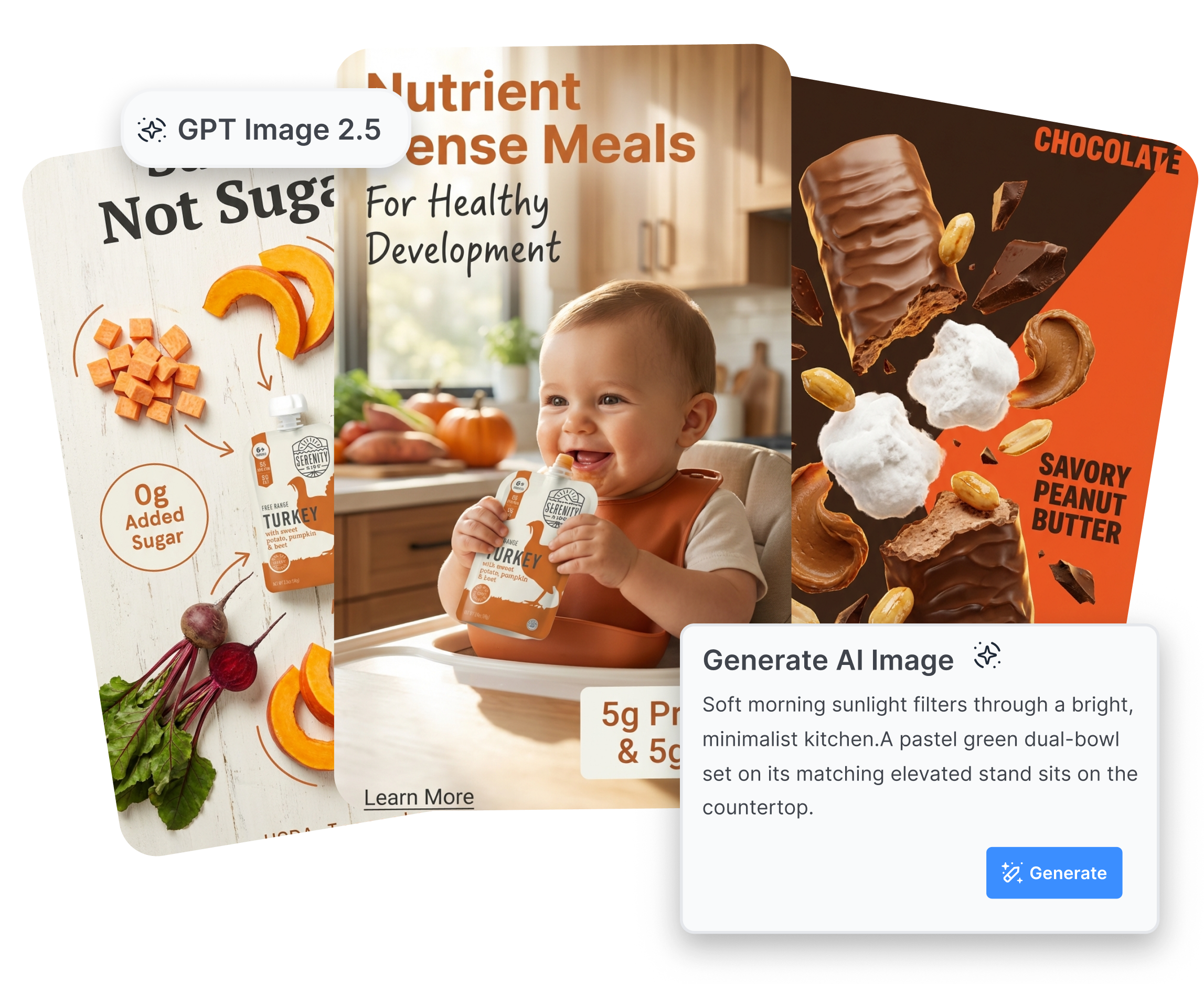
How to Use GPT Image 2.5 Sunburst in Nextify
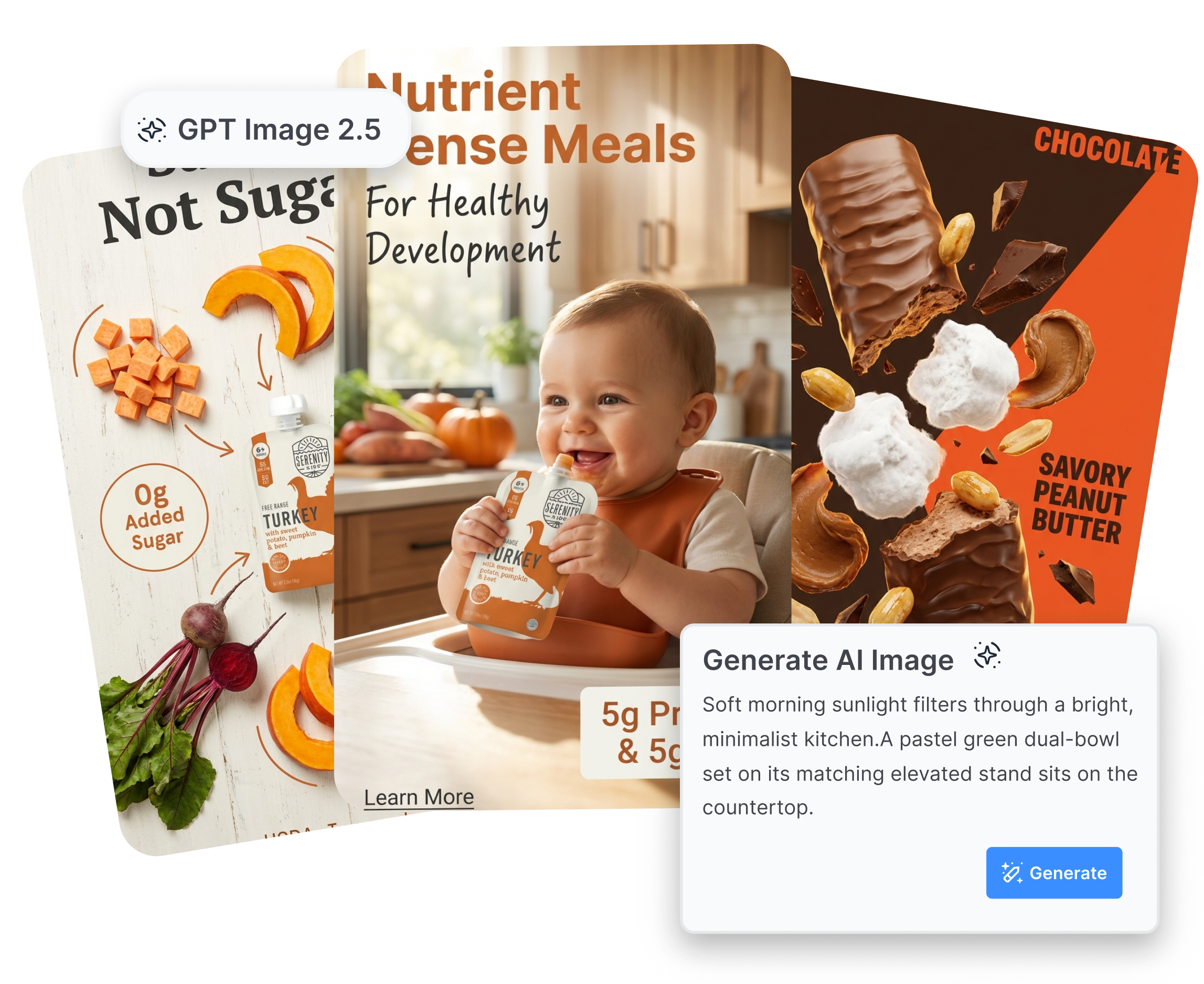
From a product reference to a polished visual in three focused steps.
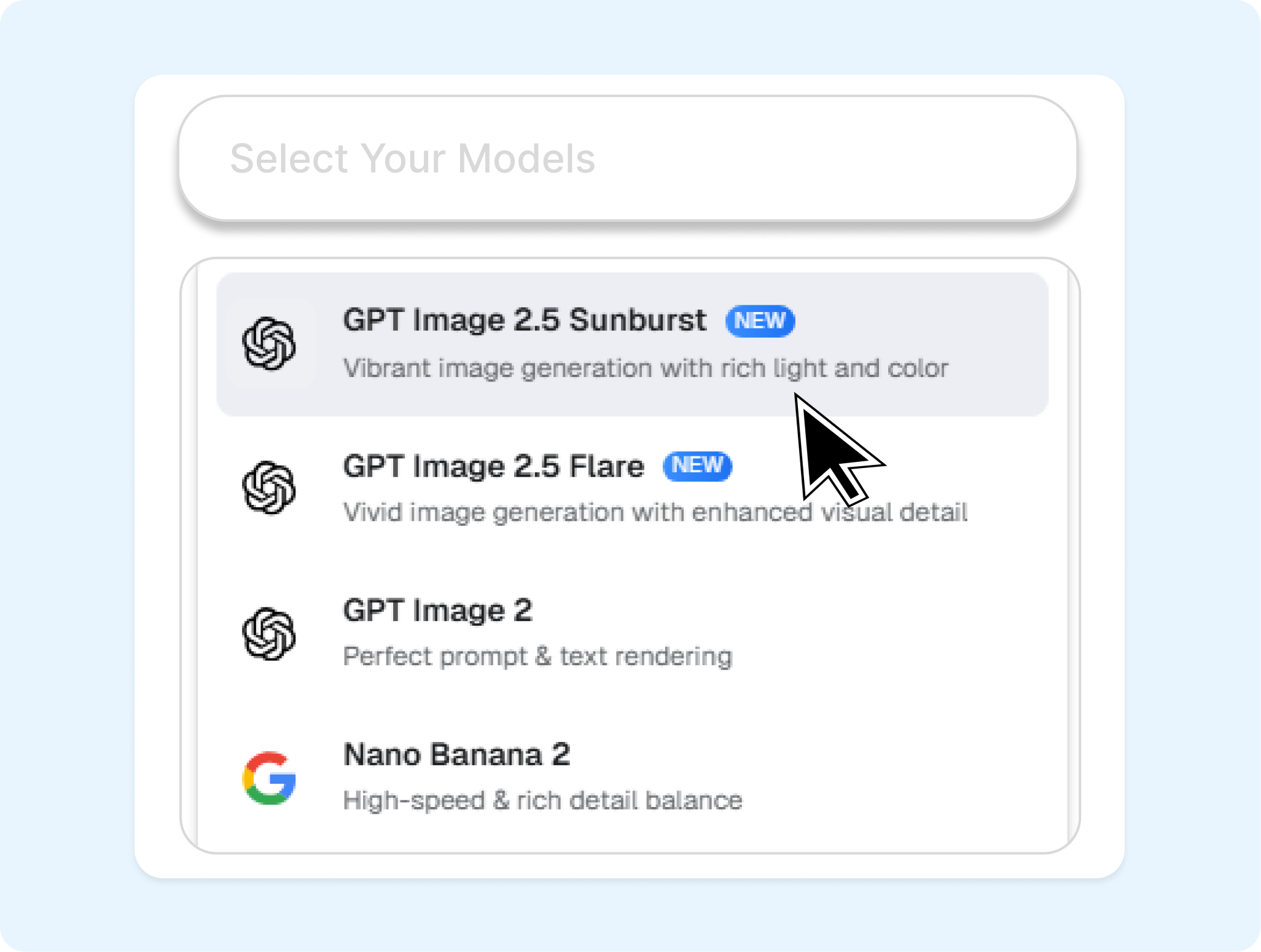
1. Choose Sunburst and Add Your Input
Open Nextify's image generator, select GPT Image 2.5 Sunburst, and add a product image or start from a text prompt.
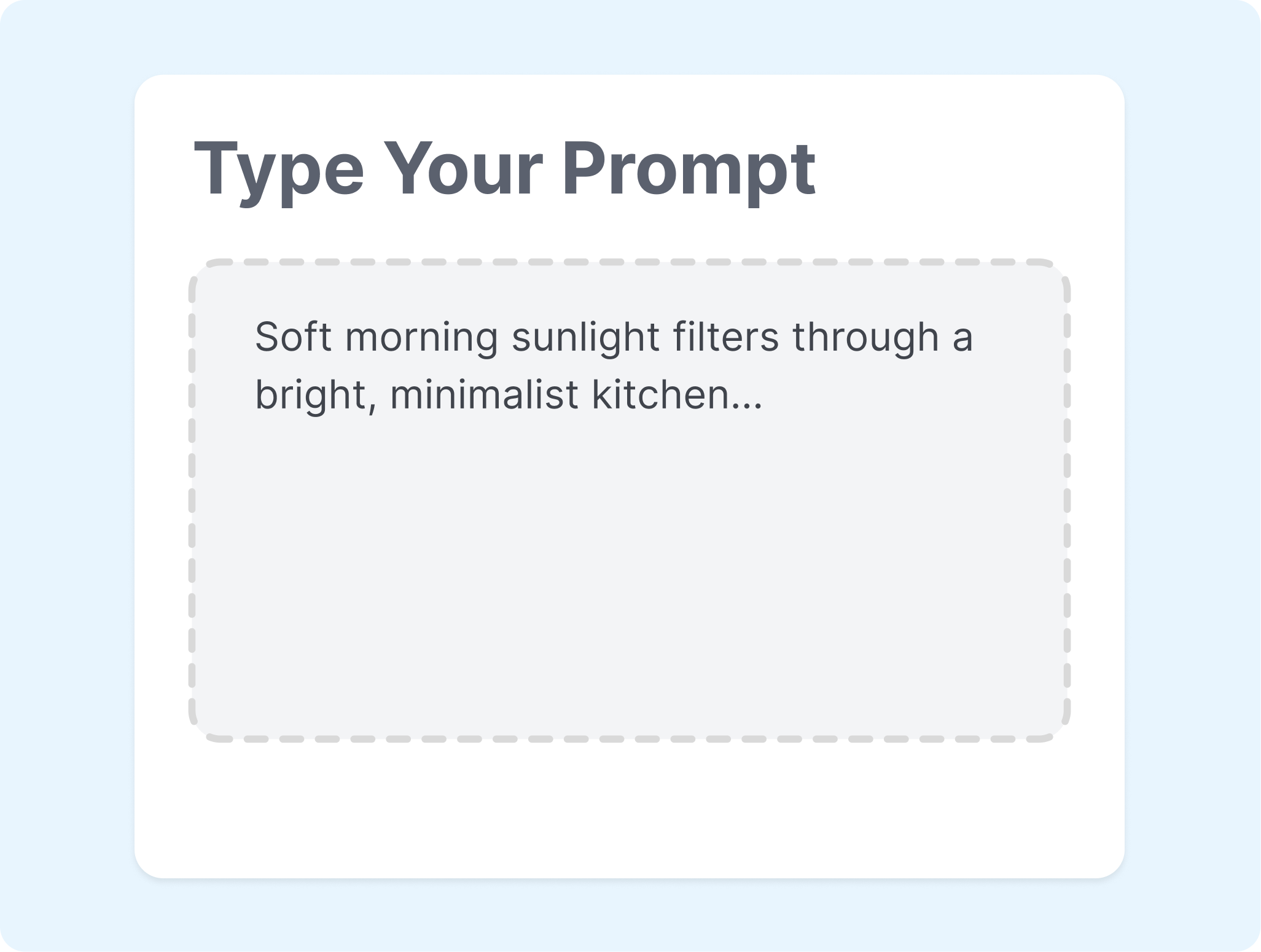
2. Describe the Edit or Scene
Name the product, setting, composition, lighting, and any detail to preserve. For an edit, state exactly what should change and what should stay.

3. Review, Refine, and Download
Generate a version, compare the result with your brief, then refine the prompt or create another variation. Download the visual when it is ready for your storefront or campaign workflow.
Explore More AI Models for Product Visuals
Match each creative task with a model and workflow in Nextify.
GPT Image 2
A practical GPT image model for fast generation and editing when you need a strong starting point for product concepts.
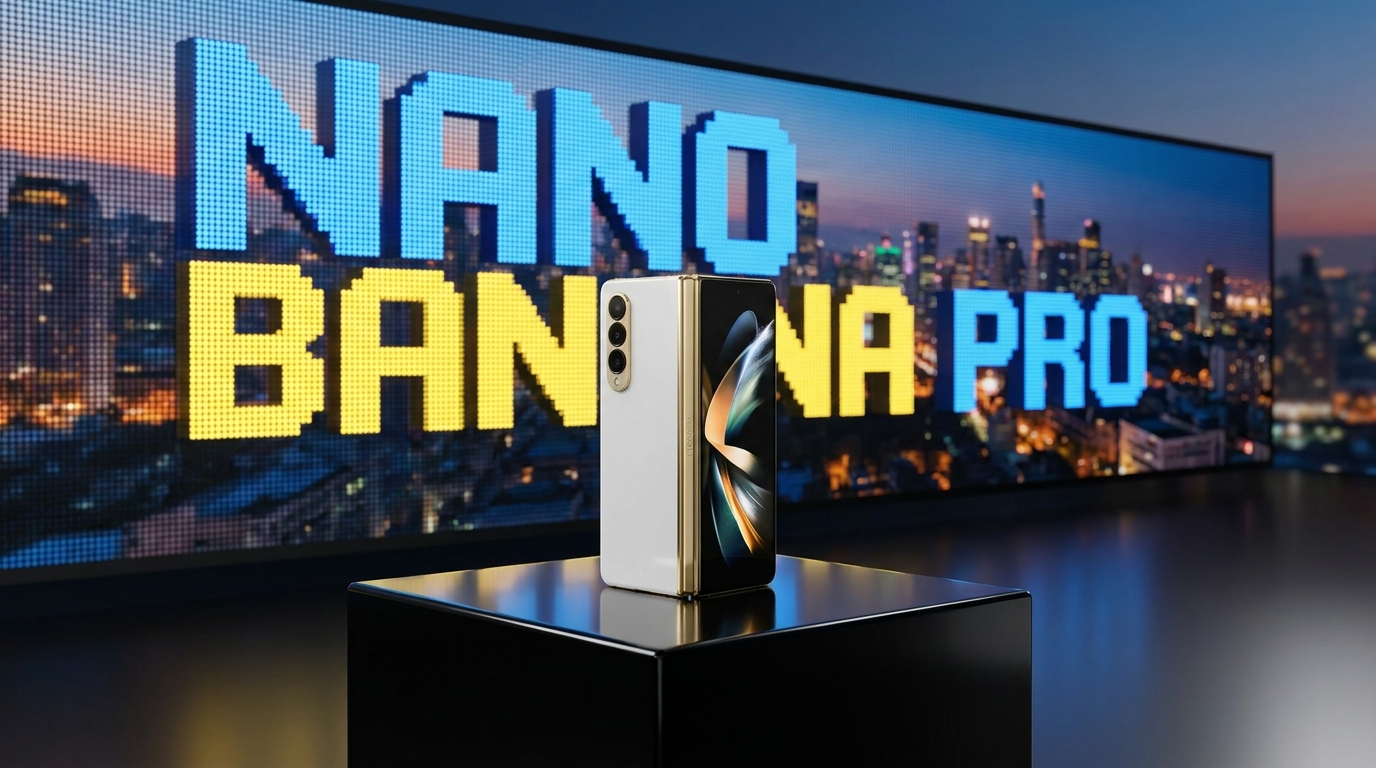
Nano Banana Pro
Explore a model built into Nextify for detailed product graphics, campaign layouts, and multilingual creative directions.
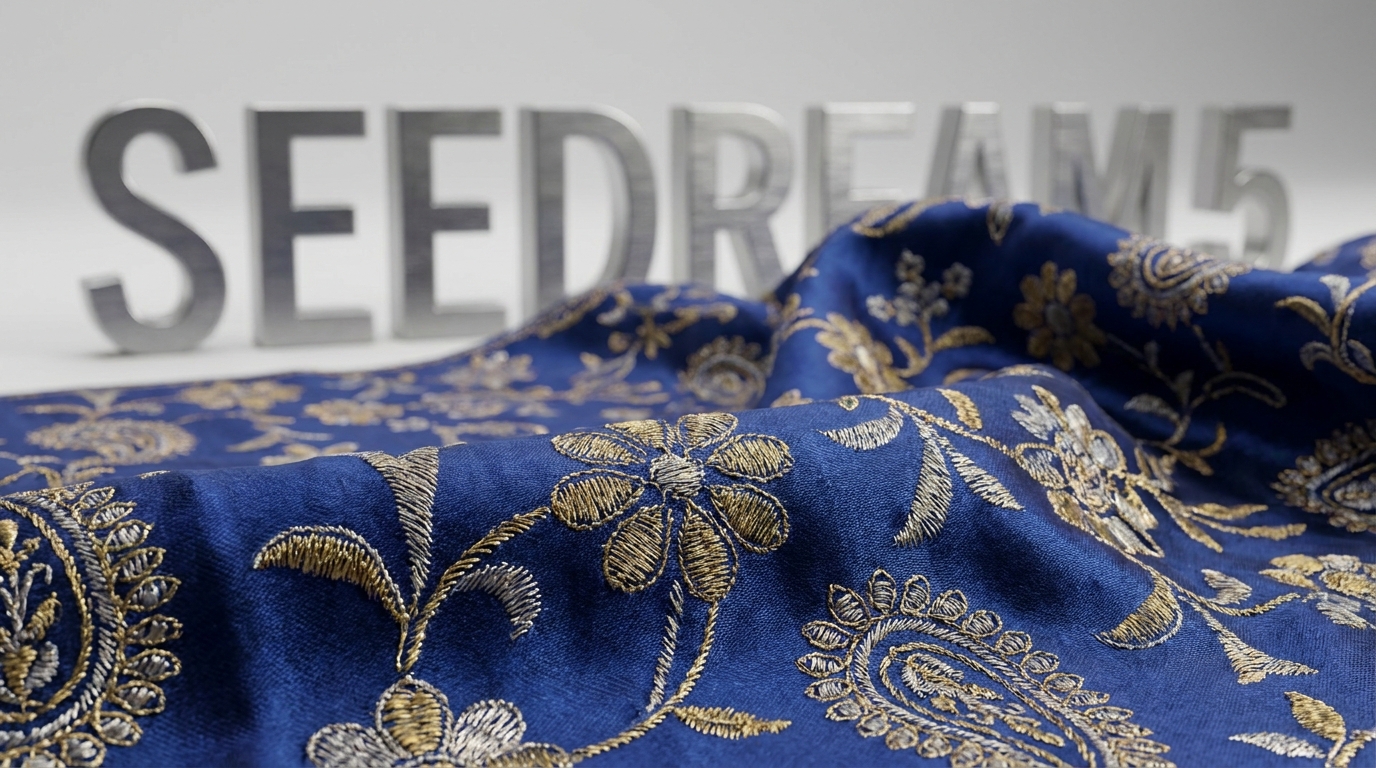
Seedream 5
Try a different image-first direction for fashion details, textures, and stylized product storytelling.
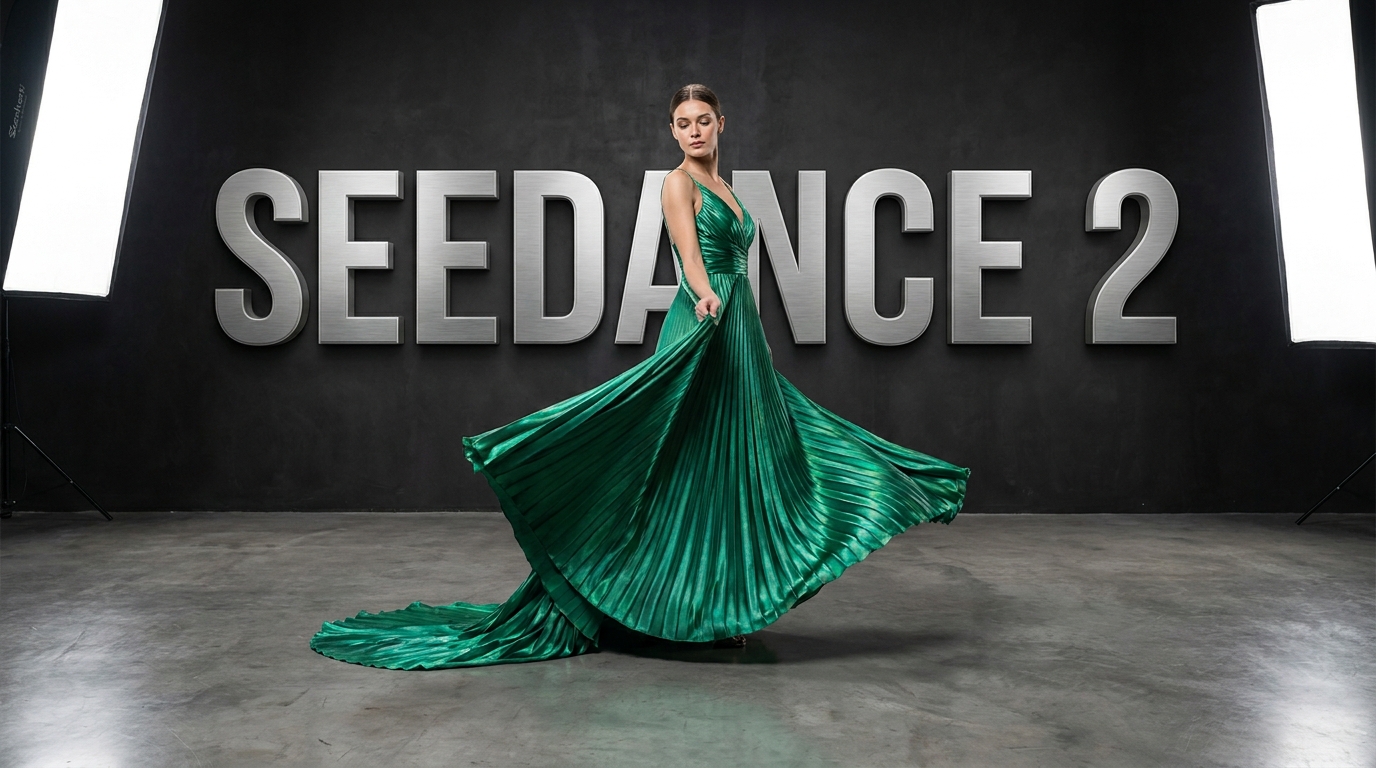
Seedance 2
Turn a selected product visual into a short-form ad concept when the next step is motion.
FAQs
What is GPT Image 2.5 Sunburst?
How is GPT Image 2.5 Sunburst different from GPT Image 2.5 Flare?
How is GPT Image 2.5 Sunburst different from GPT Image 2?
Can GPT Image 2.5 Sunburst edit an existing product image?
Can I use GPT Image 2.5 Sunburst for ecommerce images?
What prompts work well with GPT Image 2.5 Sunburst?
Create More Precise Product Visuals with GPT Image 2.5 Sunburst
Bring a product reference or a focused prompt to Nextify and turn detailed creative direction into an image you can refine for your next listing, launch, or ad.