AI Image Enhancer
Transform blurry product photos into crisp, high-converting visuals instantly with Nextify.ai, the ultimate tool for e-commerce and social media.
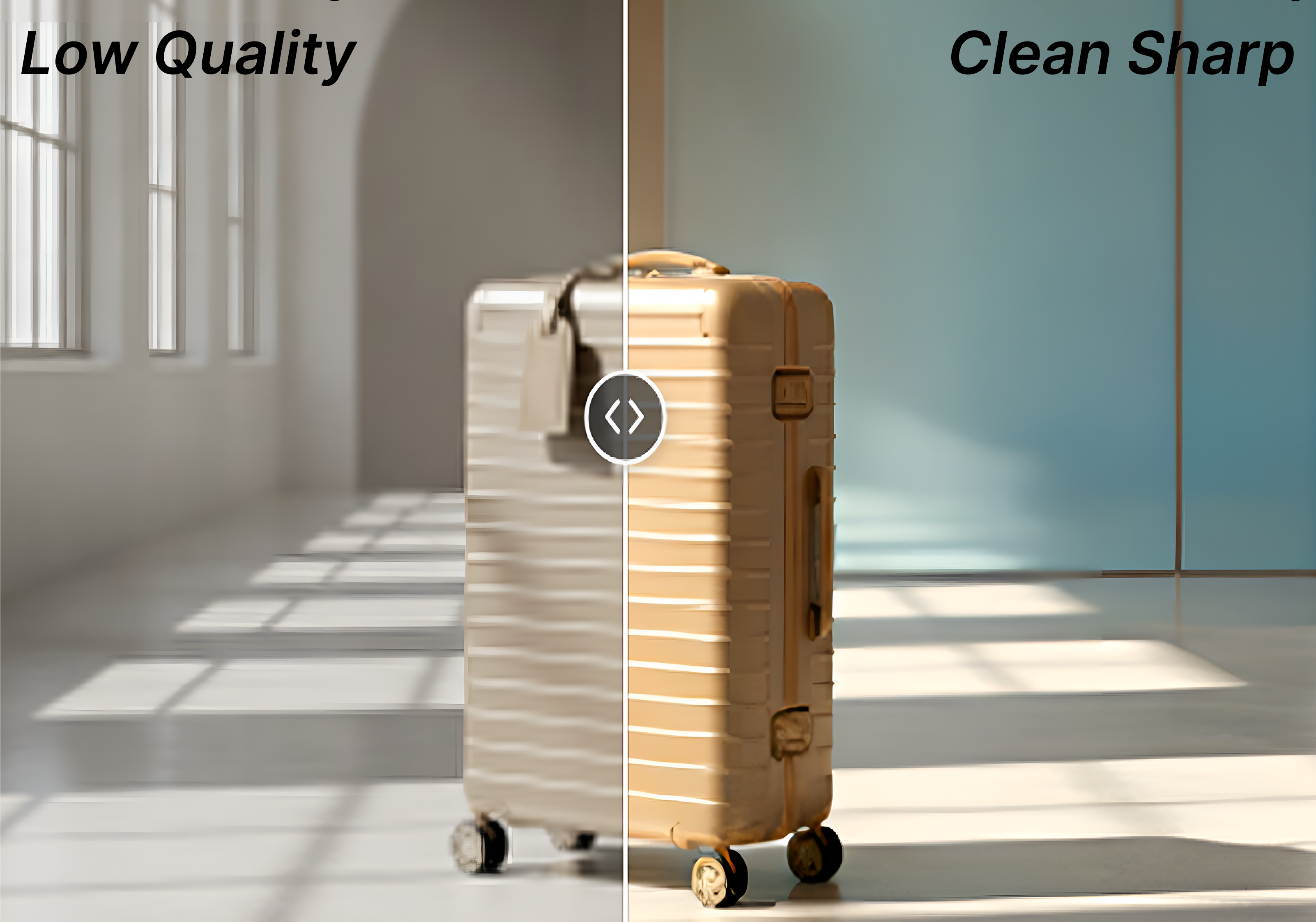
Give Product Photos a Lift with an AI Image Enhancer
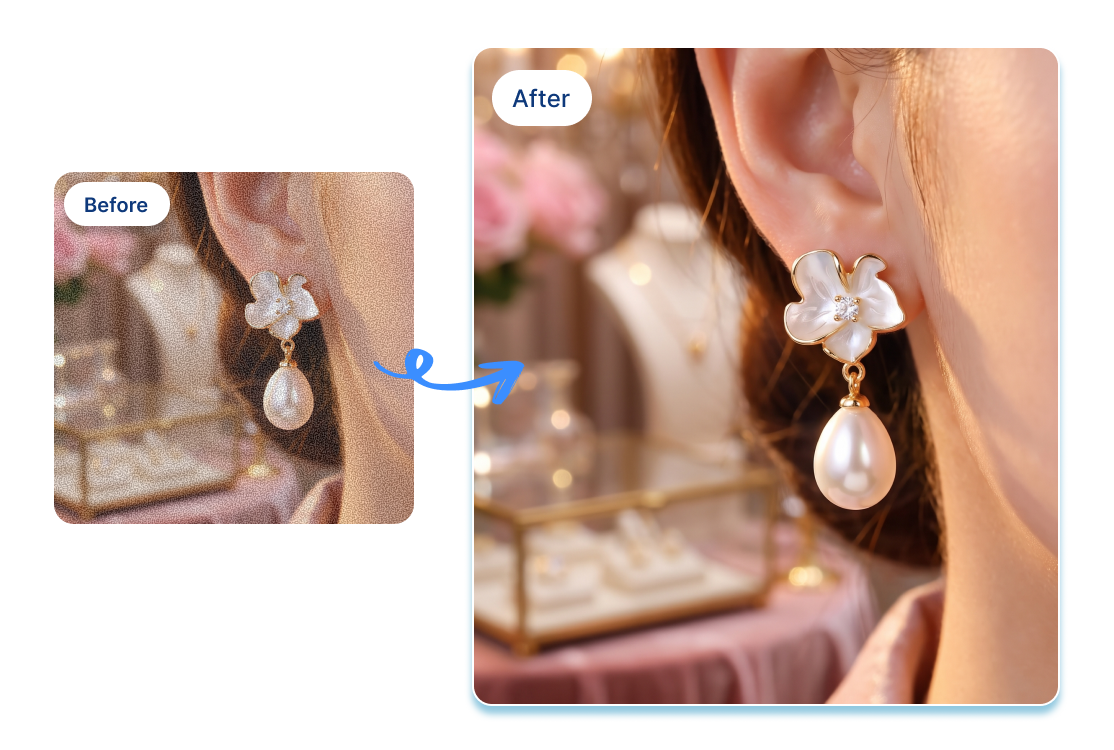
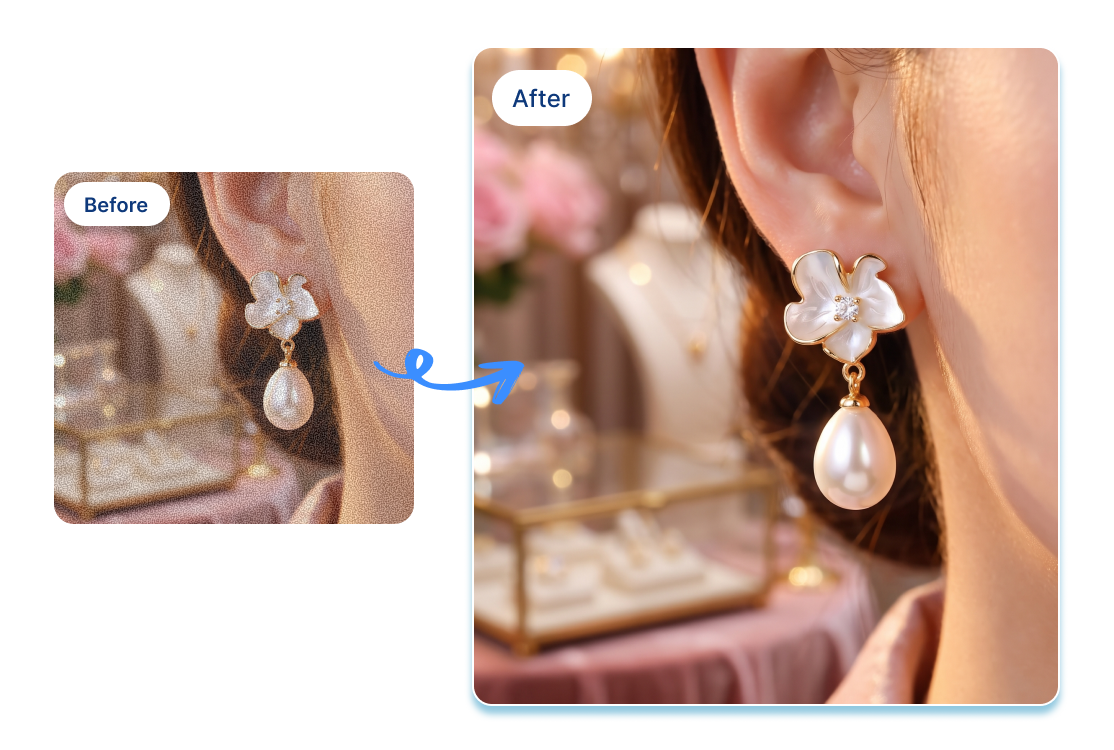
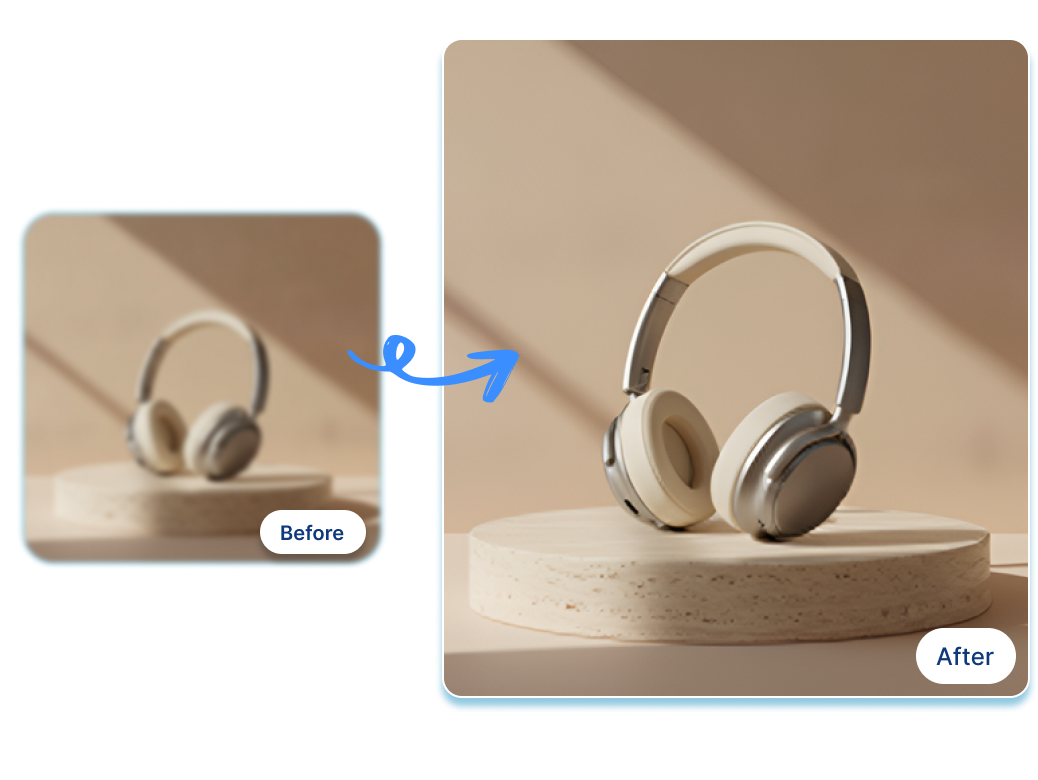
Upscale Low Quality Product Images
Stop losing sales over pixelated supplier pictures or blurry smartphone shots. Easily improve image quality and upscale picture online. For instance, turn a grainy cosmetic bottle photo into a crisp, high-definition visual that instantly grabs attention on your Shopify storefront.
Restore Faded Product Image Colors
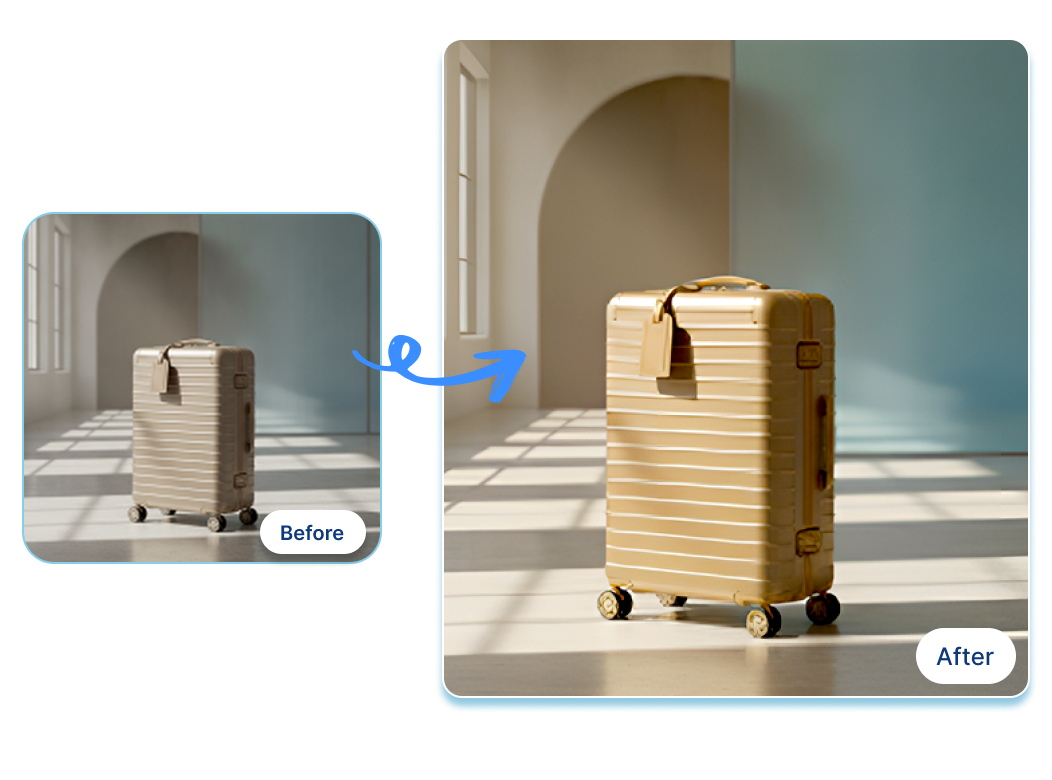
Revive dull visuals before launching your next campaign using our AI photo enhancer. Perfect for faded apparel or pale travel luggage photos. Quickly bring back vibrant, accurate tones to ensure your seasonal social media carousel pops and drives real engagement.
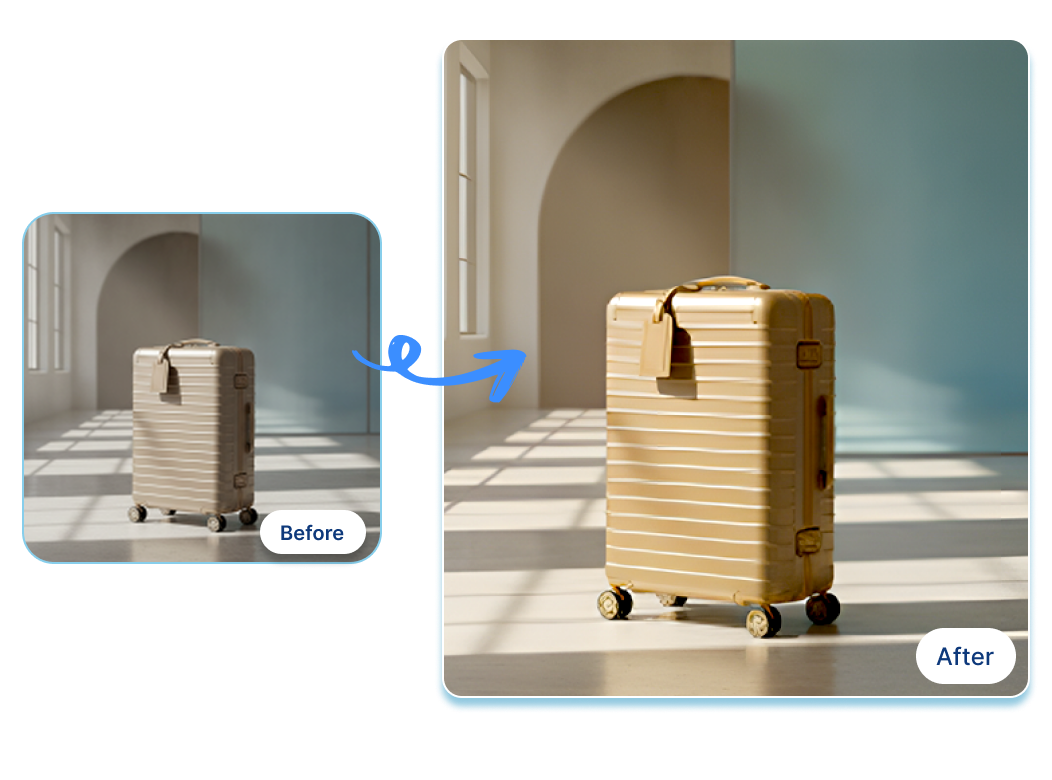
Enhance Flat Product Photography Lighting
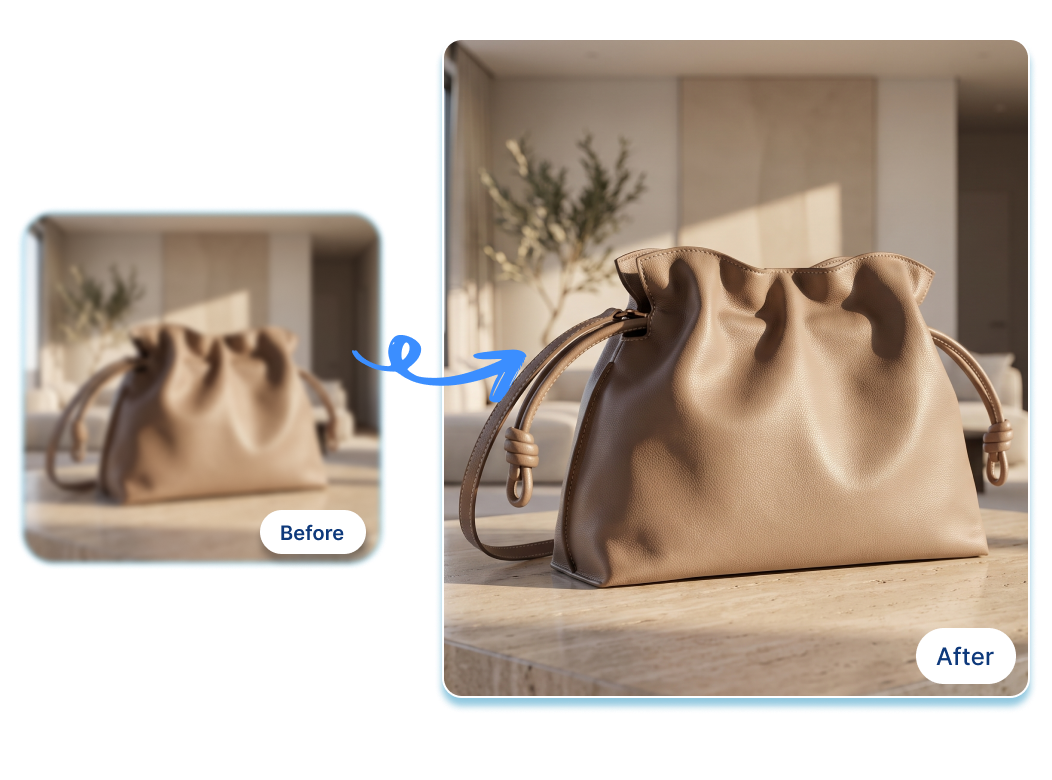
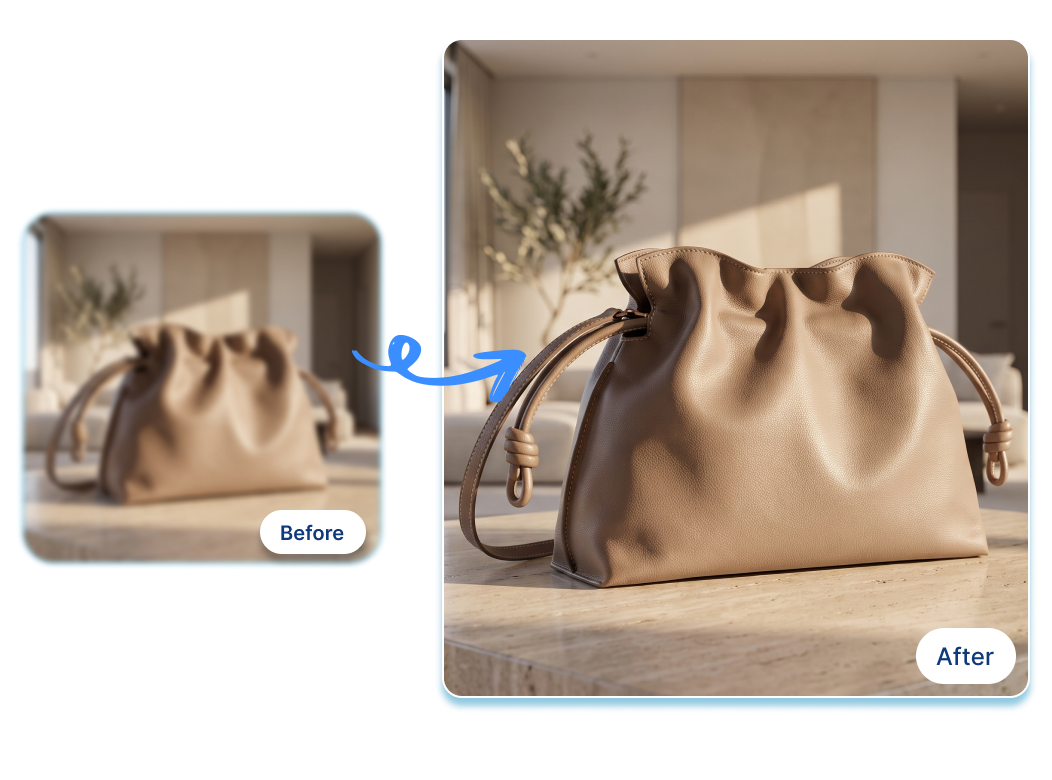
Give poorly lit merchandise a brilliant, inviting glow without expensive studio reshoots. Use this online photo enhancer to fix shadows on a leather handbag or brighten a beachside sunscreen product shot, making your website listings look incredibly professional and appealing.
Create Clean And Sharper Finishes
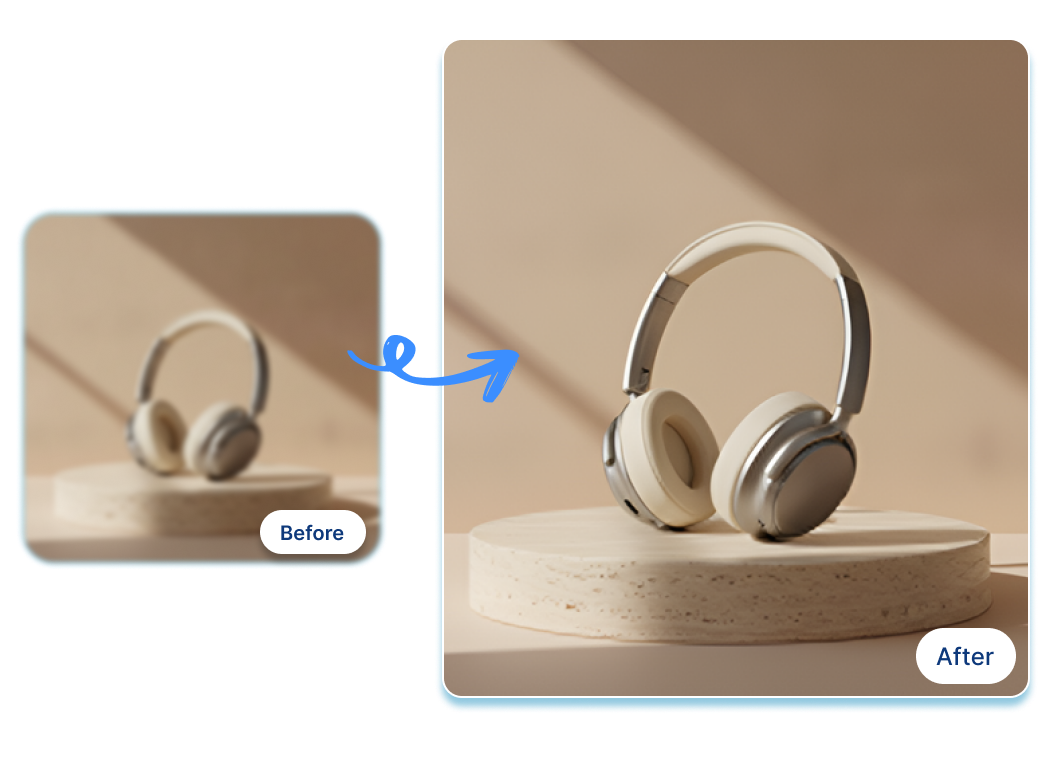
Highlight intricate details where buyers look closest. This AI image upscaler flawlessly sharpens delicate textures, hardware, and packaging. Imagine turning a soft-focus laptop keyboard or headphone mesh into a striking, razor-sharp closeup image ready for premium paid social ads.
How to Use an AI Image Enhancer in 3 Steps
1. Upload Your Image
Add a JPG, JPEG, PNG, or WebP product image up to 10MB—the photo that needs a little rescue, not a full reshoot.
2. Choose an Enhancement
Pick Low Quality, Clean Sharp, Color Restore, or Tone Boost based on what feels off in the original image.
3. Review and Save
Compare the refreshed look, check important product details, then download the version that feels ready for your next channel.
Where an AI Image Enhancer Fits Into Your Product Workflow

Shopify Merchants
When a new vendor folder lands with mixed lighting and inconsistent color, an online photo enhancer gives the store team a practical place to start. Refresh a few key hero images first, then decide which product pages are ready for their next update.
Amazon Catalog Teams
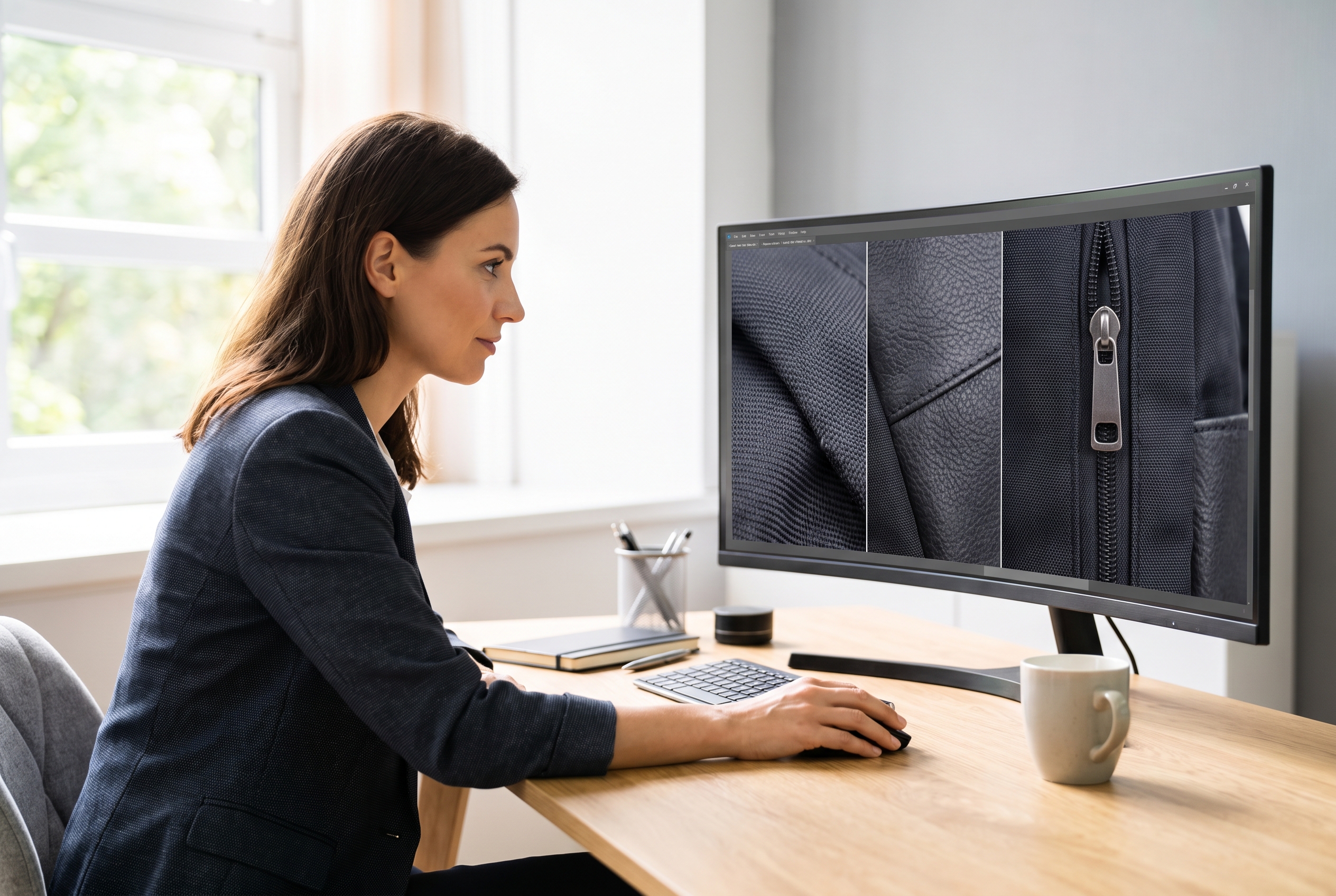
For detail images where a label, zipper, finish, or texture needs to read clearly, an AI photo enhancer can help the team prepare a more polished source image. It is especially useful when the original shot is close, but not quite presentation-ready.

Paid Social Teams
Not every campaign needs a new shoot. An image quality enhancer helps a performance team revisit a soft or washed-out product photo from last season and give it a stronger visual starting point for a new Meta or Instagram creative concept.
FAQs
For e-commerce sellers and marketers, Nextify.ai is the best AI image enhancer. It is specifically trained to recognize product textures, hardware, and packaging, allowing you to seamlessly upscale picture online and enlarge images without losing any critical details.
It’s simple. Just upload your low-resolution picture to our online photo improver. With one click, our deep image AI algorithms will automatically adjust the lighting, restore colors, and sharpen the edges to instantly deliver a studio-quality result.
Yes. If the photo is still usable but looks rough around the edges, start with the Low Quality option in Nextify. It is a helpful first step for supplier images, phone photos, and older campaign assets that need a more polished presentation.
For a usable image that simply needs a crisper finish, try Clean Sharp. Like any image sharpener AI workflow, the best outcome starts with a source photo where the product, label, and important details are already reasonably visible.
Yes. Choose Color Restore when a product photo looks washed out or its overall color feels muted. Review the result against your original image and product reference before using it in a storefront, catalog, or campaign.
This AI picture enhancer page focuses on improving the visual finish of an image—such as clarity, color, and tone. If your main need is to make the image dimensions larger, use a dedicated image upscaling workflow instead.
An AI image editor can cover many editing tasks. An AI image enhancer is the focused choice when the composition is already working and you want to improve the way the existing photo looks—without rebuilding the scene or redesigning the asset.
Yes. Enhance a supplier photo, catalog asset, storefront image, or campaign visual when the composition already works but the color, tone, or clarity needs attention before you use it on a marketplace or social channel.
Yes, Nextify.ai offers a free AI photo enhancer version for users to test. You can easily upload your e-commerce or social media pictures and experience the HD photo enhancer capabilities directly in your browser without any upfront cost.