AI Image Expander
Nextify.ai seamlessly extends your photos, helping you generate wider banners and perfect social media assets from a single tightly framed shot.
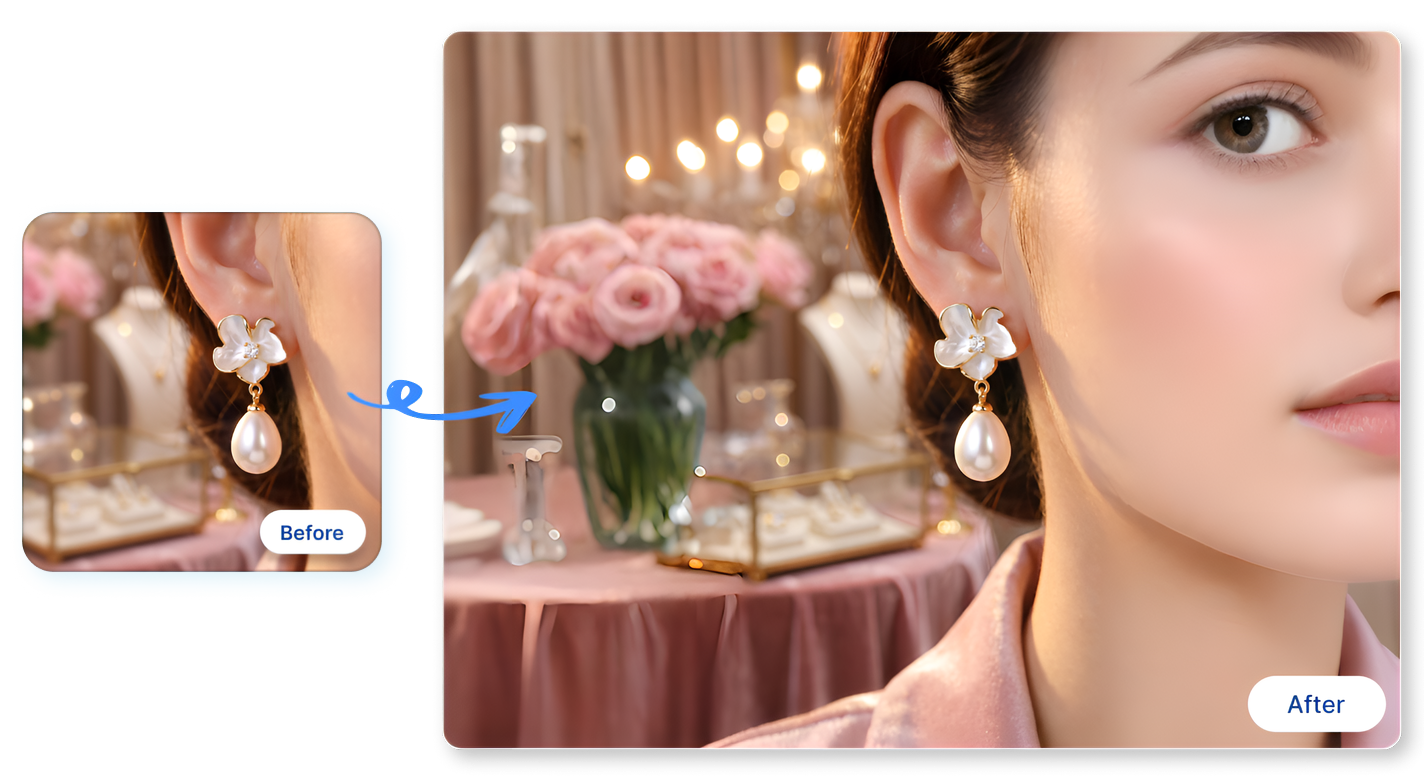
Build More Flexible Layouts with an AI Image Expander
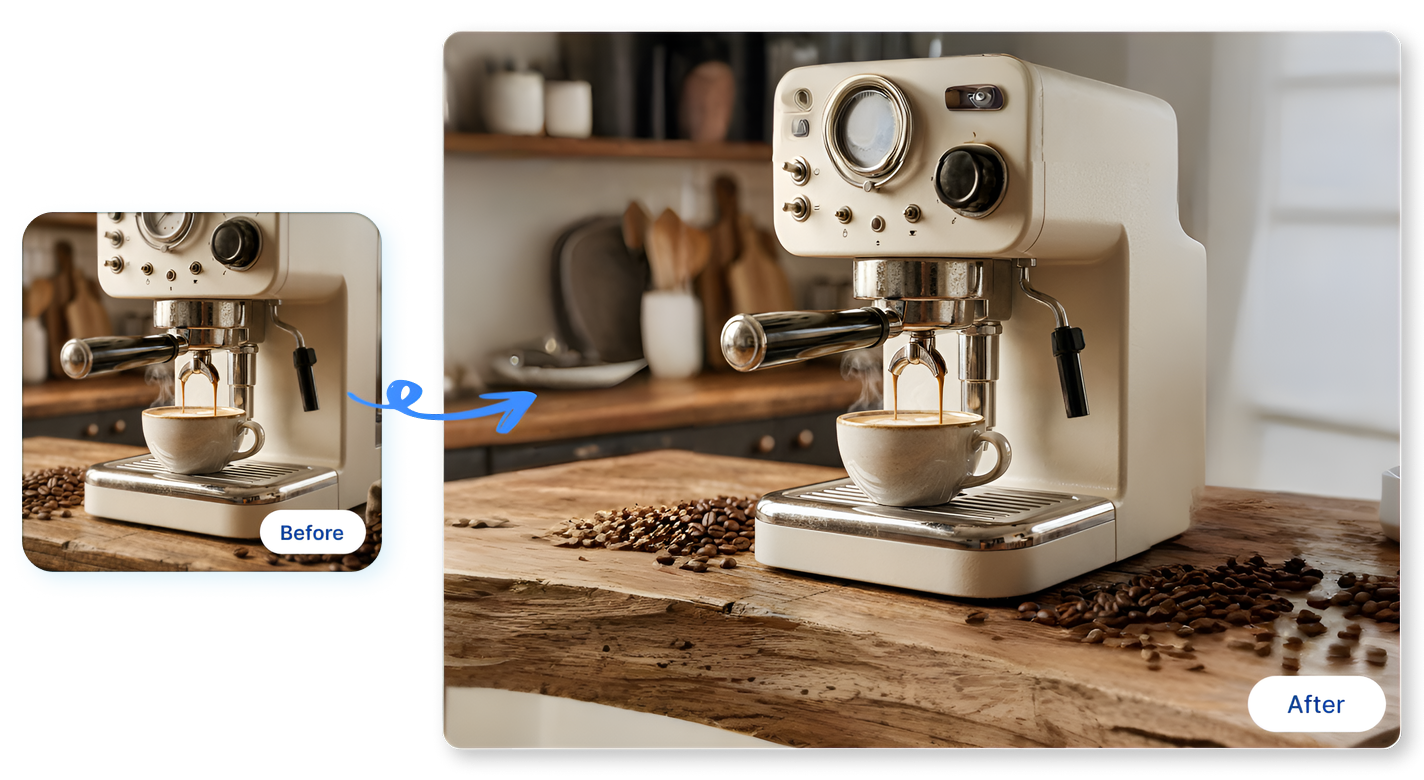
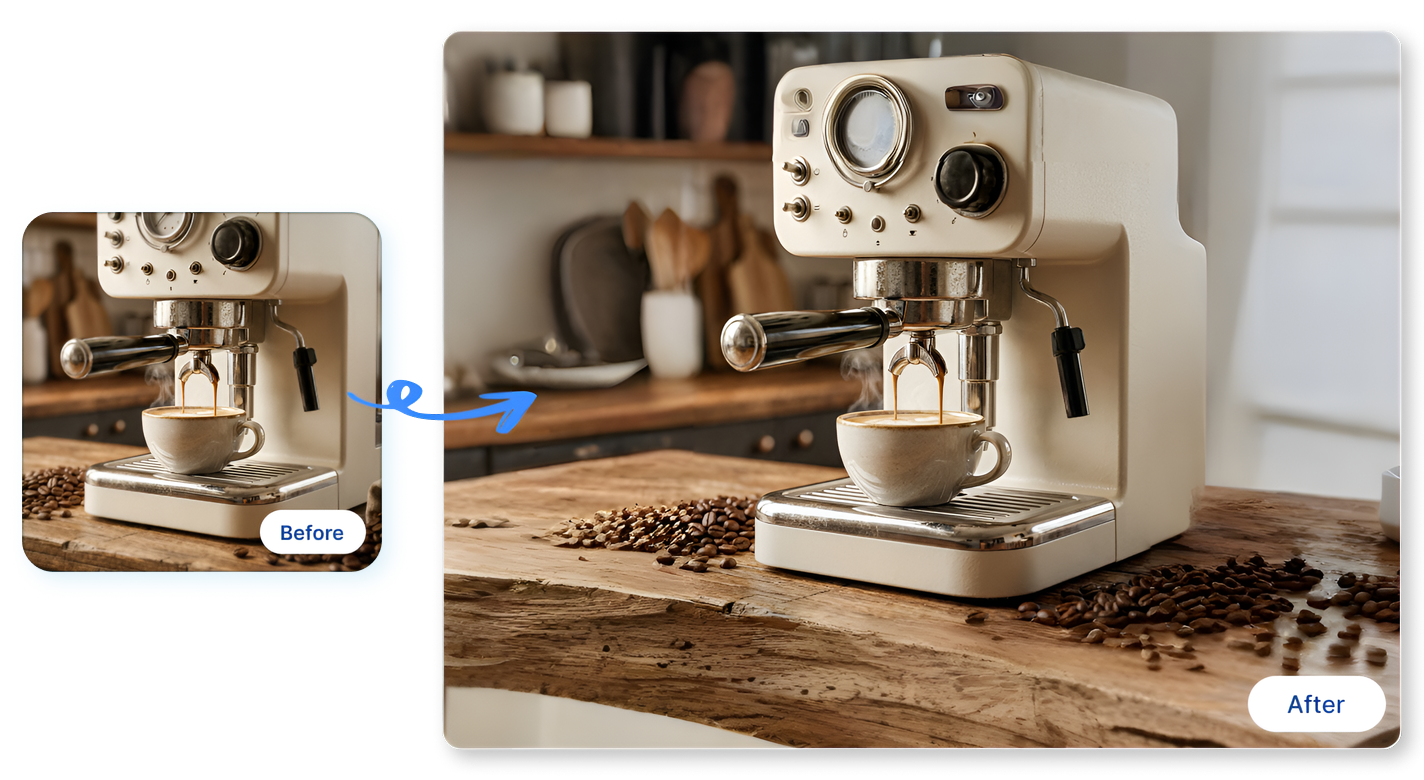
Add Breathing Room Around the Subject
Start with a tightly cropped espresso machine photo. Use our AI photo extender to effortlessly generate realistic kitchen countertops and background blur. This gives your hero product the visual space it needs to shine on wider website banners.
Turn Portraits into Wide Scenes
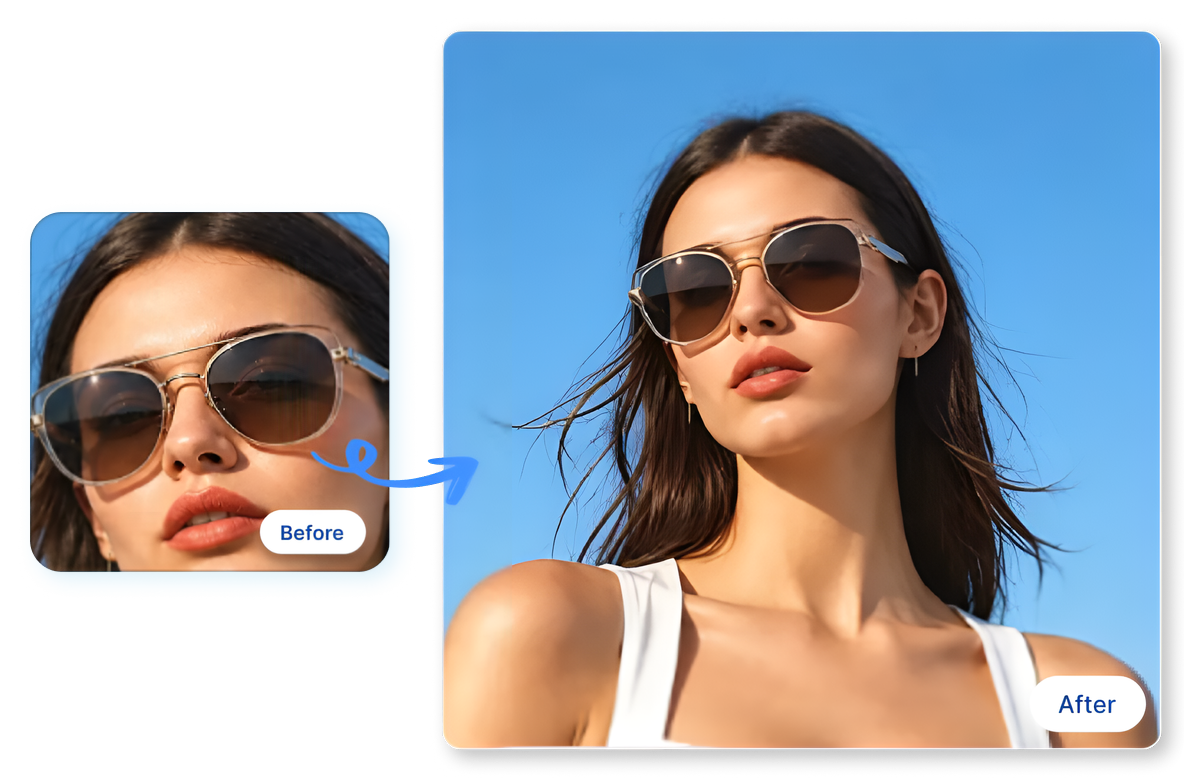
Need a landscape format but only have a vertical headshot? Instantly expand a portrait of a model wearing sunglasses into a stunning panoramic beach scene. It’s the easiest way to adapt vertical creator shots for horizontal email headers.
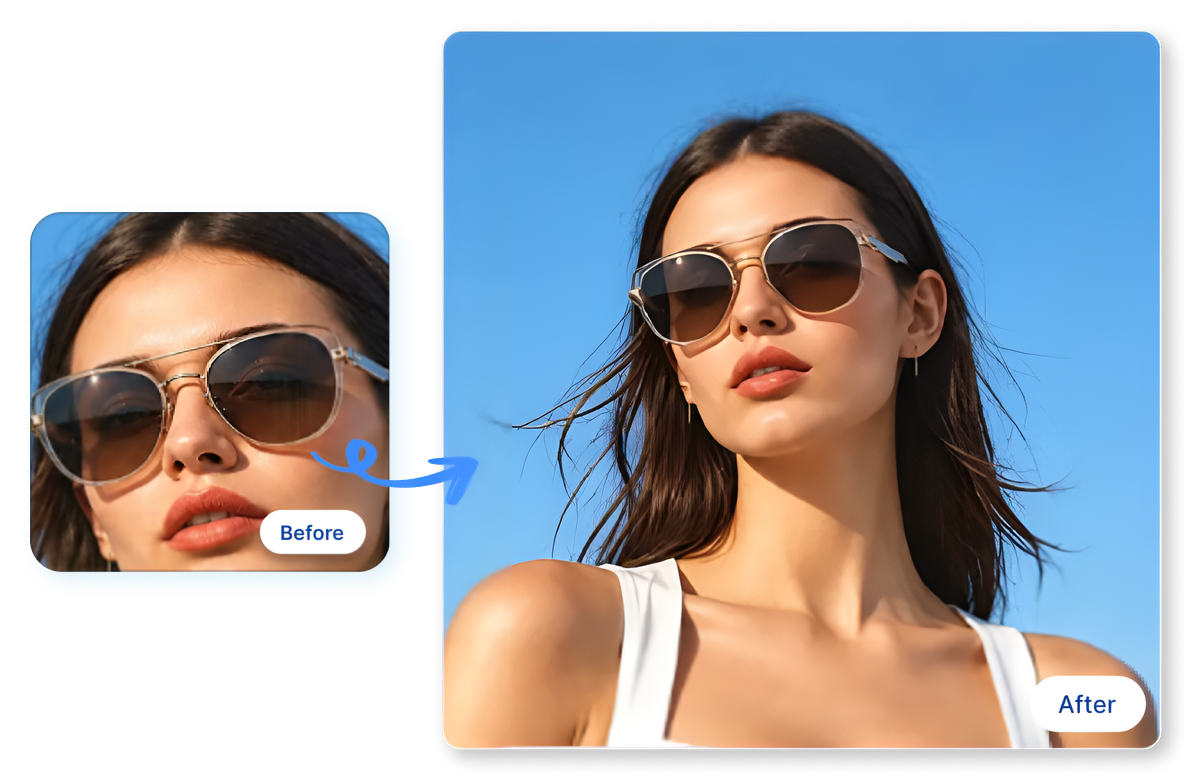
Prepare More Useful Product Crops
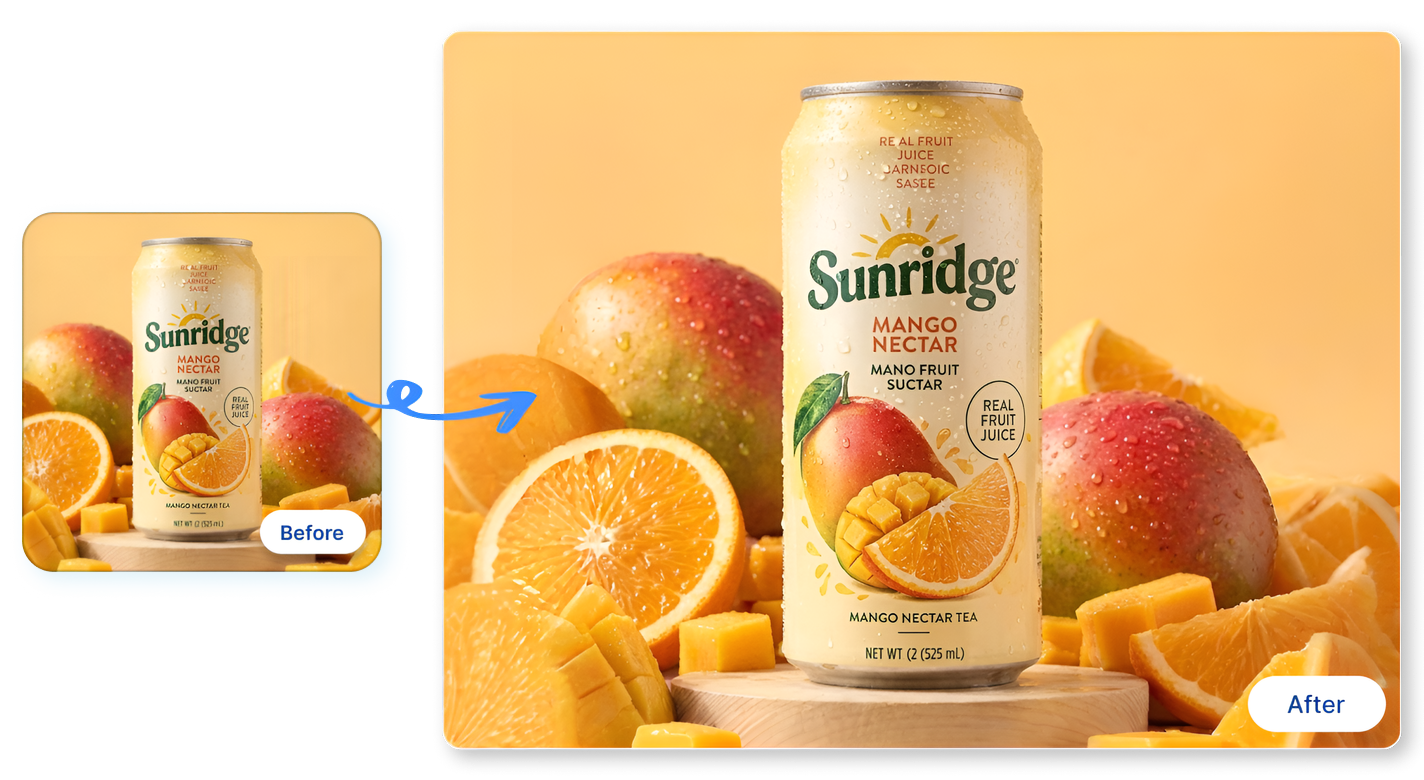
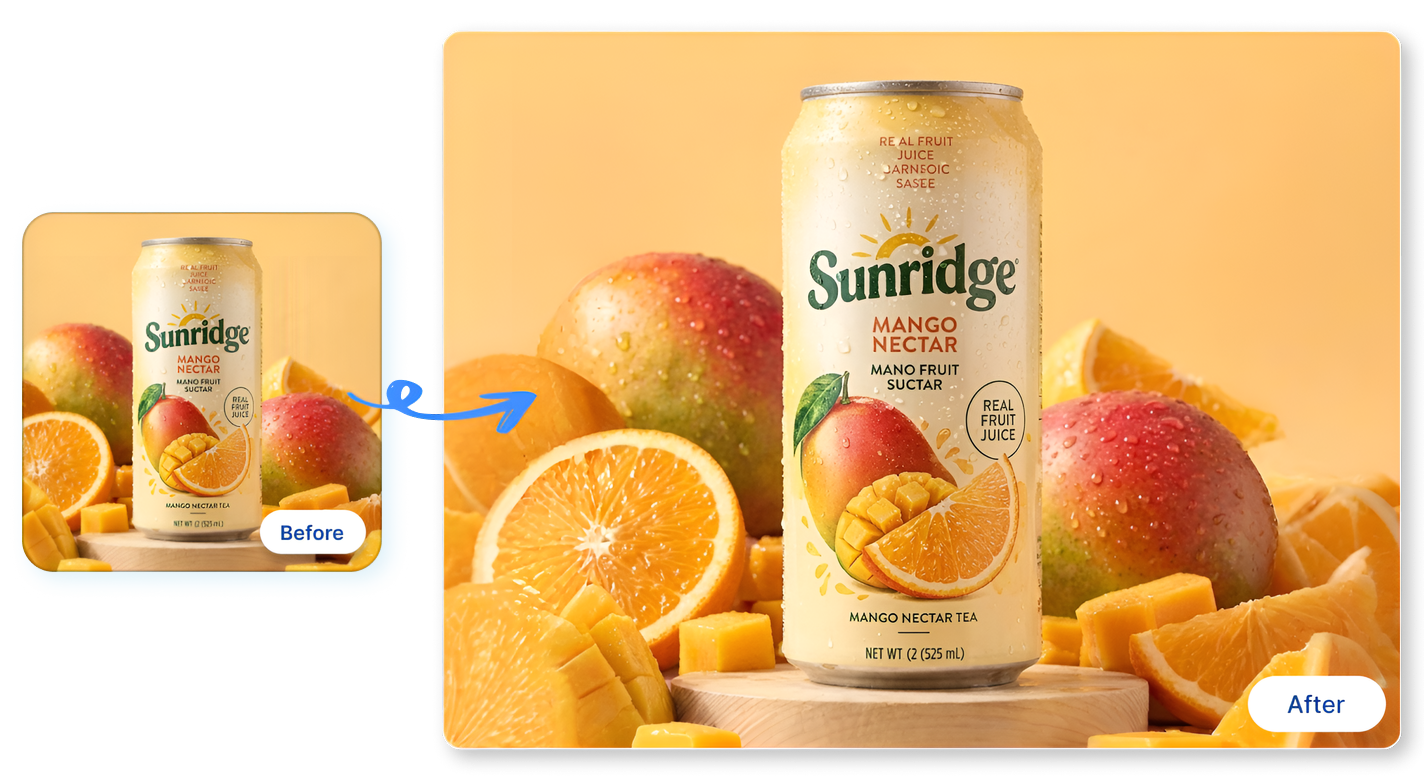
Take a standard square photo of a mango juice can and effortlessly expand the background to fit Amazon, Shopify, or Etsy dimensions. Our image expander AI automatically fills in missing textures, ensuring your product listings look professional everywhere.
Create Space for Text and Design
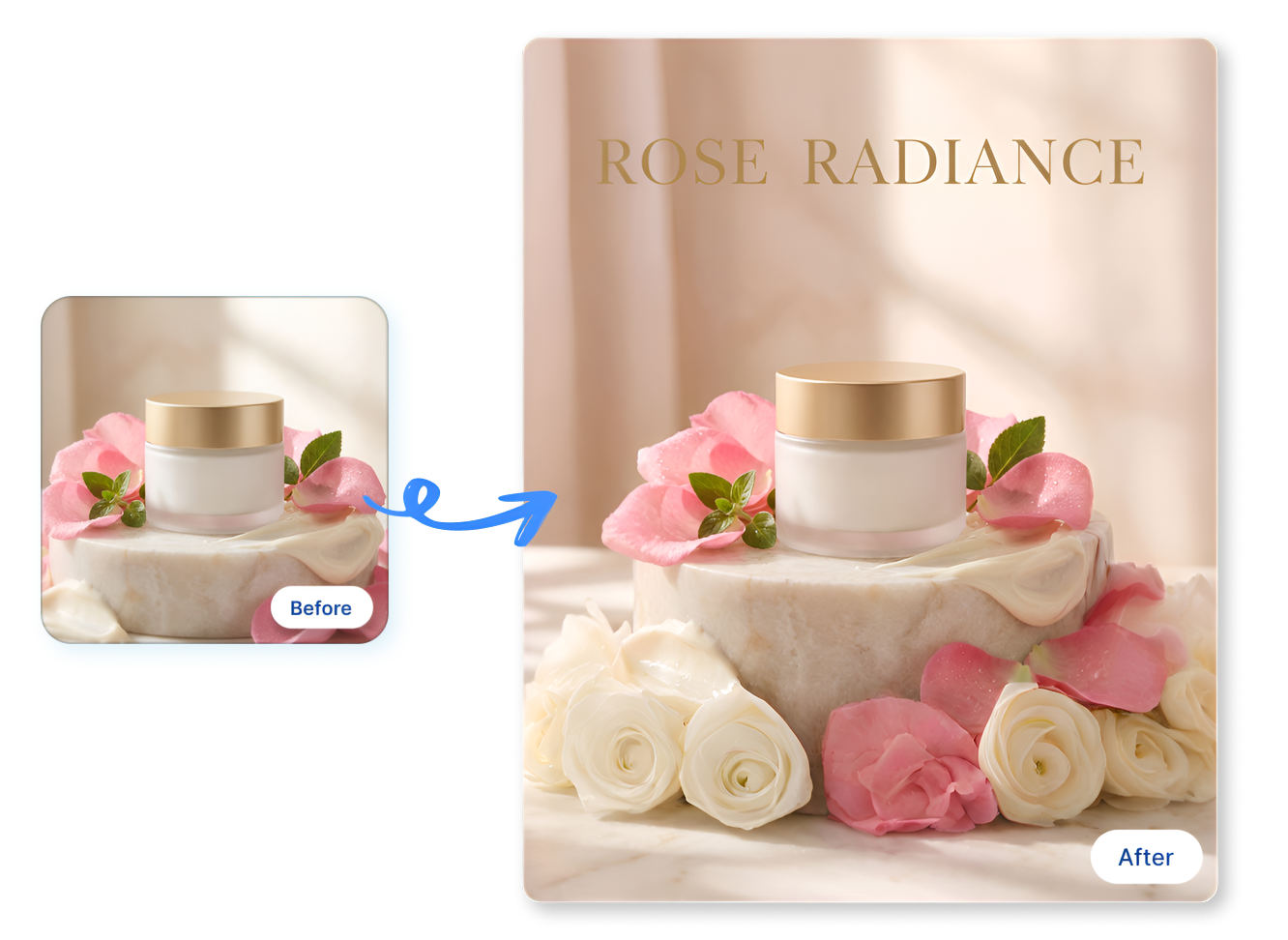
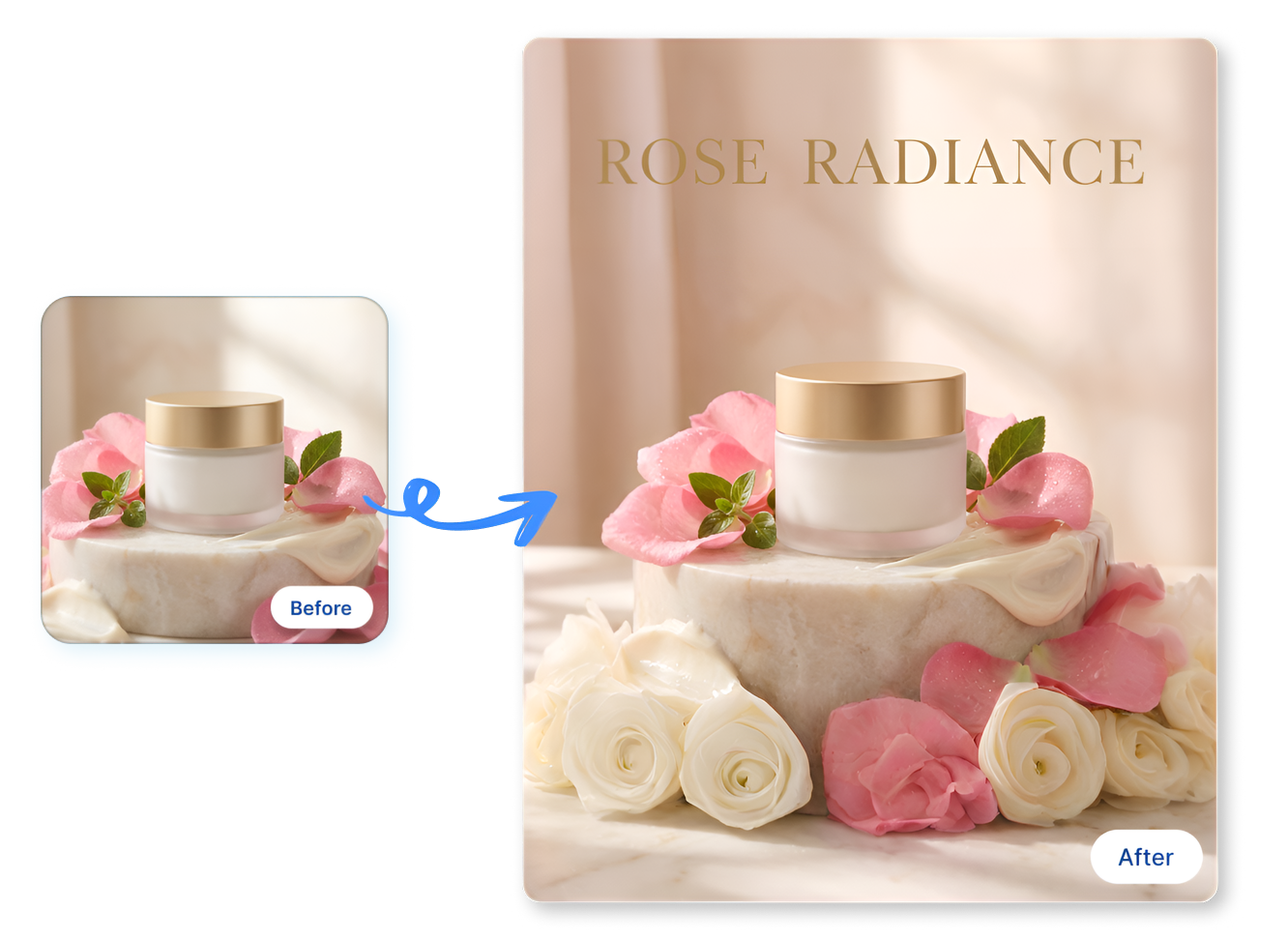
Stop placing clunky text over your beautiful products. Extend the rose petals and marble surface around a cosmetics jar to create natural, distraction-free negative space. Now you have the perfect blank canvas for your seasonal sale headlines and logos.
How to Use an AI Image Expander in 3 Steps
1. Upload Your Image
Drop your JPG or PNG product photo. Start with any tightly framed shot you need to resize.
2. Choose Expansion Direction
Select horizontal, vertical, or wide expansion formats to add perfect background space around your main subject.
3. Review and Download
Compare the AI extended image with the original, ensure flawless details, and save your new layout immediately.
Who Uses an AI Image Expander for Product Content?
Shopify Merchants
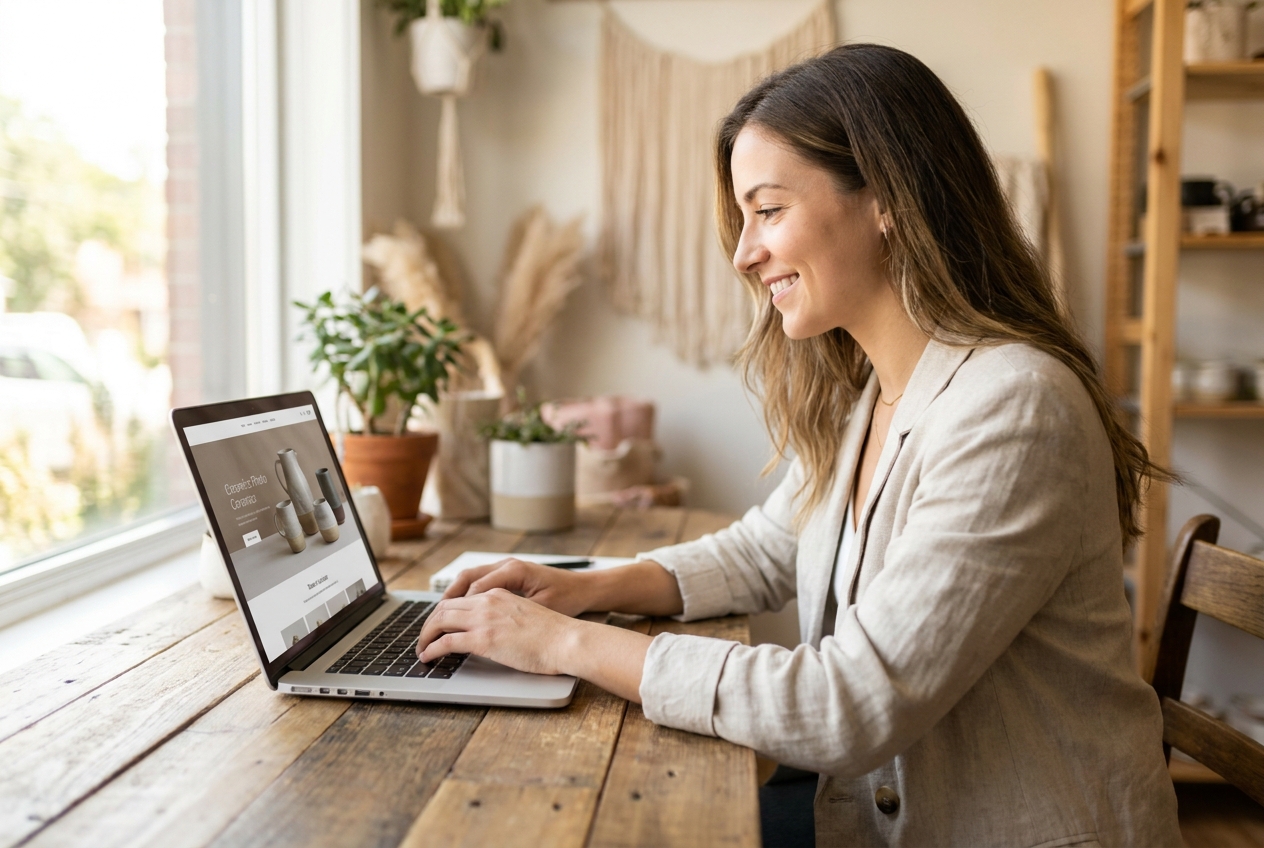
A supplier photo often looks great in a square format but feels cramped as a wide storefront hero banner. Use our free ai image expander to add realistic lifestyle space around a coffee maker, building a premium product page without requesting another expensive photoshoot.
Marketplace Teams
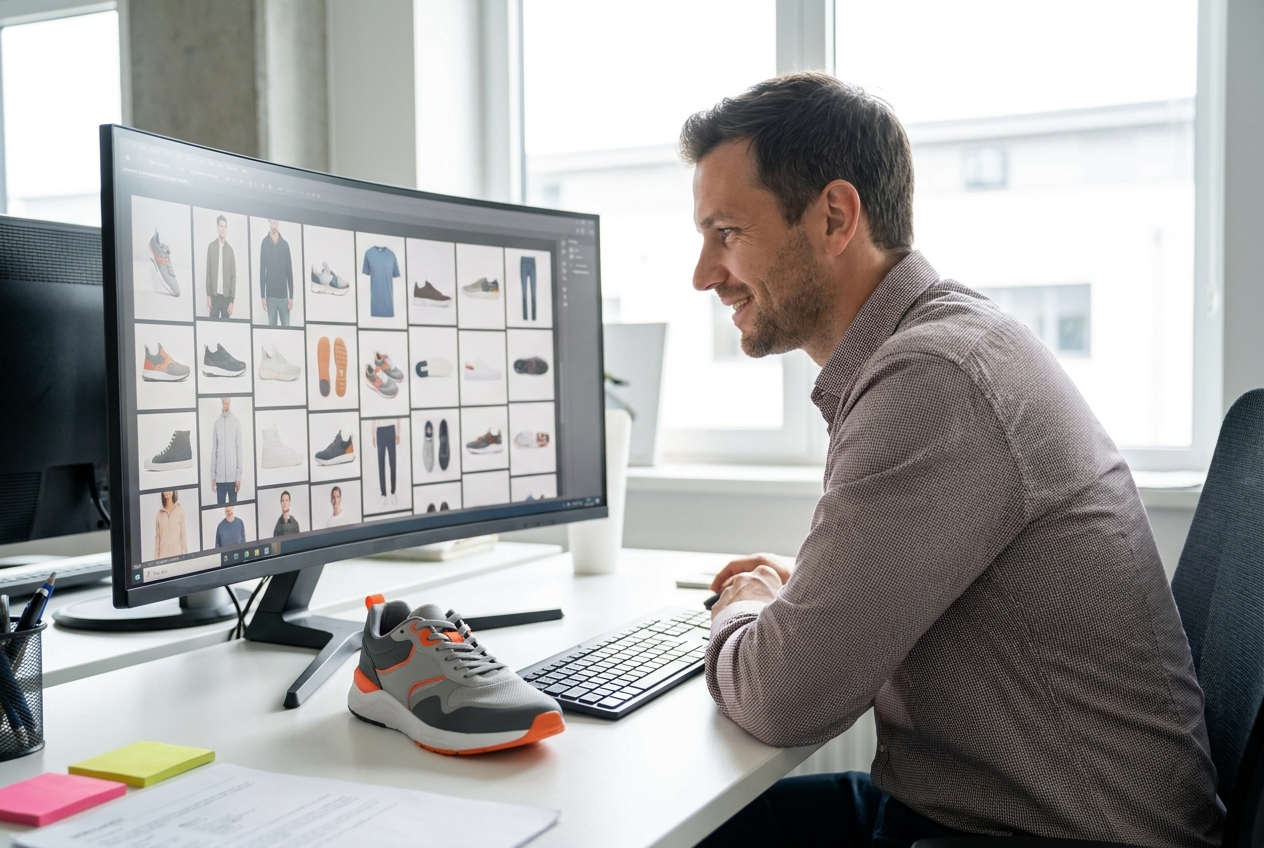
Adapting a single shoe photo for Amazon, Shopee, and eBay requirements is a nightmare. Our ai expanding image tool lets you seamlessly extend the original background horizontally or vertically, ensuring your footwear fits every unique detail panel and campaign brief effortlessly.
Paid Social Designers
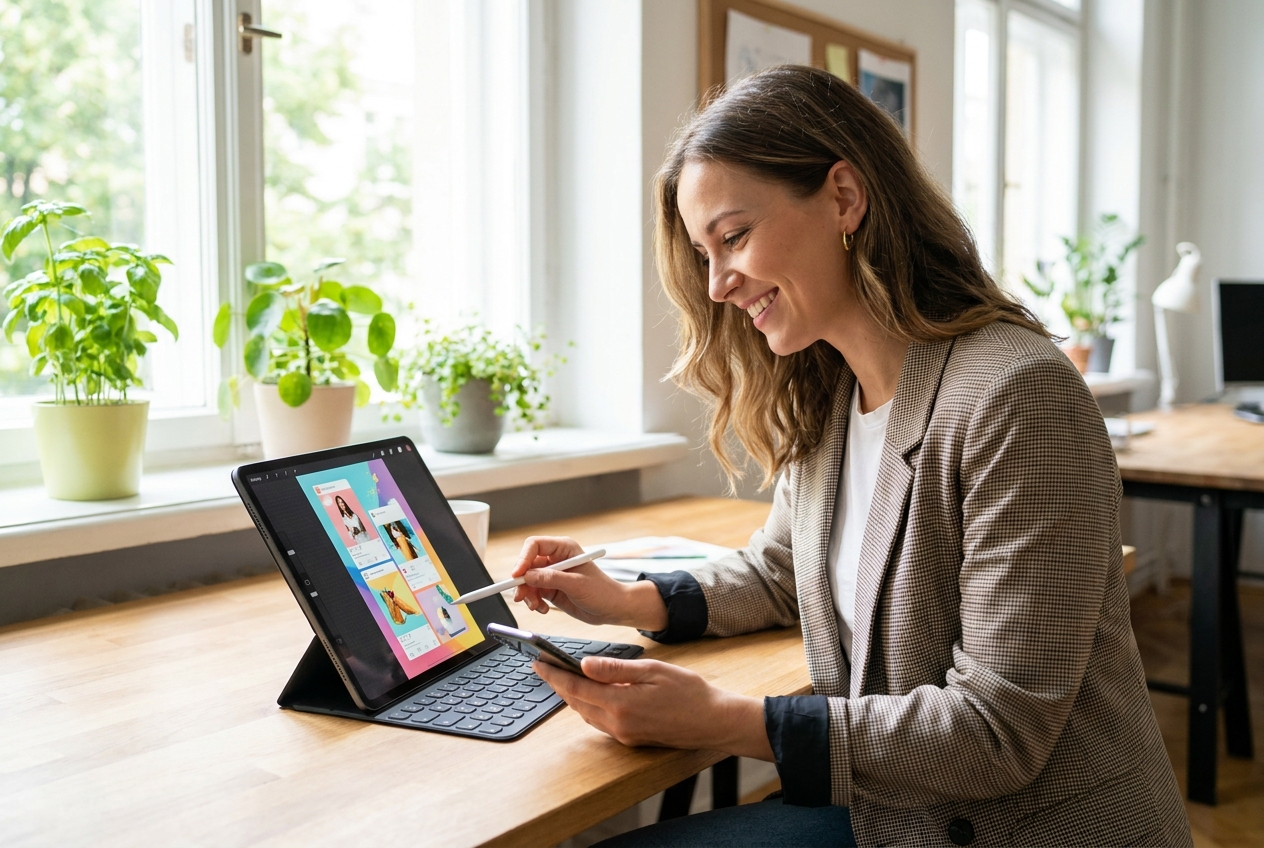
Squeezing promotional text over a tightly cropped portrait ruins ad performance. Expand images with AI to generate lush backgrounds for an Instagram Story or Meta ad. First, create the visual breathing room, then place your headline and CTA exactly where the layout demands.
FAQs
An AI image expander extends the canvas around an existing photo so the subject has more usable space. It is useful when a product shot is cropped too tightly for a banner, social frame, storefront section, or other planned placement.
Simply upload your photo to Nextify.ai, select your desired aspect ratio or expansion direction (like horizontal or vertical), and let the AI generate the missing background. It takes seconds to expand a photo seamlessly.
Yes. Our AI photo extender uses advanced outpainting technology to analyze the original pixels, lighting, and textures. It generates new background elements that blend perfectly, keeping the original subject sharp and high-resolution.
An image expander adds usable space around the composition. An image upscaler focuses on making the existing image larger or more detailed. Choose the expander when the problem is framing, not simply image dimensions.
Absolutely. Whether you need a 16:9 landscape for YouTube, a 9:16 portrait for TikTok, or a 1:1 square for Instagram, our tool can extend images to fit any social media or e-commerce dimension perfectly.
The upload area supports JPG, JPEG, PNG, and WebP files up to 10MB per image.
Yes. Expand a tightly cropped handbag, shoe, appliance, or lifestyle product photo when a product page, marketplace module, email, or social ad needs more room around the subject.
No, your main product or portrait remains completely untouched. The AI extend image algorithm only works on the outer edges of the canvas to build a larger scene, preserving your original asset's integrity.
Nextify.ai offers a free trial tier that allows you to test the image expander AI online. You can add background space and download your extended pictures to see the quality before upgrading for bulk processing.