Image to Video AI Generator
Turn images into videos with natural motion, camera direction, and platform-ready formats. Create product demos, POV clips, photo stories, social ads, and more from a single image.
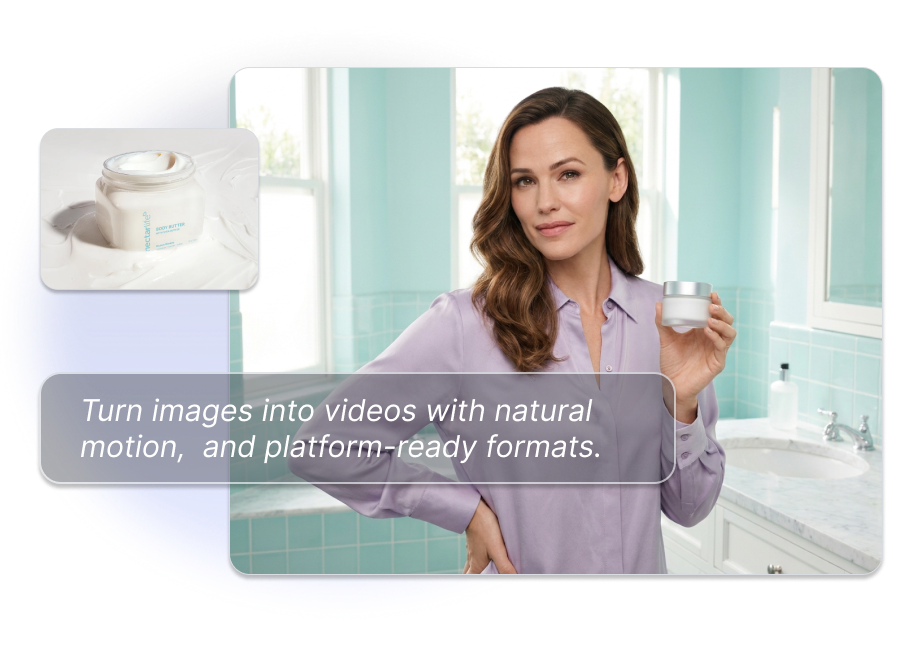
Turn Images into Videos for Every Creative Use Case
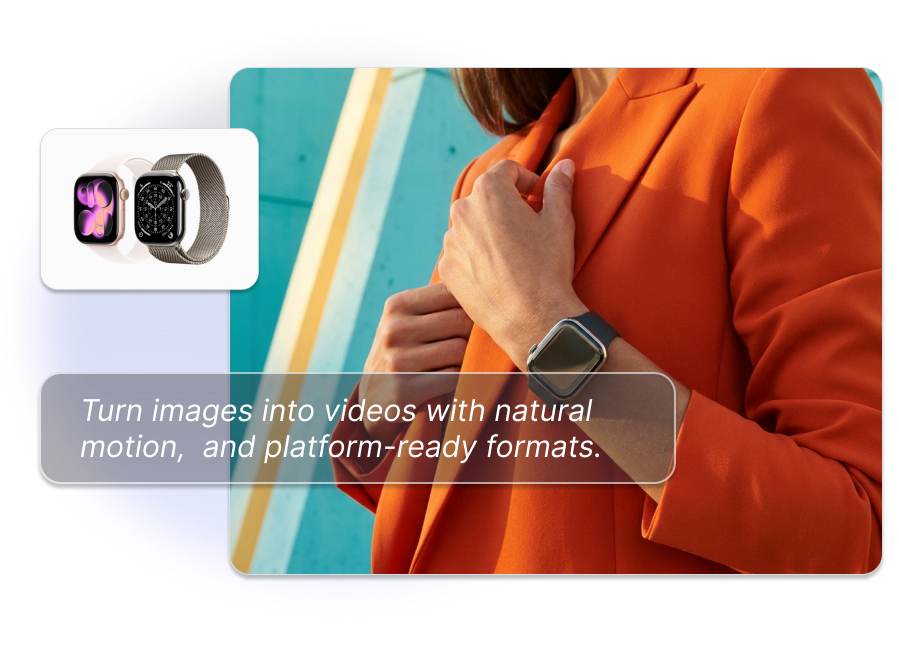
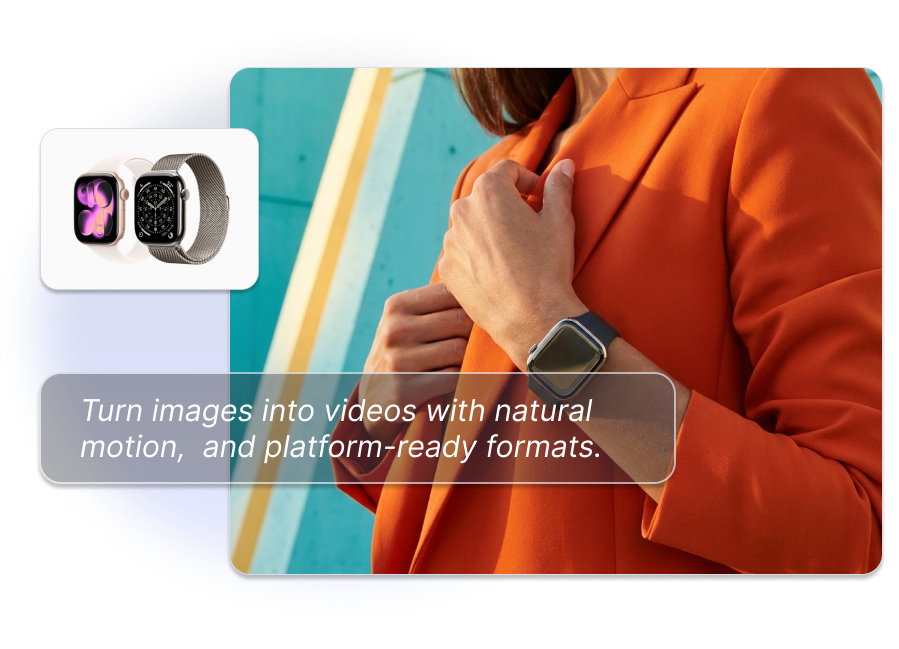
Turn Product Photos into Demo Videos
Turn a still product image into a product showcase, close-up detail video, or product-in-hand concept. Use the result for product pages, paid ads, and social commerce content.
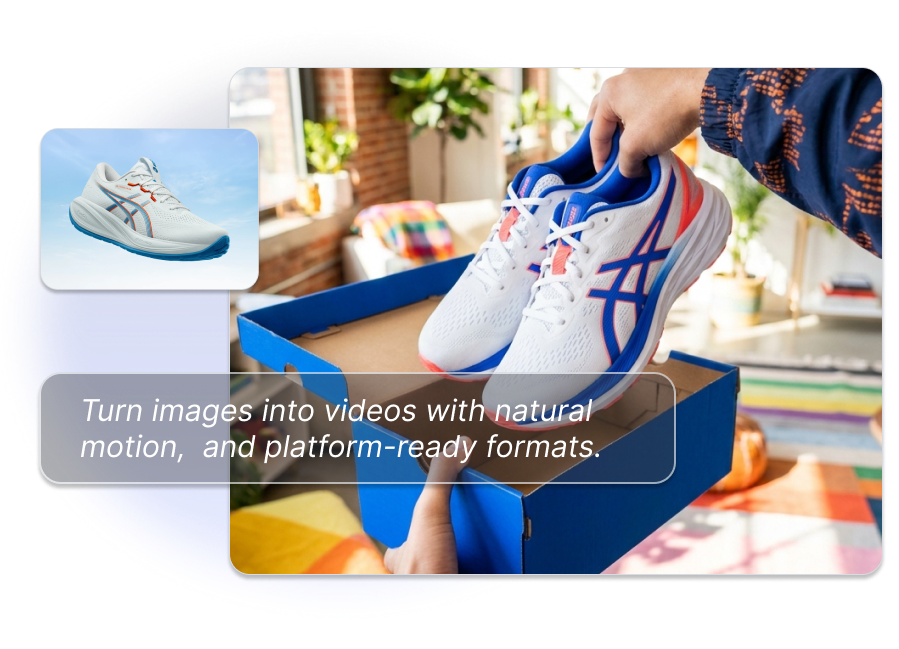
Turn Images into POV and Product-in-Hand Videos
Turn a still image into a POV video, product-in-hand scene, unboxing moment, or lifestyle clip. Choose the visual angle that fits TikTok, Reels, Shorts, or product pages.
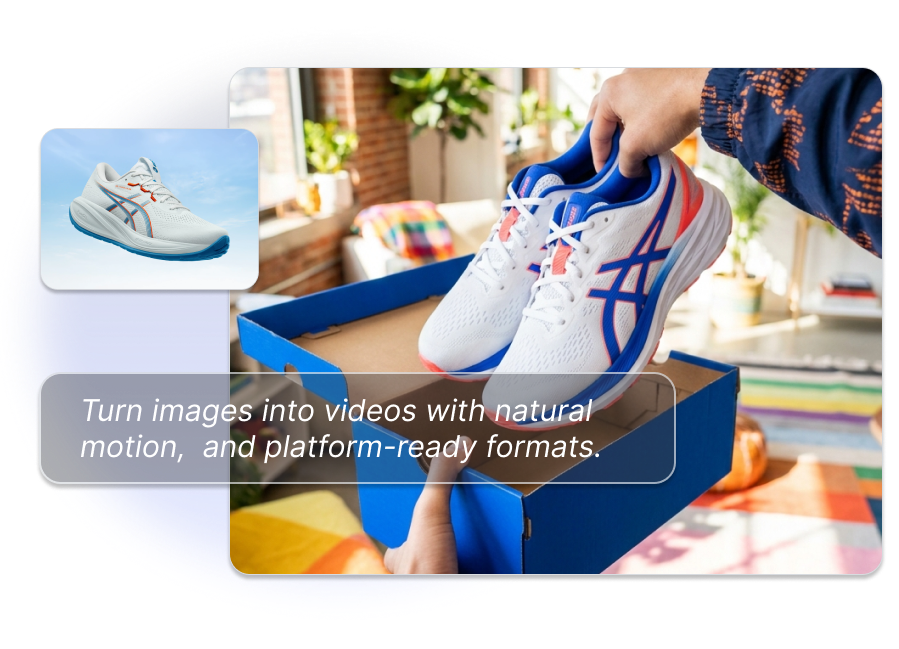
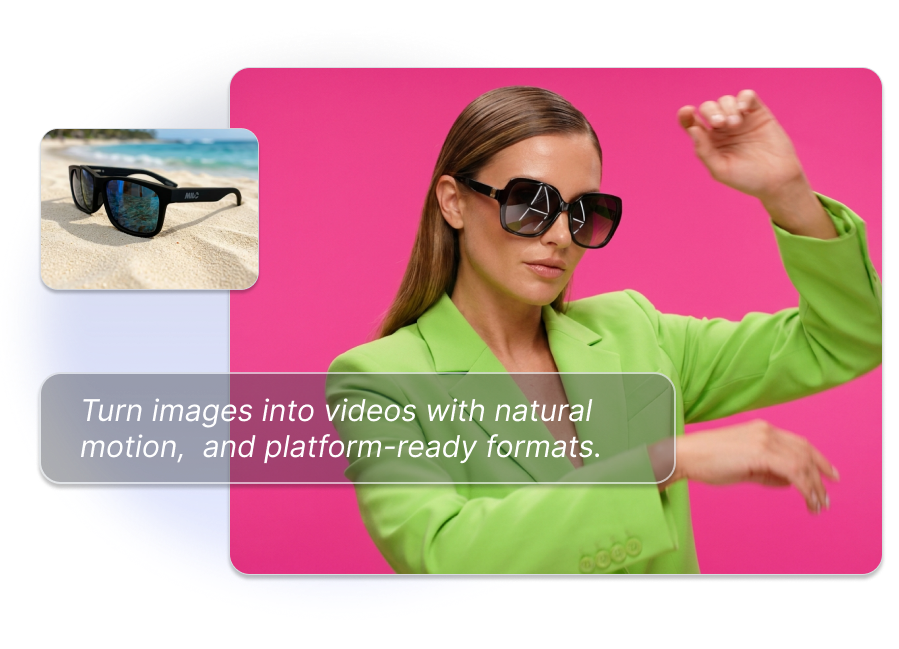
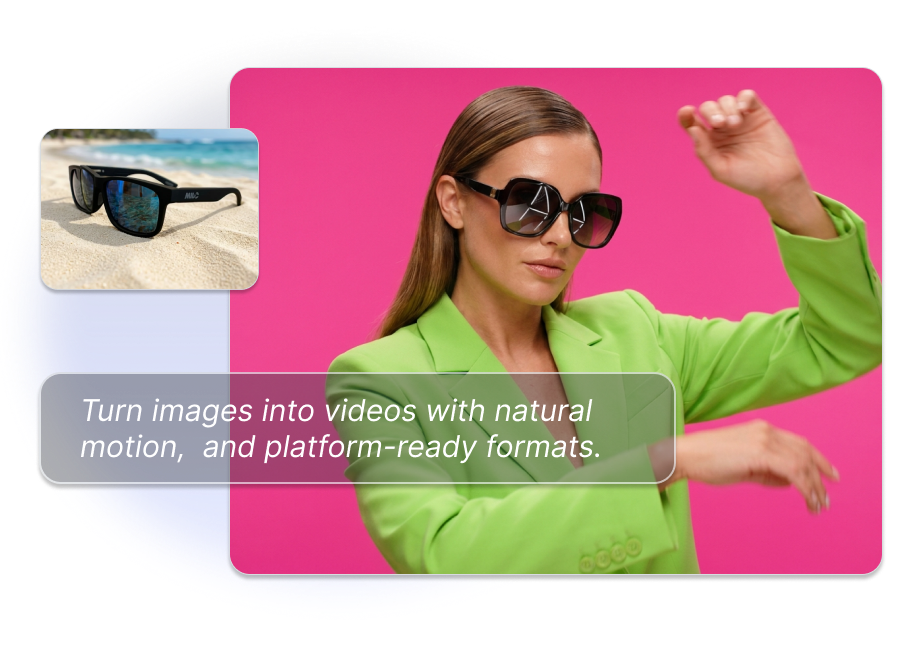
Turn Photos into On-Brand Social Videos
Keep the main subject clear while adding controlled motion for a photo story, product launch post, or social ad. Generate multiple creative directions without reshooting the original image.
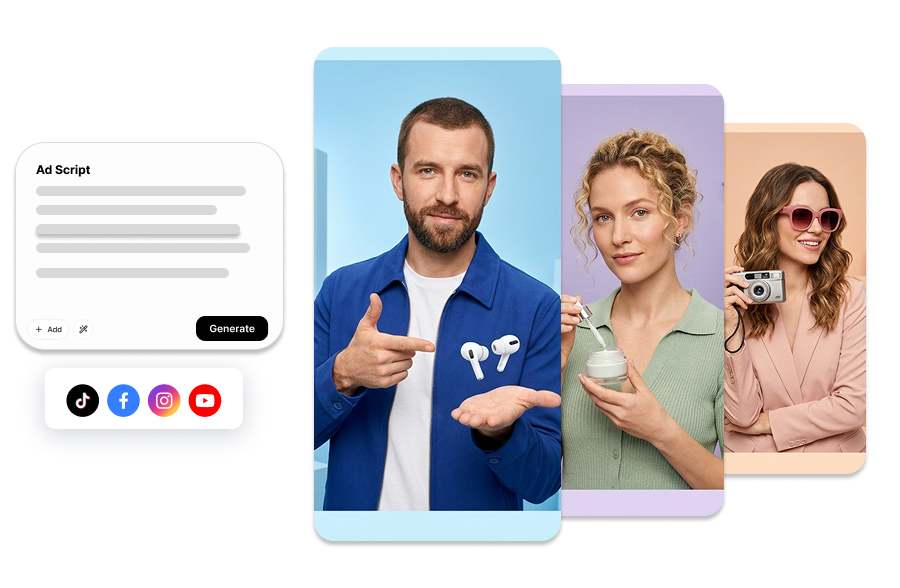
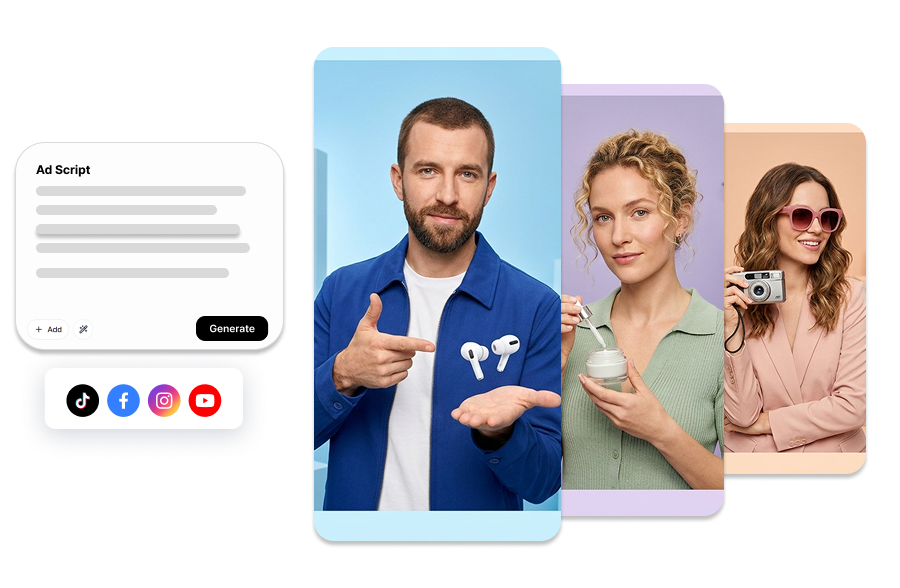
Turn Images into Ad Variations
Create image-to-video ad variations for different hooks, scenes, camera movements, and platforms. Test more creative angles from the same source image.
How to Turn an Image into a Video
Upload an Image and Choose a Use Case
Upload a product photo, portrait, lifestyle image, or other still image. Describe the motion, camera angle, scene, or output you want, such as a POV product video or a cinematic photo story.
Choose the Video Format
Choose 9:16 for TikTok, Instagram Reels, and YouTube Shorts or 16:9 for YouTube and product pages. Set the duration, resolution, model, and number of variations.
Generate and Review
Select a model, generate the image-to-video result, and review the motion and subject consistency. Download the finished clip for ads, social posts, product pages, or creative testing.
What Can You Turn into a Video?
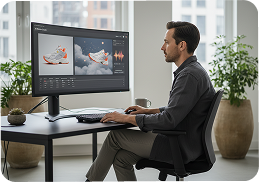
Product Marketers
Turn product photos into product demos, POV clips, lifestyle scenes, and short-form ad variations for TikTok, Reels, Shorts, and product pages.
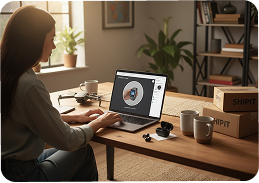
E-commerce Store Owners
Turn listing images into product showcase videos, feature highlights, and product-in-hand concepts that help shoppers see how an item looks and works.
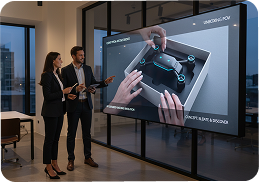
Creators and Social Teams
Turn photos into social videos, photo stories, animated promos, and music-ready clips without rebuilding every scene in a traditional editor.
Frequently Asked Questions
An image to video generator uses AI to animate a still image and create a short video. You can describe motion, camera movement, scene context, or a creative use case without filming from scratch.
Yes. Choose 9:16 for TikTok, Instagram Reels, and YouTube Shorts, or 16:9 for YouTube and widescreen product videos.
Yes. Upload a product image and create a product showcase, POV clip, product-in-hand scene, lifestyle video, or short ad variation for social and ecommerce campaigns.
Yes. Generate multiple variations with different camera movements, scenes, hooks, and formats so you can compare creative directions in your campaigns.
You can create the visual image-to-video clip and add compatible audio, voiceover, captions, or music as part of your editing and ad workflow.