Text to Speech AI: Turn Any Script into Natural Speech
Paste your text, choose from 300+ AI voices, and shape the pace, tone, and delivery. Create multilingual narration for product videos, tutorials, social clips, and ads without recording every line yourself.
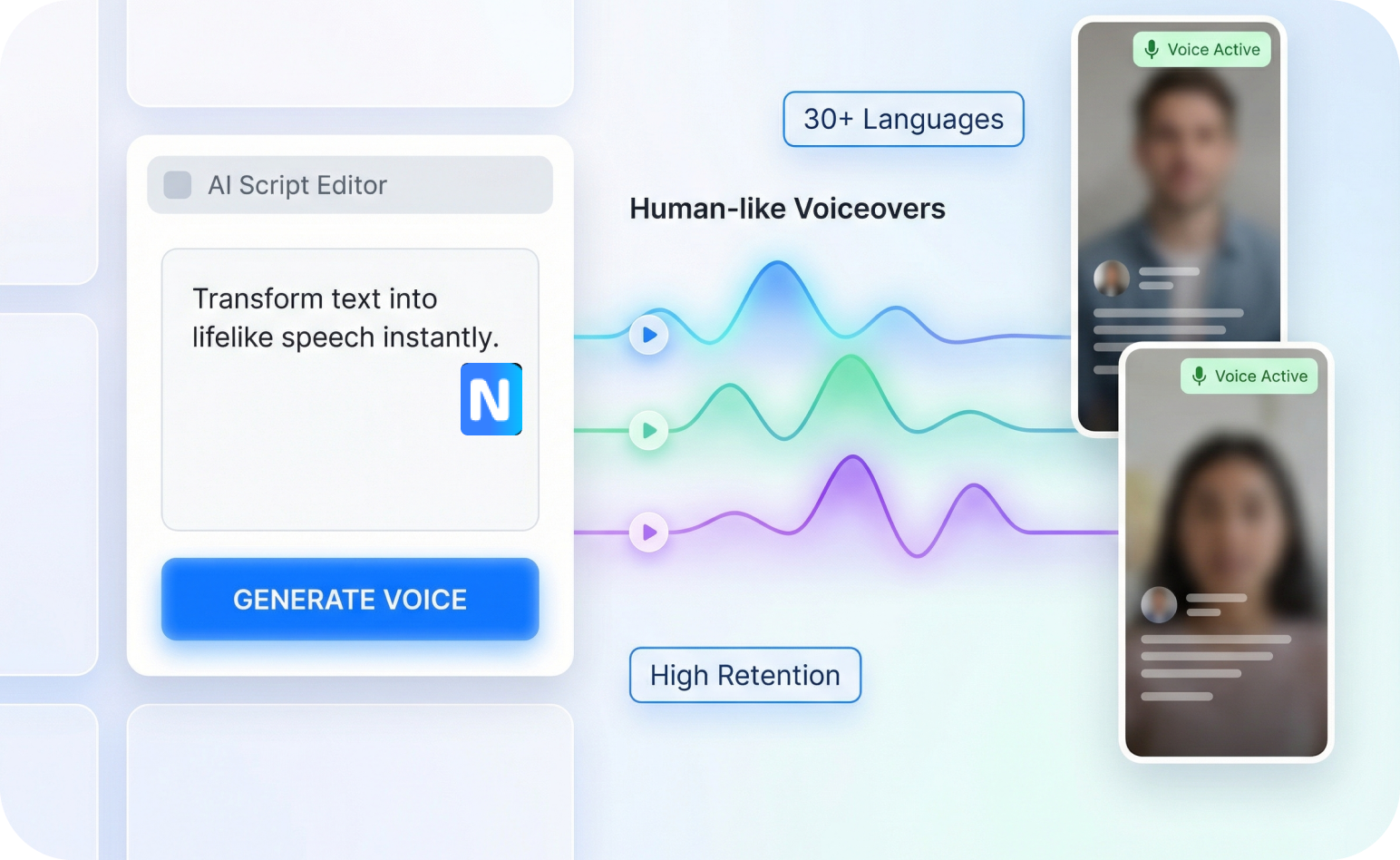
AI Text to Speech Built for Videos That Need a Voice
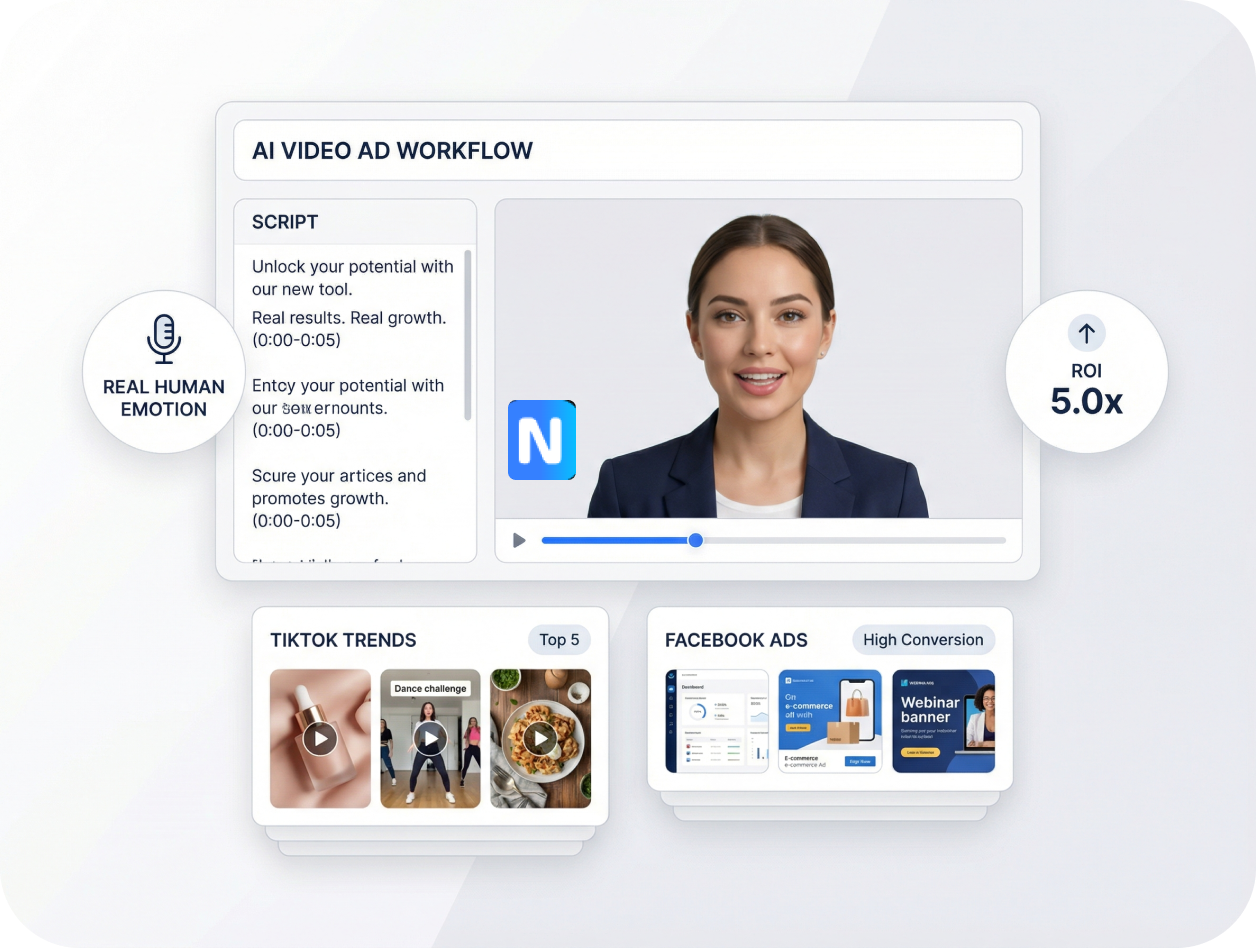
Realistic AI Text to Speech
Make Every Line Sound Intentional
Turn written scripts into natural speech with pacing and delivery that fit the message. Adjust speed, stability, and expressive styles to make a product introduction feel upbeat, a tutorial sound clear, or a testimonial feel conversational. Get narration that supports the visuals instead of simply reading words aloud.
Free Text-to-Speech AI
Match the Voice to the Message
Choose from 300+ AI voices and filter by language, accent, gender, age, tone, or use case. Find a warm narrator for an explainer, an energetic voice for a short-form clip, or a clear delivery for a product walkthrough. Start each video with a voice that already fits its audience and purpose.
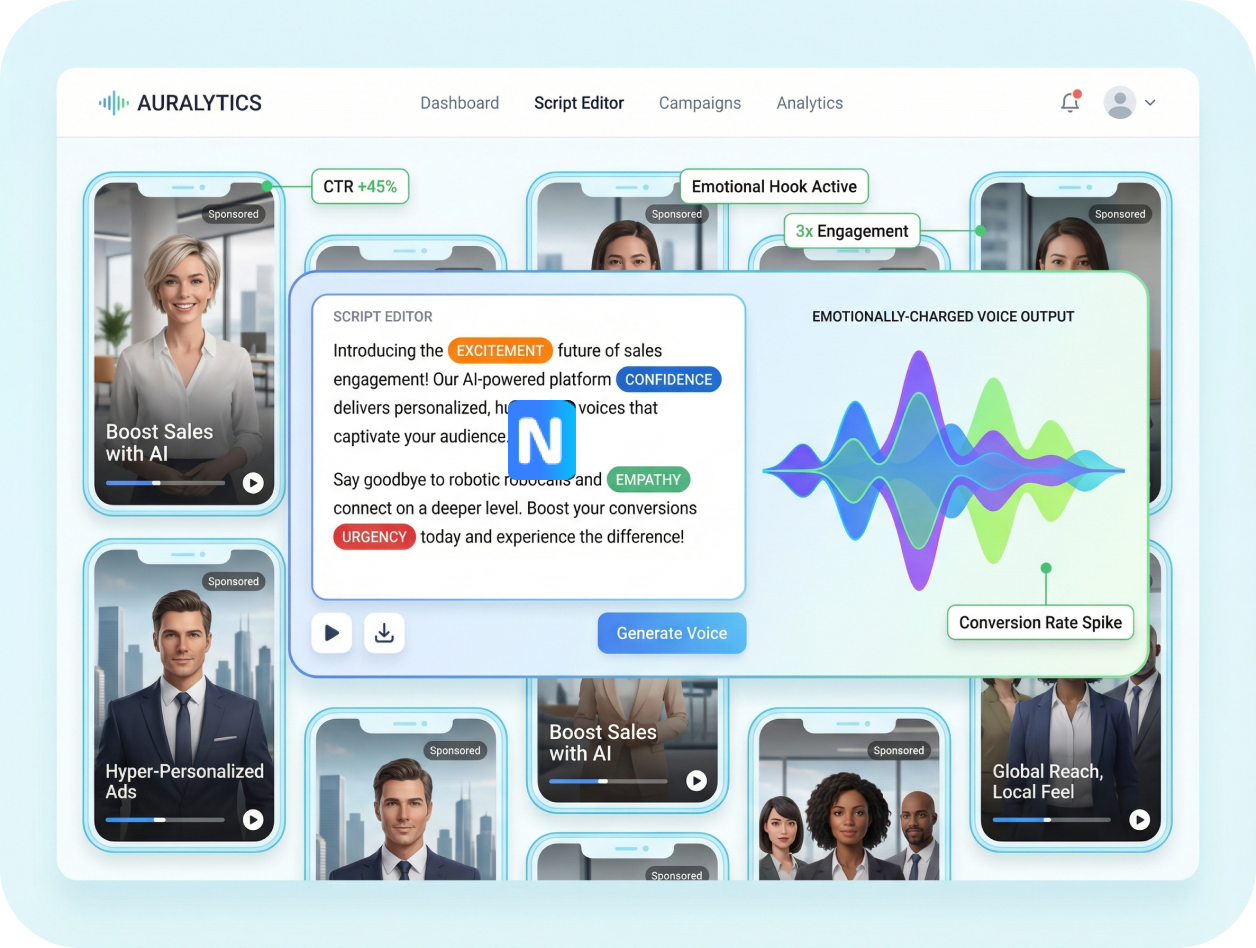
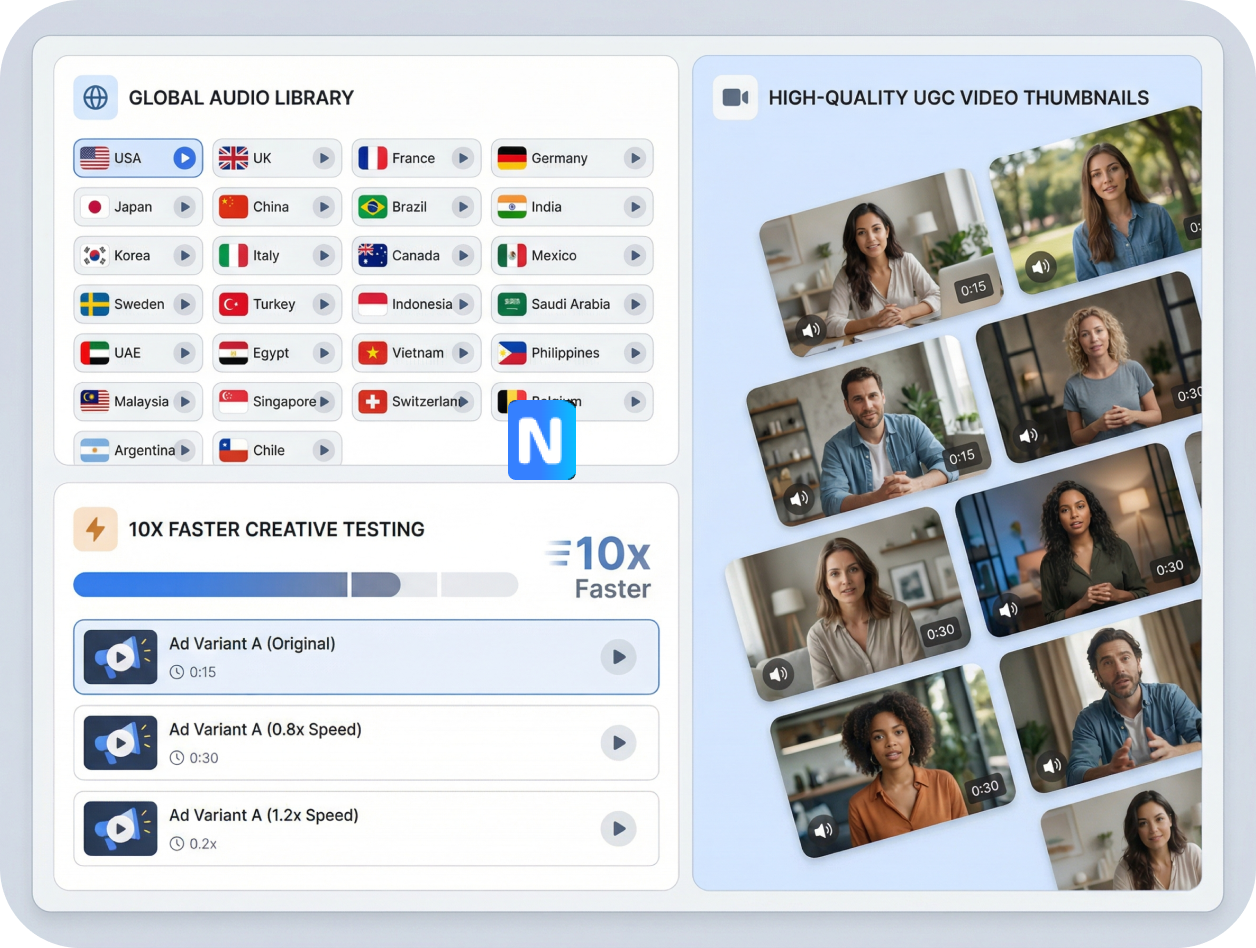
Best Text to Voice AI
Give One Script a Global Voice
Generate AI speech in 30+ languages without recording a new voice track for every market. Choose language and accent options that better match each audience, then create localized narration for product demos, explainers, and social videos. Keep the message consistent while adapting how it sounds.
AI Voiceover for Video
Put Speech Straight Into Video
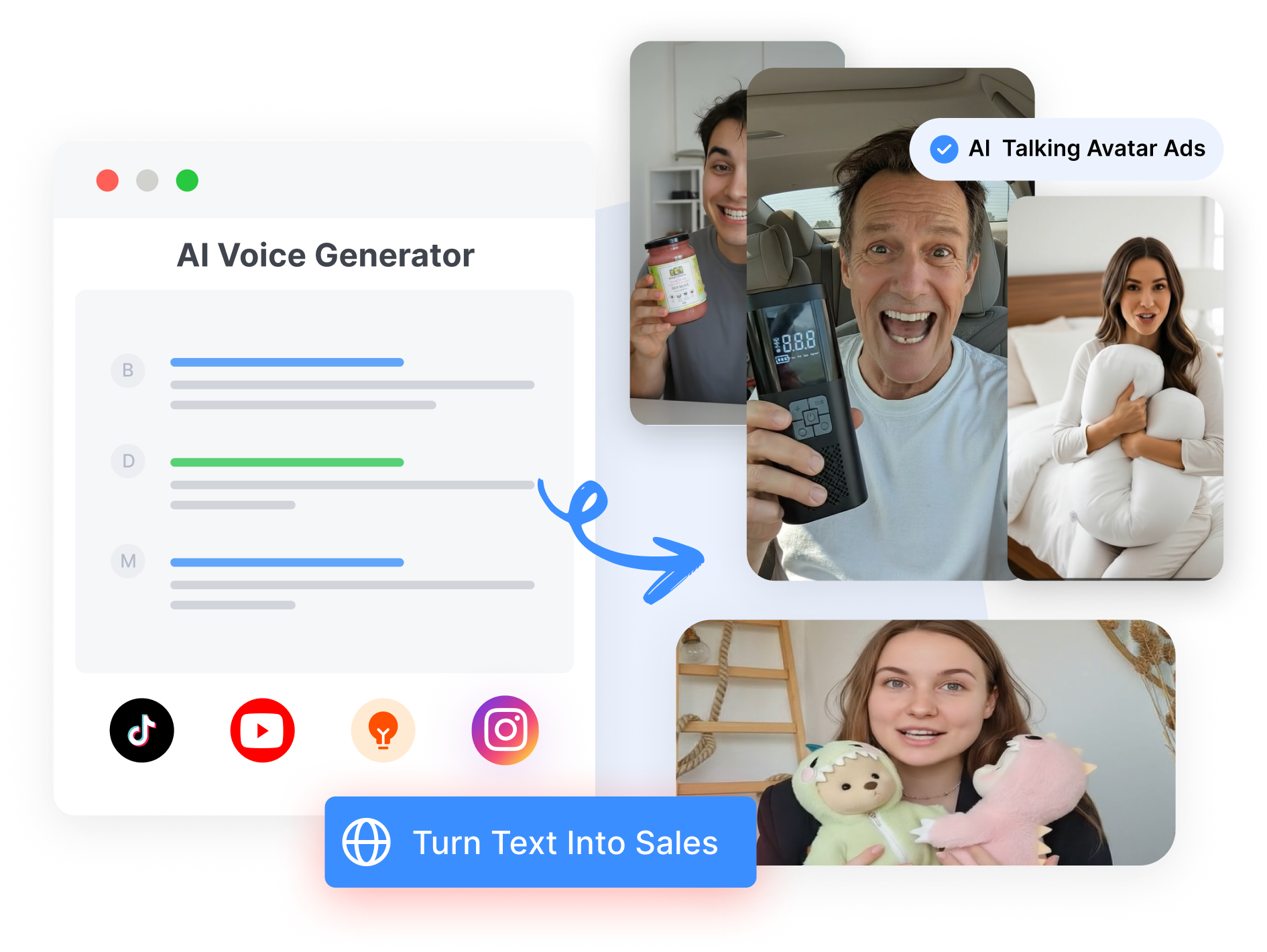
Apply generated speech to an AI avatar, product video, tutorial, or marketing clip inside the same workflow. Match spoken delivery with the presenter and visuals, then refine the script, voice, or pacing before generating the final video. Move from written copy to a voiced video without assembling separate recording and editing tools.
Turn Text into AI Speech in 3 Steps
1. Paste Your Script
Add the words you want the AI voice to say. Keep the script short for a social clip or use a longer passage for a product walkthrough, tutorial, or presentation.
2. Choose the Voice and Delivery
Browse the AI voice library and filter by language, accent, age, gender, tone, or use case. Adjust the speed and delivery settings until the voice fits the scene.
3. Generate & Add to Video
Generate the speech and apply it to your selected avatar or video project. Preview the result, revise any line that sounds off, and export the finished video with its narration.
AI Text to Speech for Every Video Workflow

Content Creators
Turn scripts into narration for YouTube videos, tutorials, explainers, and social clips. Keep publishing without recording every voice track yourself.

E-commerce Brands
Add clear product narration to demos, listings, launch videos, and promotional content. Create localized versions for different markets from the same core message.

Marketing Teams
Produce voice variations for campaign videos, creative concepts, and client content. Test different tones and delivery styles without arranging new recording sessions.
Frequently asked questions
AI text to speech converts written text into spoken words using an artificial voice. It can be used to create narration for videos, tutorials, product demonstrations, presentations, and other spoken content.
Paste your script into Nextify.ai, choose an AI voice, and adjust the available delivery settings. Generate the speech and apply it to an avatar or video project inside the creation workflow.
Nextify.ai provides access to 300+ AI voices. You can filter voices by language, accent, gender, age, tone, and use case to find one that fits your script.
Nextify.ai supports AI speech generation in 30+ languages. This makes it possible to create localized narration for audiences in different regions without recording every version manually.
Yes. You can choose different voices and adjust available settings such as speed, stability, and delivery style. These controls help the narration better match a tutorial, product demonstration, social clip, or promotional video.
Yes. Generated speech can be paired with an AI avatar or talking presenter. Nextify.ai matches the spoken track with the presenter’s mouth movements to create synchronized delivery.
Nextify.ai currently uses generated speech as part of its video creation workflow. The voice is exported with the finished video rather than through a separate audio-only download workflow.