AI Image Cloner for Product Ads
Rebuild a reference look around your product. Use Style Clone for the overall style and layout, or High Clone for a closer composition and texture match. Create product ad visuals faster without designing each concept from scratch.
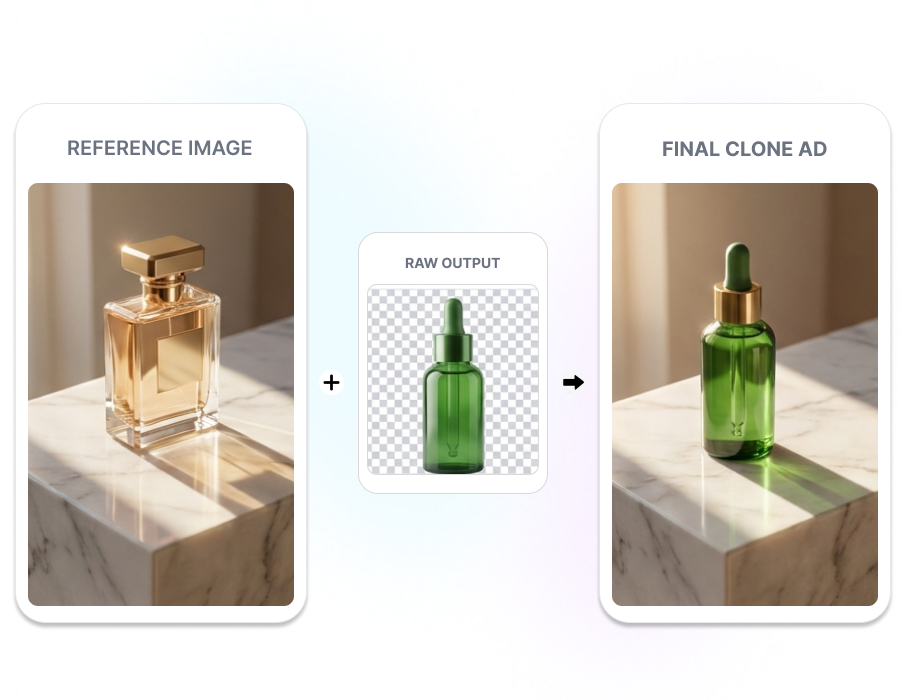
Rebuild the Whole Look with AI Image Cloner for Product Ads
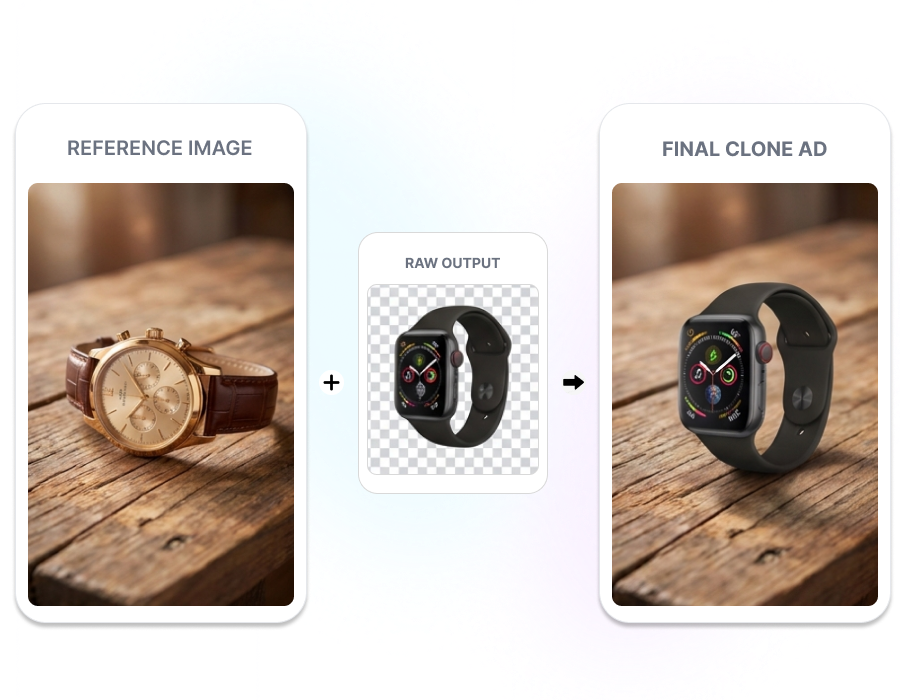
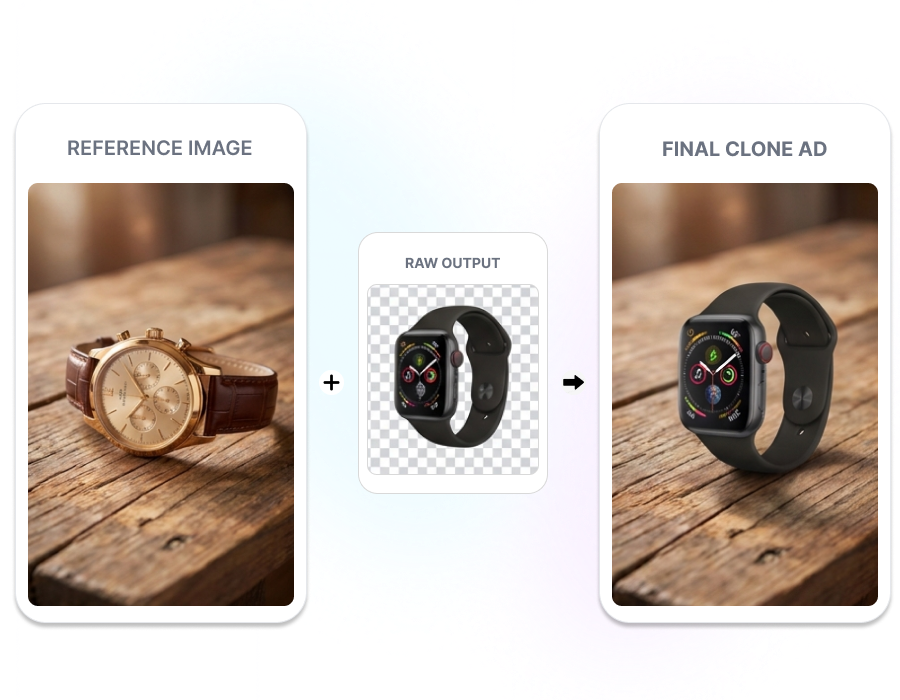
PRODUCT AD IMAGE CLONER
Make the Look Yours
Rebuild a reference visual around your own product. Nextify uses the inspiration image for the scene direction and your source photo for the featured item. Turn an existing visual idea into an ad centered on what you sell.
AI STYLE CLONER
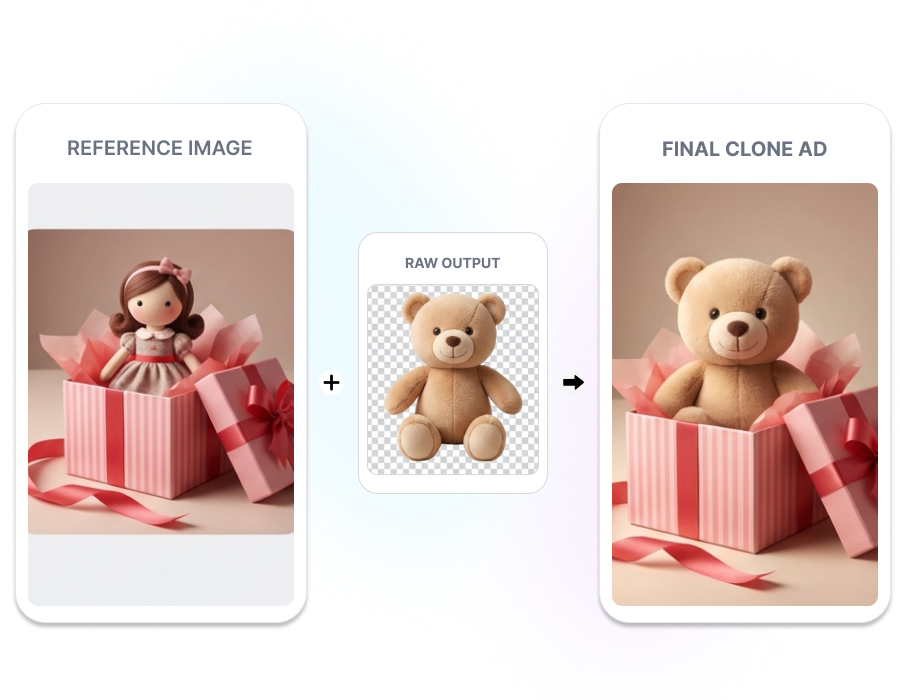
Keep the Mood, Rework Details
Use Style Clone to carry over the reference image’s mood, lighting, and overall layout. Allow colors and scene details to change in the generated version. Follow a recognizable visual direction without reproducing every source element closely.
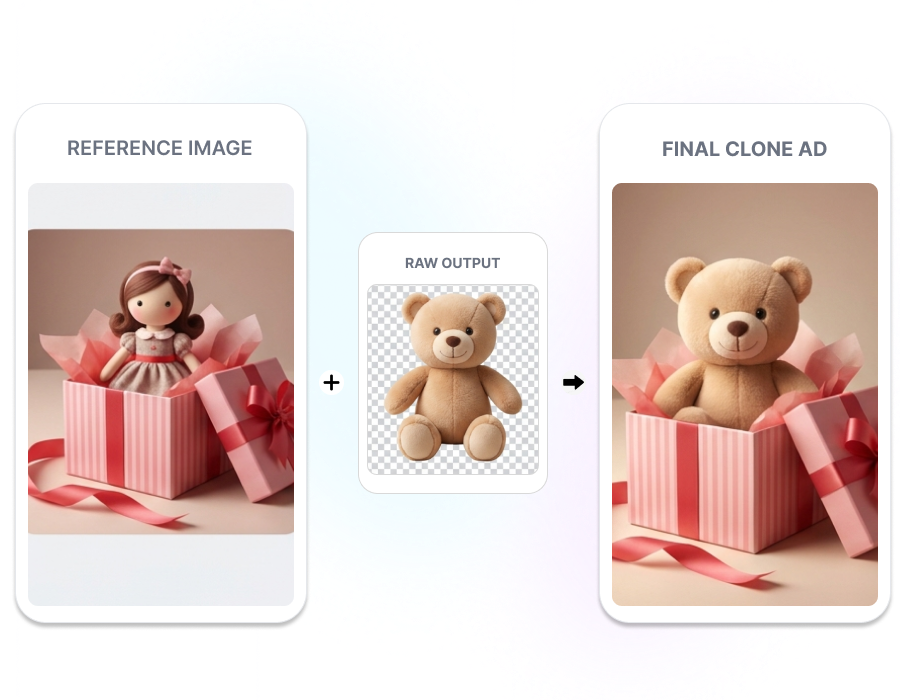
HIGH-FIDELITY IMAGE CLONER
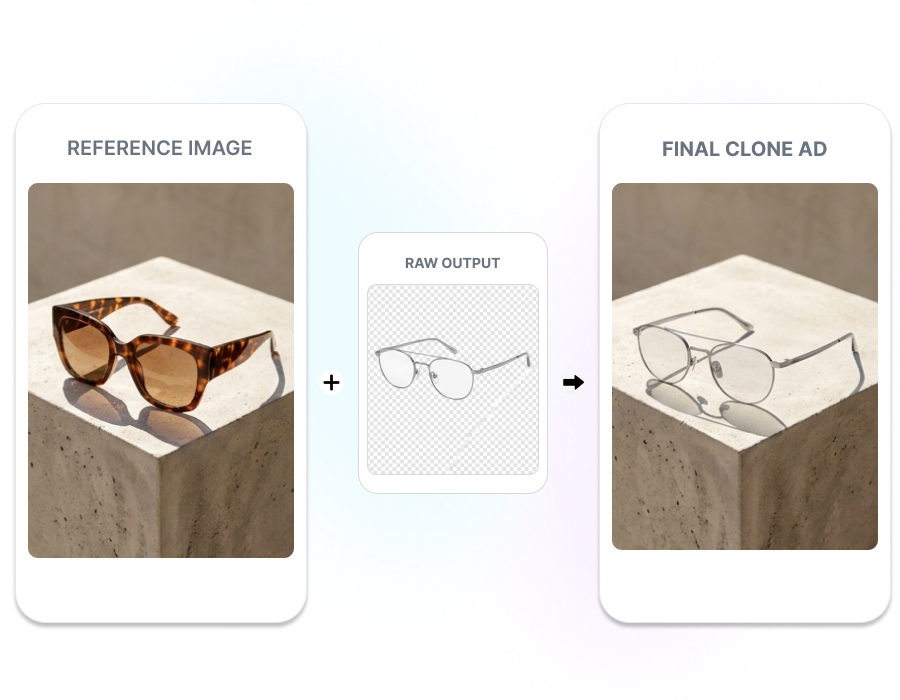
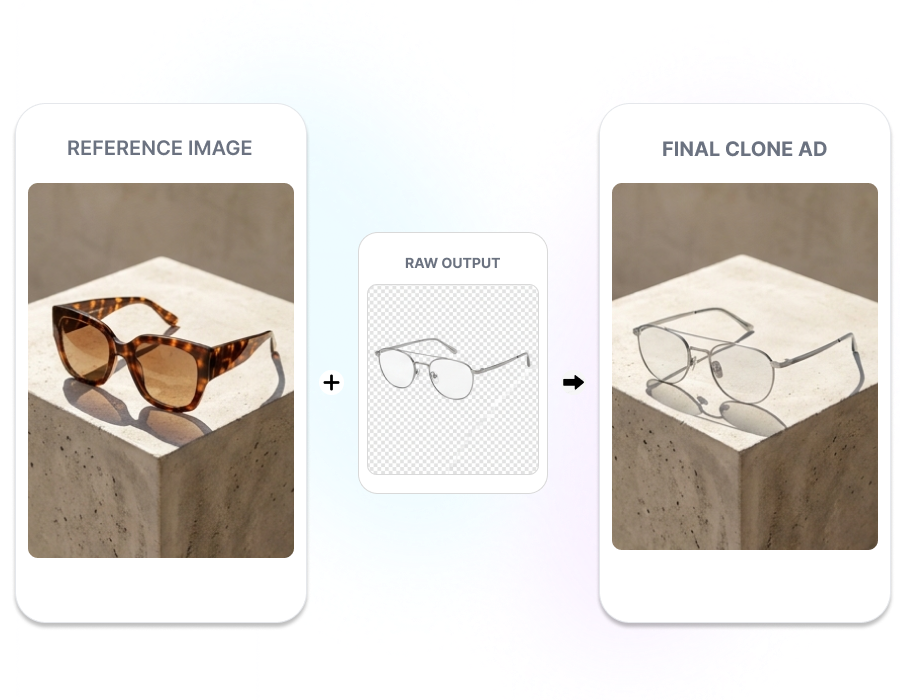
Stay Close to the Reference
Use High Clone for a closer match to the reference composition. Prioritize its framing, scene structure, texture, and smaller visual details. Rebuild a specific visual direction with less variation from the source.
MULTI-SCENARIO AD CREATOR
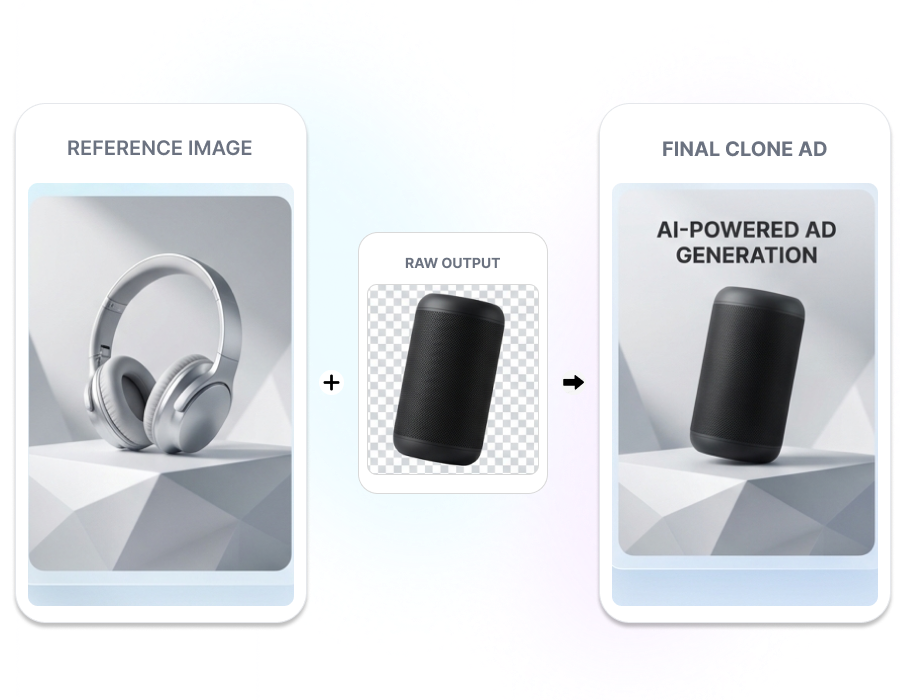
Shape It for the Channel
Choose whether the cloned visual is intended for ecommerce, fashion, a marketing poster, a social post, or another use. Nextify adapts the generation around the selected content type. Start with an output direction suited to its intended placement.
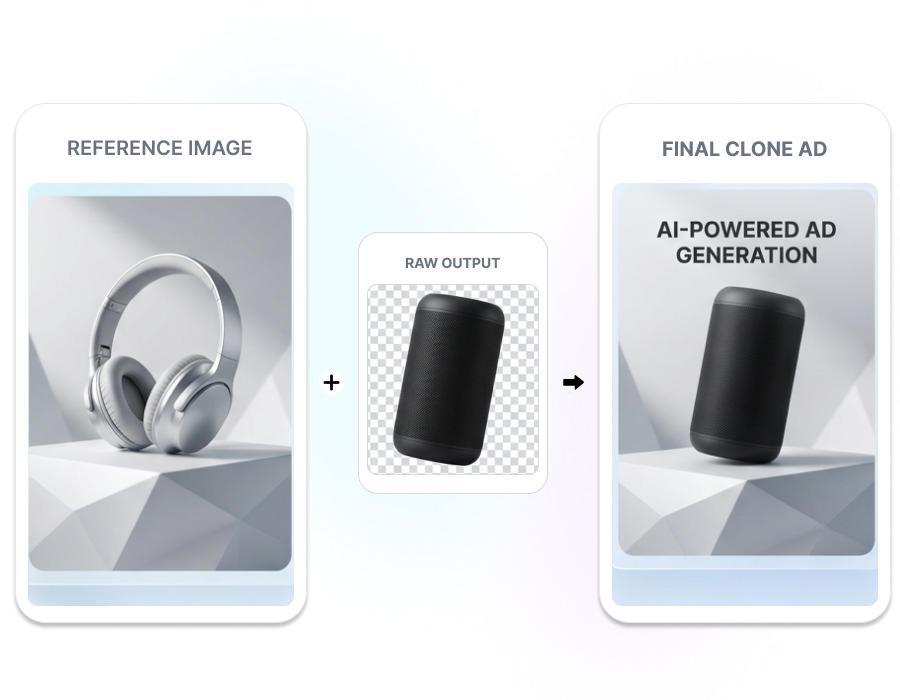
How AI Image Cloner for Product Ads Works
1. Upload Reference Images
Add the reference image whose visual direction you want to follow. Then upload the product image you want to place in the new creative.
2. Choose the Clone Mode
Select Style Clone for flexible adaptation or High Clone for a closer structural match. Add instructions for the elements you want to keep, change, or replace.
3. Set the Output and Generate
Choose the use case, prompt language, and ratio—1:1, 16:9, 9:16, or 3:4. Click Generate to create the new product visual.
AI Image Cloning for Fast-Moving Product Teams
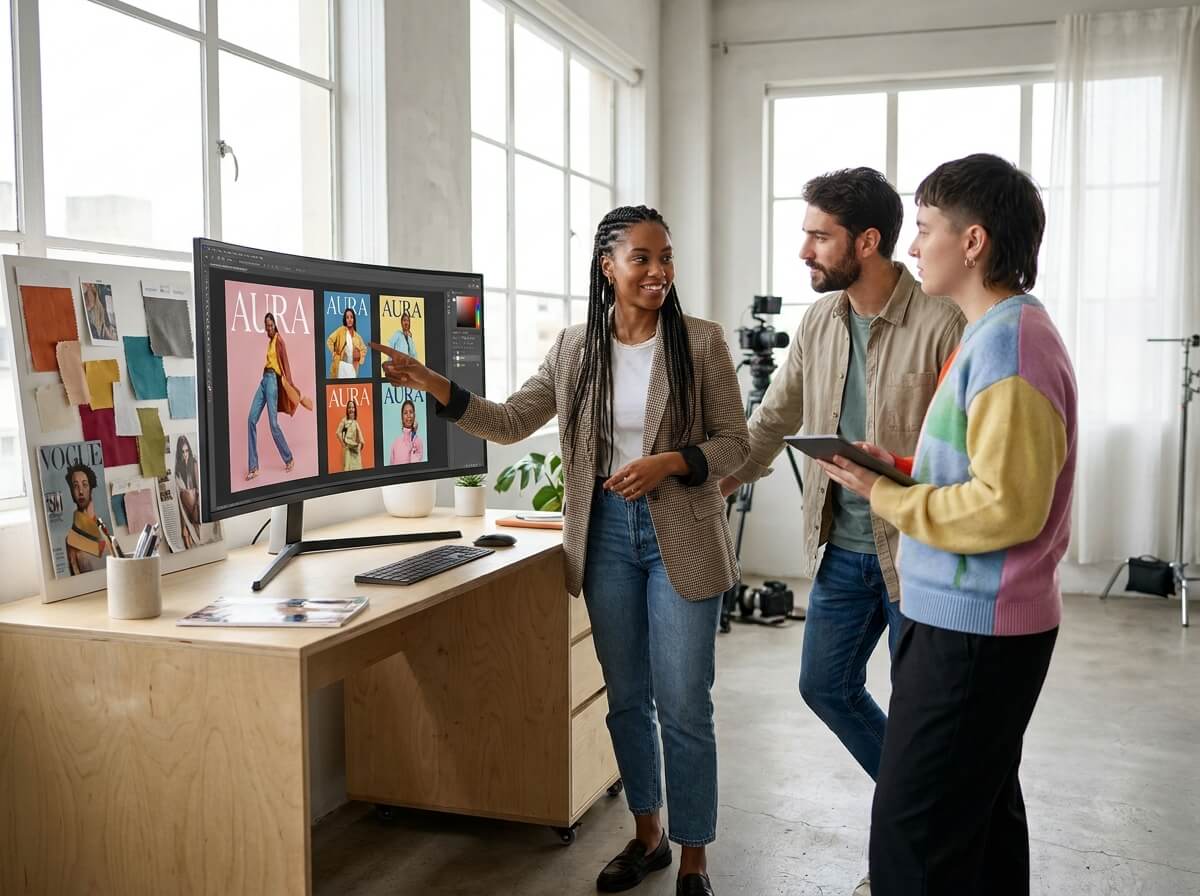
Ecommerce Creative Teams
Start with an approved visual reference instead of developing every direction from an empty canvas. Apply the selected look to product images, fashion visuals, and promotional graphics while controlling the clone strength.
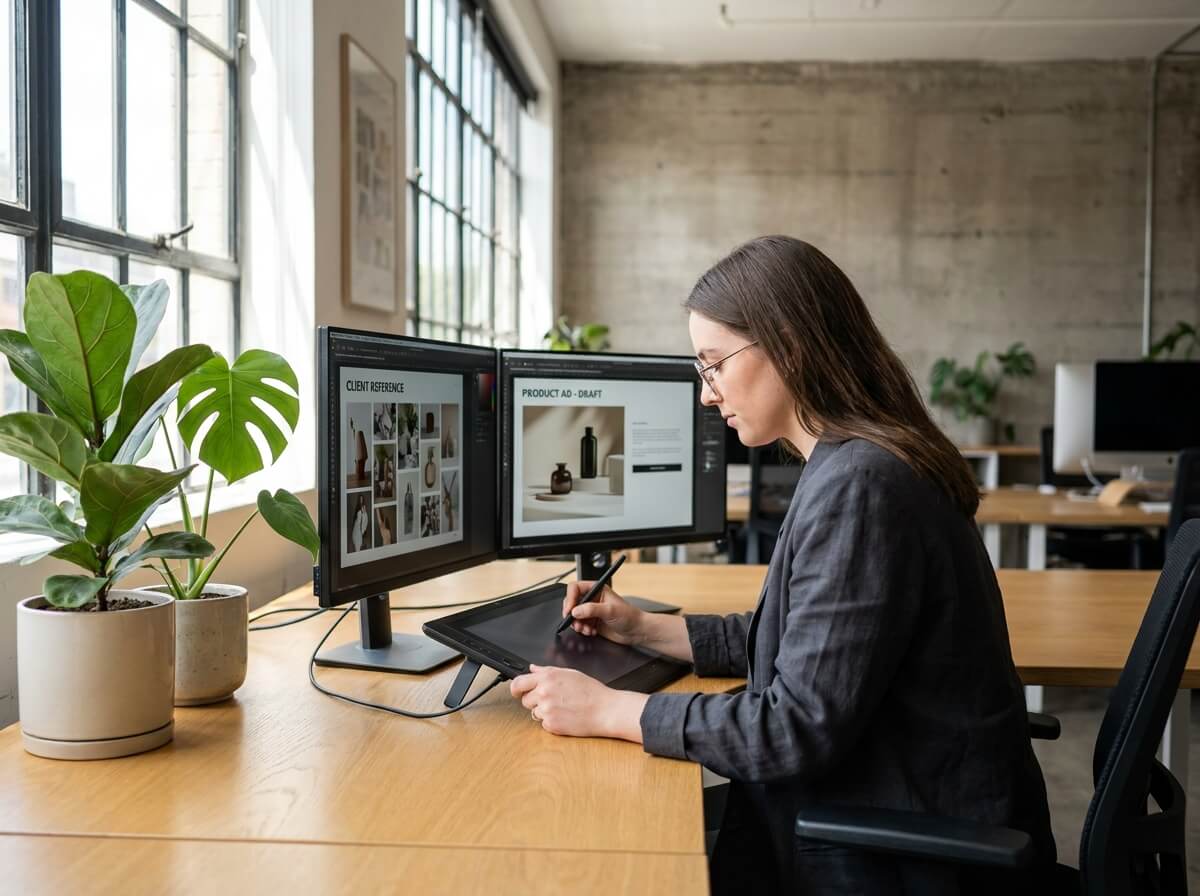
Agencies and Freelance Designers
Turn a client’s reference image into a more concrete first visual draft. Choose how closely to follow the source, then refine specific elements before presenting the generated direction.
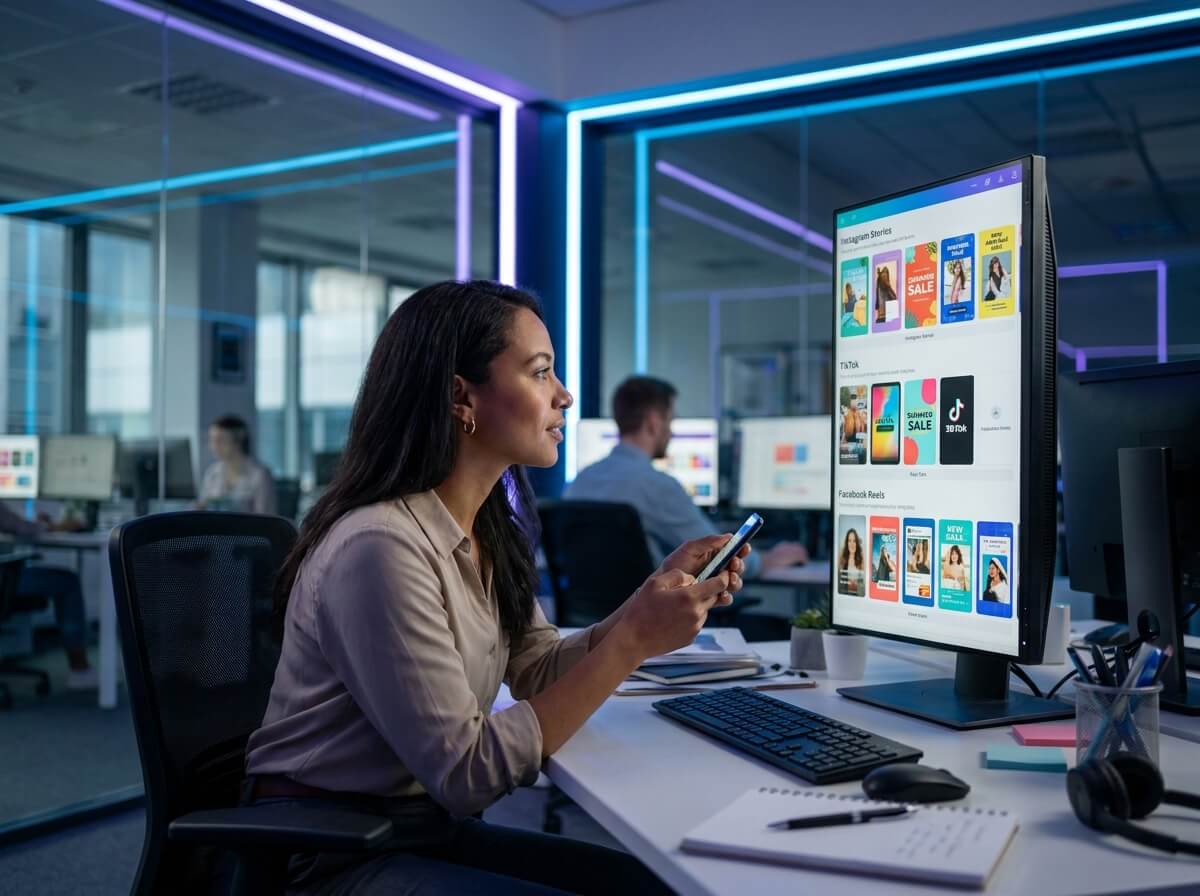
Paid Social Teams
Turn a reference ad and product photo into a new static social creative. Select Social Media Post and choose the ratio required for the placement. Give campaign teams a faster starting point without rebuilding the visual direction from scratch.
Frequently Asked Questions
It uses a reference image to guide the style or composition of a new product visual. You upload the reference and your product image, then choose how closely the result should follow the source.
Style Clone preserves the overall mood and layout while allowing more changes to colors and details. High Clone follows the reference composition, scene details, and texture more closely.
You can select ecommerce product images, fashion product images, marketing posters, social media posts, creative posters, or another intended use.
Nextify supports English, Chinese, Japanese, and Korean instructions. Select the language before generating the image.
Available ratios include 1:1, 16:9, 9:16, and 3:4. Choose the ratio that suits the intended placement of the generated product visual.