AI Packshot Generator
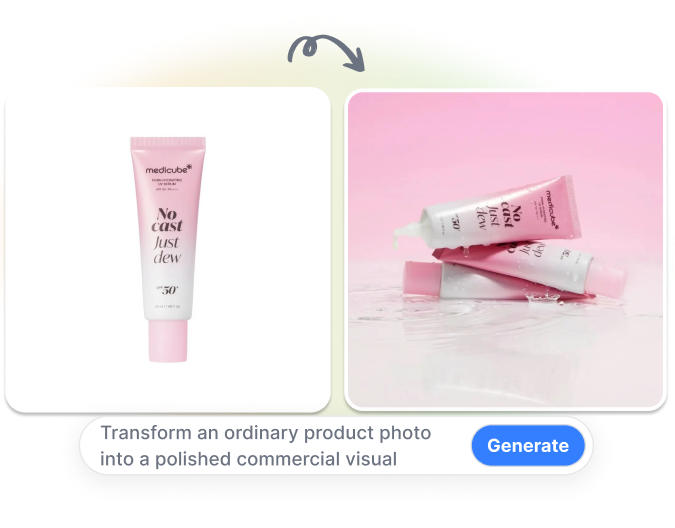
Transform an ordinary product photo into a polished commercial visual. Nextify removes the original background, rebuilds the lighting, blends the product into a new scene, and improves the output resolution. Create stronger product imagery without setting up a full studio setup.
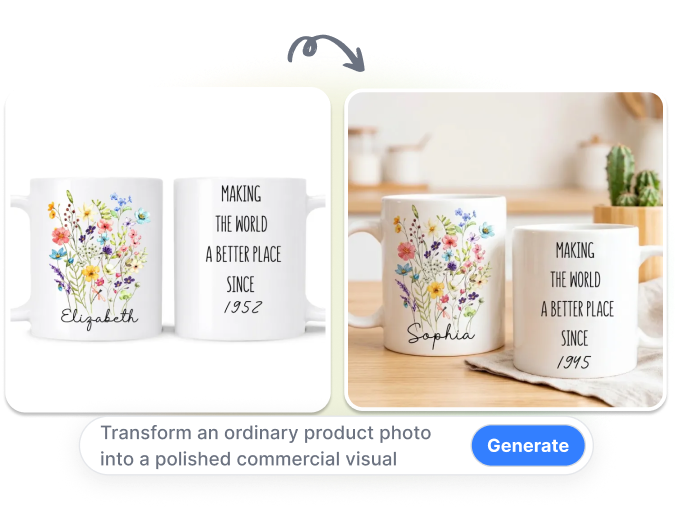
Give Ordinary Product Photos a Studio Finish
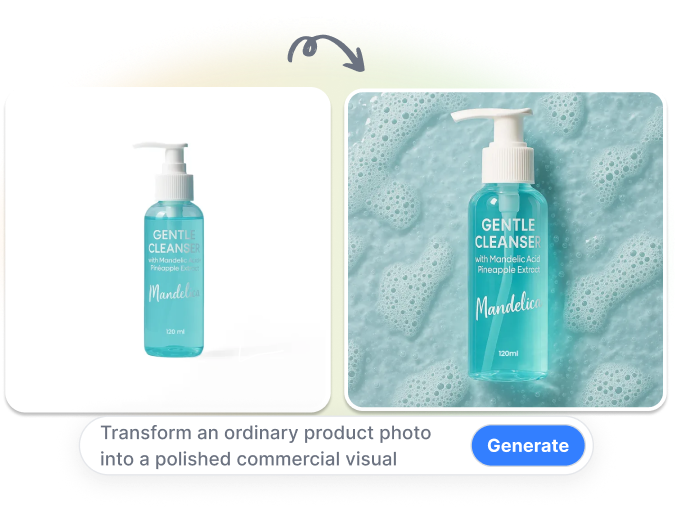
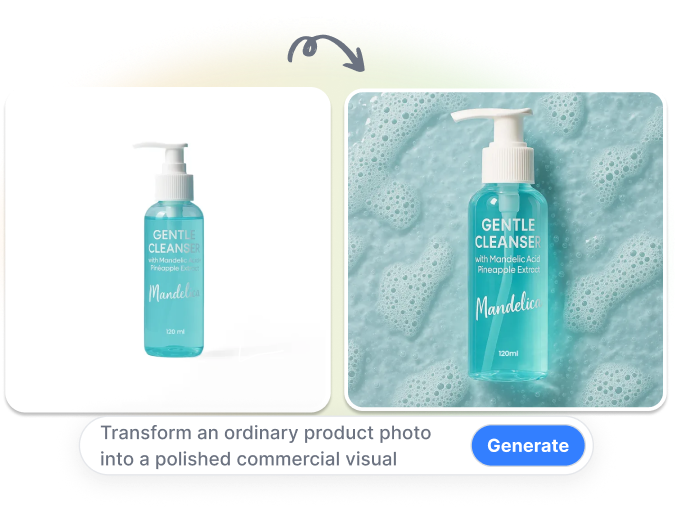
Isolate Every Product Cleanly
Remove the original background from a product photo automatically. AI separates the item from surrounding objects while preserving its visible outline and important edges. Start with a clean product layer without manually tracing the image.
Rebuild the Light Naturally
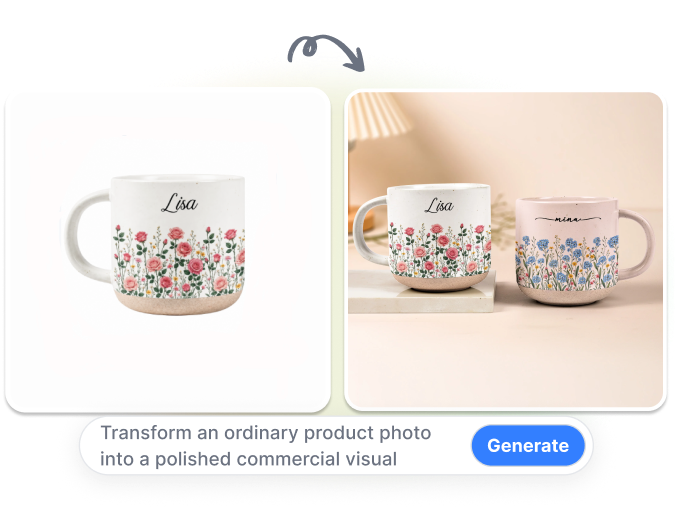
Relight the product to suit the new visual environment. Nextify adjusts highlights, shadows, direction, and intensity around the extracted item. Give the final packshot more coherent depth than a product placed over an unrelated background.
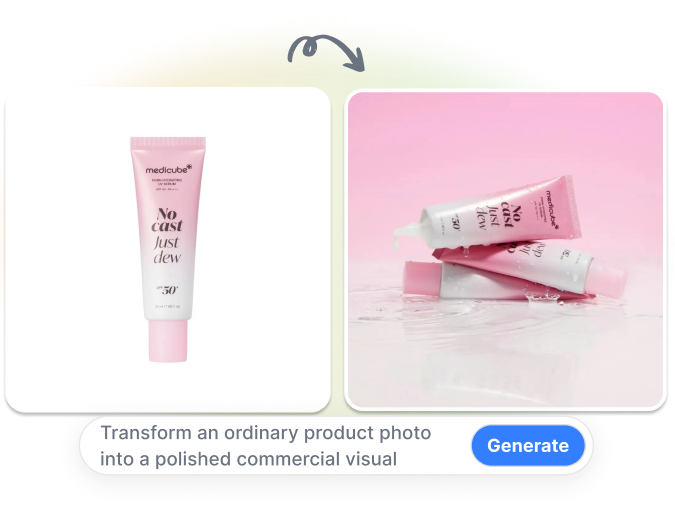
Recover More Image Detail
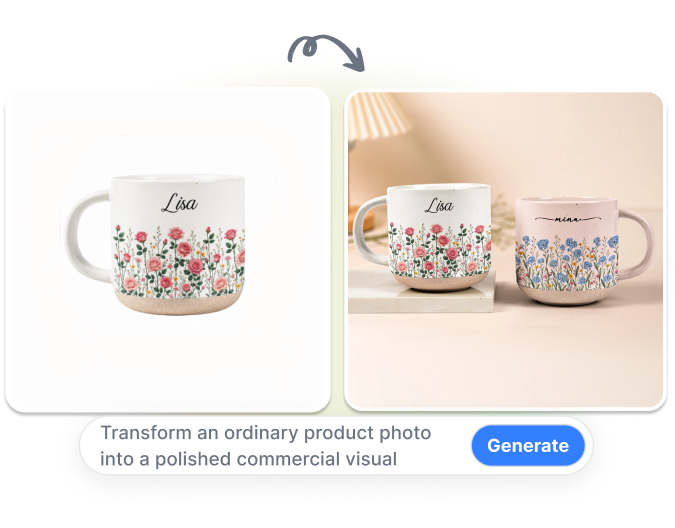
Upscale the completed packshot to improve its usable resolution. AI enhances visible edges, textures, and overall clarity after the background and lighting treatment. Prepare a cleaner commercial asset from a lower-resolution source photo.
Unify a Full Product Line
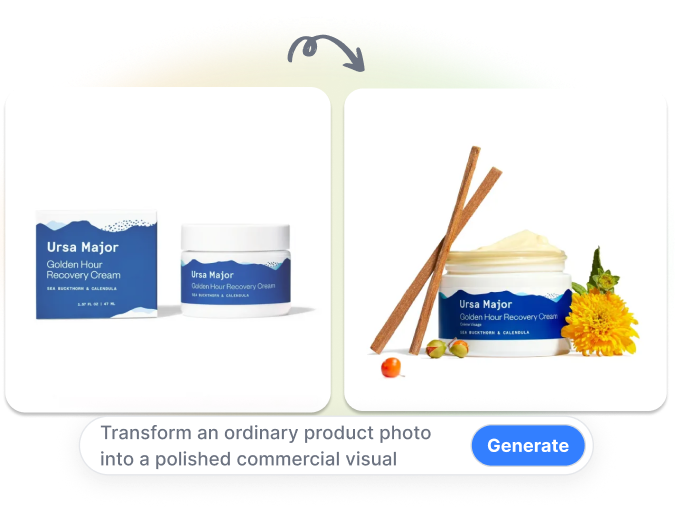
Create packshots for multiple products under one consistent visual direction. Keep framing, scale, spacing, and presentation aligned across different items or variants. Build a cleaner asset library for collection pages, catalogs, and campaign sets.
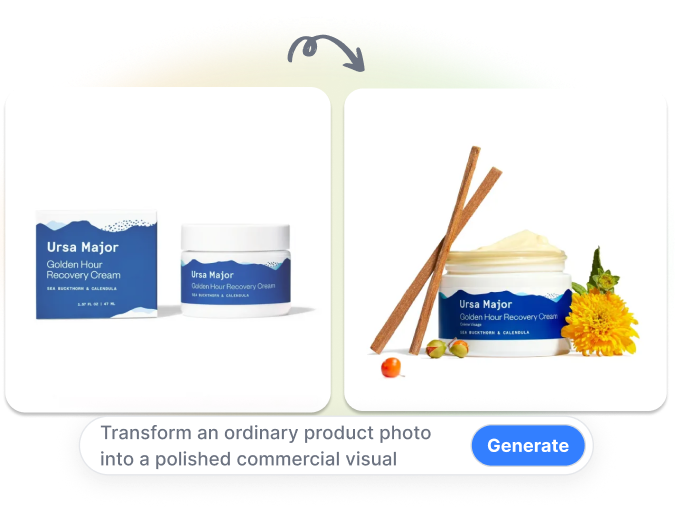
Create a Polished Packshot in 3 Steps
1. Upload Your Product Photo
Add a clear phone photo or an existing white-background product image. Choose a source that shows the product’s shape, colors, packaging, and important details.
2. Set the Visual Direction
Describe the intended background, surface, lighting, atmosphere, and composition. Keep the instructions specific to how the product should appear in the final image.
3. Generate and Review
Click Generate to remove the background, rebuild the lighting, create the scene, and upscale the result. Check the product outline, labels, colors, proportions, materials, and shadows before downloading.
AI Packshots for Everyday Product Workflows
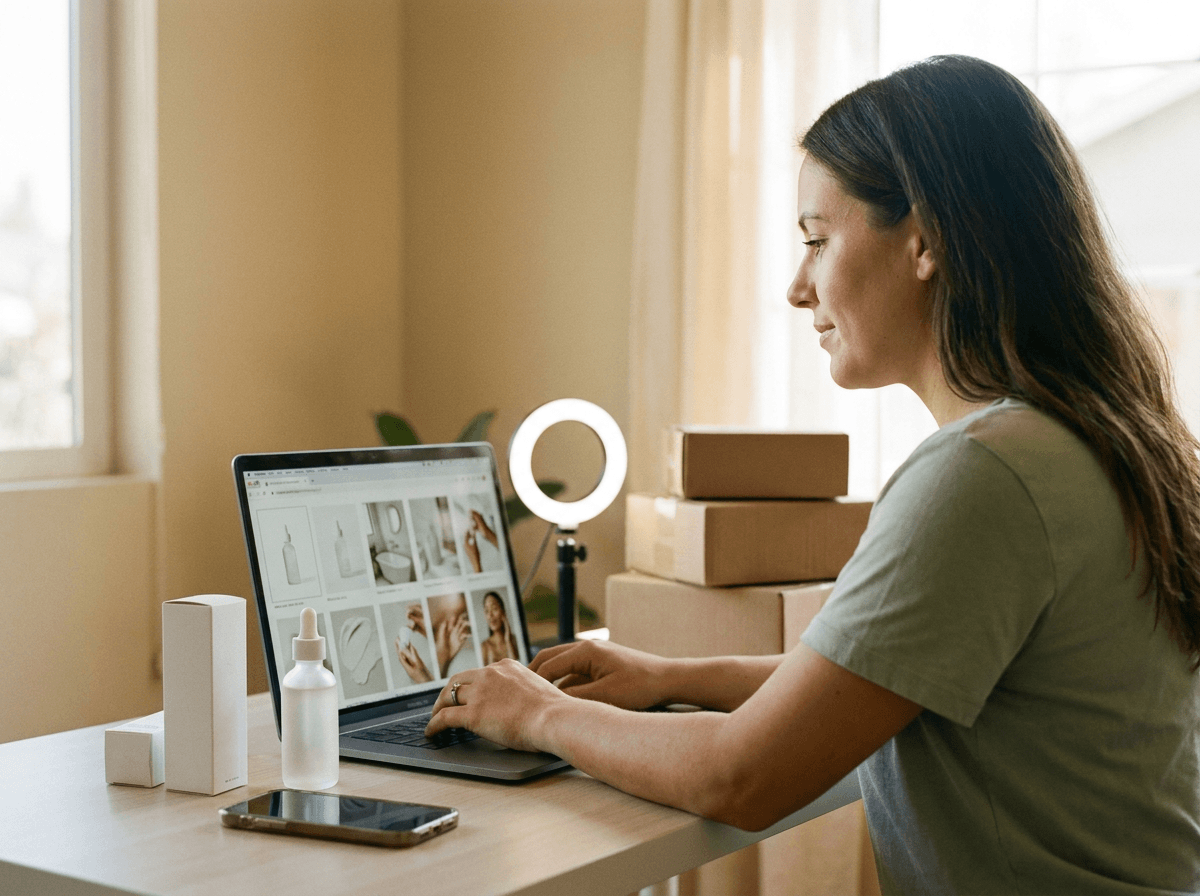
Small Ecommerce Sellers
Turn basic phone photos into cleaner commercial product visuals without building a permanent photography setup. Create updated images when adding new products or refreshing existing merchandise.

DTC Brand Teams
Develop product visuals with more deliberate lighting, surfaces, and visual atmosphere. Use the same product source to explore commercial directions while keeping the physical item central to the composition.
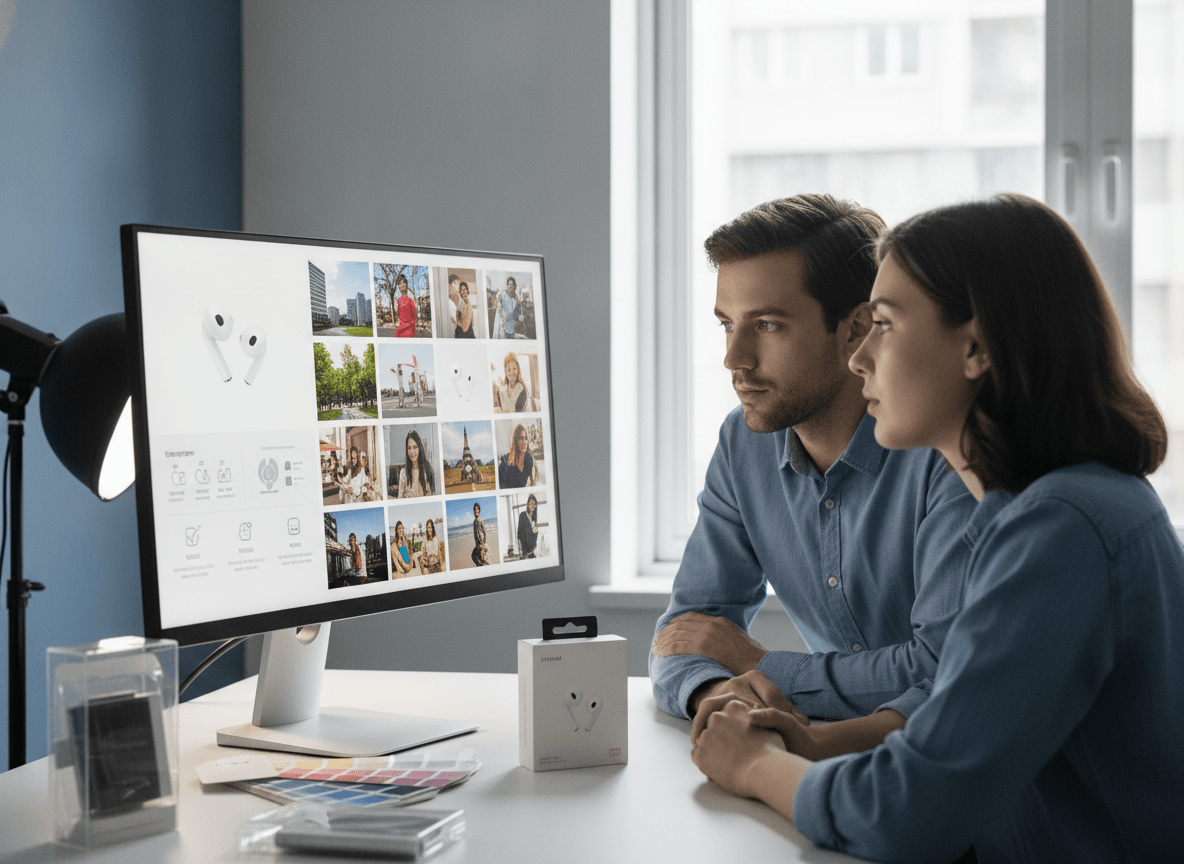
Agencies and Product Designers
Move from rough client assets to more presentation-ready packshot concepts. Use background removal, relighting, scene generation, and upscaling within one image workflow.
Frequently Asked Questions
Nextify’s AI packshot generator transforms an uploaded product photo into a refined commercial image. It can remove the background, rebuild lighting, generate a new scene, and upscale the result.
A packshot is a focused commercial image of a product, often including its packaging or label. It is commonly used in e-commerce, catalogs, advertising, and other product marketing materials.
Yes. Upload a clear phone photo that shows the product without heavy blur or obstruction. Better visibility gives the AI product photography tool more reliable visual information to process.
Yes. A white-background product image can be used as the source for a new packshot. Nextify can process the item and place it within a different visual environment.
Yes. The AI background remover separates the visible product from its original surroundings. Review fine edges, transparent areas, reflective materials, hair-like details, and open spaces after generation.
AI relighting adjusts the direction, intensity, highlights, and shadows around the product. It helps the item fit the lighting conditions of the newly generated scene.