AI Video Translator
Turn one avatar-led ad into localized versions for different language markets. Add translated text or audio, match the presenter’s delivery, and expand campaigns without filming a new spokesperson for every region.
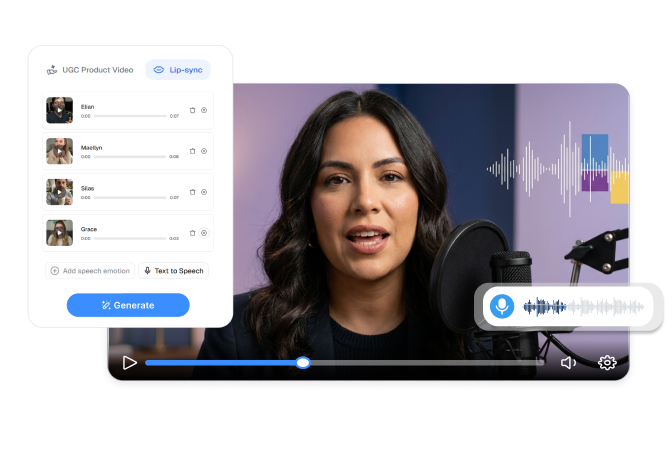
Localize More Campaigns with AI Video Translator with Lip Sync
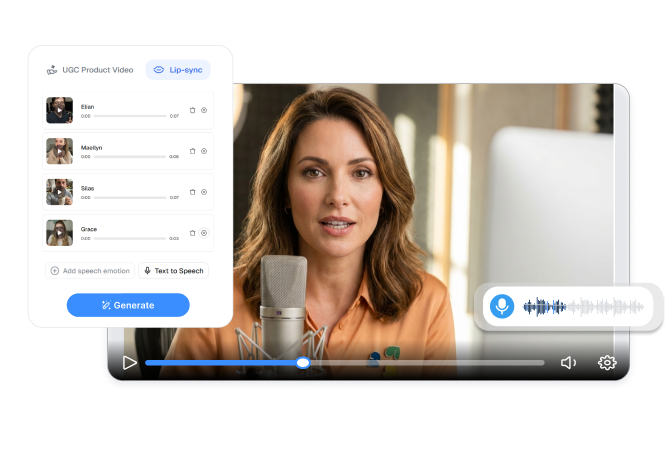
Expand One Ad Globally
Turn one avatar campaign into language-specific video versions. Reuse the selected presenter and core product message while changing the spoken content for each market. Reach more audiences without arranging separate recordings in every language.
Write for Each Market
Adapt the spoken message for the audience receiving it. Adjust product terms, offer wording, calls to action, and emotional delivery instead of relying on rigid word-for-word phrasing. Make each ad clearer and more relevant to local viewers.
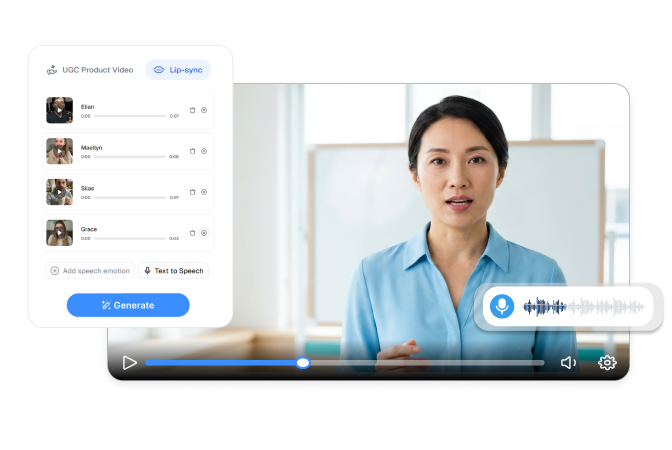
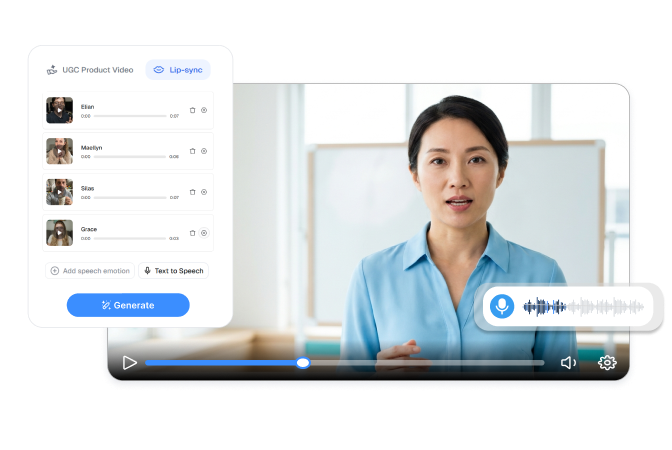
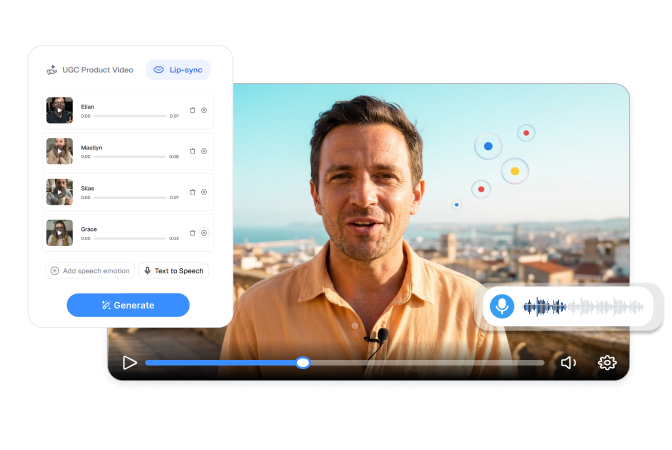
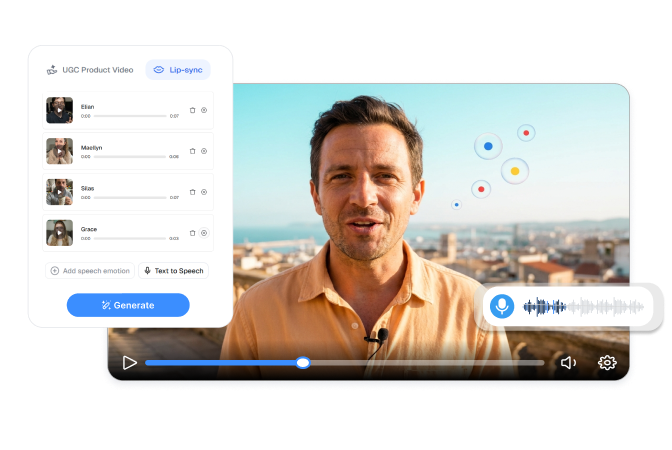
Keep One Brand Presenter
Use the same digital spokesperson across different language campaigns. Maintain a recognizable face while creating English, Chinese, Japanese, Korean, or other supported versions. Give international ads a more consistent on-camera identity.
Align Localized Delivery
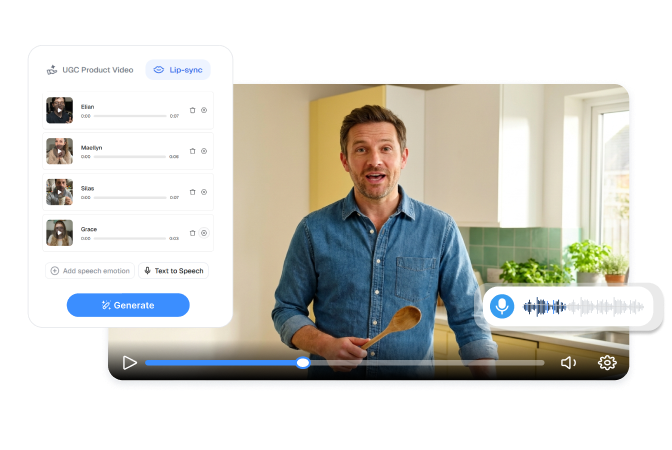
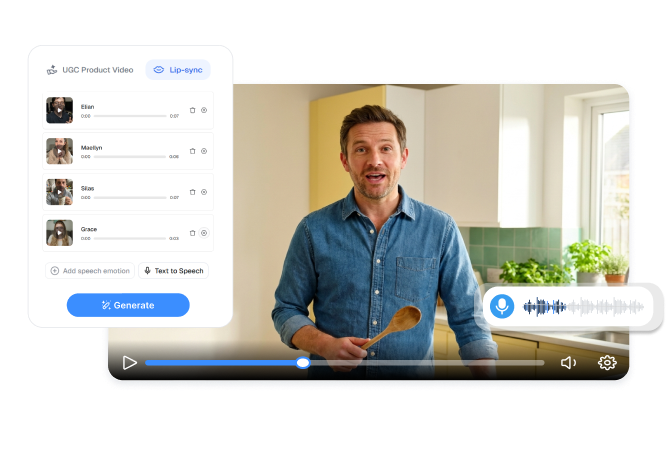
Match the avatar’s visible delivery to the new language track. Enter translated dialogue in text-to-speech mode or upload localized audio through speech-to-speech mode. Create dubbed ads that feel more connected than a voiceover placed over unchanged mouth movements.
Create Localized Ads with AI Video Translator in 3 Steps
Choose Your Presenter
Select a digital actor or avatar for the localized campaign. Use the same presenter when you want a consistent identity across markets.
Add the Localized Speech
Enter the translated script in text-to-speech mode and set the intended emotion, or upload a completed language track in speech-to-speech mode.
Set and Generate
Choose the video ratio, resolution, and required output settings. Generate the localized video, review the language and lip movement, then download the approved version.
Who Uses AI Video Translator with Lip Sync?

Global Ecommerce Teams
Adapt product ads for the markets where you sell. Replace the spoken language while keeping the presenter and campaign direction recognizable across regional storefronts.
Localization and Regional Teams
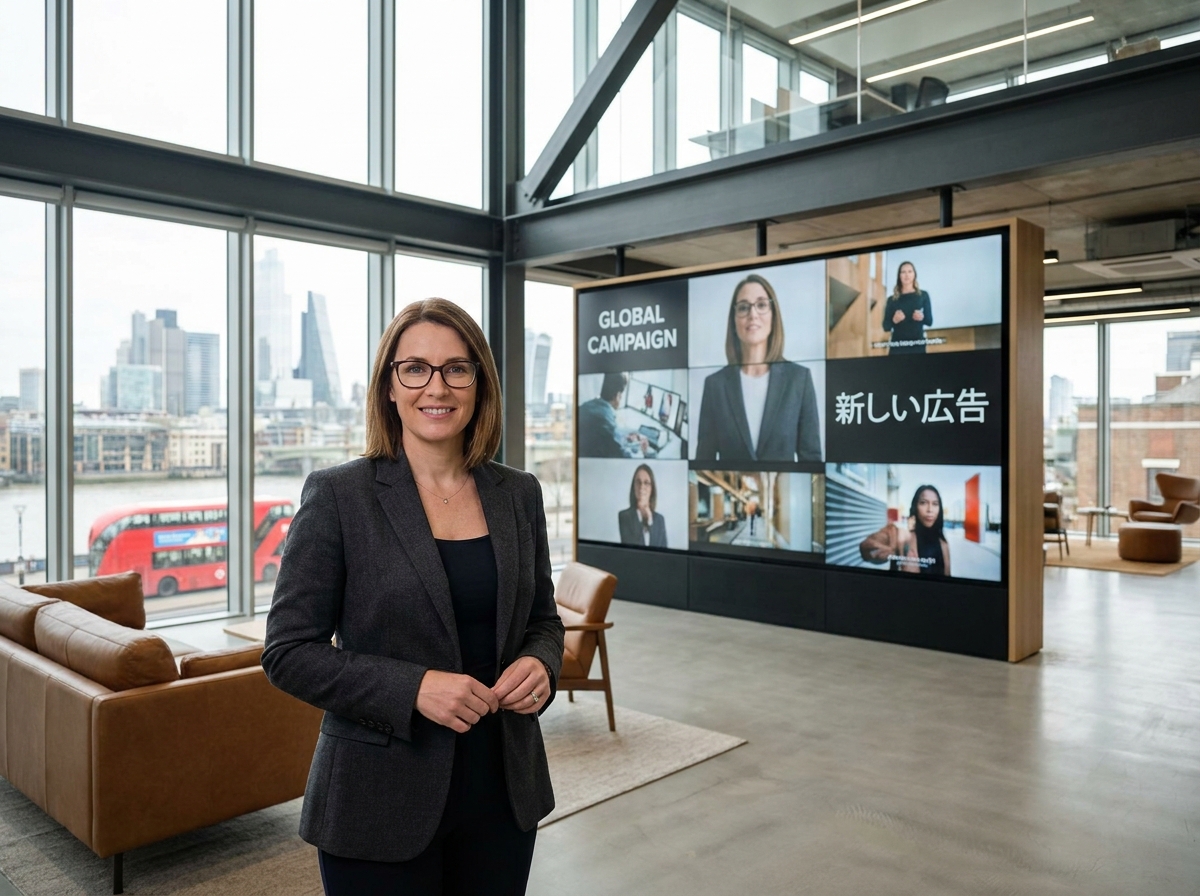
Prepare market-specific scripts with appropriate terminology, offers, and tone. Review how the translated message sounds and appears before releasing it to local audiences.
International Advertising Agencies
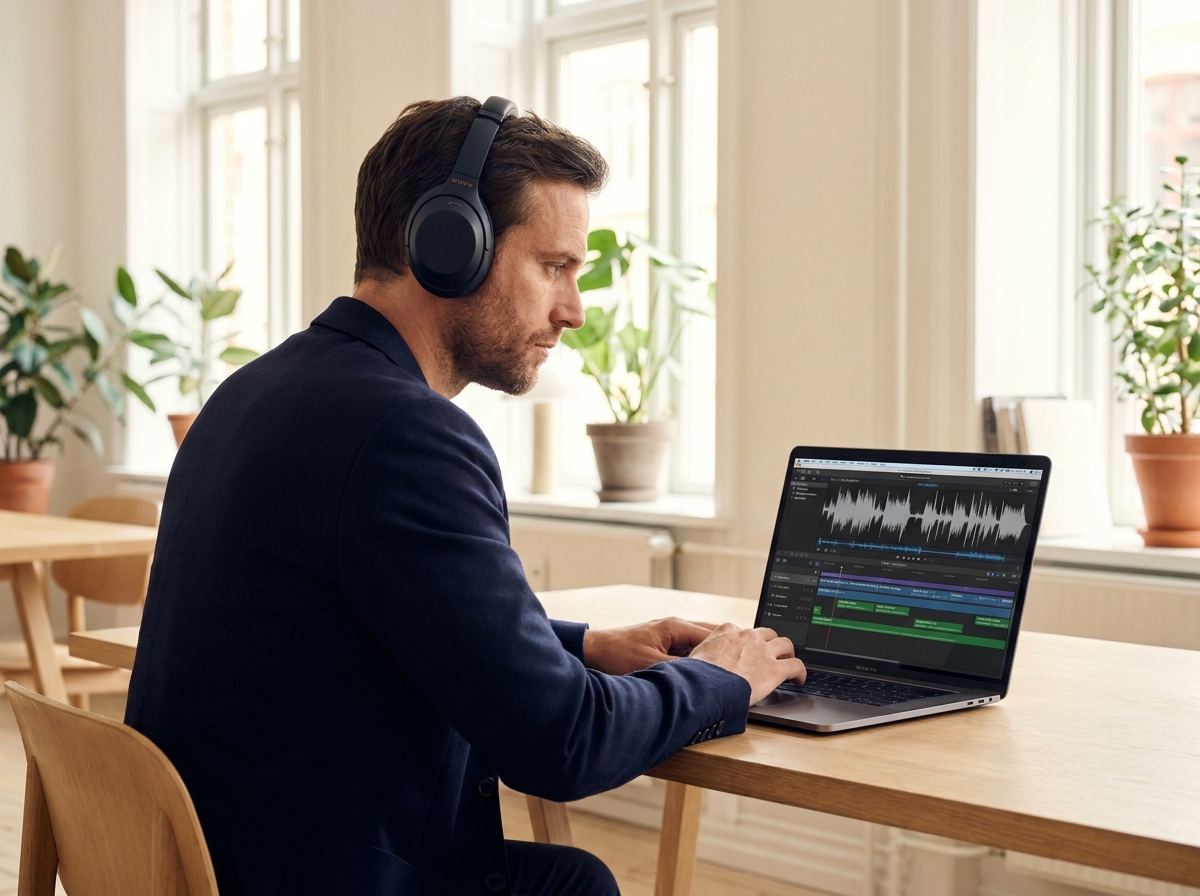
Create language versions for clients running campaigns across several regions. Manage different scripts and audio tracks without coordinating a separate on-camera production for every market.
Frequently Asked Questions
It creates a new language version of an avatar-led video from translated text or localized audio. The avatar’s mouth movements and facial delivery follow the new speech track.
Yes. Select the same digital actor or saved avatar for each language version. This helps your campaign maintain a recognizable presenter across markets.
Yes. Add the target-language dialogue in text-to-speech mode and select the intended emotion. Review product names, offers, numbers, and market-specific wording before generating.
Yes. Speech-to-speech mode lets you upload completed localized audio for the avatar to deliver. Nextify uses its pacing and pauses as the timing reference for the lip sync.
Yes. Text-to-speech mode allows you to add speech emotion to the localized script. Choose a delivery style that suits the message and intended audience.