AI Video Cloner
Turn a reference video and product image into a new marketing video built around your offer. Choose how closely the result follows the original direction. Generate product-specific versions without reproducing the entire concept manually.
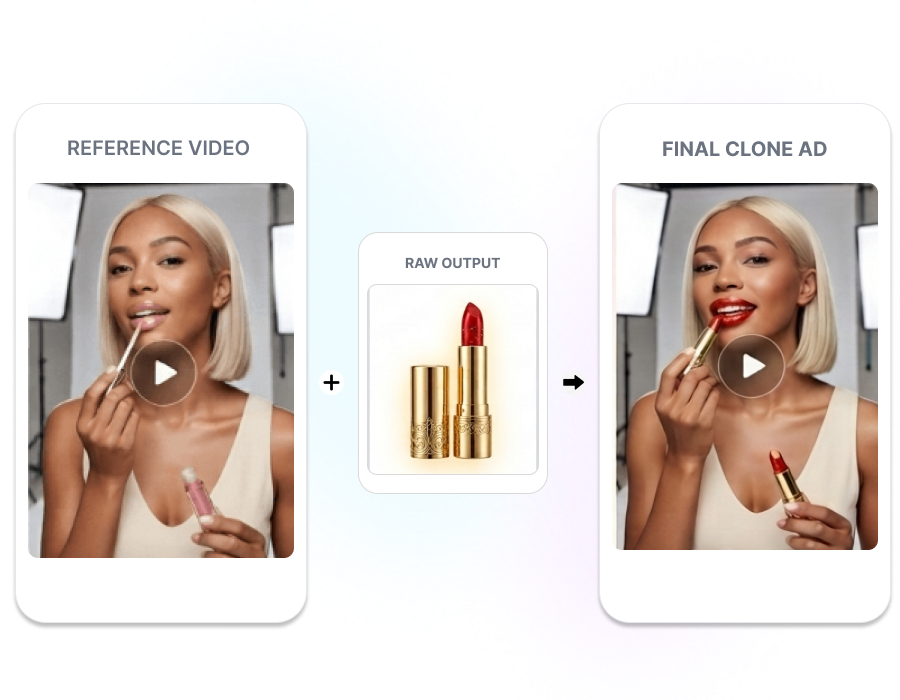
Turn Reference Videos into New Product Creatives
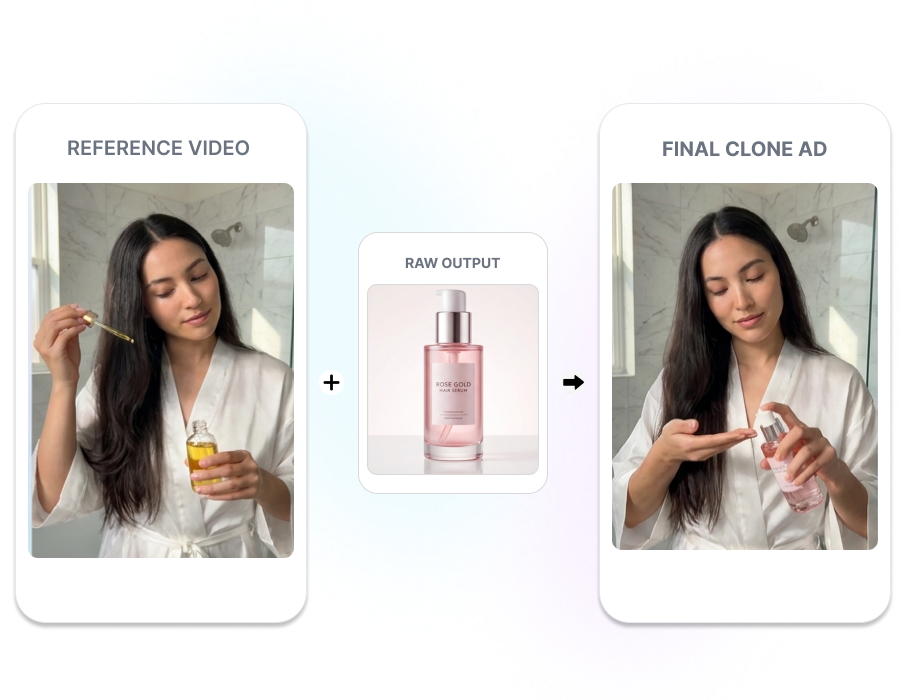
Rebuild It for Your Product
Upload a reference video and your product image to create a product-specific version. Nextify uses the original video as the creative framework for the new result. Rework a useful video direction around the item you sell.
Control the Clone Level
Choose Style Clone to follow the overall style while allowing visual details to change. Select High Clone for closer alignment with the reference composition and scene details. Match the cloning level to your intended creative direction.
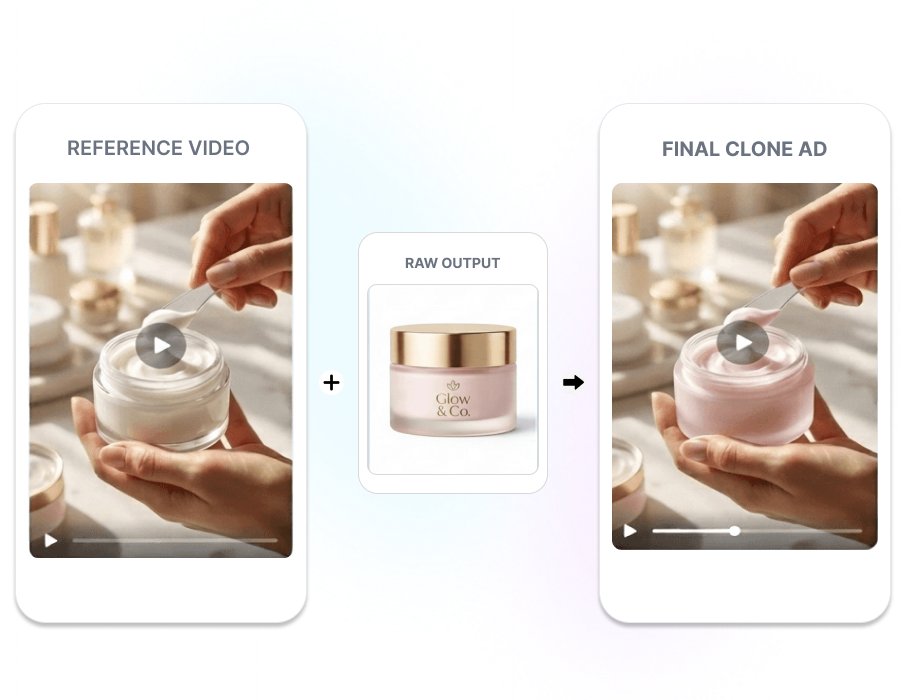
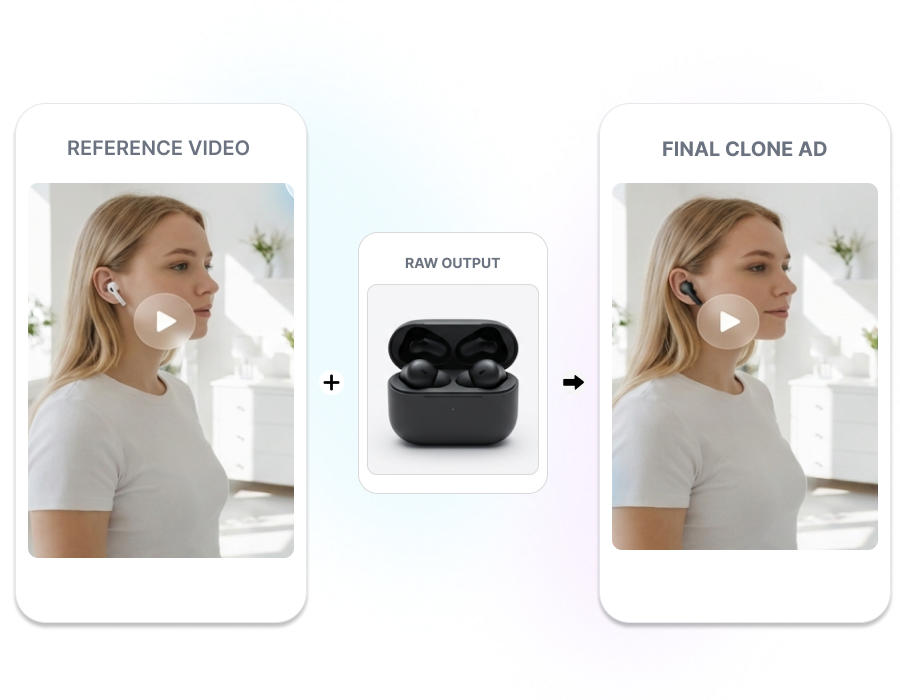
Shape the Video Around Your Message
Guide the cloned video with your product’s key selling points. Enter the creative direction yourself or use AI Auto-Prompt to develop it. Keep the generated scenes focused on the message you want customers to understand.
Put an AI Actor Onscreen
Add an AI digital human actor to your cloned product video. Enter the product benefits manually or use AI Auto-Prompt to develop the supporting direction. Create presenter-led product content without arranging an additional on-camera recording.
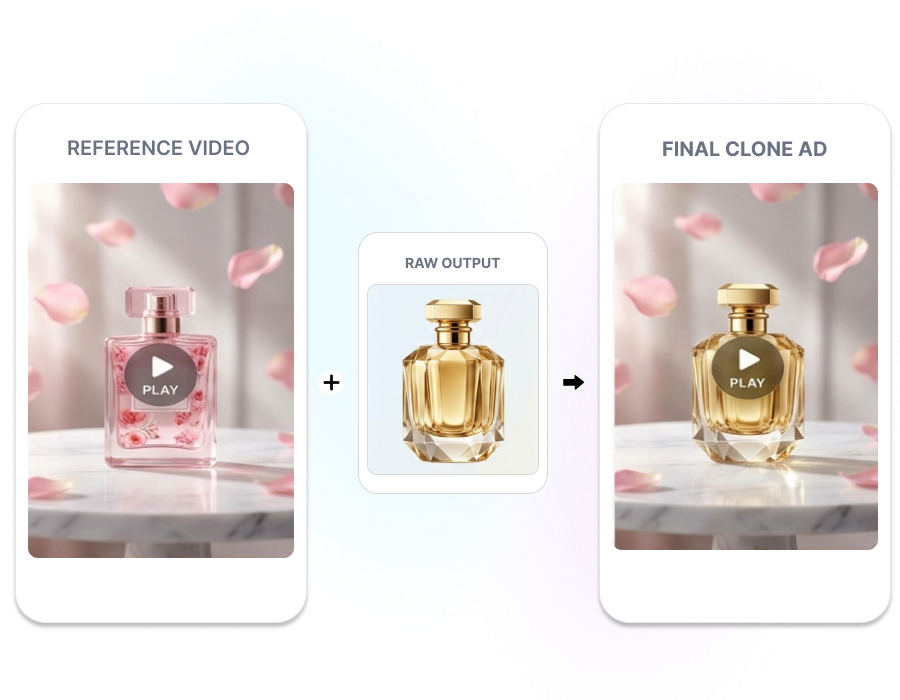
Create with AI Video Cloner in 3 Steps
1. Upload Your References
Add the video whose creative direction you want to follow. Upload the product source image that should appear in the new version.
2. Set the Clone Direction
Enter the product benefits or use AI Auto-Prompt. Choose Style Clone or High Clone, set the number of variations, and add an AI actor if needed.
3. Generate the Videos
Review the selected inputs and click Generate. Compare the resulting versions and check the product, scenes, movements, and on-screen details before use.
Built for Teams Reworking Product Video Ideas
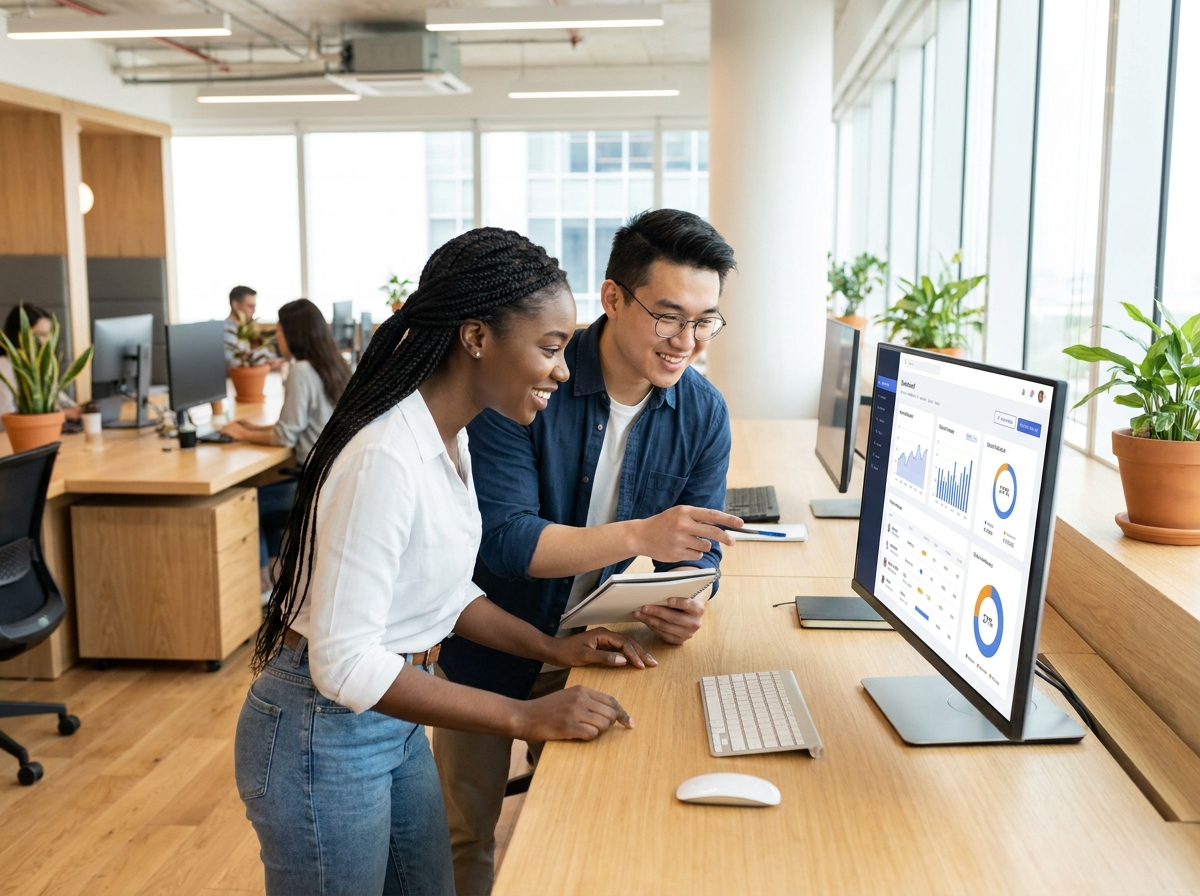
Ecommerce Brand Teams
Turn a useful reference video into new creativity featuring your own product. Create versions for product launches, updated selling angles, or new campaign directions without reconstructing every scene manually.
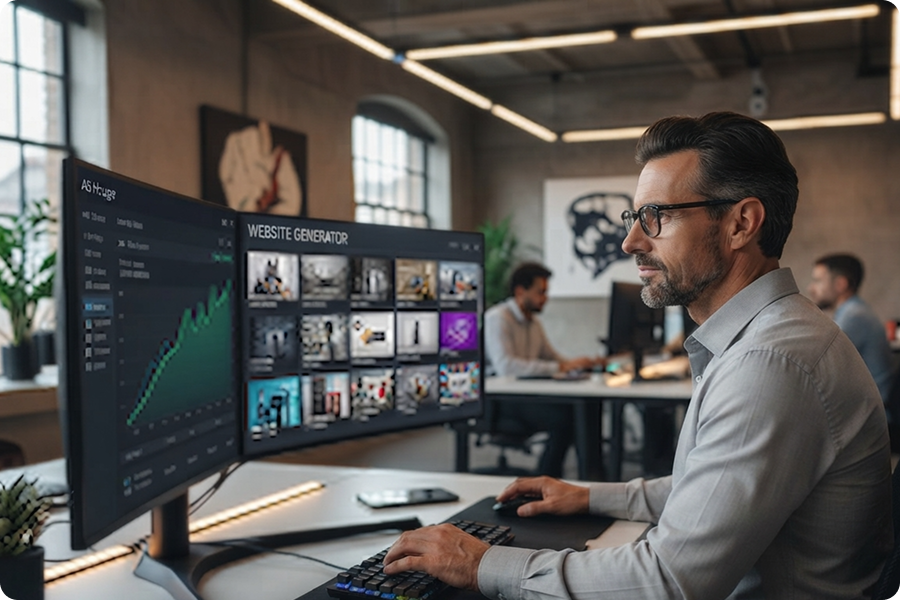
Paid Social Teams
Generate multiple executions from one reference and product brief. Compare different variations while keeping the original creative direction recognizable across the set.
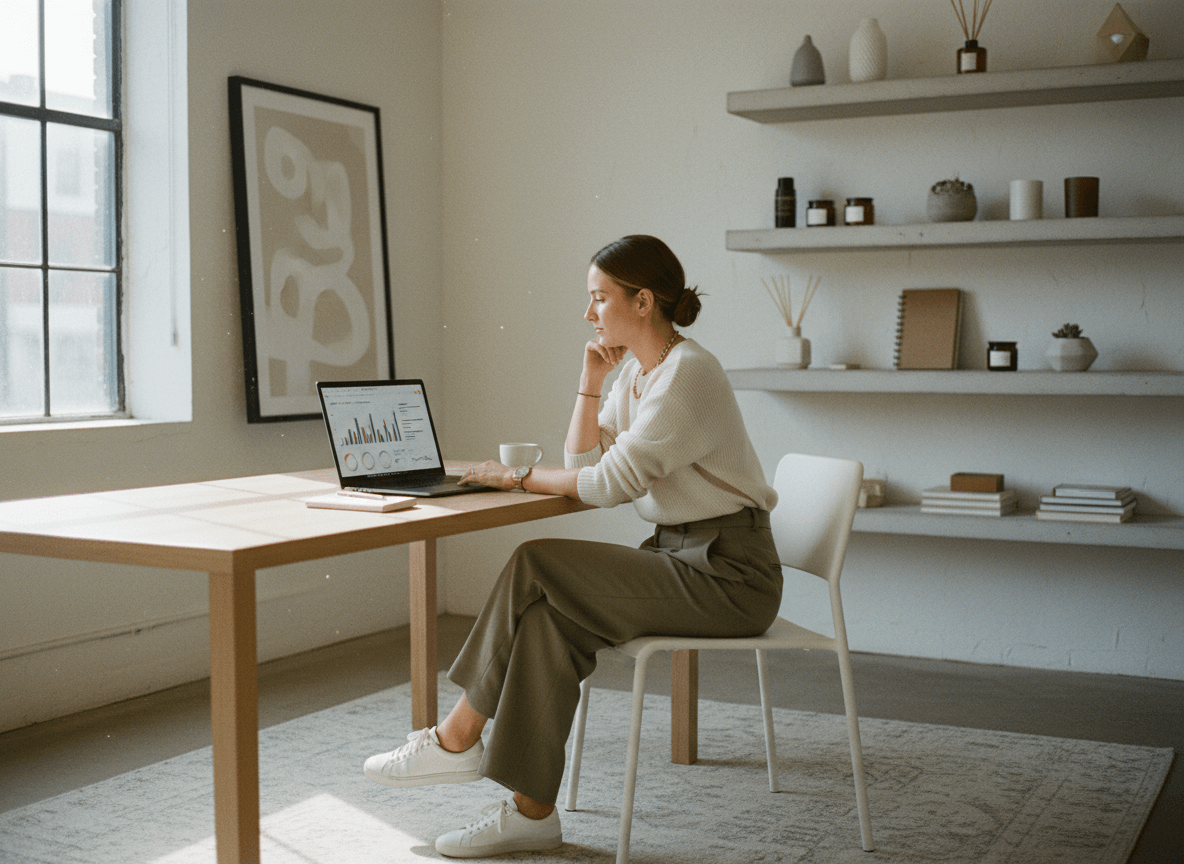
Agencies and Creative Studios
Use client product images and approved references to produce initial video directions. Adjust the cloning level, create several versions, and add an AI actor when the concept needs an onscreen presenter.
Frequently Asked Questions
An AI video cloner uses a reference video to guide a newly generated version featuring your product. It recreates the selected creative direction instead of merely duplicating the original video file.
Upload the reference video you want Nextify to follow and a clear source image of your product. Useful product references help the generator understand the item that should appear in the new video.
No. You can enter the product selling points directly or use AI Auto-Prompt to develop the video direction. Review the generated prompt before submitting the task.
Yes. Set the desired number of variations before generation. Nextify will create multiple results from the selected reference, product input, and clone settings.
Yes. Enable the AI digital human option when you want an actor to appear in the generated video. Make sure the selected actor and presentation style suit the product and message.