InVideo AI Ad Generator for Product and UGC Video Ads
InVideo AI is an agentic video creation platform with dedicated workflows for product ads, UGC ads, social creatives, and performance campaigns. Brief it with a product link, brand assets, or an ad idea, then use actors, generated media, voice, and placement controls to build the campaign.
Build Product Campaigns with InVideo AI
InVideo AI connects product context, ad formats, and iterative generation around a campaign brief.
Turn a Product Page Into the Ad Brief
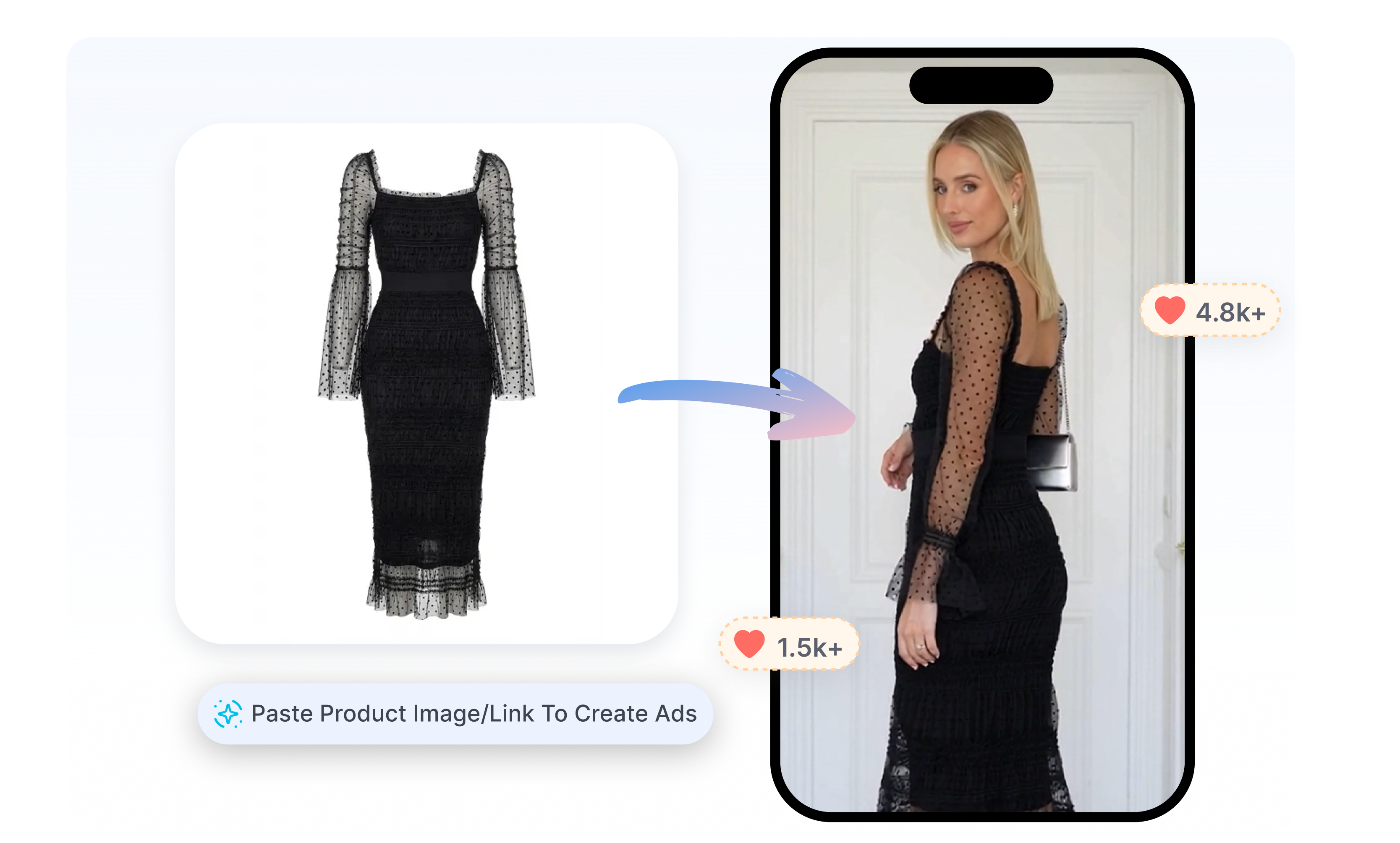
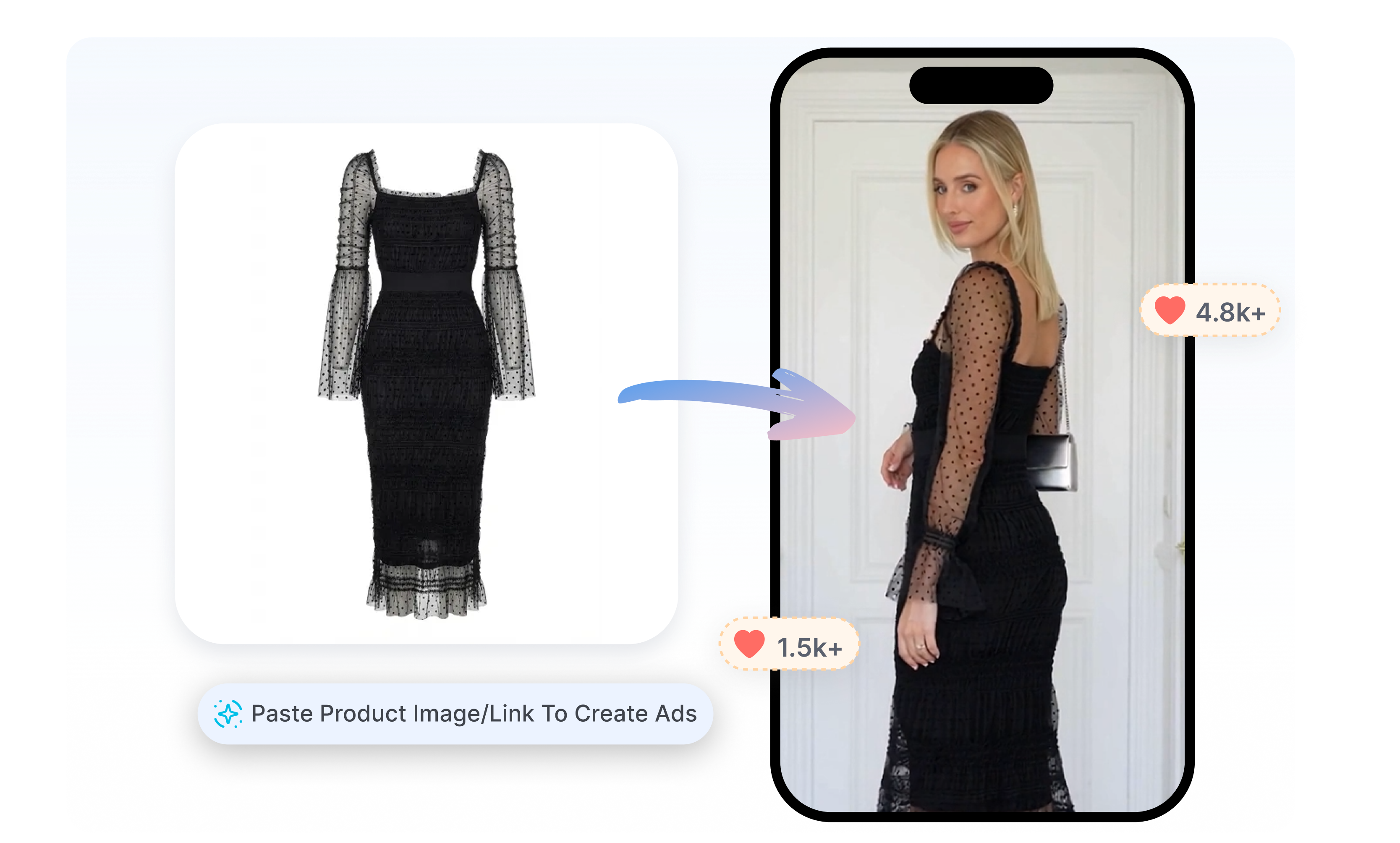
InVideo AI accepts a product link, images, brand details, and messaging as source material for product ads. Let the chosen workflow develop a script, scenes, and product-focused visuals around that information. In the UGC route, use Product Clone to bring a reusable product visual into an actor-led ad or product film.
Put an Actor at the Center of the Pitch
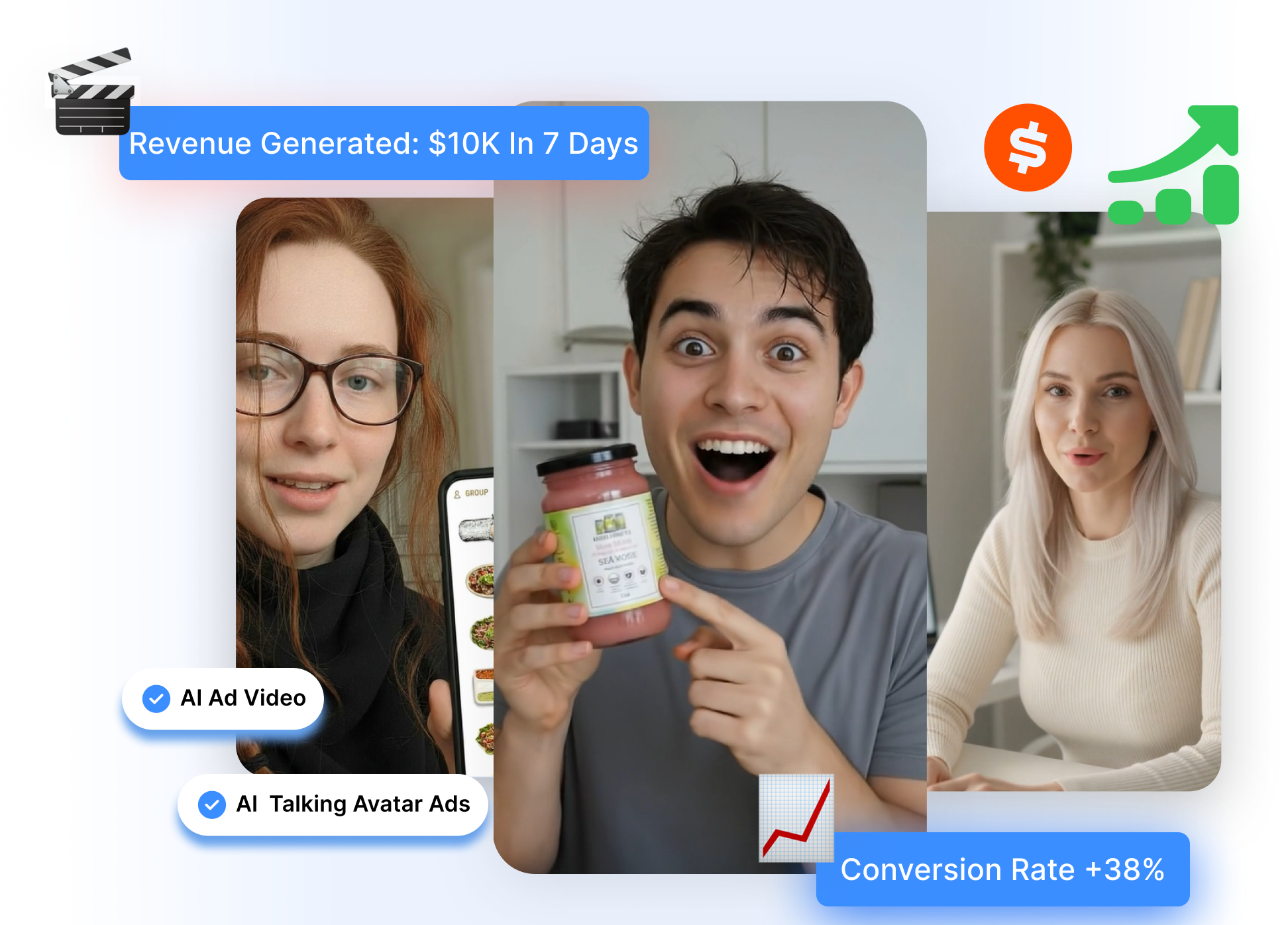
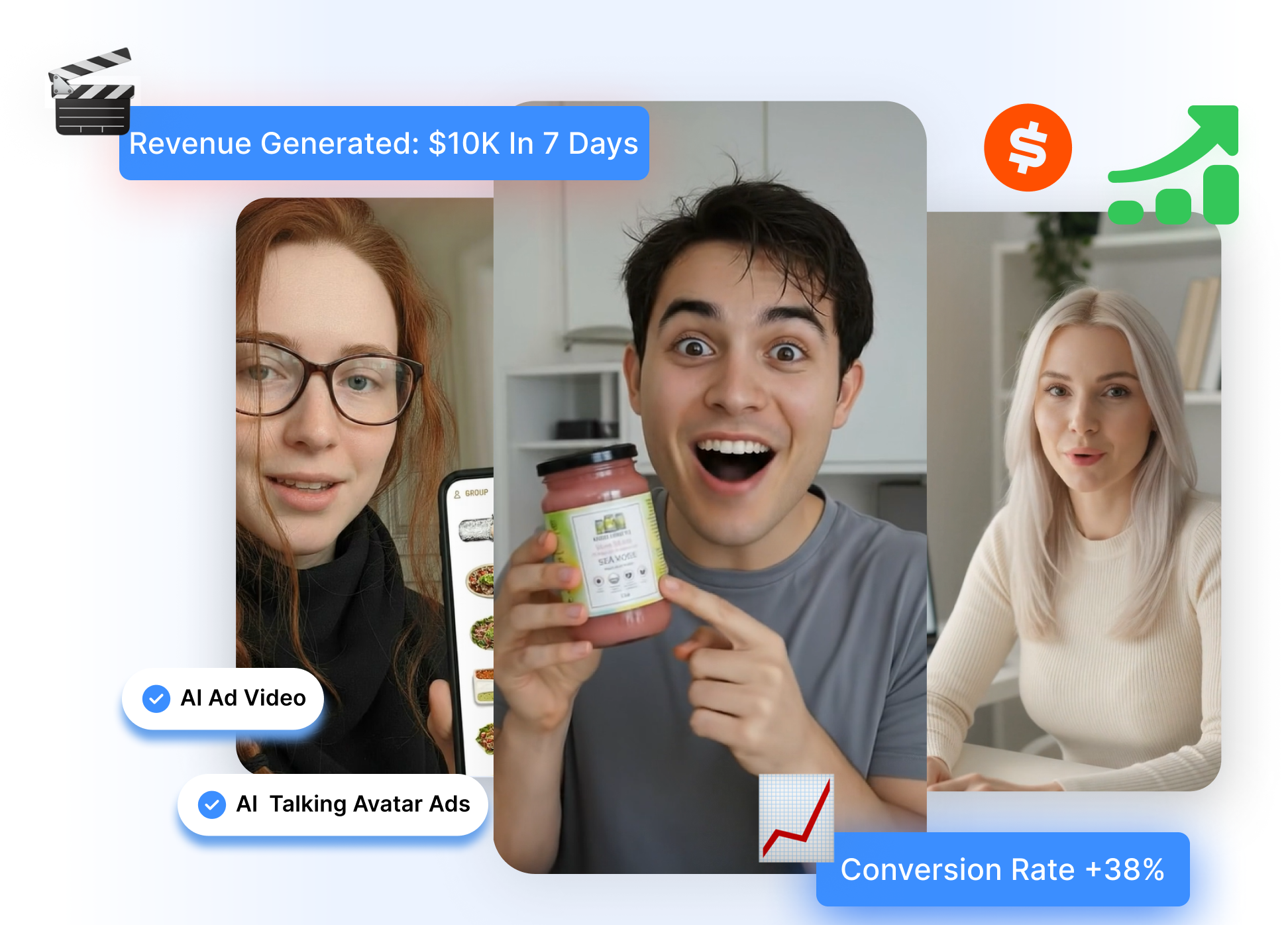
InVideo AI offers human actors, virtual actors, and personal AI twins for UGC-style advertising. Match the presenter to a product demo, testimonial, or creator-led script, then choose whether the surrounding visuals come from stock or generative media. Add voice, captions, music, and product B-roll to carry the pitch through a complete short ad.
Develop Variations from Shared Brand Context
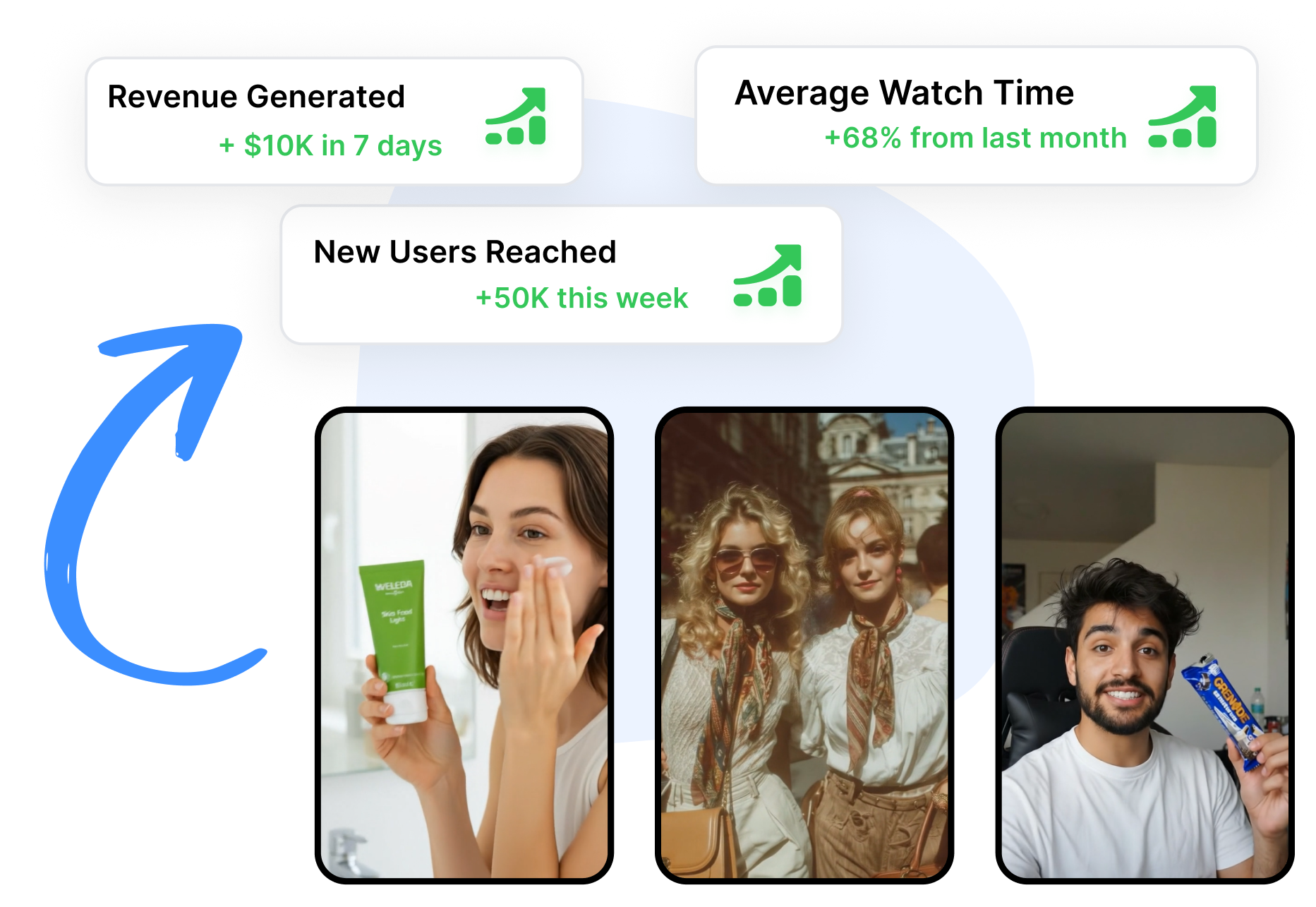
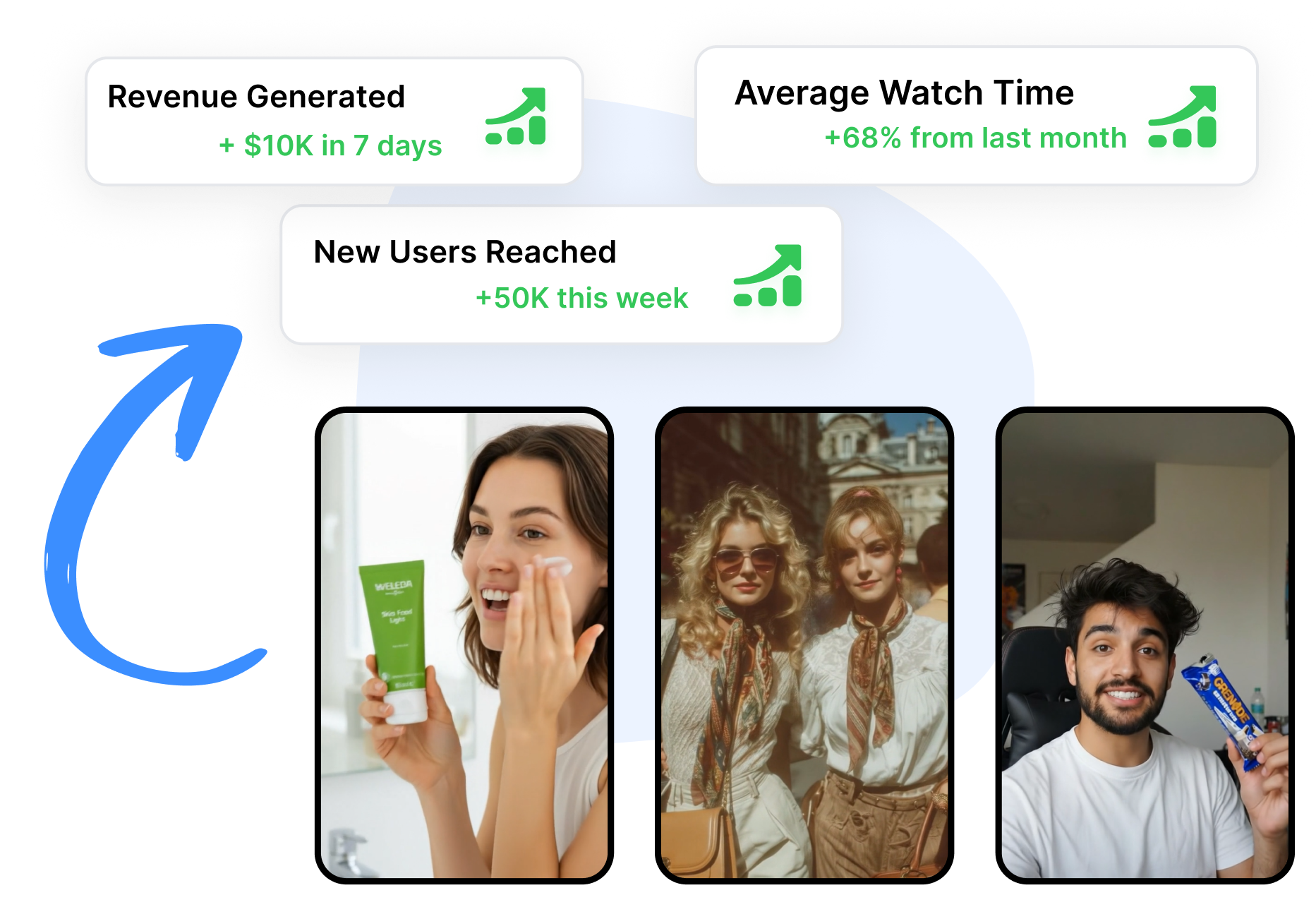
Invideo's performance-ad agents keep product details, brand rules, personas, and approved references in project Context. Request a new hook, offer, cutdown, static, or placement size without re-explaining the campaign foundation. Review each version before it ships and send notes back when the creative needs another pass.
Take an InVideo Ad from Product Brief to Placement in 3 Steps
Anchor the campaign in product context, choose a production route, and refine the result through conversation.
1. Ground the Project in the Product
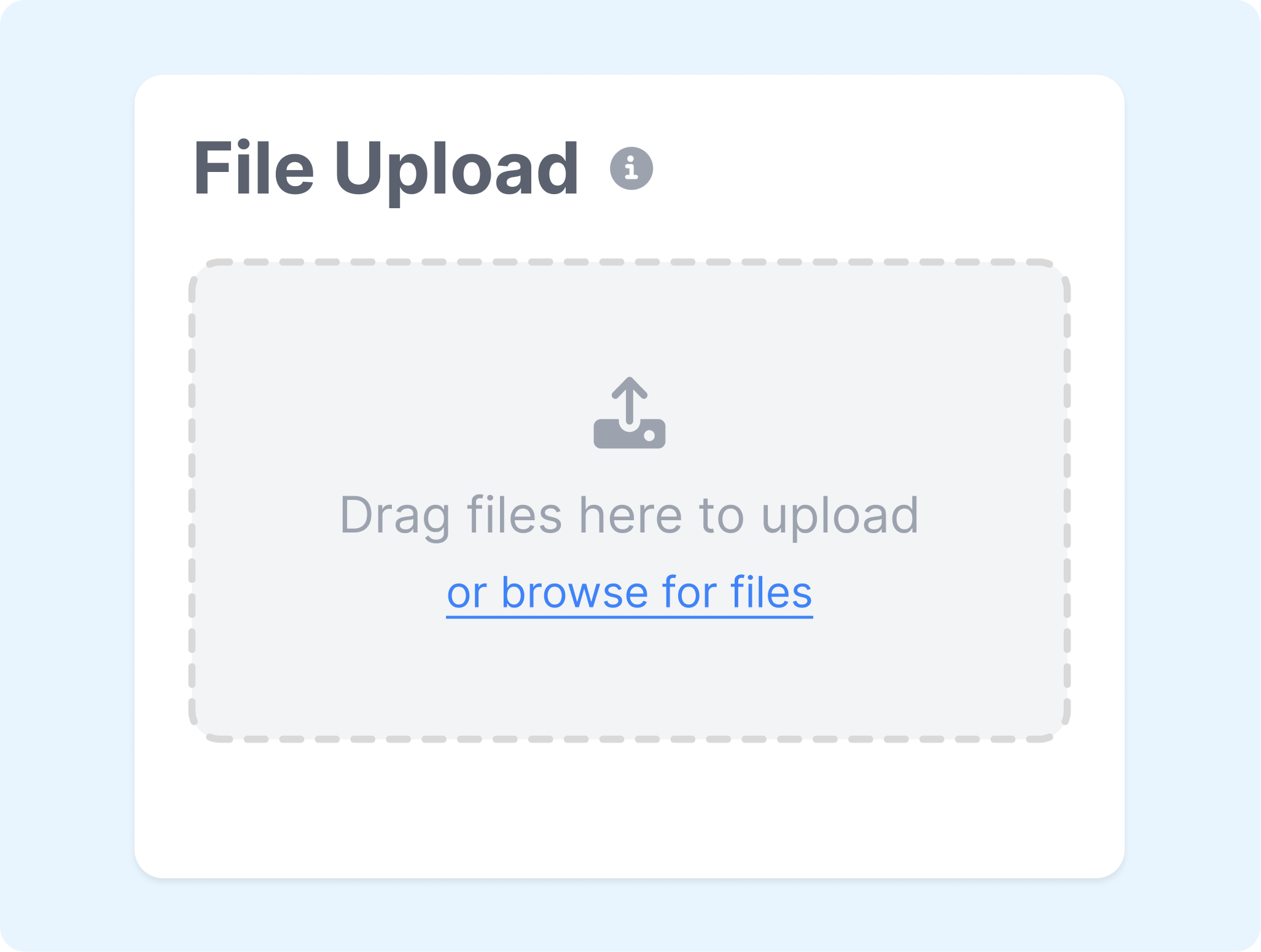
Add a product link, media, brand rules, selling points, and audience details. Use a ready-made ad workflow for a direct project, or establish Context when several related creatives need the same foundation.
2. Choose the Ad Treatment
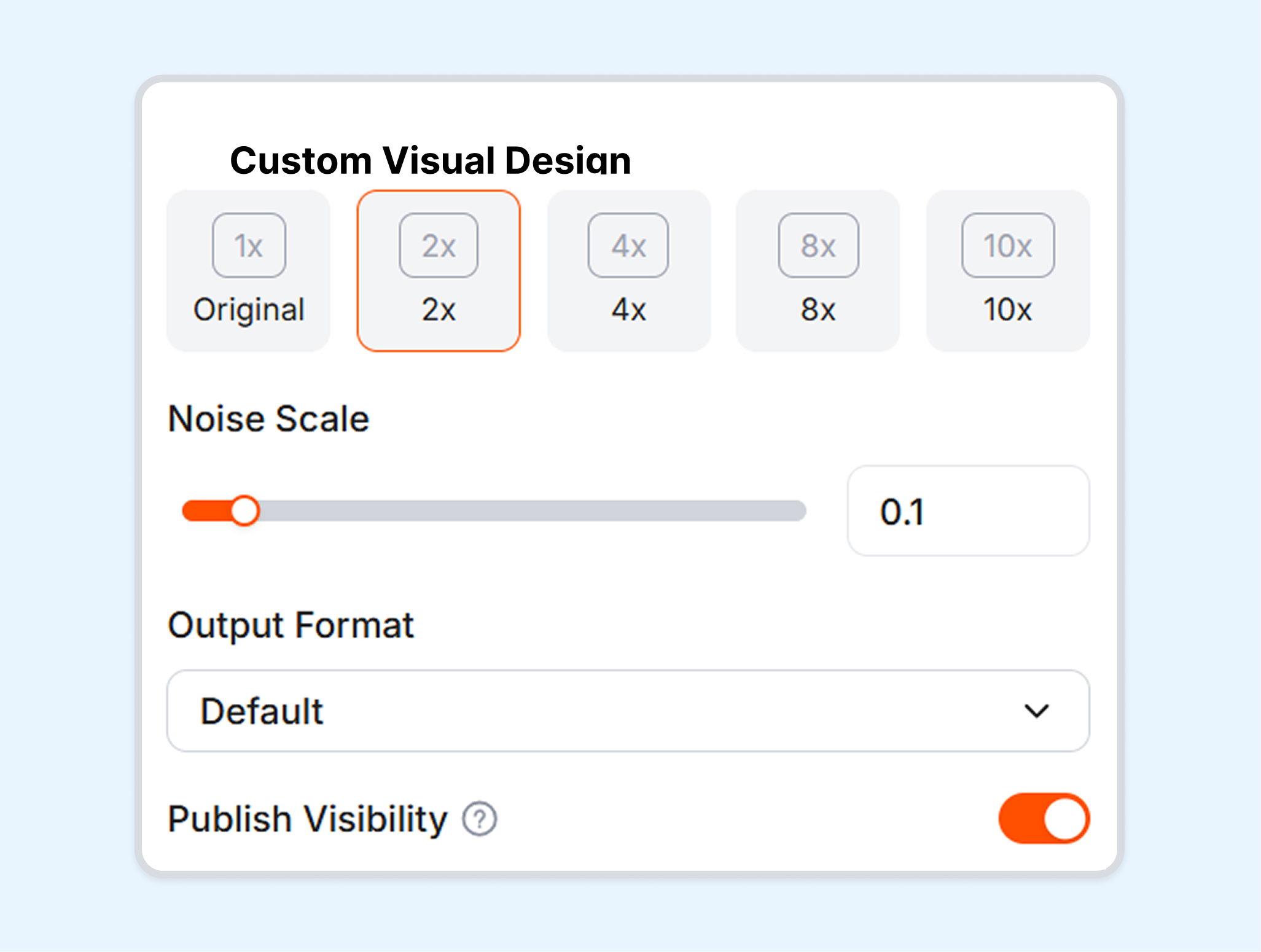
Decide whether the idea should become a product film, UGC ad, social video, static creative, or another campaign format. Select the actor, visual source, voice, and intended placement that fit the pitch.
3. Respond to the First Cut
Review the storyboard or generated draft, then ask InVideo AI to revise the script, media, voice, music, scenes, or sizing. Approve the version that fits the brief and export it for the selected placement.
Who Can Build Ads with InVideo AI?
InVideo AI serves teams that need to move from product information to campaign assets across several ad formats.
Ecommerce Brands
Build product showcases, offer-led videos, UGC ads, and social promos from a product page or existing brand media. Keep the item and its selling points central while changing the presentation around a launch or promotion.
Performance Marketing Teams
Develop new hooks, offers, cutdowns, and placement versions from one campaign foundation. Use project Context to keep product details, audiences, and brand rules available as the ad set evolves.
Agencies
Organize each client in a separate project with its own assets, rules, and references. Review drafts with collaborators and return clear notes to the agent before approving a version.
Founders and Small Teams
Start from an ad idea, product link, or existing creative when a full production crew is not available. Use guided workflows to assemble the script, visuals, voice, and soundtrack into a campaign draft.
Frequently Asked Questions
What is the InVideo AI ad generator?
What can InVideo AI use to create an ad?
Can InVideo AI create UGC ads?
What is Product Clone in InVideo AI?
Can InVideo AI make ads for different platforms?
What is a useful alternative to InVideo AI?
Looking for Another Option? Explore Nextify.ai as an InVideo AI Alternative.
Nextify.ai turns product URLs, assets, scripts, and reference creatives into UGC ads, avatar videos, product videos, listing visuals, and reusable campaign variations.