GPT Image 2.5 Flare for Fast Product Visuals
Create high-quality product visuals quickly with GPT Image 2.5 Flare in Nextify. Start with a prompt or reference image, explore everyday creative directions, and keep your ecommerce workflow moving.
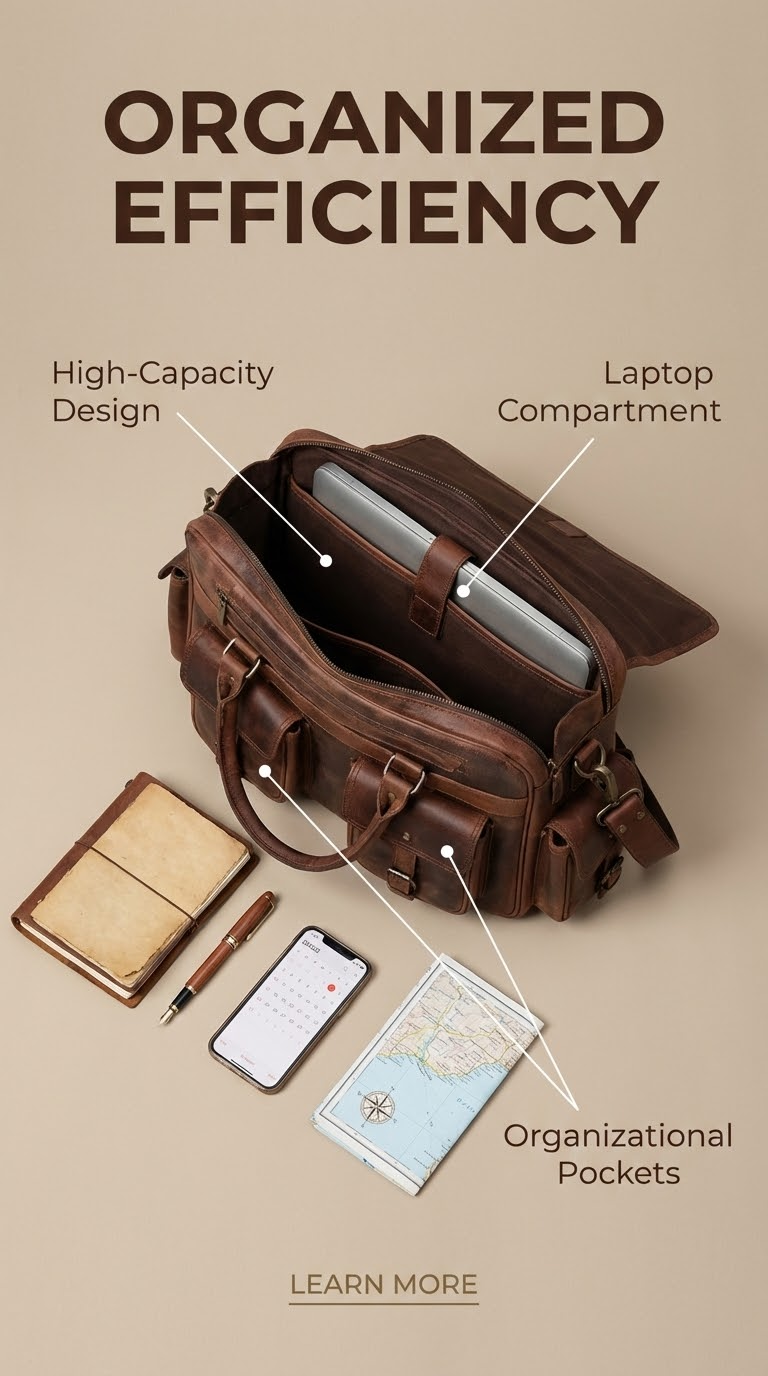
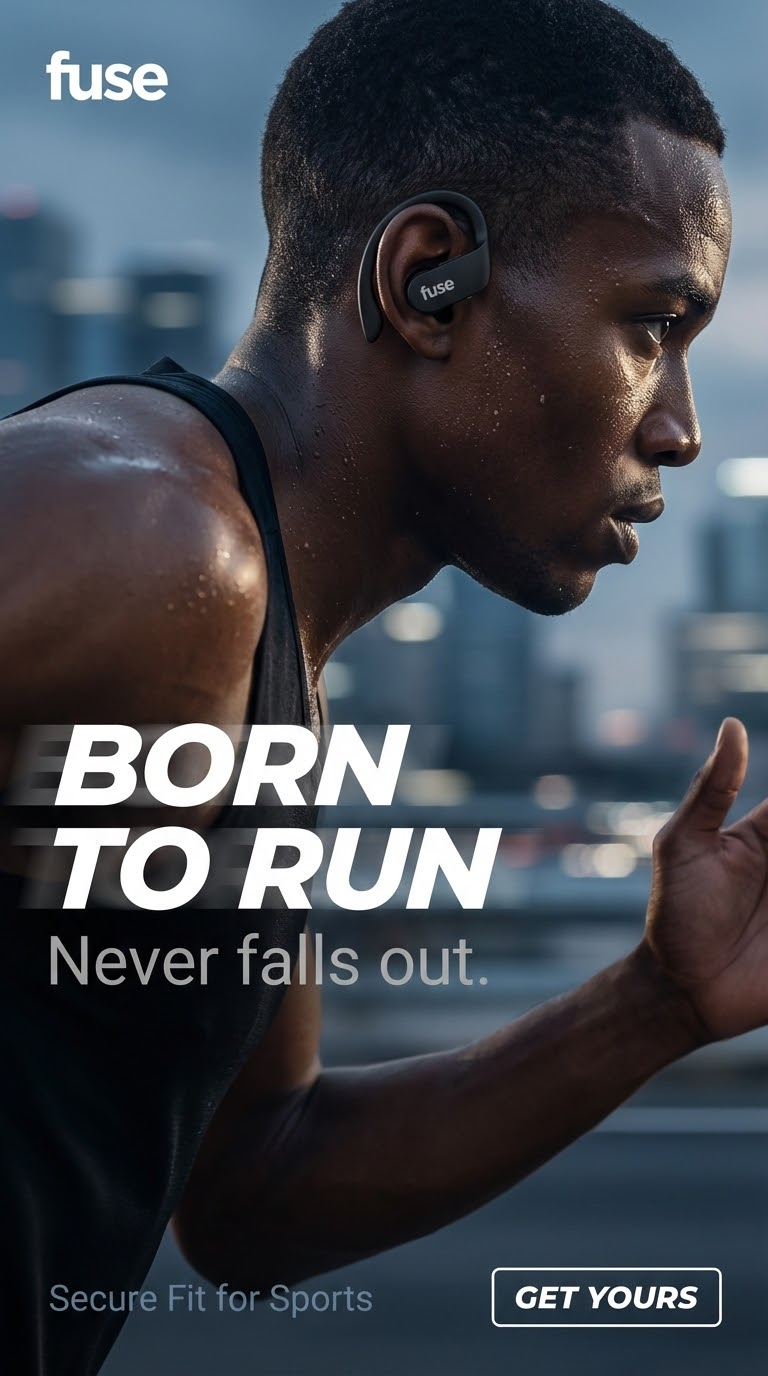

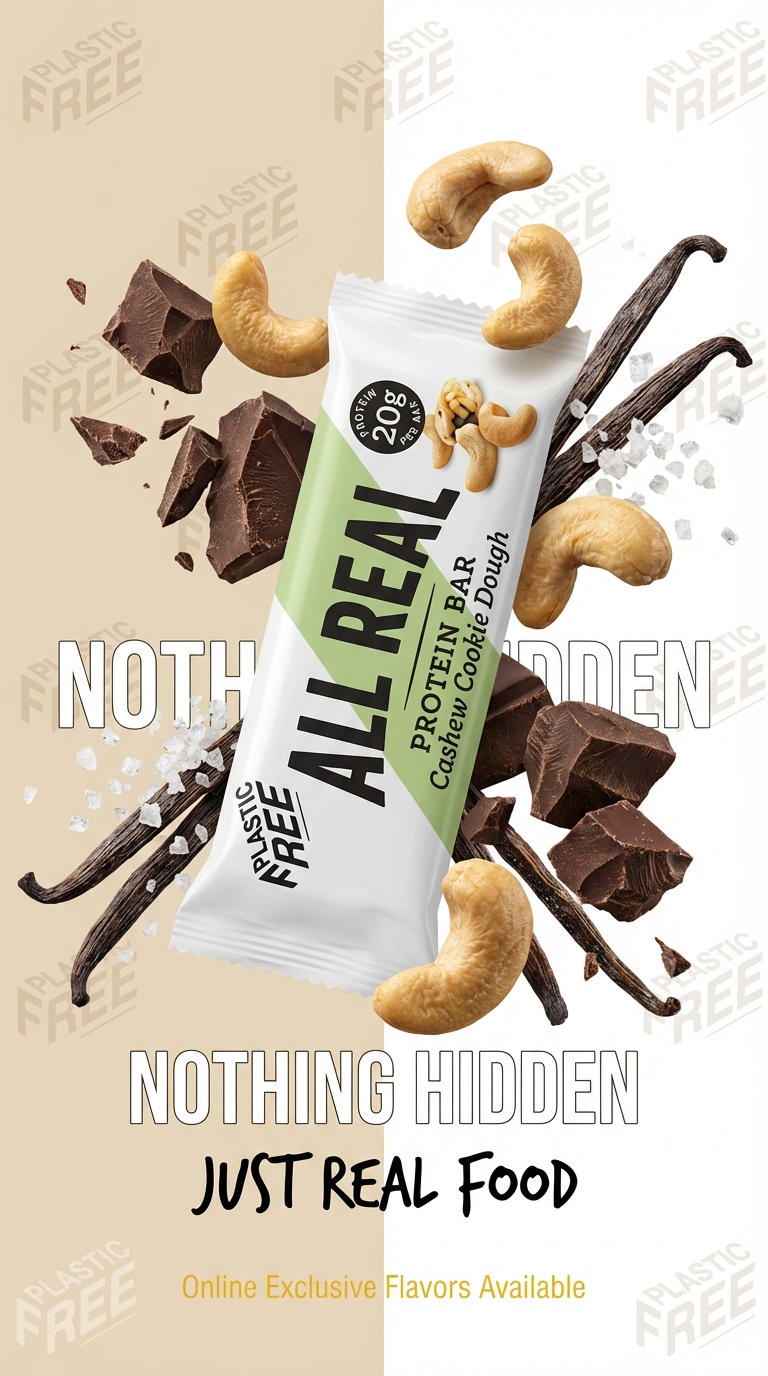
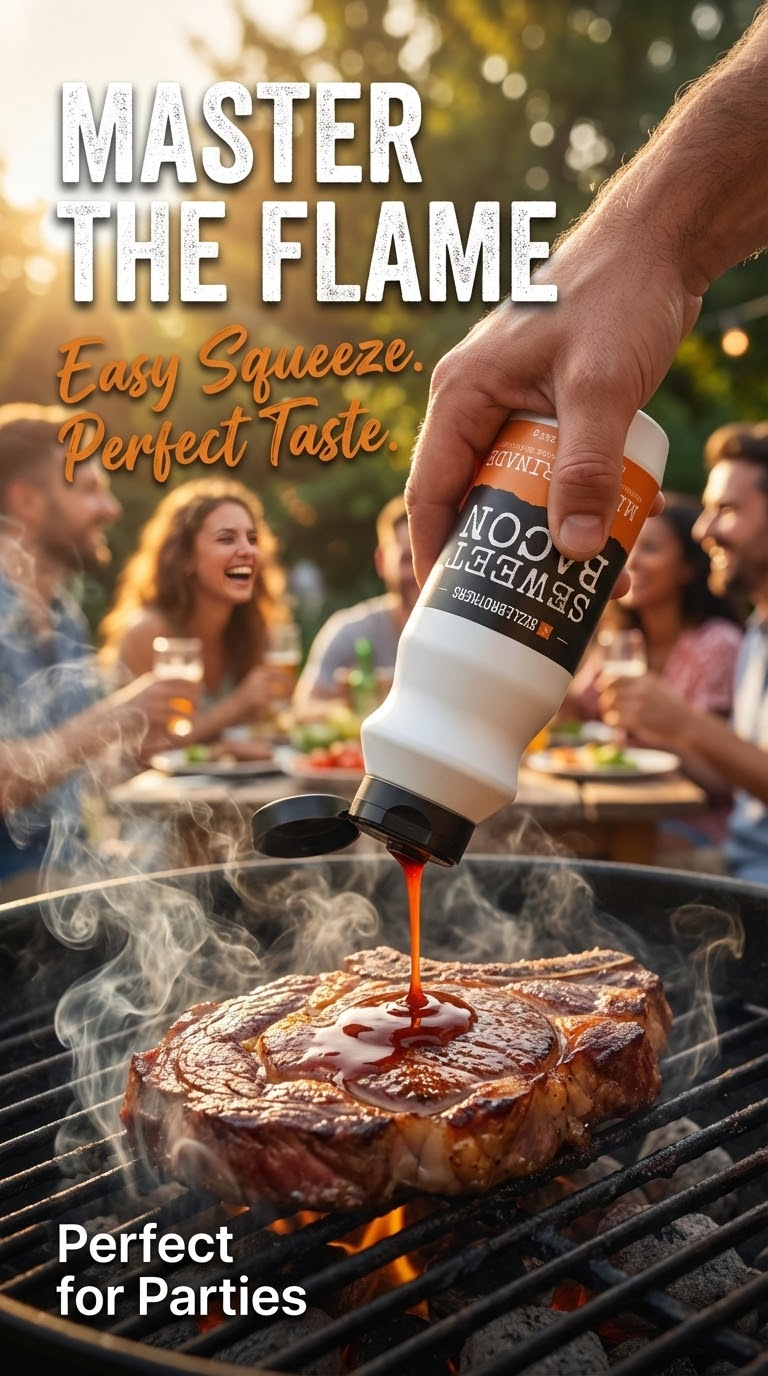
Create More Product Concepts with GPT Image 2.5 Flare
GPT Image 2.5 Flare is OpenAI's fastest model for high-quality, everyday image generation. In Nextify, use it for quick product concepts, campaign variations, and social-ready visual directions before choosing the strongest route.
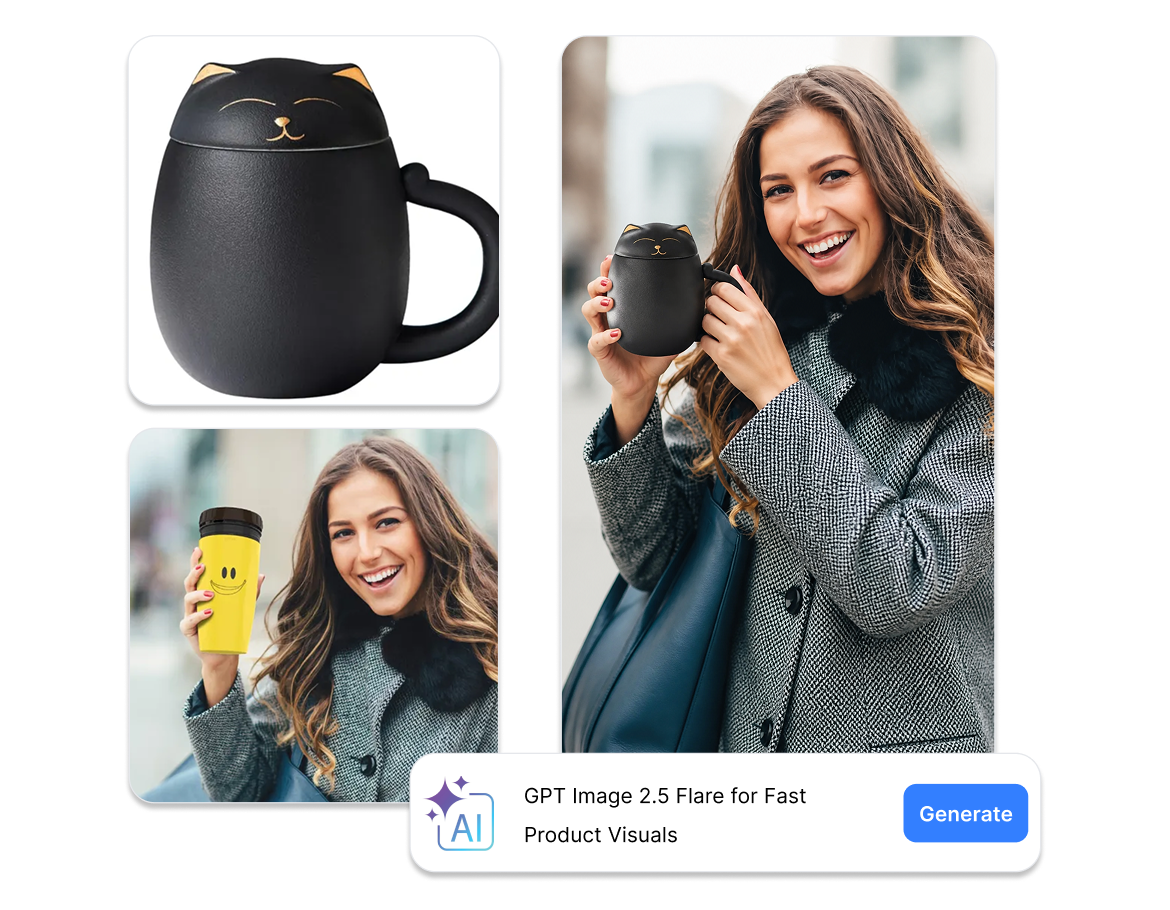
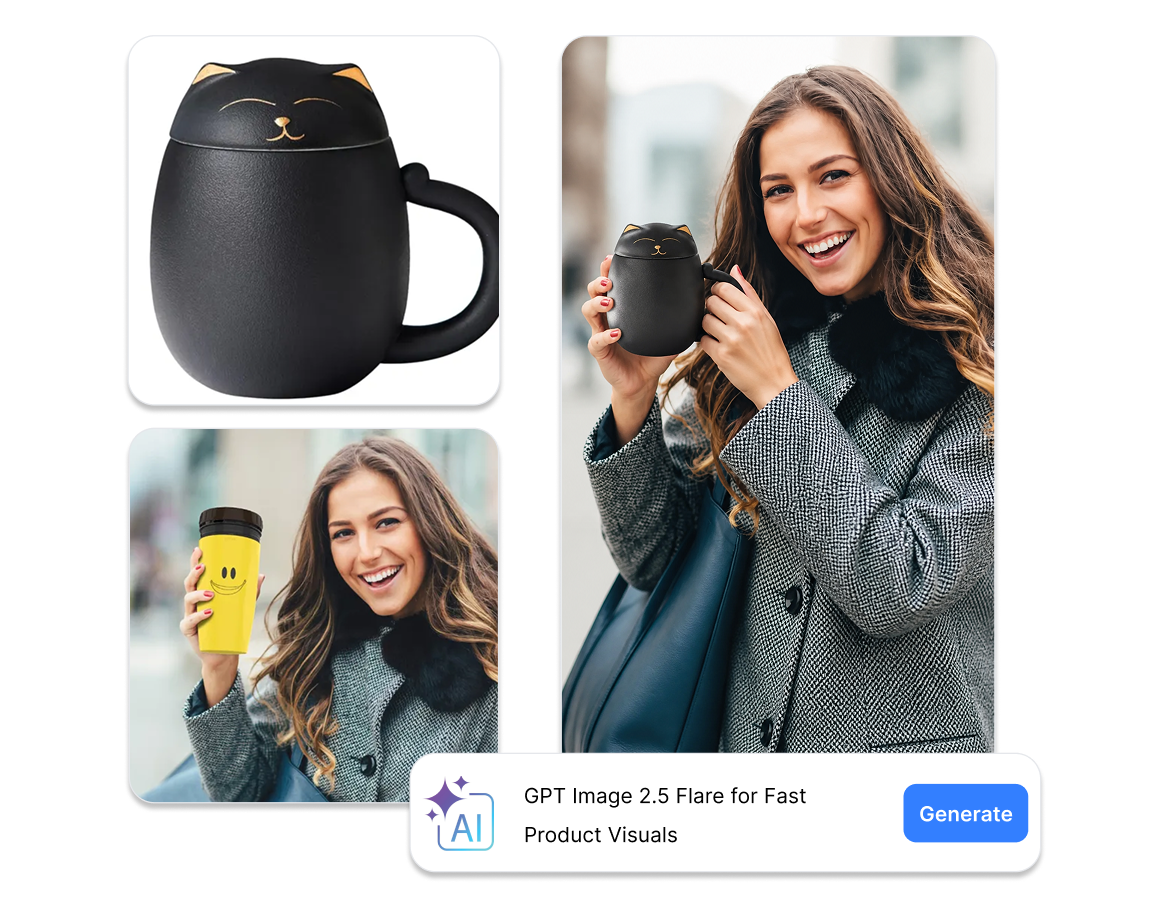
Generate a Strong First Draft from a Simple Brief
Flare helps teams move from an empty canvas to a usable visual direction quickly. Use the first output to spot what works, then make a focused change instead of rewriting the entire brief.
Explore Multiple Directions from One Product Reference
Use reference-led generation to compare settings, palettes, and compositions while keeping the same product at the center of the creative brief. Select the direction that deserves a more detailed production pass.
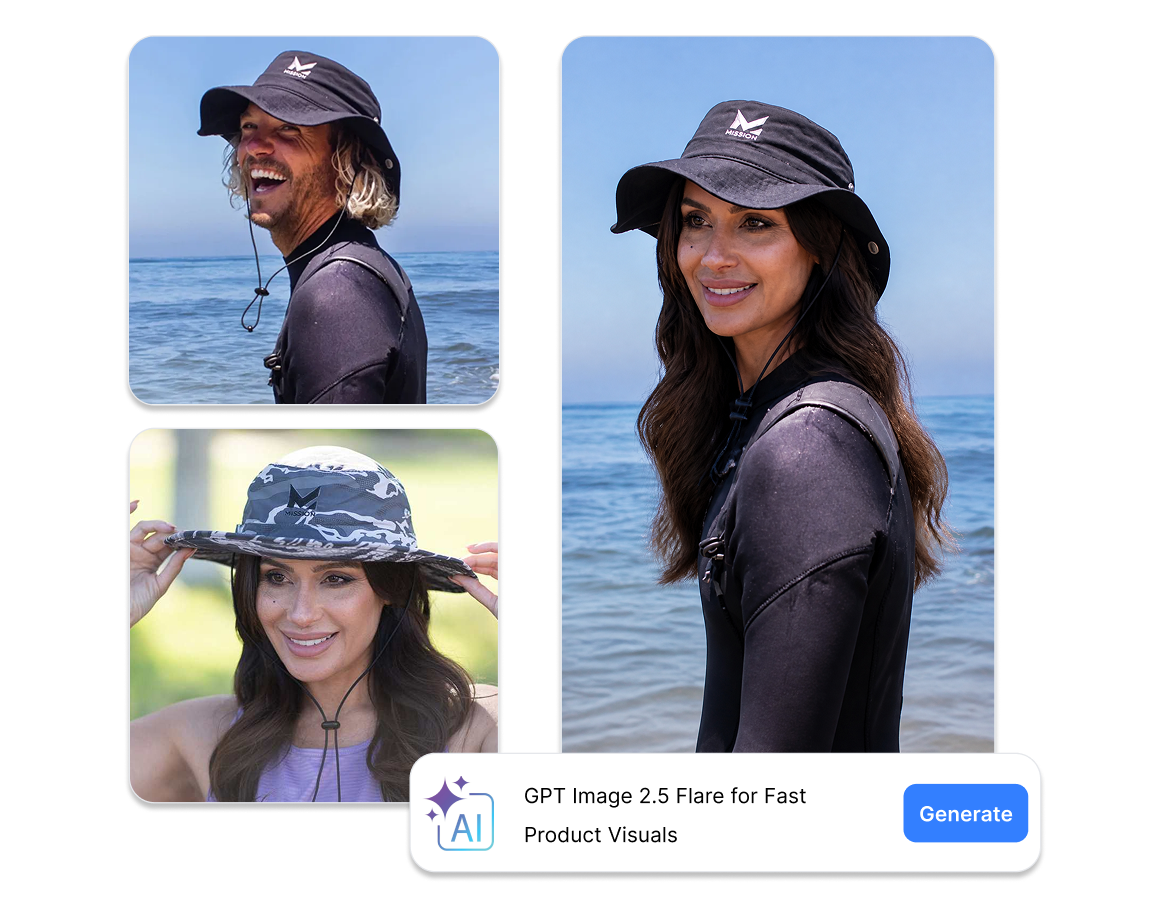
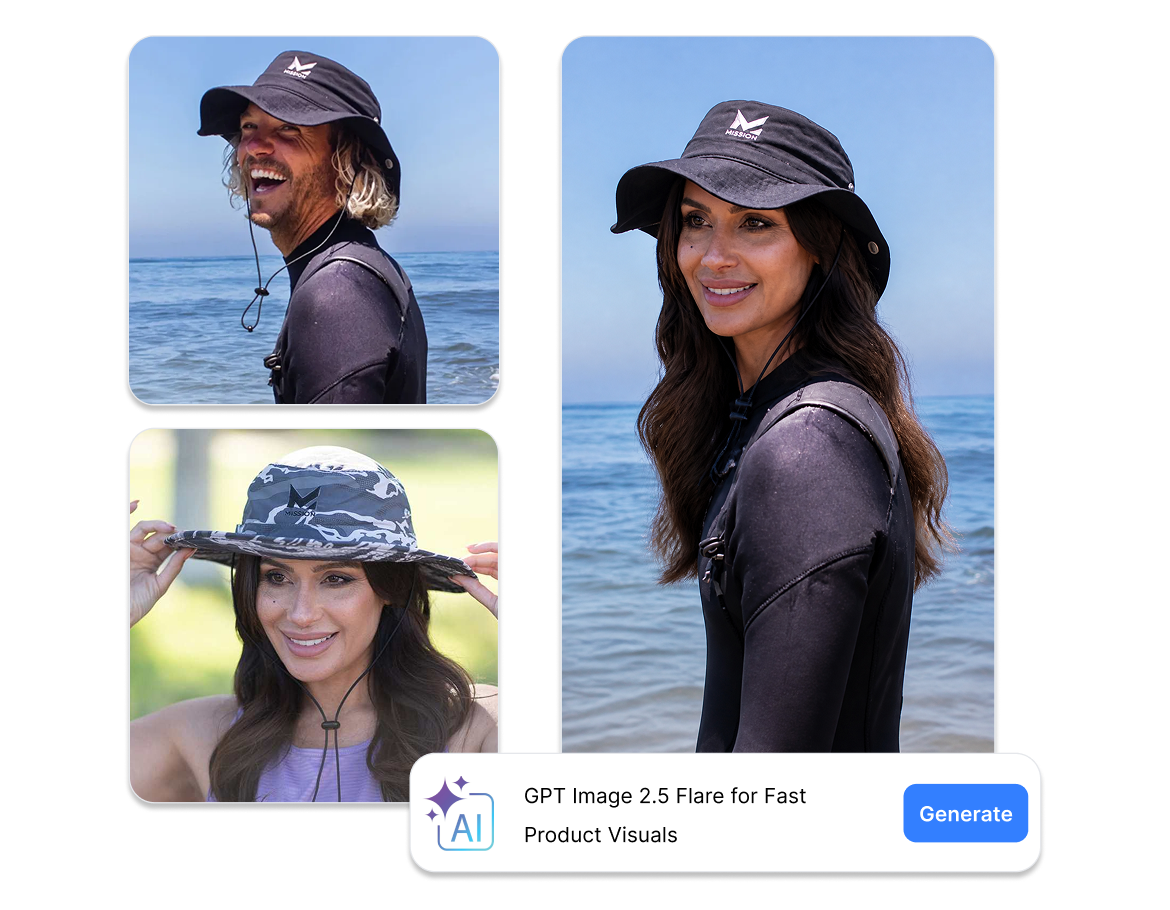
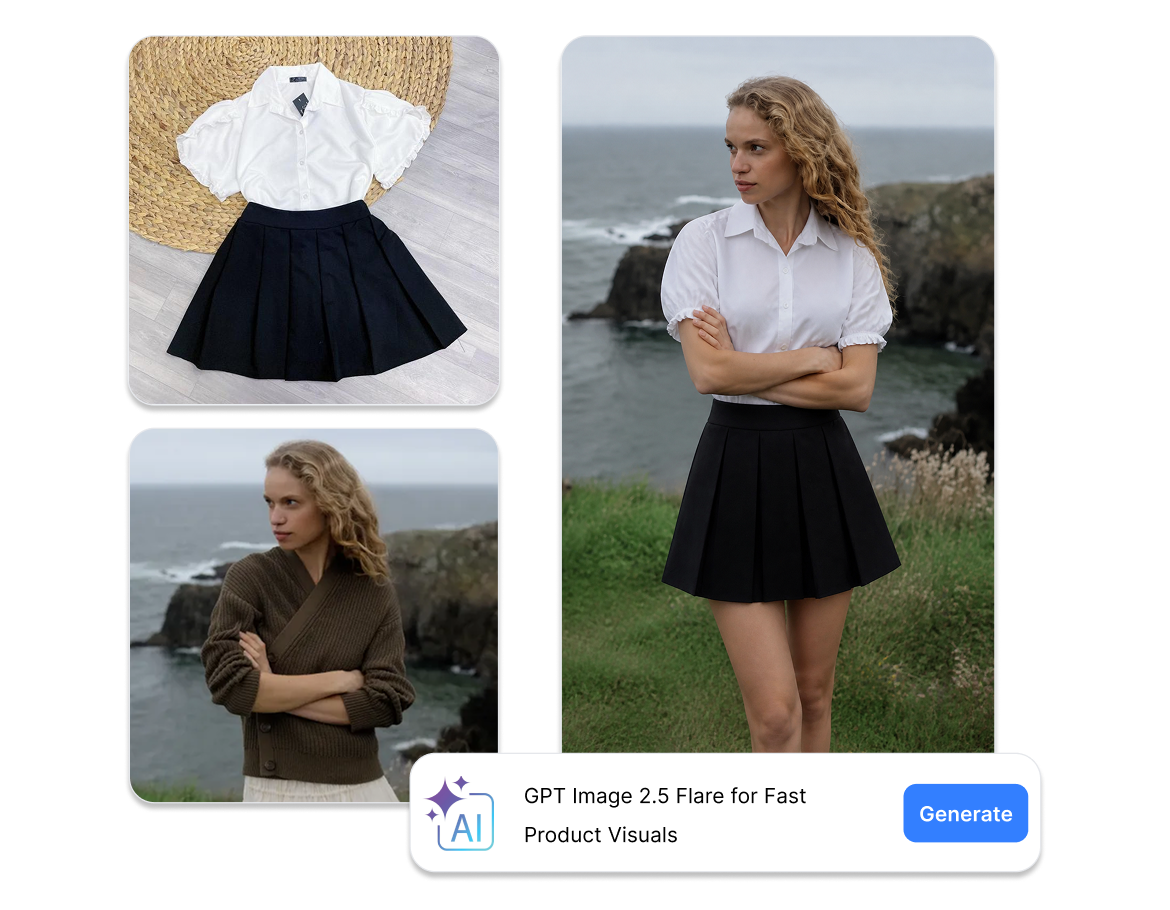
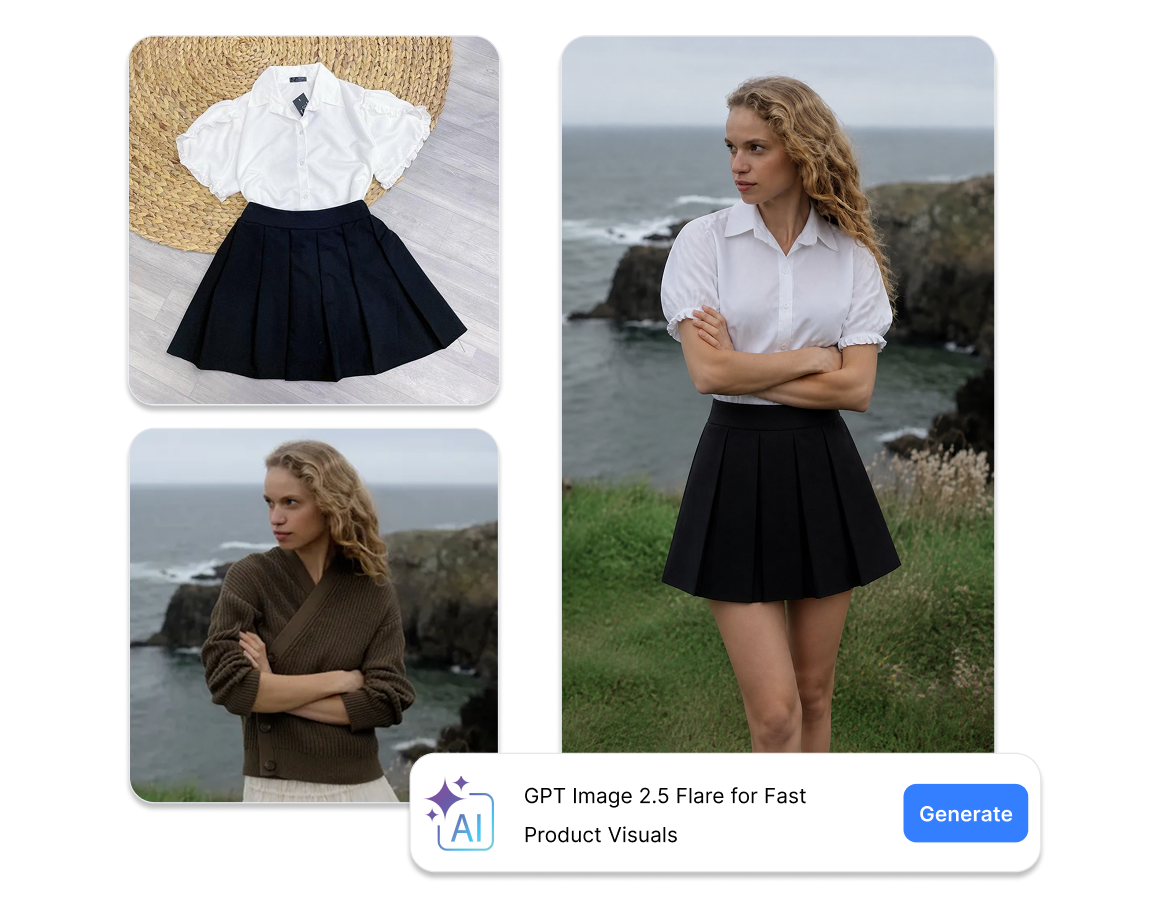
Refresh Seasonal and Promotional Creative Quickly
Generate several visual routes for a launch, promotion, or social post, then refine the direction that fits your brand. Keep claims and product information accurate in the final review before publishing.
Keep Iterating Until the Visual Fits the Channel
Nextify keeps the generation step close to the rest of your creative workflow. Save useful outputs in a project, compare alternatives, and move a selected image into the next product or ad task.
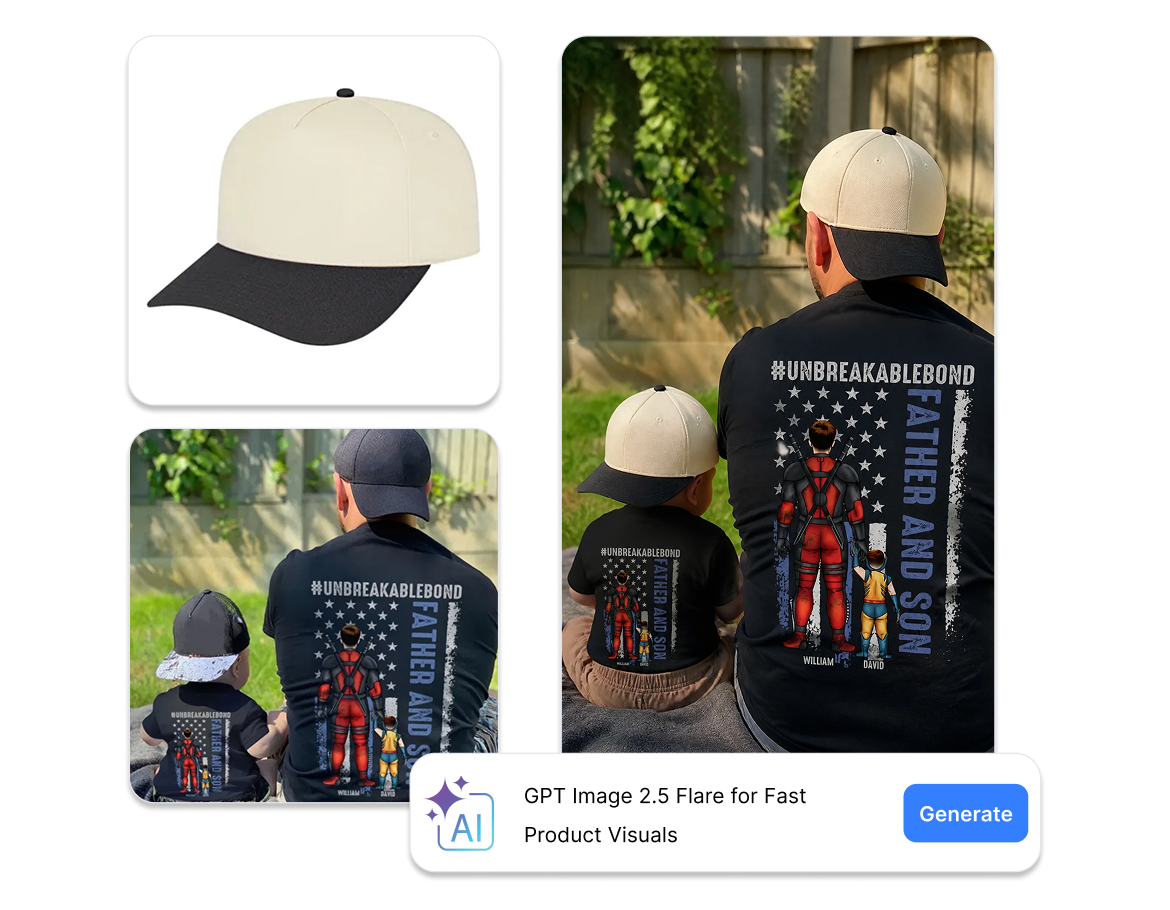
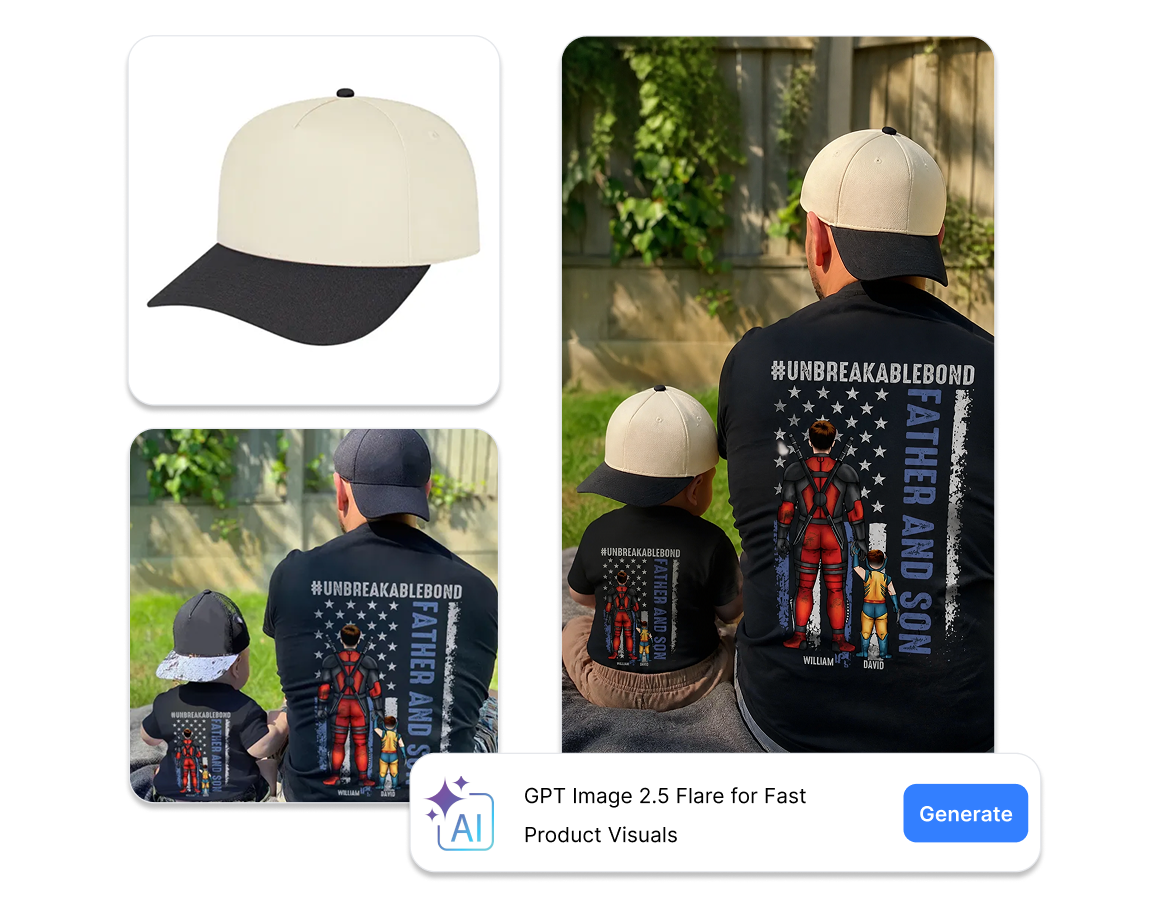
How to Use GPT Image 2.5 Flare in Nextify
From a short brief or product reference to a usable visual direction in three simple steps.
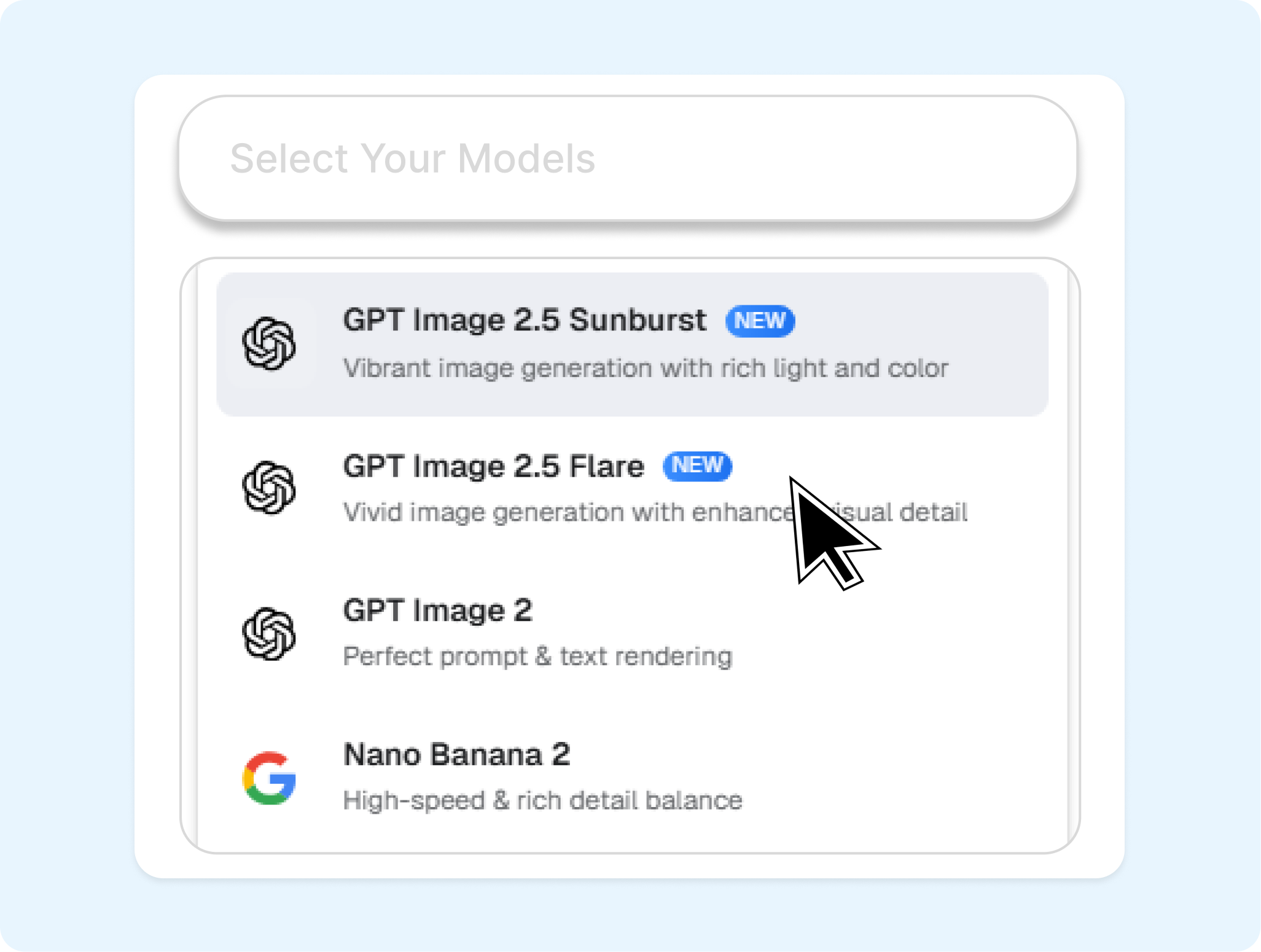
1. Select Flare and Add Your Input
Open Nextify's image generator, select GPT Image 2.5 Flare, and enter a prompt or upload a product reference image.
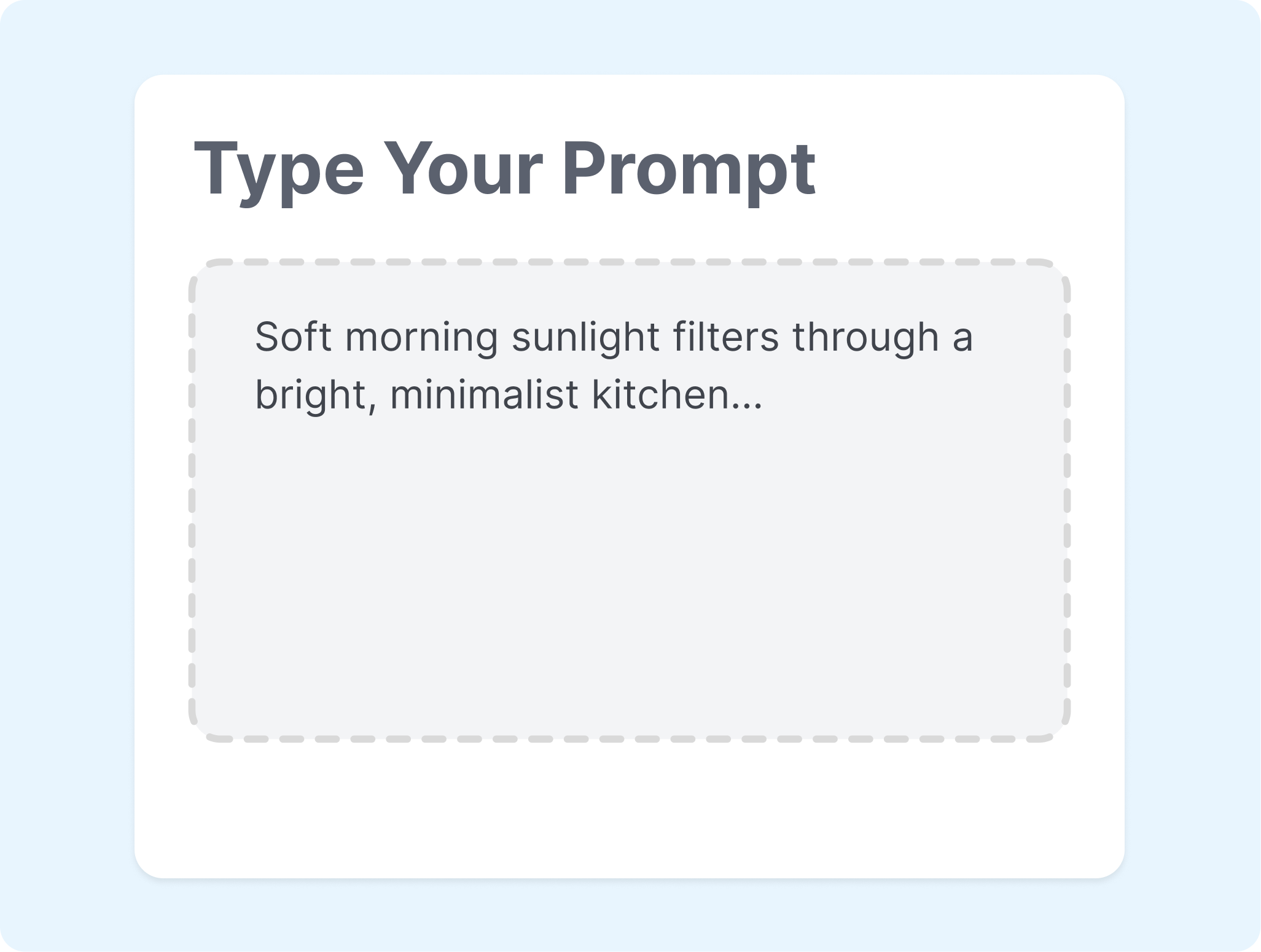
2. Set the Creative Direction
Describe the product, scene, audience, lighting, and visual mood. Add the channel or campaign context so the first result has a clear job to do.

3. Generate, Compare, and Refine
Review the first result, adjust one part of the brief, and generate another route. Keep the visual that fits your product page, listing concept, or ad direction.
Explore More AI Models for Product Visuals
Switch models in Nextify when the creative task calls for a different balance of speed, detail, or motion.
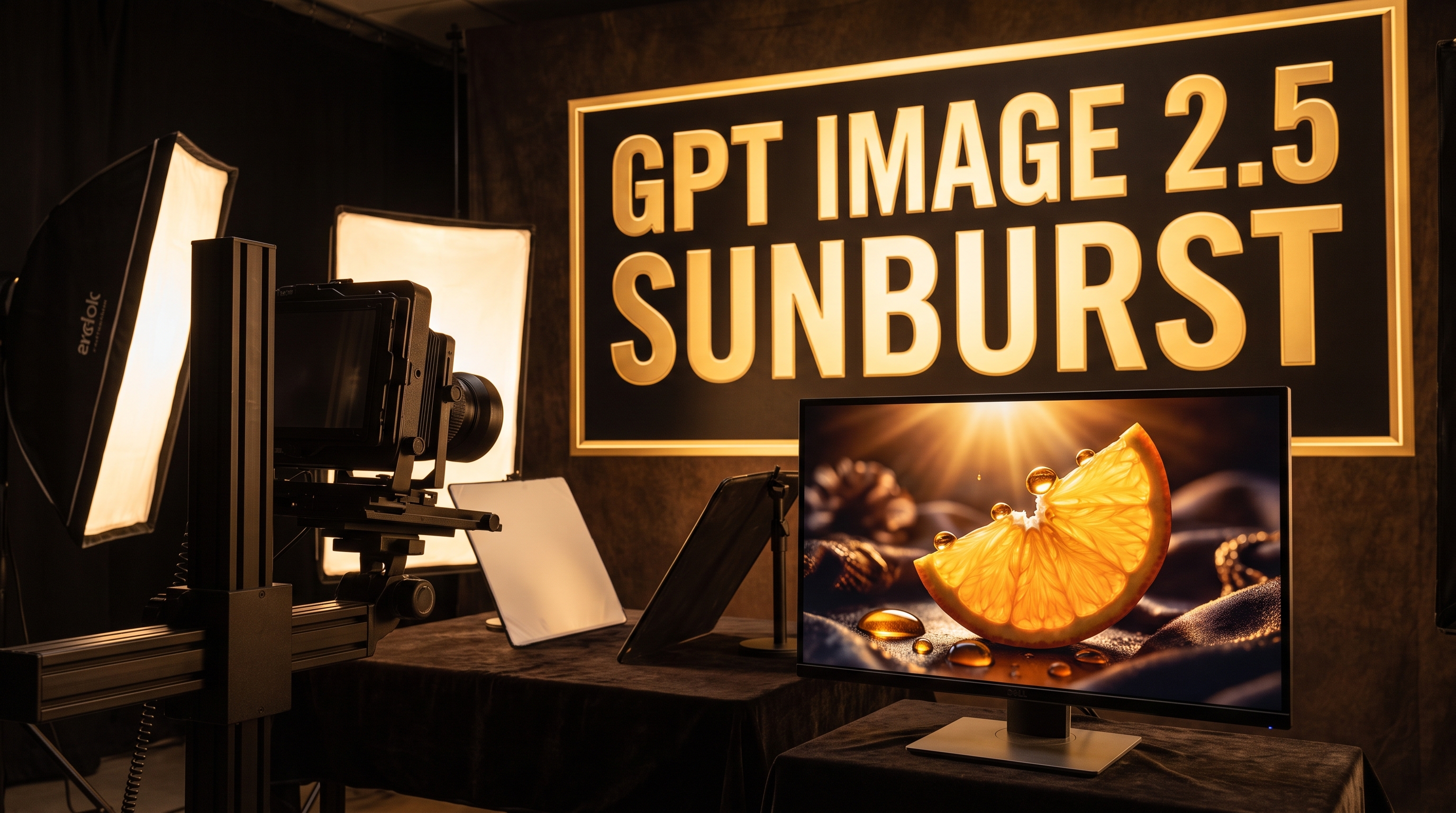
GPT Image 2.5 Sunburst
Choose the precision-focused GPT Image 2.5 model for detailed creative work and more deliberate image edits.
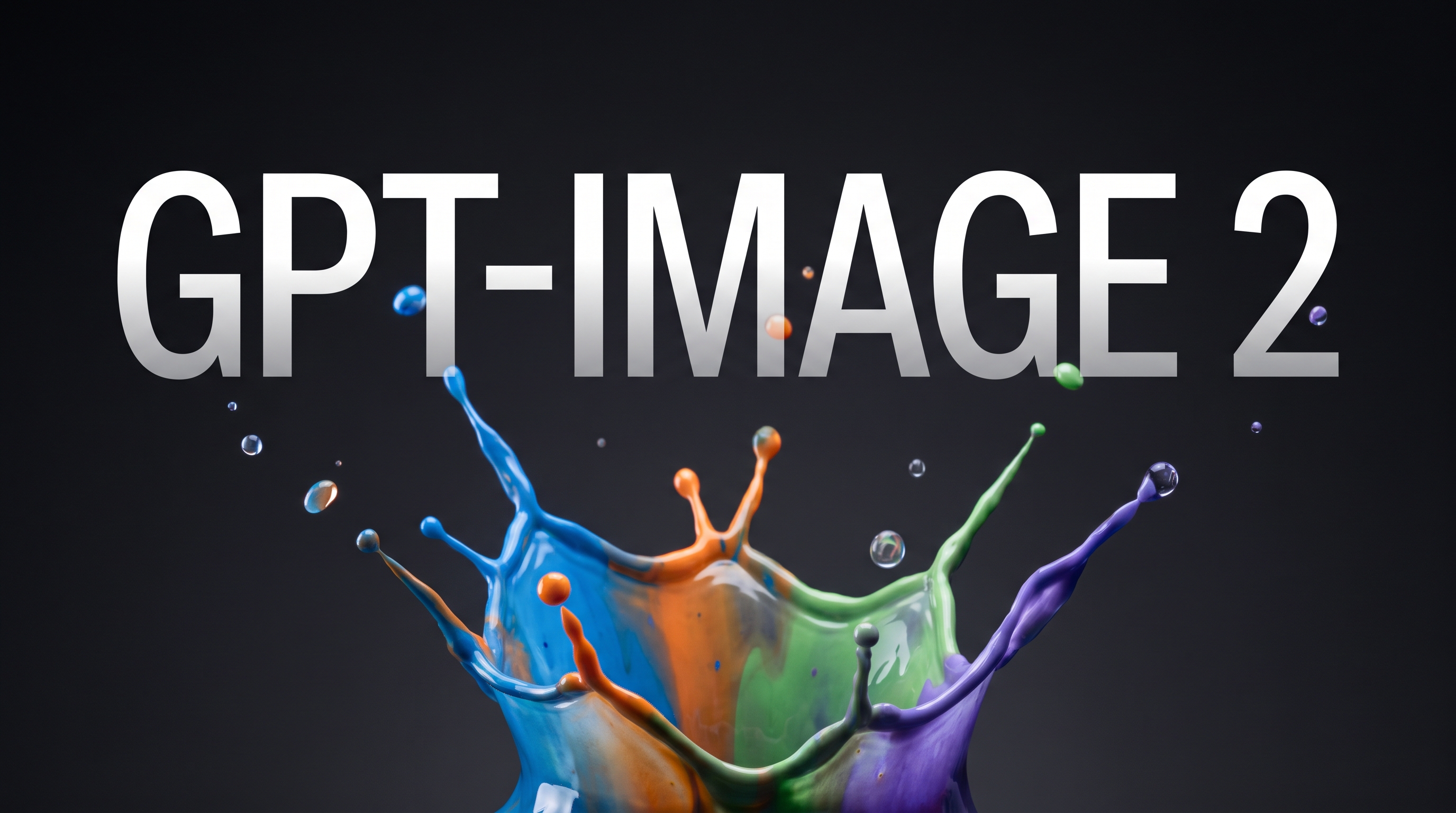
GPT Image 2
Use the GPT Image 2 model for fast, high-quality image generation and editing across product concepts.
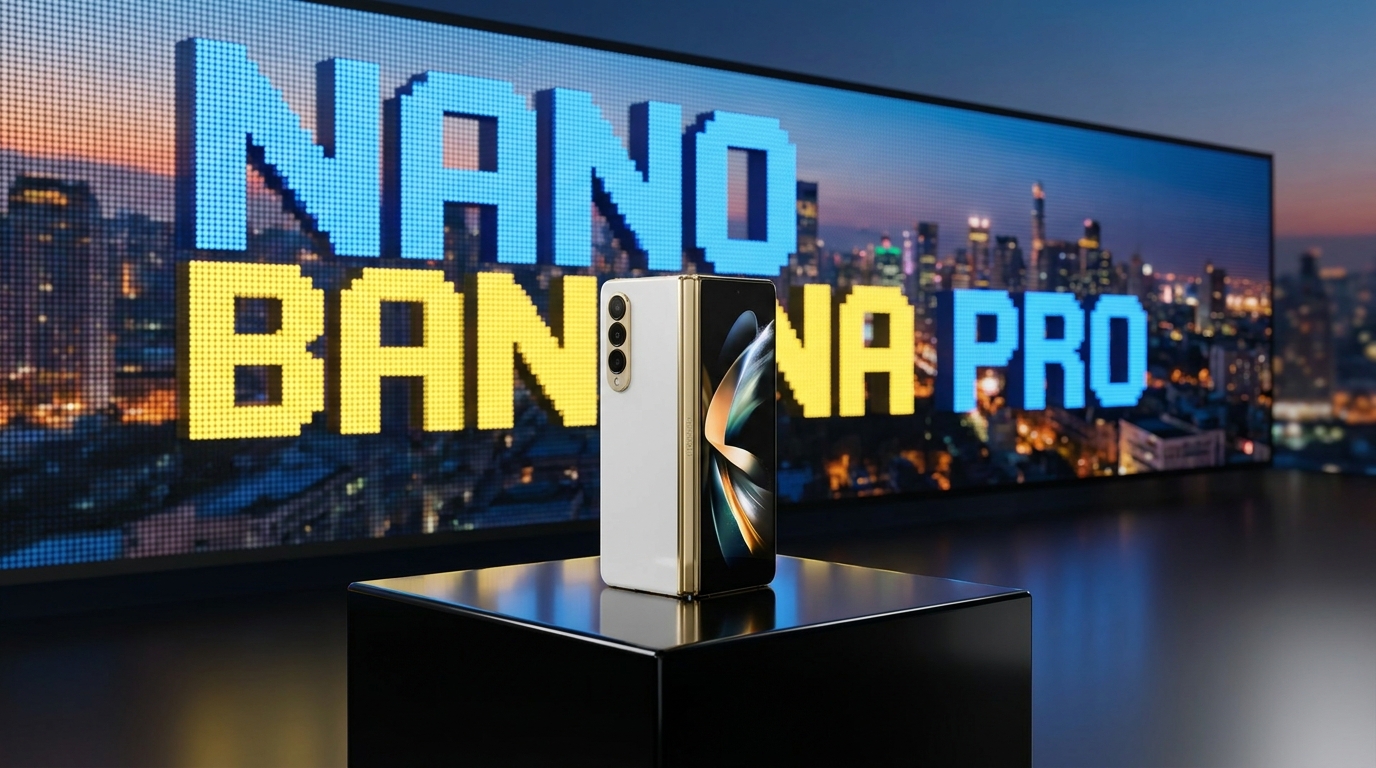
Nano Banana Pro
Explore another image workflow for detailed product graphics, campaign layouts, and brand visual directions.
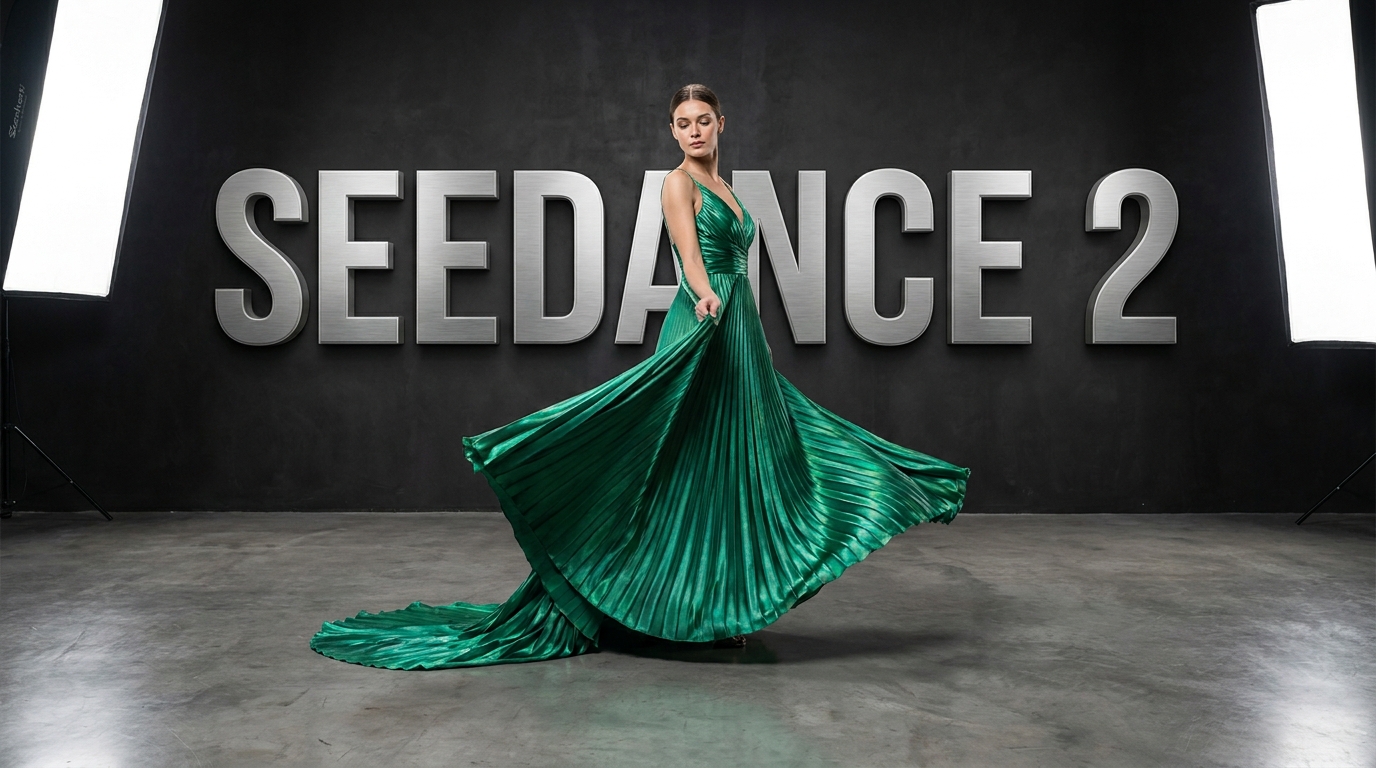
Seedance 2
Move from a selected product visual to a short-form ad concept when your next step is video.
FAQs
What can I create with GPT Image 2.5 Flare in Nextify?
How is GPT Image 2.5 Flare different from GPT Image 2.5 Sunburst?
When is GPT Image 2.5 Flare a good fit for a creative team?
Can Flare turn a product photo into a lifestyle image?
Can I use Flare images for product pages and social ads?
What should I include in a GPT Image 2.5 Flare prompt?
Move from Product Brief to Visual Direction with GPT Image 2.5 Flare
Bring a prompt or product reference to Nextify and explore high-quality image directions quickly for your next listing, launch, or ad concept.