Krea AI Video Generator
Krea is an AI creative platform for generating and refining short video clips. Start with a text prompt or image, then choose a video model, guide the opening and closing frames, compare outputs, and develop the scene.
Shape Every Stage of an AI Video in Krea
Use Krea to bring prompt-based generation, image animation, and clip refinement into one visual workflow.
Turn Prompts and Images Into Video
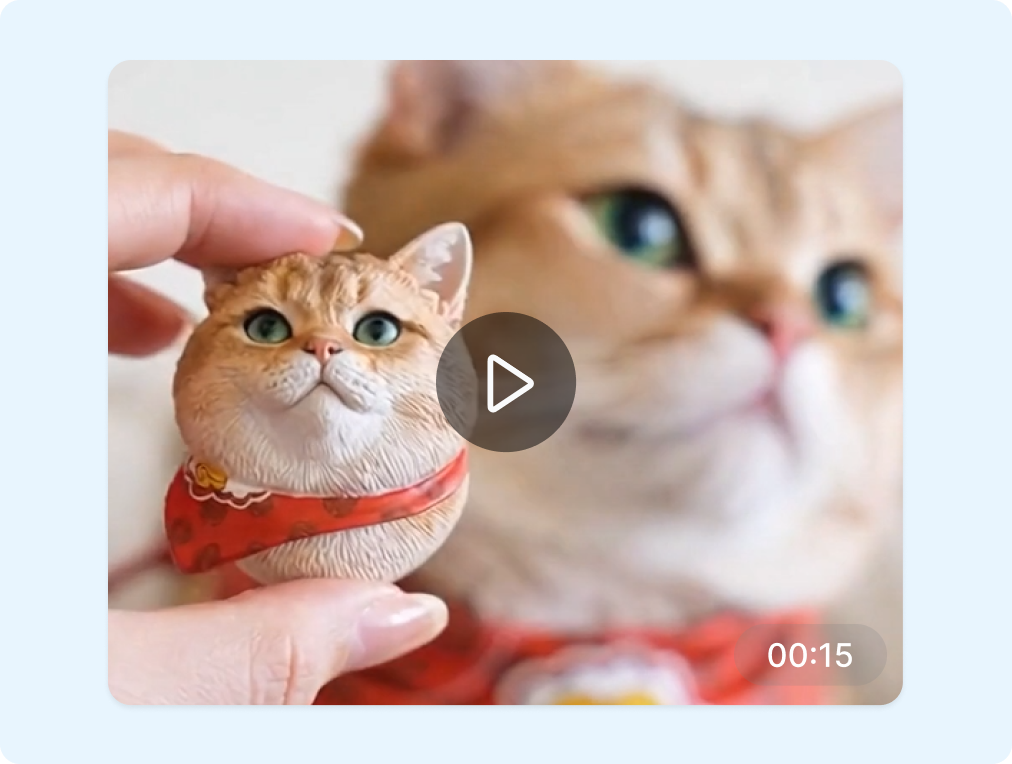
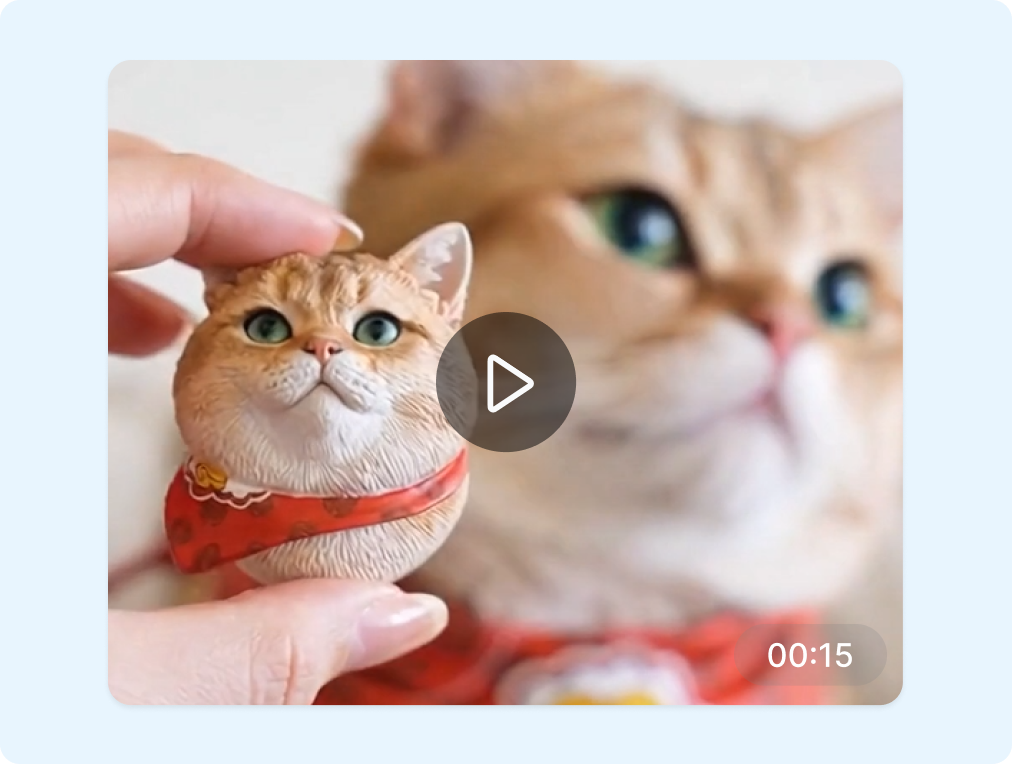
Krea supports both text-to-video and image-to-video generation. Describe the subject, action, setting, and camera movement, or upload a still image as the visual starting point. Add first- and last-frame references in supported workflows to guide how the Krea clip begins and ends.
Compare Models for Each Creative Direction
Krea offers access to multiple third-party video models through one interface. Run a prompt with different available models and compare how they interpret motion, composition, and style. Choose the Krea output that fits the shot instead of rebuilding the idea across separate tools.
Extend, Merge, and Refine Clips
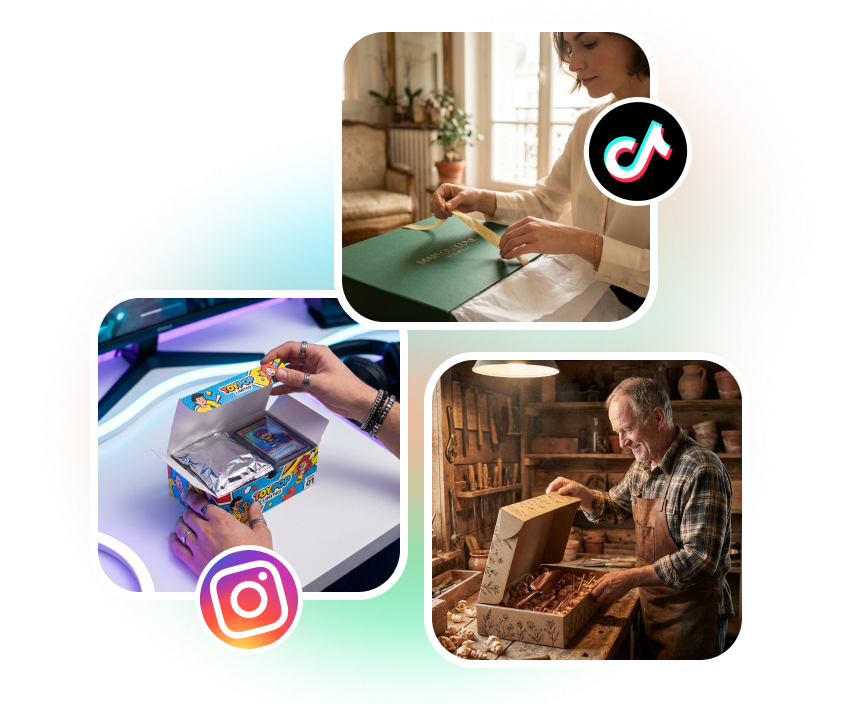
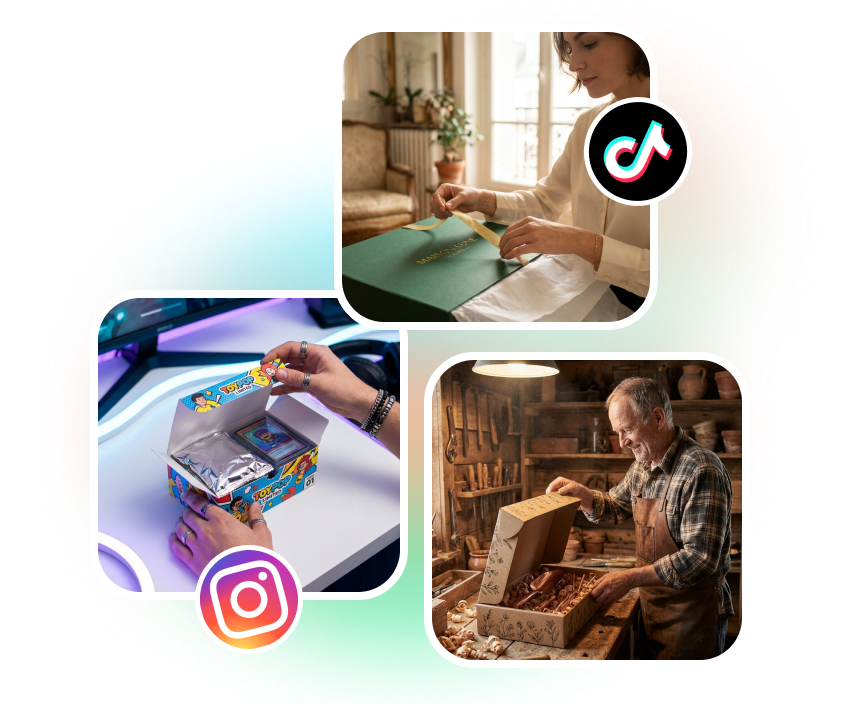
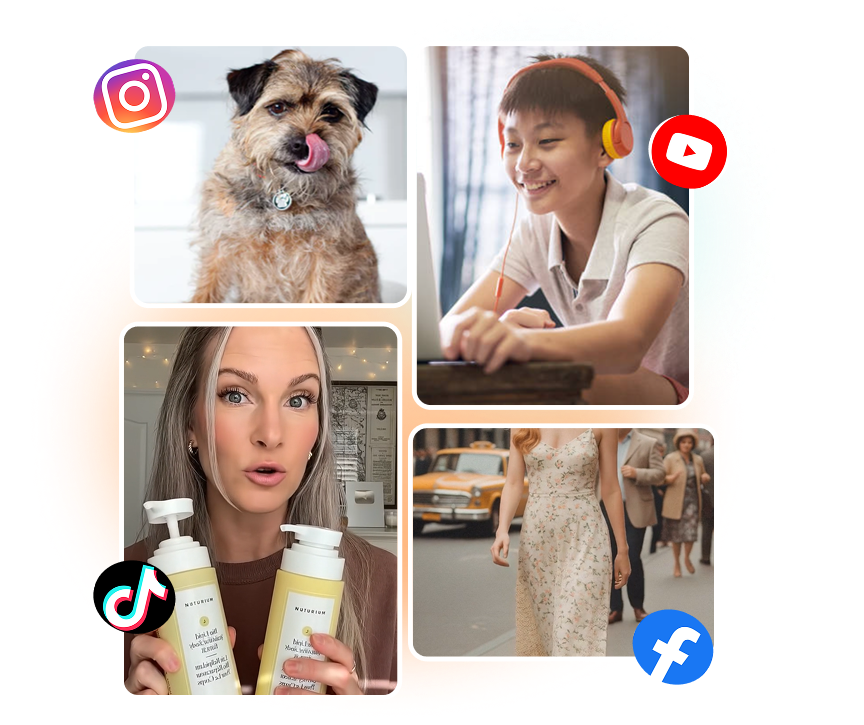
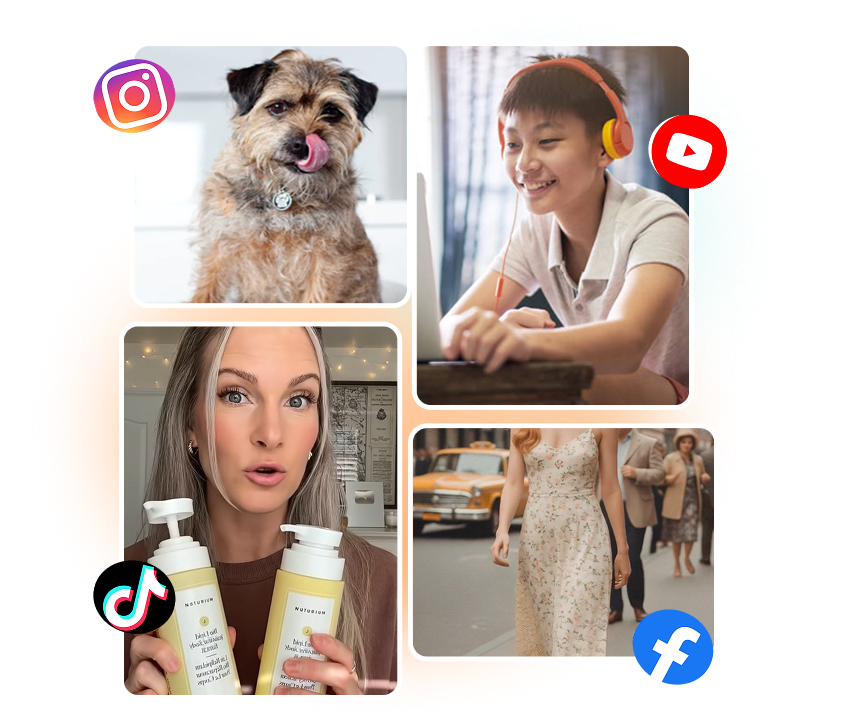
Krea provides tools for extending, trimming, and merging generated video segments. Continue from a clip's final frame or generate a transition between selected shots. Refine the Krea sequence in stages while keeping each model's duration, audio, and compute requirements in view.
Create a Krea AI Video in 3 Steps
Move from a visual idea to a refined sequence through one clear generation flow.
1. Add Your Prompt or Image
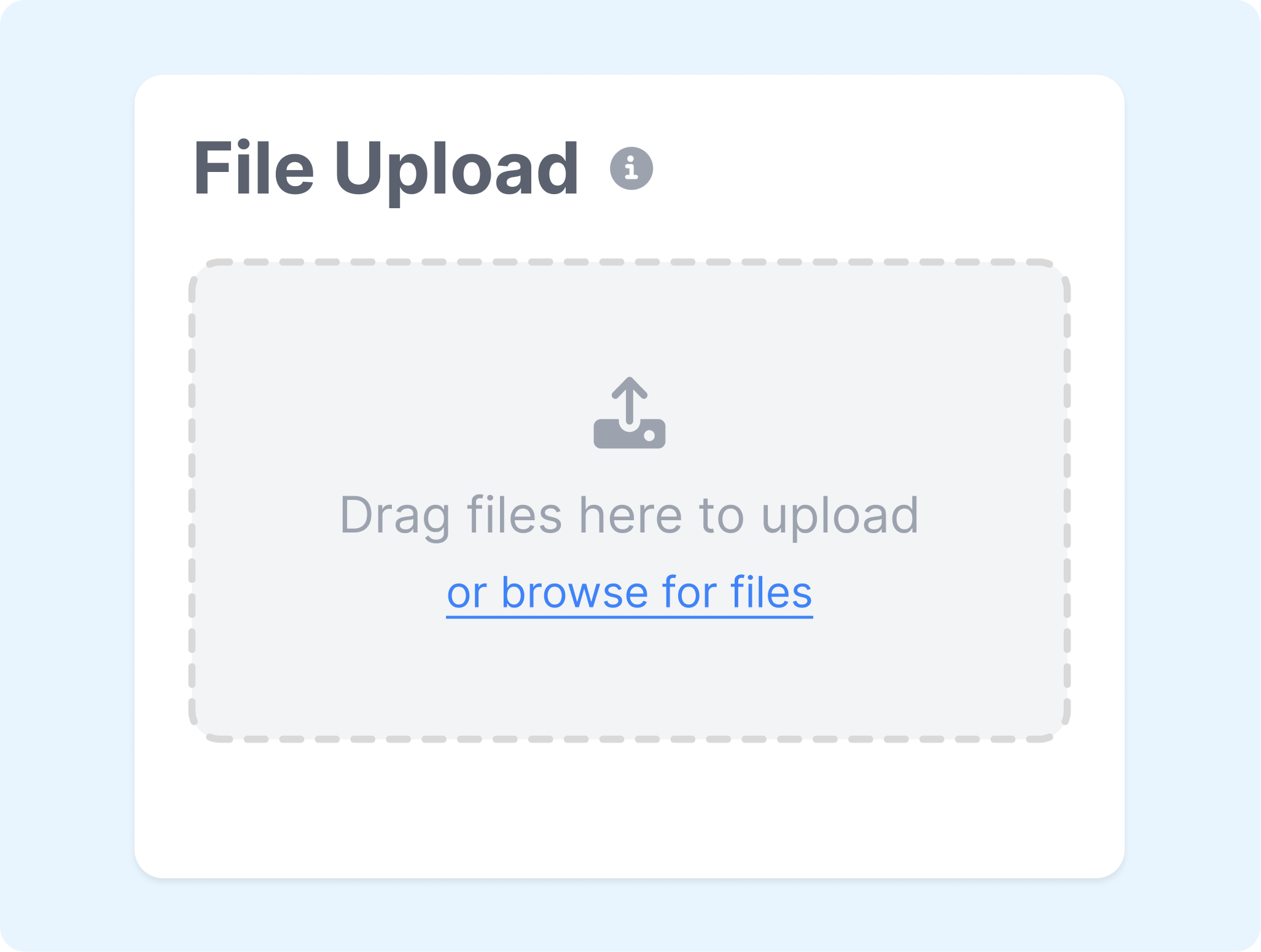
Write a focused description of the subject, action, setting, and camera behavior. Upload an image when you want to animate a specific composition or use it as a frame reference.
2. Choose the Video Setup
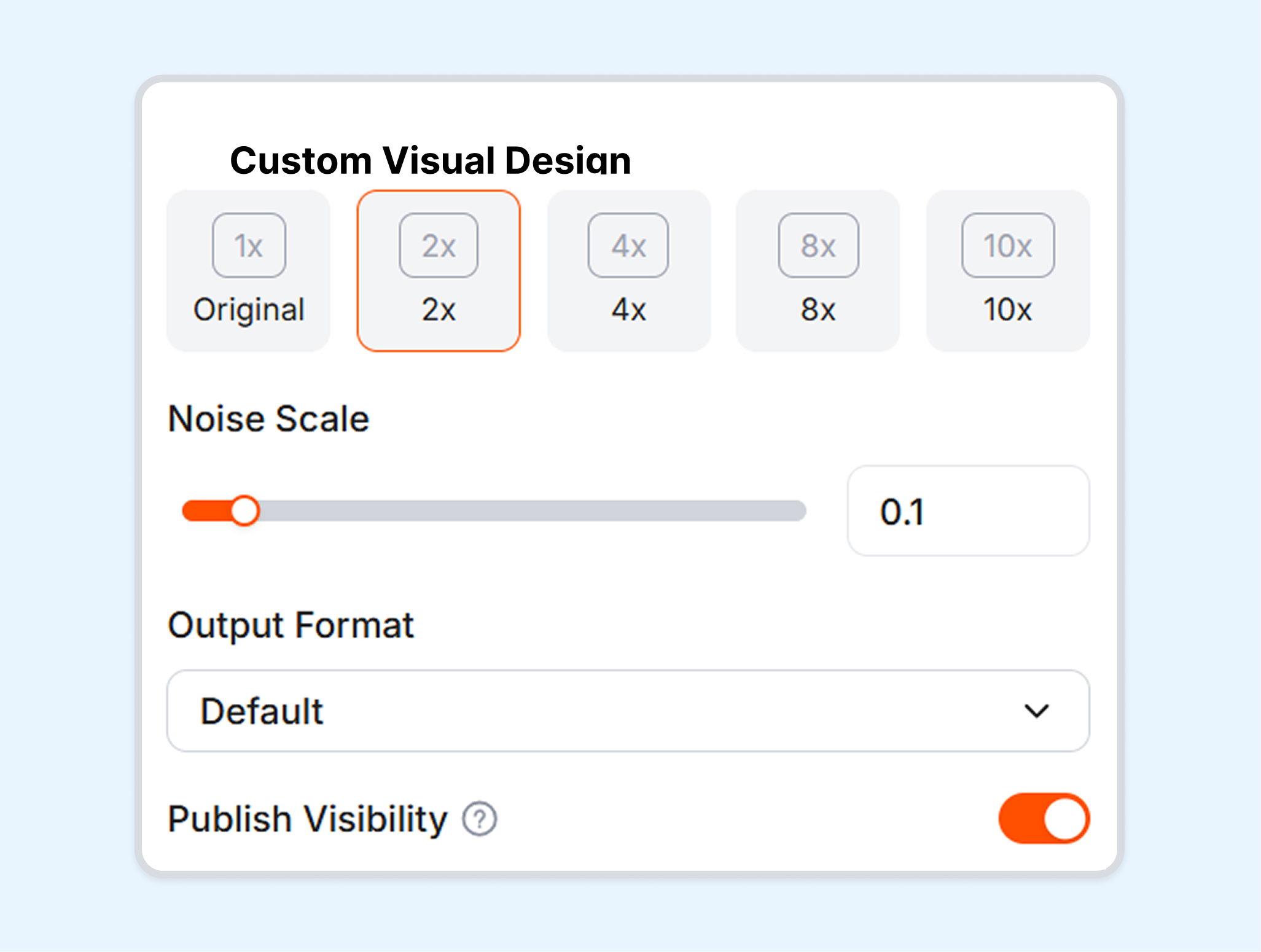
Select an available model, aspect ratio, and duration for the shot. Add supported frame controls and adjust the prompt to match the intended motion or mood.
3. Generate and Refine
Generate the clip and compare versions when useful. Trim, extend, merge, or revise the setup to develop a longer sequence.
Create Video for Different Creative Needs
Use Krea to explore and adapt generated clips across concepts, products, stories, and client projects.
Content Creators
Turn written concepts or still artwork into short visual sequences. Test motion, camera direction, and atmosphere before assembling clips into a larger edit.
Designers and Artists
Animate illustrations, renders, and generated images without starting from an empty prompt. Use frame references to keep the central composition connected to the source visual.
Marketers and Ecommerce Teams
Develop product motion studies, campaign concepts, and social-ready shots from prompts or product imagery. Compare creative directions before moving selected clips into the broader ad-production workflow.
Studios and Creative Teams
Explore several models and shot treatments from a shared concept. Build sequences by refining, extending, and connecting promising generations rather than treating each result as an isolated clip.
Frequently Asked Questions
What is Krea AI?
What is the Krea AI Video Generator?
How do I use Krea AI for video?
Can Krea turn an image into a video?
Which video models are available in Krea?
Can Krea generate video with sound?
What is a useful alternative to Krea?
Looking for Another Option? Explore Nextify.ai as a Krea Alternative.
Explore Nextify.ai to turn ecommerce product ideas and assets into video ads, static creatives, AI-presenter content, and reusable campaign variations in one creative workspace.