AI Image Editor
Edit, enhance, and transform existing photos effortlessly with Nextify's AI image editor. Instantly upscale soft product shots, generate stunning backgrounds, adapt layouts for any platform, and export polished assets from one single workspace.
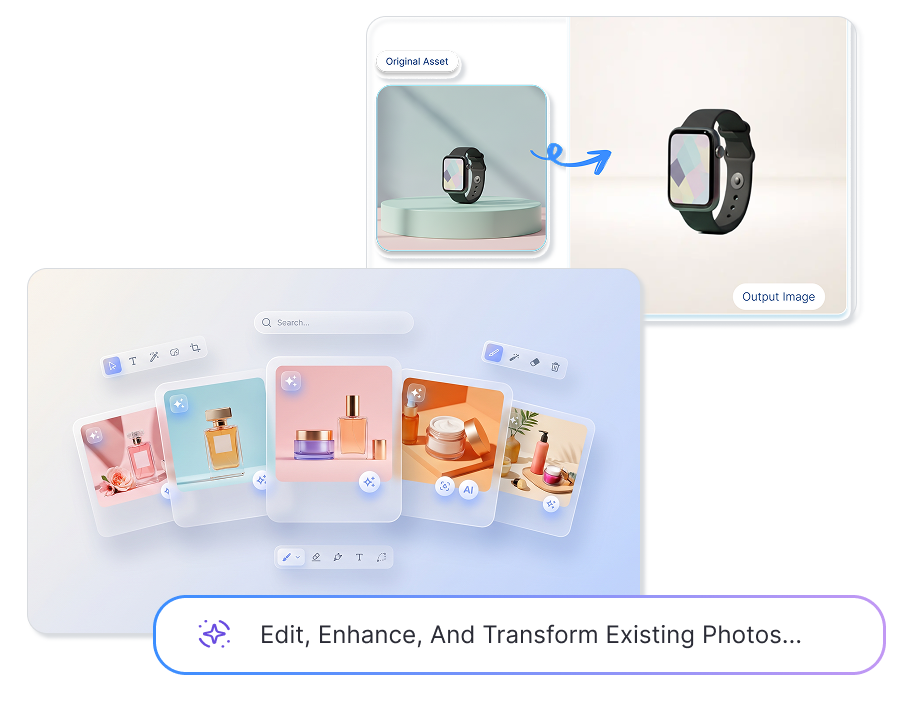
Smart AI Image Editor for Clearer, Pixel-Perfect Photos
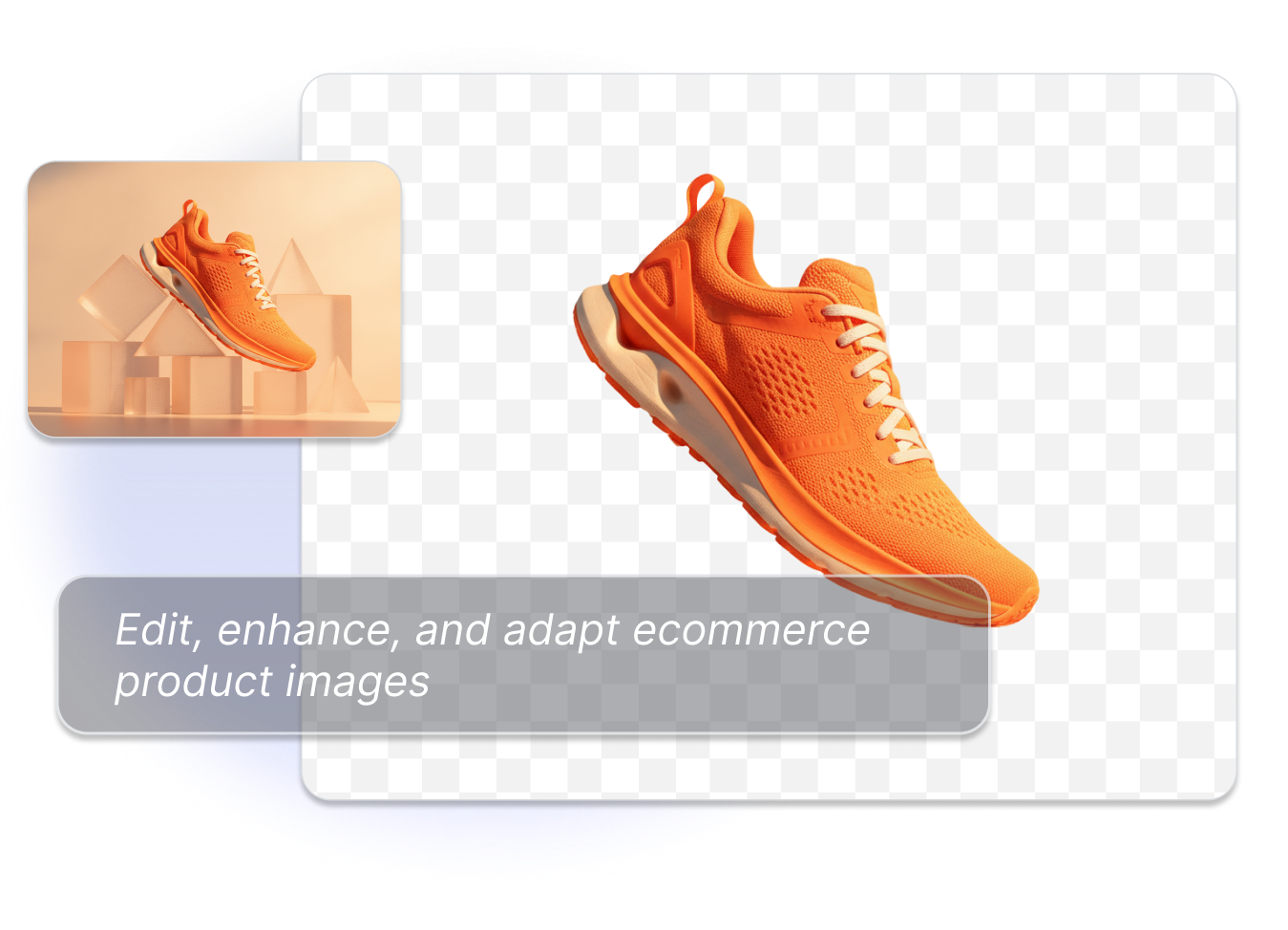
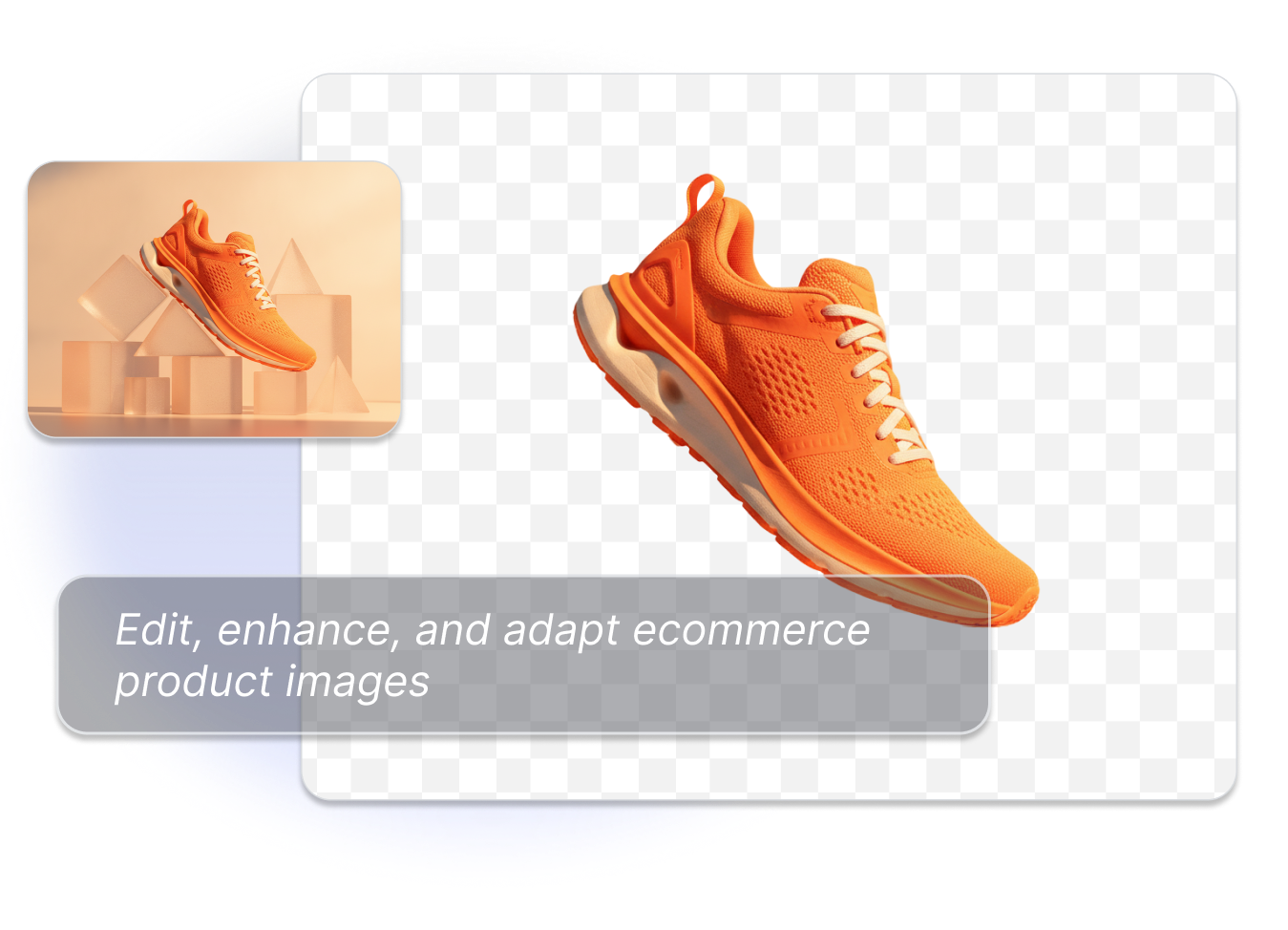
FREE AI ECOMMERCE IMAGE EDITOR
Upscale & Enhance Existing Assets
Upload a product photo, lifestyle shot, or campaign asset, then decide what needs attention. Use a sharper crop for a detail view, a cleaner finish for a product page, or a more balanced image for an ad concept.
AI BACKGROUND REMOVER ONLINE
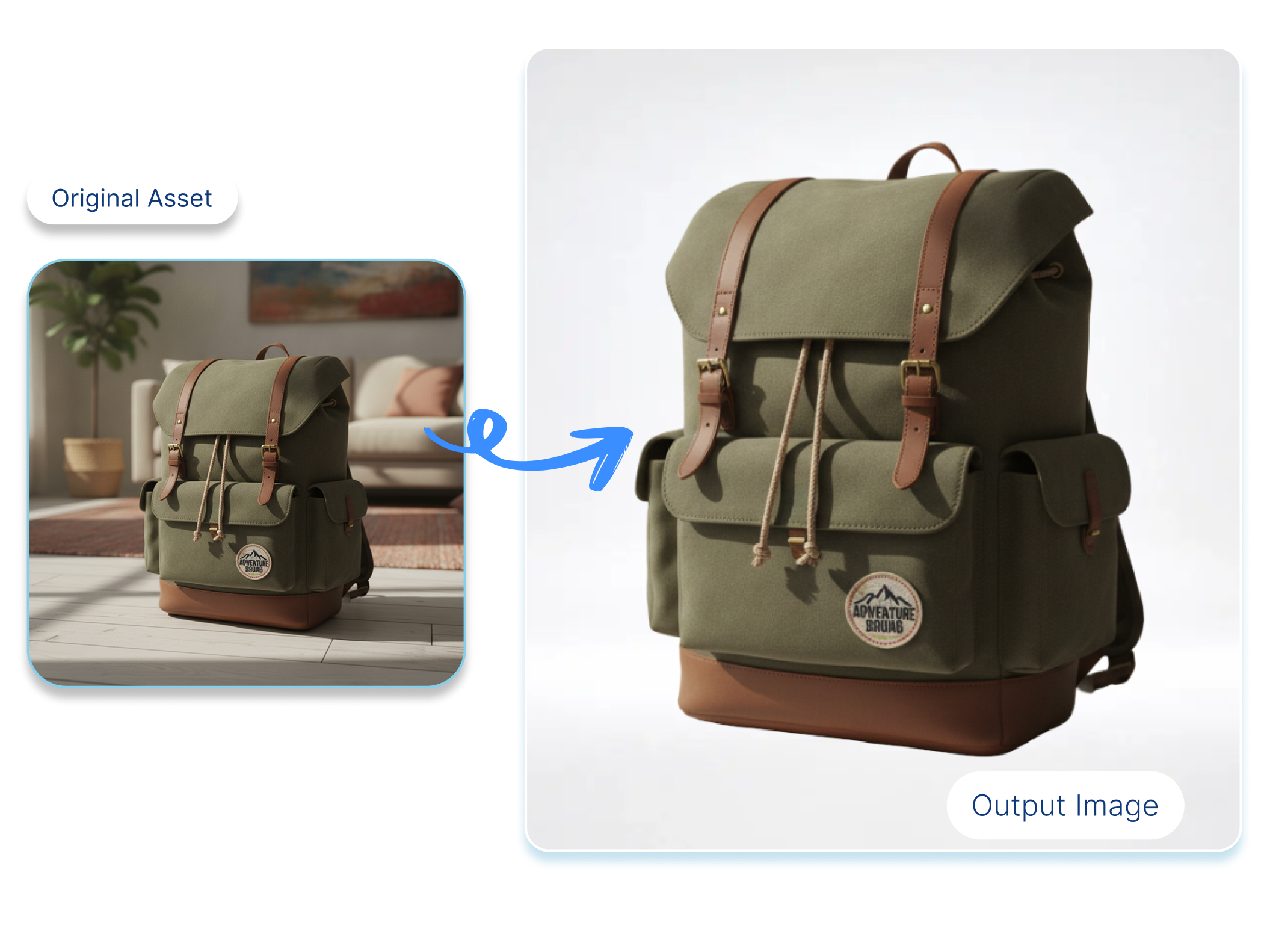
Remove, Replace, or Generate Stunning Scenes
Create a white-background product image for a catalog, a warm surface for a home-goods scene, or a clean studio look for a campaign. Keep the product as the visual focus while testing background directions.
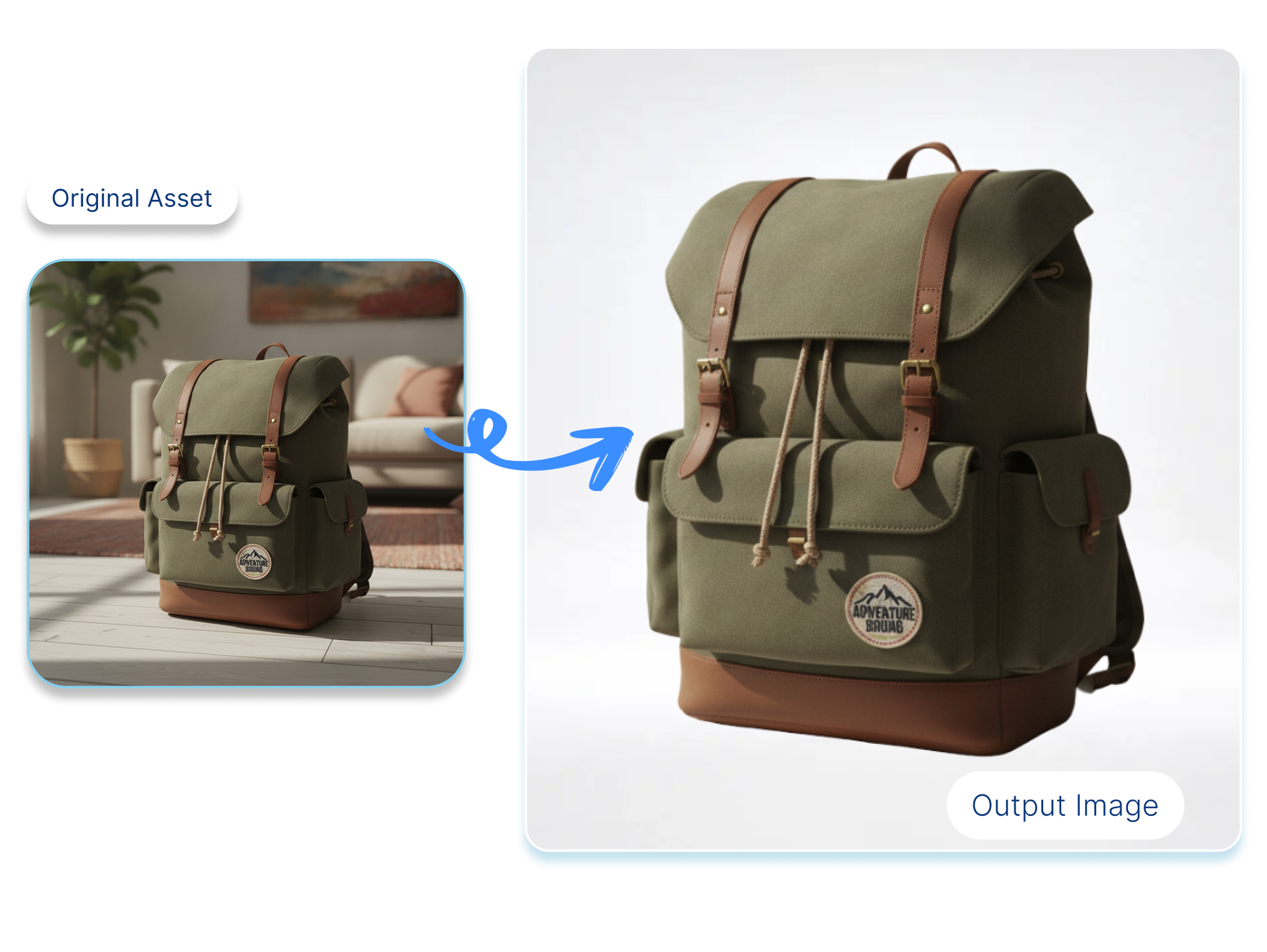
AI IMAGE EDITOR ONLINE
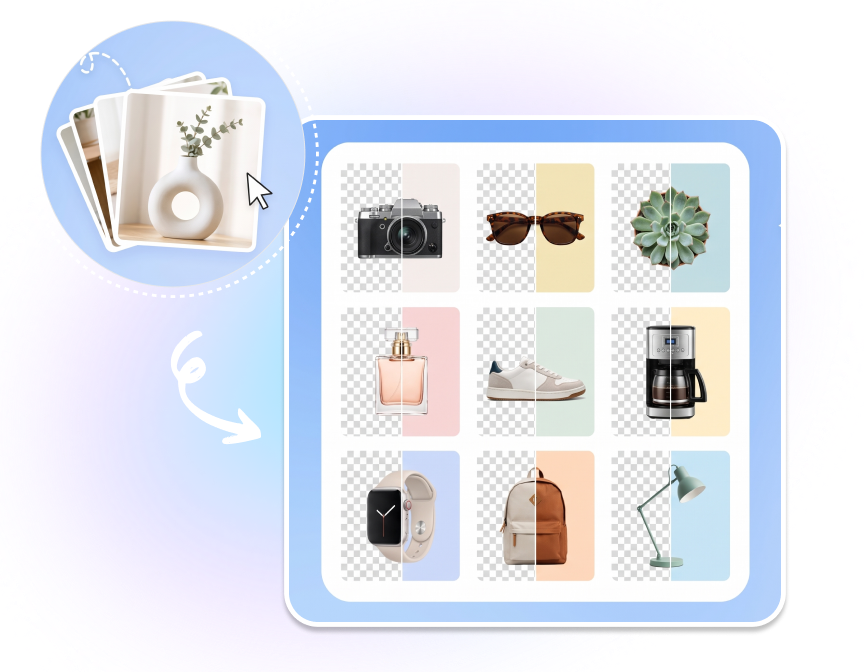
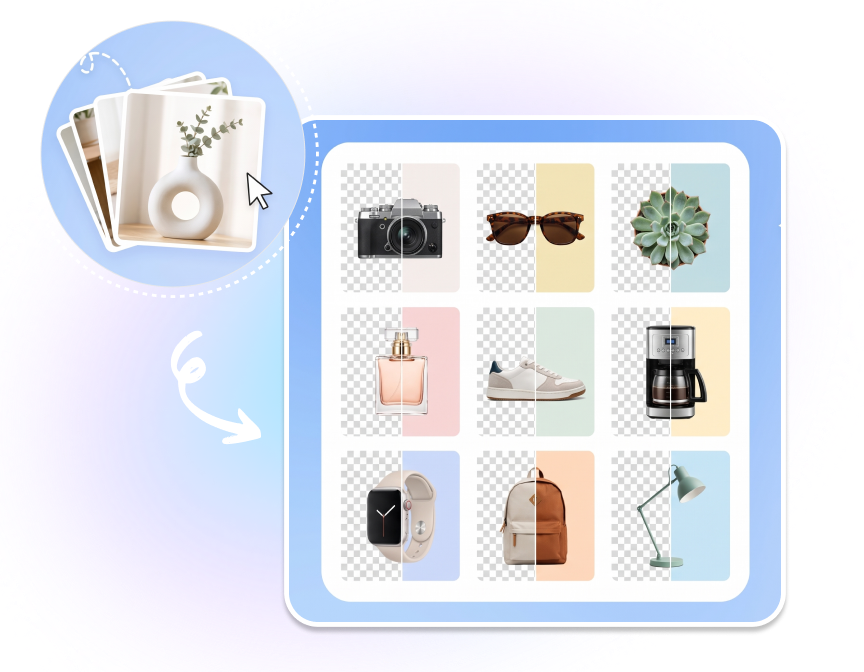
Edit Up to 10,000 Images in One Click
Open the batch workflow for large image sets of up to 10,000 images in this editor flow. Use it for repeated background preparation, catalog updates, or a coordinated set of product-photo revisions.
PRODUCT IMAGE EDITING AI
Adapt Images for Every Platform
Use a square composition for a store tile, a portrait frame for social content, or a wider layout for a banner concept. Compare the subject scale and whitespace before you download the version you need.


How to Use an AI Image Editor in 3 Steps
1. Upload an Existing Image
Add a JPG, JPEG, PNG, or WebP image up to 10MB. Start with a product photo, lifestyle image, or campaign visual that needs a clearer, cleaner, or more useful version.
2. Choose an Edit or Background Direction
Select a transparent, solid, uploaded, preset, or AI-generated background, then refine the image direction. Consider whether the next use needs more clarity, a different crop, extra whitespace, or a new scene.
3. Review, Save, and Download
Compare the edited result with the original, check product edges and important details, then save the version and download the asset for your next placement.
Who Uses an AI Image Editor?

Ecommerce Store Owners
Refresh product pages and storefront tiles when supplier photos look inconsistent, soft, or poorly framed. An AI image editor helps create cleaner working versions without rebuilding every image from scratch.

Catalog and Creative Teams
Prepare large groups of product photos for seasonal launches, category updates, and campaign testing. Batch editing and repeatable background choices make review easier across a shared image set.

Social and Paid Media Marketers
Adapt one existing visual for different ad concepts and placements. Test a studio background, a lifestyle direction, or a tighter detail crop while keeping the product recognizable.
FAQs
Start with the clearest source you have, then improve sharpness, exposure, color balance, and subject presentation. Always review small text, logos, and fine edges before publishing.
Yes. In the editor, you can work with a transparent background, solid colors, uploaded image backgrounds, preset backgrounds, or an AI-generated background.
You can use an enhancement-focused edit to make a soft image clearer and easier to inspect. The final result still depends on the quality and resolution of the source image.
Adapt the crop, canvas direction, subject scale, and whitespace for the placement you have in mind, such as a square store tile, portrait social post, or wider banner concept.
The upload area supports JPG, JPEG, PNG, and WebP files up to 10MB per image.
The editor batch flow supports up to 10,000 images. Use that workflow for large image sets that need a consistent editing direction.
Yes. Choose the image-background option and upload the scene or surface you want to test behind the subject.
Review the result in the editor, check the product edges and important details, then save and download the version you want to use.
Yes. It is suited to preparing product photos, catalog assets, storefront tiles, and campaign visuals that need cleaner backgrounds, clearer details, or a more deliberate composition.