AI Talking Head Video Generator
Turn a talking-head reference and product images into a new presenter-led product video. Preserve the close-up delivery style while adapting the presenter, product, and message to your campaign.
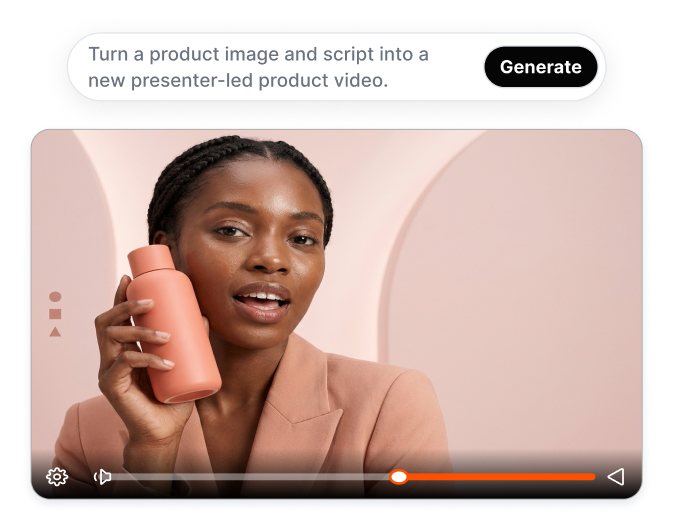
Build Product Pitches Around a Proven Talking-Head Format
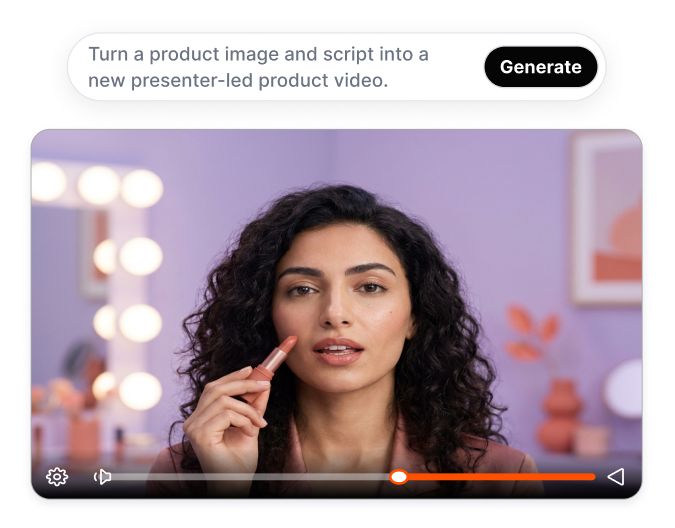
Start with a Proven Format
Choose a ready-made talking-head template for your product video. The template provides the presenter framing, scene structure, and overall presentation format. Create a complete video direction without planning every shot yourself.
Put Your Product Onscreen
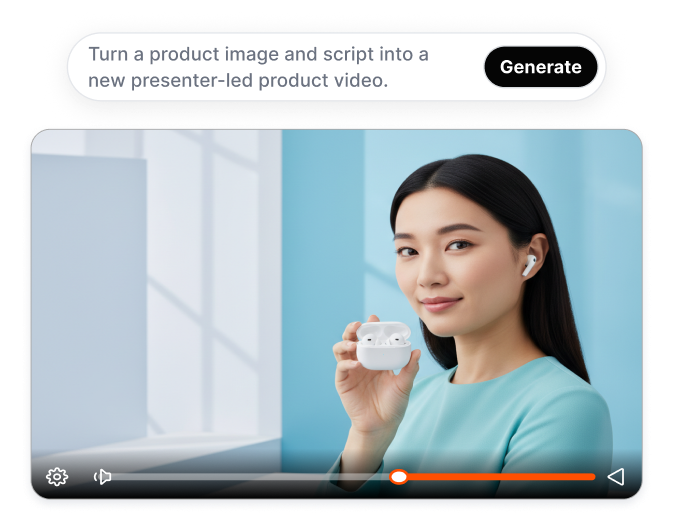
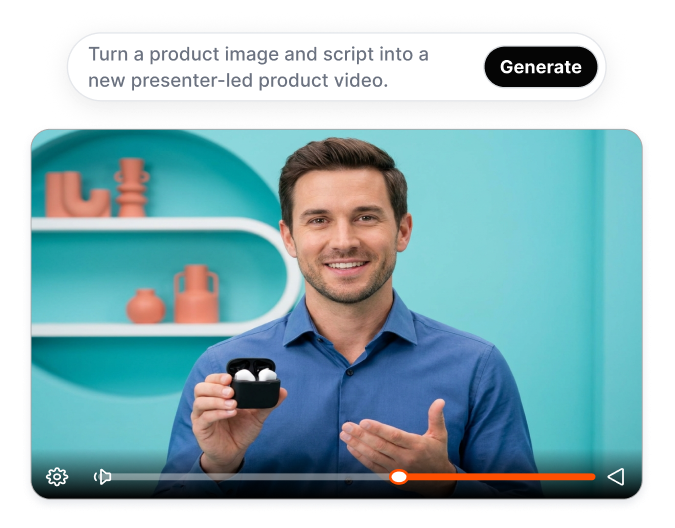
Turn uploaded product images into visuals for the talking-head video. Nextify places the product within the presenter-led format so it can appear alongside the spoken pitch. Help viewers see the item while learning why it matters.
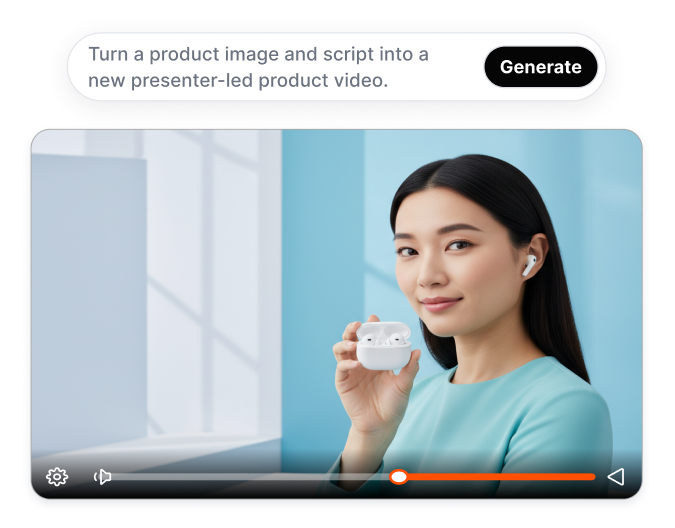
Control Every Spoken Message
Write the exact script you want the digital presenter to deliver. Focus the dialogue on verified benefits, use cases, demonstrations, or campaign messages. Keep product communication accurate without recording a new take for every script change.
Choose the Right Presenter
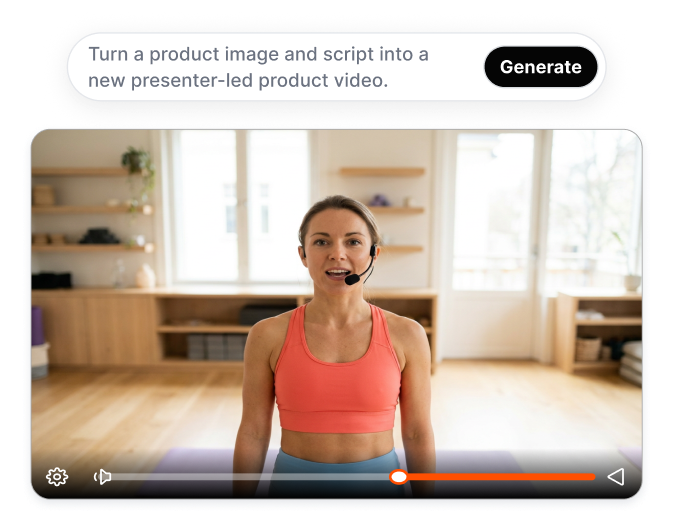
Select a digital human from the Avatar Library, use a saved avatar, or create your own. Choose an on-camera identity that fits the product, audience, and intended tone. Present different products with a suitable spokesperson without booking separate creators.
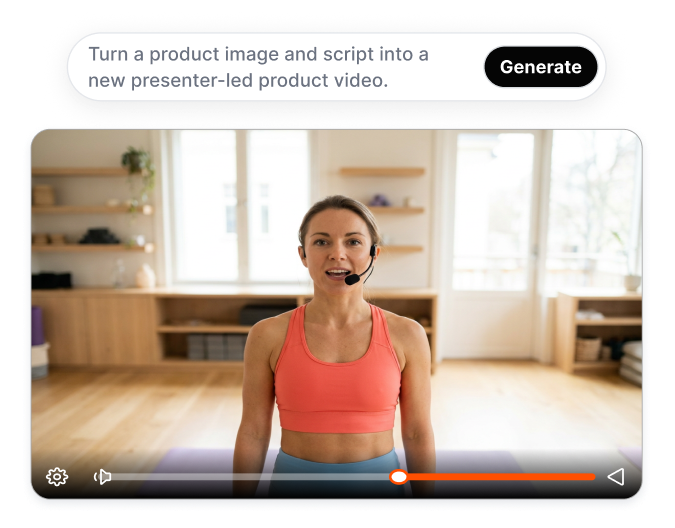
Create with AI Talking Head Video Generator in Three Steps
1. Add the Product Photo
Upload clear images of the product you want the presenter to feature.
2. Define the New Execution
Enter the product message or use AI Auto-Prompt, then set the target market, language, clone match, and number of variations.
3. Choose and Generate
Select an avatar or create a new one. Generate and review the video, then download your preferred version.
Who Uses AI Talking Head Video Generator?

Ecommerce Campaign Teams
Adapt a suitable presenter format for new products, launches, and offers. Turn product assets into camera-facing pitches without organizing another presenter recording for every campaign.

Performance Creative Teams
Develop several executions from one talking-head direction. Compare different presenters, product messages, or reference-match settings while keeping the core concept recognizable.

Agencies and Content Studios
Translate an approved talking-head reference into product-specific executions for different clients. Give stakeholders a concrete presenter video to review instead of describing the intended delivery through a written brief.
Frequently Asked Questions
Nextify’s AI Talking Head Video Generator uses product assets to create a new product-focused execution.
Yes. Upload clear source images showing the product, packaging, and important visual details. Nextify uses these assets when building the new talking-head product video.
Yes. You can choose a saved avatar, create your own avatar, or select an actor from the available library before generating the video.
Yes. Set the number of variations before generation to explore different executions from the same product assets and reference direction.
Yes. Select the target market and supported language when configuring the video. Review the product message and generate content before using each localized version.