AI Handheld Product Video Generator
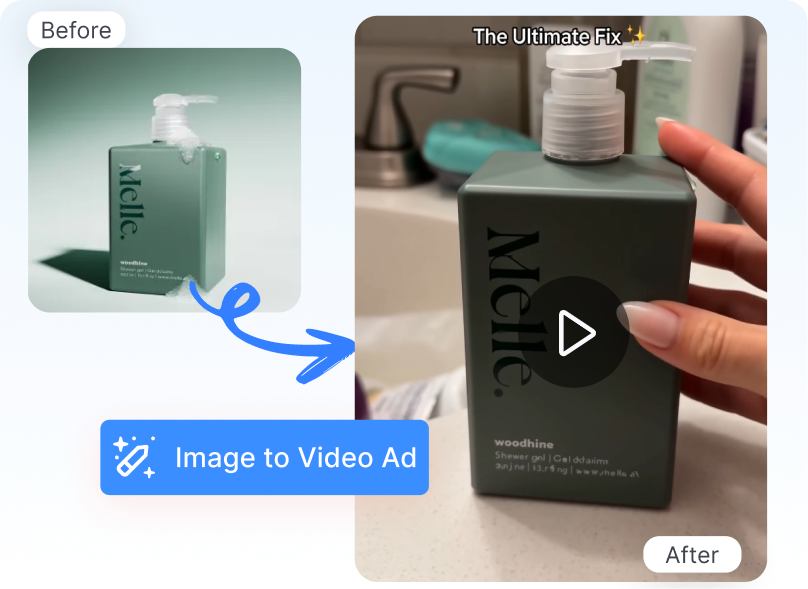
Turn a static product image into a dynamic video with a handheld, phone-shot aesthetic. Show the item close to the camera through natural framing and subtle movement. Create creator-style product content without recording the original footage yourself.
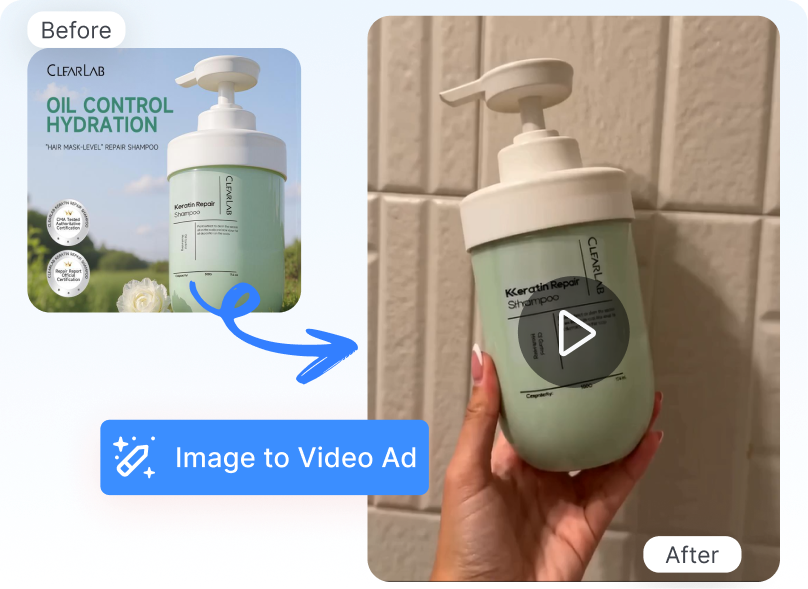
Create Handheld Product Videos Without Filming
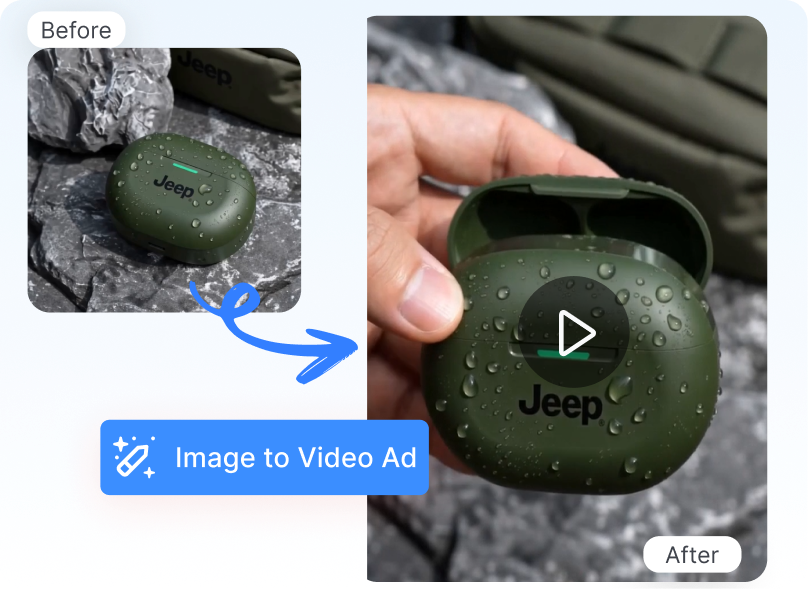
Show Products in Human Context
Place a static product image into a handheld video composition. AI presents the item close to the camera so viewers can see how it looks alongside a human hand. Give shoppers a more practical sense of the product’s appearance than a standalone catalog image.
Capture the Handheld Look
Generate product footage with close framing and subtle mobile-camera movement. A selected POV reference guides the viewing angle, camera distance, and visual rhythm. Create creator-style assets that are better suited to feed-based campaigns than conventional product animation.
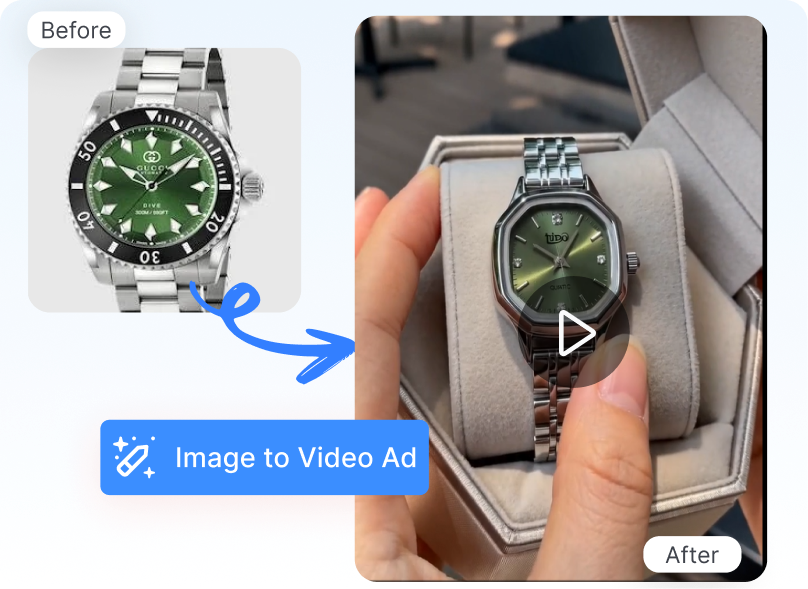
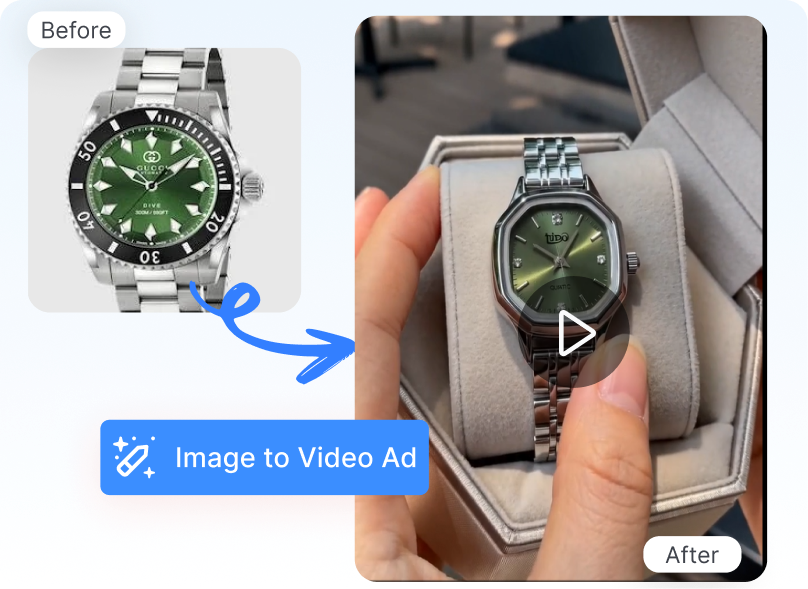
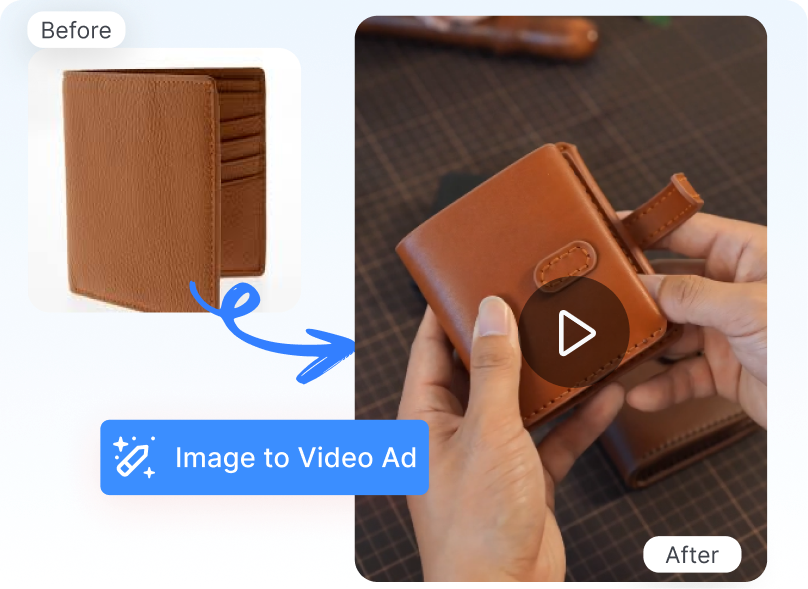
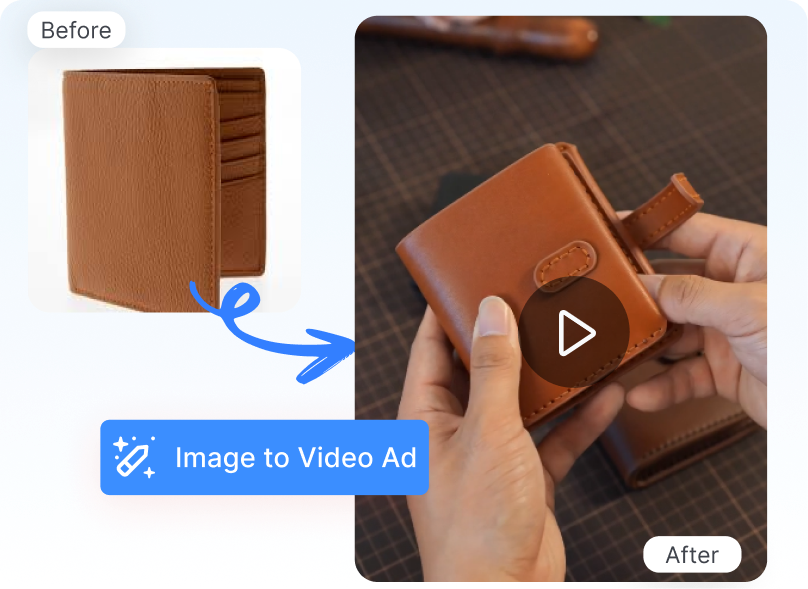
Keep the Benefit in View
Direct the handheld video toward one product benefit or visible detail. Enter the selling point yourself or use AI Auto-Prompt to organize the creative focus. Help viewers understand the main reason to consider the product within a short viewing window.
Produce More Without Filming
Create handheld product videos from existing product images instead of recording new footage. Combine a POV reference, campaign input, and an optional AI actor into a single guided workflow. Reduce the time and coordination required to produce new short-form product content.
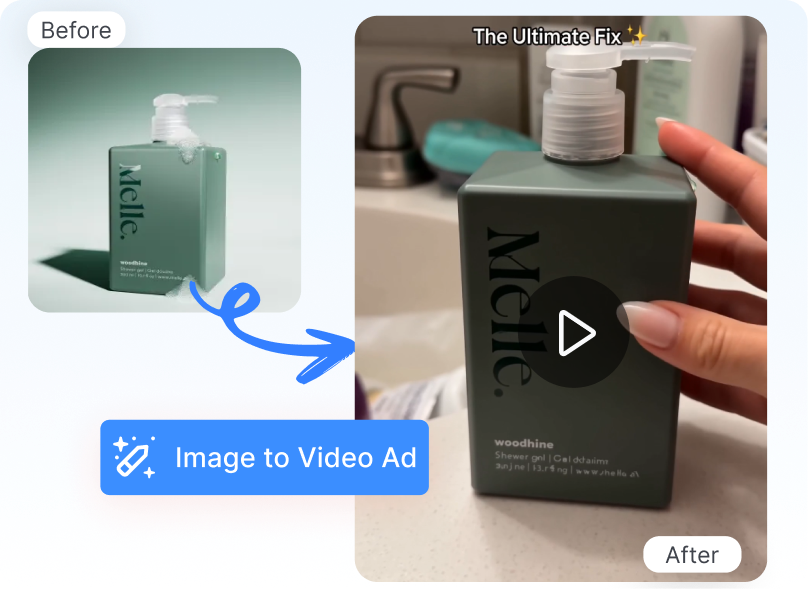
3 Steps to Master the AI Handheld Product Video Generator
1. Choose a POV Reference
Select a POV Handheld Showcase video that fits your intended direction. Upload the product image that should appear in the generated result.
2. Configure the Creative
Set the target market, language, and available video format. Add the product selling point, choose Style Clone or High Clone, set the number of variations, and add an AI actor if needed.
3. Generate and Download
Click Generate to create the handheld product video. Preview the result, check the product and hand interaction, then customize or download the selected version.
AI Handheld Product Video Generator for Ecommerce Content Teams

DTC and Ecommerce Brands
Turn existing product images into close-up motion content for launches, product pages, and social campaigns. Create a more human-centered presentation without arranging a separate handheld shoot for every item.

Paid Social Teams
Generate short POV product clips for mobile-first creative plans. Use different selling points and variations to explore how the same product can be introduced within a handheld format.

Dropshipping and Marketplace Sellers
Create product-in-hand content even when the available source material is limited to supplier images. Give shoppers a closer view of the item without waiting for every product sample to be recorded.
Frequently Asked Questions
Nextify’s AI handheld product video generator turns a static product image into a short video with a POV handheld aesthetic. The result presents the product through close framing, hand-led composition, and mobile-style movement.
A handheld product video presents an item as if someone were recording or displaying it with a phone. It commonly uses close framing, subtle camera movement, hands, and a first-person viewing angle.
Upload a clear image showing the product’s shape, color, packaging, and visible details. Avoid heavy blur, obstructions, or extreme angles that hide important parts of the item.
Yes. Select a reference from the POV Handheld Showcase section. The reference provides the visual structure and motion direction for the generated video.
AI Auto-Prompt helps organize the product selling point or creative focus entered for the video. Review the generated direction before starting the generation task.