AI Image Upscaler
Use Nextify.ai to make small, soft, or compressed product photos clearer and more useful. Upscale an existing image, inspect the details shoppers care about, and prepare a stronger asset for your next product page, ad, or social post.
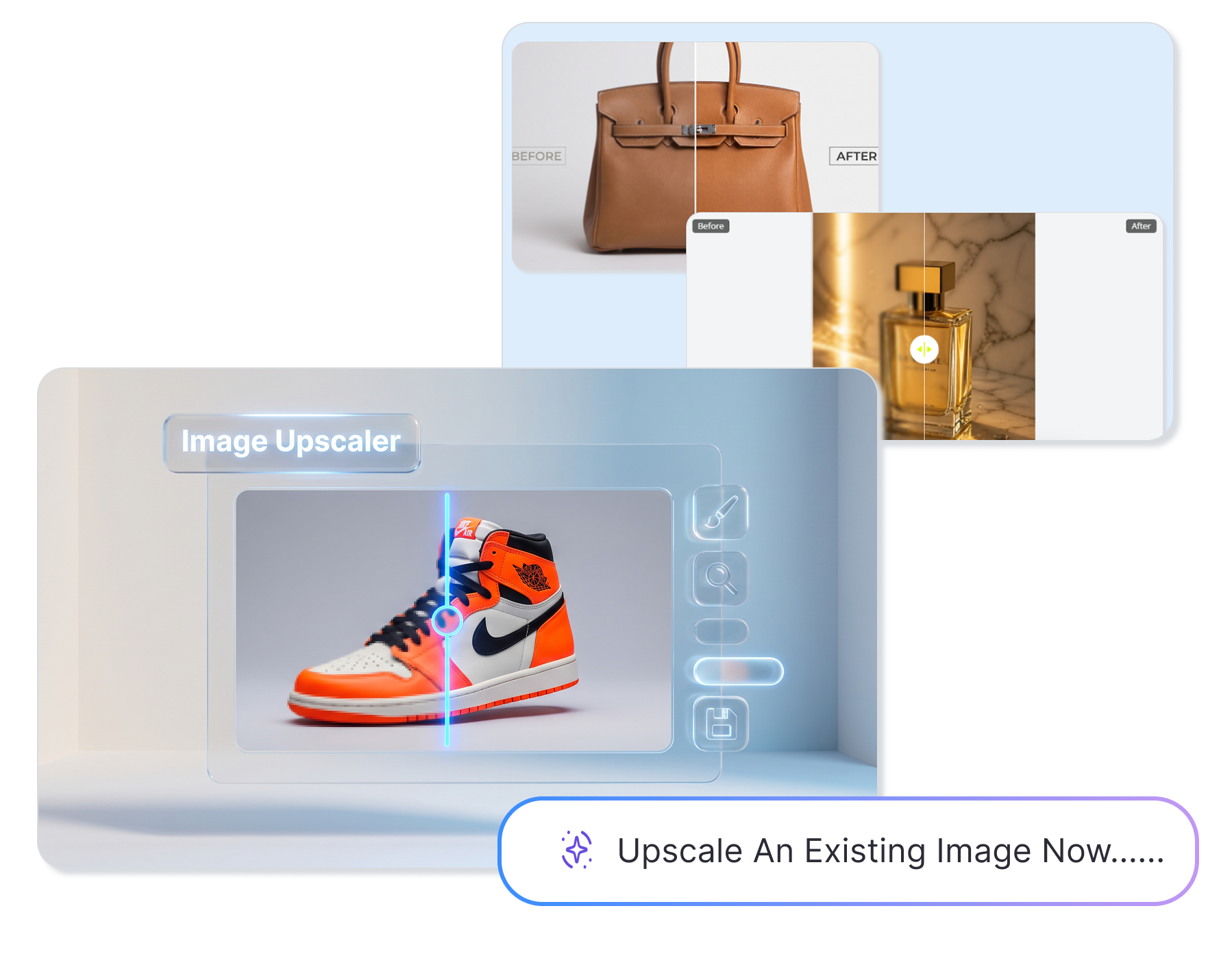
Make More from the Photos You Have with an AI Image Upscaler
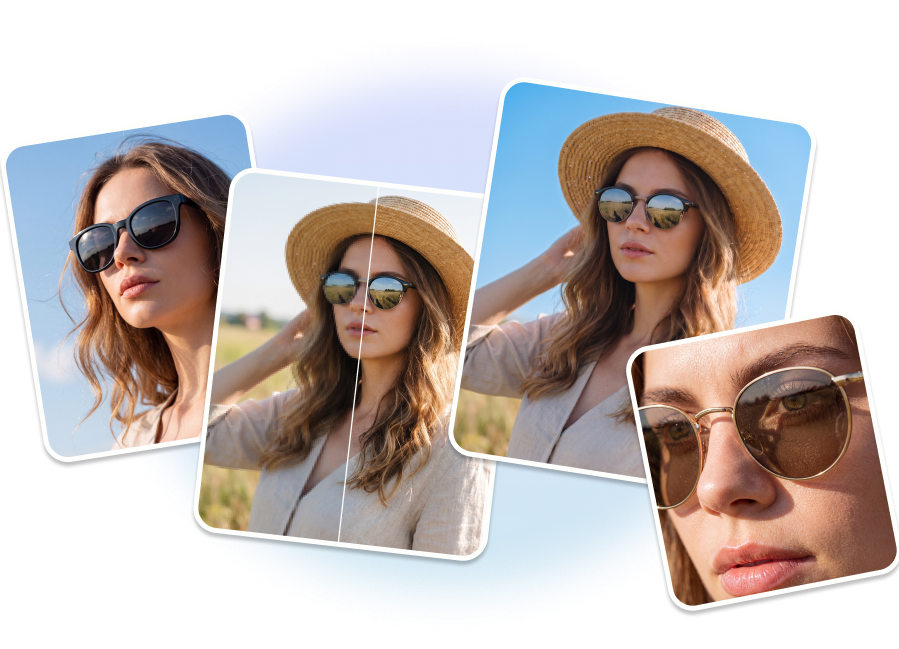
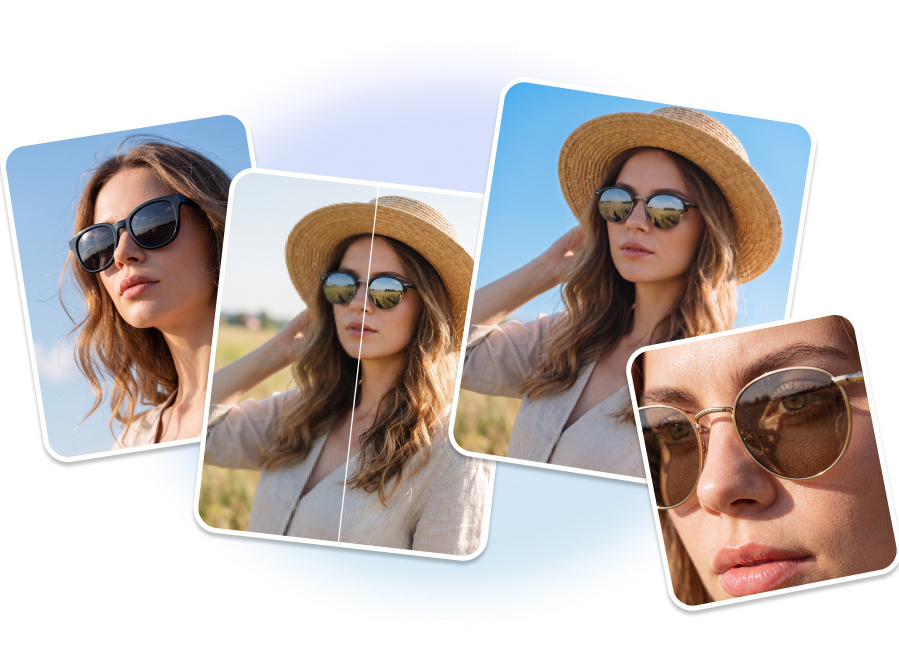
Enhance Lifestyle & Model Shots
Upload blurry fashion or lifestyle photos and let our AI image upscaler restore crisp clarity. Sharpen facial features, fabric textures, and accessories to create a stunning 4K finish for lookbooks and social media.
Sharpen Fine Product Details
Reveal the intricate textures of metal, glass, and leather with our online photo enhancer. Recover lost macro details in jewelry or cosmetic photography, ensuring your Amazon listings look premium when customers zoom in.
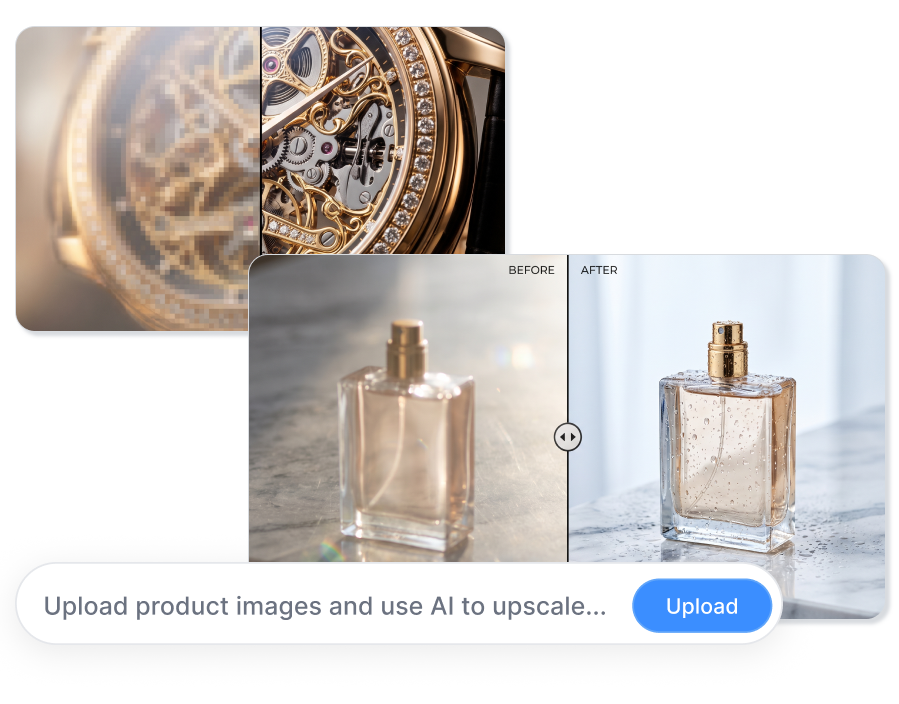
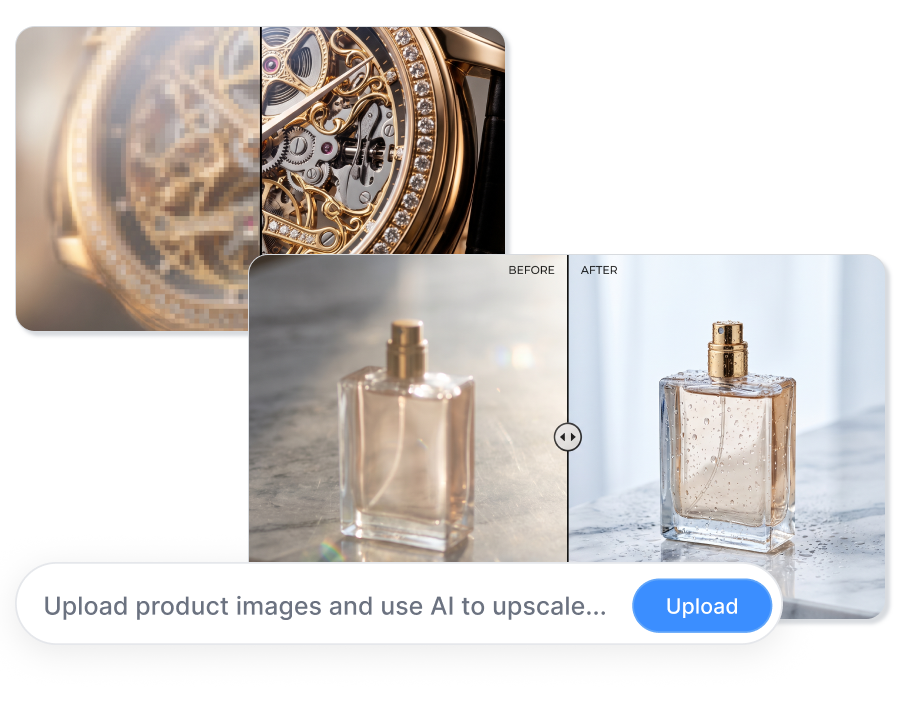


Batch Upscale Catalog Sets
Easily AI enlarge images for a massive catalog refresh. Process entire product lines — from luxury bags to cosmetics — at once. Batch upscale photos online to maintain consistent, high-definition quality across hundreds of SKUs effortlessly.
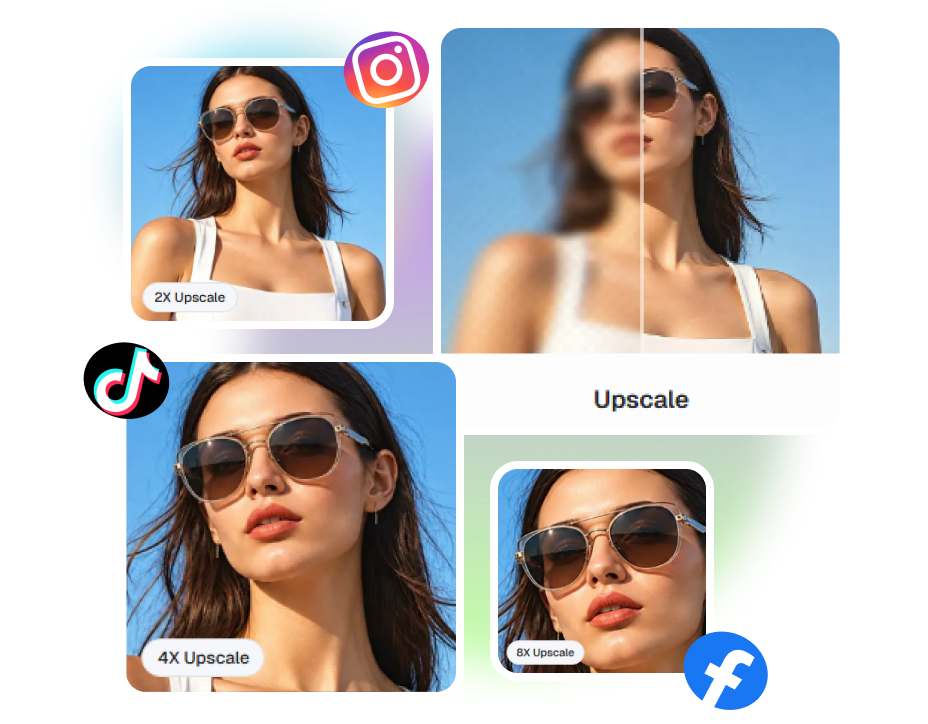
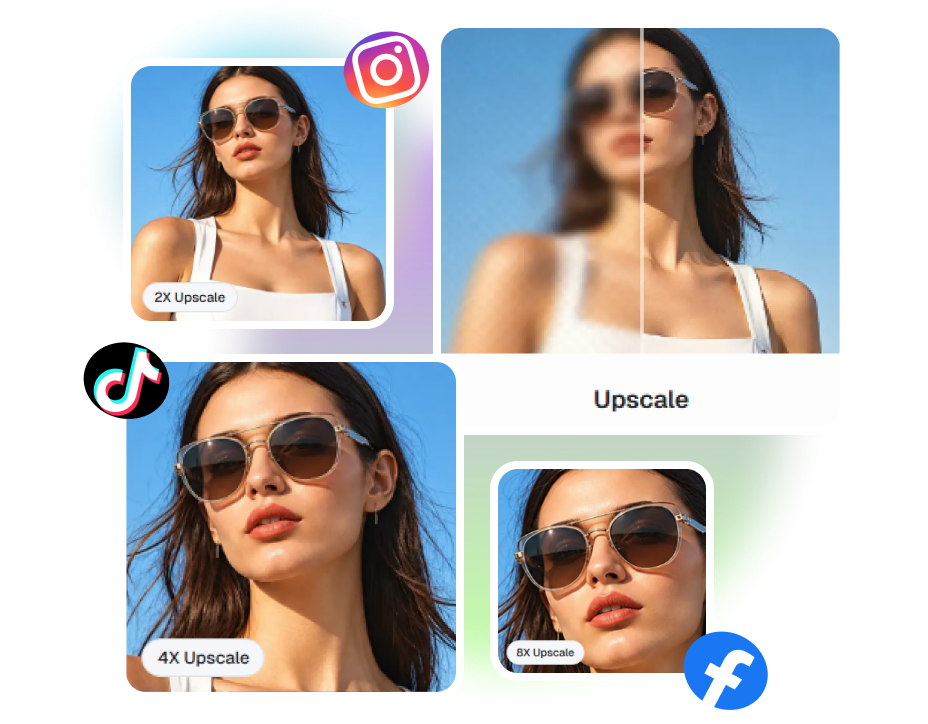
Scale for Any Social Platform
Rely on the best AI photo enhancer to adapt one perfect shot for every channel. Upscale up to 8X and generate a sharp square post for Instagram, a vertical frame for TikTok, or a crisp Facebook ad.
How to Upscale an Image Online In 3 Steps
1. Upload Your Image
Add a JPG, JPEG, PNG, or WebP file up to 10MB. Start with a product photo, lifestyle shot, or campaign asset that looks too small or soft.
2. AI Upscale and Enhance
Let our online AI image enhancer improve the working image, then check the label, logo, edges, and texture you need shoppers to see.
3. Review and Download
Compare the result at its intended size, save the useful version, and download it for your product page, ad, or social post.
Where an AI Image Upscaler Fits Your Workflow

E-commerce & Amazon Sellers
Use our AI image quality enhancer online to increase image resolution and highlight tiny product textures. Create crystal-clear, zoom-ready visuals for your Shopify store or Amazon listings to instantly boost buyer confidence.
Designers & Creative Agencies
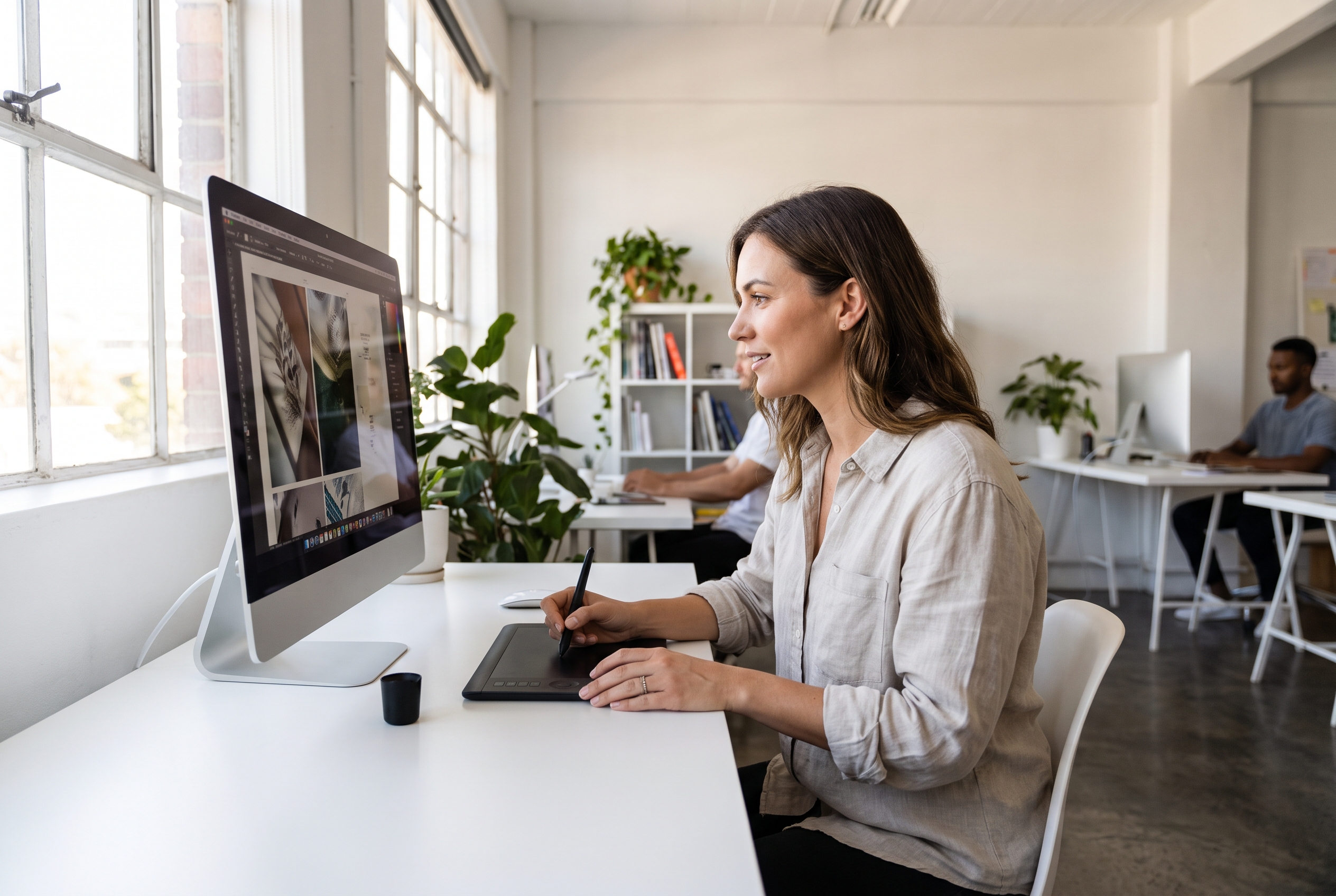
Our AI image resolution enhancer provides a seamless image upscaler 4K workflow to transform low-quality files into high-definition masterpieces. Perfect for large-scale digital campaigns, website banners, and seasonal print catalogs.

Performance & Social Marketers
Improve image quality and rescue low-res creatives with our AI picture enhancer. Generate sharp, thumb-stopping visuals that drive clicks across Instagram feeds, TikTok ads, and high-converting landing pages.
FAQs
Think of an AI image upscaler as a magic wand for pixelated photos. Instead of just stretching an image and making it blurry, it uses smart AI to guess and fill in the missing details. With Nextify.ai, you get crisp, high-resolution results, and you can instantly swap backgrounds or resize for social media right after.
Instead of just stretching pixels like old software, our AI is trained to understand what your products should look like. It smartly predicts and fills in the missing pixels — turning soft edges, unreadable logos, and muddy textures into crisp, clear details in a matter of seconds.
Nextify.ai is designed with e-commerce and marketers in mind. You can try our online AI image upscaler for free to see the magic yourself. Drop in your softest product photo, and watch how beautifully it restores labels and fine textures before you commit to a batch workflow.
You sure can. If you need massive, ultra-clear visuals for a website hero banner or a print catalog, just choose your desired output scale. The AI will generate a stunning, 4K-ready finish that keeps all your product details sharp and professional.
Definitely! We support PNG, JPG, JPEG, and WebP. Whether it’s a transparent product cutout or a graphic with text, our AI handles it perfectly. It cleans up the edges and removes compression artifacts so your PNGs look flawless.
Yes! Traditional resizing just stretches pixels, leaving you with a blurry mess. Our AI analyzes your photo and actually adds realistic details back in as it enlarges. While it can't perform miracles on a 10x10 pixel speck, it will beautifully upscale most standard images without that awful pixelated look.
For sure. If you have a massive catalog to update, our batch editing tool is a game-changer. You can upload and process up to 10,000 images at once. AI upscale photos, remove backgrounds, and standardize your lighting all in one go — saving you hours of manual work.
Our AI is incredibly smart and rescues most blurry photos beautifully. However, starting quality still matters. If the original image is extremely tiny or heavily corrupted, the AI might have to "guess" some fine details. Just start with the best source file you have, and our AI will instantly take it to the next level.