AI Product Image Generator
Upload a product photo or start with a prompt, reference image, template, or reusable AI actor. Create white-background shots, lifestyle scenes, model photos, virtual try-ons, detail close-ups, and marketing visuals in the format your next store, post, or campaign needs.
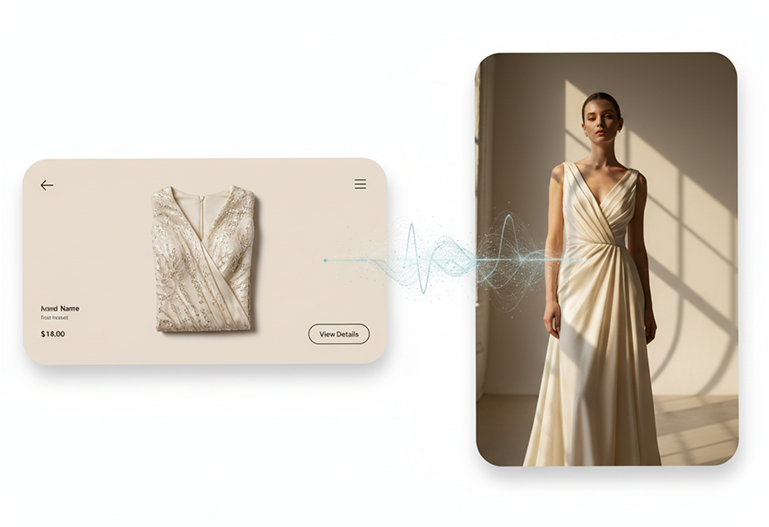
AI Product Image Generator Built for Real Ecommerce Work
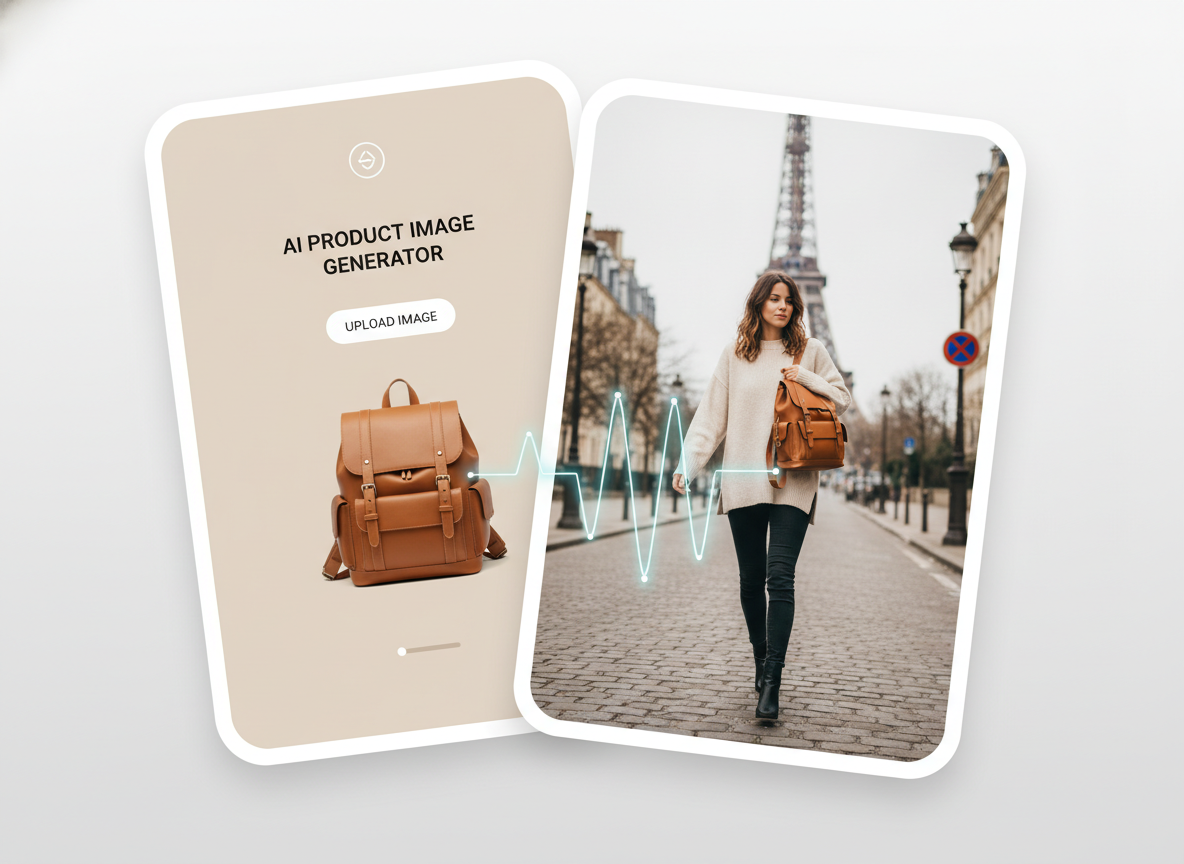
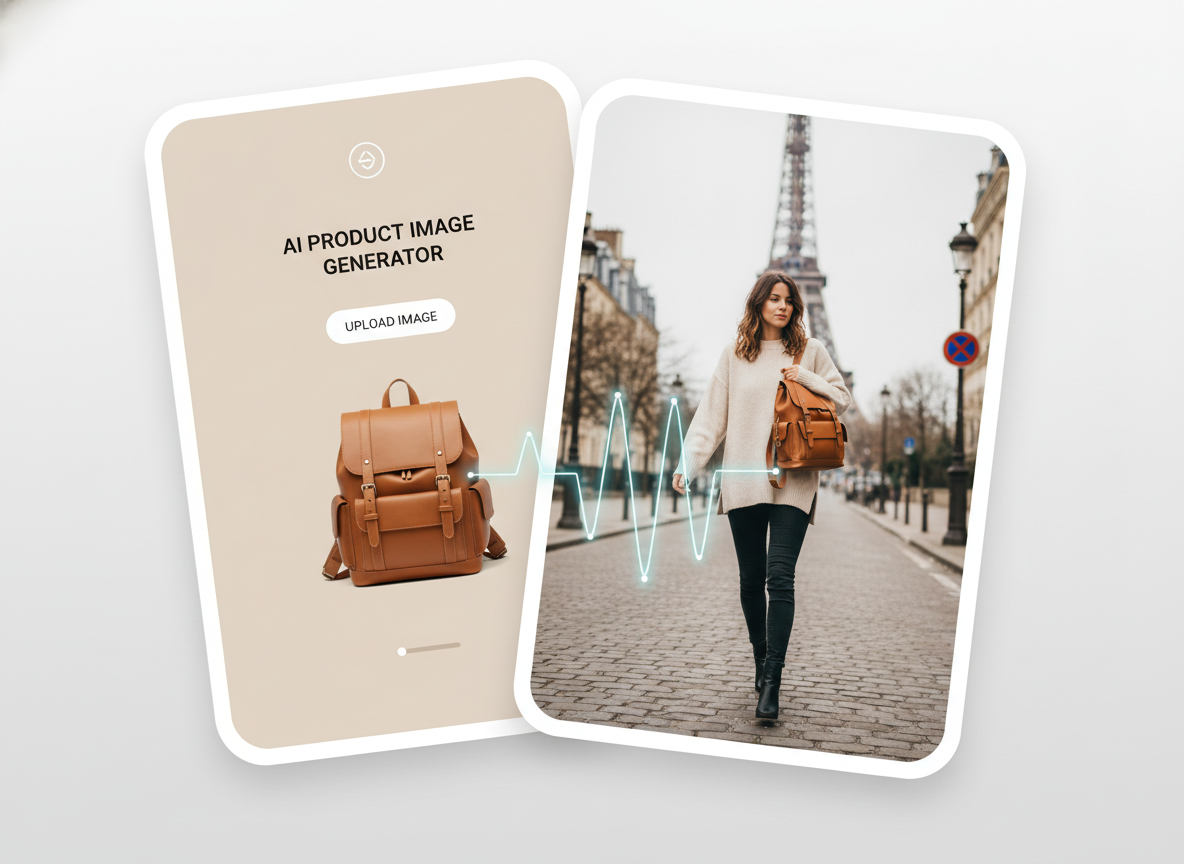
AI PRODUCT PHOTO GENERATOR
Start with the Product, Not a Blank Canvas
Upload a product photo, add an optional reference image, or begin with a ready-made template or reusable AI actor. Describe the scene, lighting, composition, product placement, and text you want to see. Choose an image model based on whether the job needs stronger text rendering, faster generation, richer detail, or commerce-focused realism.
AI ECOMMERCE IMAGE GENERATOR
Turn One Product into the Shots You Need
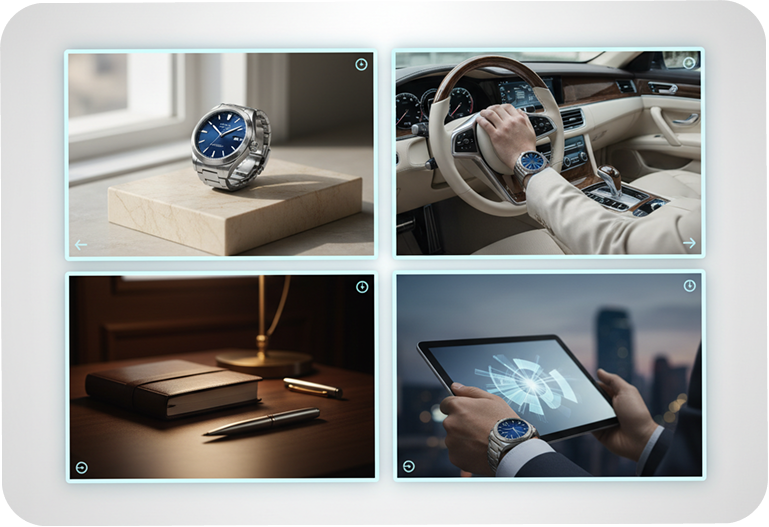
Create white-background shots, product retouches, lifestyle scenes, detail close-ups, main images, selling-point graphics, and promotional visuals. Use the same source product to guide a clean studio image, a real-world setting, or a close view of an important feature. Build each visual around a specific job instead of forcing one image to do everything.
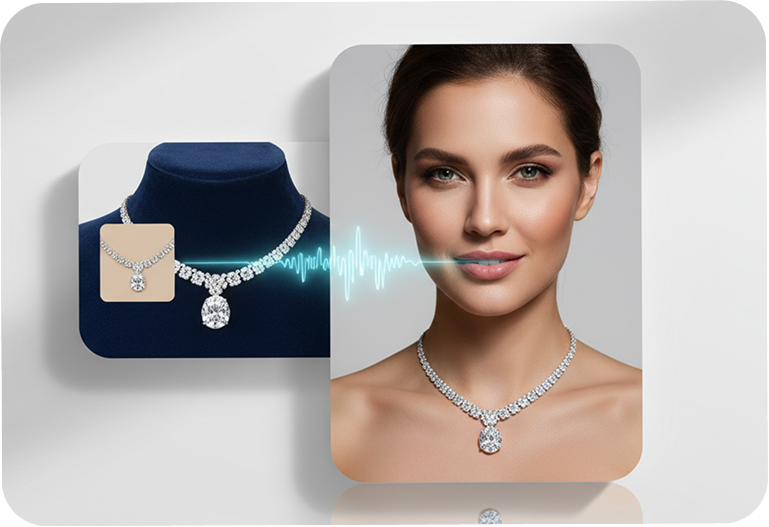
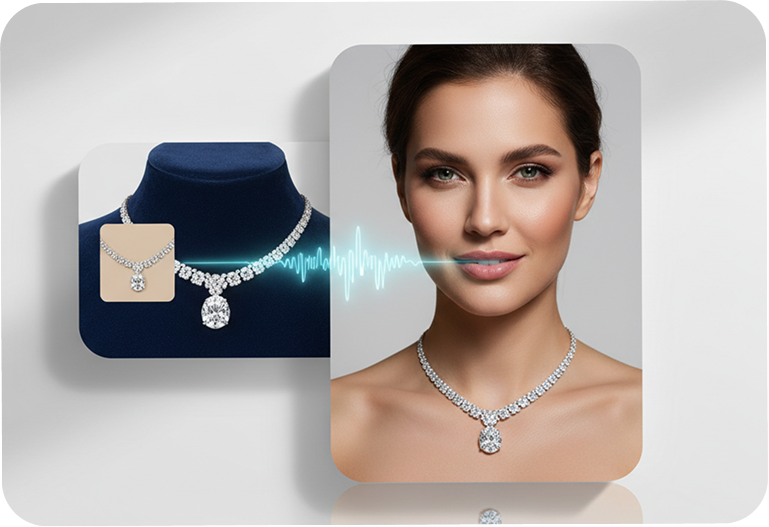
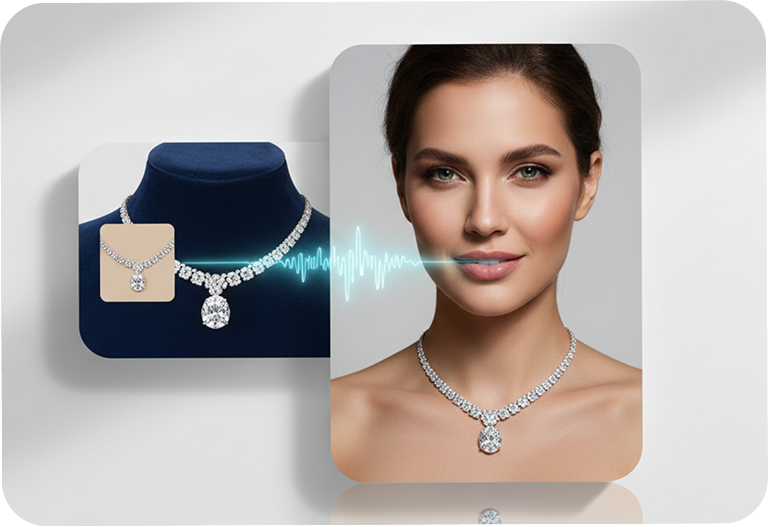
AI FASHION PRODUCT IMAGES
Put Products on Models Without Booking a Shoot
Create model photos, virtual try-on outfits, Buyer Show images, or model replacement visuals from product and model references. Choose the person, pose, setting, styling, and framing that fit the product. Explore new fashion and accessory concepts before committing to another physical production.
AI MARKETING IMAGE GENERATOR
Build the Right Crop for Every Placement
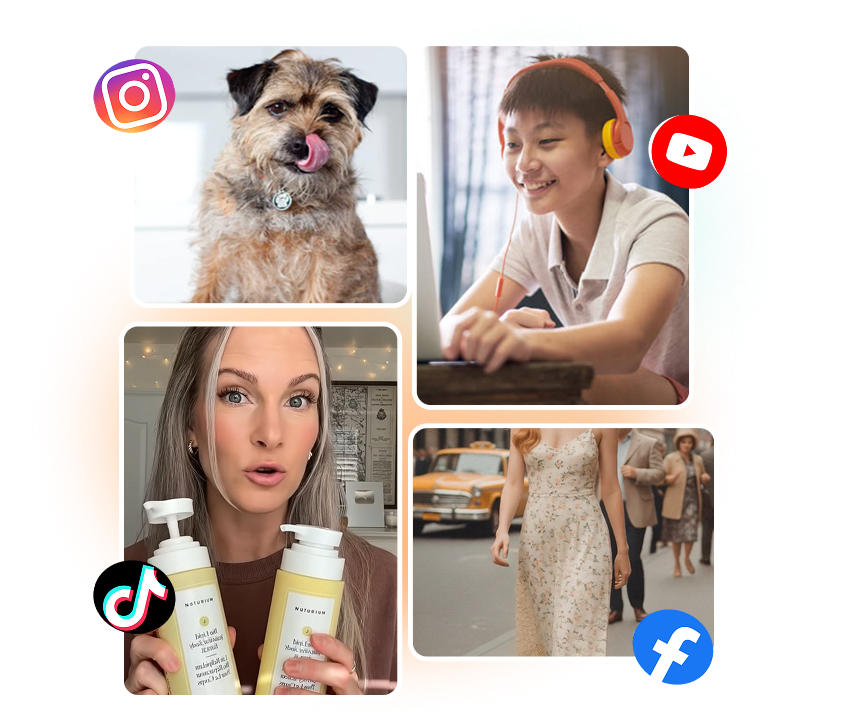
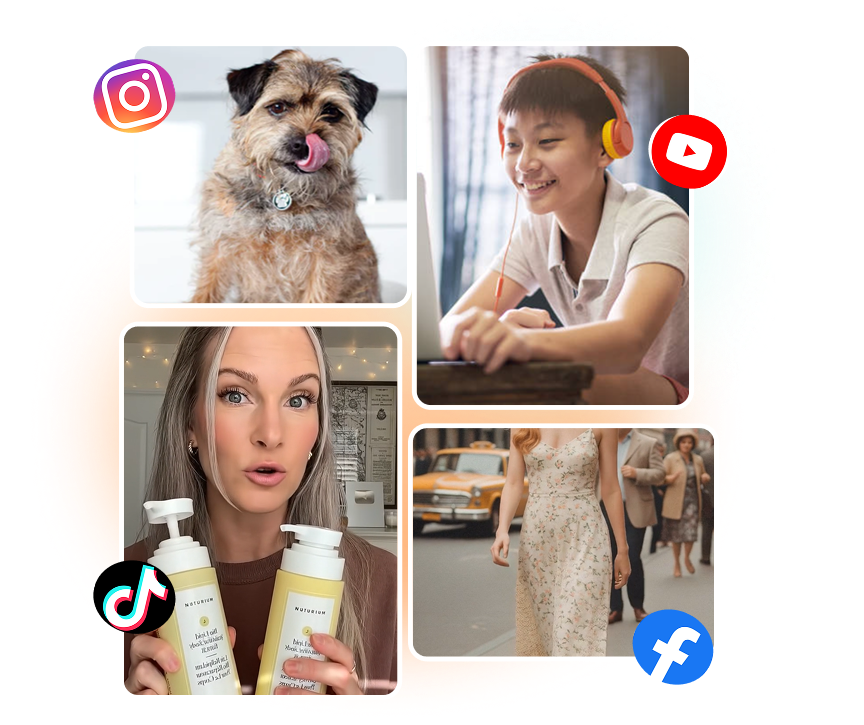
Create product visuals in 1:1, 3:4, 4:3, 9:16, or 16:9 for stores, ads, social posts, banners, and promotional layouts. Generate up to 9 images per run with output settings up to 2K. Review product details and keep the versions that fit the intended placement.
How to Generate Product Images with AI
1. Add Your Product or Starting Point
Upload a product photo, add an optional reference image, choose a template, or select a reusable AI actor. Use clear source images when product shape, packaging, color, or material matters.
2. Describe the Shot
Enter the scene, background, lighting, composition, product position, and text you want. Choose the image model, aspect ratio, resolution, and number of results for the job.
3. Generate, Review, and Download
Generate up to 9 product images, compare the results, and check every important product detail. Download the versions you want, save them to your collection, or continue creating from a promising result.
Who Uses Nextify.ai for Product Images?
Ecommerce Sellers
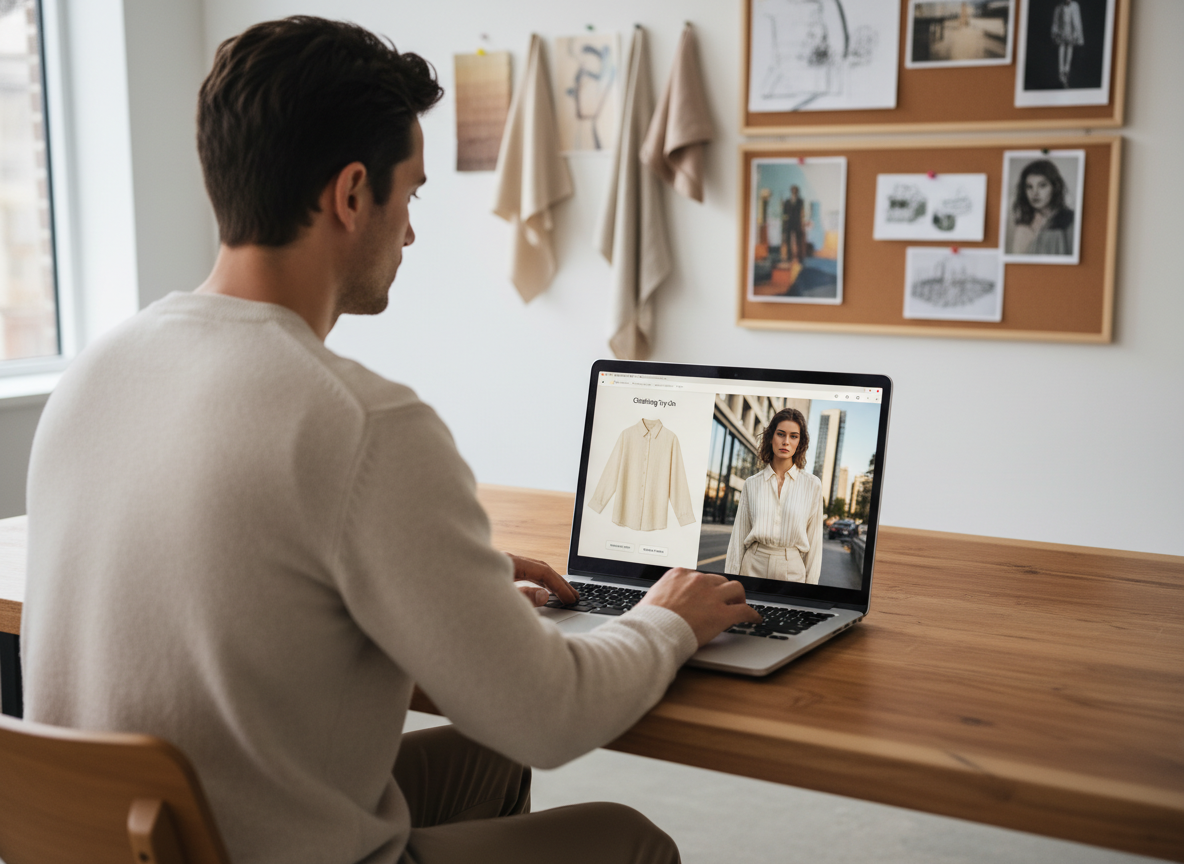
Turn basic product photos into white-background shots, lifestyle scenes, close-ups, and promotional visuals. Prepare fresh assets for product pages, marketplaces, social posts, and seasonal campaigns.
Fashion Brands
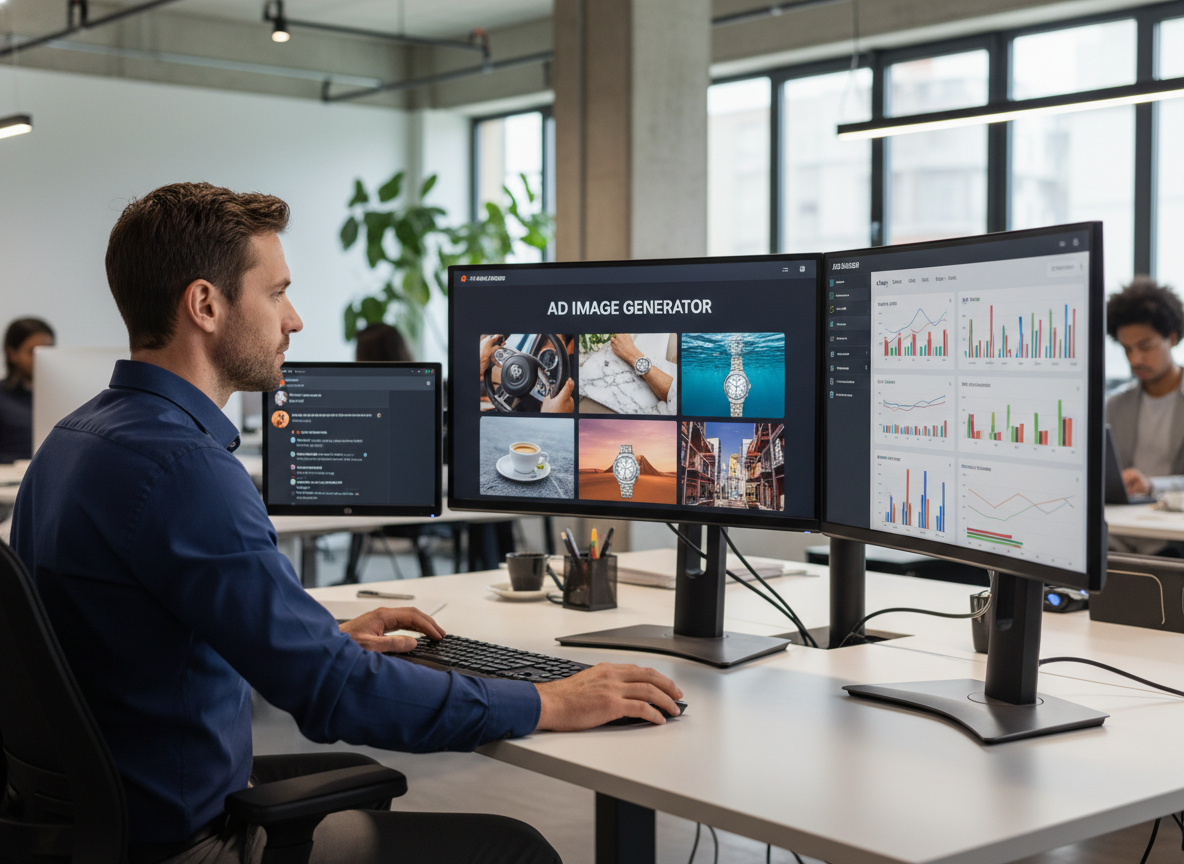
Create model photos, virtual try-on concepts, styled outfit visuals, and accessory shots from product references. Explore different people, settings, and compositions without arranging every concept as a separate shoot.
Creative Teams
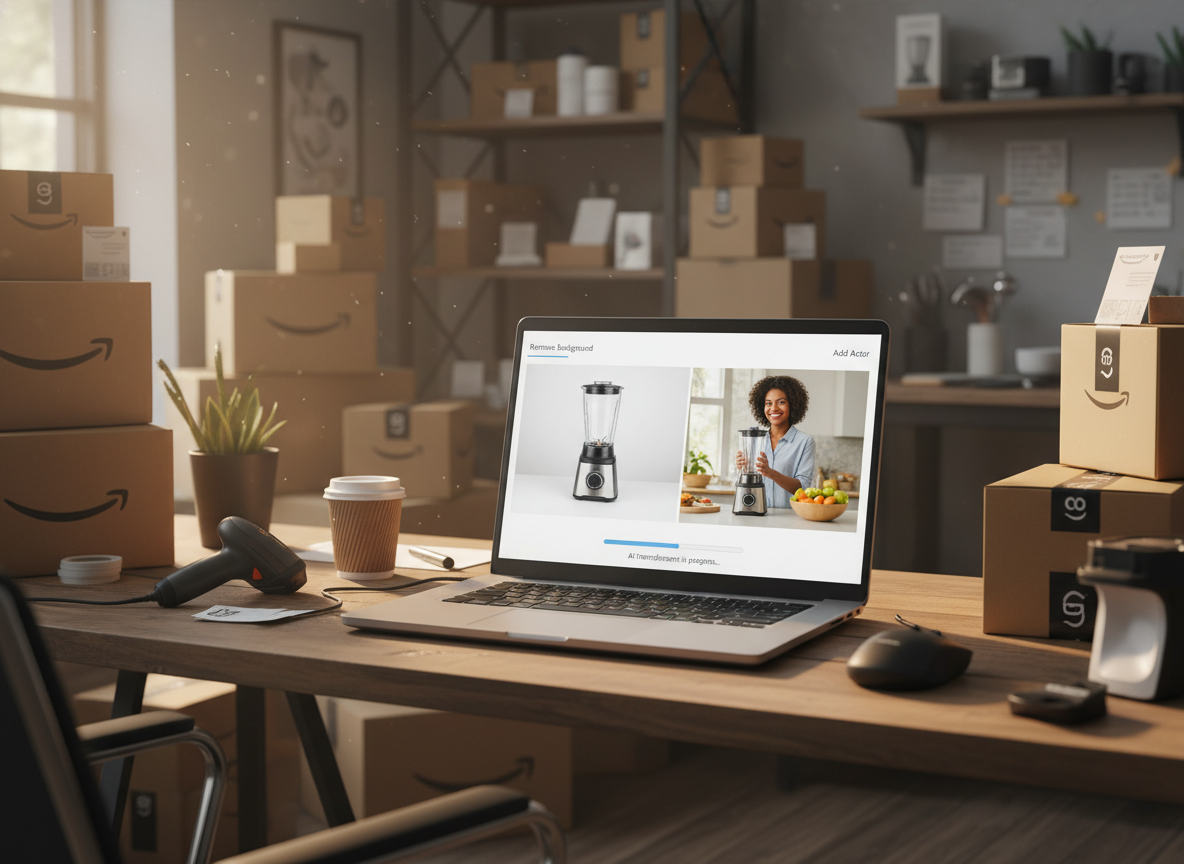
Move from a short visual brief to several product-image directions in one workspace. Compare models, layouts, ratios, and scenes before choosing which concepts to refine or publish.
Frequently Asked Questions
An AI product image generator creates new ecommerce and marketing visuals from a product photo, prompt, or reference image. It can produce white-background shots, lifestyle scenes, model images, detail close-ups, promotional graphics, and other product-focused creative.
Yes. Upload the product photo and describe the background, scene, layout, text, and marketing angle you want. You can create product promos, selling-point graphics, posters, social visuals, and other ad-image concepts.
You can create white-background images, product retouches, main images, lifestyle scenes, model photos, virtual try-ons, detail close-ups, selling-point graphics, marketing posters, Buyer Show images, AI backgrounds, product replacements, and product renderings.
Yes. Nextify.ai includes workflows for virtual try-on outfits, model photos, model references, model replacement, and Buyer Show images. Use clear garment, accessory, product, and model references to guide the result.
Yes. Add an optional reference image to guide the visual style, setting, composition, or general direction. You can also begin with a template when you want a more structured starting point.
Yes. The Image Generator offers multiple models with different strengths, including prompt and text rendering, generation speed, detail, and commerce-focused realism. The available model list may change as the workspace is updated.
Available ratios include 1:1, 3:4, 4:3, 9:16, and 16:9. Current generation settings support output up to 2K and up to 9 images in one run.
A clear source image helps the model follow the product, but AI can still change packaging text, logos, color, materials, shape, proportions, or included parts. Compare every generated image with the real product before using it in a store, listing, or advertisement.