Ecommerce Image Editor
Stop wasting hours on manual retouching. Instantly enhance image clarity, swap backgrounds, adapt compositions, and batch-process SKUs for Shopify, Amazon, and paid campaigns. Get professional, conversion-ready product photos in one smart workspace.
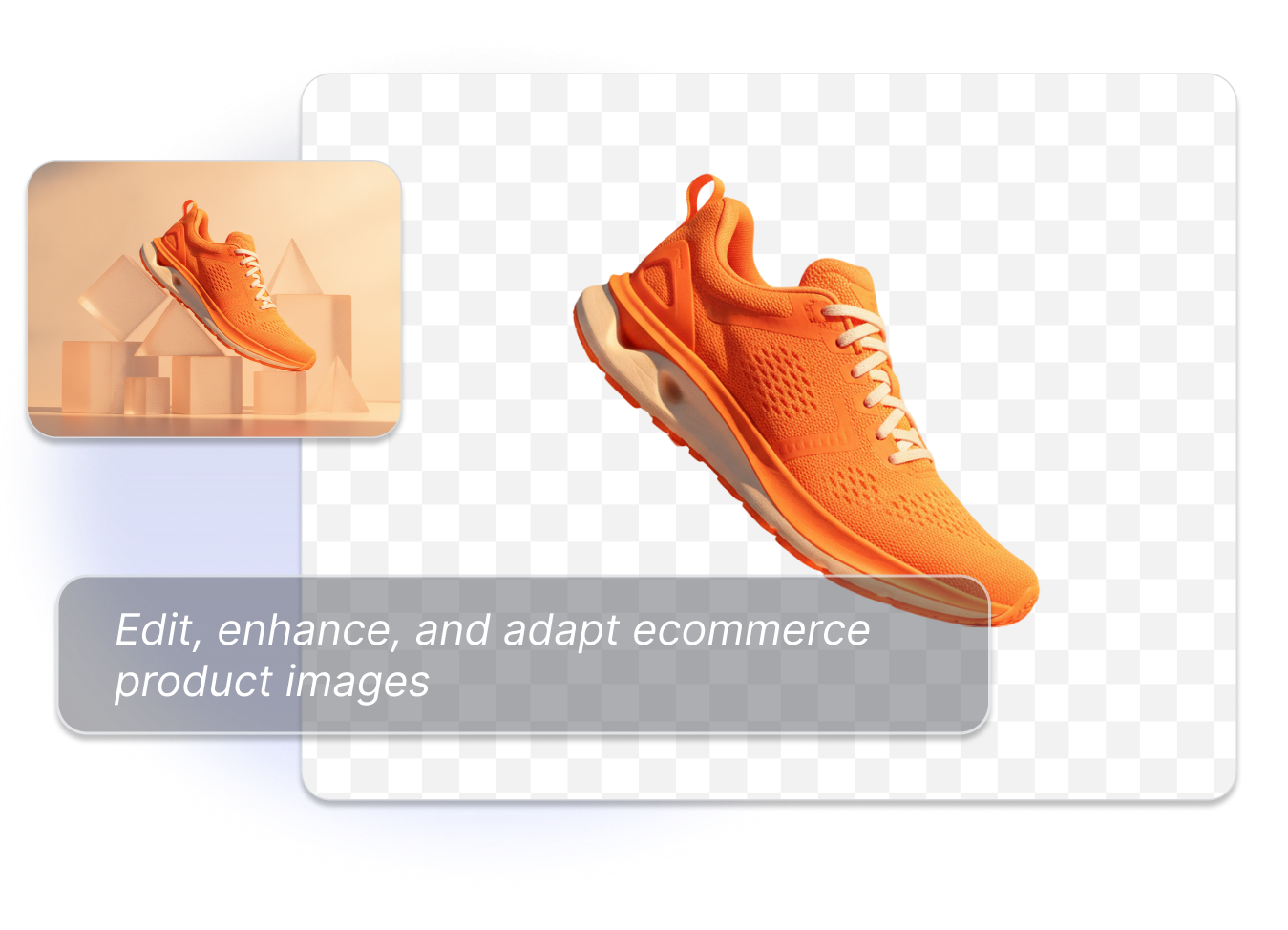
The All-in-One Ecommerce Image Editor Built for Conversions


Pixel-Perfect Clarity that Drives Sales
Instantly fix uneven lighting and sharpen soft edges to showcase true product textures. Whether smoothing glare on a glass bottle or highlighting stitching on a leather bag, crystal-clear details build buyer trust and reduce returns.
From Pure White Compliance to Stunning Lifestyles
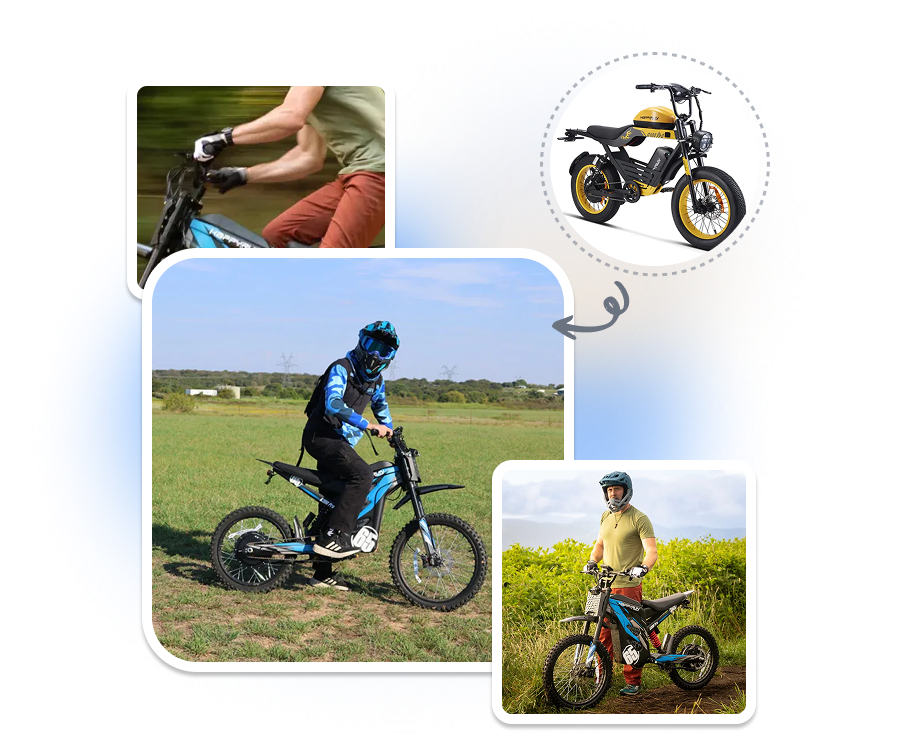
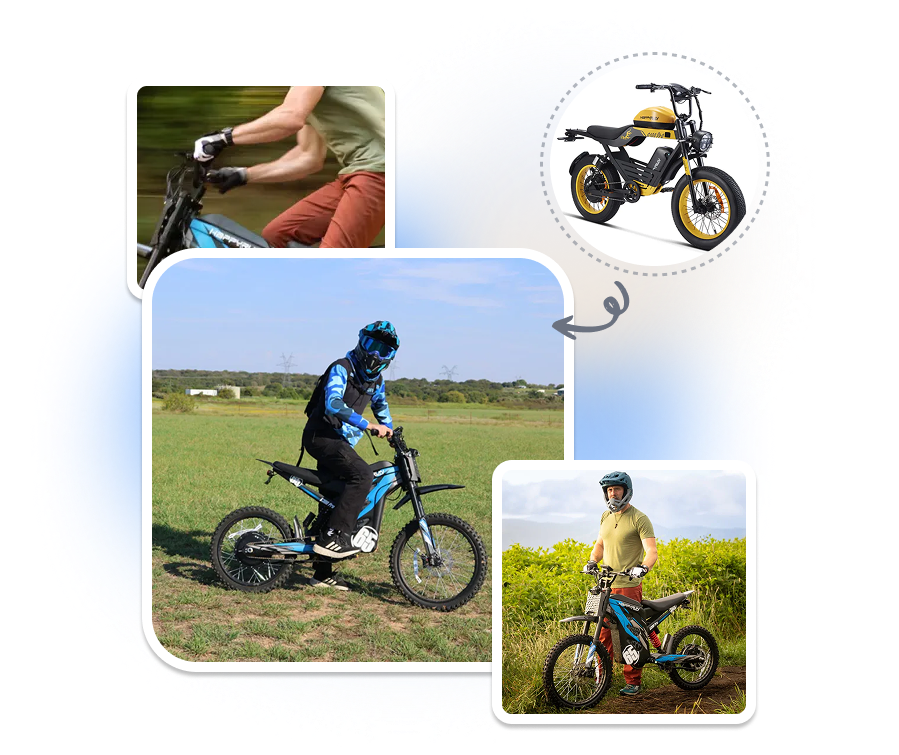
Generate pure white backgrounds for Amazon compliance, or place products into AI lifestyle scenes. Easily drop an e-bike onto a scenic dirt trail for social ads, or swap to a rugged outdoor backdrop — zero photoshoots needed.


Auto-Resize & Crop for Any Marketplace
Auto-resize images with the perfect aspect ratio and whitespace for both marketplaces and social commerce. Effortlessly adapt your product photo into a 1:1 square for your Shopify grid and Instagram, a 9:16 vertical crop for TikTok, or a 16:9 landscape for YouTube, keeping the product perfectly centered.
Bulk Edit Up to 10,000 SKUs in Minutes
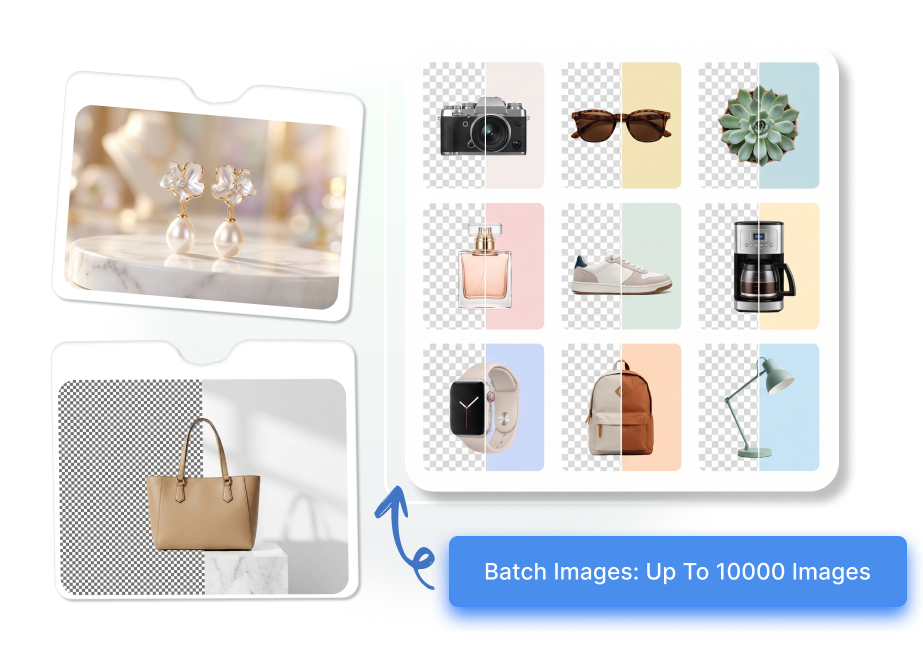
Process up to 10,000 SKUs at once to maintain visual consistency across your store. Batch-apply an outdoor AI scene to 500 clothing items, or unify shadow settings for a new catalog before syncing to WooCommerce, saving hours of manual work.

How to Use an Ecommerce Image Editor in 3 Simple Steps
1. Upload a Product Image
Drag and drop raw photos or supplier images. Upload a single picture or batch-select thousands of SKUs to start your workflow.
2. Apply AI Edits & Backgrounds
Retouch details, generate pure white or AI lifestyle backgrounds, and auto-resize your canvas to perfectly fit Amazon, Shopify, or social ads.
3. Review, Save, and Download
Preview your high-converting visuals. Download perfectly cropped, web-ready product images and publish them directly to your store or marketing channels.
Who Uses a Free Image Editor for Ecommerce?

Marketplace Sellers
Ensure every listing complies with Amazon and eBay standards. Instantly generate pure white backgrounds and optimize framing to stand out in crowded search results.

DTC Brands
Keep your Shopify or WooCommerce store visually consistent. Apply uniform lighting and branded aesthetic rules across hundreds of new arrivals with just a few clicks.

Performance Teams
A/B test ad creatives effortlessly. Turn basic product shots into engaging lifestyle visuals and adapt them for Facebook, Instagram, and TikTok ad formats instantly.
FAQs
An ecommerce image editor helps sellers and teams improve existing product photos for listings, storefronts, catalogs, and marketing assets. It focuses on how the product is presented, not just on a generic photo effect.
Yes. Use the editor to refine product presentation, review clarity and composition, prepare different placement versions, and organize image sets for product and campaign use.
Yes. You can work with transparent and solid backgrounds, upload an image background, select a preset background, or use an AI-generated background.
Use an edit direction that prioritizes a clearer product view, balanced presentation, and visible details. Review labels, logos, colors, materials, and edges before publishing the result.
Use the intended placement to guide the crop, subject scale, canvas direction, and whitespace. A product-page image, collection tile, social asset, and banner concept often need different compositions.
The upload area supports JPG, JPEG, PNG, and WebP files up to 10MB per image.
The editor batch flow supports up to 10,000 images. Use it when a catalog refresh, collection launch, or large image library needs a consistent editing approach.
Yes. Review the edited image in the workspace, save the version, and download the asset when it is ready for your next ecommerce use.