Command the Feed with AI Commercial Generator
Build a commercial with a clear opening, product moment, and final frame. Guide the visual world with reference images or video, choose a TVC, lifestyle, or product-demo direction, and set the production mood before generation.
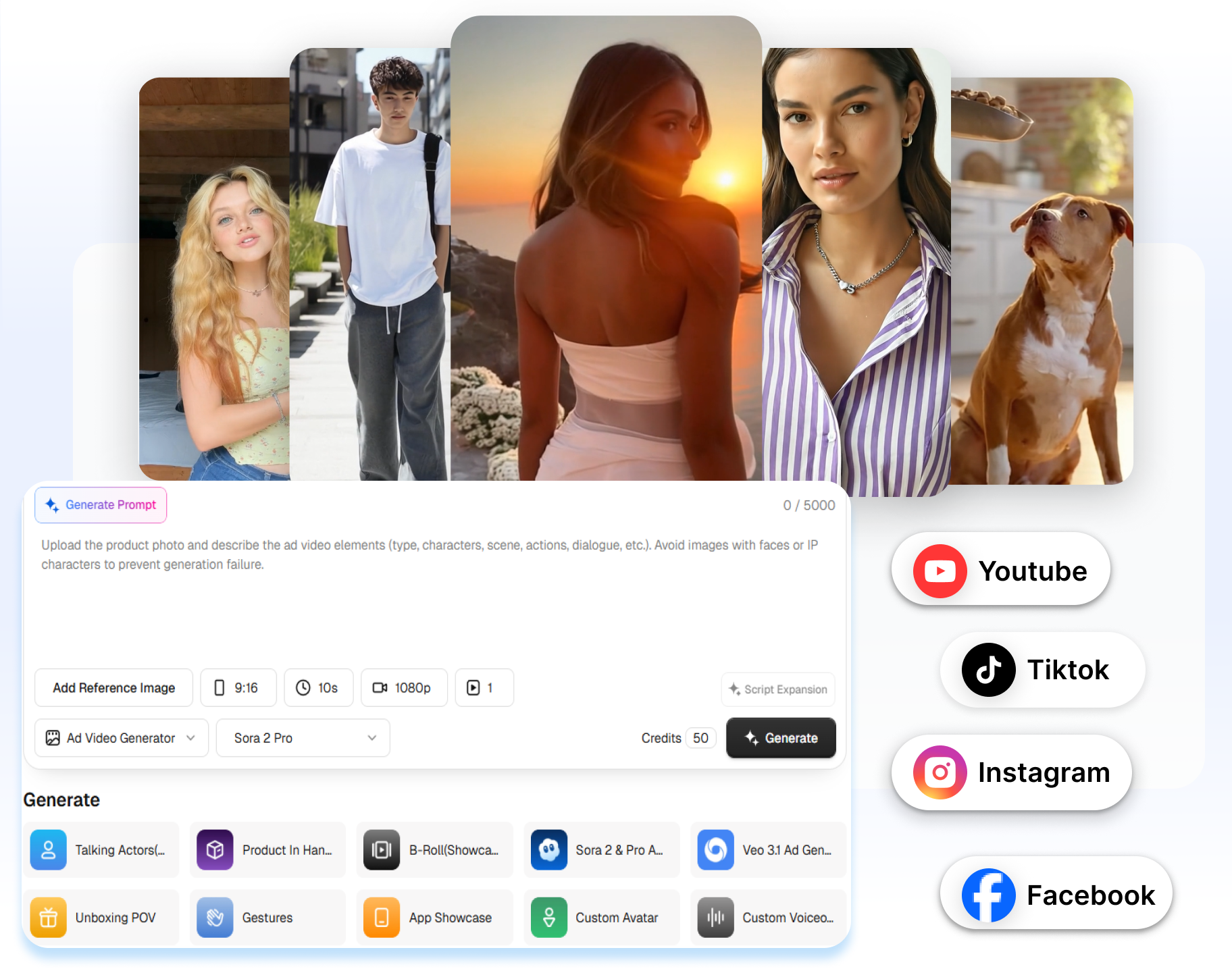
Why Choose Our AI Commercial Generator for E-commerce Ads
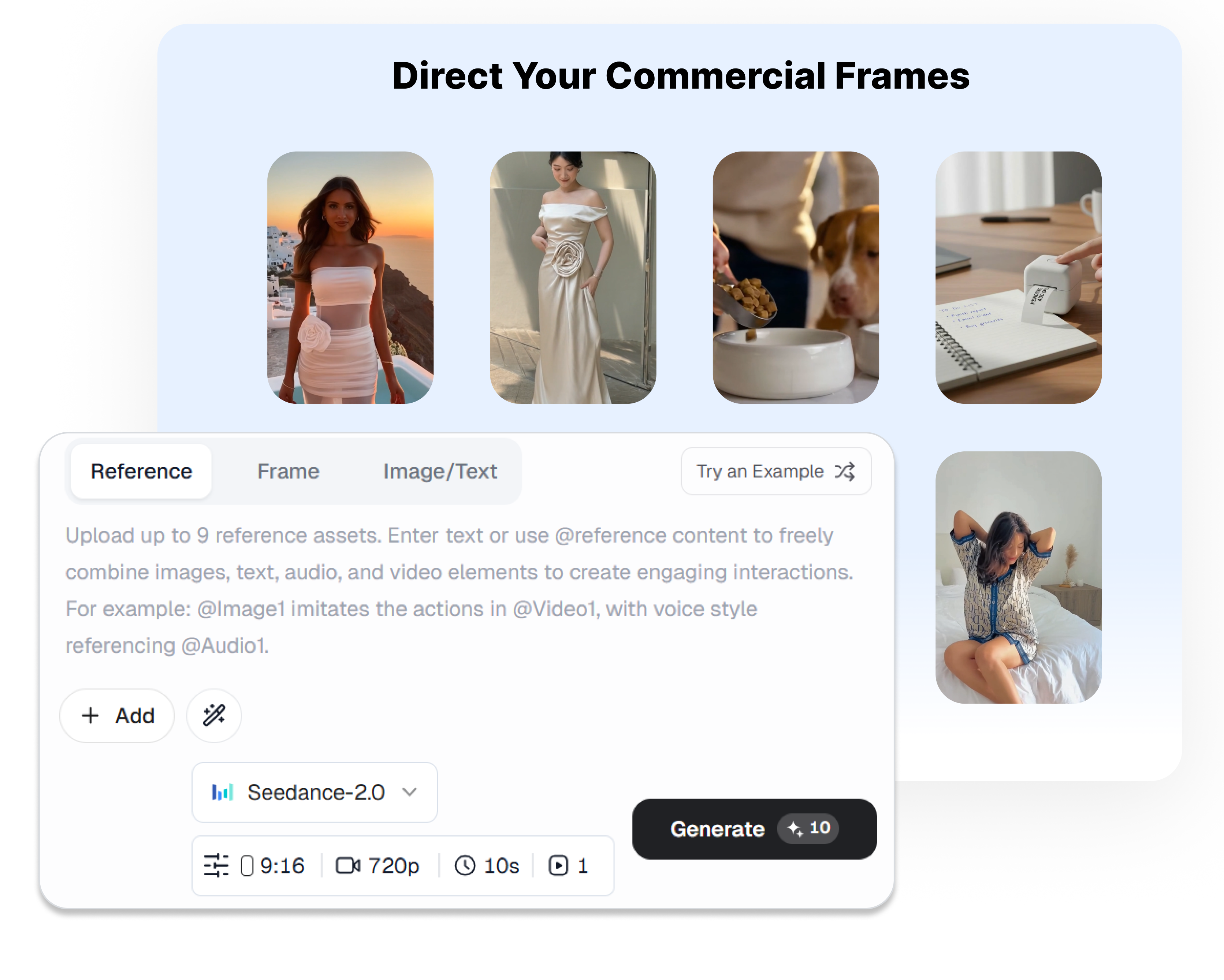
Direct Your Product from First Frame to Last
Set the opening image, closing shot, and motion that connects them. Use First & Last Frame to shape a product reveal, transformation, or memorable final scene. Create a commercial sequence that feels directed instead of generating a disconnected AI clip.
Keep Every Scene in One Visual World
Upload reference images, video, or audio to establish the look and atmosphere of the commercial. Guide characters, scenes, style, and motion with concrete visual references instead of stacking adjectives into a prompt. Give product shots and surrounding scenes a more deliberate creative relationship.
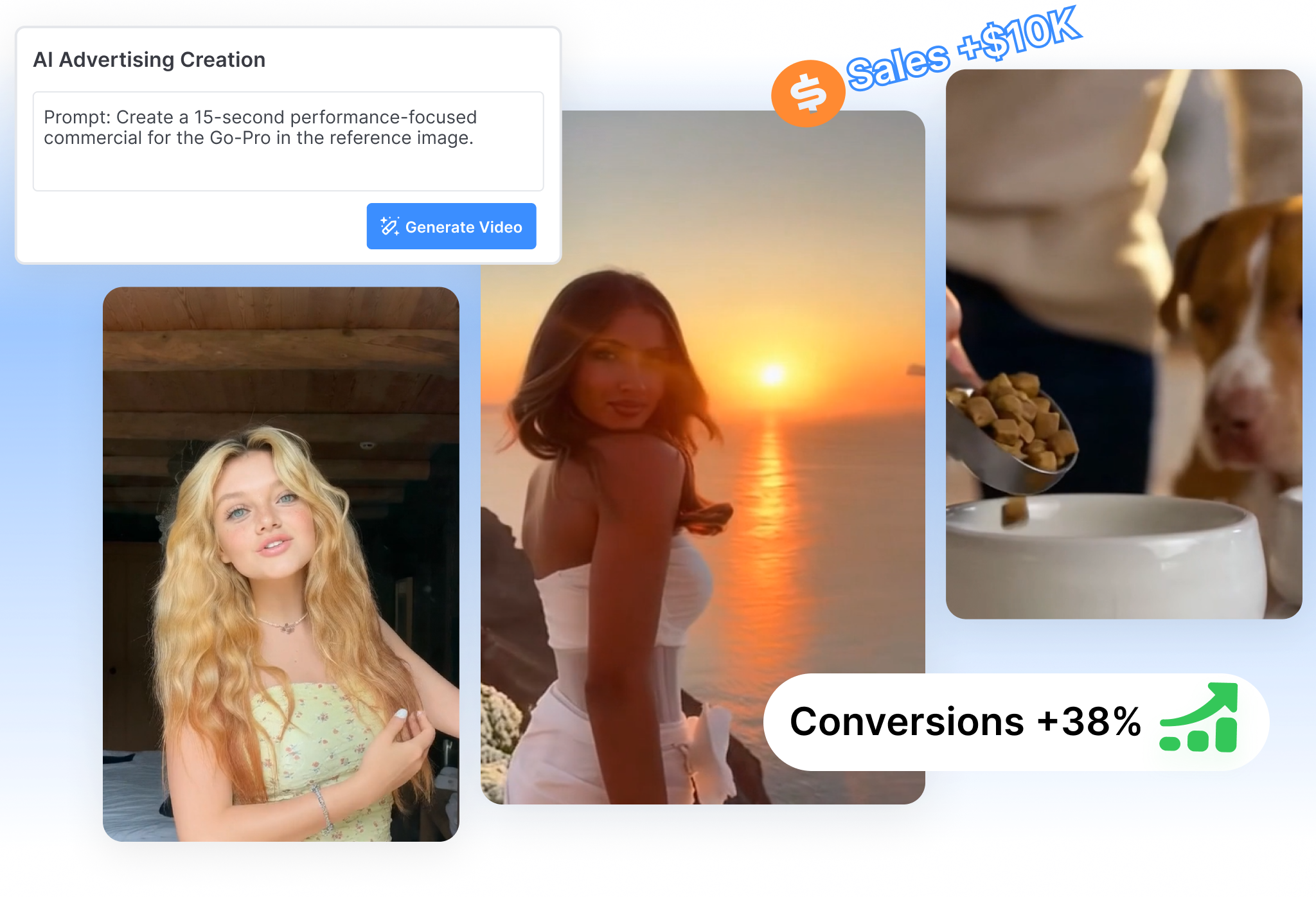
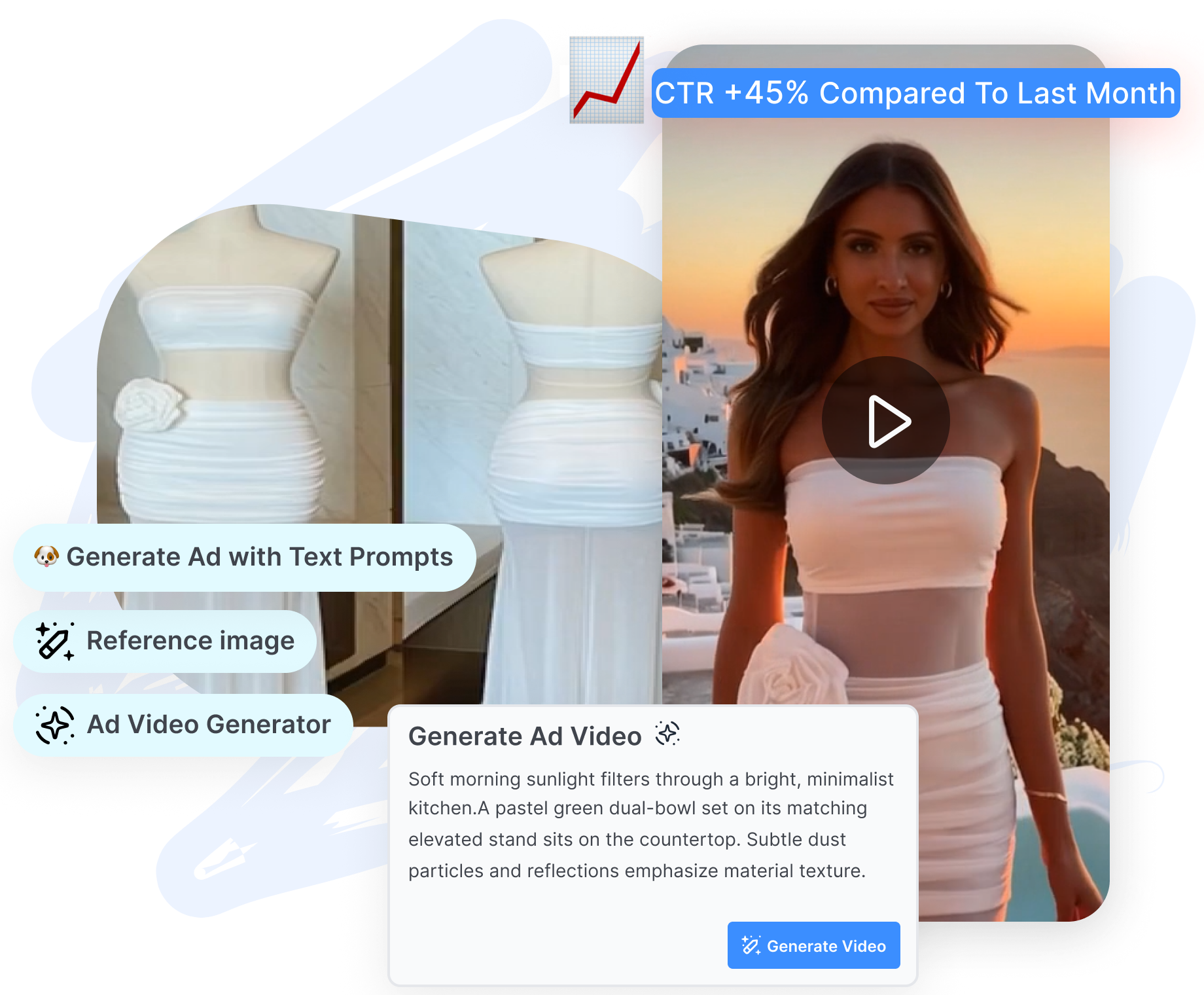
Give the Product Its Hero Moment
Place the product at the center of a TVC-style spot, lifestyle scene, or focused product demo. Use Image & Text to describe the setting, motion, and product moment the commercial needs. Turn a static product asset into a visual sequence built around its story.
Set the Production Mood Before You Generate
Choose the AI model, aspect ratio, language, and sound-effect setting that fit the intended presentation. Move the same concept toward a cinematic product shot, a vertical brand moment, or a quieter lifestyle scene. Make the production choices visible before committing to the render.
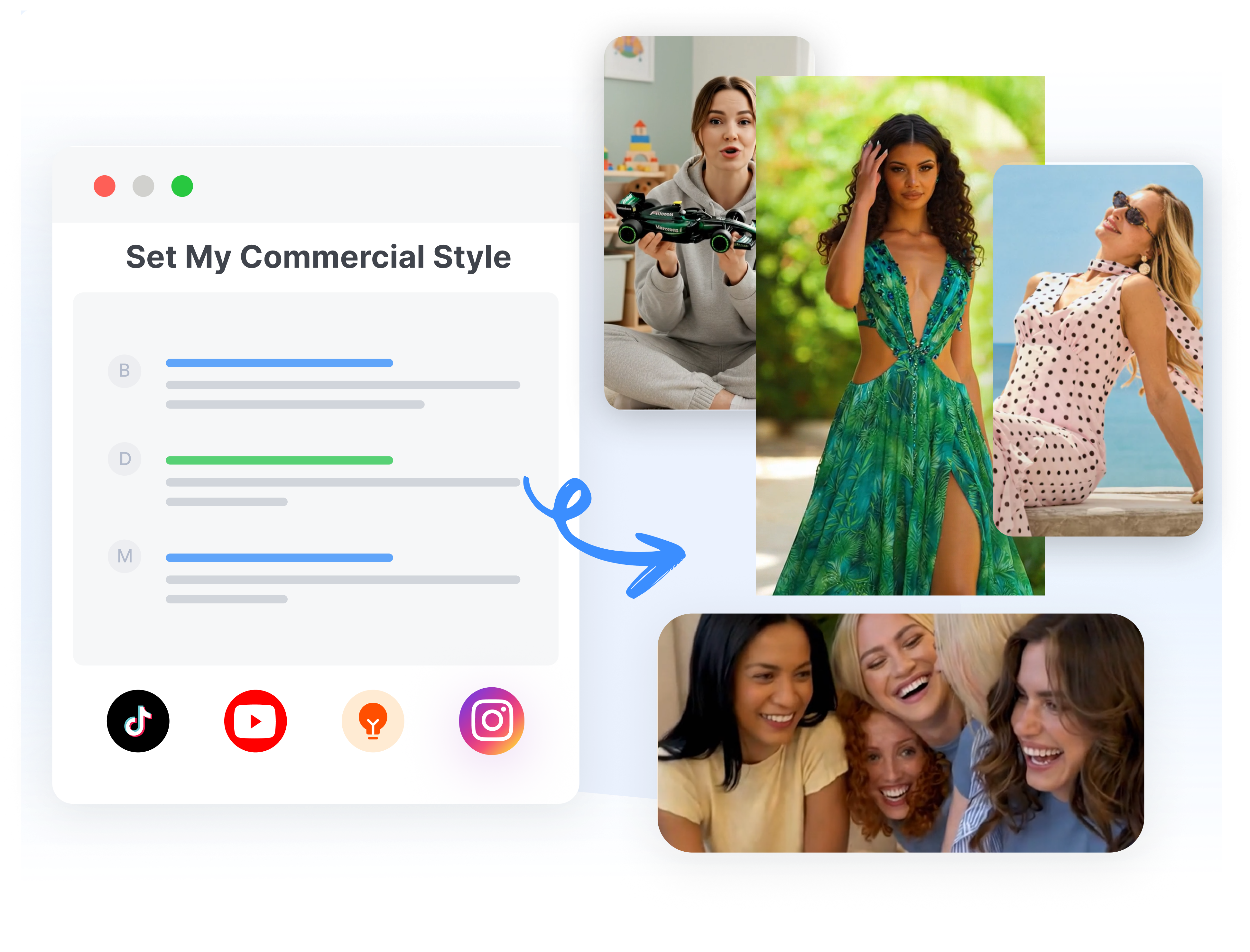
How to Use the AI Commercial Generator in 3 Simple Steps
Step 1: Frame the Opening & Finish
Upload the first and last frames when the commercial needs a planned reveal or closing shot. Add a short description of the motion that should connect them.
Step 2: Build the Visual World
Add reference images, video, or audio to guide the scene, style, and atmosphere. Choose TVC Style, Product Demo, Lifestyle, or another treatment that fits the campaign.
Step 3: Set the Mood and Generate
Select the AI model, aspect ratio, language, and sound-effect setting. Generate the commercial, review how the sequence lands, and refine the visual direction when another take is needed.
Who Benefits Most from This AI Commercial Generator?
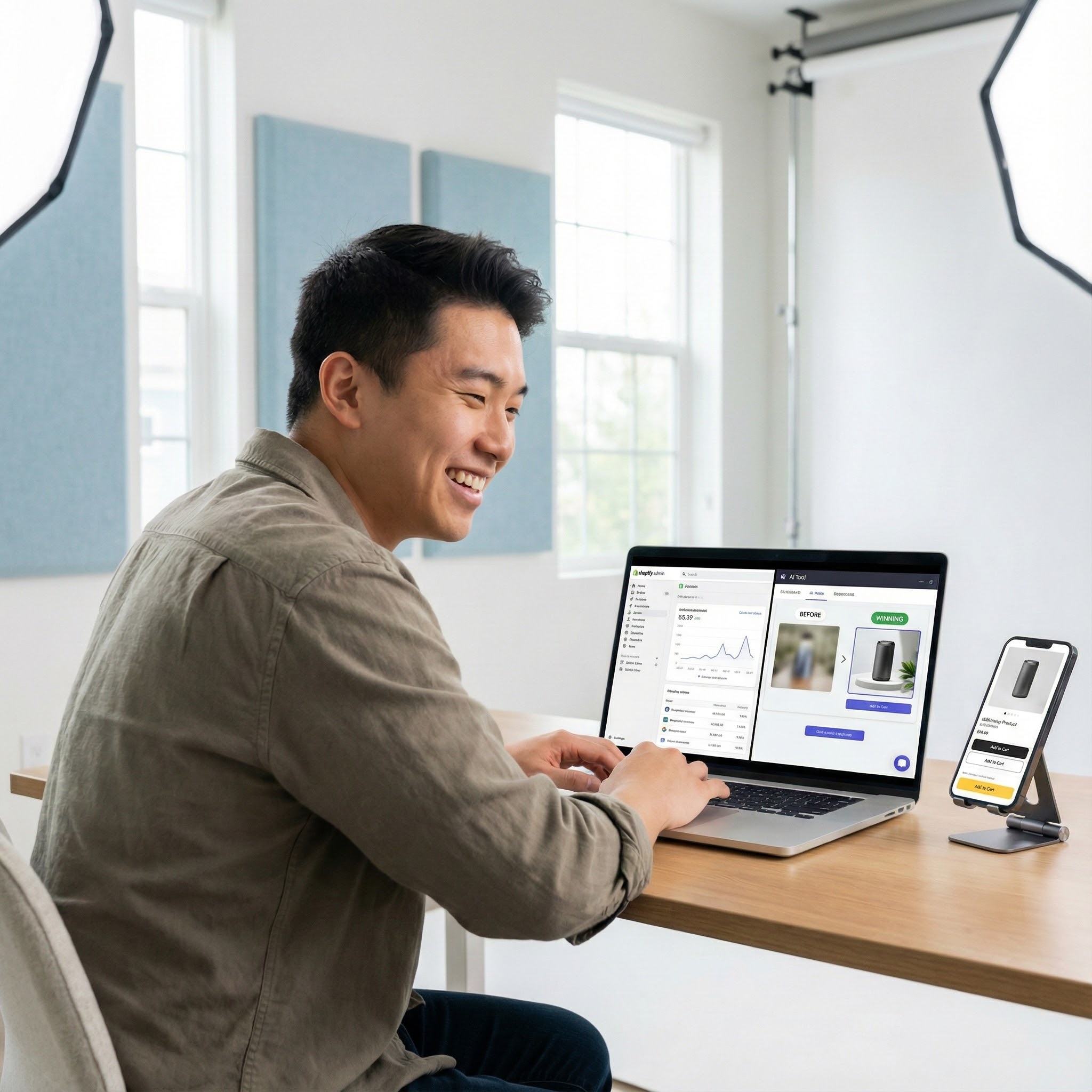
For Brand Owners
Maintain a premium look without the agency price tag. Create consistent, high-quality brand assets for your Amazon listing videos or social feeds using the best AI commercial maker on the market.
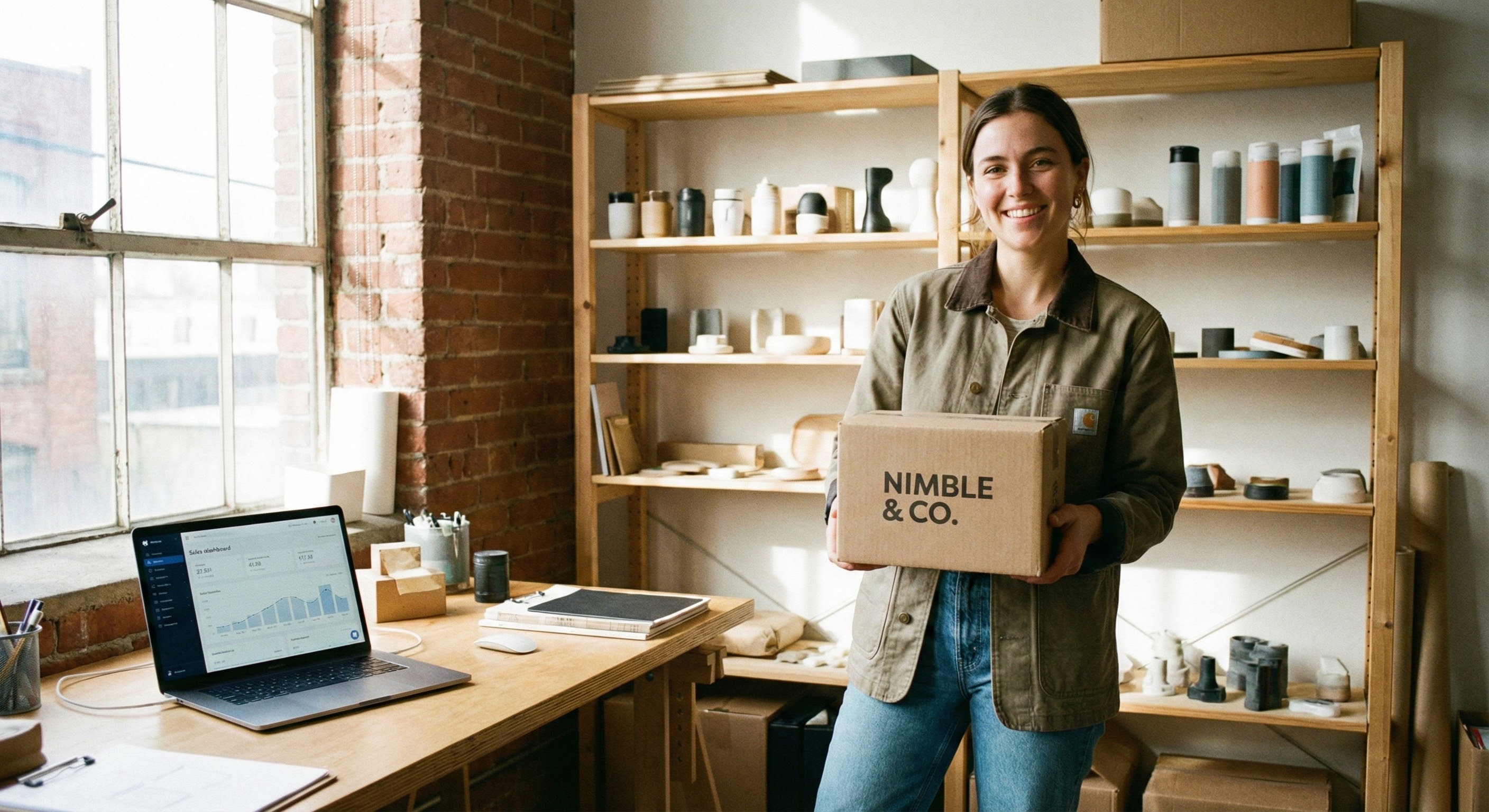
For Dropshippers
Generate dropshipping video ads instantly. Save thousands on shipping products to photographers and get your product showcase videos live the same day you find a winning product.
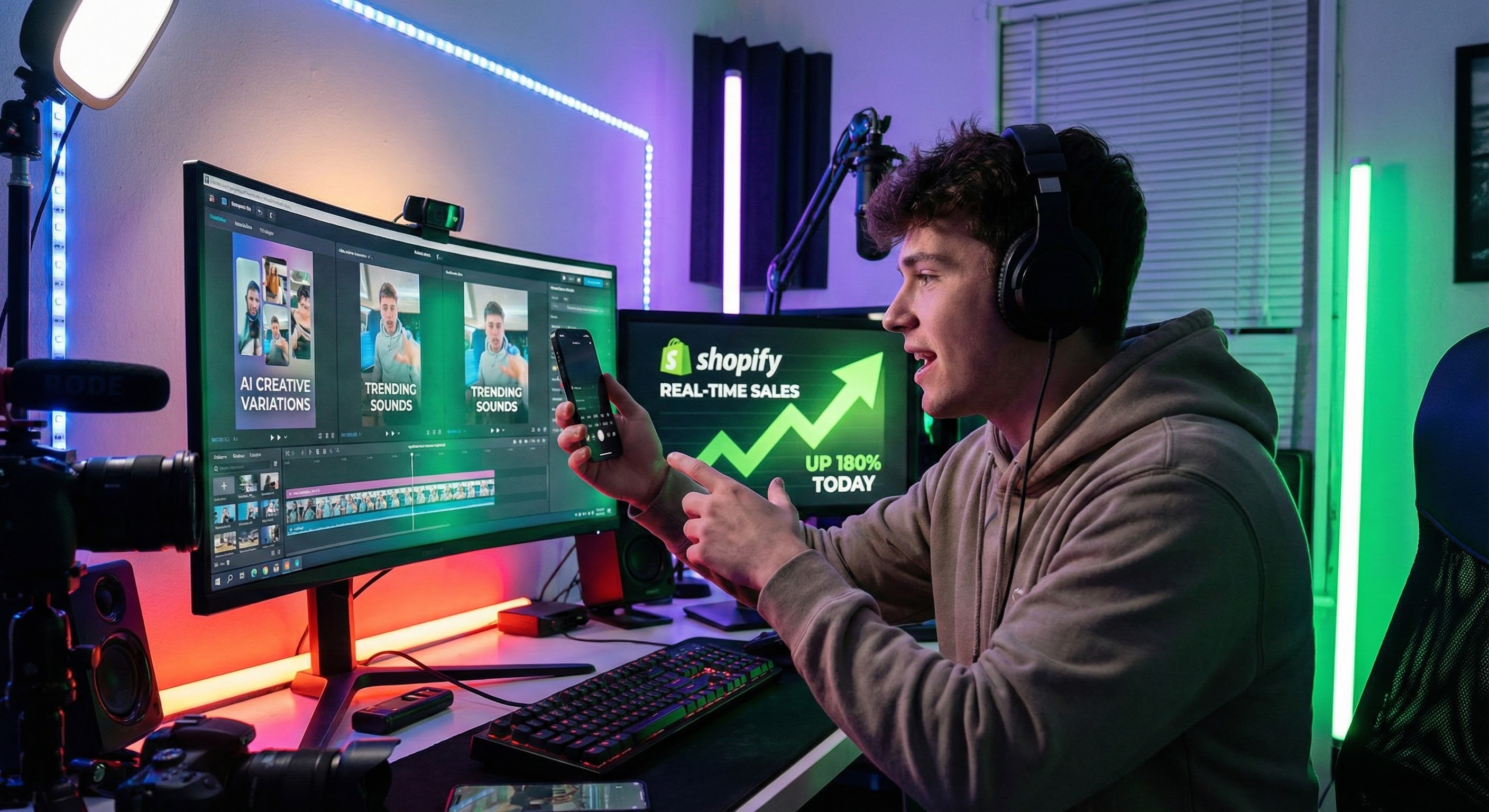
For Digital Marketers
Refresh your campaigns daily. Use Nextify as your limitless AI advertising generator. Produce infinite hook variations and visual styles to keep your ROAS high and your CPA low across all channels.
Frequently asked questions
An AI commercial generator turns a product idea and visual direction into a commercial video concept. Nextify.ai lets you plan the opening and finish, guide the look with references, choose a commercial treatment, and set the generation options.
Yes. Upload the product image, describe the scene or campaign direction, and use Image & Text to build motion around it. You can also add opening and ending frames when the product reveal needs a more deliberate sequence.
Absolutely. Nextify.ai is designed as a vertical-first AI video generator for ads. You can select the 9:16 aspect ratio to create native-looking UGC video content perfect for TikTok, Shorts, and Reels.
Yes. Content created with our AI-powered ad generator is unique and cleared for commercial use. You own the AI-generated ads, making them safe for all your paid social campaigns.
You can select from the languages currently available in the workspace and adjust the visual direction for different markets. Always review the generated wording, voice, and cultural context before using the commercial in a local campaign.
Yes. Add a first frame and a last frame, then describe the motion or transition that should connect them. This is useful for product reveals, transformations, and commercials that need a defined closing image.
Zero skills are required. We built this advertising automation tool for every beginner. If you can upload an image, you can use our AI commercial generator.