Quickads Product Ad Generator
Quickads is an AI ad creative platform for making product-focused image and video advertising. Start with a product website, image, or description, then shape the visuals, copy, brand elements, and format for the intended campaign.
Build Product Creative with Quickads
Use Quickads to bring product inputs, image and video generation, brand editing, and ad inspiration into one creative workflow.
Turn a Product Source Into an Ad Draft
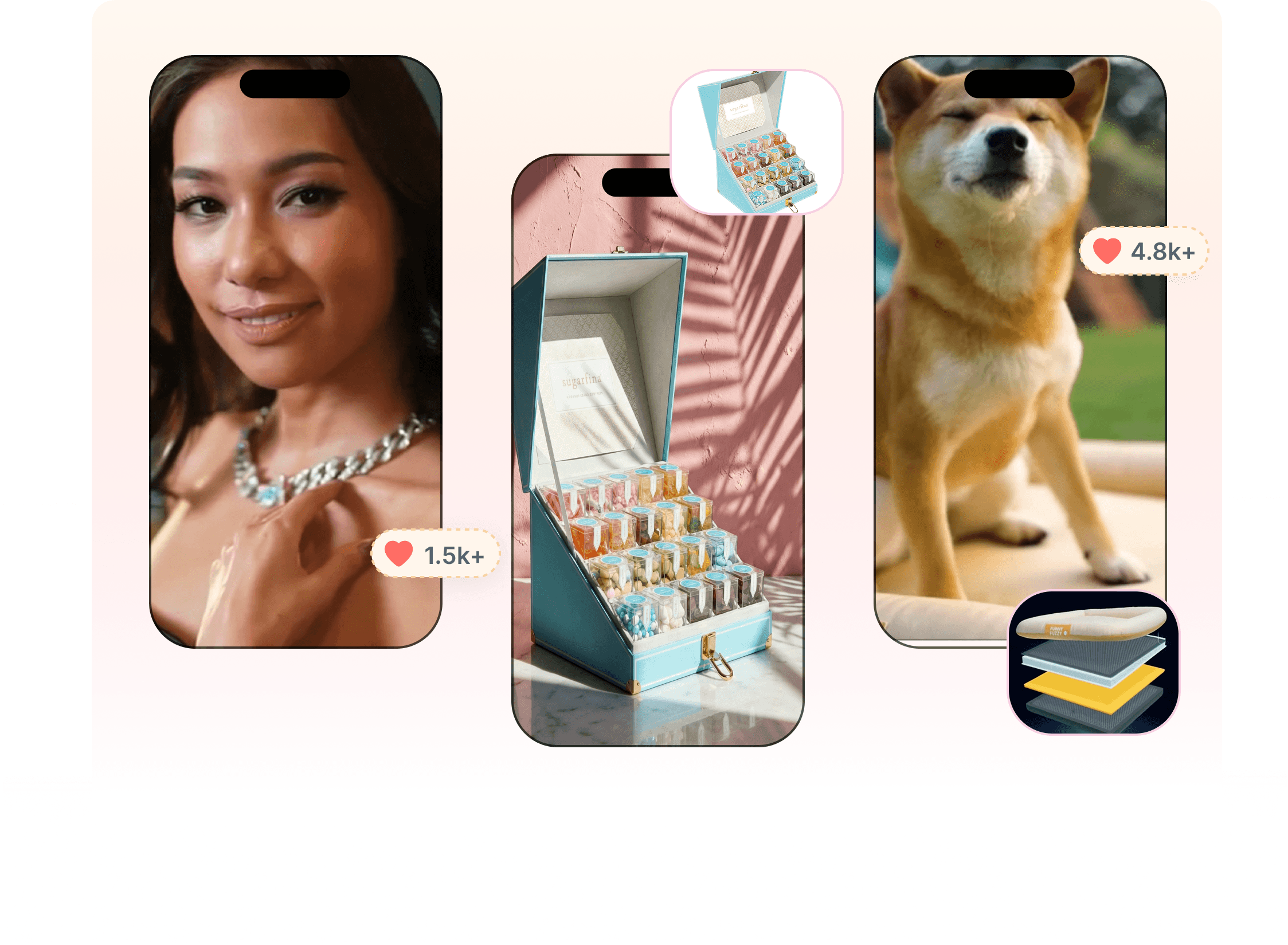
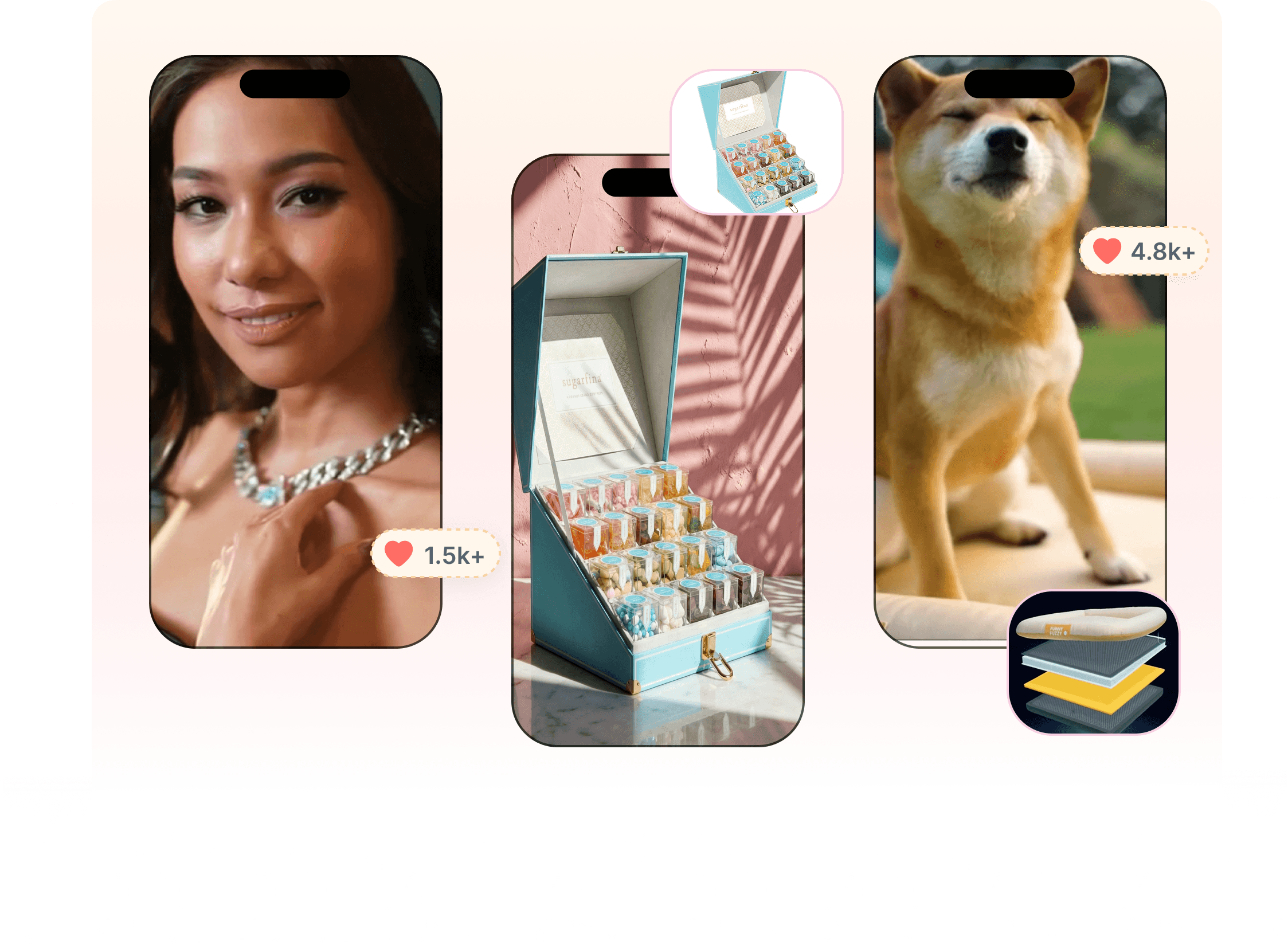
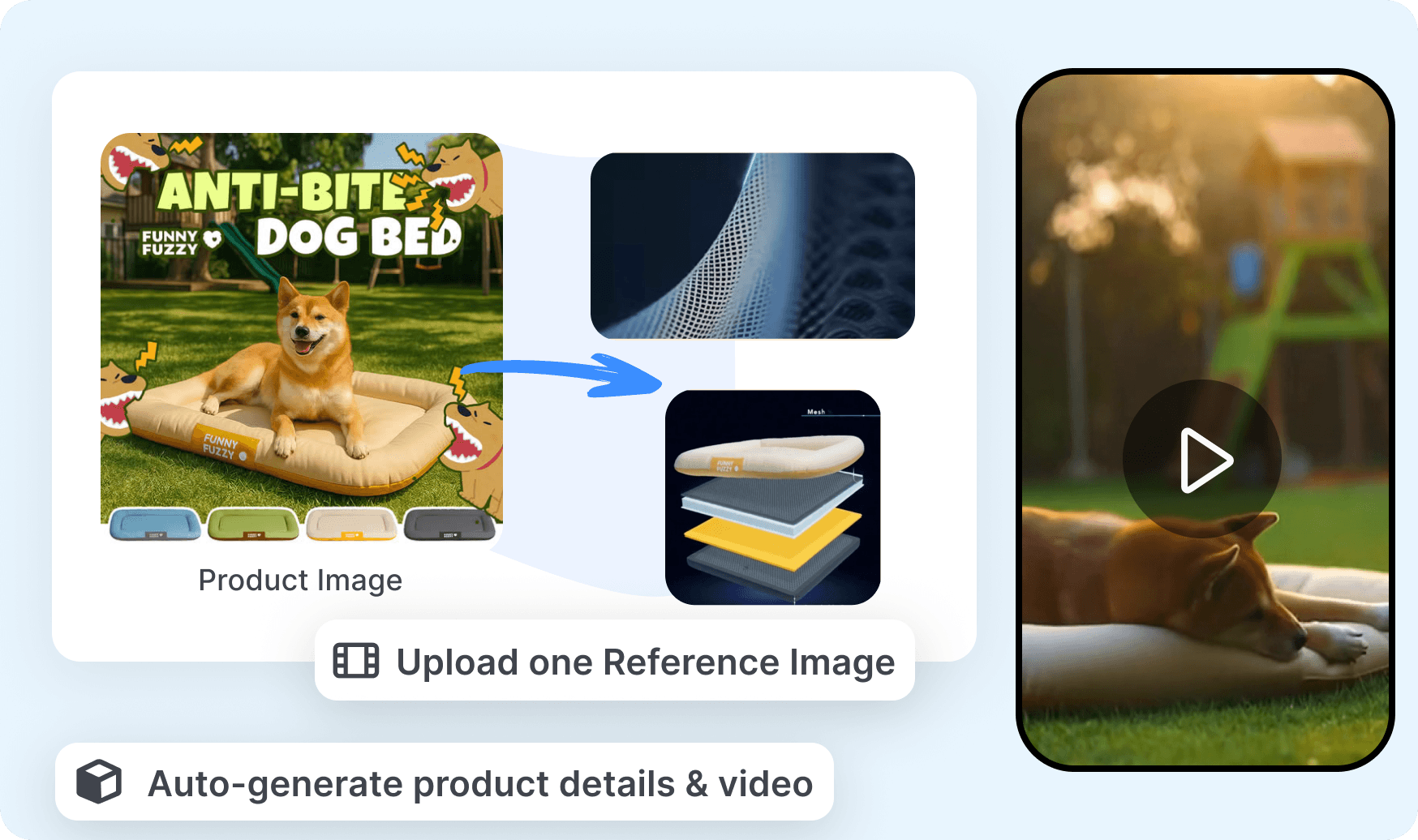
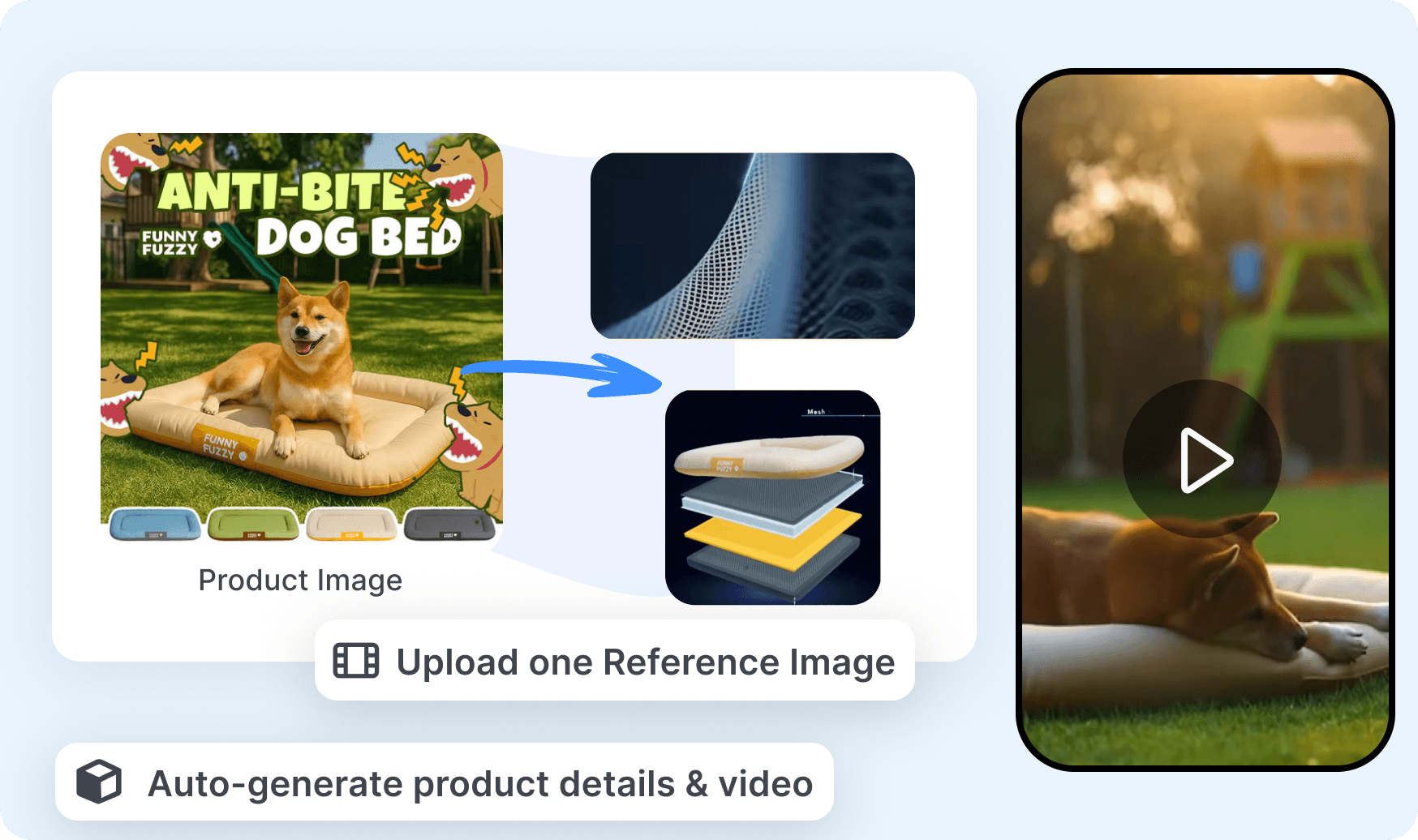
Quickads supports ad creation from a product website, uploaded image, or written description. Add or review the product information before choosing the campaign format and visual direction. Generate a Quickads image or video draft that can be adapted instead of arranging every element from an empty canvas.
Create New Product Visuals and Layouts
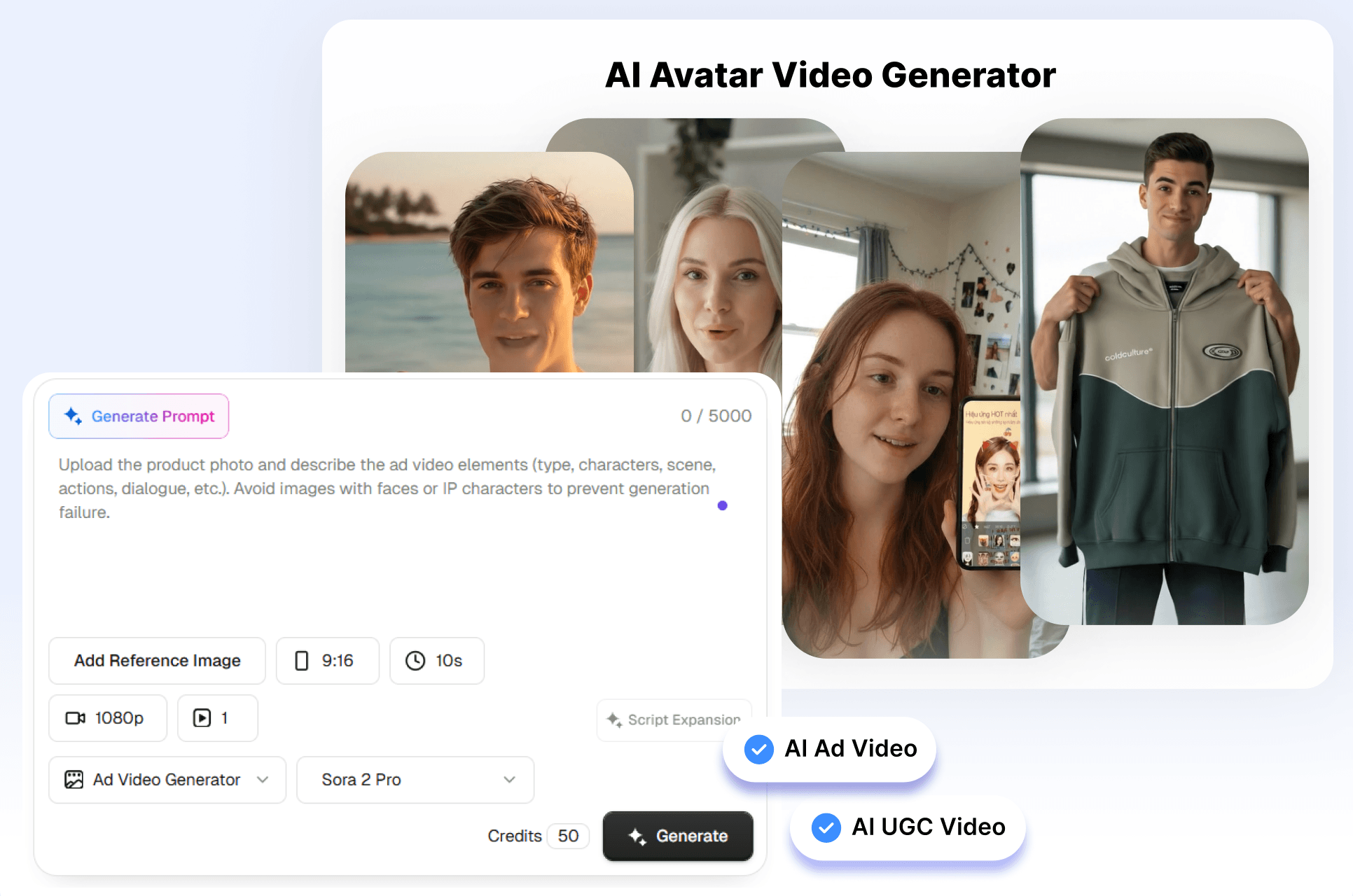
Quickads offers AI product photography and image-generation tools for placing a product into new visual settings. Adjust the logo, product image, text, font, color, resolution, and template to match the campaign. Build a branded Quickads layout for the product without preparing a separate studio image for every concept.
Use Ad Examples to Shape Variations
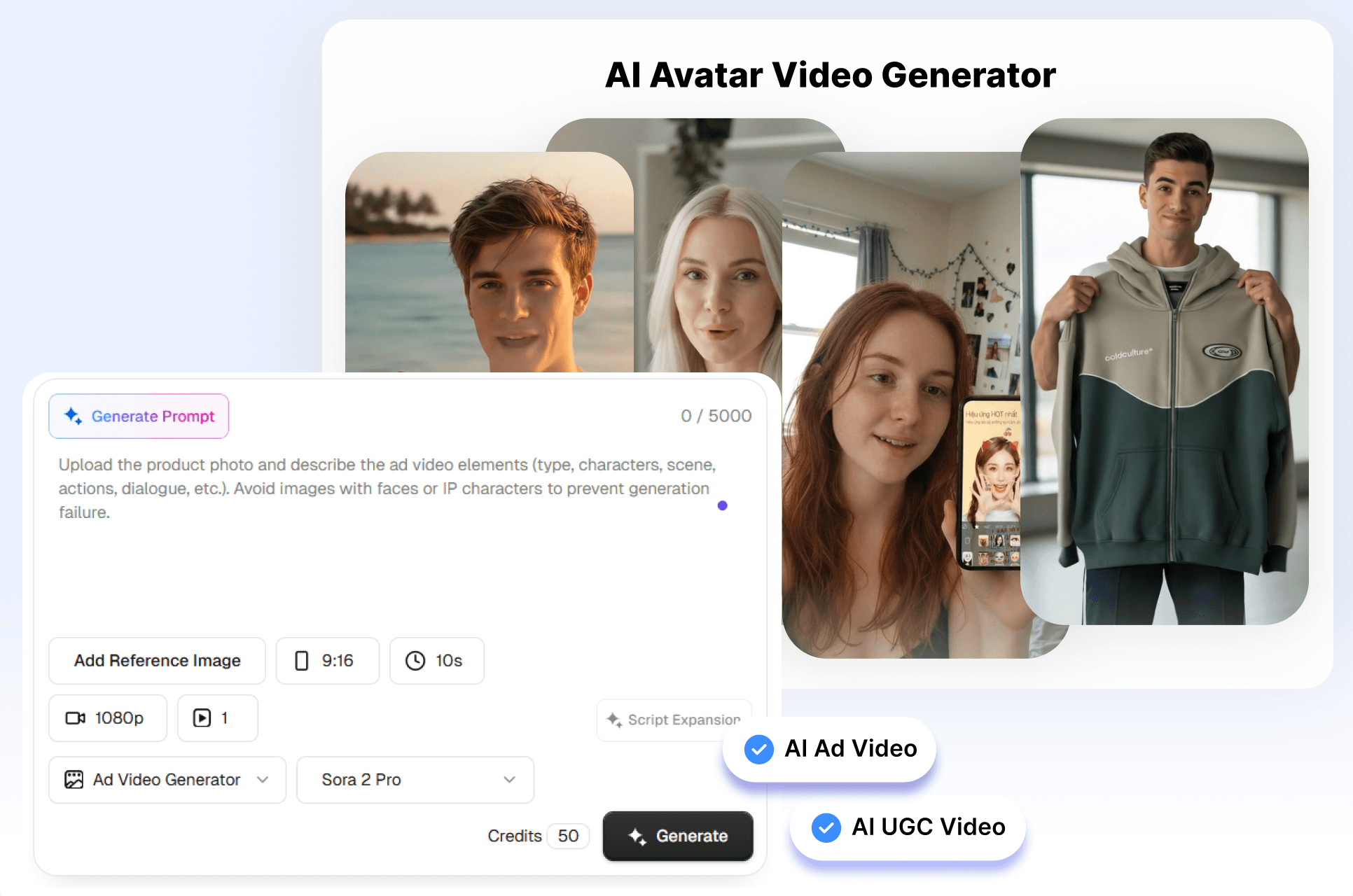
Quickads provides an ad inspiration library alongside templates, resizing, and bulk-creation tools. Filter examples by relevant industry, platform, or format before selecting a direction to explore. Adapt the Quickads concept into different sizes or campaign versions while keeping the product and message consistent.
Create a Quickads Product Ad in 3 Steps
Move from a product source to an editable campaign asset through one focused creative flow.
1. Add the Product
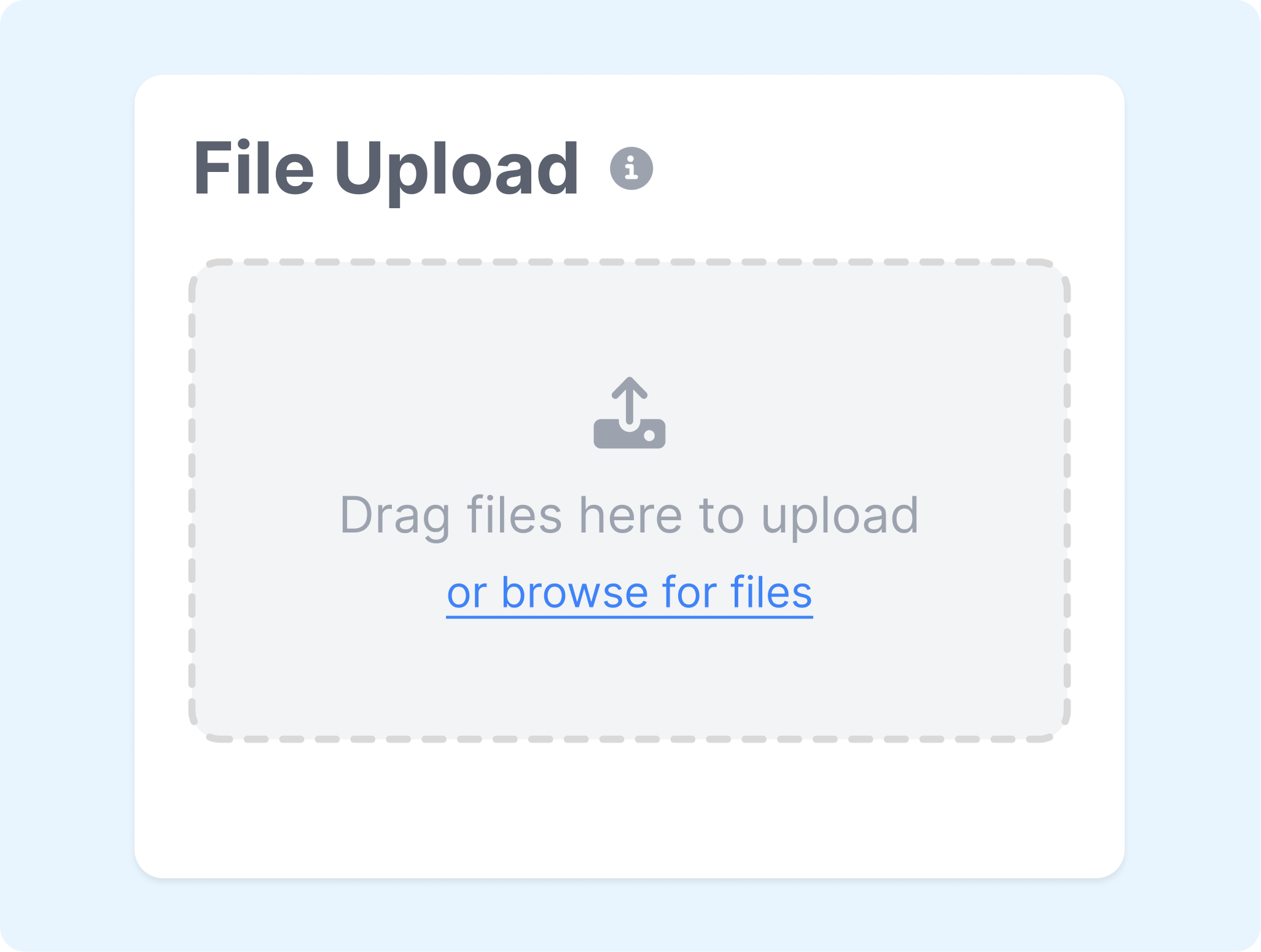
Enter a product website, upload an image, or describe the item and offer. Check the product details and add the audience or campaign message that should guide the ad.
2. Choose the Ad Direction
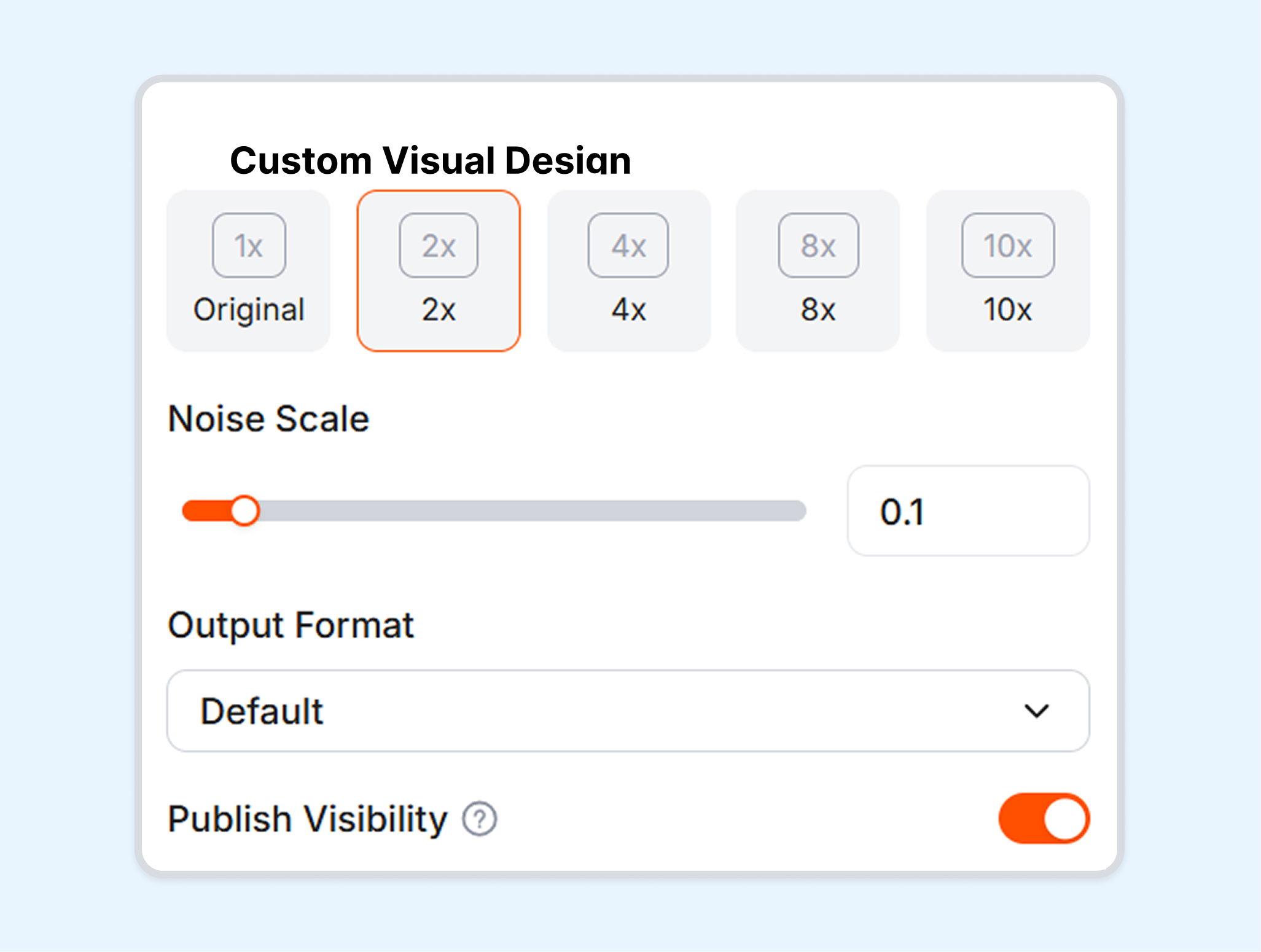
Select an image or video workflow, then choose a template, format, and visual direction. Add the relevant brand logo, colors, fonts, and copy preferences.
3. Generate and Adapt
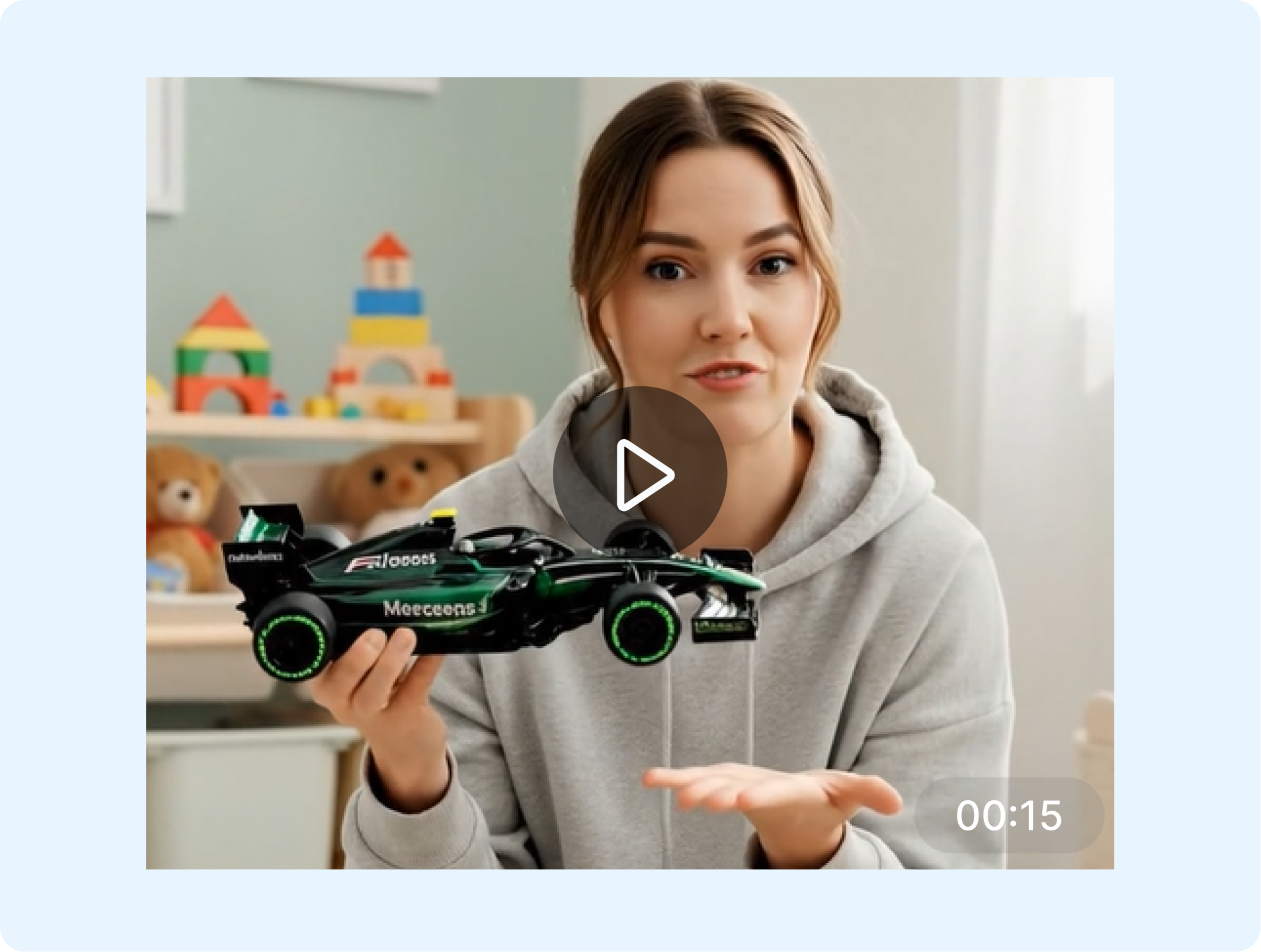
Generate the Quickads creative and review the product, text, and layout. Edit or resize the result for the intended placement, then use the download or publishing options included in the selected workflow.
Create Product Ads for Different Teams
Use Quickads to create and adapt product creative across catalogs, clients, campaigns, and advertising placements.
Ecommerce Sellers
Turn a product page or product photo into image and video ad concepts. Refresh the offer, visual setting, and format for launches, promotions, or catalog campaigns.
Performance Marketers
Research current ad examples and build variations around a campaign hypothesis. Prepare different layouts and sizes for testing without treating the platform score as a performance guarantee.
Agencies and Creative Teams
Organize product ads for multiple clients or campaigns where the plan permits. Share creative references, edit brand elements, and prepare formatted assets for review.
Small Business Owners
Start with a product website or short description when finished ad creative is not available. Use templates and generated visuals to establish a direction, then check every claim and detail before publishing.
Frequently Asked Questions
What is Quickads?
How does the Quickads Product Ad Generator work?
Can Quickads create ads from a product website?
Can Quickads create both image and video ads?
Can I edit Quickads product ads?
What is a useful alternative to Quickads?
Looking for Another Option? Explore Nextify.ai as a Quickads Alternative.
Explore Nextify.ai to turn ecommerce product images, prompts, and product details into static image ads, video ads, and reusable creative variations in one workspace.