Vidu Q1: AI Product Video Generator
Input simple text or images to generate 1080p videos with smooth transitions, lifelike characters, and realistic sounds. Vidu Q1 works well for social media short videos, creative testing, and short cinematic projects.
Scale Your Ad Production with Vidu Q1 Video Generation
Leverage Vidu Q1’s ultra-fast architecture and breakthrough dual-frame control to generate high-converting "Before & After" ads, seamless looping banners, and complex product interactions instantly.
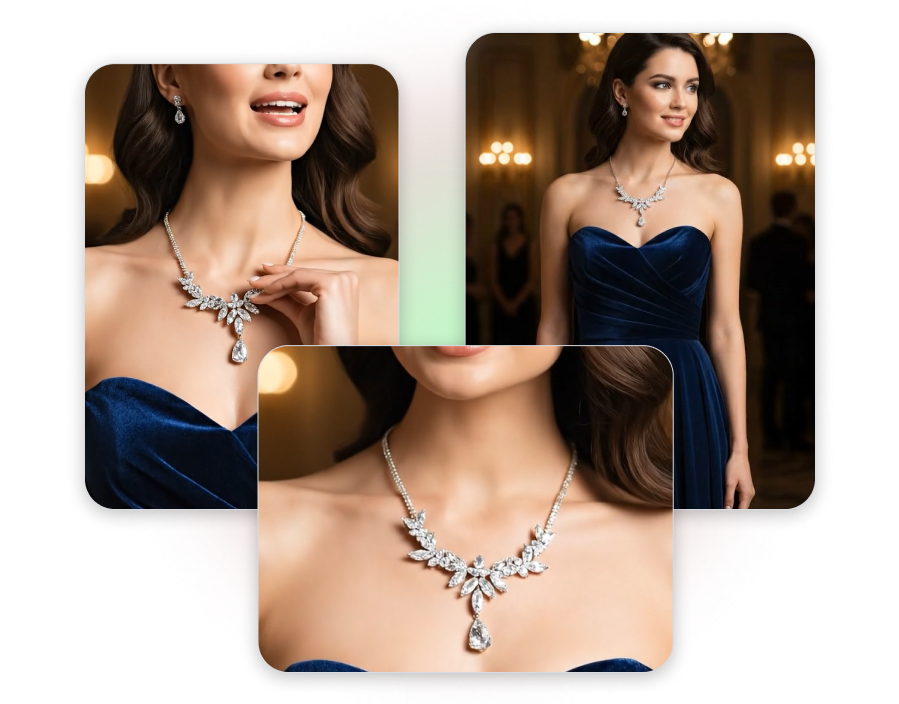
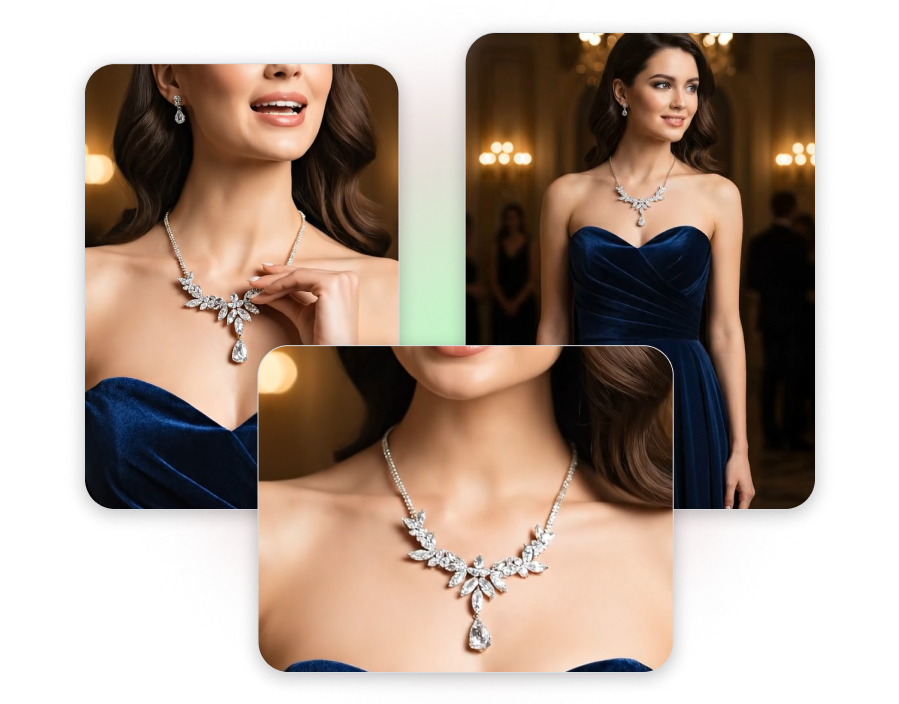
Generate Viral "Before & After" Videos
Upload your starting photo and ending photo, and Vidu Q1 mathematically calculates the transition. Instantly generate highly satisfying, continuous transformation videos—like clearing up acne for a skincare serum or power-washing a driveway for home tools—to prove your product's value and drive immediate impulse buys.
Make Seamless Looping Banners
By setting identical start and end frames, Vidu Q1 flawlessly generates seamless, infinite looping video assets. Produce hypnotic, continuous visual loops perfect for high-retention Instagram Reels, Spotify Canvas, or premium Shopify hero section headers.
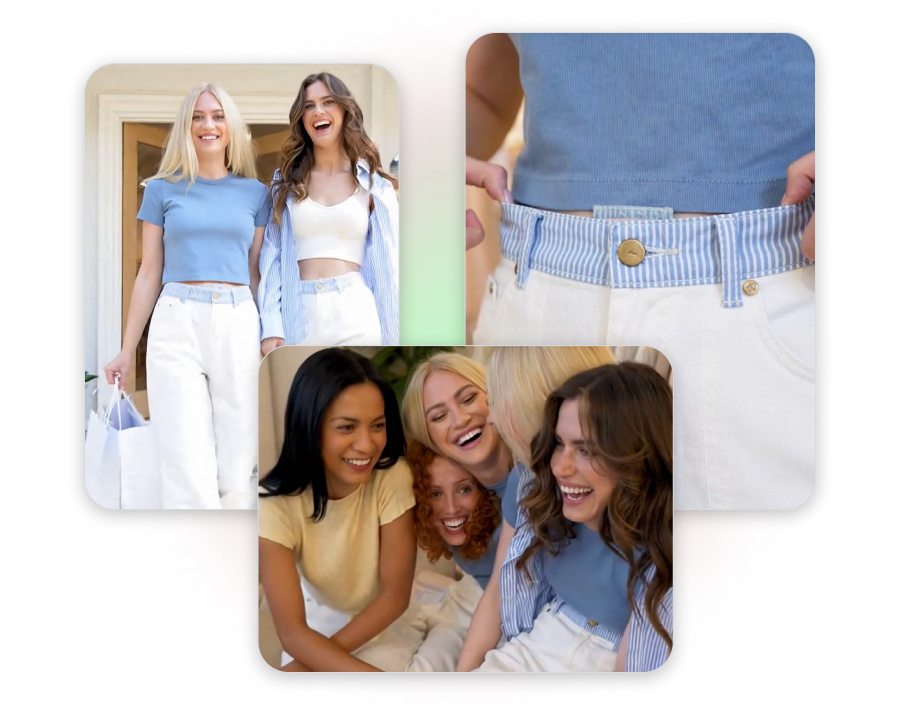
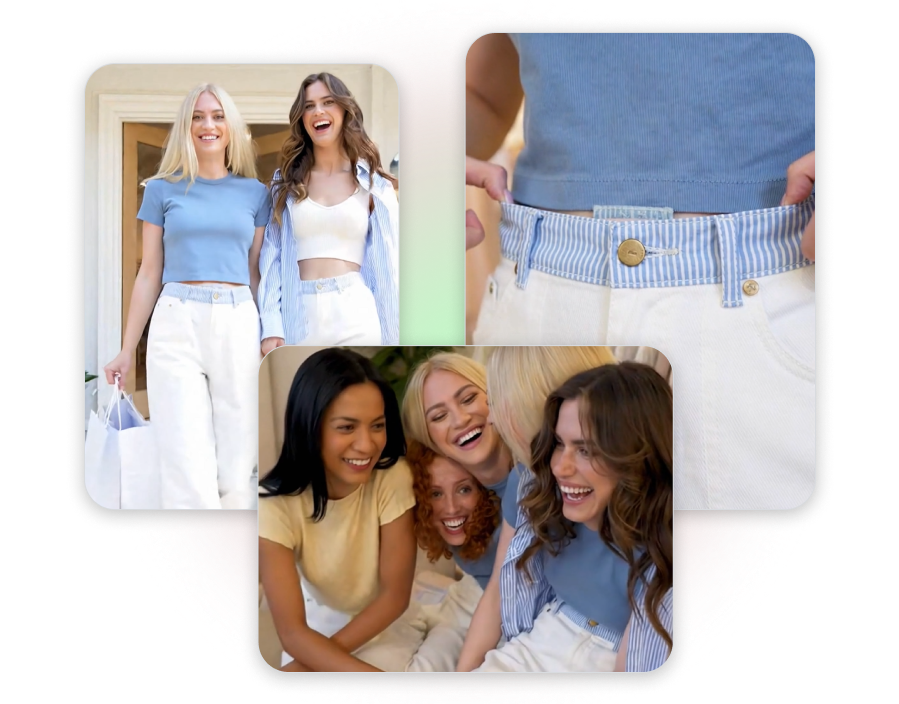
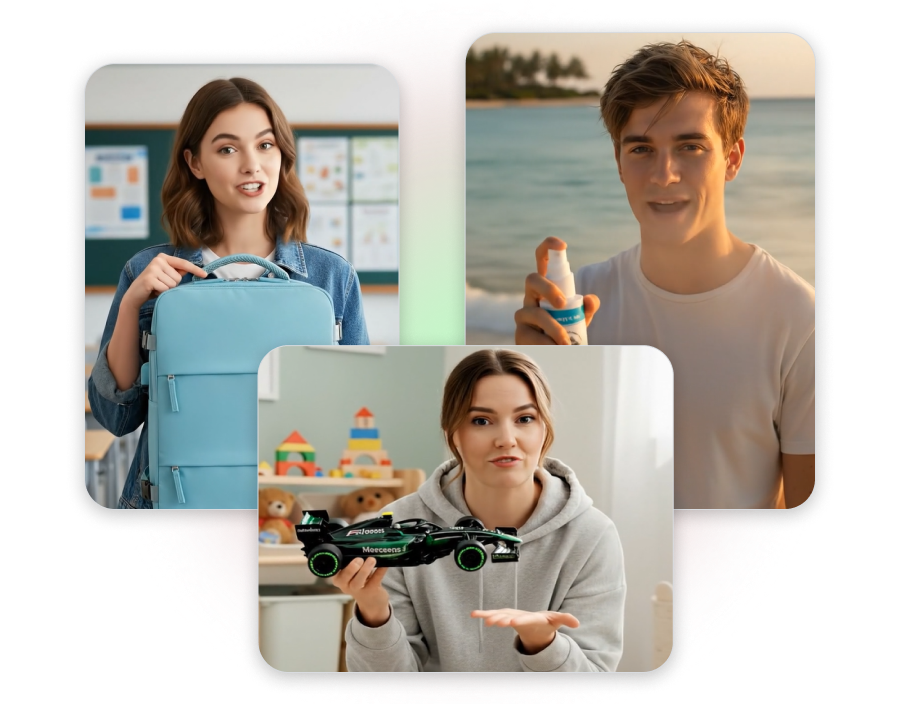
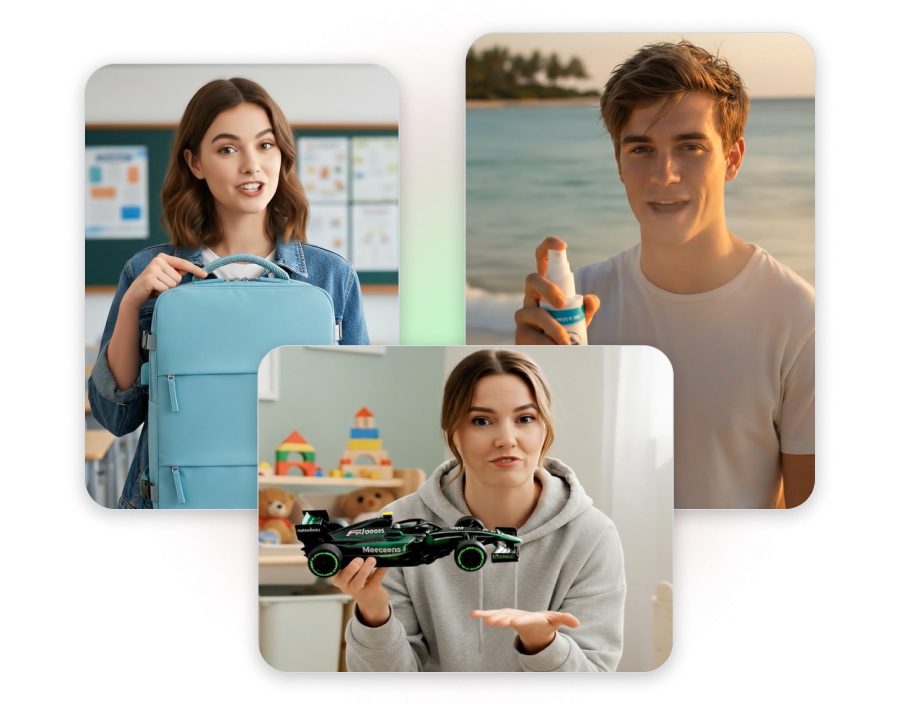
Show Complex Hand-to-Product Interactions
Vidu Q1’s advanced multi-entity understanding strictly separates the human actor from the physical item. Confidently generate tight close-ups of models unscrewing cosmetic jars, swiping credit cards, or unboxing tech gadgets with anatomically correct hand physics.
Generate Video Ads in Seconds
Don't miss out on fast-moving TikTok trends because your video is stuck in a rendering queue. Powered by its highly efficient U-ViT architecture, Vidu Q1 delivers flash-speed video generation in a fraction of the traditional time. Rapidly ideate, generate, and deploy meme-based marketing clips and topical social media ads before the trend fades.
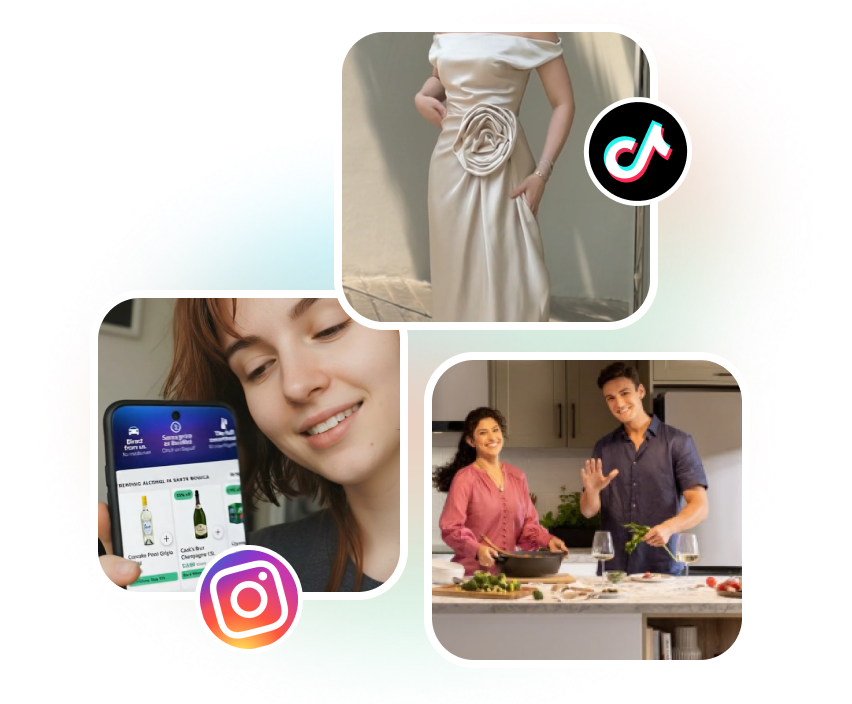
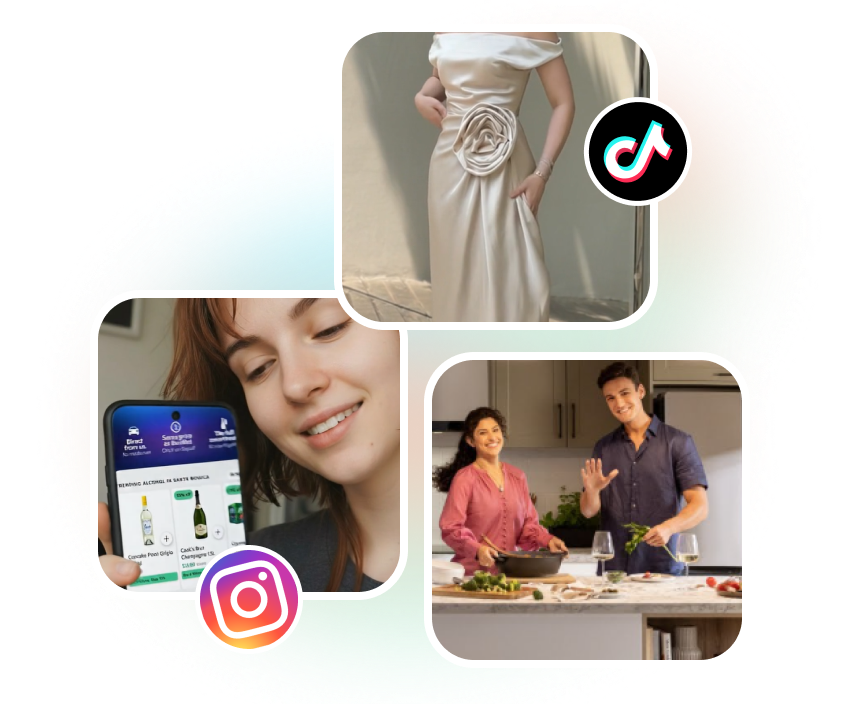
Create High-Converting Ads Using Vidu Q1
Turn text prompts and static files into stunning commercial clips in three simple steps.
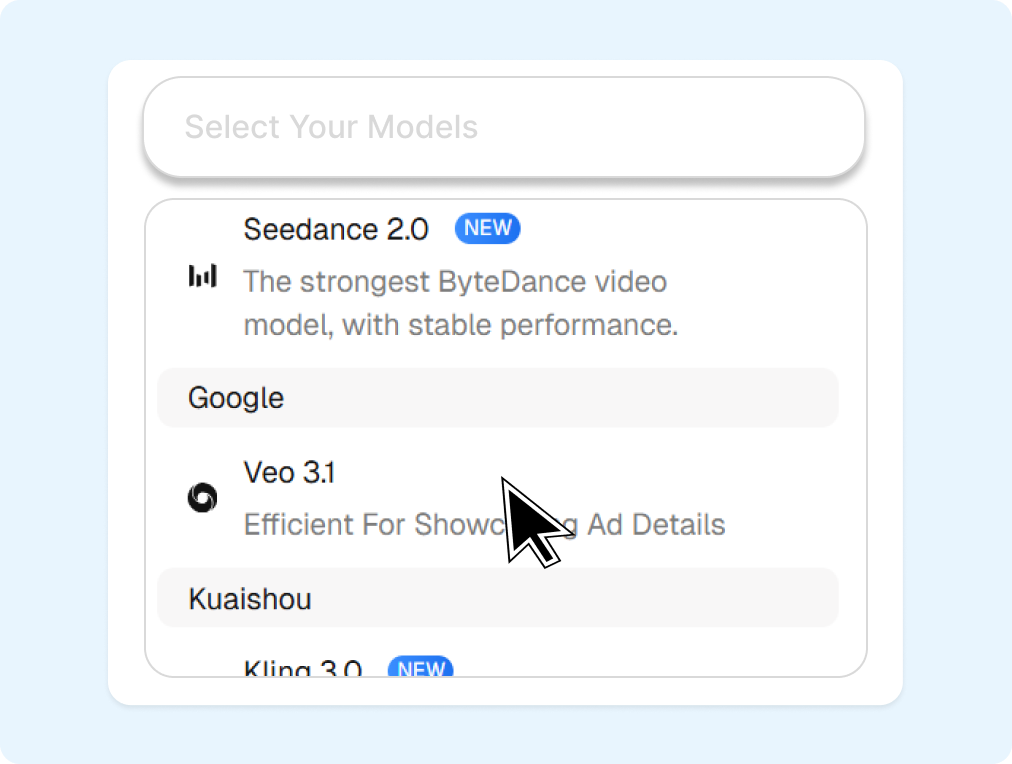
1. Select Mode and Input Assets
Select either Text-to-Video or Image-to-Video mode first. Upload your target image as a starting point, or type a descriptive text prompt.
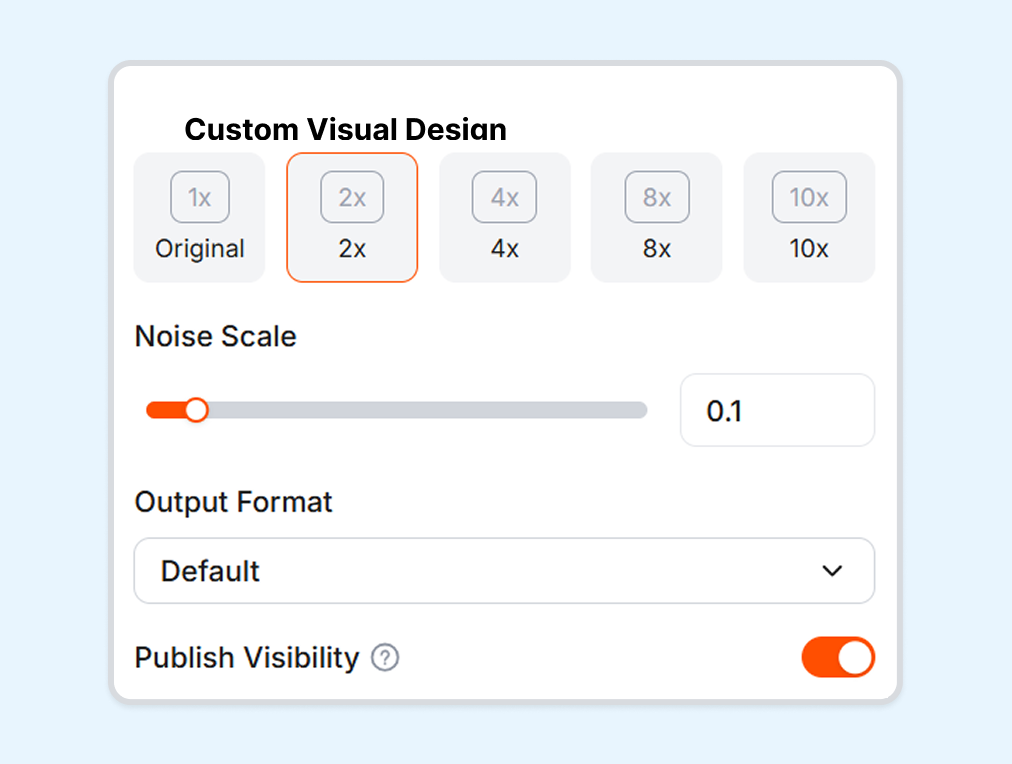
2. Choose Your Style
Choose your preferred video style between realistic commercial looks and creative animation styles. Set your target duration and resolution preferences.
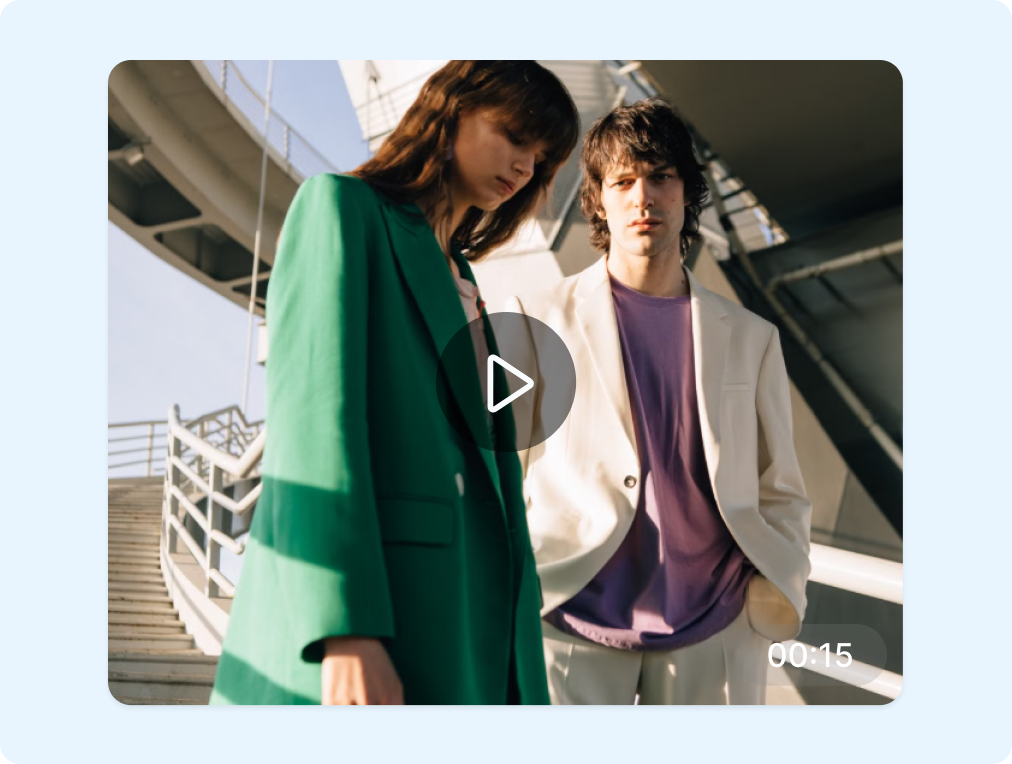
3. Preview and Download
Review your processed clip once rendering finishes. Download the watermark-free video instantly to launch your marketing campaign.
Power Your E-commerce Campaigns with More AI Video Models
Explore specialized video generation models to diversify your ad creative assets.
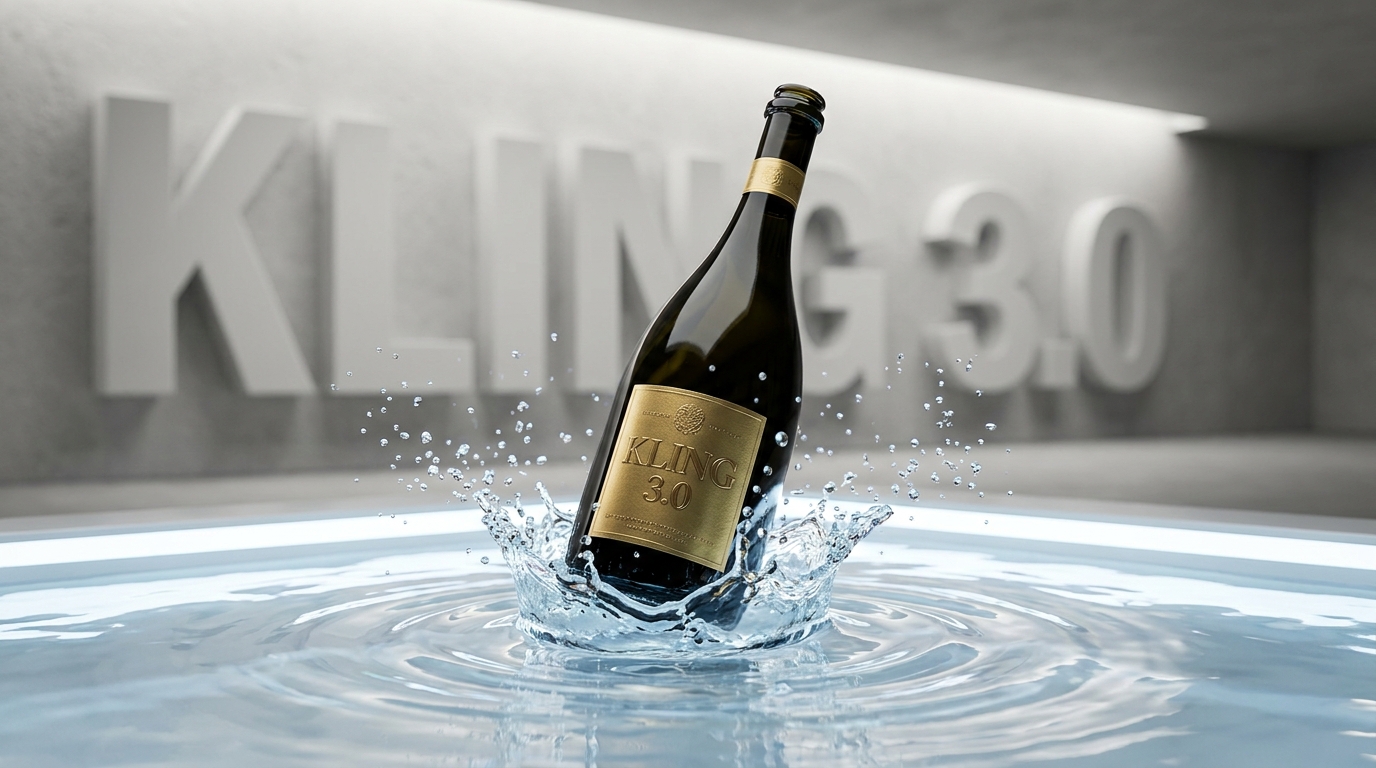
Kling 3.0
Creates multi-character narrative advertisements with continuous storytelling up to several minutes.
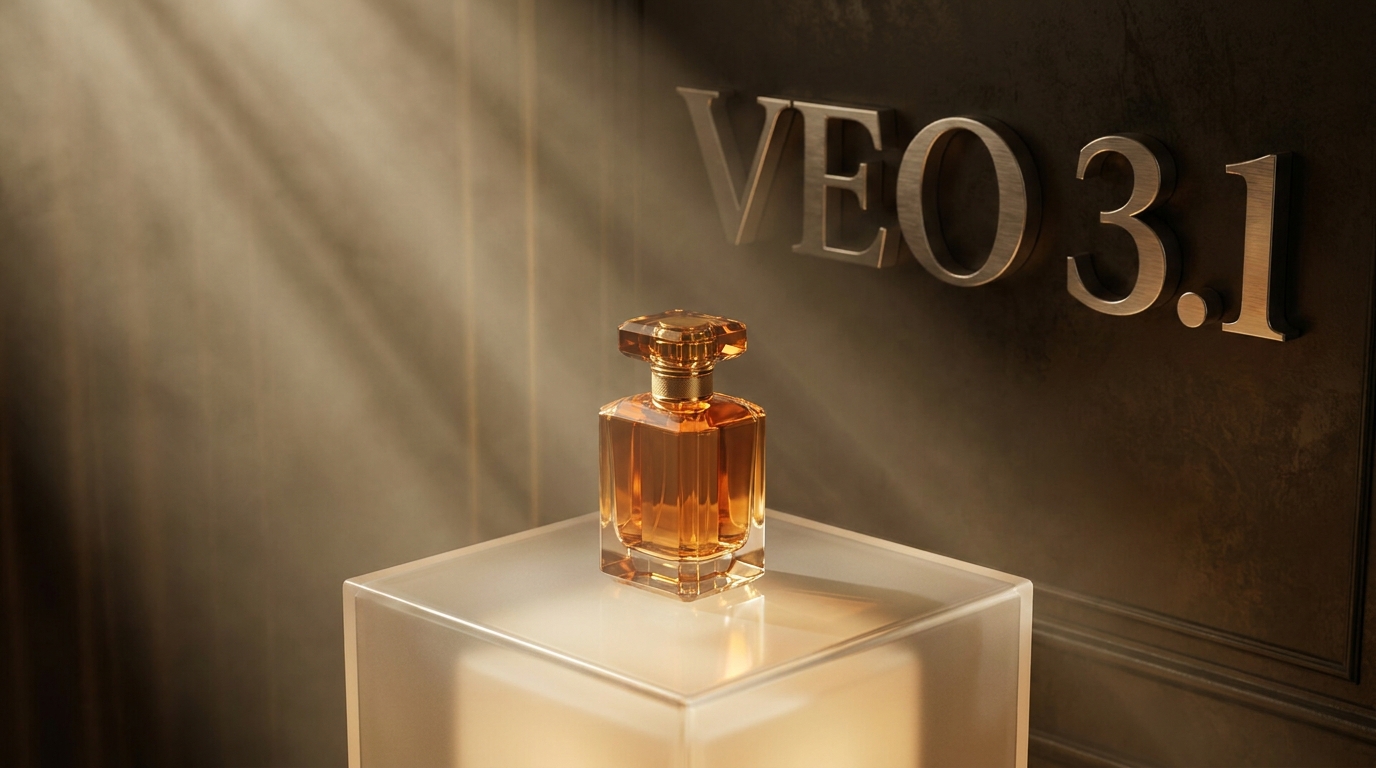
Veo 3.1
Delivers cinematic 16:9 widescreen landscapes with dramatic drone-like camera panning.
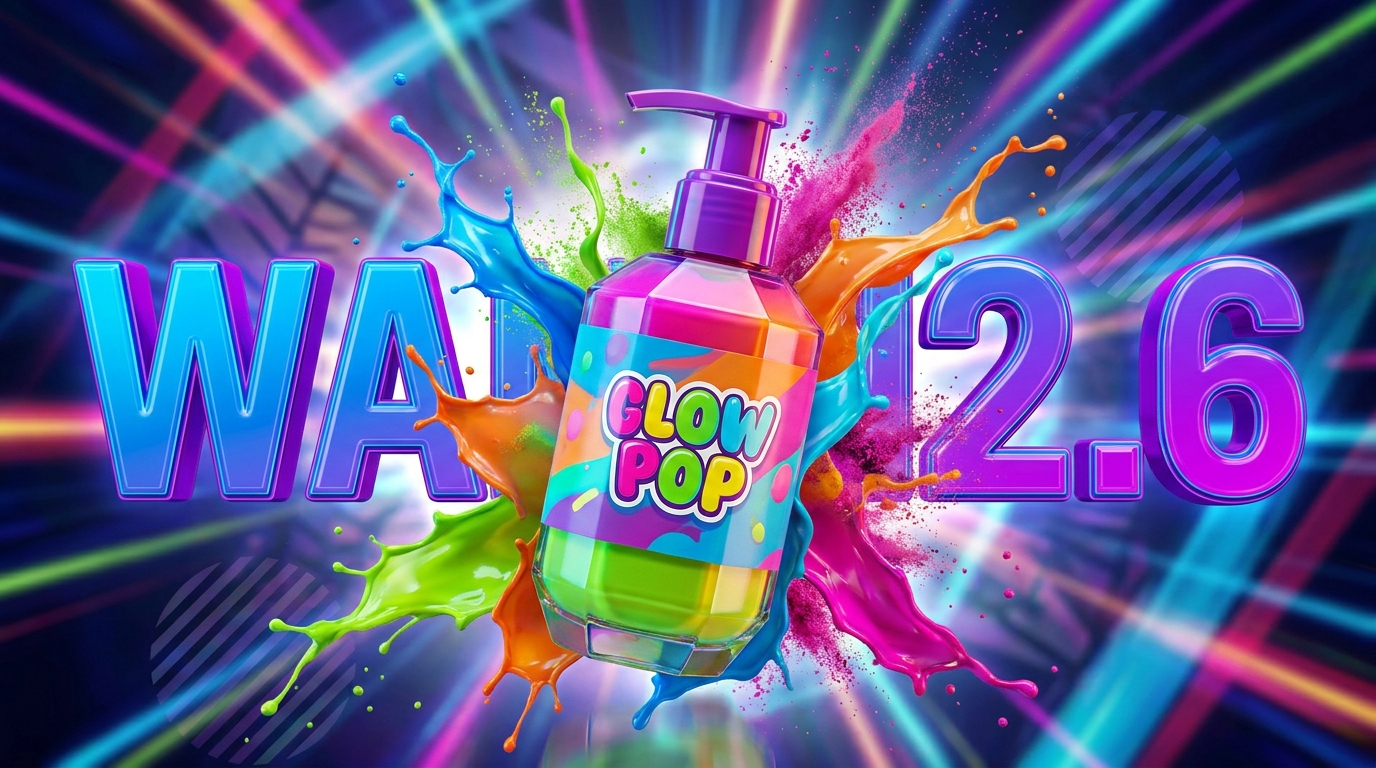
Wan 2.6
Create fast product display videos in under five seconds to accelerate social ad testing.
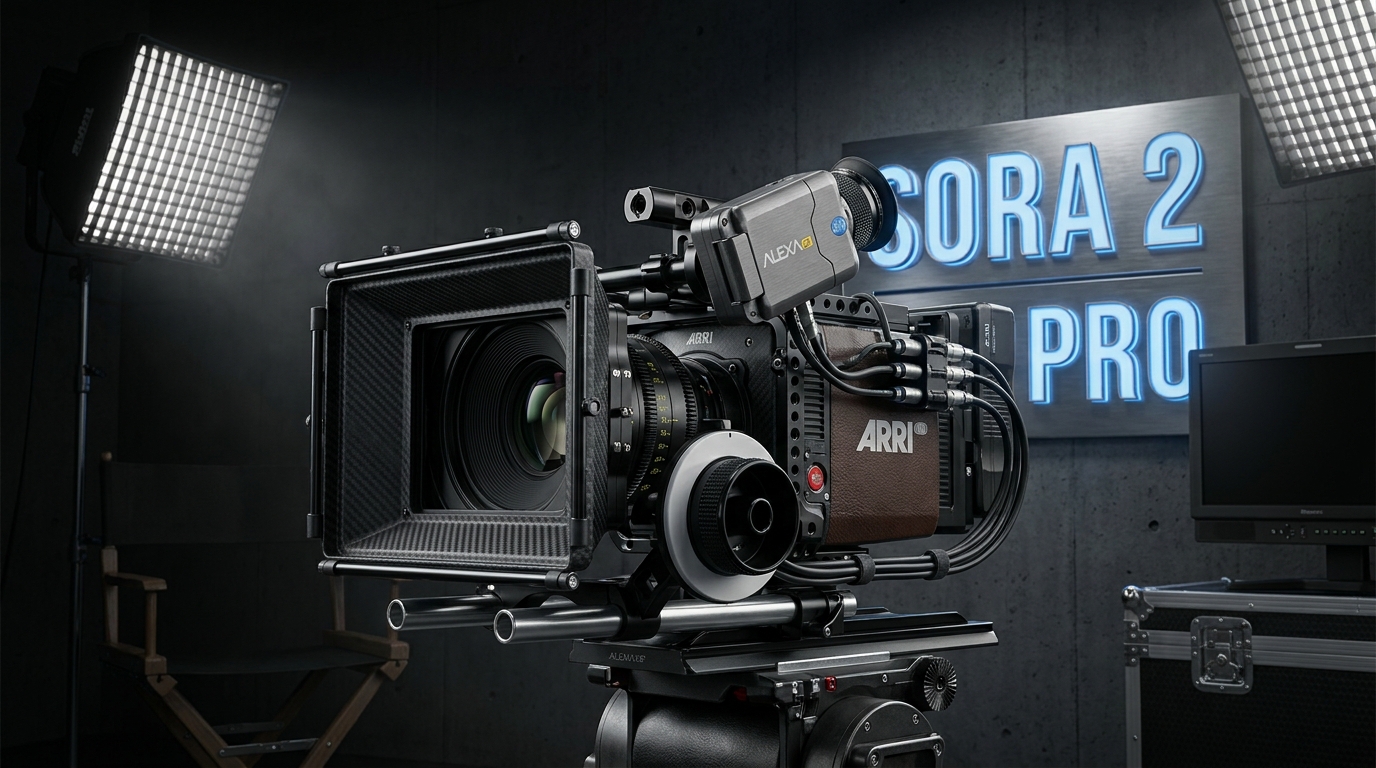
Sora 2 Pro
Creates highly realistic human models to showcase products in lifelike lifestyle scenes.
FAQs
What is Vidu Q1?
How to use Vidu to make product videos?
Is Vidu Q1 good for e-commerce ads?
What input methods does Vidu Q1 support?
Do I need video editing skills?
Ditch Expensive Video Shoots with Vidu Q1
Stop spending thousands on studio setups and camera gear. Vidu Q1 offers a cheap alternative to video shooting by generating high-quality ads from photos and text.