Topview AI Video Generator
Topview is an AI video generation platform and agent workspace for short films, marketing videos, product ads, and social content. Feed Topview an idea, script, reference video, or product URL, then develop the scene plan, generated assets, voices, and edits on Canvas.
See What the Topview AI Video Generator Can Do
Topview combines agent-led planning, flexible source material, and multiple production routes for both narrative and commercial video.
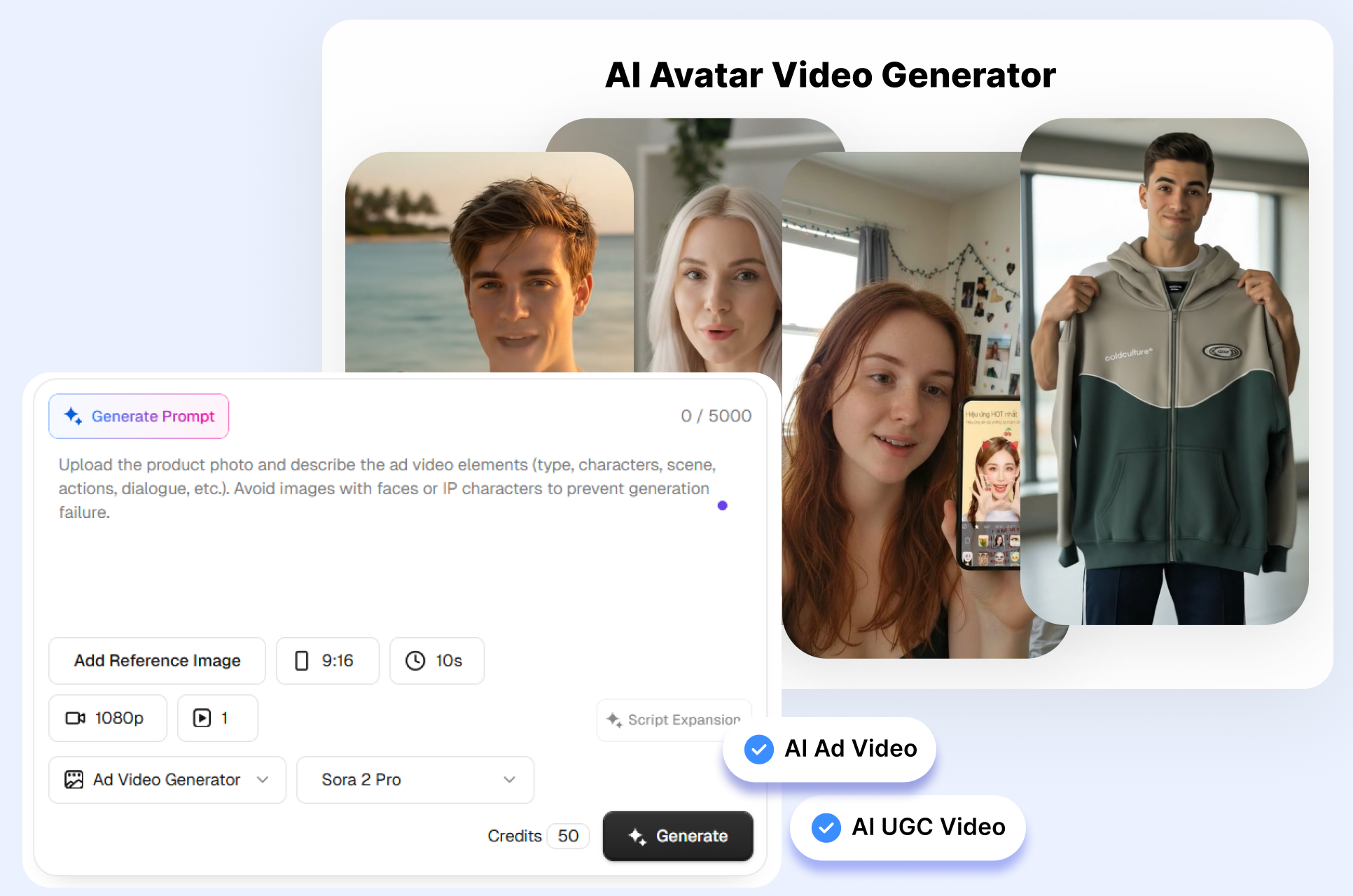
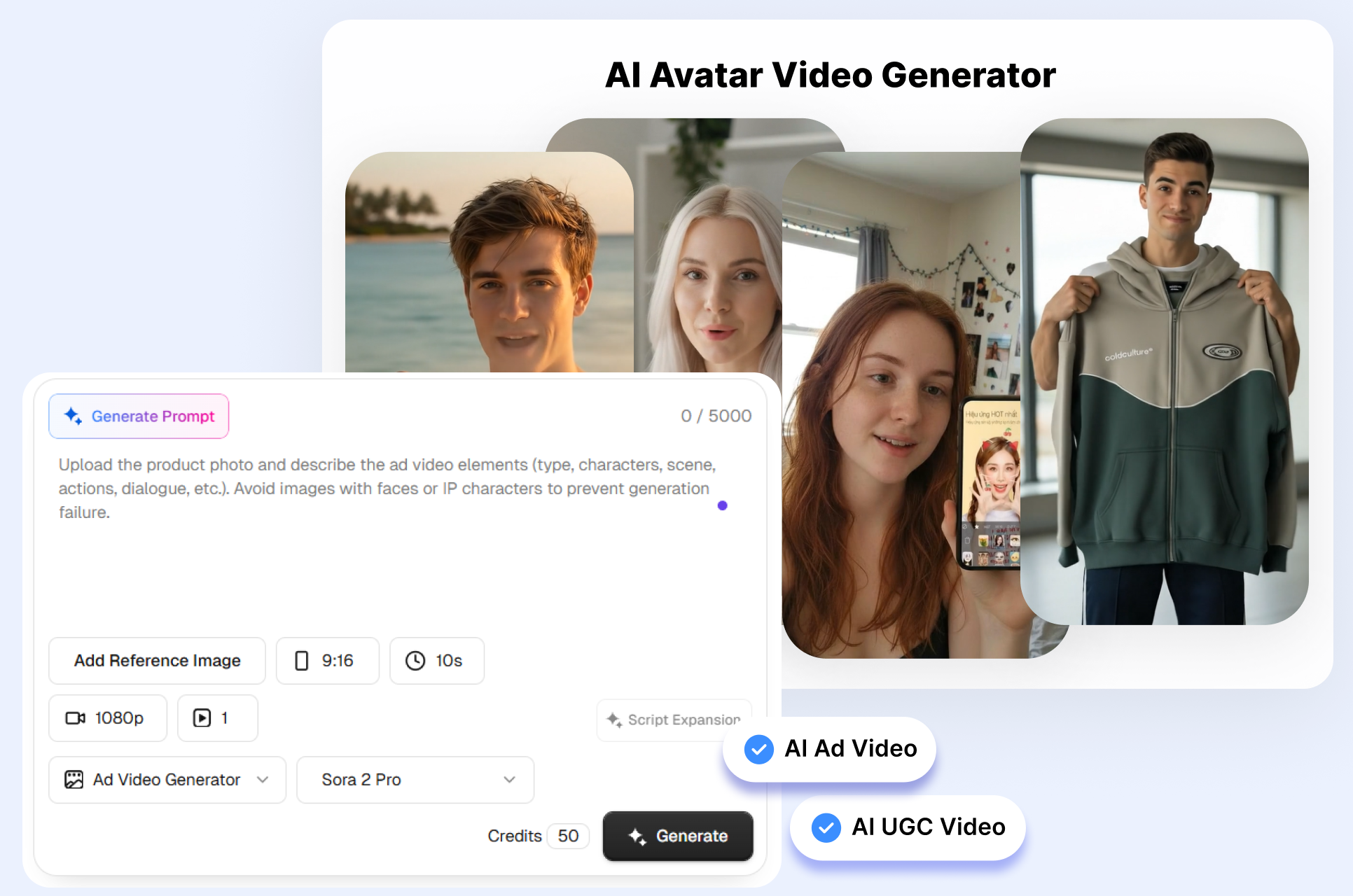
Let the Agent Shape the First Cut
Topview Video Agent can interpret a creative request and propose the scenes, prompts, assets, and production sequence behind a multi-shot video. Inspect the plan before generation, add a scene, or revise individual prompts when the story needs another turn. Once clips exist, move through the Topview Canvas to compare shots and keep the final assembly editable.
Guide the Video with Real Source Material
A Topview project may begin with a written idea, full script, product page, image, clip, or reference video. Let the agent draw product details from a URL or study the pacing and shot language of a reference that you have permission to use. The mixture of direct instructions and visual context gives each project more guidance than an isolated text prompt.
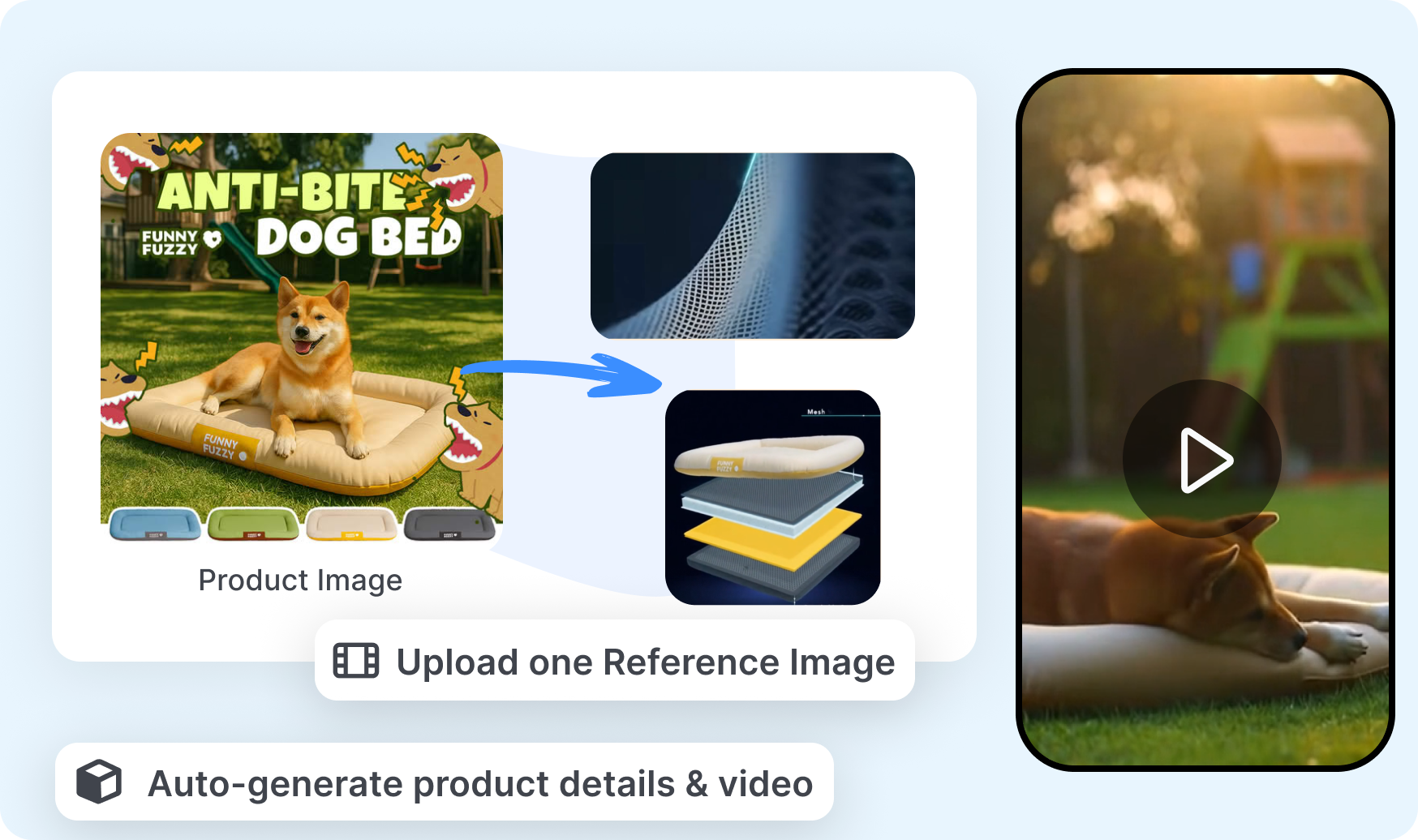
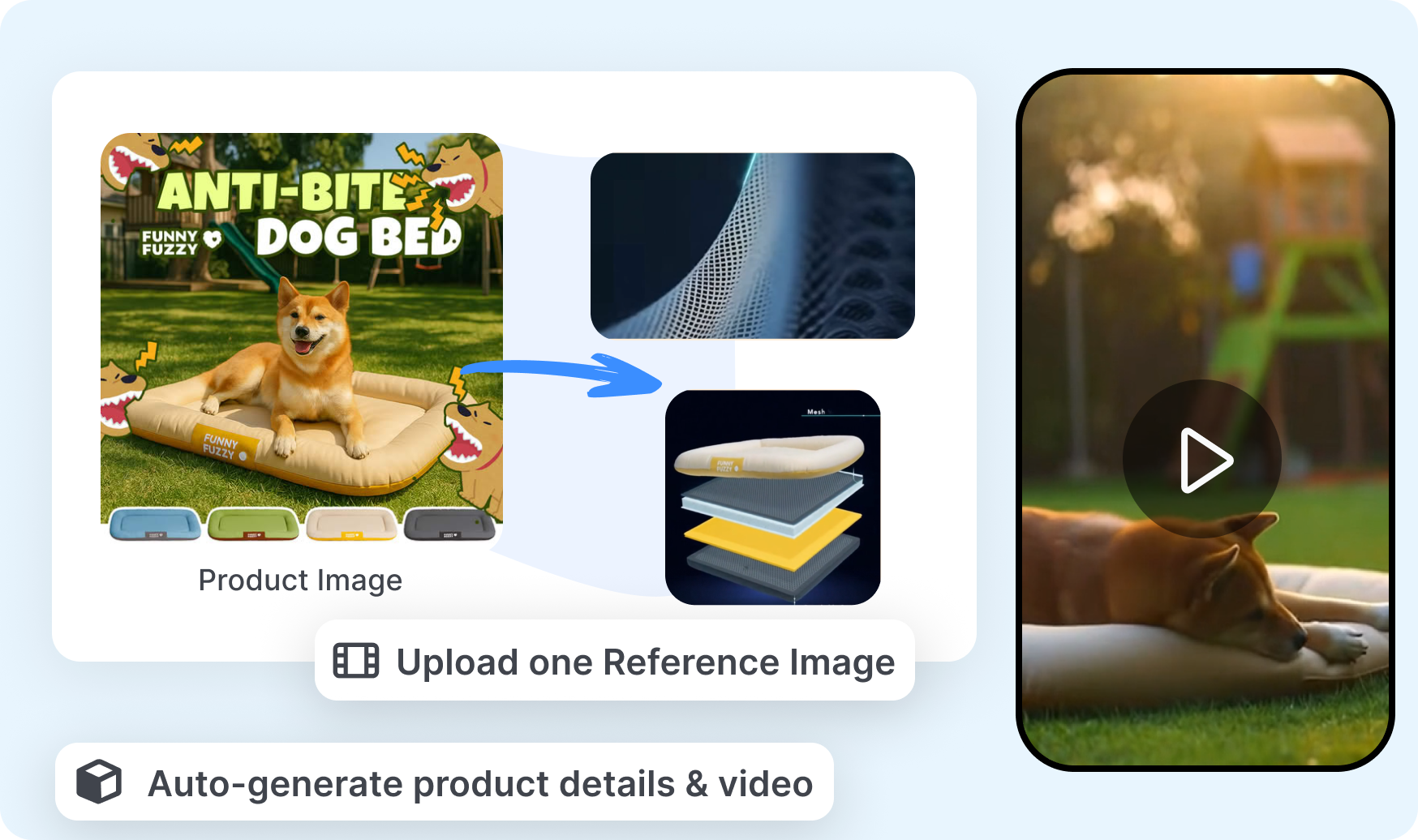
Match the Workspace to the Production
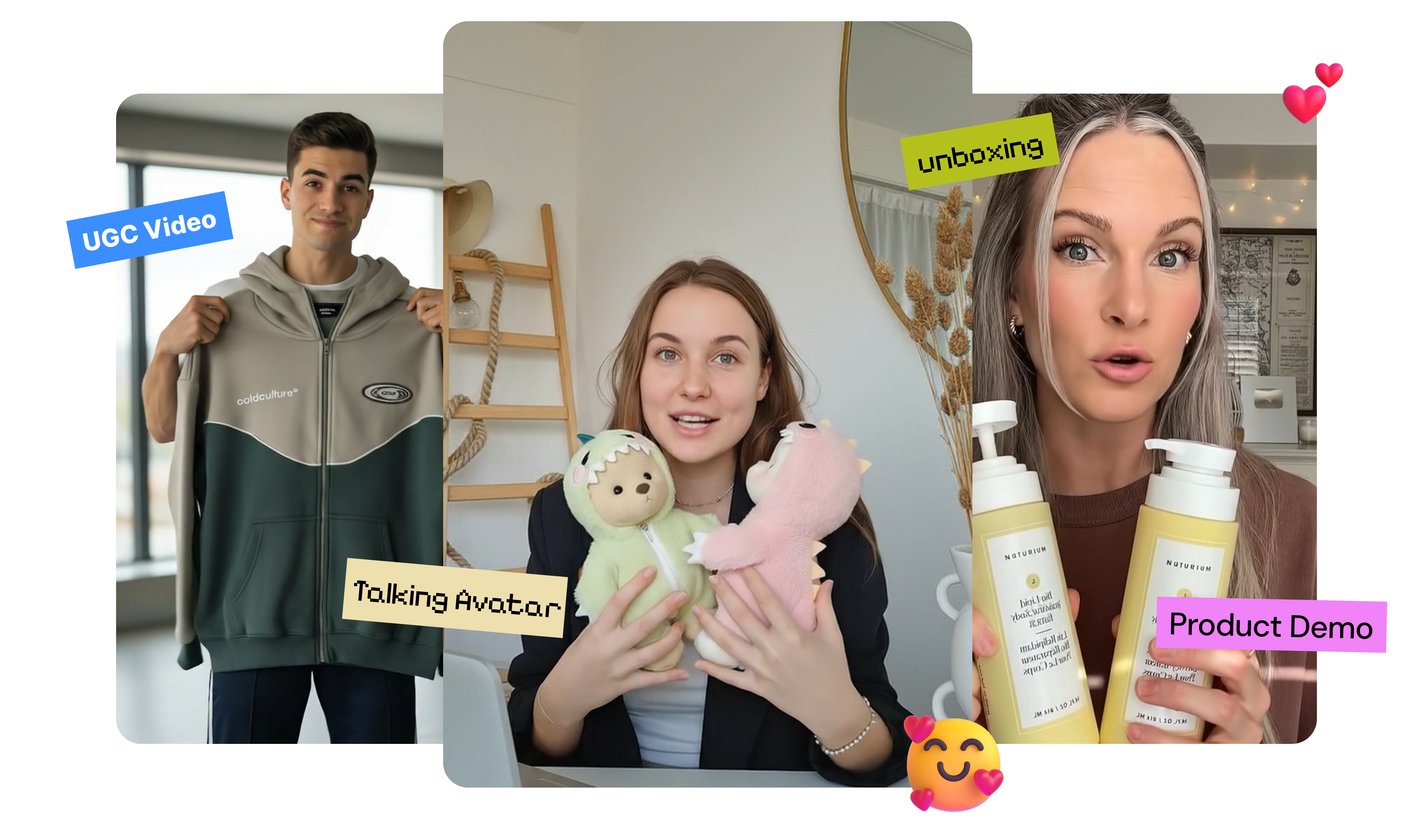
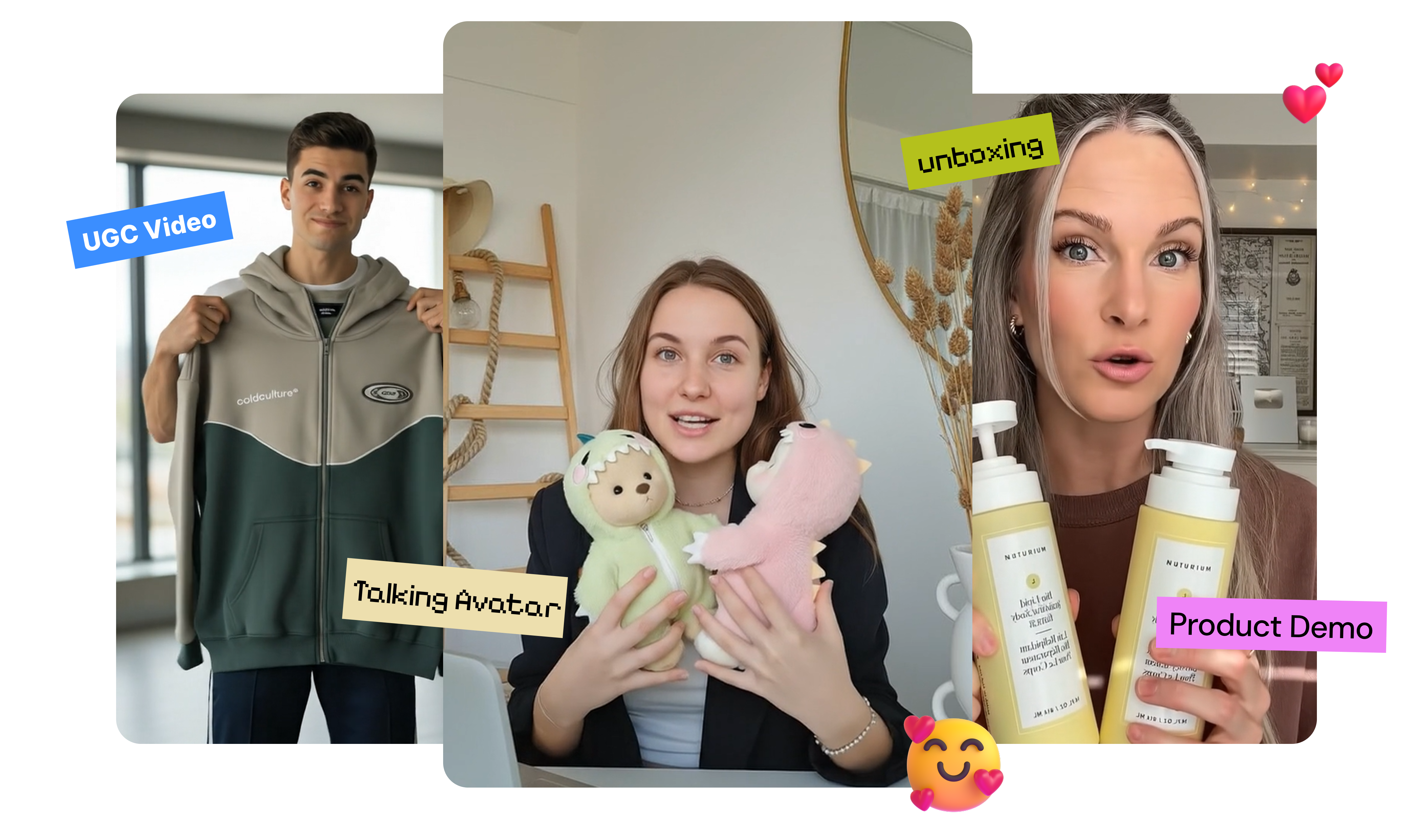
Beyond general AI video generation, Topview provides routes for product ads, UGC-style videos, avatars, video recreation, short films, and episodic drama. Use Board to organize generated media, or stage characters, props, and camera angles with the 3D Shot Composer before committing credits to a shot. Voice, captions, image tools, and localization can remain connected to the same broader Topview production system.
Take a Topview Video from Brief to Final Cut in 3 Steps
The workflow leaves room to guide the concept early and refine individual scenes after generation.
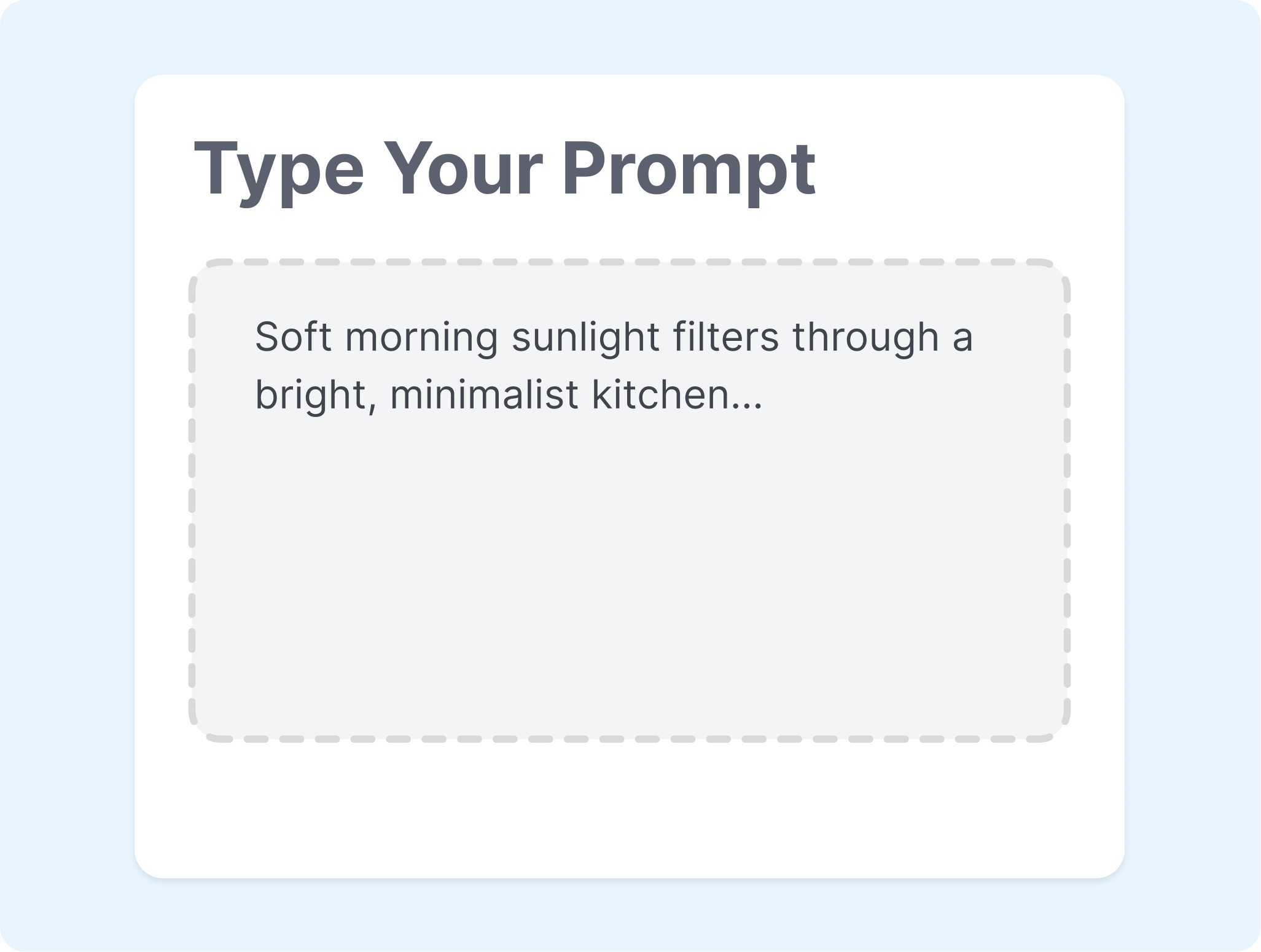
1. Frame the Assignment
Describe the intended video or supply a script, product URL, image, or reference clip. Include the audience, format, message, and visual direction that Topview should account for.
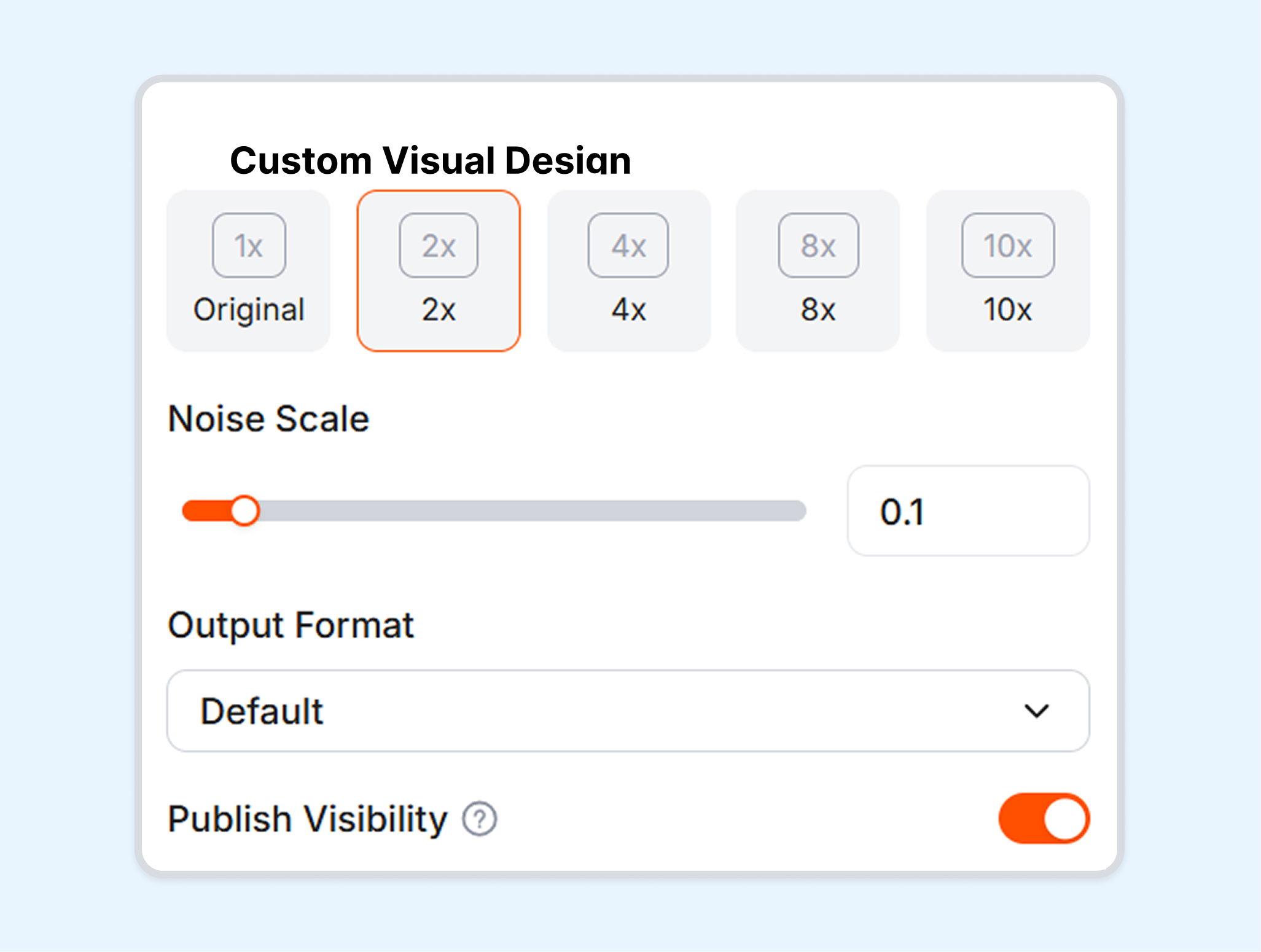
2. Inspect the Scene Plan
Read the proposed storyboard and prompts before spending credits on every shot. Adjust the order, insert another scene, or change the style when the initial structure misses the brief.

3. Assemble the Final Version
Generate the selected scenes and review them together on Canvas. Replace weak clips, tune the prompts, and finish the pacing, voice, captions, or format before export.
Who Can Use the Topview AI Video Generator?
Topview serves teams creating campaign videos, product stories, recurring social content, and longer narrative projects.
Marketing Teams
Campaign briefs often need several visual routes before one direction is approved. Topview can turn those briefs into product ads, explainers, brand videos, and reference-led concepts that remain open to scene-level changes.
Ecommerce Sellers
Product pages and existing images can provide the starting material for a new video. URL-to-Video and Product Avatar workflows help carry product information into demos, UGC-style ads, and presenter-led content.
Film and Drama Creators
Narrative projects require more continuity than a single generated clip. Canvas, Drama Studio, and the 3D Shot Composer give Topview users ways to plan characters, scenes, props, camera placement, and episode structure.
Agencies and Social Teams
Multiple clients and channels create a steady need for new formats, references, and localized versions. Shared projects, Board, team credits, voice tools, and platform-oriented outputs can support a more organized production queue.
Frequently Asked Questions
What is Topview AI?
How does the Topview AI video generator work?
Can Topview create a video from a product URL?
What is Topview Canvas?
Does Topview support AI avatars and product demos?
Can Topview localize videos?
What is a reliable alternative to Topview AI?
Looking for Another Option? Explore Nextify.ai as a Topview Alternative.
Nextify.ai connects product-led video, UGC advertising, avatars, voice, localization, static creative, and listing-image workflows for ecommerce production.