AI Temu Product Image Generator
Turn real product photos into clearer visuals for Temu listings. Create centered main images, inspection-ready close-ups, and relevant product scenes from one guided brief. Review every result before adding it to your storefront.
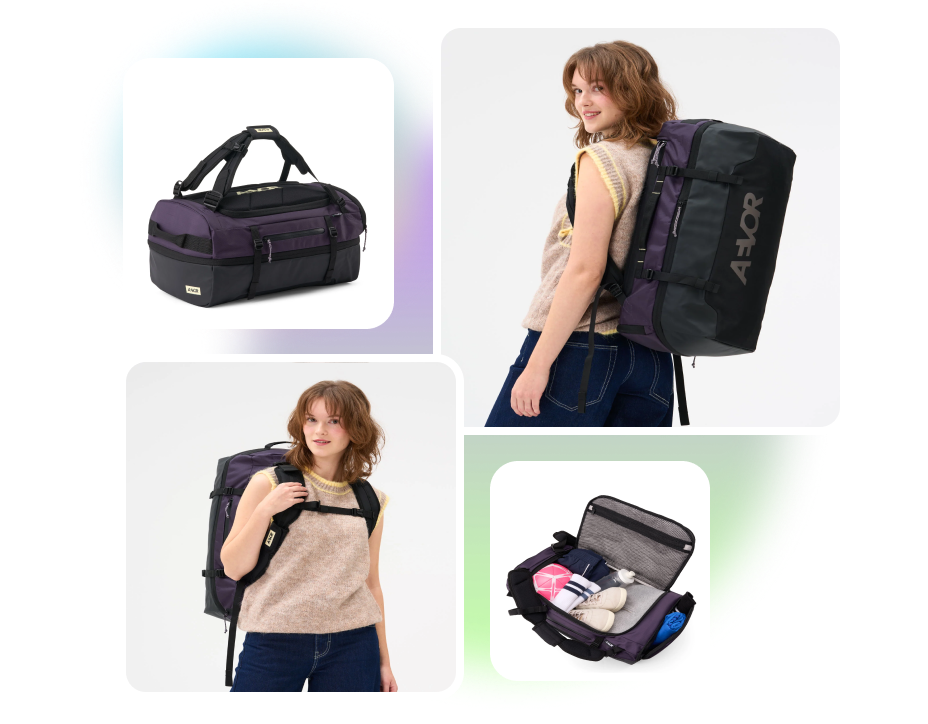
Transform Real Photos with Temu Product Image Generator
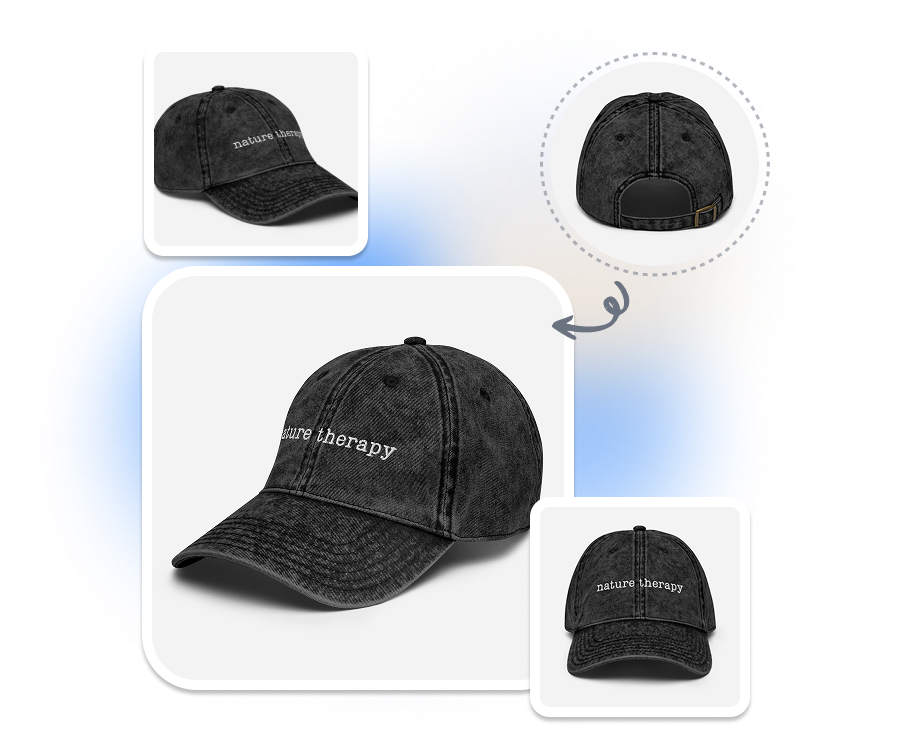
TEMU PHONE PHOTO MAKER
Polish Photos You Already Have
Turn a clear phone photo into a polished image for your Temu listing. Use the original product shot as the visual reference for new AI-generated compositions. Create more listing visuals without arranging another photo shoot.
TEMU MAIN IMAGE MAKER
Build a Better Backdrop
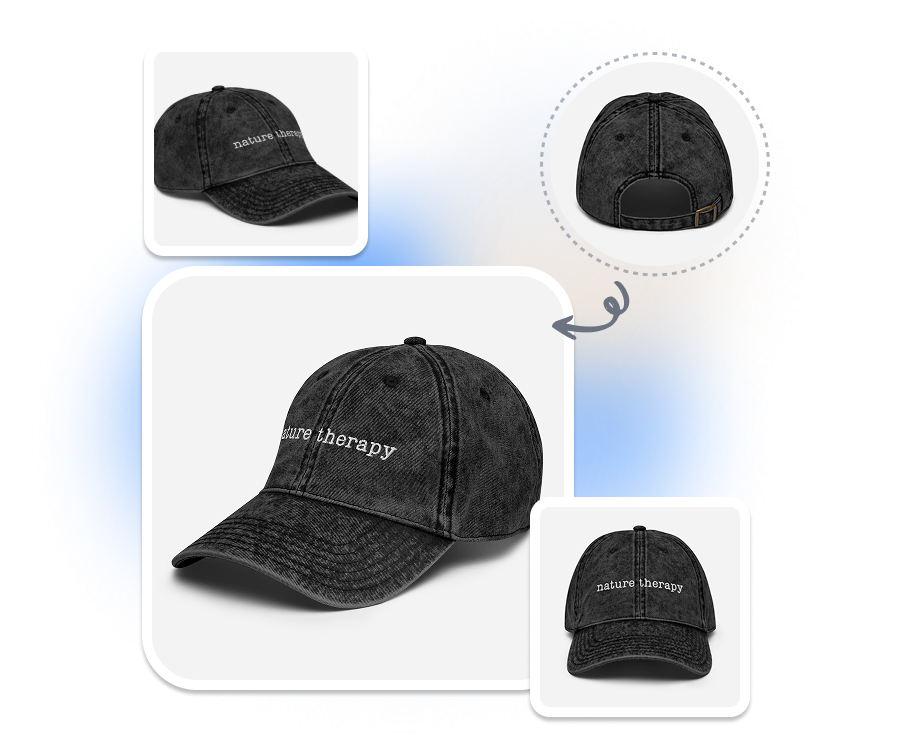
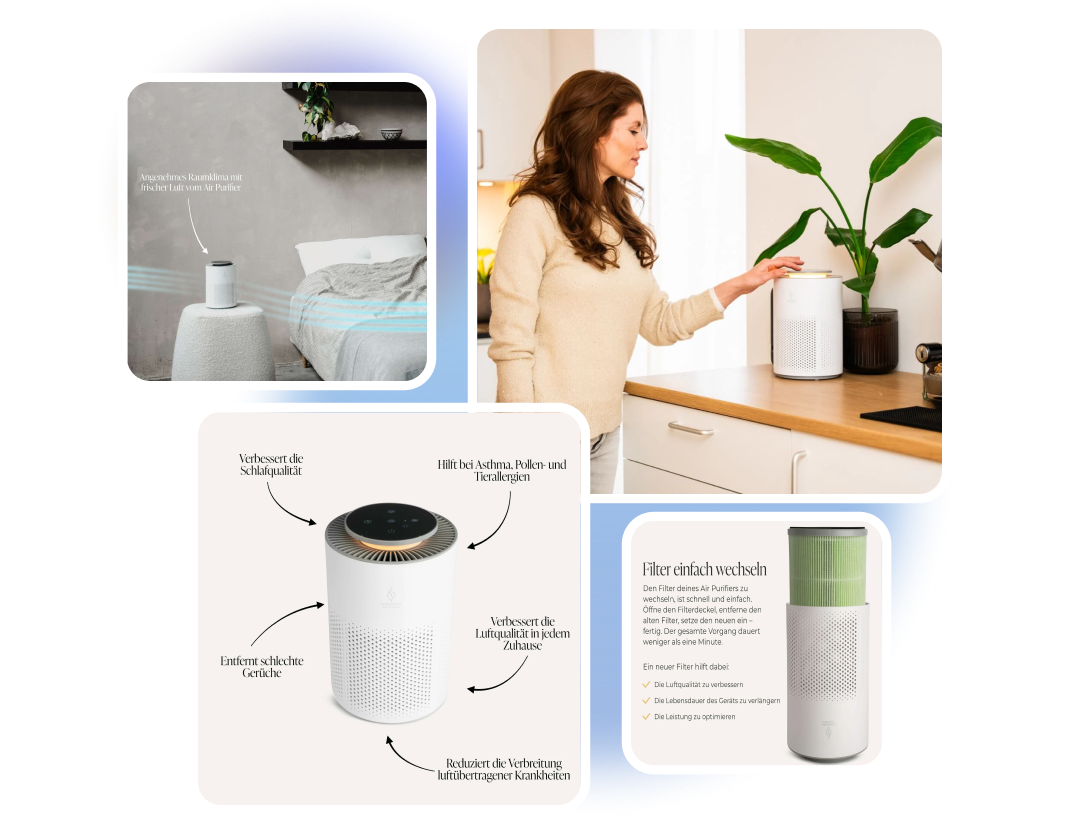
Replace distracting surroundings without manually cutting out and retouching the product. AI coordinates the new background, lighting, shadows, and scene placement around the uploaded item. Turn difficult source photos into cleaner Temu listing assets.
TEMU PRODUCT DETAIL IMAGE CREATOR
Create Close-up Views
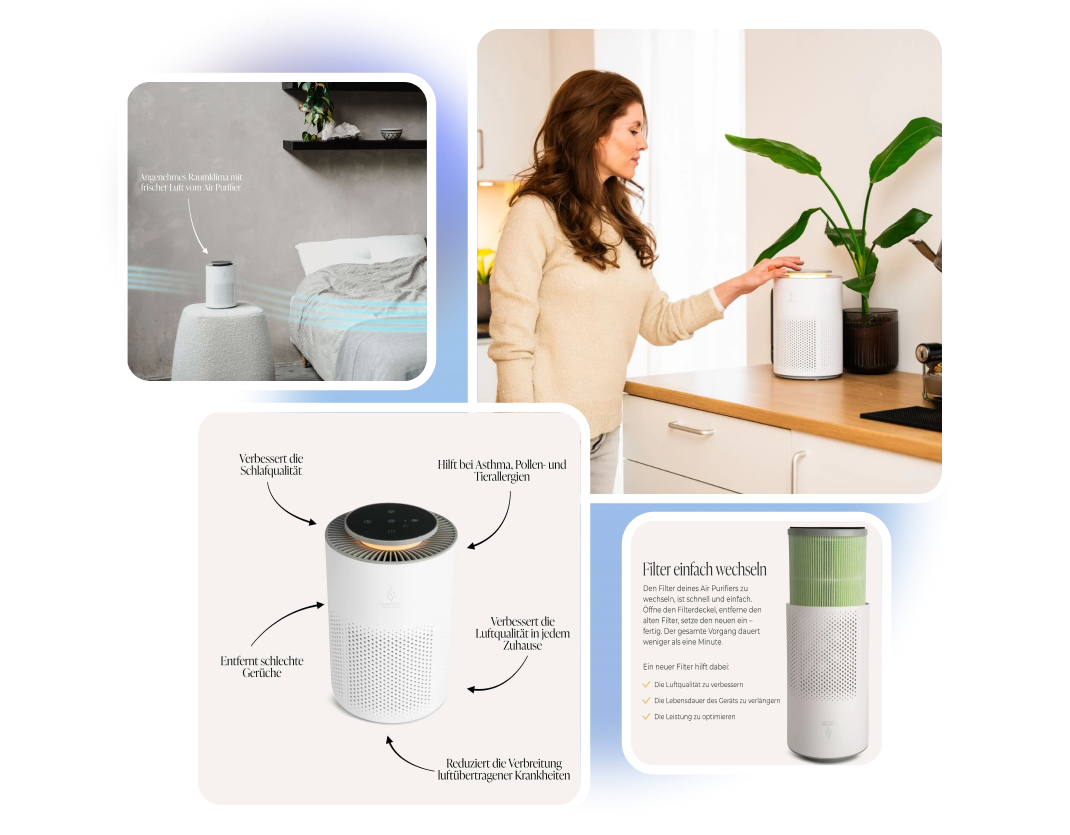
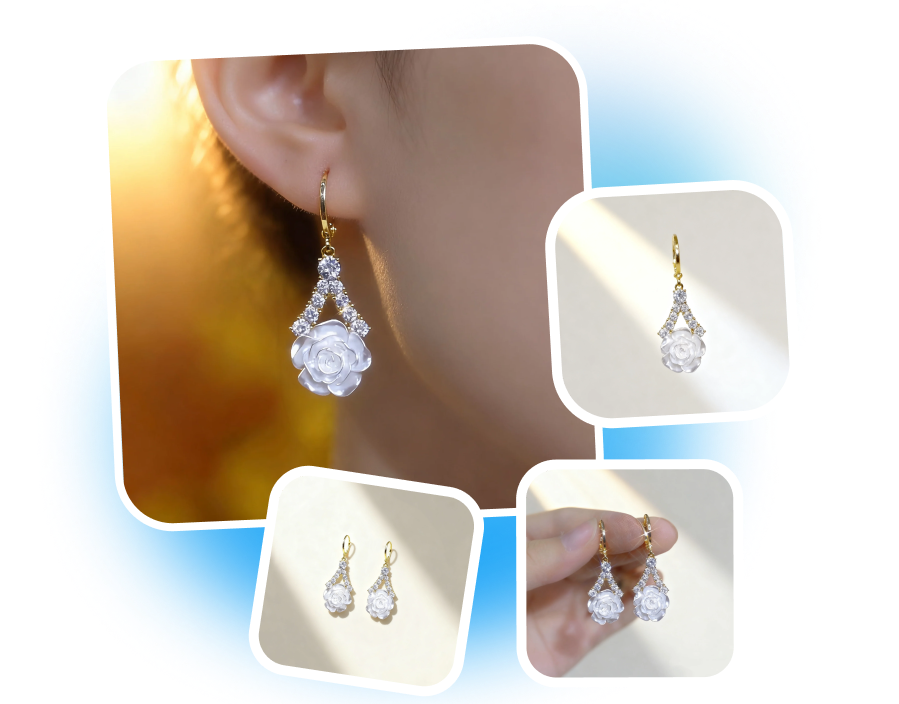
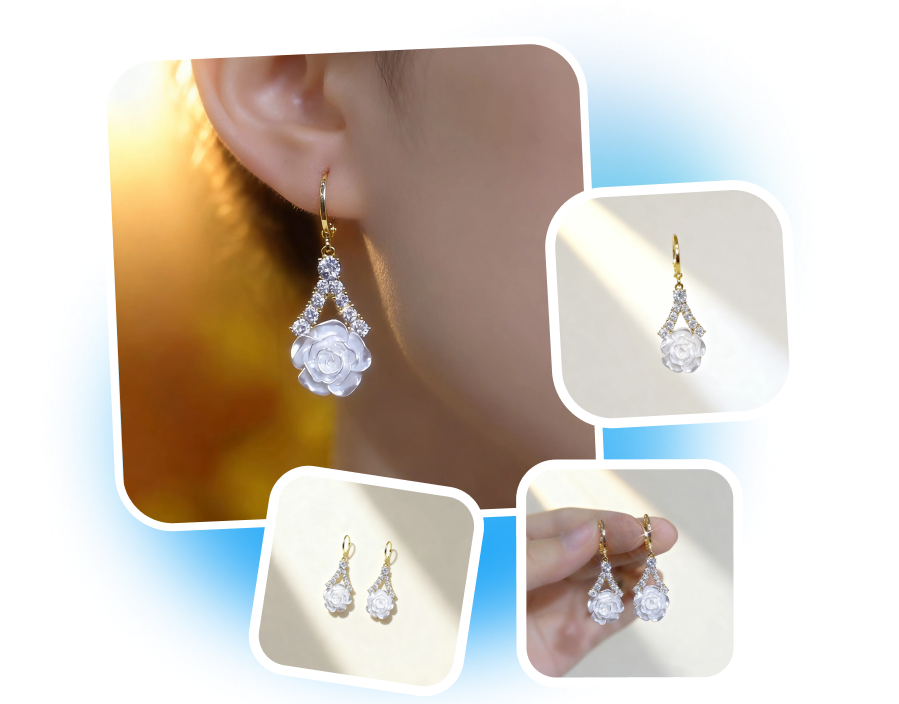
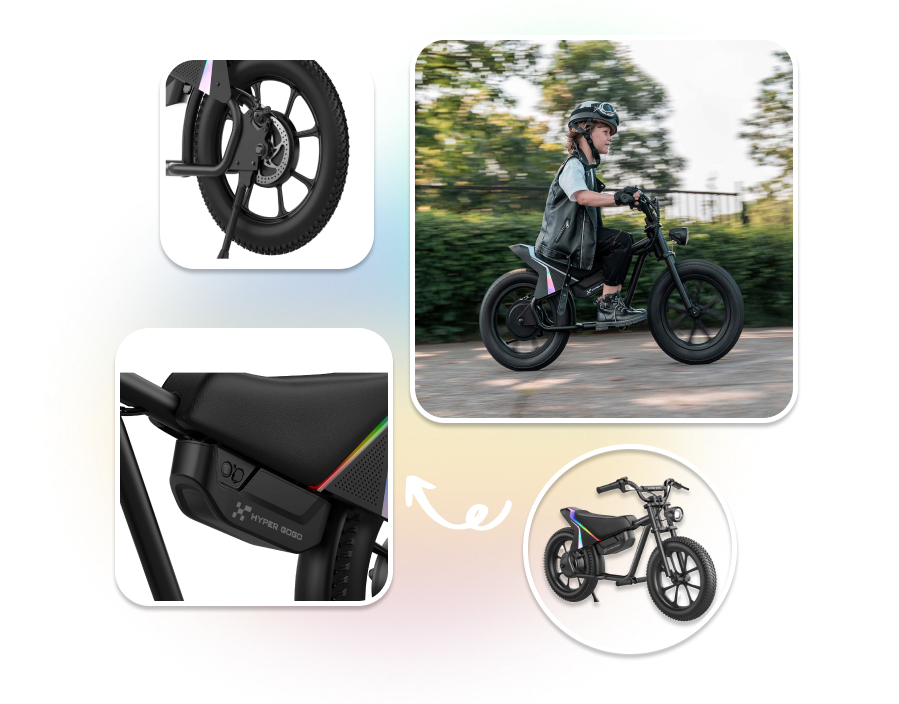
Create close-up Temu images for surfaces, seams, fasteners, controls, and included parts. Direct each composition toward details that are difficult to judge from the full-product view. Give buyers clearer visual evidence before purchase.
TEMU PRODUCT PHOTO GENERATOR
Reflect More Product Detail
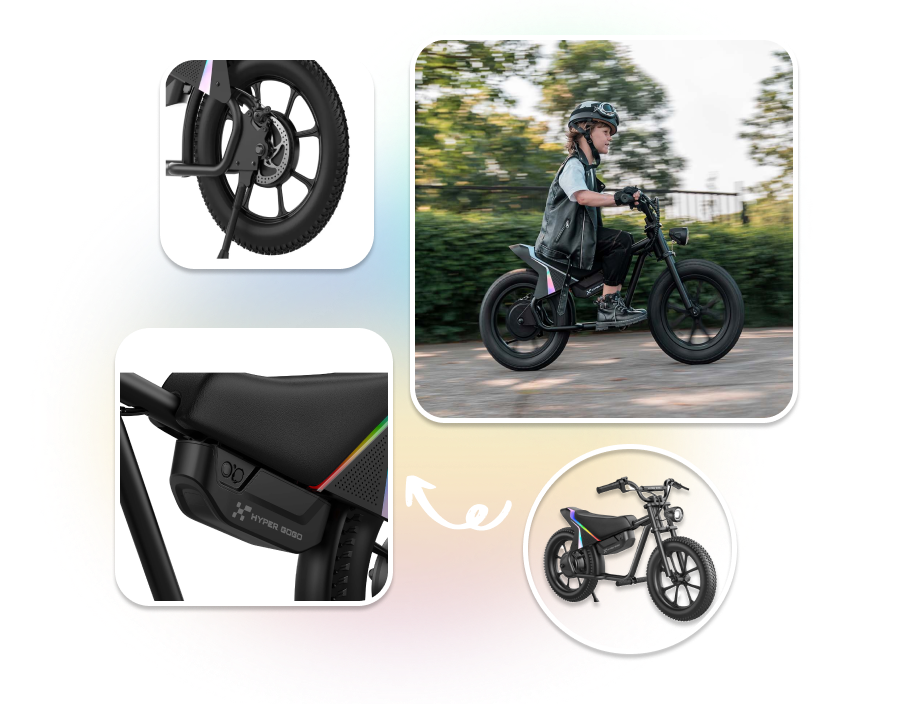
Upload up to three reference photos of the same product. Include different views that show its shape, materials, packaging, and construction. Give Nextify more visual information for generating your Temu product images.
Create Temu Product Images from Real References
1. Set the Temu Output
Select Temu, then choose the target market, language, and available image ratio.
2. Add Product References
Upload clear product photos and enter the product name, selling points, audience, and visual requirements.
3. Generate and Review
Click “Generate” to create the images. Compare every result with the real product before downloading or listing it.
Built Around the Work of Temu Sellers

Small Businesses Using Phone Photos
Turn clear in-house product photos into more polished listing visuals without planning a new setup for every image. Review the generated details carefully before adding them to your Temu catalog.

Dropshippers with Authorized Assets
Use product photos you have permission to edit as the starting point for Temu visuals. Create a cleaner presentation while checking that packaging, quantity, color, and included items still match the offer.

Marketplace Listing Teams
Prepare main, detail, and contextual images through one guided workflow. Use the preview and customization options to catch visual inconsistencies before handing approved assets to the listing team.
Frequently Asked Questions
It turns existing product photos into main images, detail views, and contextual scenes for Temu listings. The available results depend on the references and product brief you provide.
You can upload up to three reference photos of the same product. Different views provide more information about its shape, materials, packaging, and construction.
Yes. Enter the product name, selling points, audience, desired scenario, and visual requirements to guide the output.
Yes. Select the target market and output language before generating your Temu images.
Yes. Choose an available image ratio that suits your Temu listing and intended image placement.