AI Shopify Product Image Generator
Upload a product photo and add your key selling points. Shopify product image generator creates lifestyle scenes, feature graphics, and multi-angle views around the same item. Build a more informative product gallery from a simple workflow.
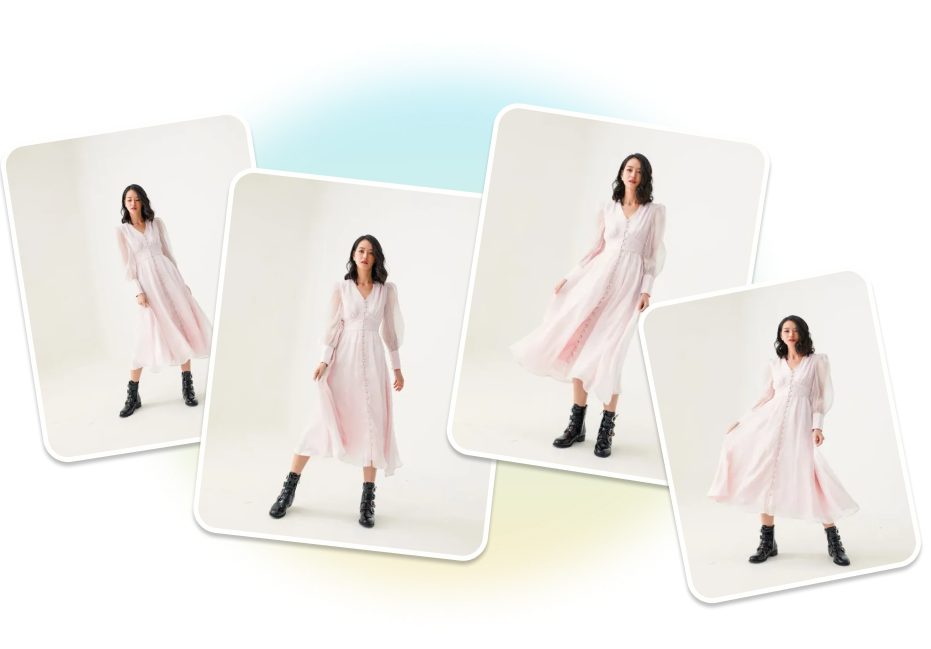
Expand One Photo into a Complete AI Shopify Product Gallery
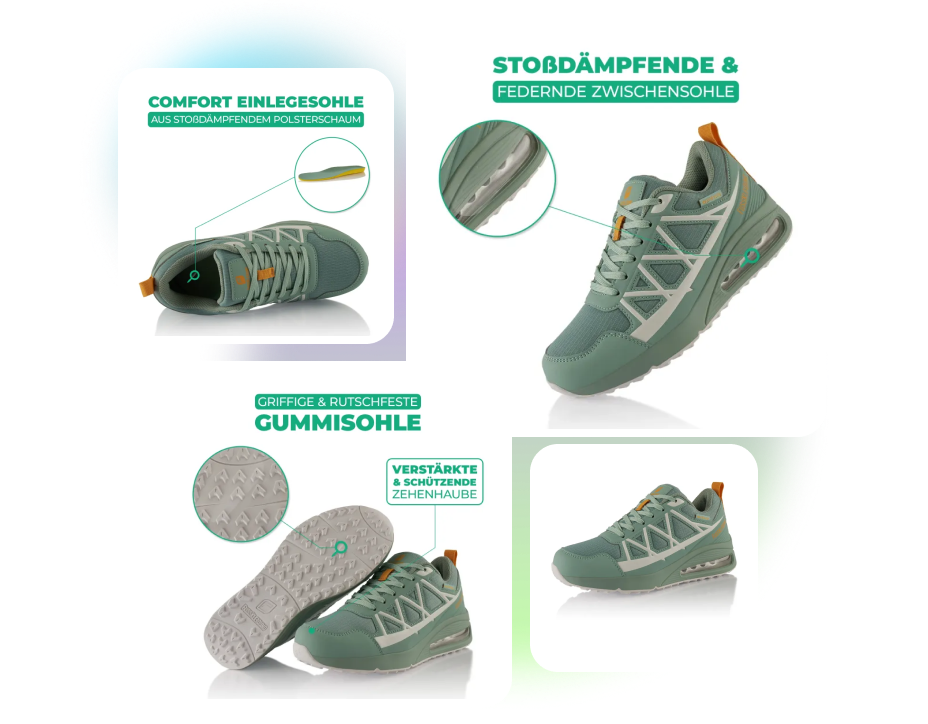
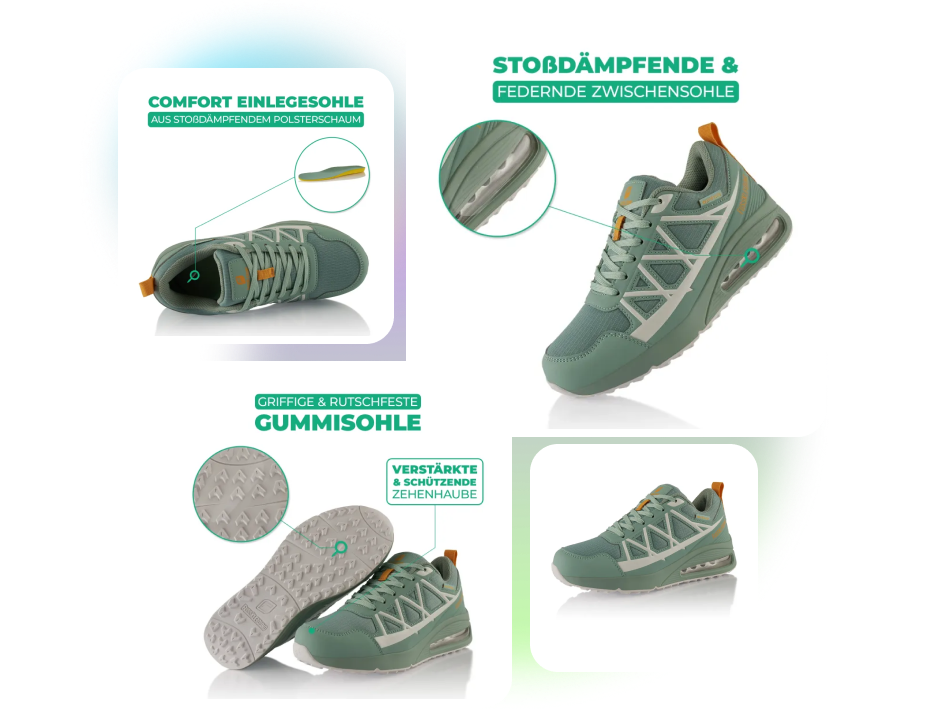
SHOPIFY FEATURE IMAGE MAKER
Make Product Benefits Scannable
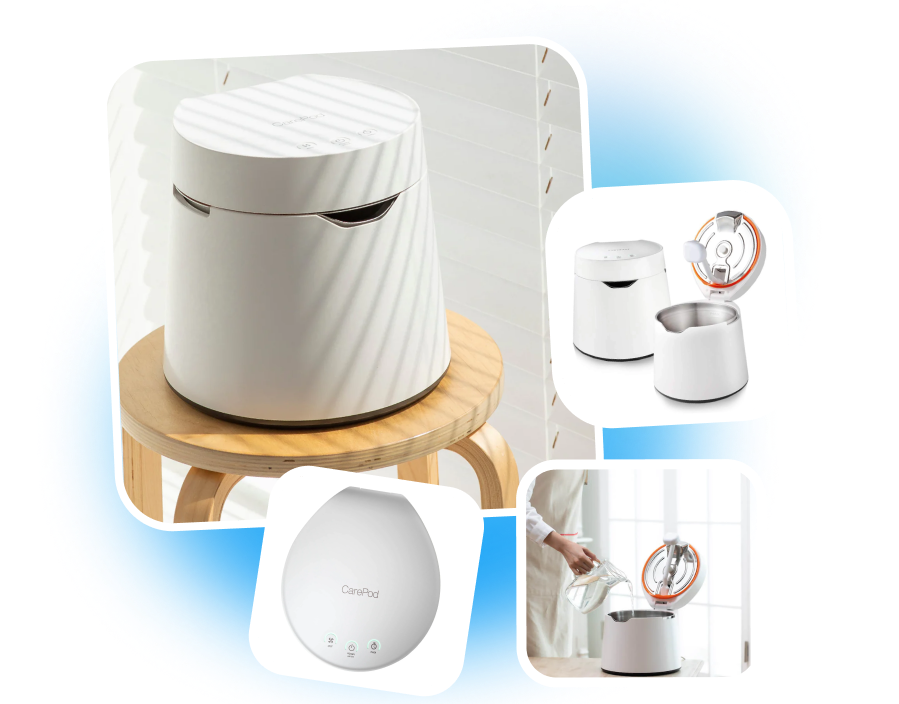
Create feature images for your Shopify product pages. Highlight materials, capacity, closures, and other selling points with close-ups, icons, and concise copy. Help shoppers understand essential benefits as they scan the product gallery.
SHOPIFY PRODUCT COLLAGE MAKER
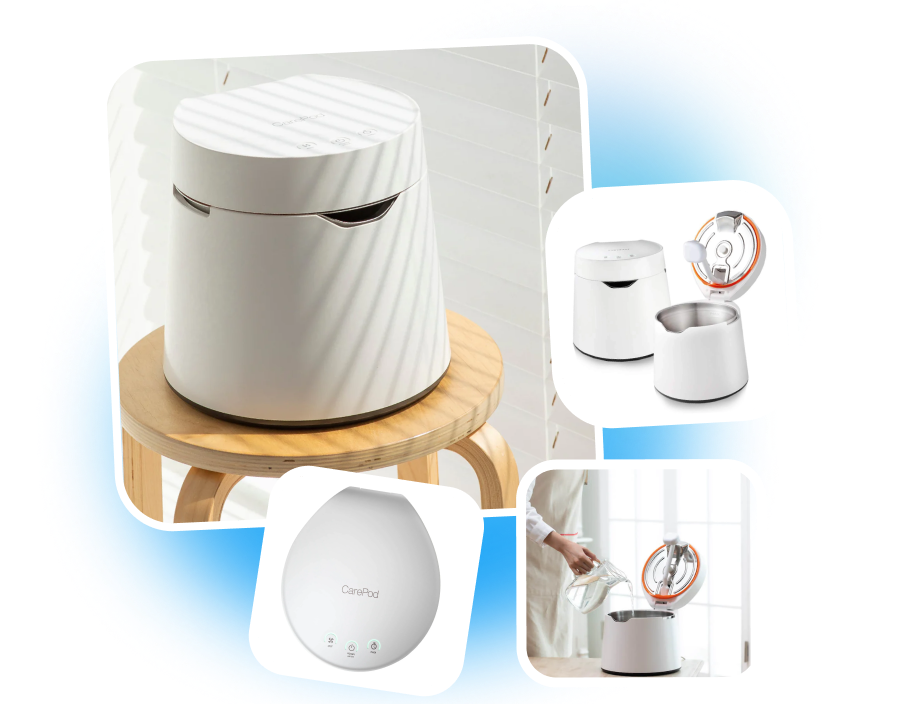
Show More in One Image
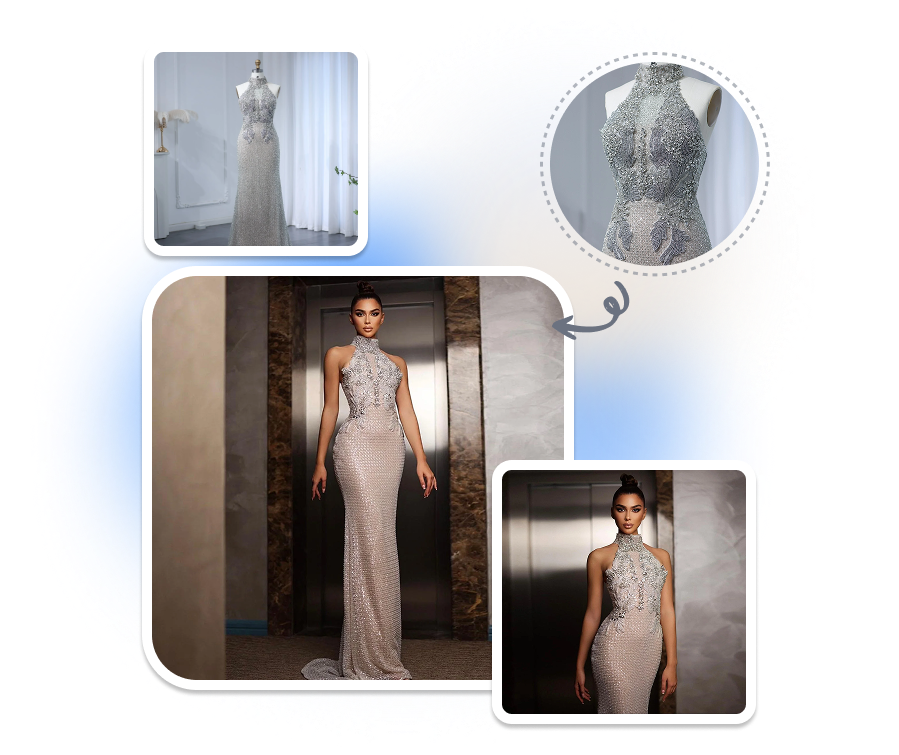
Combine several product views in one Shopify gallery image. Present the full product with top, side, open, or close-up views from your references. Help shoppers understand more without switching between images.
SHOPIFY PRODUCT GALLERY GENERATOR
Sequence Your Product Story
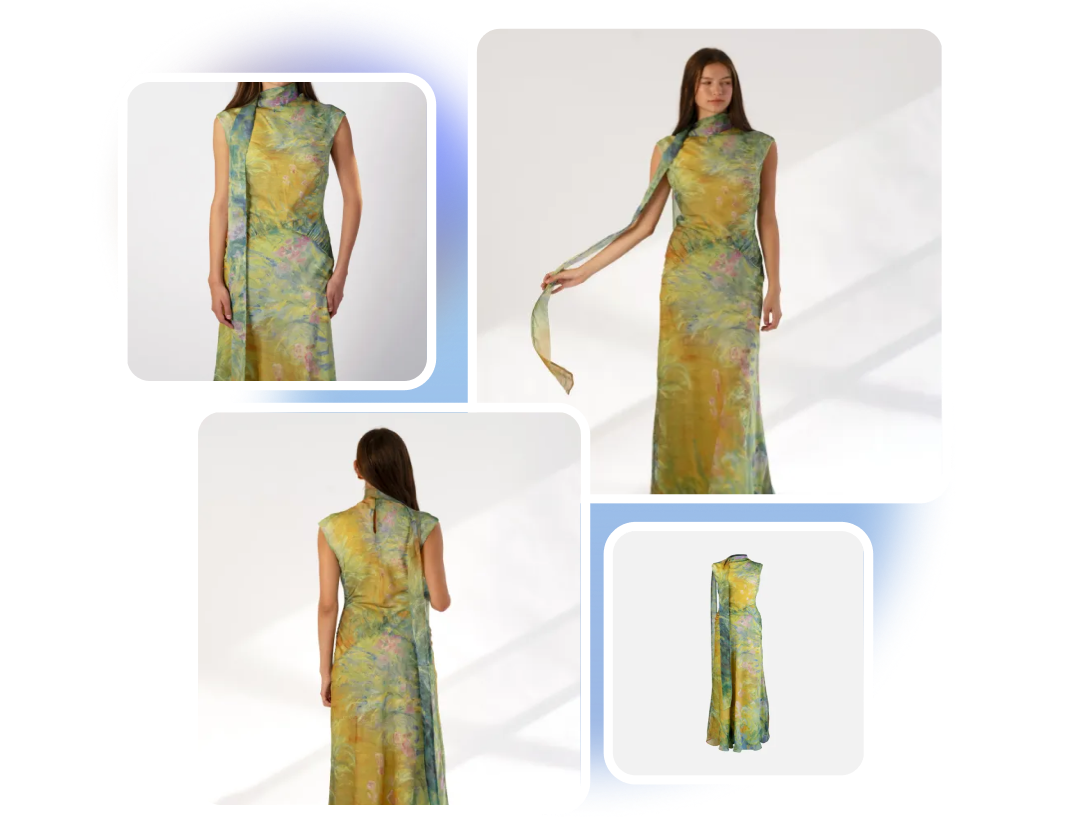
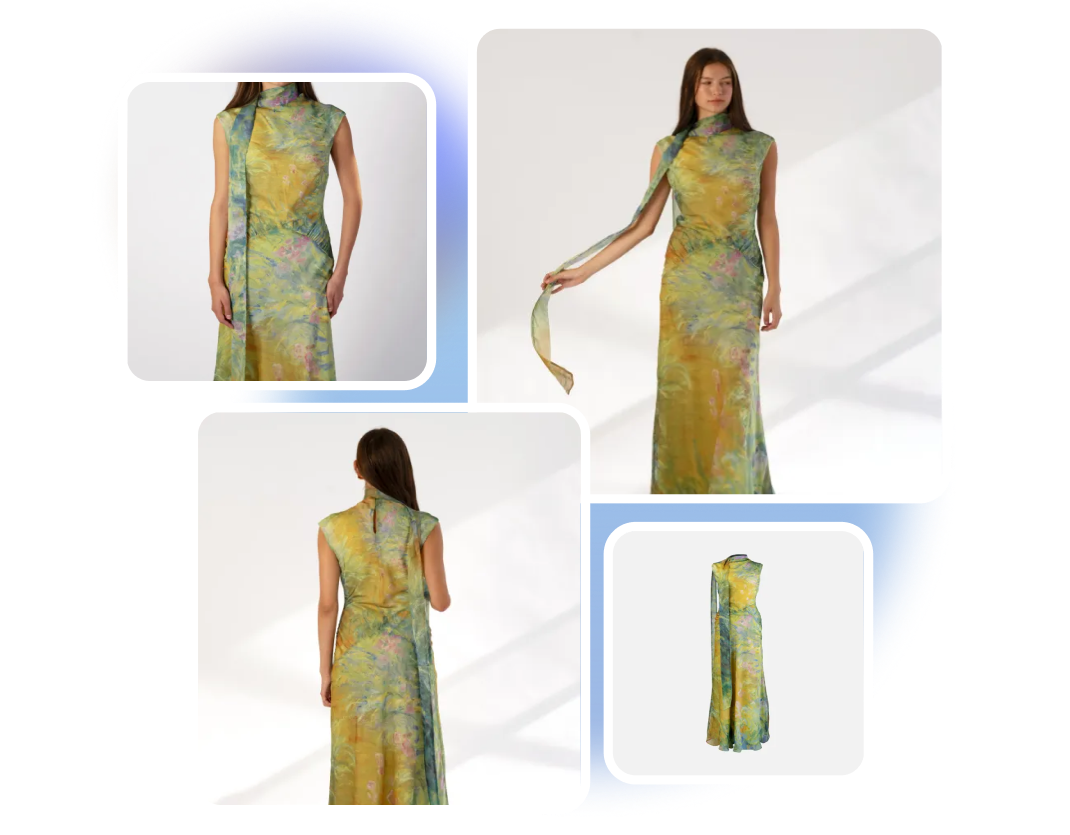
Create Shopify product images for each stage of the product gallery. Generate an overall product view, followed by use-case, feature, and supporting angle images. Give shoppers a more structured visual path through the product page.
SHOPIFY PRODUCT PHOTO MAKER
Match Your Store Style
Generate product images around your Shopify store’s visual direction. Define the background, lighting, color mood, composition, and supporting props in the brief. Keep new product visuals aligned with your storefront's look.
From Product Photos to a Complete Shopify Image Series
1. Set Your Shopify Format
Choose Shopify, then select the target market, output language, and image ratio. Configure the series for your intended store and audience.
2. Add Your Product
Upload product photos and enter the name, selling points, target audience, desired setting, and visual requirements.
3. Generate the Series
Click “Generate” to create the Shopify product images. Review the complete series and download the visuals that accurately represent your product.
Built for Teams Creating Shopify Product Galleries

Shopify Store Owners
Turn a few basic product photos into a fuller Shopify gallery. Present the product through clear main images, use scenes, details, and visual benefits without producing each image separately.
DTC Product Teams
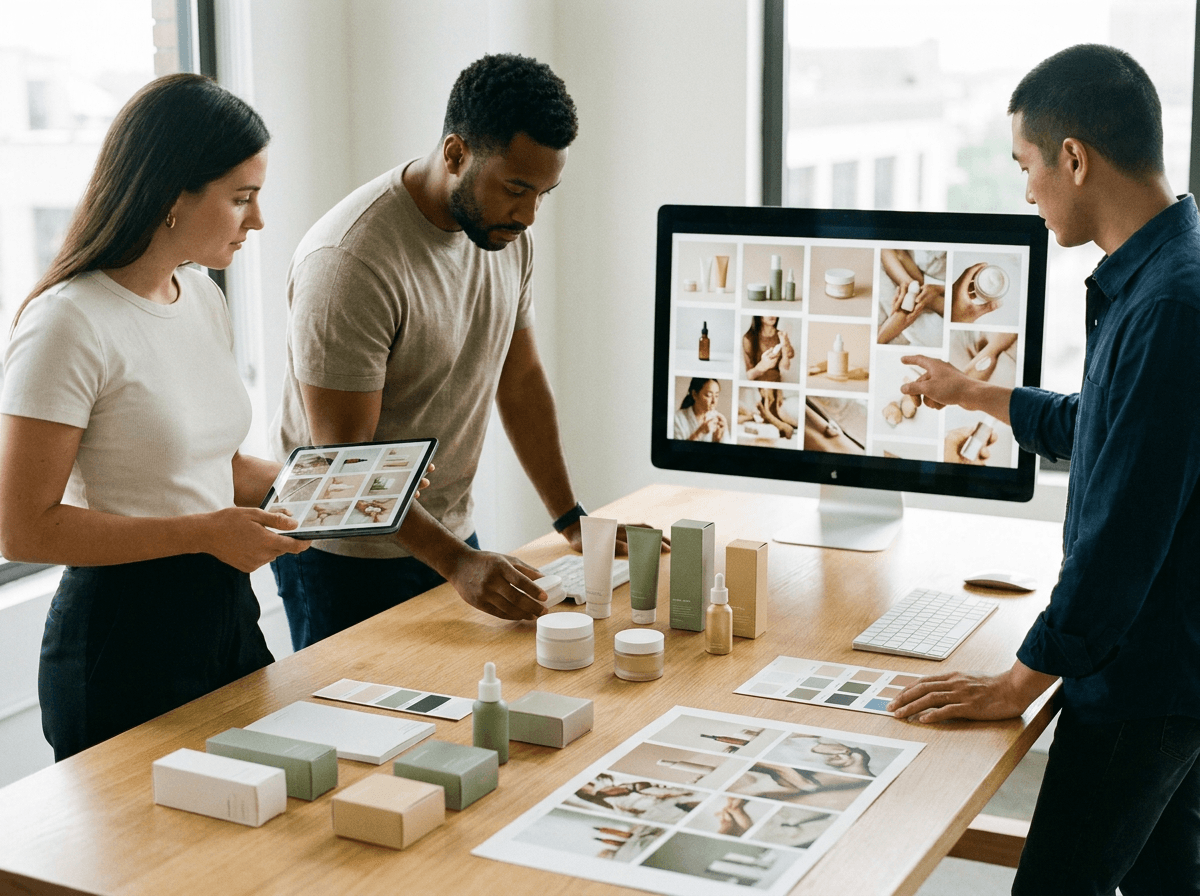
Create coordinated image series for new products and Collection launches. Keep the visual direction consistent while giving shoppers enough information to evaluate each product.
Ecommerce Creative Teams
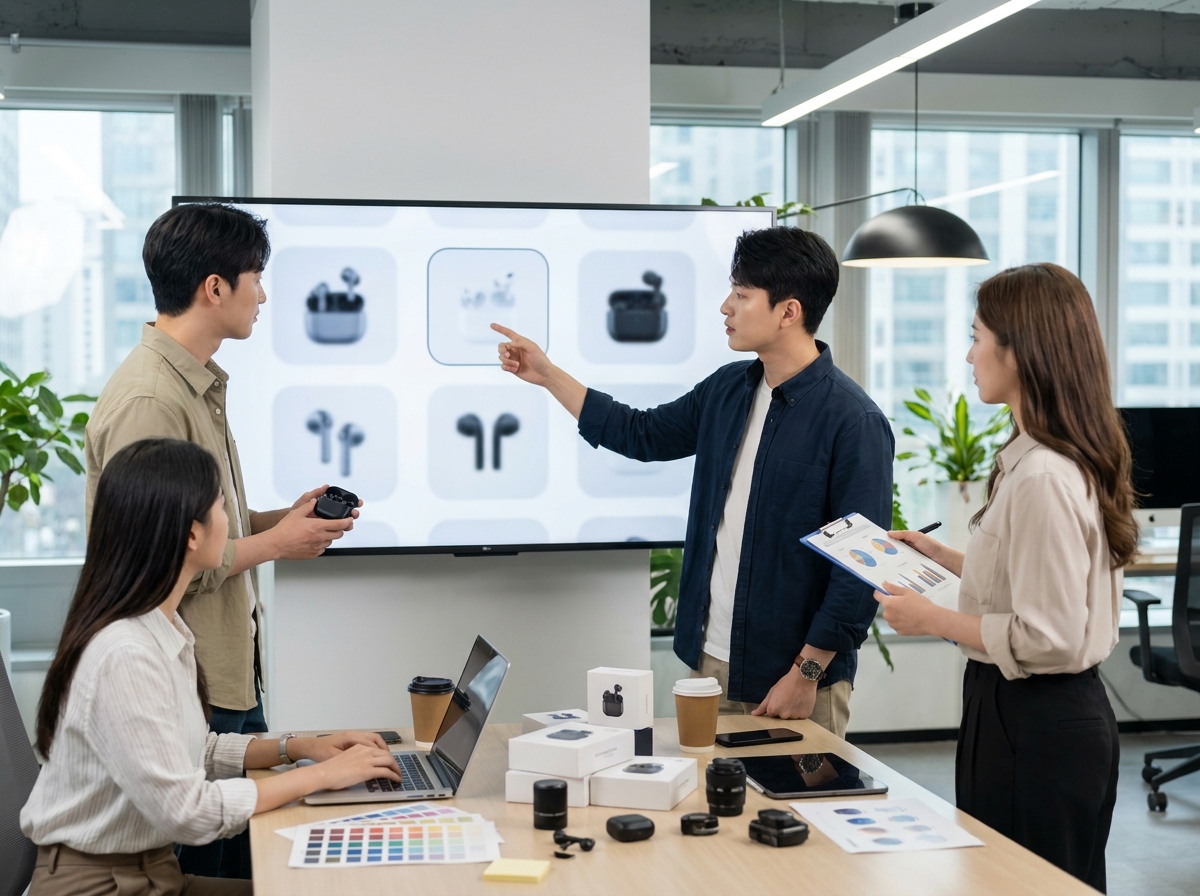
Move from product references and a short brief to a structured Shopify gallery. Produce main, supporting, detail, and selling-point images through one repeatable workflow.
Frequently Asked Questions
A single-image tool creates one visual at a time. The Shopify product image generator builds a coordinated series with different roles across the product gallery.
You can upload up to three reference photos of the same product to the Shopify product image generator. Clear photos from useful angles give the AI more visual information to work with.
Yes. Select an available ratio that fits your Shopify storefront and the intended placement of your Shopify product images before generating the series.
Yes. Choose the output language and enter the selling points you want Nextify to use in the visual brief. Review all generated text before adding the images to your Shopify store.
AI product image generation can occasionally change packaging text, colors, materials, or proportions. Compare each generated visual with the real product before using it as a Shopify product listing image.