AI Shopee Product Image Generator
Turn reference photos into clear Shopee thumbnails, branded catalog images, and campaign visuals. Choose your target market, language, and image ratio, then add a product brief to guide each design. Create localized assets that help shoppers recognize your products and understand what you sell.
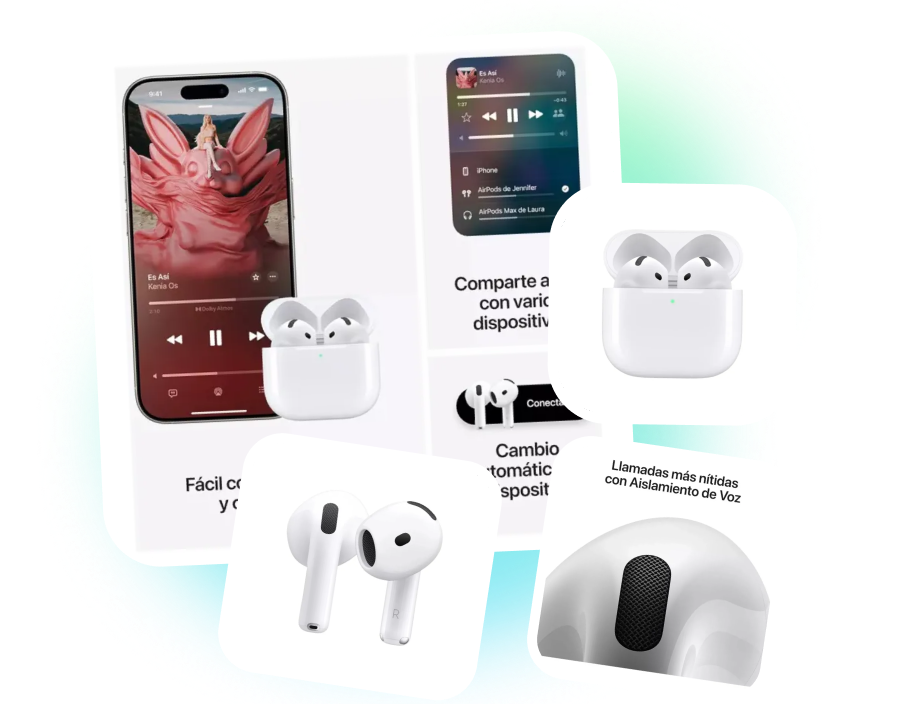
Build Buyer Trust with Shopee Product Image Generator
SHOPEE PRODUCT IMAGE WORKSPACE
Keep Every Asset Organized
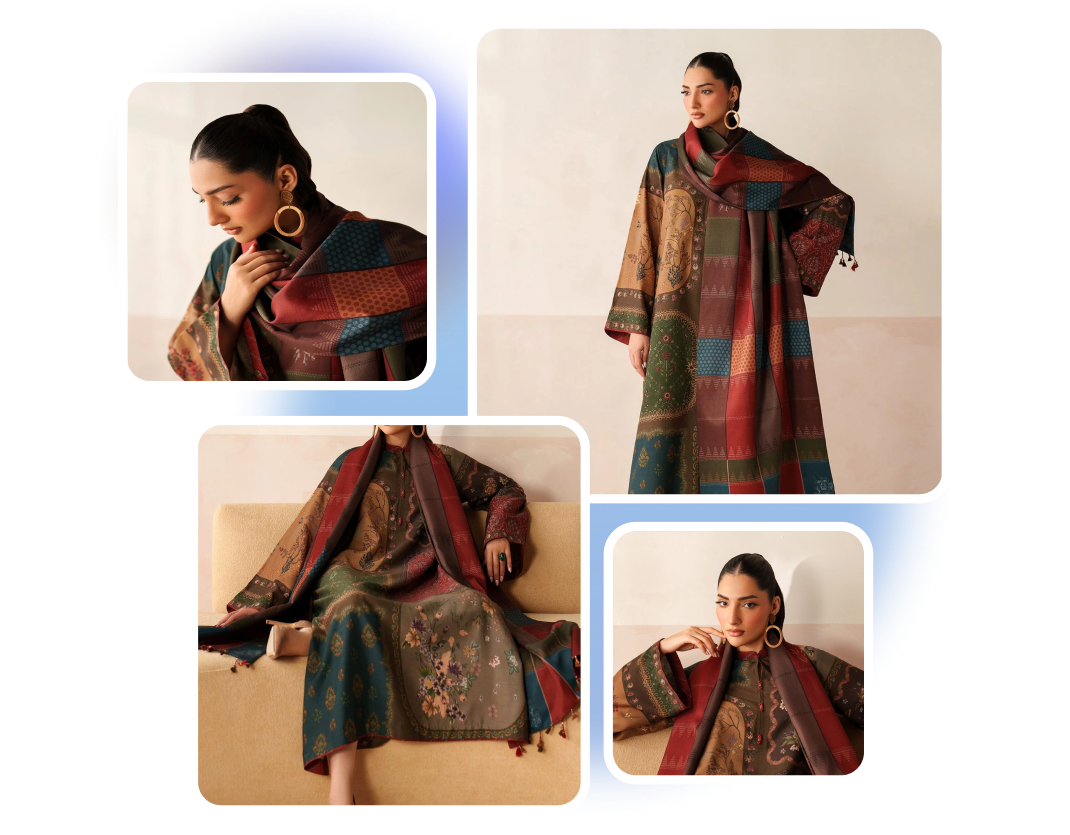
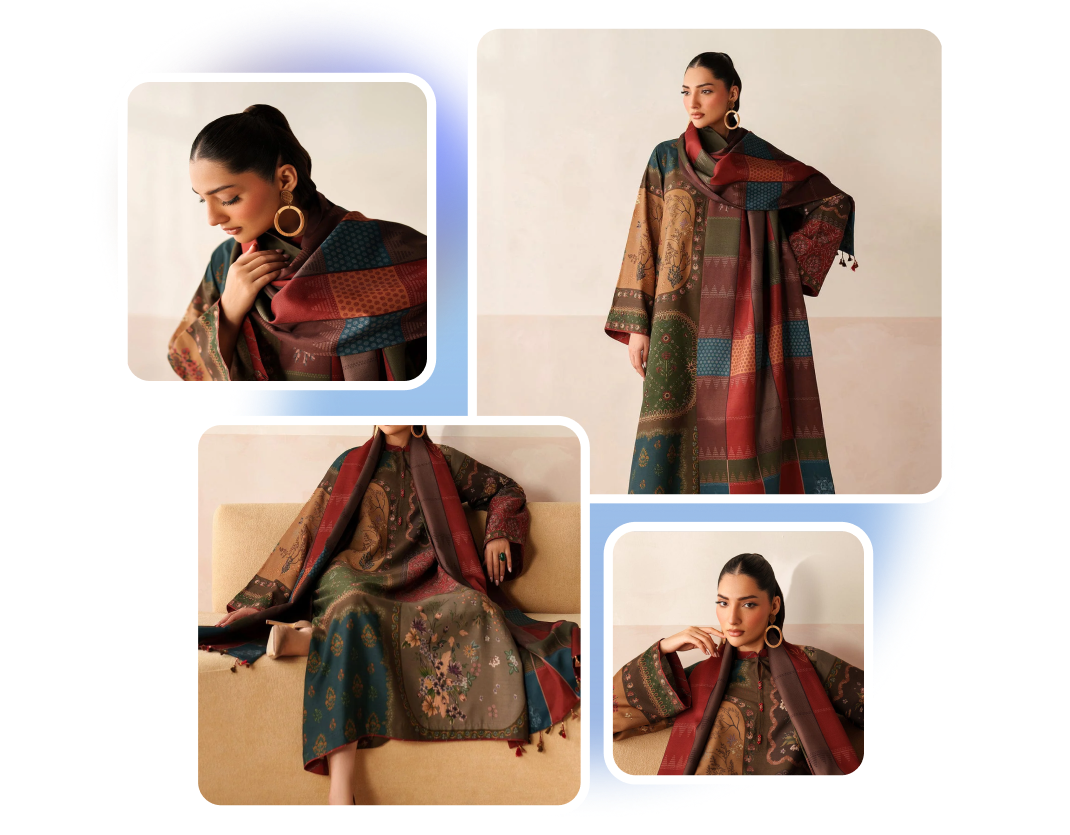
Organize Shopee product references and generate images within a single creative workspace. Reuse Assets, Projects, and recent outputs when updating listings, variations, or campaigns. Keep visual production easier to track as your Shopee catalog grows.
SHOPEE STORE IMAGE CREATOR
Build a Store Look
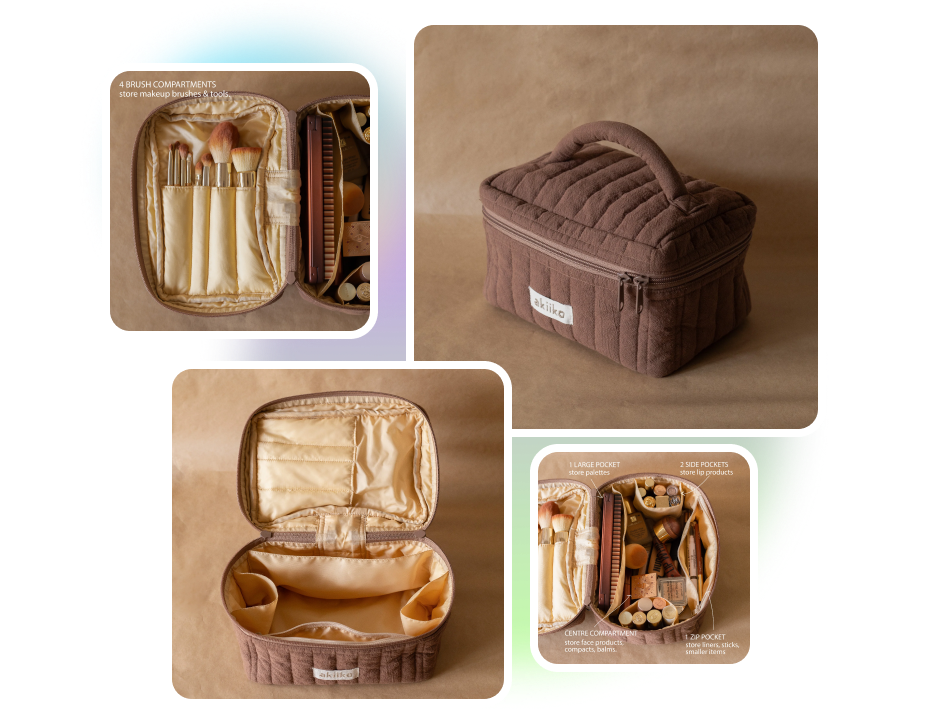
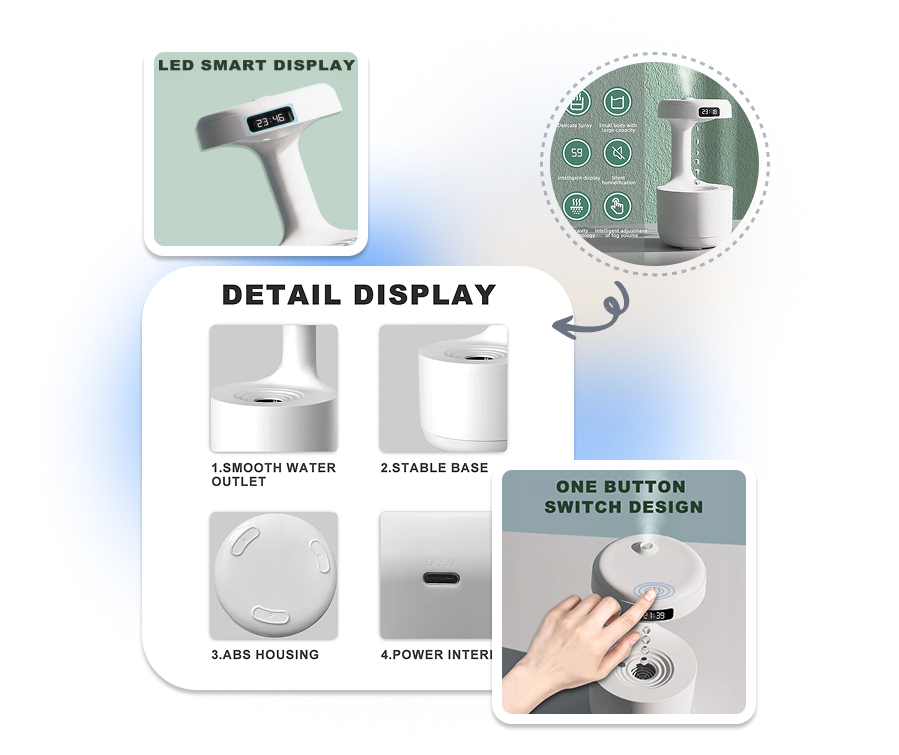
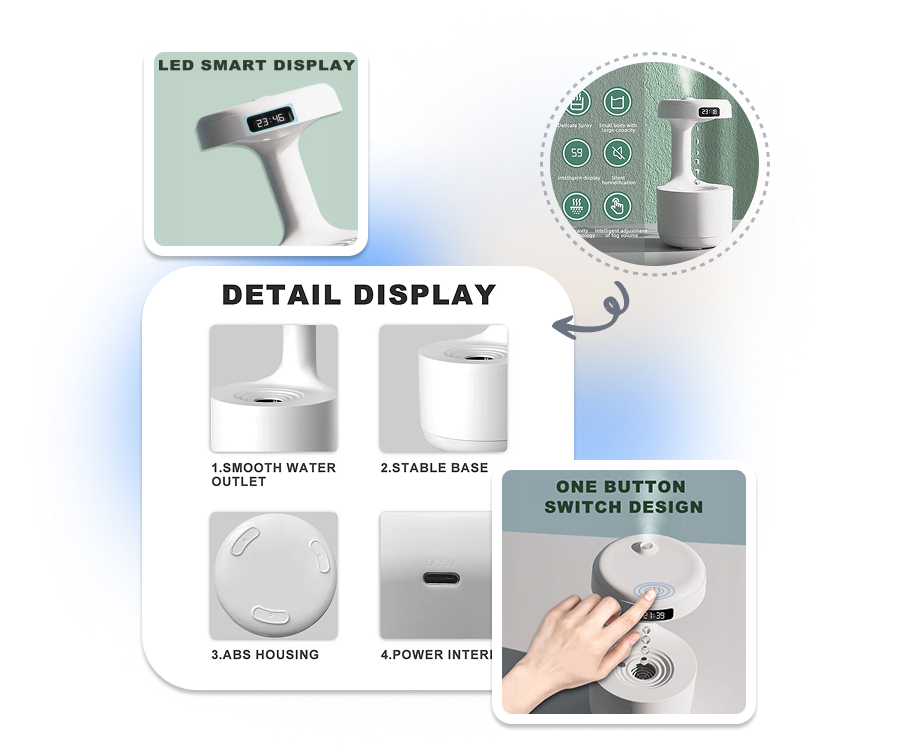
Give your Shopee catalog a consistent visual identity. Coordinate backgrounds, lighting, colors, and composition across related products while keeping every item distinct. Make your storefront easier to recognize and more reassuring to browse.
SHOPEE BANNER IMAGE GENERATOR
Fit Every Shopee Placement
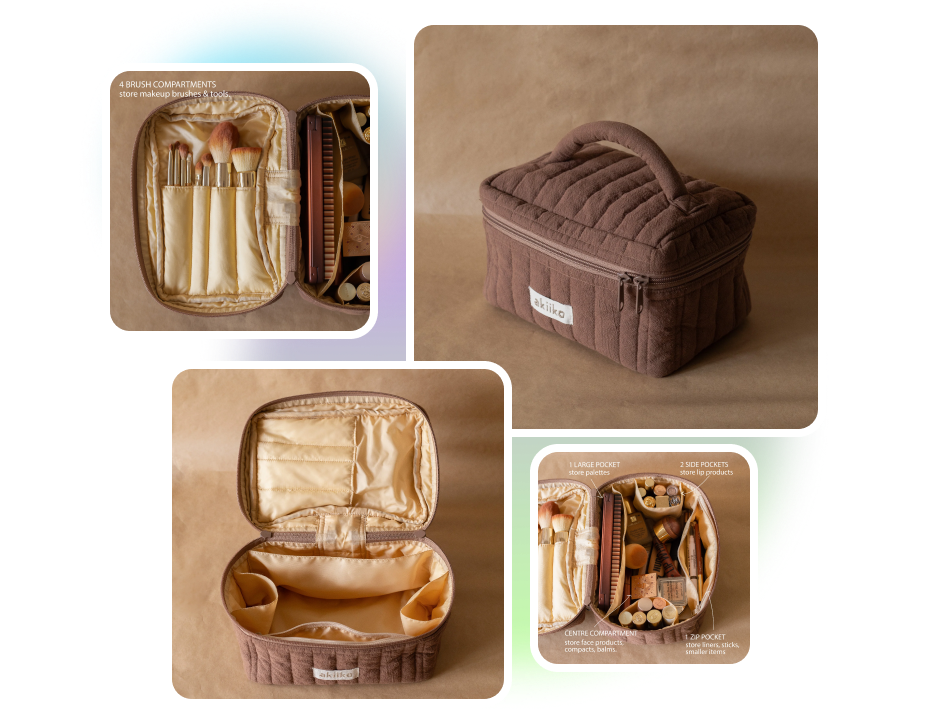
Create separate Shopee visuals for product covers, supporting images, banners, and promotional posters. Adjust the ratio, background, text density, and composition for each placement. Keep every store visual clear and suited to its specific role.
SHOPEE PRODUCT OPTION IMAGES
Clarify Every Product Option
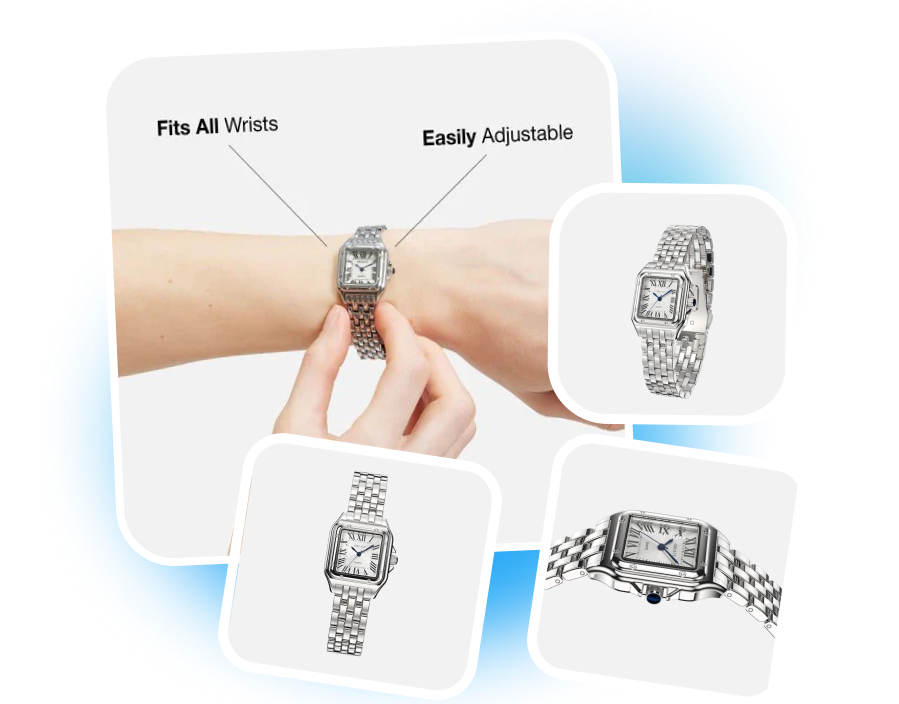
Create Shopee images that help shoppers compare product colors, sizes, bundles, and pack options. Upload matching product references and describe each option in the visual brief. Help shoppers understand what they are viewing before choosing a variation.
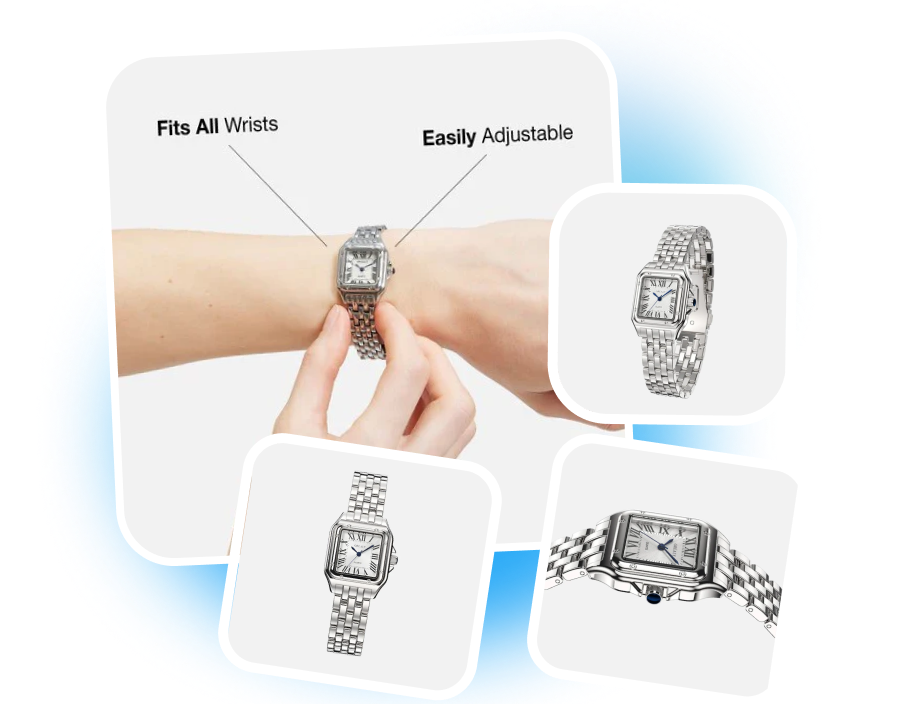
From Product Photo to Store with Shopee Product Image Generator
1. Choose Shopee Settings
Select Shopee as the platform, then choose the target market, output language, and image ratio. Match the settings to the audience and placement you are designing for.
2. Add Product References
Upload clear product photos and enter the product name, key selling points, audience, and visual requirements. Include any background, lighting, or campaign direction the AI should follow.
3. Generate and Review
Click “Generate” to create your Shopee product images. Review the product details and download the visuals that fit your store or campaign.
Shopee Product Image Generator for Every Selling Team
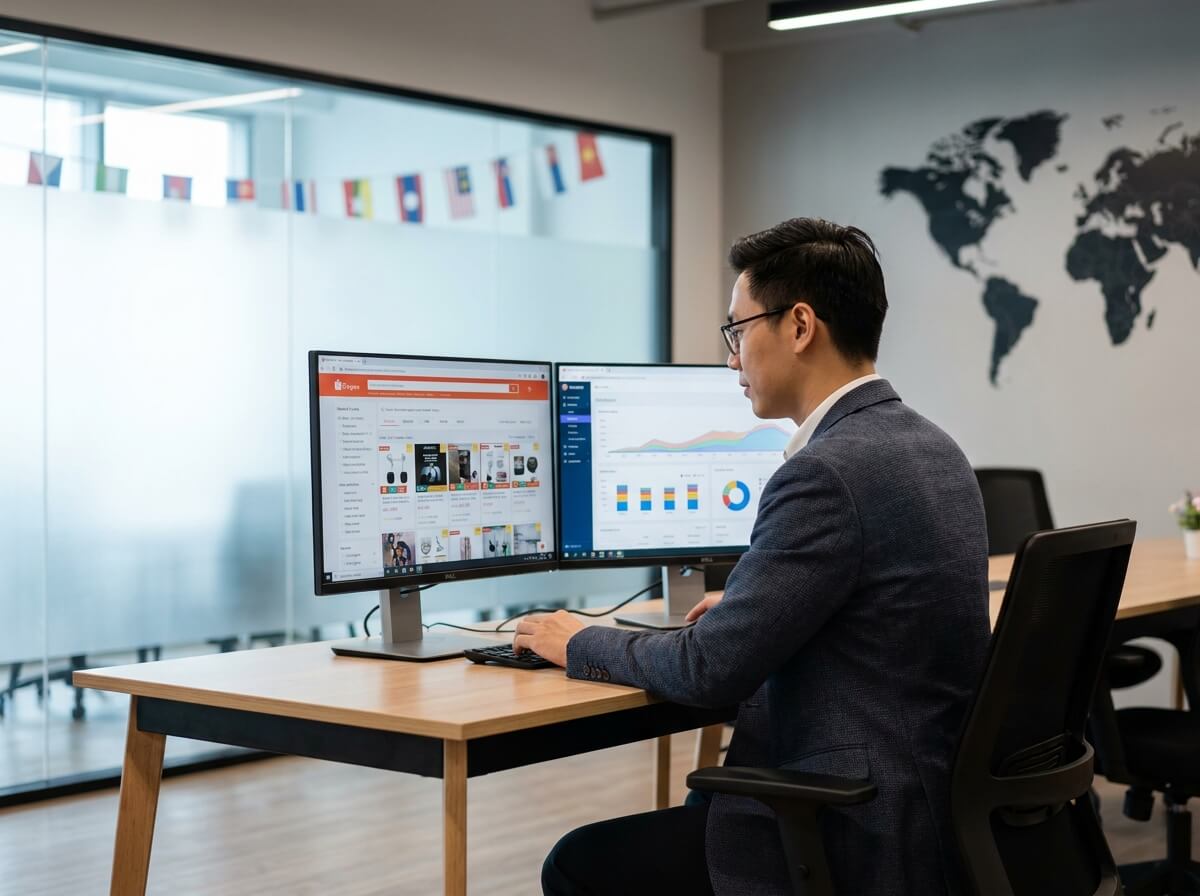
Shopee Store Owners
Turn basic product photos into clearer thumbnails and coordinated store visuals. Keep the catalog professional as you add new products, bundles, or seasonal offers.
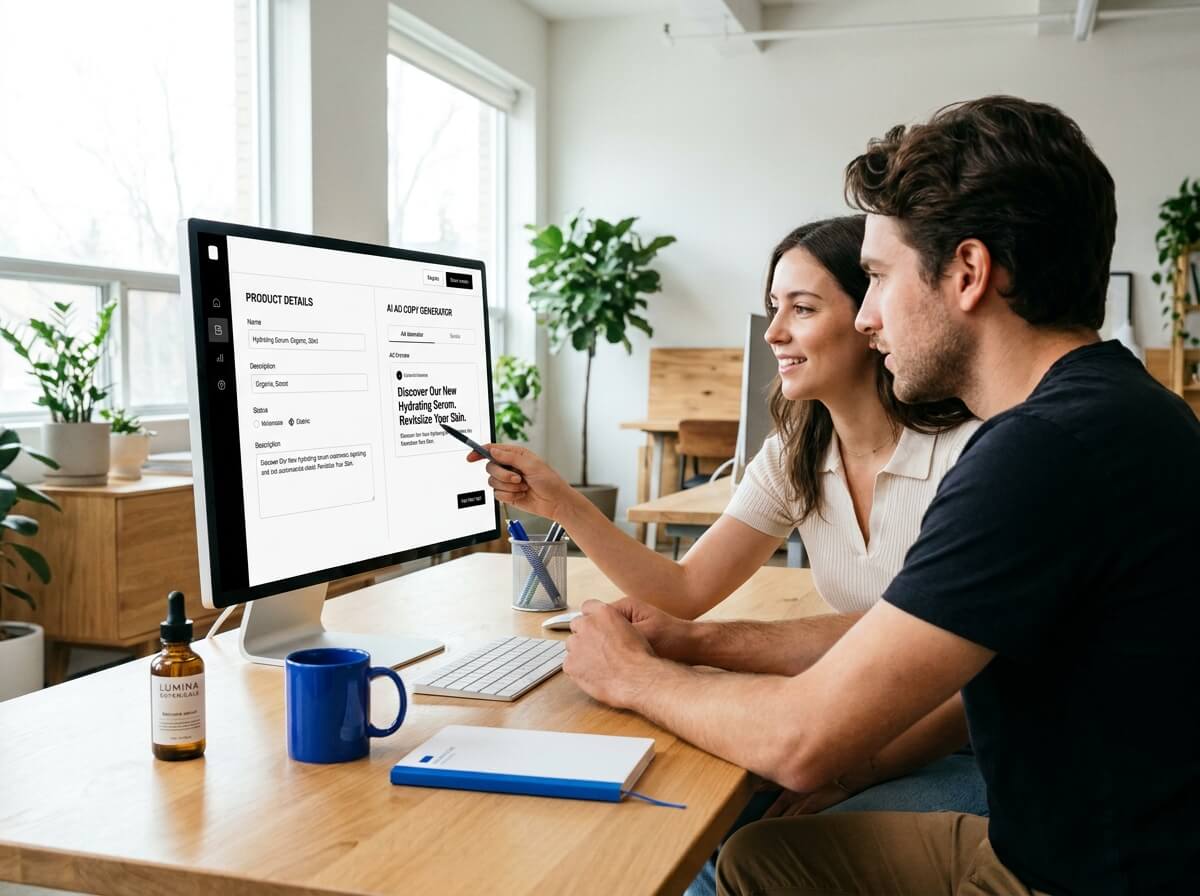
Cross-Border Shopee Sellers
Create localized product images for different audiences and languages. Adapt selling points and visual contexts without rebuilding every image for each market.
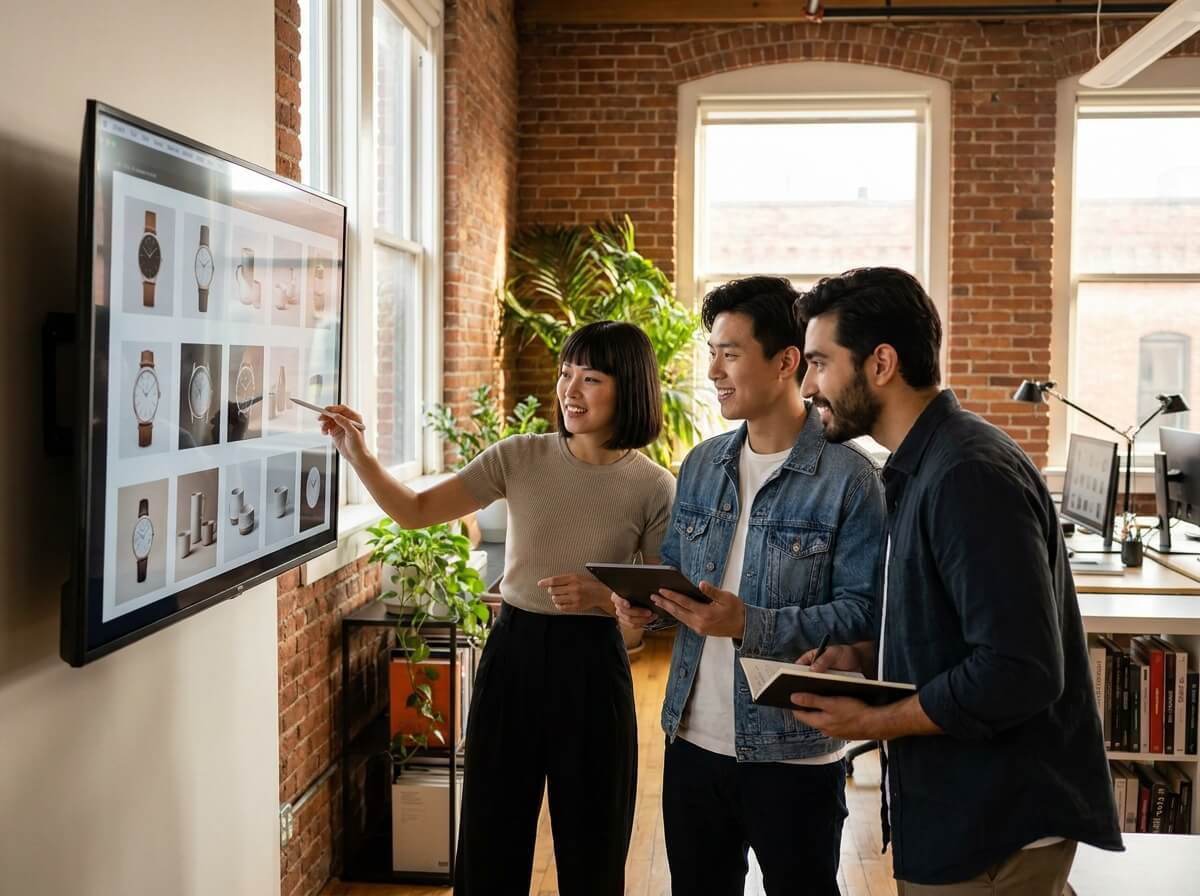
Shopee Agencies and Catalog Teams
Produce repeatable image directions for multiple shops, SKUs, and campaigns. Move from reference photos and a short brief to review-ready visuals with less repetitive design work.
Frequently Asked Questions
Yes. Select the target market and language, then provide the selling points and audience context for each version. Review all translated text before publishing it.
Select Shopee, choose the market, language, and ratio, then upload your product references. Add the selling points and visual requirements before clicking “Generate.”
Yes. Use the Shopee product photo generator to create square images with a clear subject, controlled background, and mobile-friendly framing.
Use separate reference images for different colors, sizes, bundles, or pack options. Keep the framing consistent so shoppers can compare each variation without mistaking one option for another.
Use authorized supplier photos as product references, then create a distinct background, composition, lighting style, and store look. Check that the final AI product image still represents the real item accurately.
Yes. Use the Shopee banner image generator to create supporting visuals for launches, seasonal offers, and major sale periods, then check where promotional text and graphics are permitted.