Predis AI Ad Generator
Predis.ai is an AI ad creation and social content platform for making static, video, and UGC-style creatives. Start with a prompt, product URL, or image, then generate the visual, copy, format, and variations for a campaign.
Build More Ad Formats with Predis AI
Use Predis.ai to bring product inputs, multi-format generation, creative editing, and social distribution into one workflow.
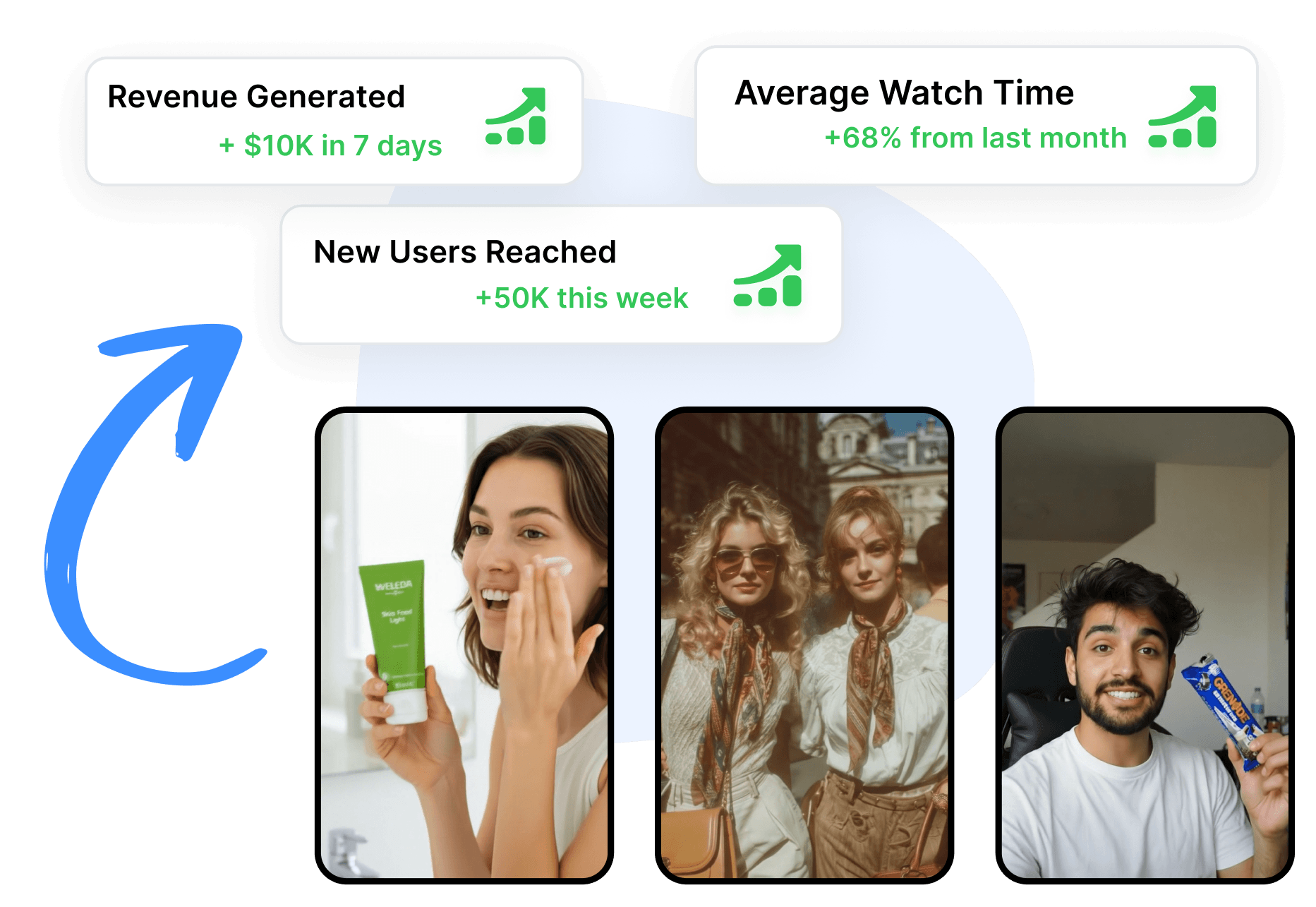
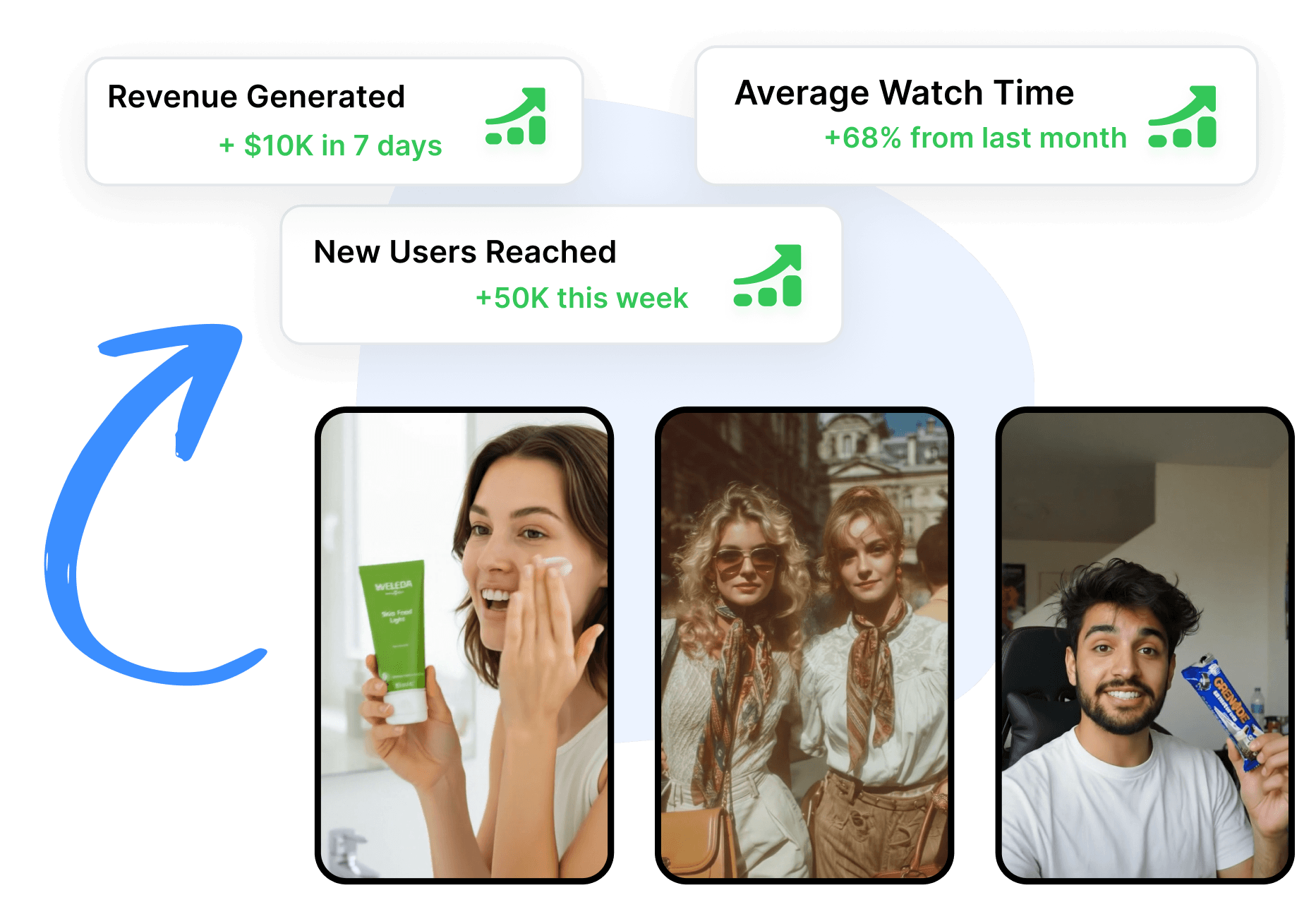
Turn a Brief Into a Complete Ad Draft
Predis.ai supports ad generation from text prompts, product links, and uploaded images. Add the product, audience, campaign goal, and message to guide the creative and accompanying copy. Move from the same source to a static ad, video concept, carousel, or UGC-style direction without beginning with an empty design.
Build Around Product and Brand Details
Predis.ai offers ecommerce workflows that can retrieve product images, price, and description from a product URL. Review the imported details, then adjust the template, text, colors, fonts, shapes, or uploaded assets in the editor. Keep the Predis draft aligned with the product and brand before downloading or publishing it.
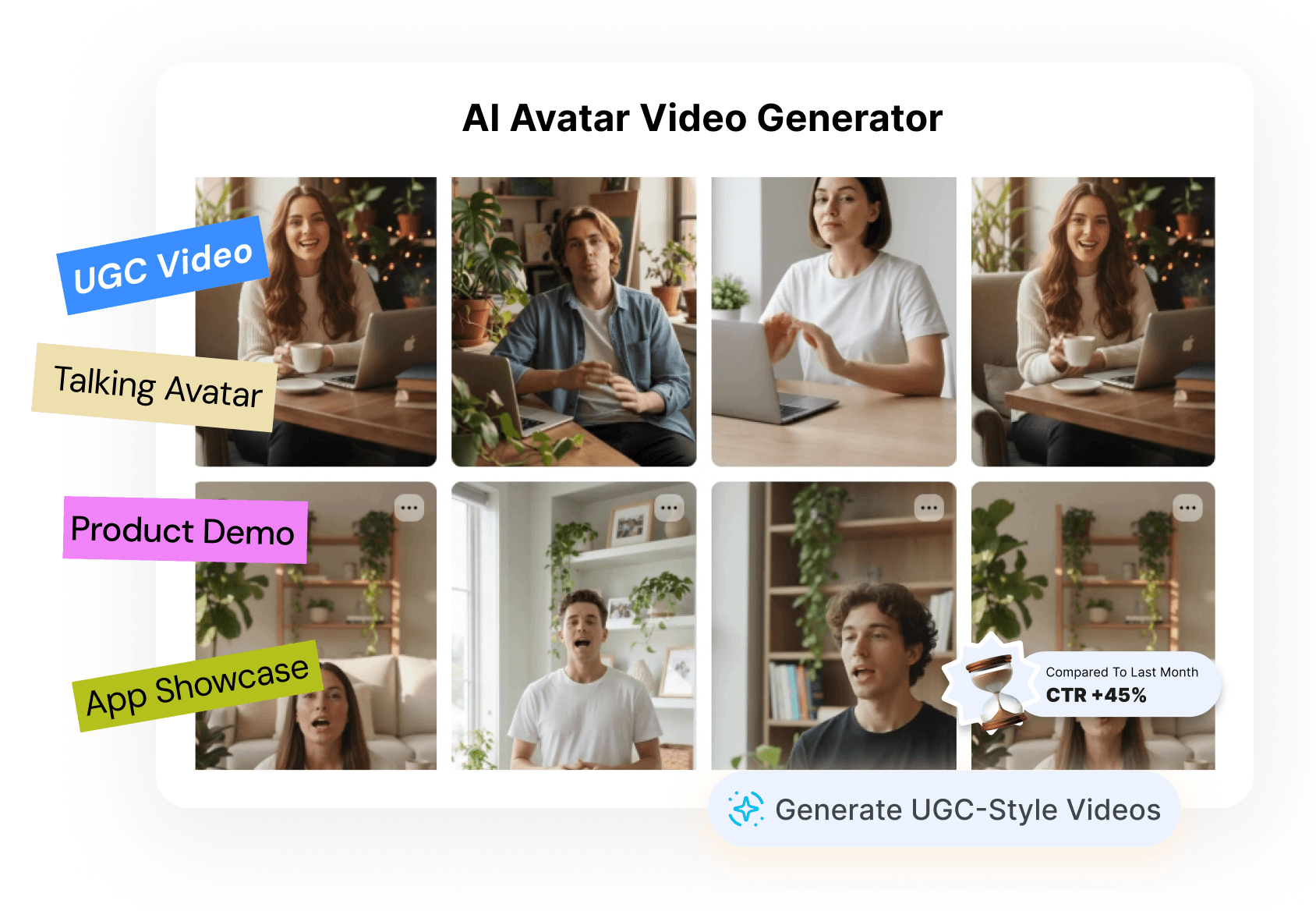
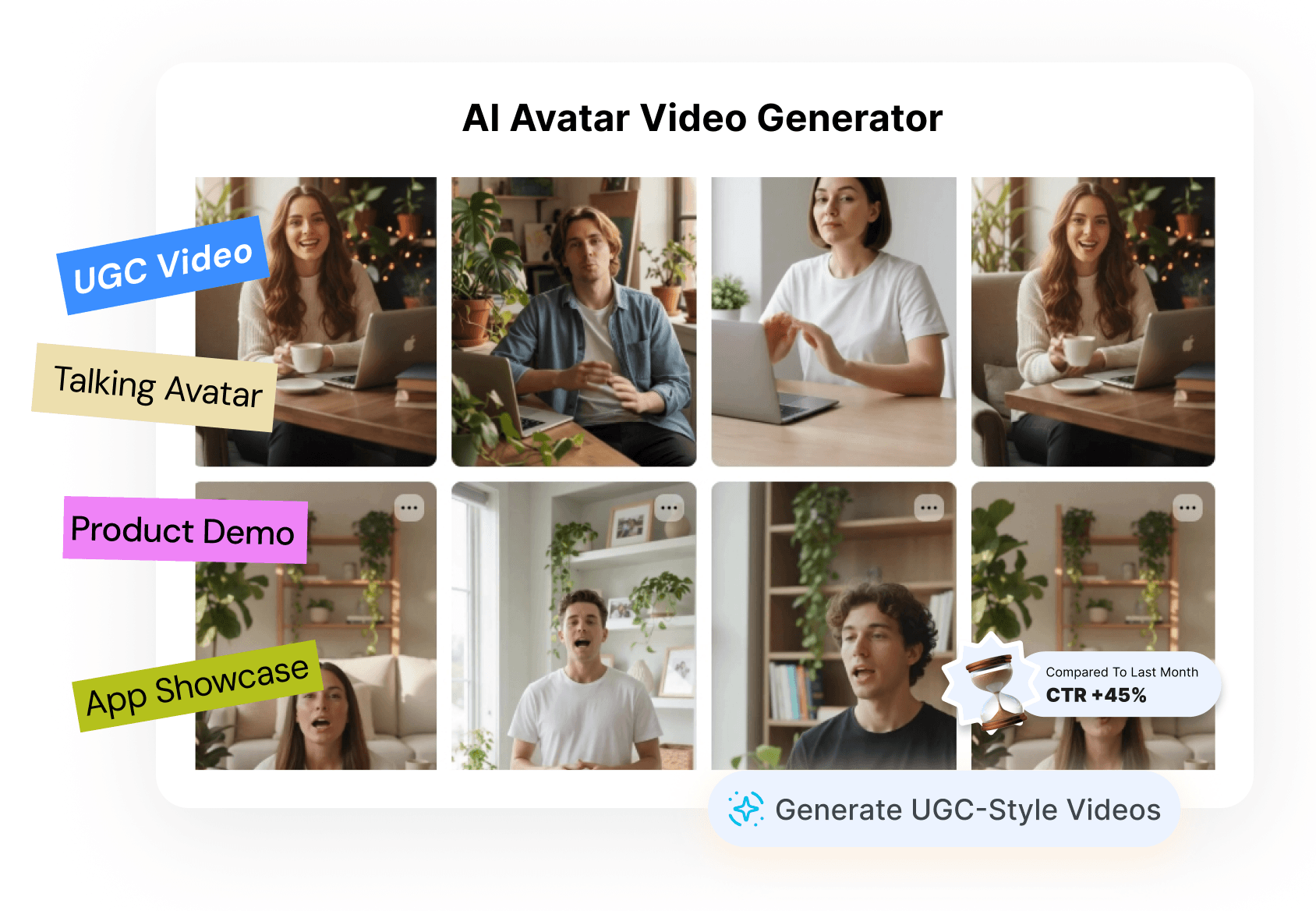
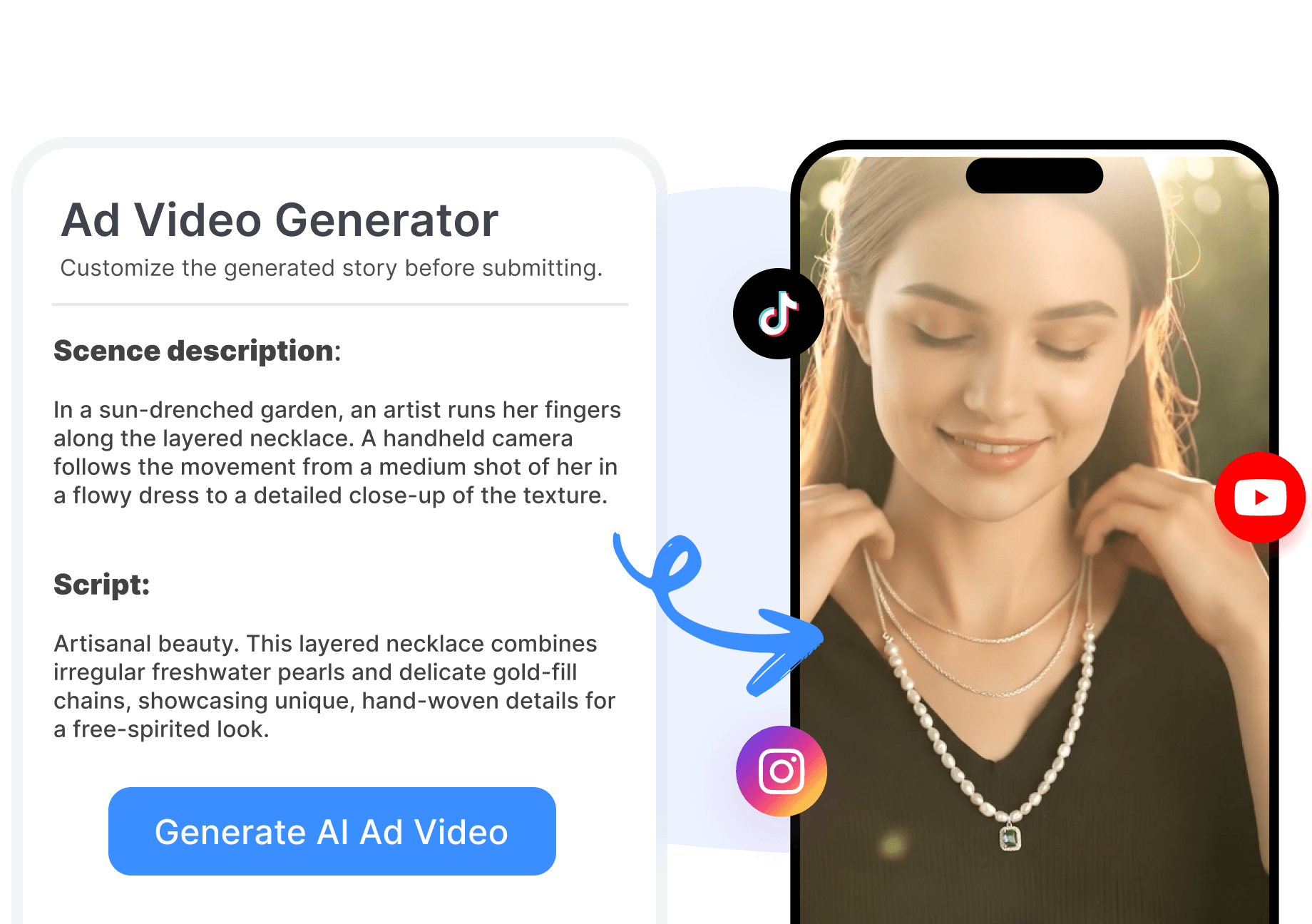
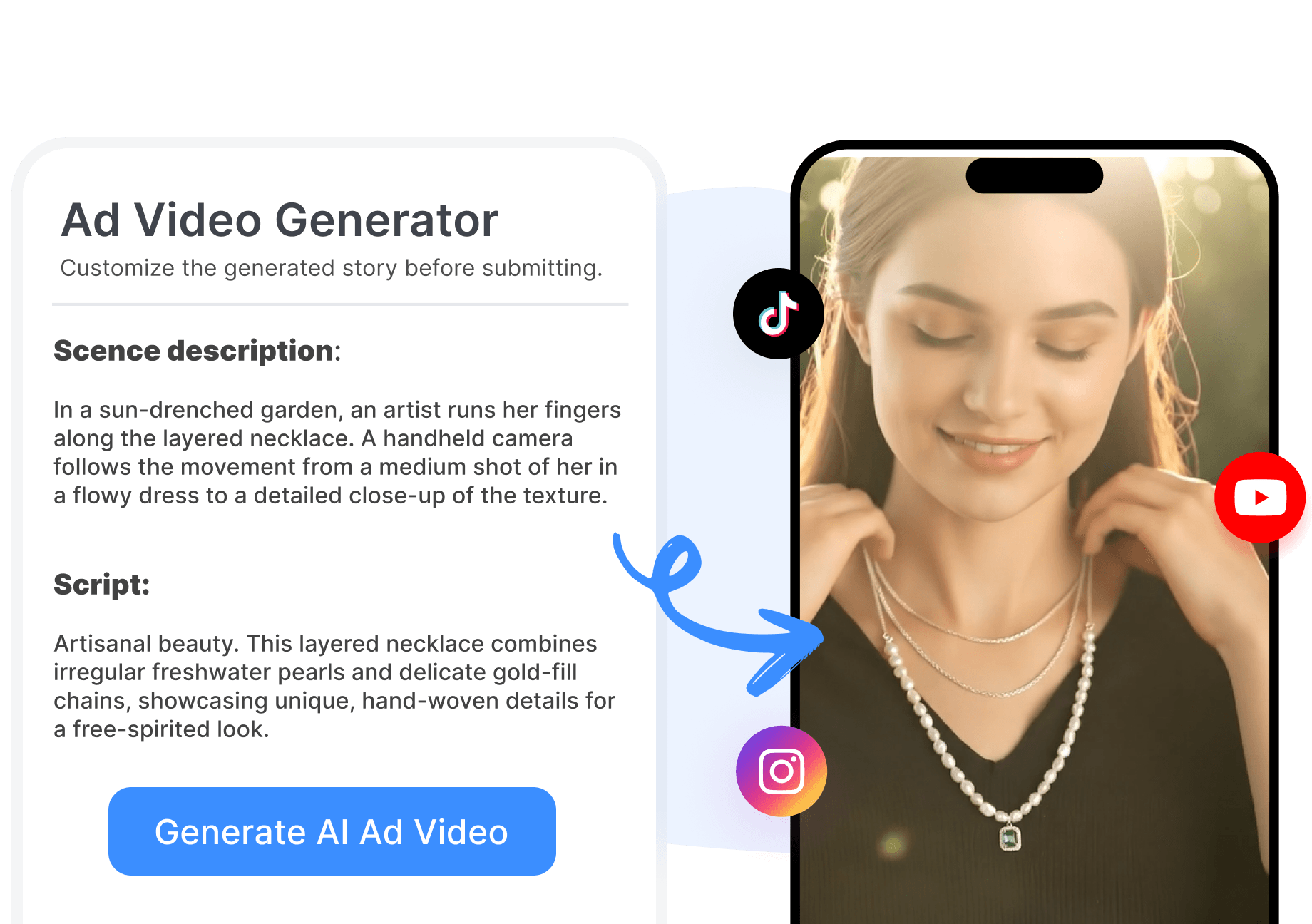
Adapt Creative Across Social Channels
Predis.ai provides tools for variations, resizing, scheduling, and publishing across supported social channels. Change the message, visual treatment, format, or placement to prepare another version of the ad. Organize approved Predis content in the calendar when the selected plan and connected channel support the workflow.
Create a Predis AI Ad in 3 Steps
Move from a product source or campaign idea to an editable ad through one focused creative flow.
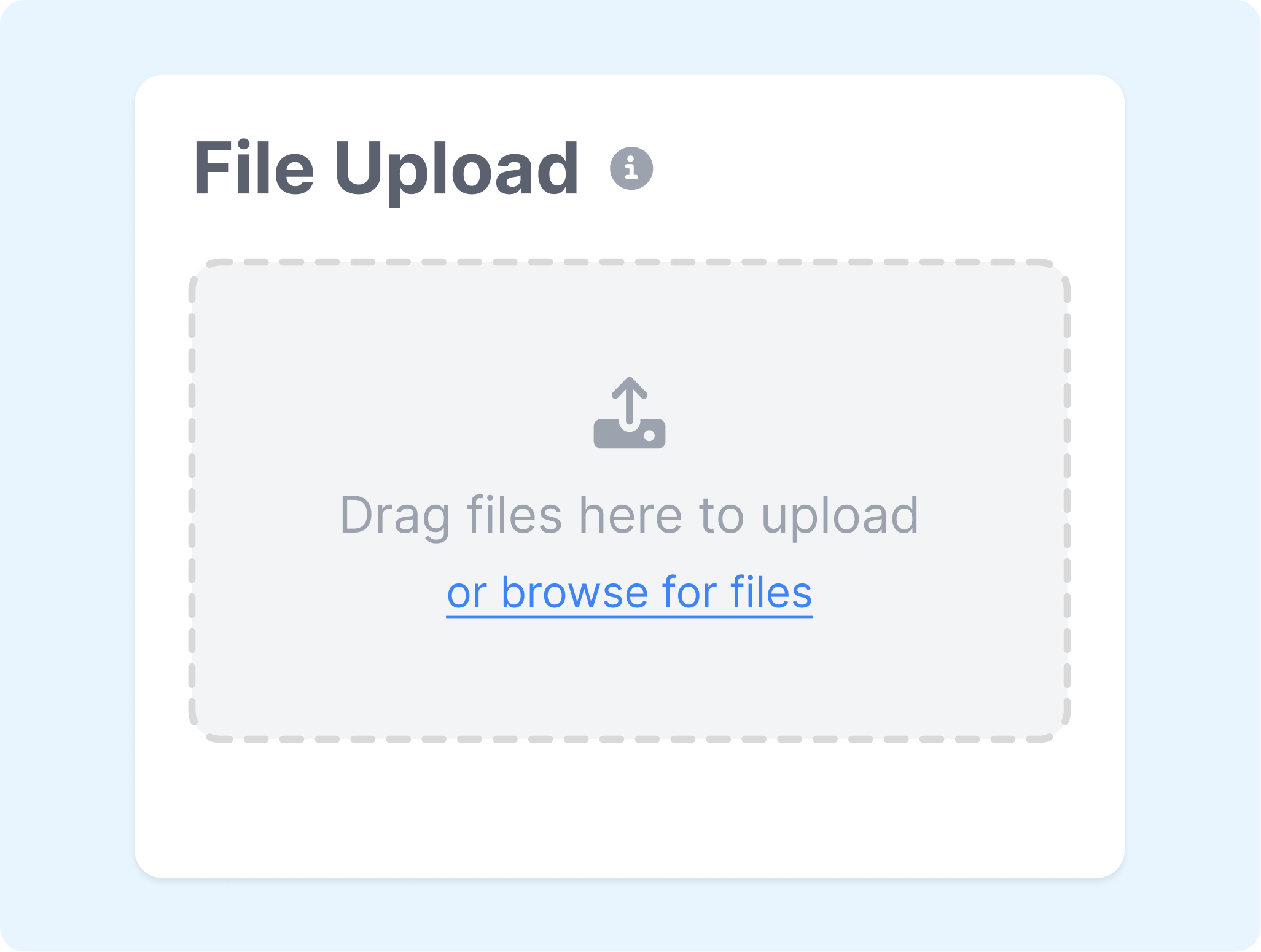
1. Add the Product or Brief
Enter a prompt, paste a product URL, or upload a product image. Check the product details and describe the audience, offer, and campaign goal.
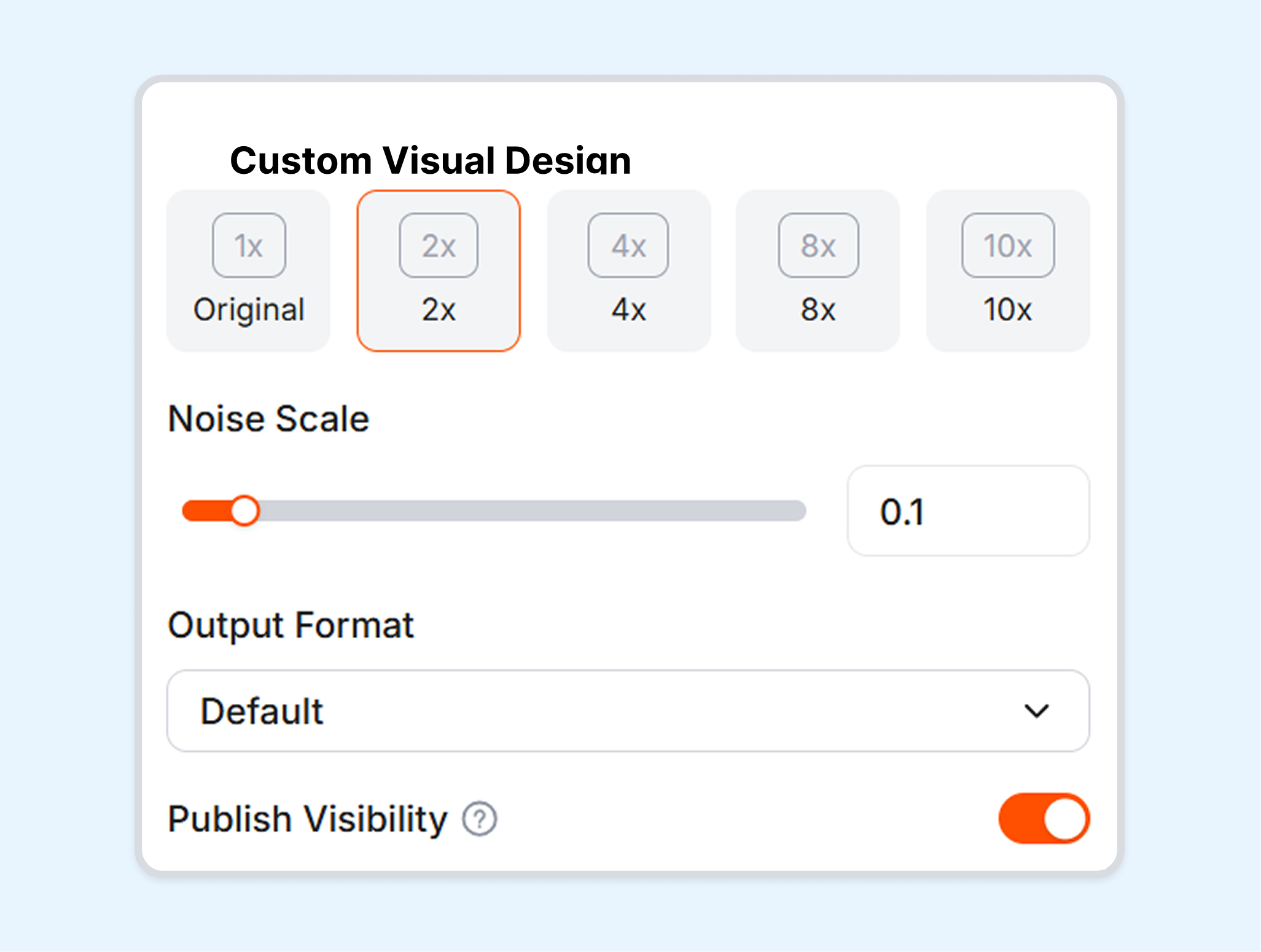
2. Choose the Creative Direction
Select a static, video, carousel, product, or UGC-style workflow available in the workspace. Set the brand, format, language, and creative direction needed for the placement.

3. Generate and Refine
Generate the Predis creativity and review the visuals and copy. Edit, resize, download, schedule, or publish it where the current plan and connected channel allow.
Create Ads for Different Content Teams
Use Predis.ai to create and adapt advertising across products, clients, campaigns, and social publishing schedules.
Ecommerce Sellers
Turn product pages or images into static and video ad drafts. Refresh the offer, format, and message as the catalog or campaign changes.
Social Media Marketers
Create ads, posts, carousels, captions, and short videos within a shared content workflow. Use the calendar to organize approved content for connected channels.
Agencies and Brand Teams
Develop creative for multiple brands or client accounts where the plan permits. Review, edit, and approve each asset before it enters the publishing schedule.
Small Business Owners
Start with a short brief when finished creative assets are not available. Use Predis templates and generated copy to shape a draft, then adjust it around the business and audience.
Frequently Asked Questions
What is Predis AI?
What is Predis AI used for?
How does the Predis AI Ad Generator work?
Can Predis AI create ads from a product URL?
Can Predis create both static and video ads?
Can Predis AI generate ad copy?
What is a useful alternative to Predis AI?
Looking for Another Option? Explore Nextify.ai as a Predis AI Alternative.
Explore Nextify.ai to turn ecommerce product images, prompts, and product details into static image ads, video ads, and reusable creative variations in one workspace.