Pippit AI Video Generator
Pippit AI is a creative agent for making product videos, avatar content, and social posts from everyday source material. Start with a prompt, product link, image, clip, or document, then use link-to-video, AI avatars, product showcases, editing, scheduling, and publishing tools.
Build Commerce Content with the Pippit AI Video Generator
Use Pippit to move from source material to finished social content with flexible inputs, product-first visuals, and built-in distribution tools.
Start With More Than a Prompt
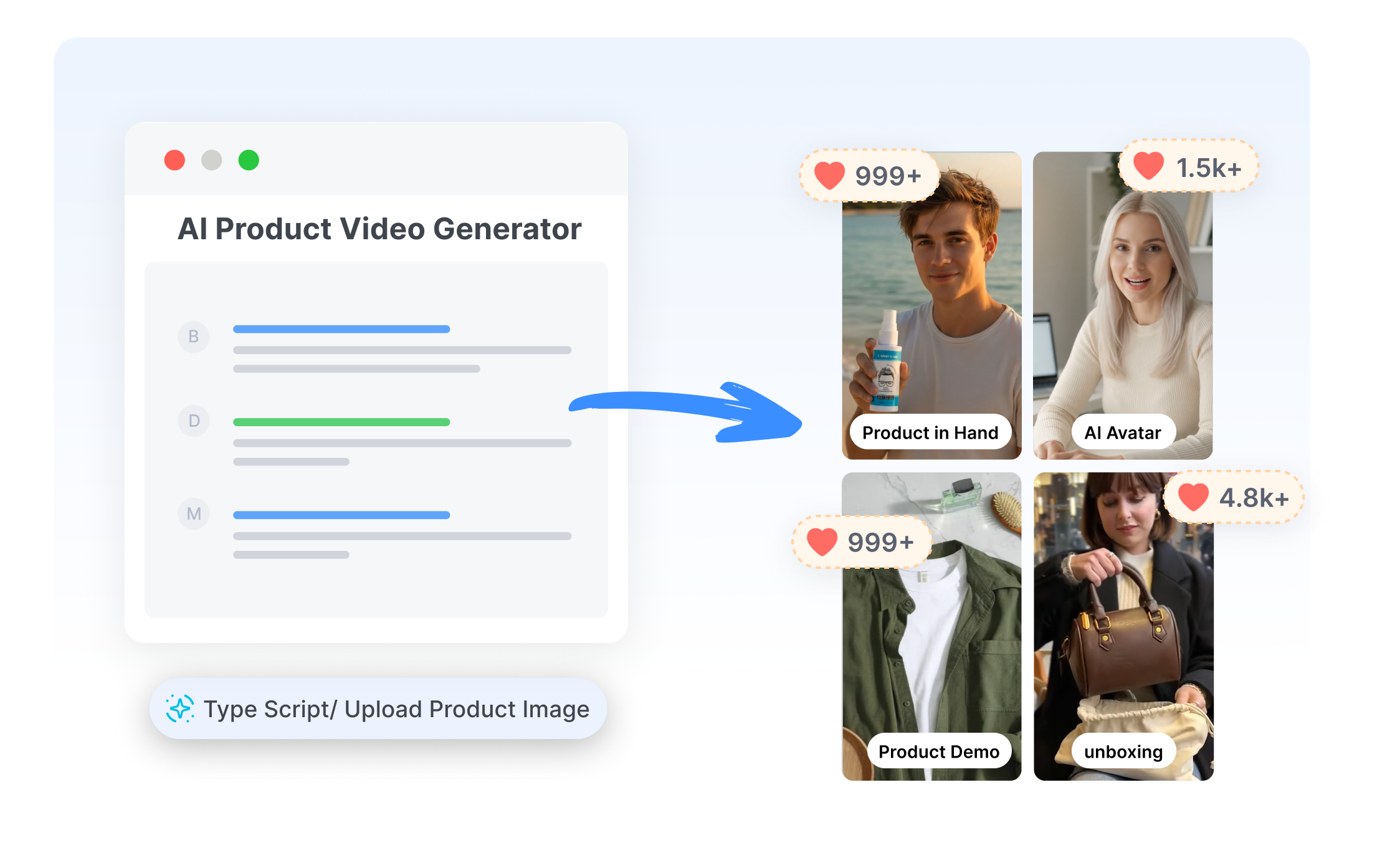
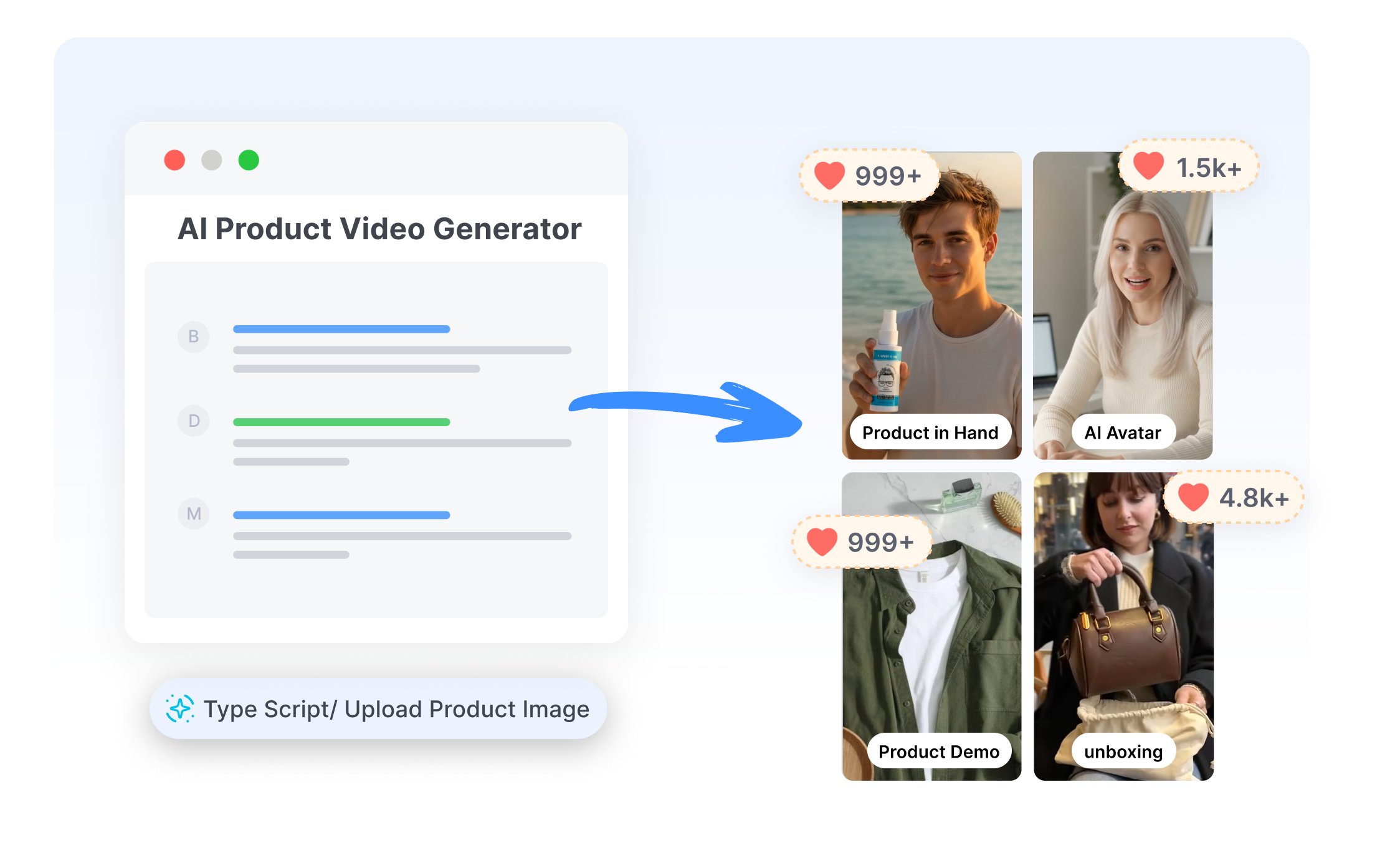
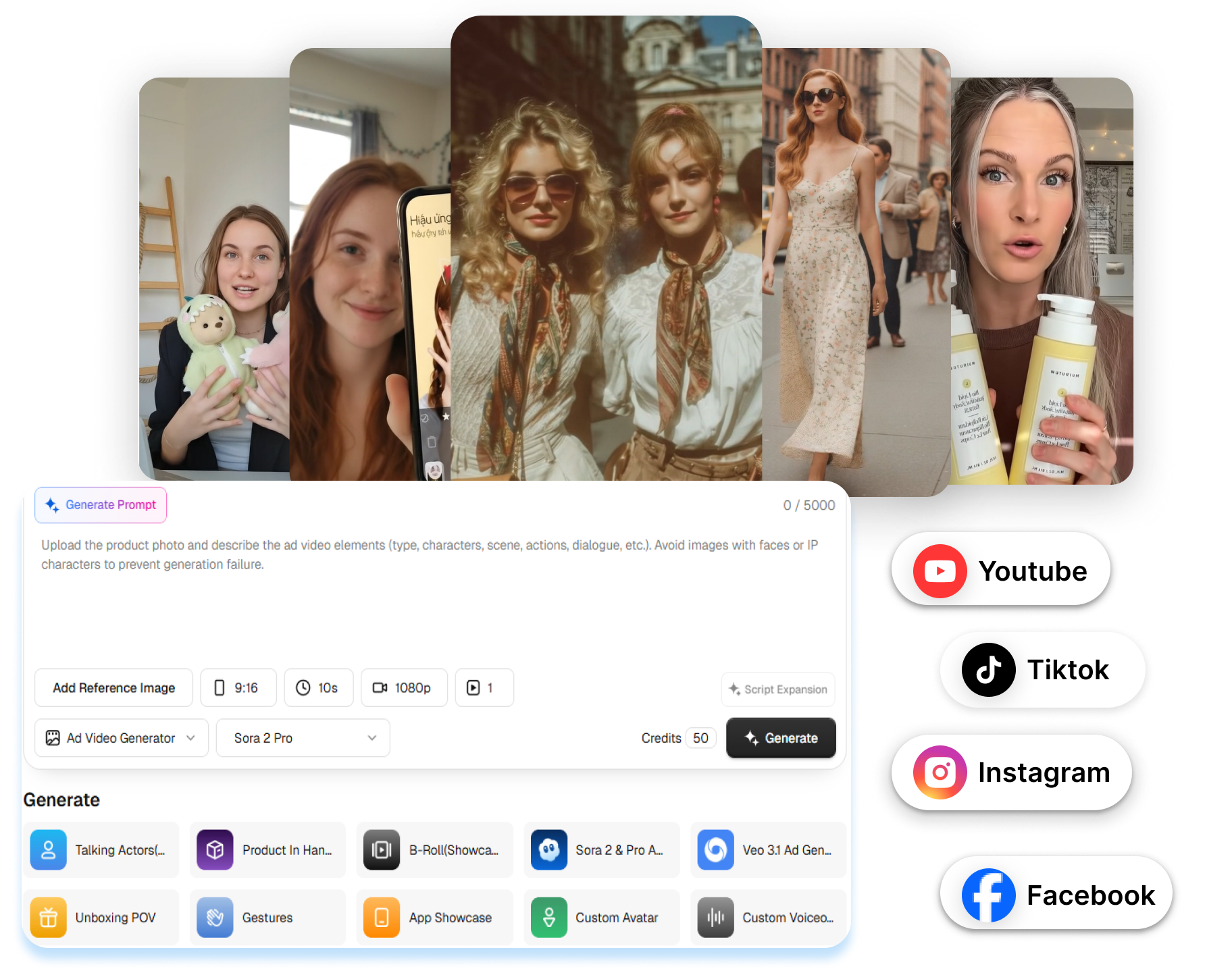
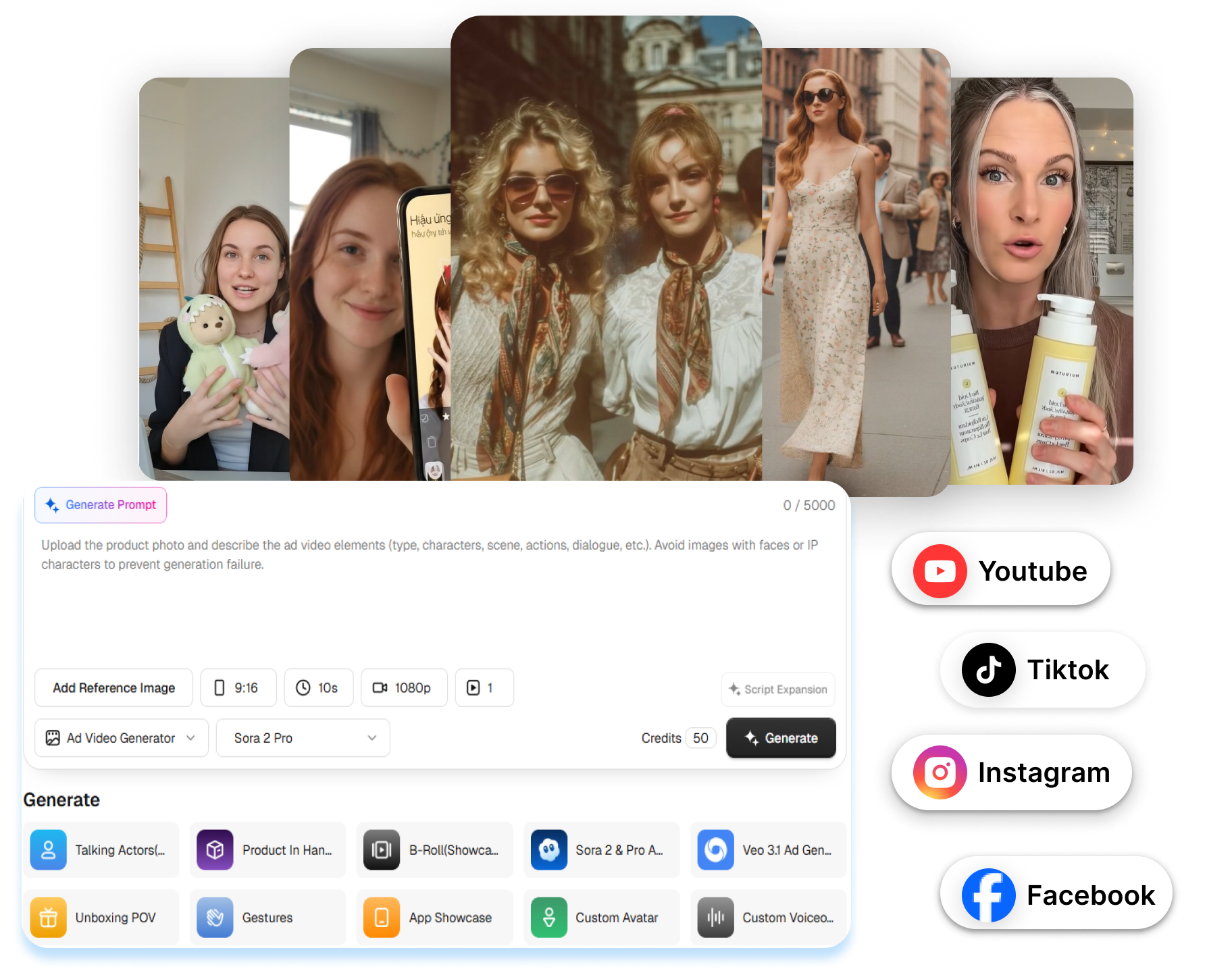
Pippit supports prompts, product and website links, images, clips, and documents as starting points for video creation. Let the Video Agent turn useful source details into a draft script and visual sequence. Begin with materials already on hand instead of building every scene from an empty timeline.
Put the Product Into Motion
Pippit offers product showcases, avatar-led demos, and virtual try-on scenes generated from a product photo. Direct how an avatar holds, wears, or presents the item, then add a short narration. Keep the product central as the concept moves from catalog asset to social video.
Carry the Video Into Your Content Calendar
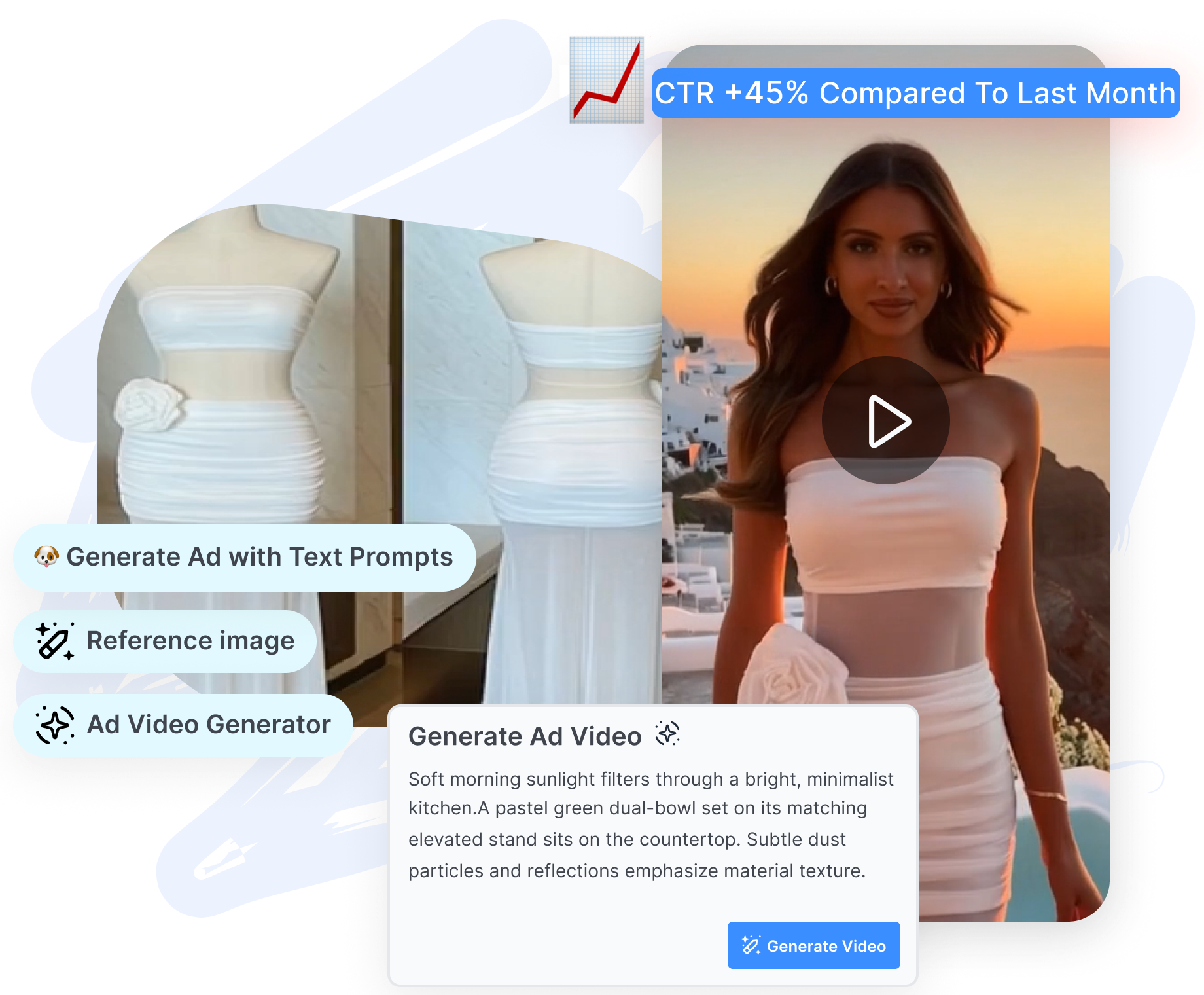
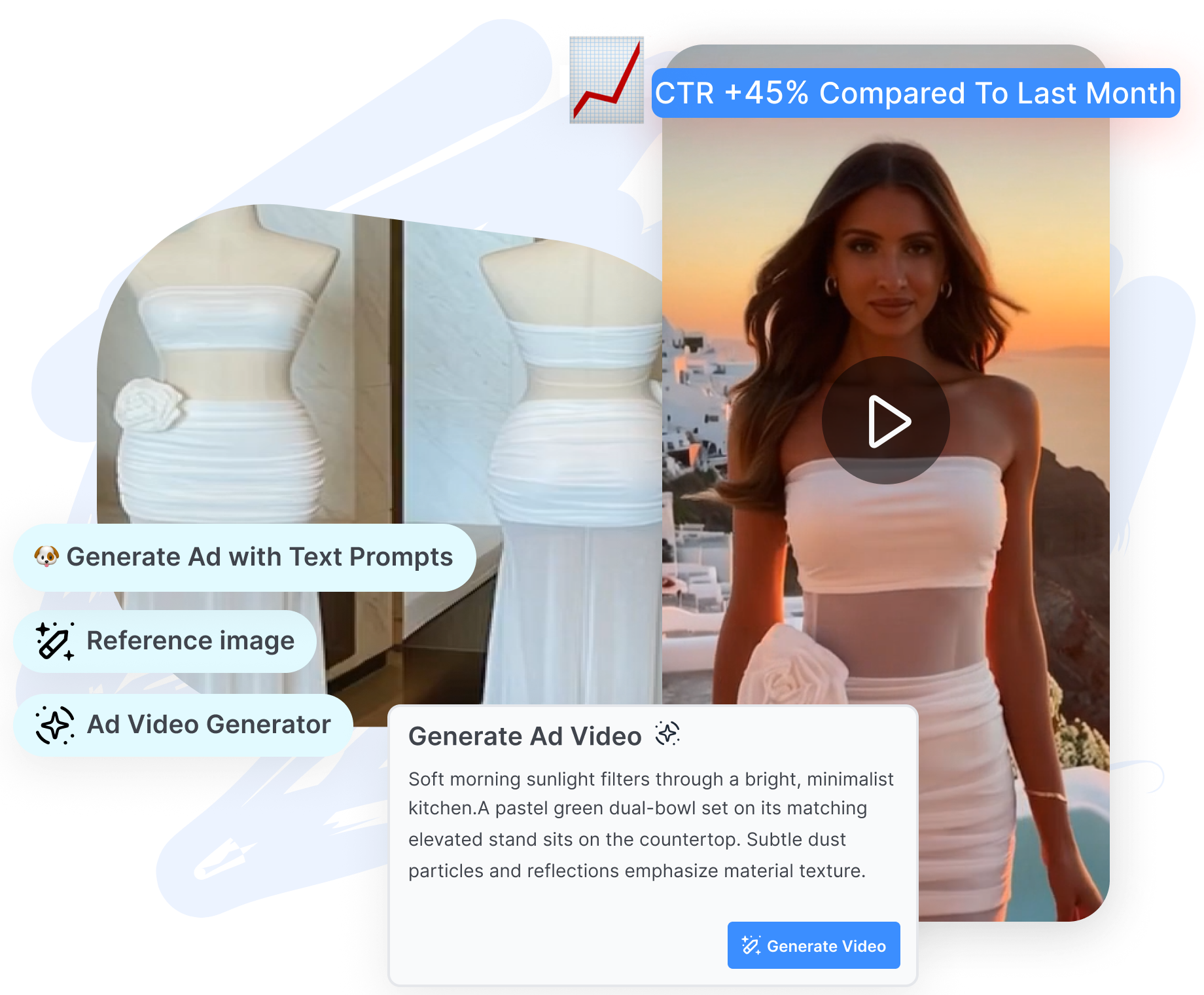
Refine Pippit AI video drafts with captions, scene changes, smart crop, or prompt-based edits. Schedule finished videos for TikTok, Facebook, or Instagram with Pippit’s publishing tools. Review publishing data and TikTok Shop sales signals where those connections are supported.
Use the Pippit AI Video Generator in 3 Steps
Move from a link, prompt, or media file to a shareable video through one simple creative flow.
1. Add the Source
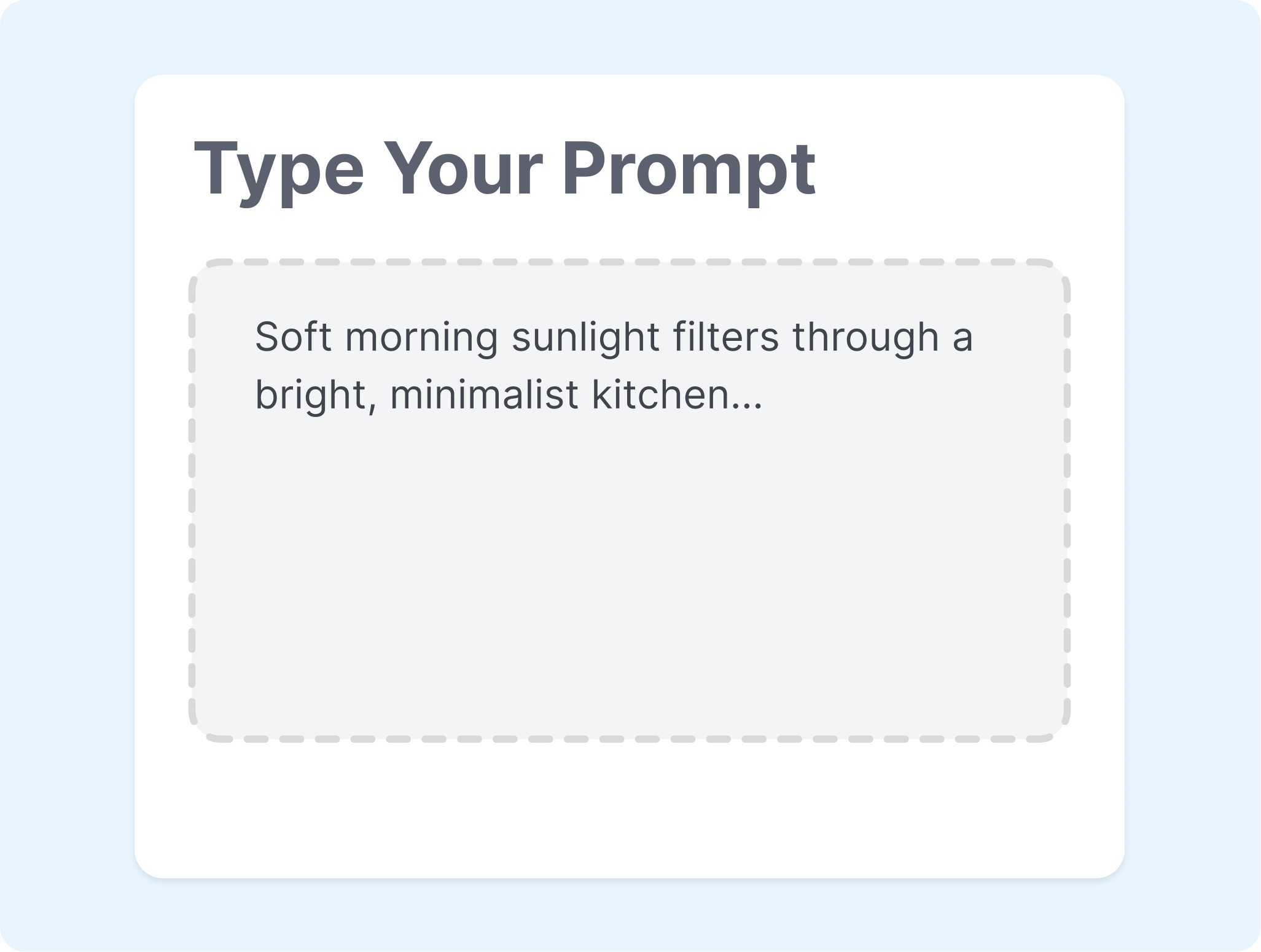
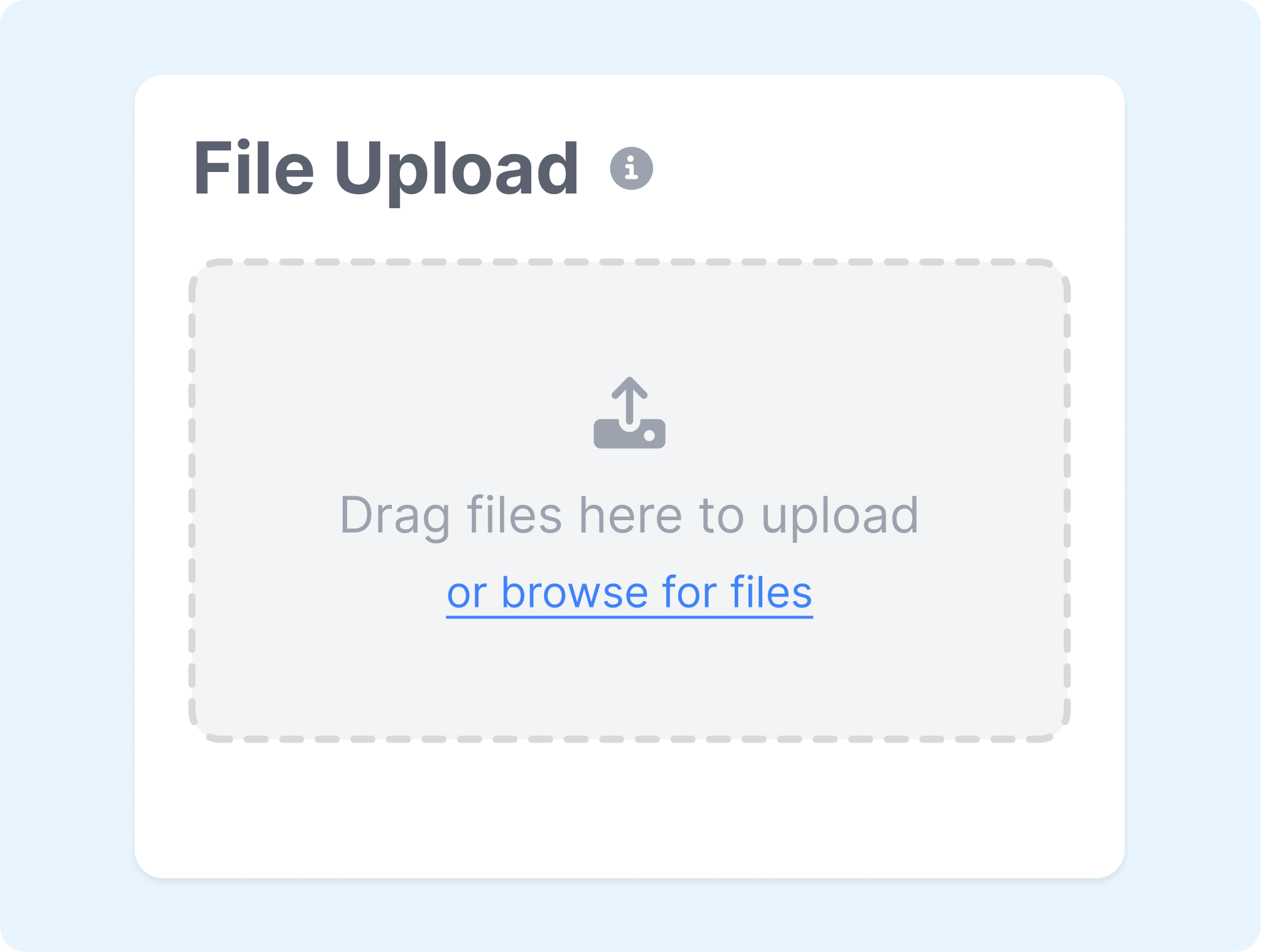
Enter an idea or paste a link to Pippit AI, then add any images, clips, or documents that should guide the result. Keep the request centered on one message or product.
2. Set the Direction
Choose the video mode, format, aspect ratio, language, and length. Add an avatar or voice when the story needs a presenter.

3. Finish and Send
Generate the draft, then open the editor for any final changes. Download the video or publish it to a connected social account.
Pippit AI Video Generator for Every Content Team
Shape videos around products, campaigns, lessons, and social channels without beginning every project from an empty timeline.
E-commerce Sellers
Turn store links and product images into launches, showcases, and shoppable social clips. Use built-in publishing tools to move finished content closer to the storefront.
Brand and Social Teams
Build short-form posts around campaigns, trends, and seasonal moments. Adjust the format and schedule each version for the channels on the calendar.
Independent Creators
Transform ideas, photos, and existing footage into explainers, recaps, or meme-style videos. Add avatars, voices, captions, and effects without rebuilding the full edit by hand.
Teachers and Trainers
Convert scripts, slides, or documents into guided video presentations. Pair the message with an avatar or talking photo when a clear on-screen host helps.
FAQs
What is Pippit AI used for?
How does the Pippit AI video generator work?
Can Pippit AI turn a product link into a video?
Can Pippit AI create avatar and product videos?
Can Pippit AI publish videos directly to social media?
Is Pippit AI video maker free?
What is an alternative to Pippit AI video generator?
Looking for Another Option? Explore Nextify.ai as a Pippit Alternative.
Turn product URLs, product assets, scripts, and creative references into UGC ads, product videos, avatar-led creative, and reusable campaign variations in one workspace.