Kittl AI Video Generator
Kittl is an AI-first design platform with a canvas-based video generator for turning mockups, layouts, and brand assets into short clips. Set the opening frame, guide the ending when needed, and describe the motion, camera movement, or mood before Kittl generates the result on the same canvas.
Create Product Videos & Ads with Kittl AI Video Generator
Kittl brings motion to product mockups, campaign layouts, and social ad designs without moving those assets off the design canvas.
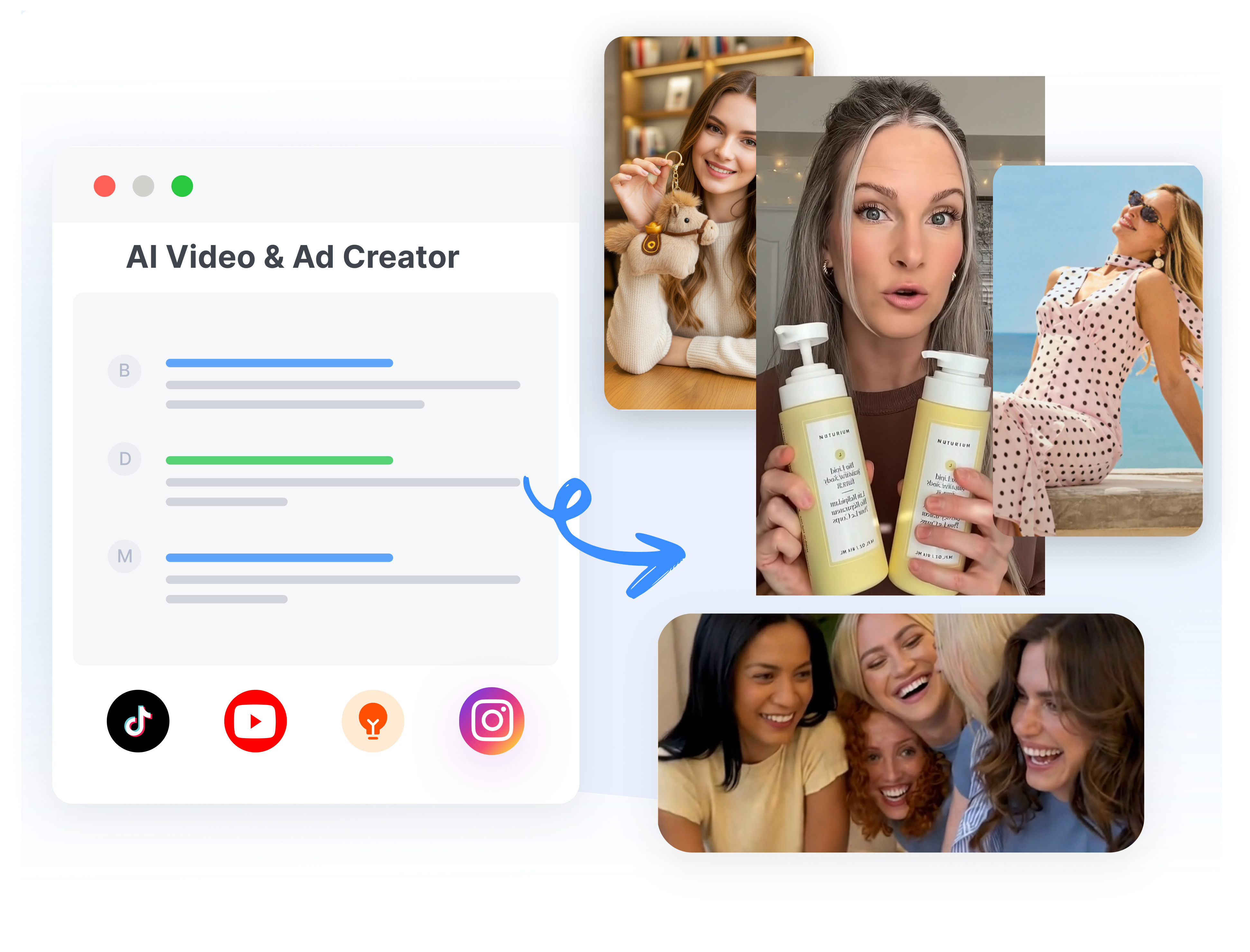
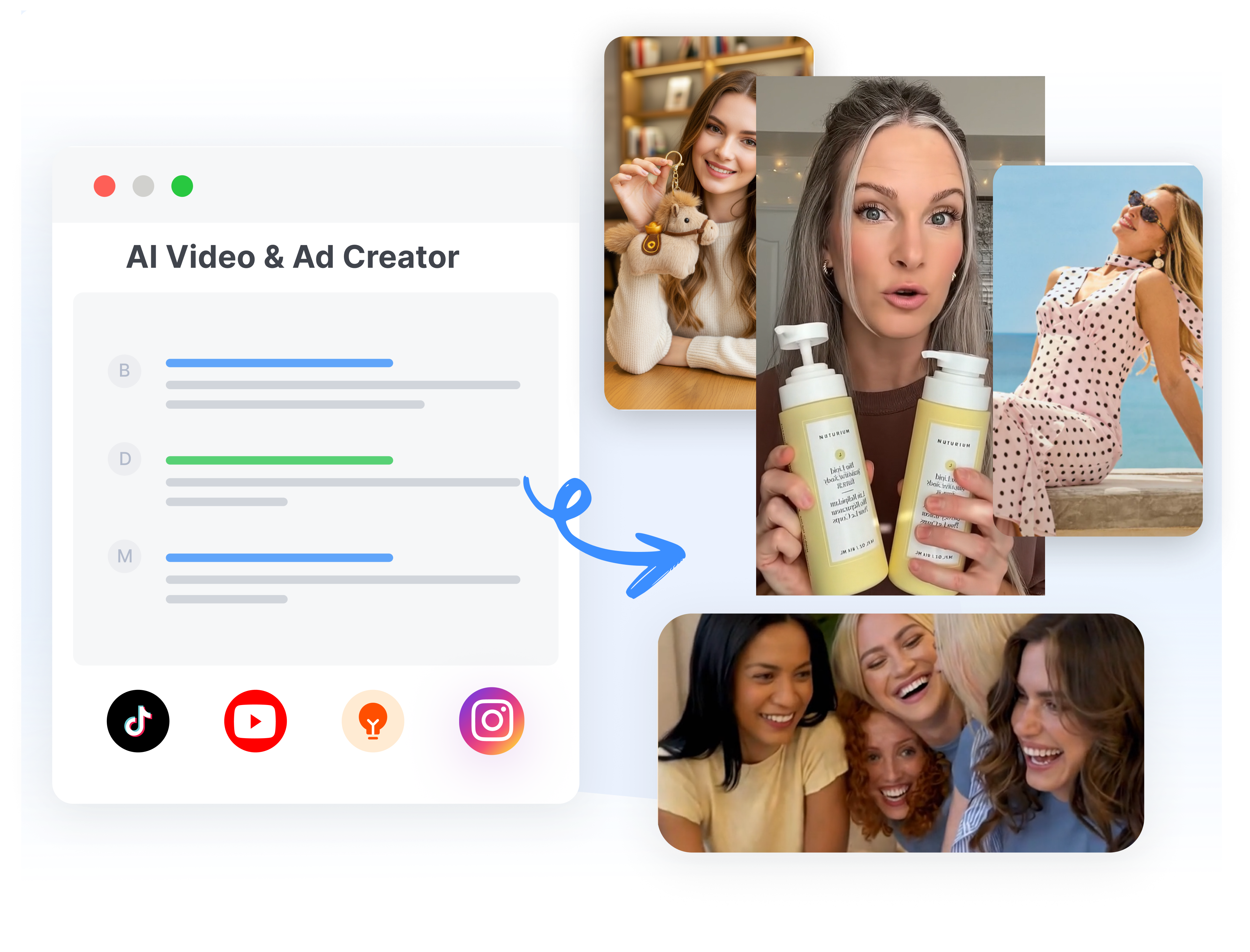
Turn Product Mockups into Short Videos
Kittl Video supports product mockups, packaging designs, and campaign artwork as source frames for short promotional clips. Place the product in the opening composition, then describe how it should rotate, reveal itself, float, or enter the scene. Use the existing brand layout as visual direction for a product launch, shop promo, or social ad.
Build Product Reveals with Two Frames
Kittl offers Start and End frames for guiding how a product video changes from its opening shot to its final composition. Begin with a packaging close-up or lifestyle mockup, then finish on a logo, product lineup, or offer layout. Describe the transition and camera movement to shape a concise reveal around the campaign message.
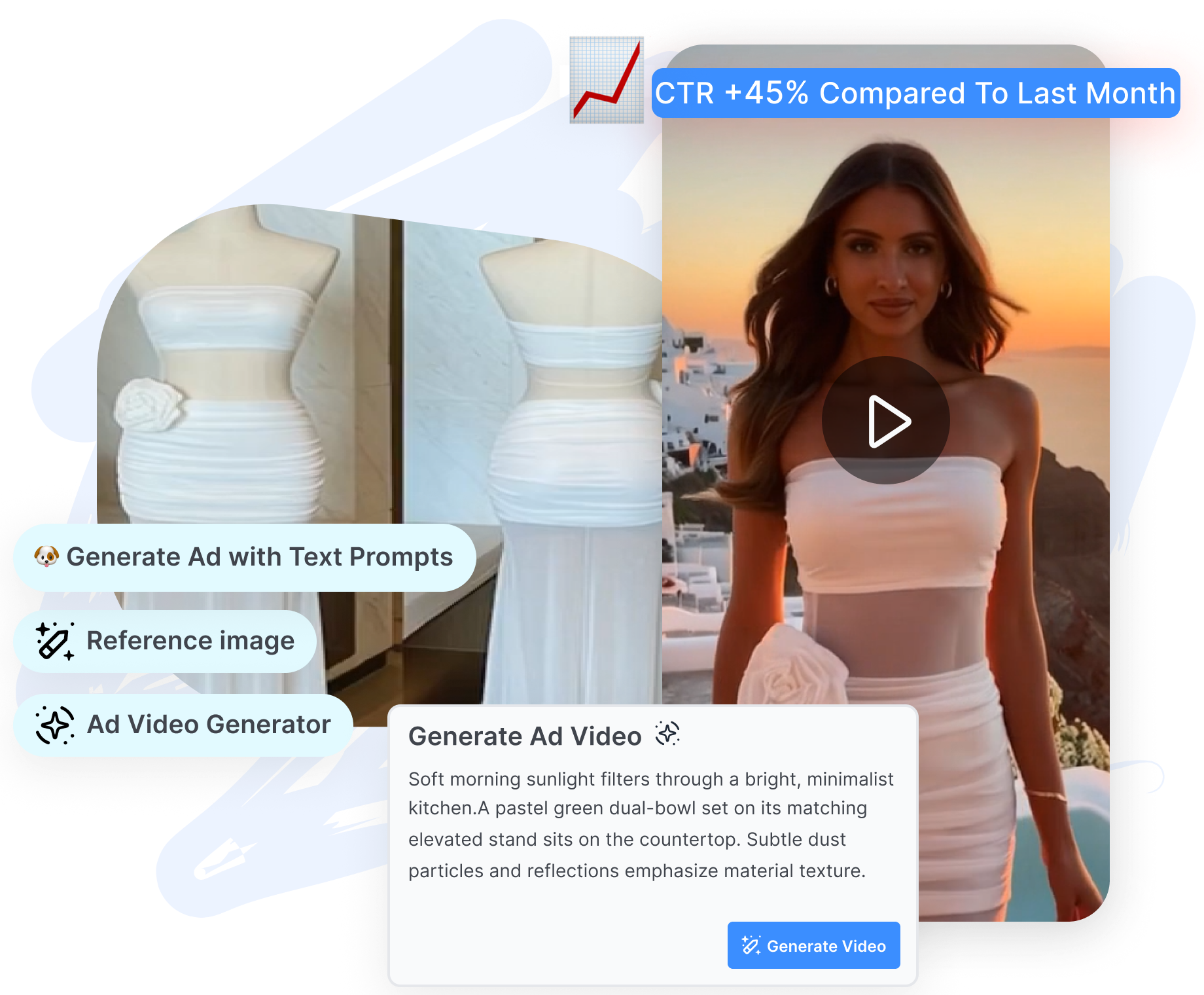
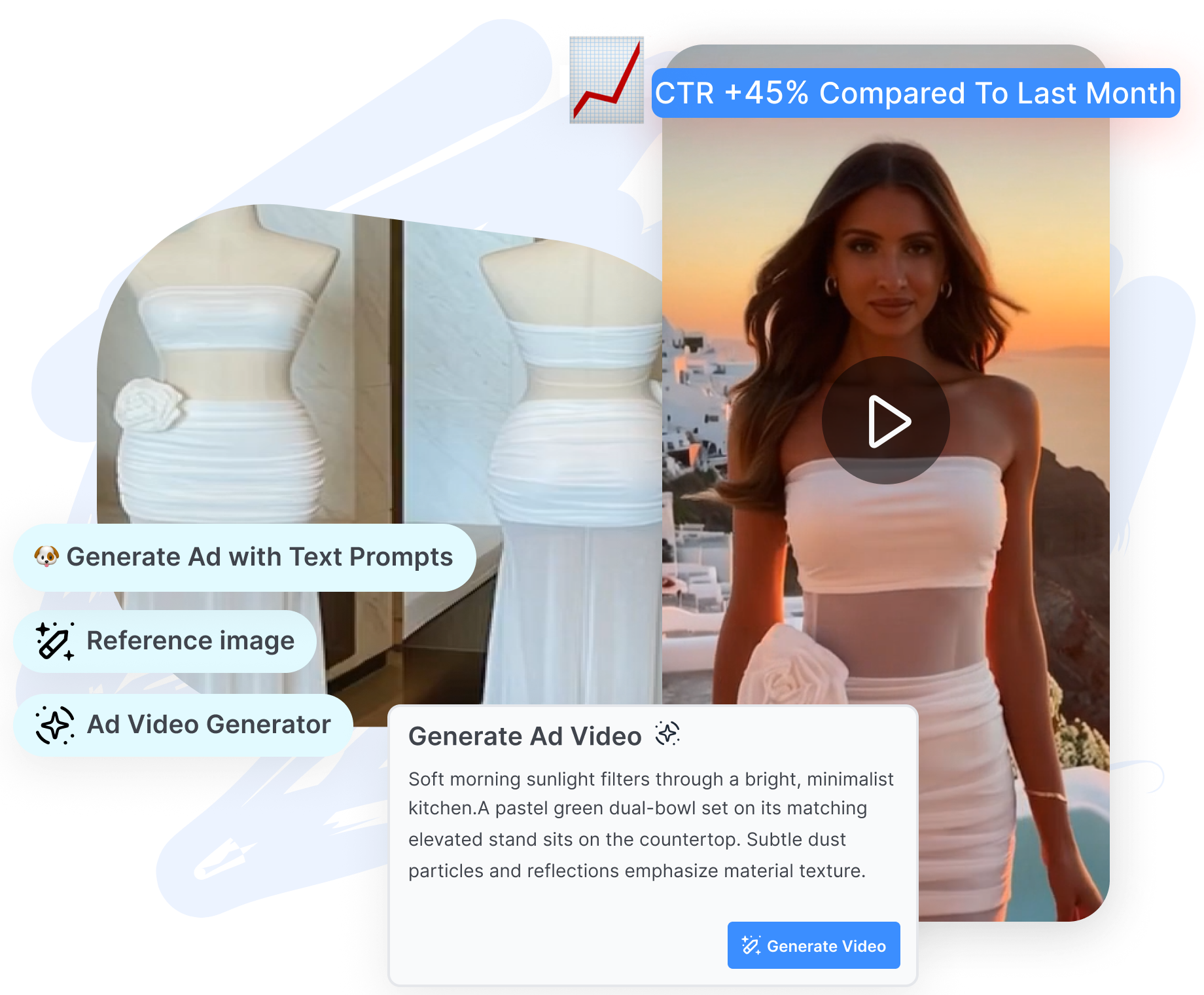
Refresh Ad Creative with Video Boards
Kittl Video Boards allow product artwork or ad layouts to change while retaining the motion prompt for another generation. Swap the connected product visual, headline, or campaign variation, then regenerate the clip with the same general direction. Keep related product-video experiments on one canvas and export the selected result as an MP4.
Create a Kittl Product Video in 3 Steps
Move from a product mockup or campaign design to a short promotional clip without leaving the Kittl canvas.
1. Prepare the Product Frame
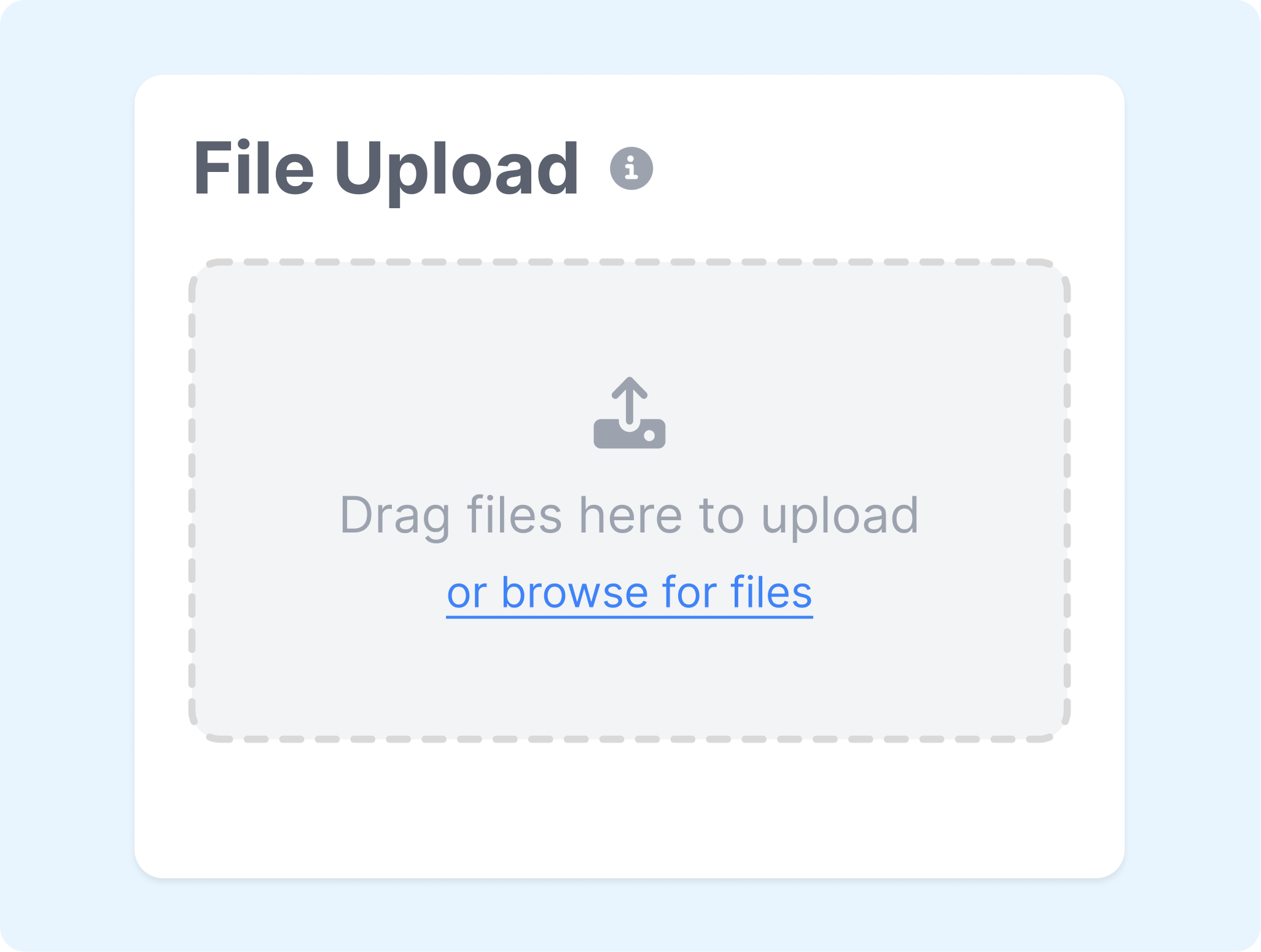
Arrange the product, packaging, headline, and background in a mockup or campaign layout, then assign it as the Start frame. Add an End frame when the video should finish on an offer, logo, or second product view.
2. Direct the Product Motion
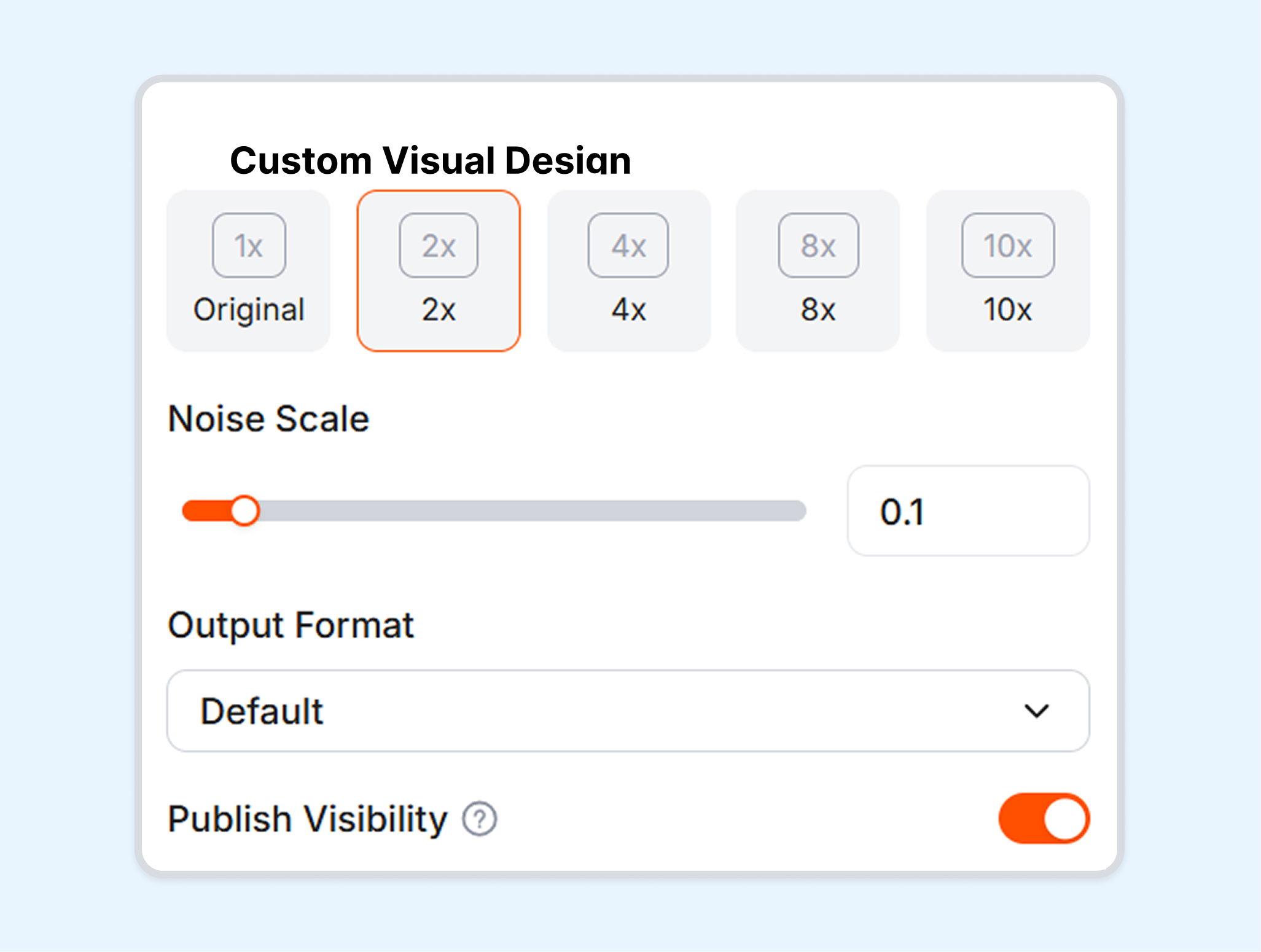
Describe how the product, camera, and surrounding scene should move. Choose the available duration, aspect ratio, model, and audio setting that suit the intended ad or social format.
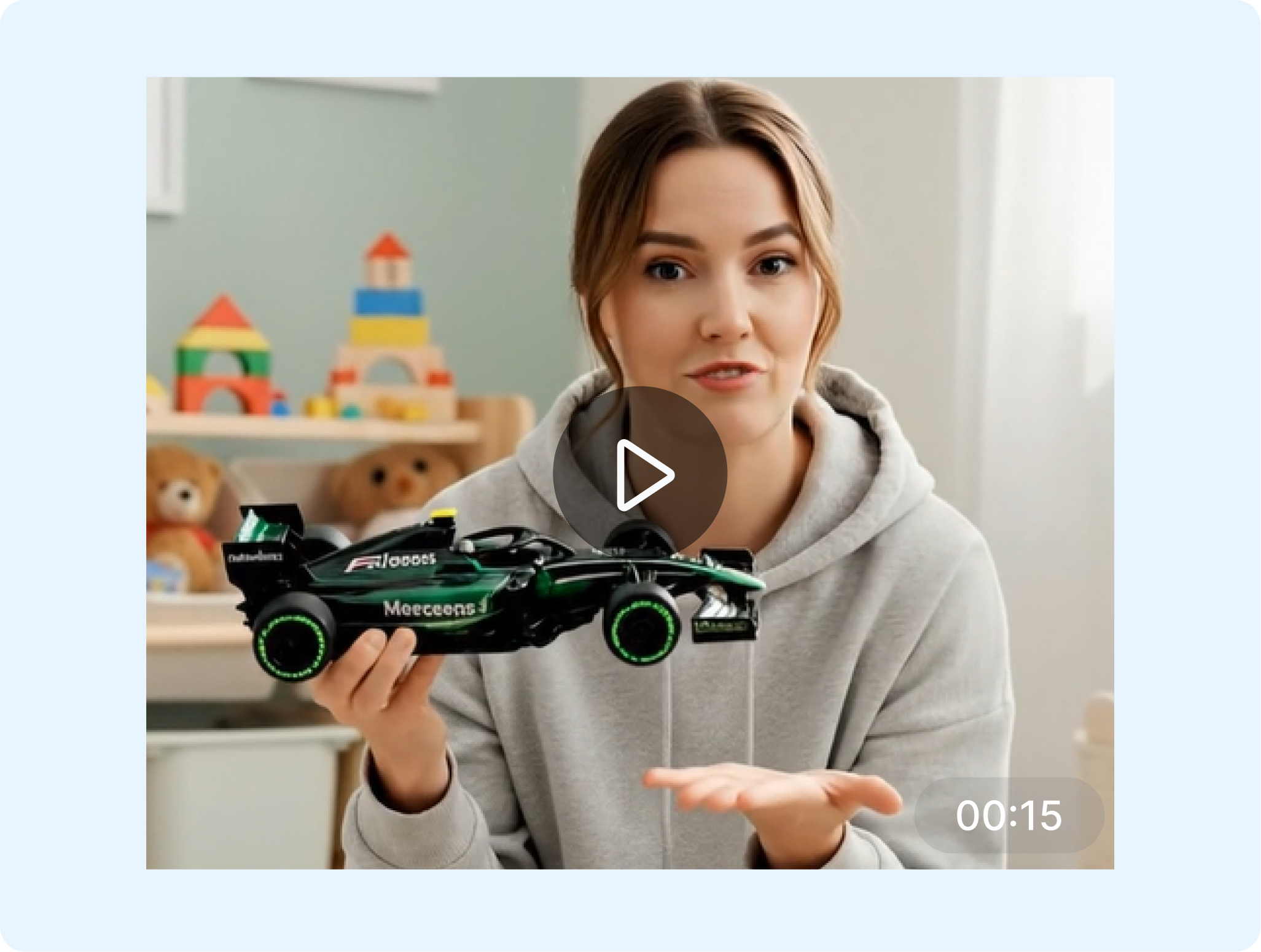
3. Generate the Campaign Clip
Generate the clip and check how clearly the product and campaign message come through. Rework the prompt or frames when needed, then export the selected version as an MP4.
Who Is the Kittl AI Video Generator For?
Kittl Video suits creators who want short motion assets to begin with an existing visual composition.
Product and Packaging Designers
Animate packaging mockups, product reveals, or display scenes without recreating the artwork elsewhere. A Start frame preserves the composition while the prompt adds movement around the product.
Brand Designers
Extend campaign graphics, logos, and typography-led layouts into short brand clips. Kittl keeps the motion result near the source design, making visual continuity easier to inspect.
Social Content Teams
Turn static posts and promotional layouts into vertical, square, or landscape clips when the chosen model supports the required ratio. Templates and presets provide a quicker starting point for recurring social formats.
Print-on-Demand Creators
Place merchandise artwork on a mockup and animate the presentation for shop or social content. The design-first workflow is useful when the product visual already exists in a Kittl project.
Frequently Asked Questions
What can Kittl AI video generator create?
Can Kittl turn a design into a video?
How do Start and End frames work?
Can Kittl edit generated videos?
Which video formats and aspect ratios does Kittl support?
Can Kittl AI Video generate audio?
What is a useful alternative to Kittl?
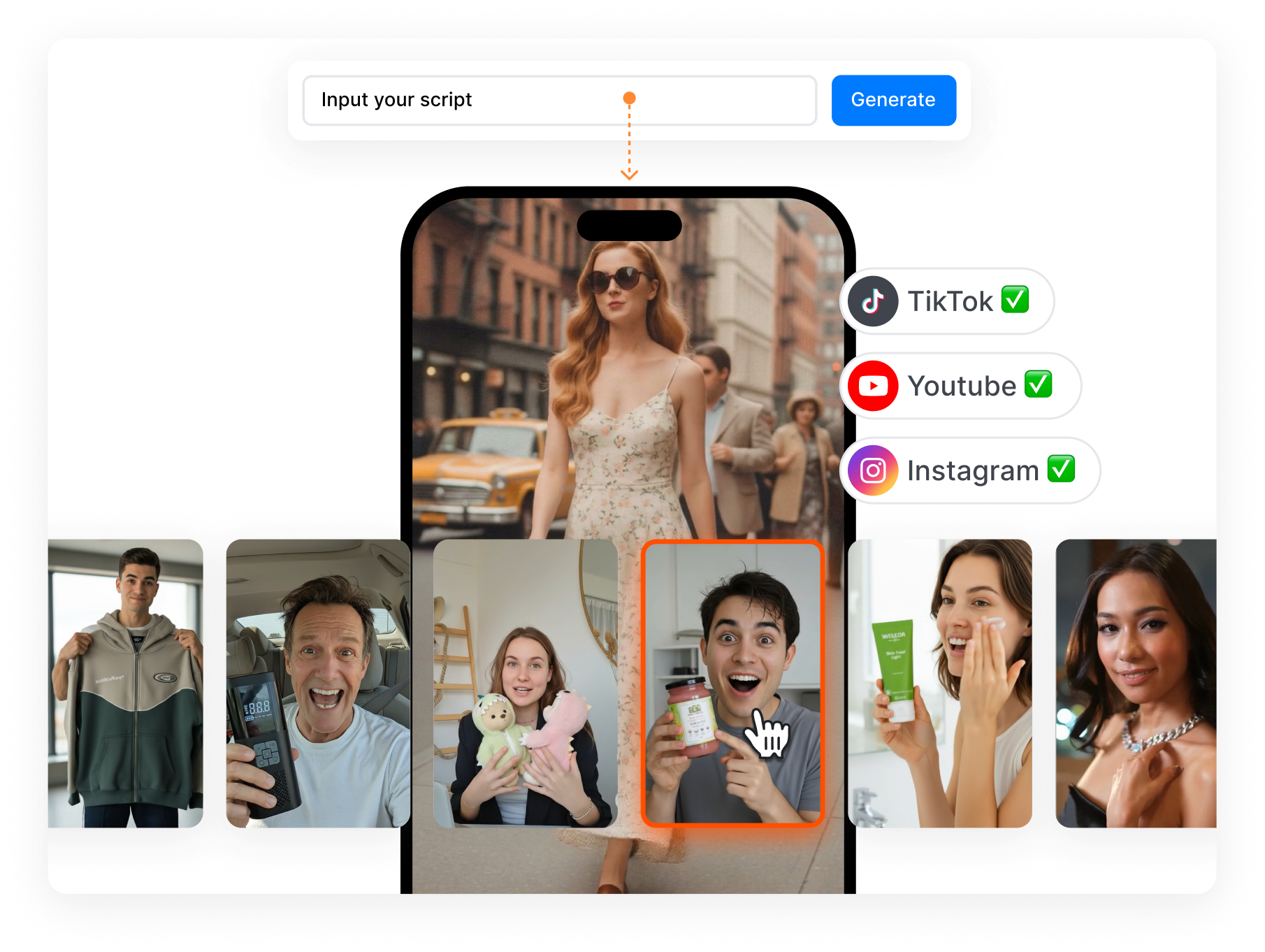
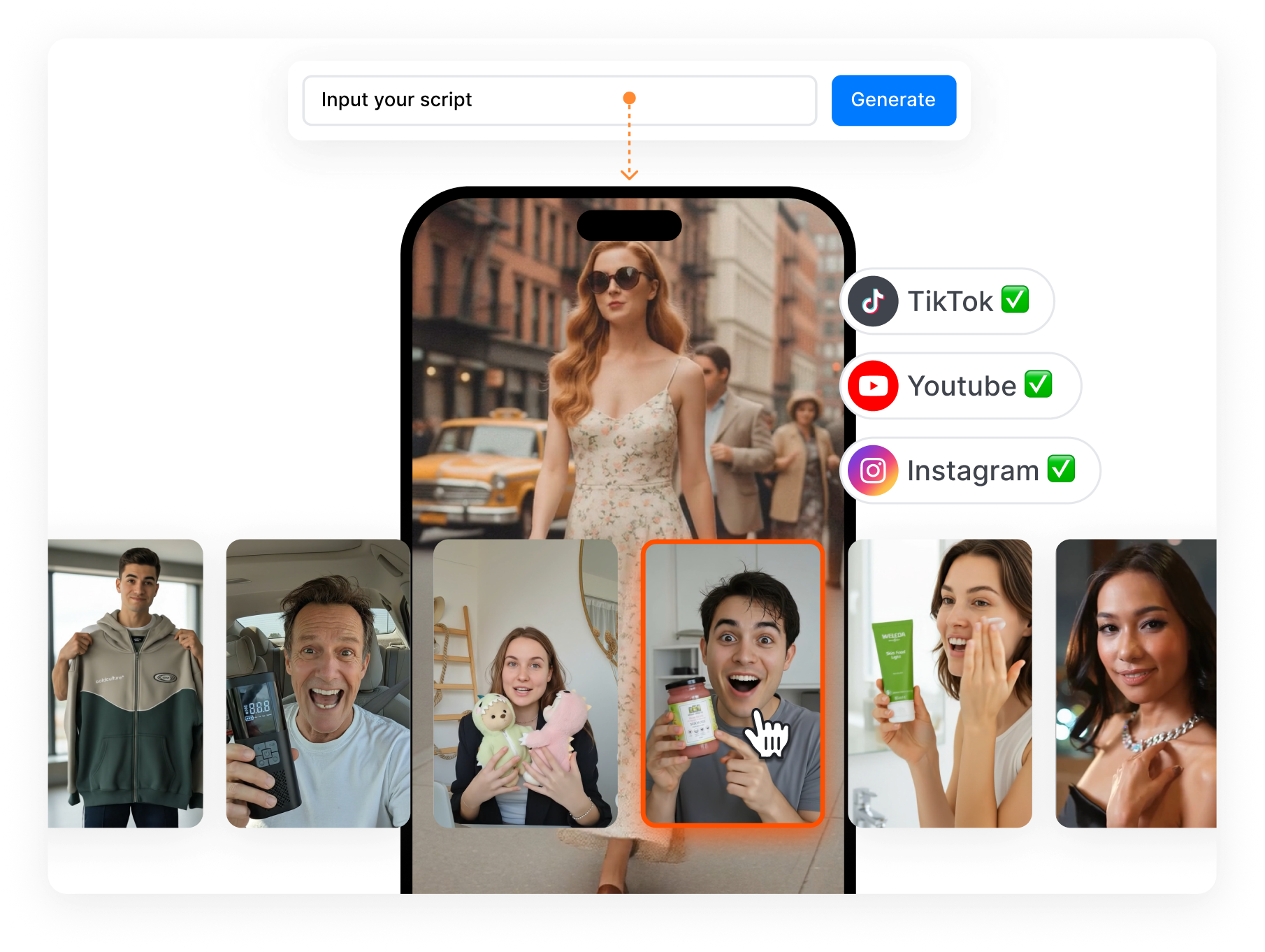
Looking for Another Option? Explore Nextify.ai as a Kittl Alternative.
Nextify.ai is an AI creative production platform built around ecommerce inputs and campaign-ready outputs. Use product URLs or existing assets to create UGC ads, avatar videos, product videos, listing visuals, and reusable creative variations.