JoggAI Ad Generator
JoggAI is an AI video and advertising platform for creating product visuals, video ads, and avatar-led promotions. Start with a product link or image, then choose the script, visual treatment, presenter, voice, and format that fit the campaign.
Build Product Stories with the JoggAI Ad Generator
Use Creatify AI to move from product inputs to avatar-led videos, product scenes, and research-informed variations.
Pull the Ad Story From a Product Link
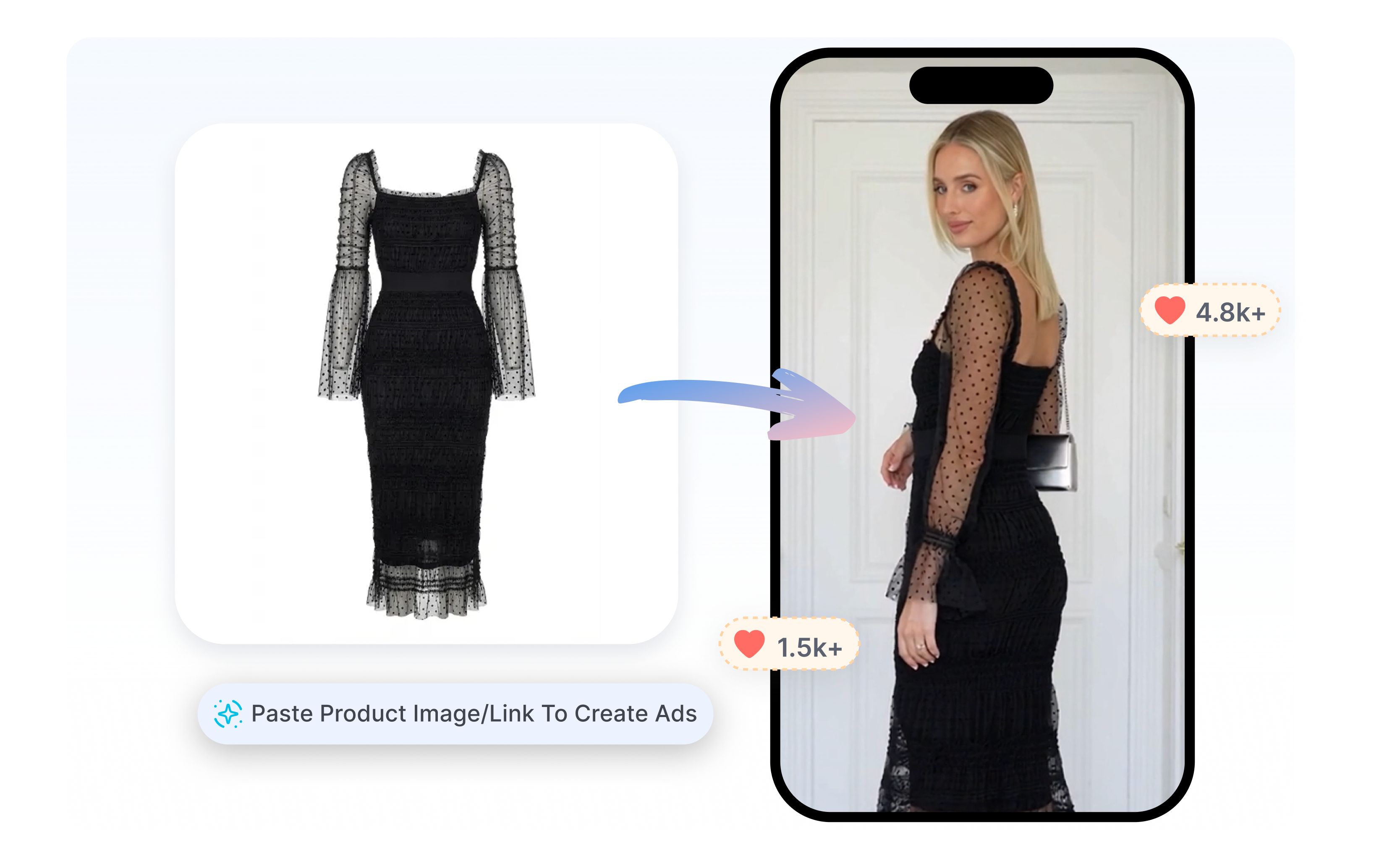
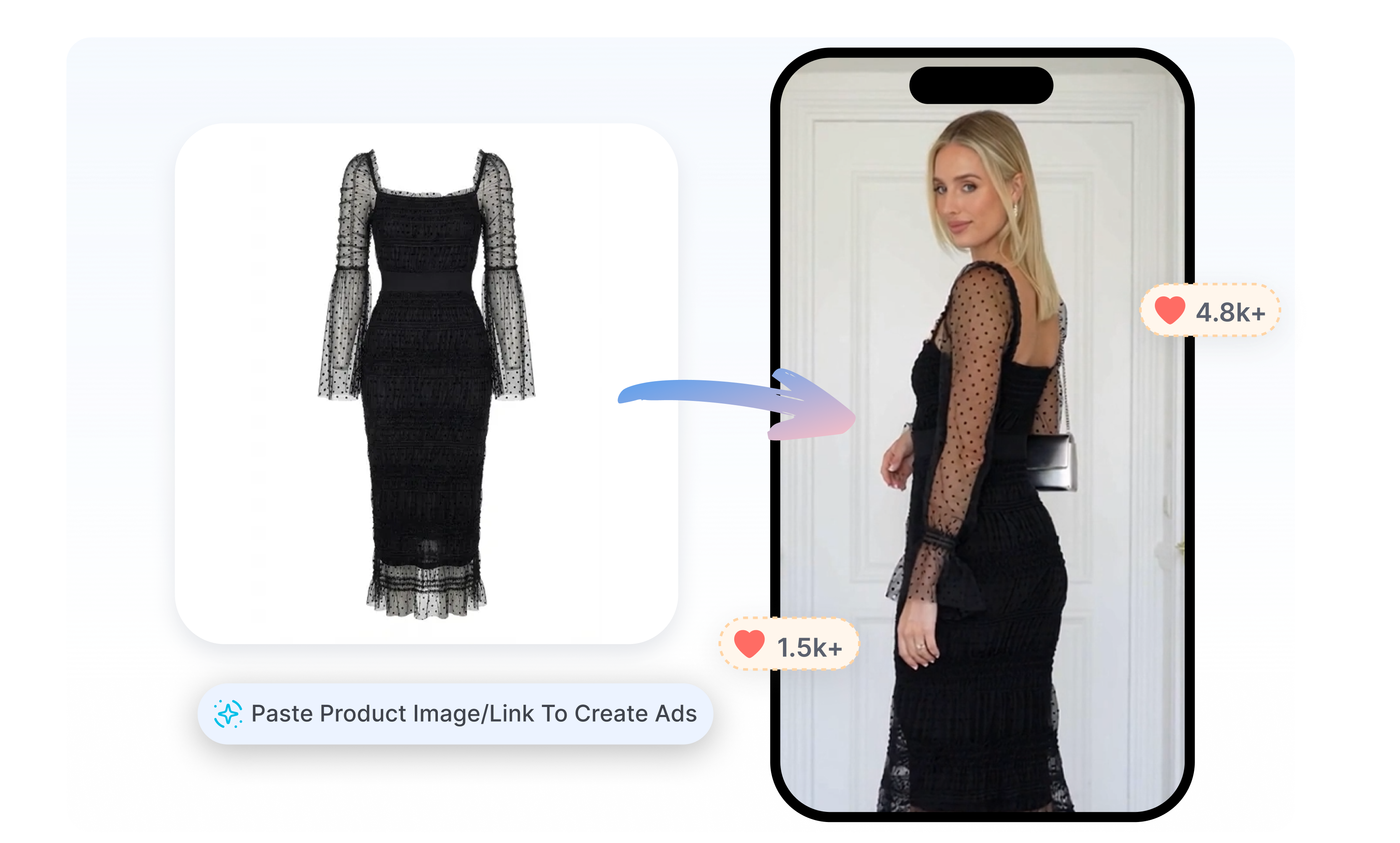
JoggAI supports URL-to-video creation from product pages and landing pages. Paste a link, review the extracted product details, and choose from the generated script options. Move from a live page to an editable video draft without rewriting every selling point by hand.
Stage the Product in Photos and Motion
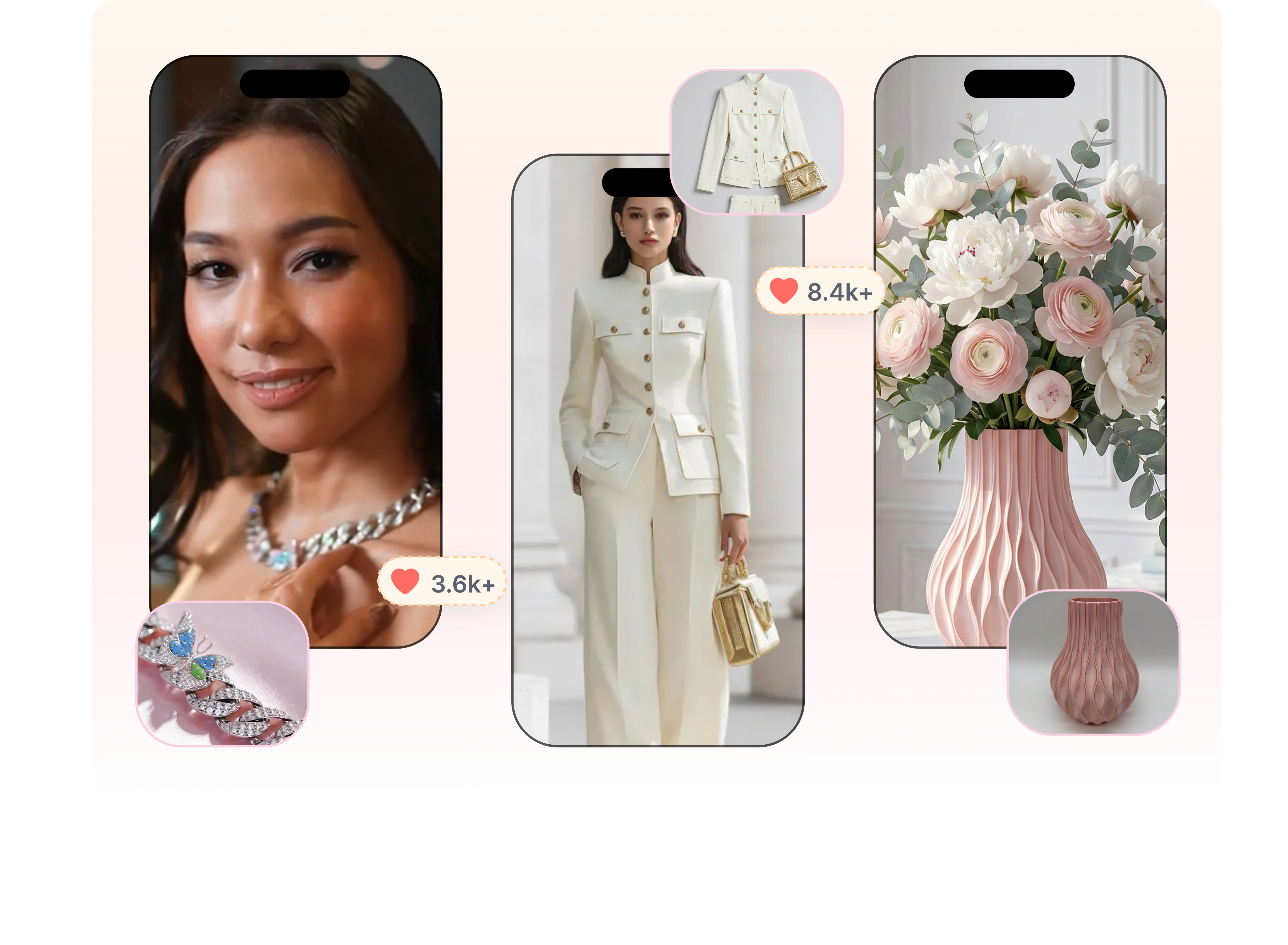
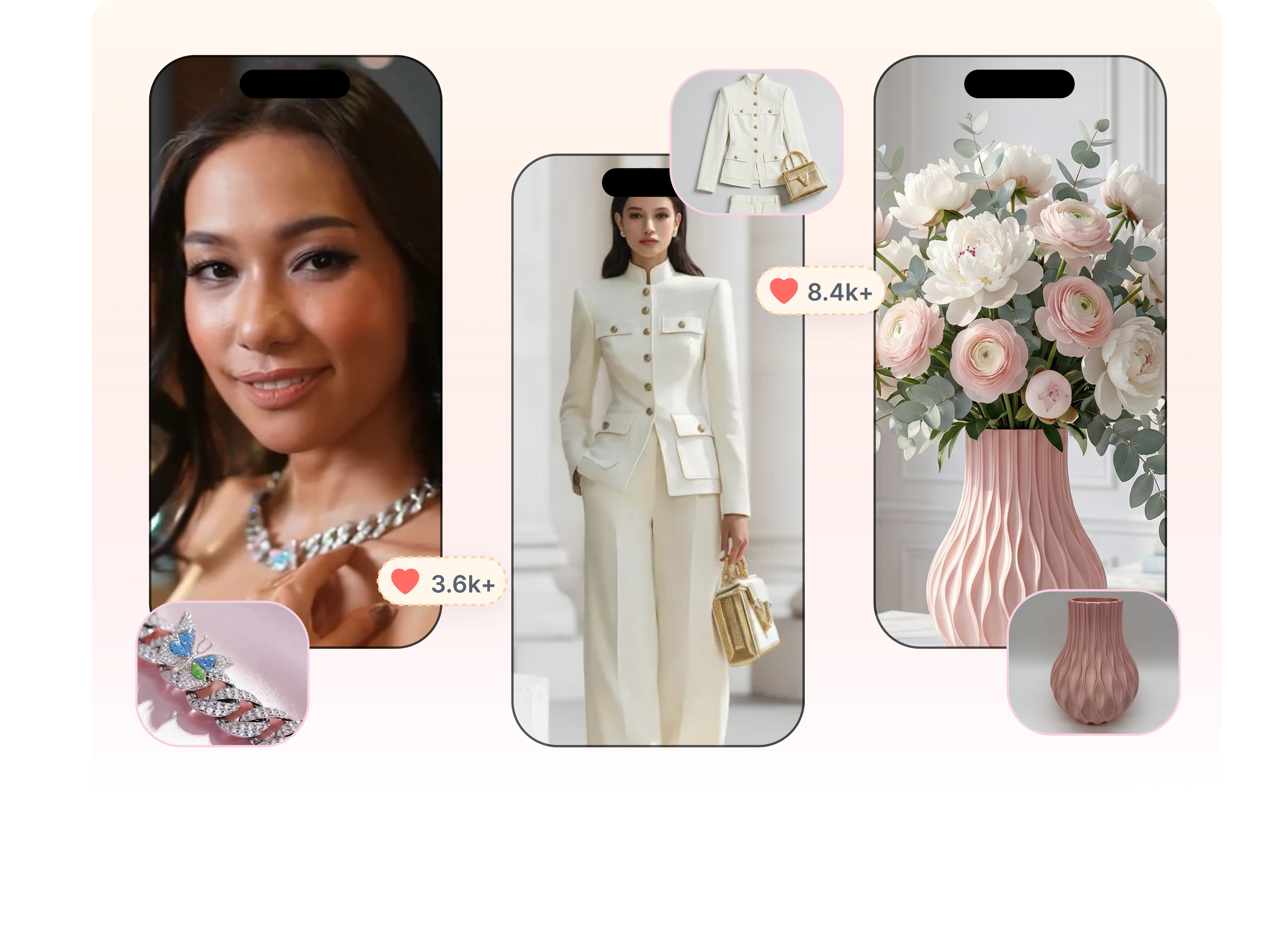
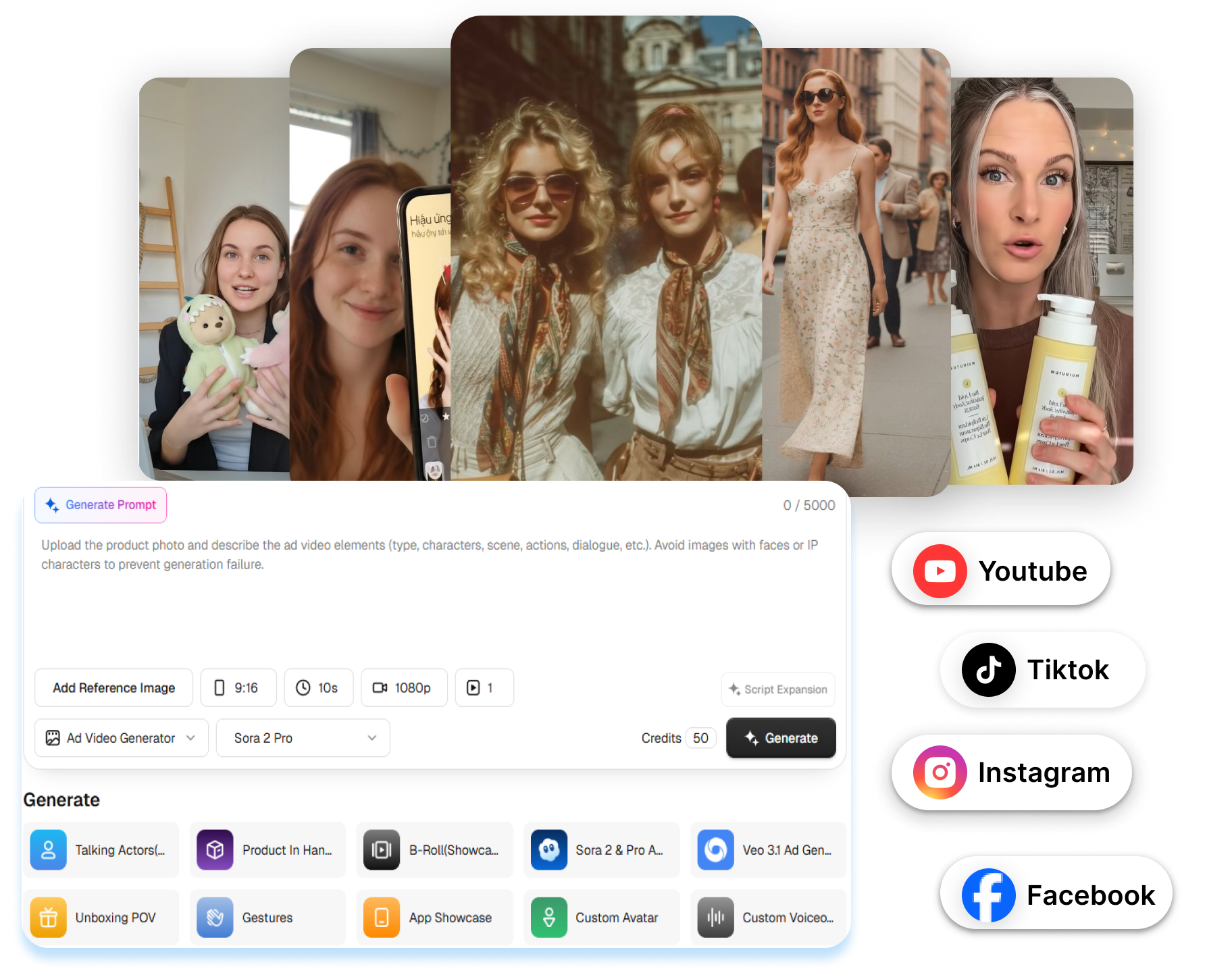
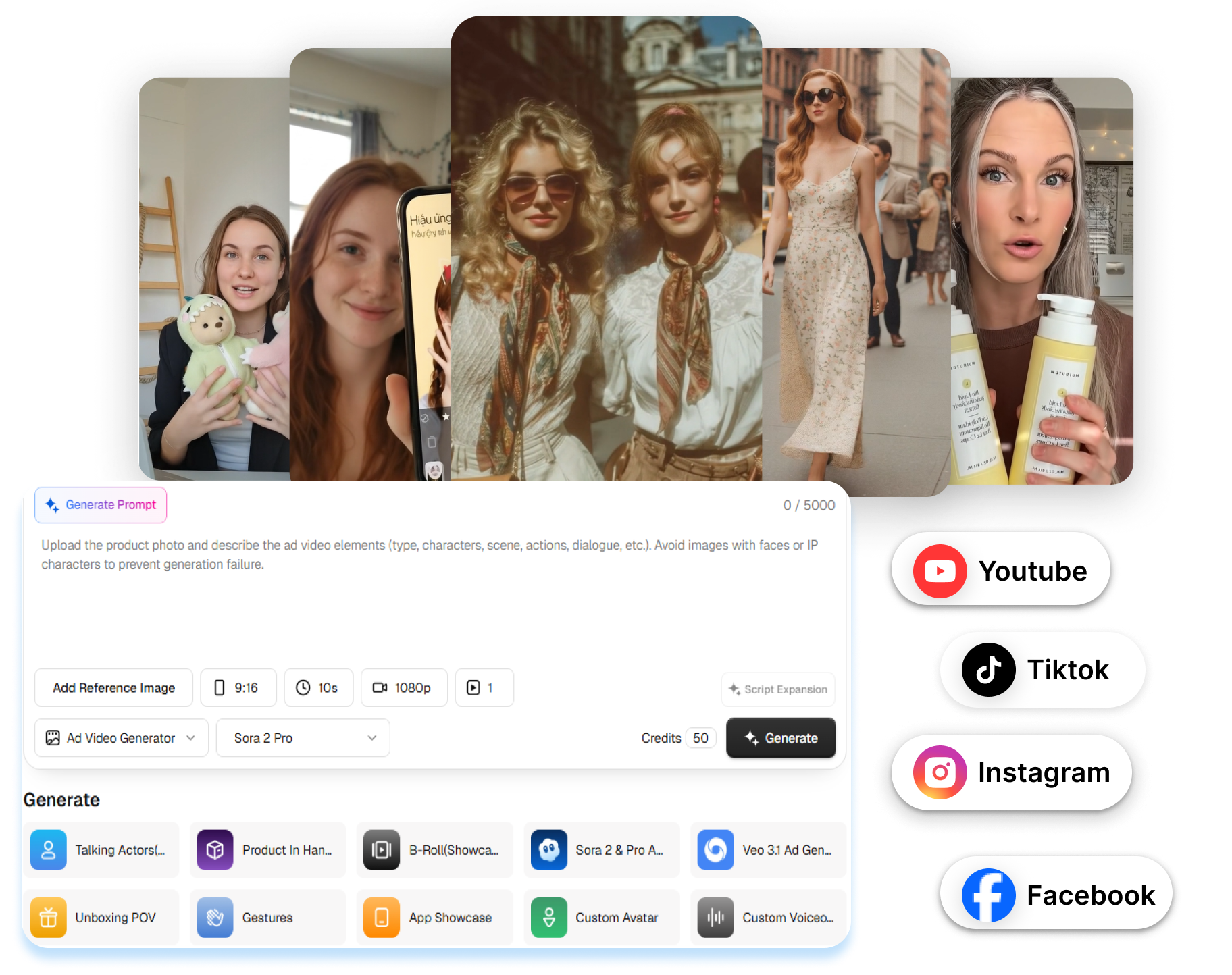
JoggAI offers Product QuickAds routes for product photography, video shoots, and avatar-led introductions. Upload a product image, then guide the scene with a preset, prompt, or reference image when the selected workflow supports it. Show the item alone or with a model holding, wearing, or using it.
Branch One Direction Into More Versions
JoggAI includes Batch Mode, Quick Edit, and video translation for adapting approved directions. Generate multiple video drafts in a batch, then adjust the script, avatar, subtitles, voice, or music in Quick Edit. Prepare versions for different languages or creative angles without rebuilding the entire ad setup.
Create a JoggAI Product Ad in 3 Steps
Bring in the product, select the creative treatment, and review the finished render through a short, practical workflow.
1. Bring In the Product
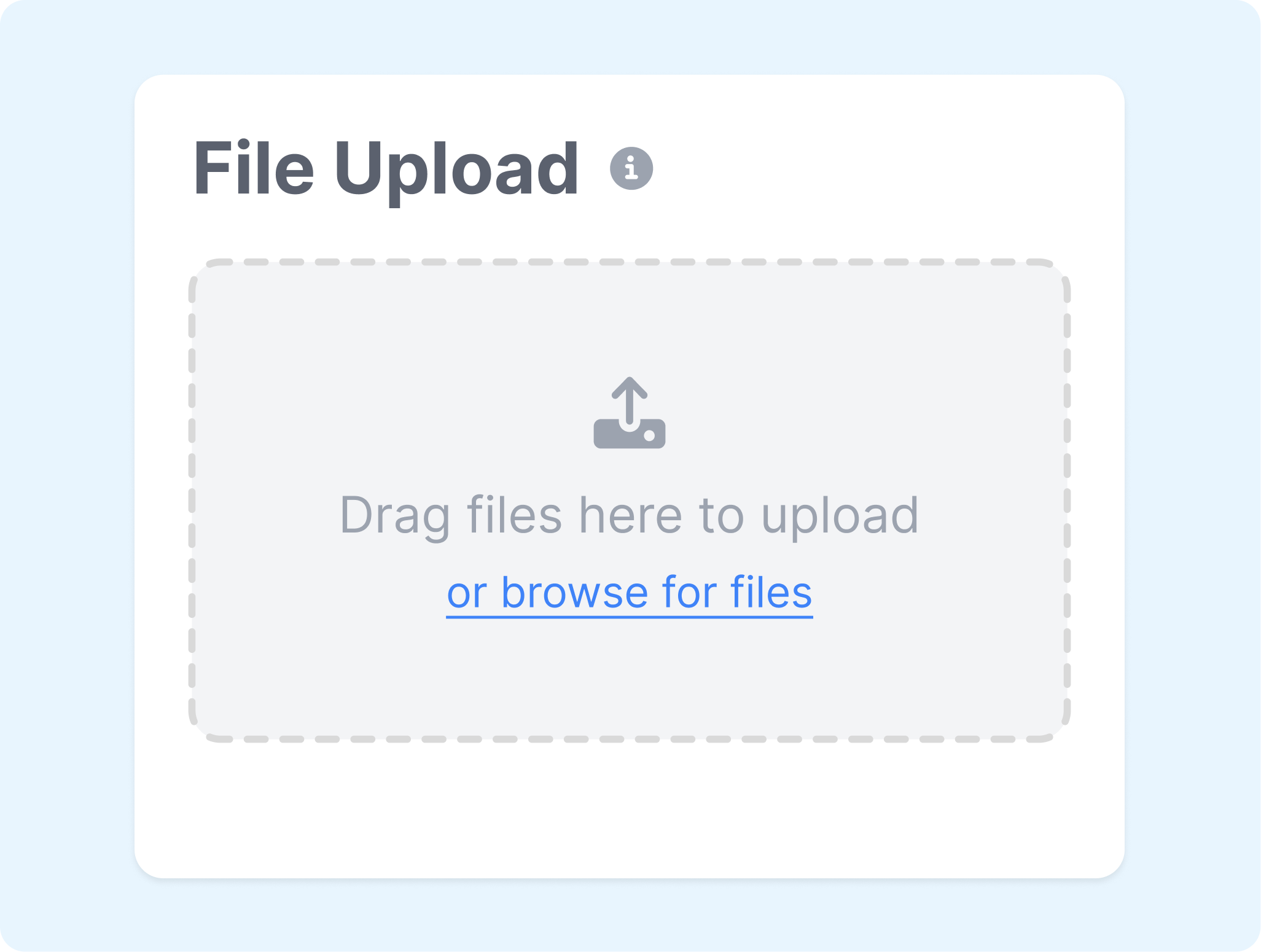
Paste a product URL or upload the images and clips already available. Check the product name, description, highlights, audience, and media before moving on.
2. Set the Ad Treatment
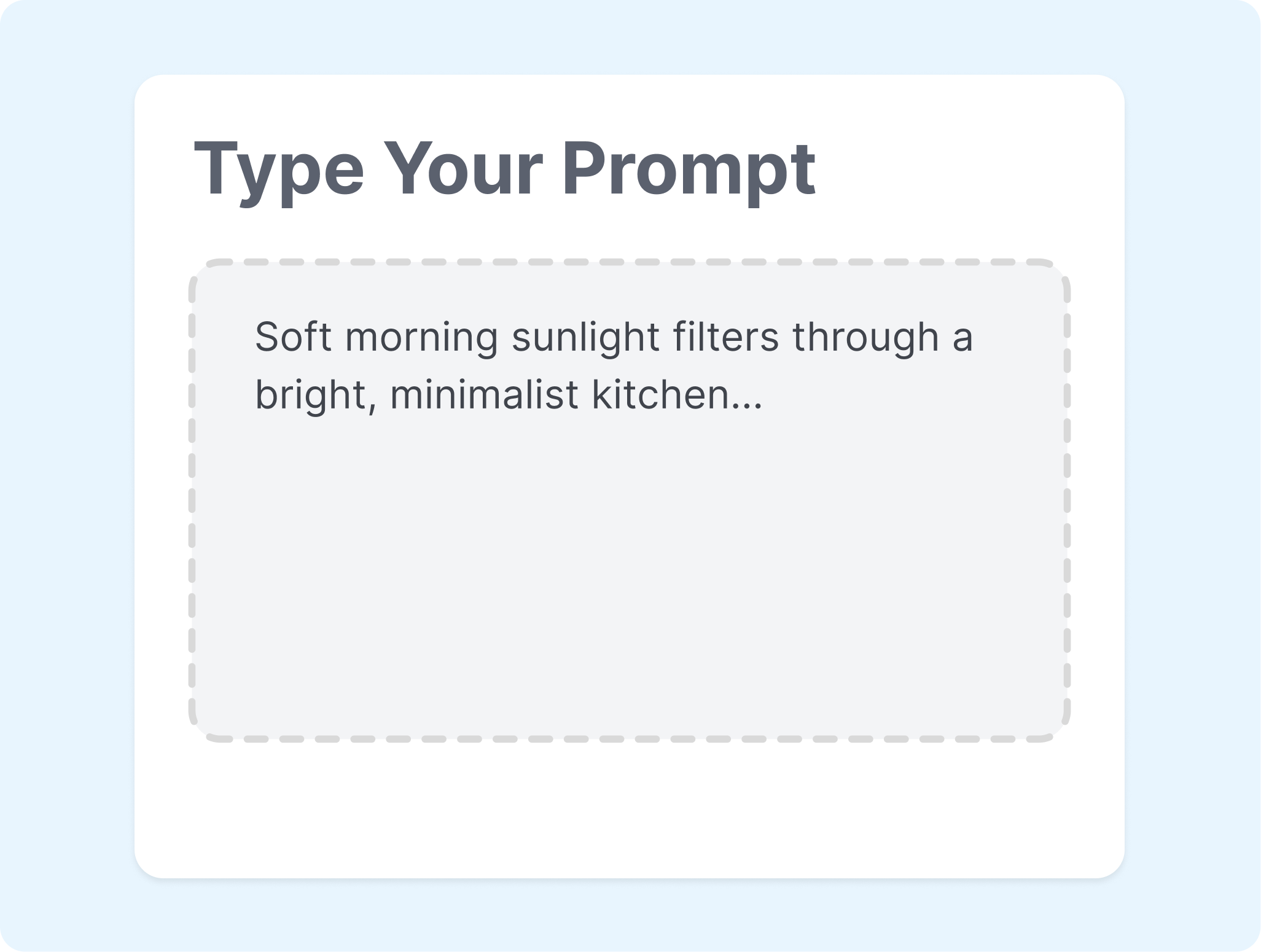
Choose a generated script, template, visual style, avatar, and voice for the selected workflow. Match the format and message to the product and intended placement.
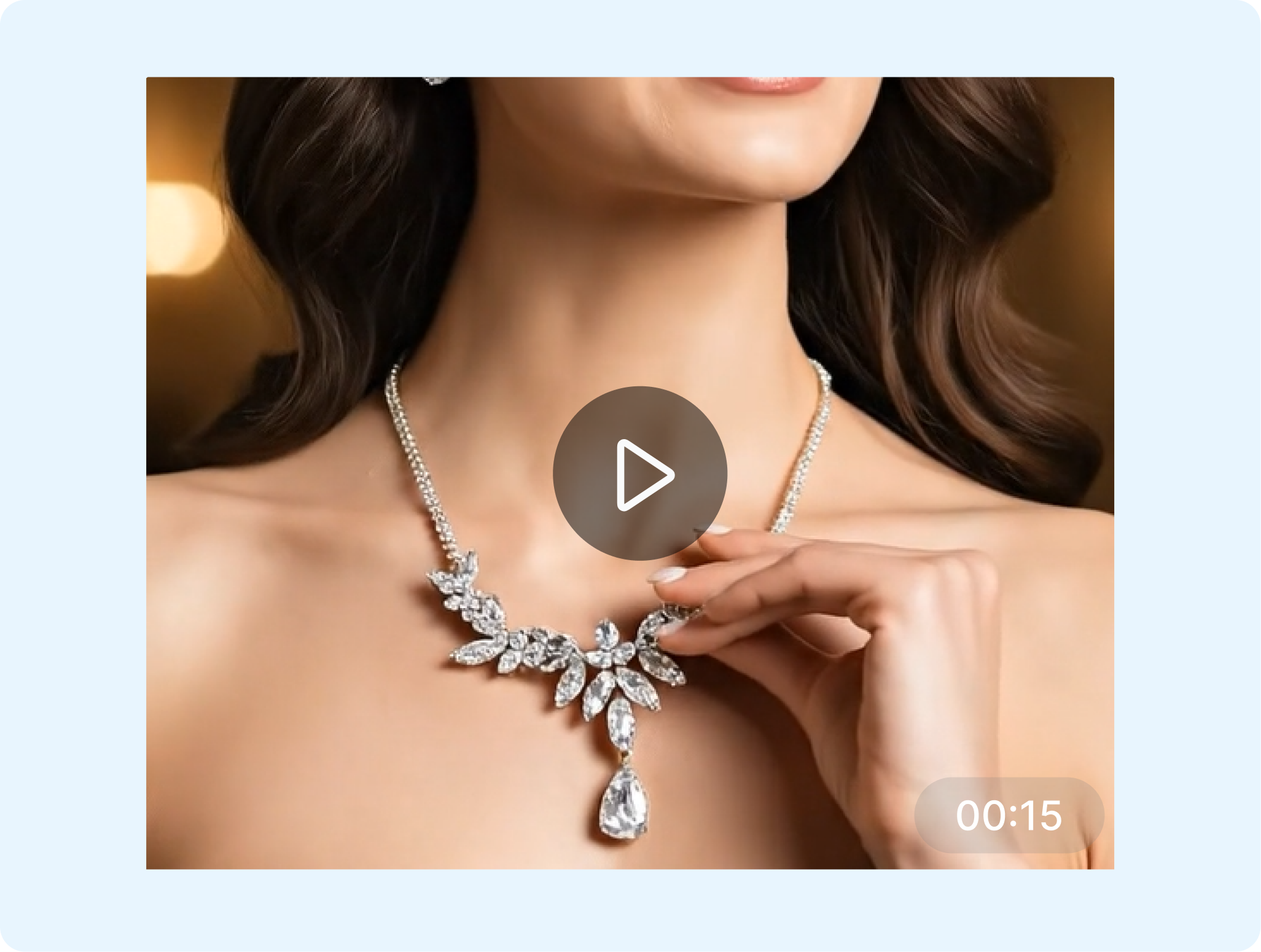
3. Review the Render
Generate the JoggAI ad and preview the result before export. Use Quick Edit for script, presenter, subtitle, voice, or music changes, then create batch or translated versions when needed.
Where the JoggAI Ad Generator Fits
Create JoggAI ads for product launches, paid social, client campaigns, and recurring content without relying on one production format.
Online Stores
Turn product pages and catalog images into video ads, product visuals, and avatar-led introductions. Use JoggAI to carry existing product details into a new campaign draft.
Paid Social Teams
Build several scripts or visual treatments around the same offer. Prepare different JoggAI versions for testing while keeping the product message easy to review.
Client Agencies
Create product ad directions for different brands without starting every concept from an empty timeline. Switch between photo, video, avatar, and URL-led workflows as each brief requires.
Lean Content Teams
Combine product assets with generated scenes and presenters when filming resources are limited. Refine the JoggAI draft in Quick Edit before adapting it for another format or language.
Frequently Asked Questions
What is JoggAI?
How does the JoggAI ad generator work?
Can JoggAI turn a product URL into an ad?
Can JoggAI avatars show products?
Can JoggAI translate video ads?
What is a good alternative to JoggAI ad maker?
Looking for Another Option? Explore Nextify.ai as a JoggAI Alternative.
Explore Nextify.ai to turn product URLs, product assets, scripts, and winning references into avatar videos, UGC ads, product videos, marketplace listing image sets, and reusable marketing creatives.