HeyGen AI Video Generator
HeyGen is an AI video platform for creating presenter-led, generated, and translated videos without a traditional shoot. Start with a prompt or script, then choose an avatar and voice, add supporting visuals, and refine the draft in Video Agent or AI Studio.
Create More with the HeyGen AI Video Generator
Use HeyGen to move from an initial idea to an editable video with guided generation, AI presenters, and localization tools.
Build a Complete Draft from a Brief
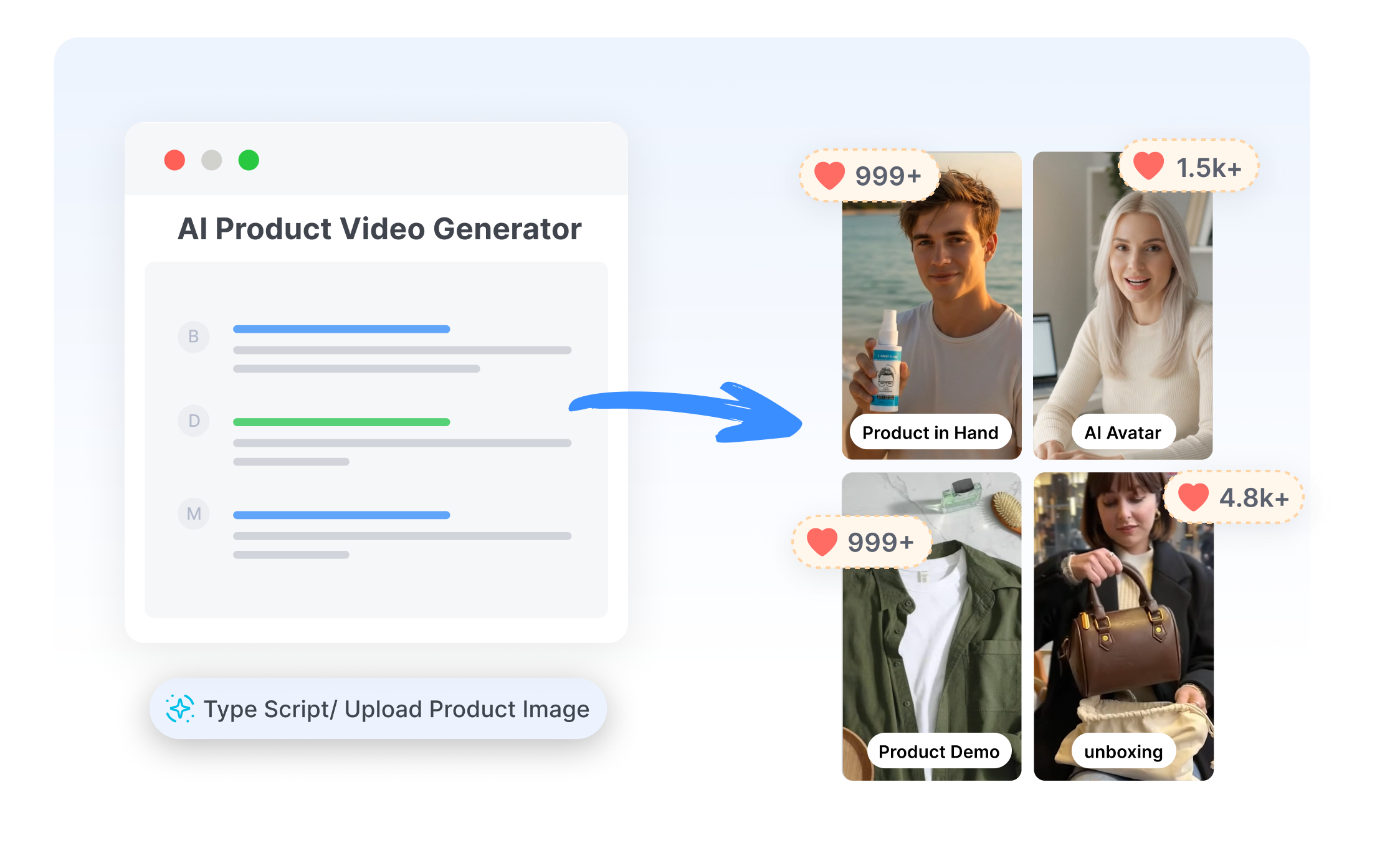
HeyGen's Video Agent supports prompt-led video generation with scripts, scenes, narration, avatars, and captions assembled into a first draft. Add reference images, clips, logos, or documents when the brief needs specific source material. Move the result into AI Studio when individual scenes need closer control.
Choose the Right Presenter for the Message
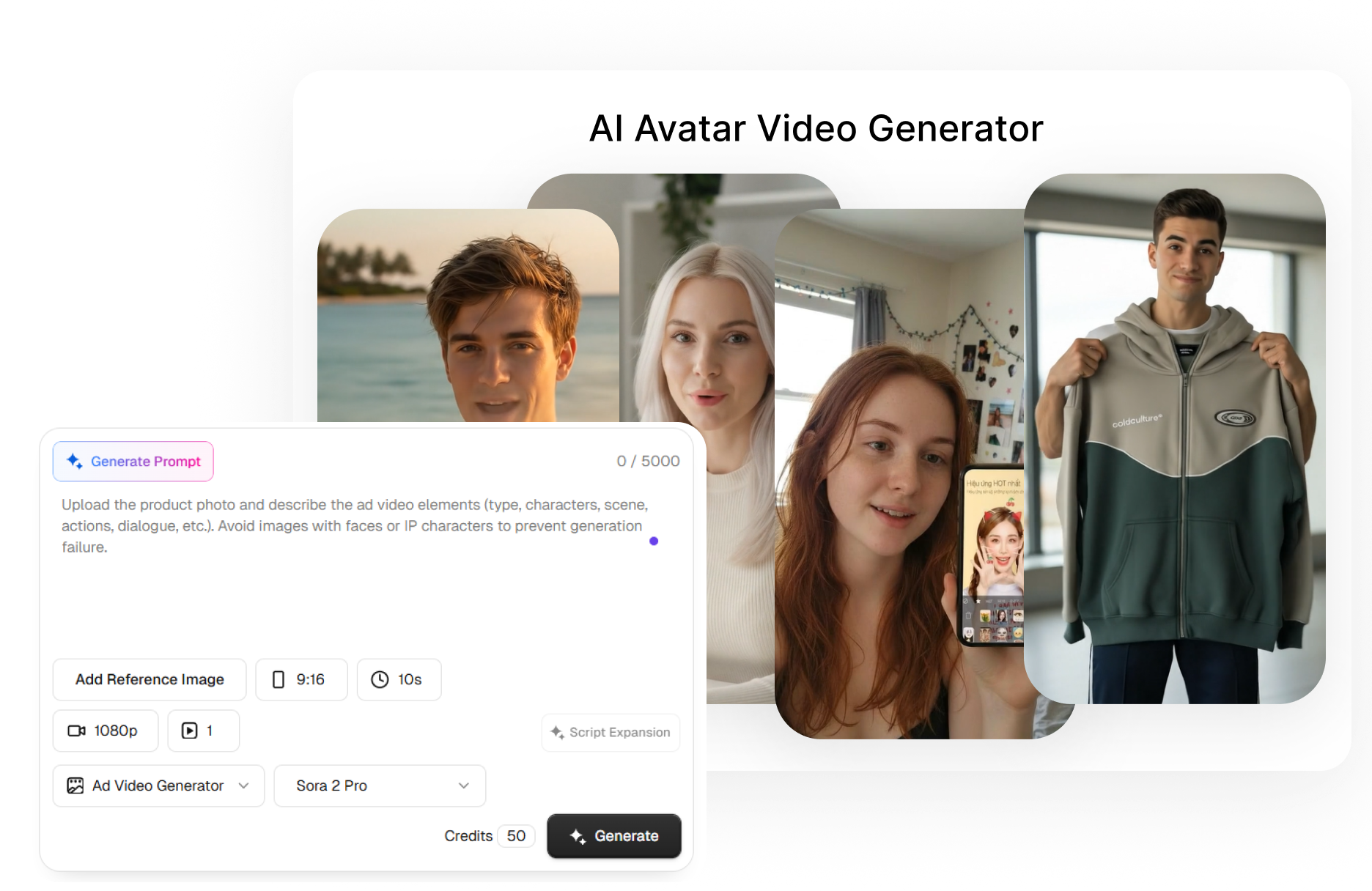
HeyGen offers stock avatars, custom digital twins, and photo-based avatars for presenter-led videos. Pick a ready-made presenter or animate a suitable image, then match the script with a voice and speaking style. Keep recurring explainers, updates, and social videos visually consistent without recording every delivery again.
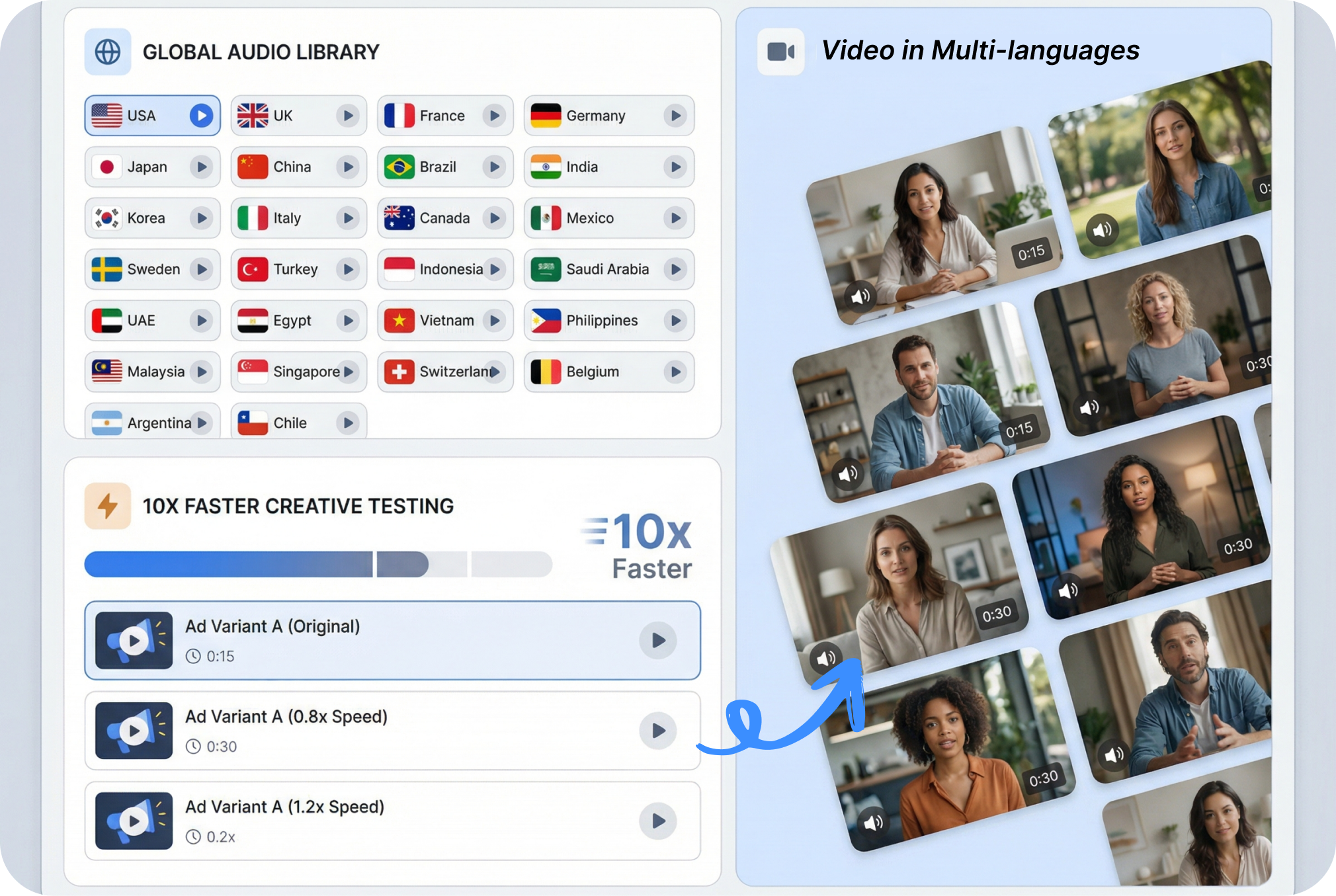
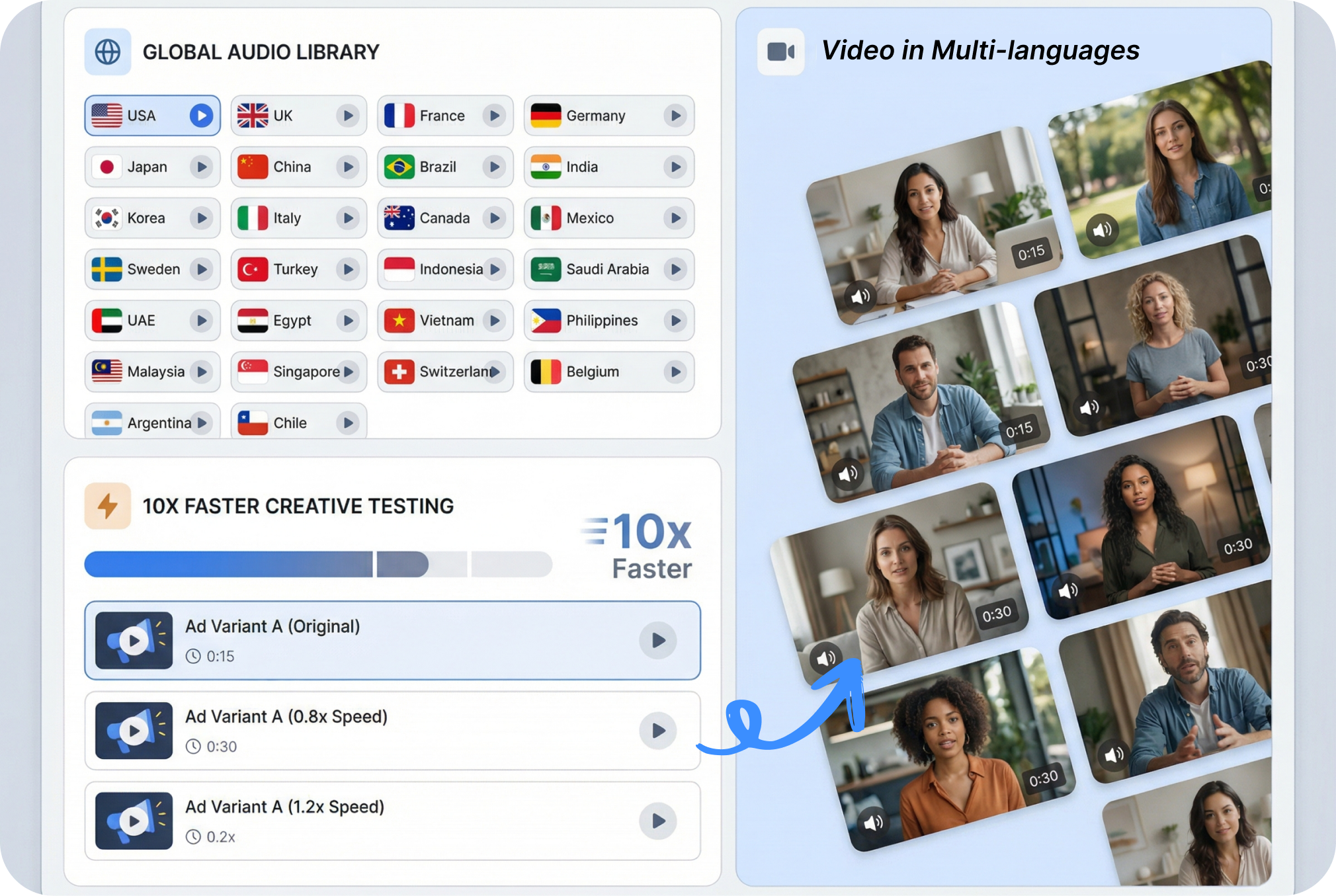
Rework One Video for More Audiences
HeyGen includes video dubbing, lip sync, and language controls for localizing existing footage. Upload a video or add a supported link, then select the target language and review the available translation settings. Keep one source video available to more language audiences without recording every version from scratch.
Create a HeyGen AI Video in 3 Steps
Choose a creation route, guide the content, and refine the generated draft without turning the process into a long production setup.
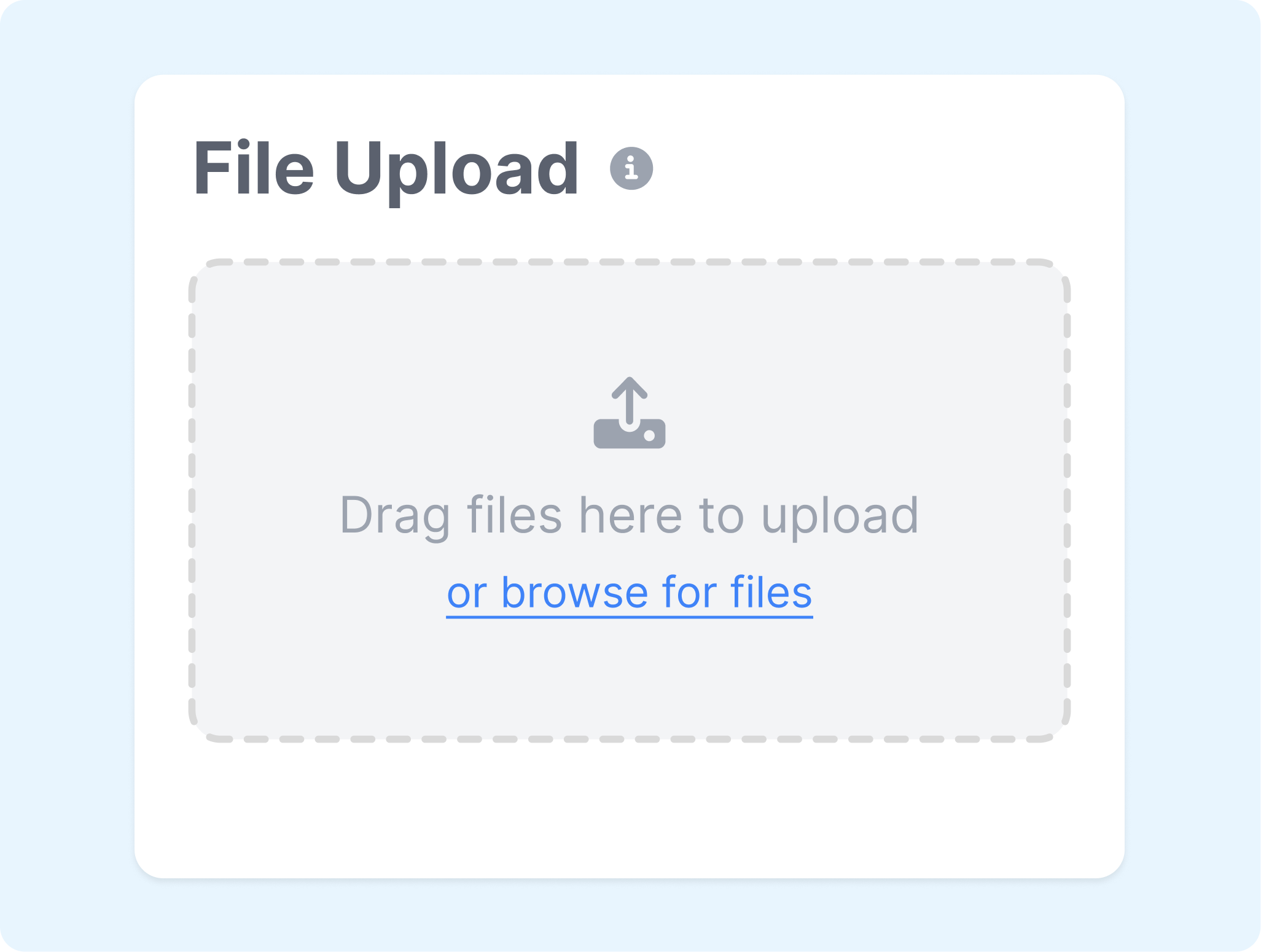
1. Choose a Starting Point
Open Video Agent for a guided draft or AI Studio for more scene-level control. A template, photo, presentation, or quick avatar workflow can provide another starting point.
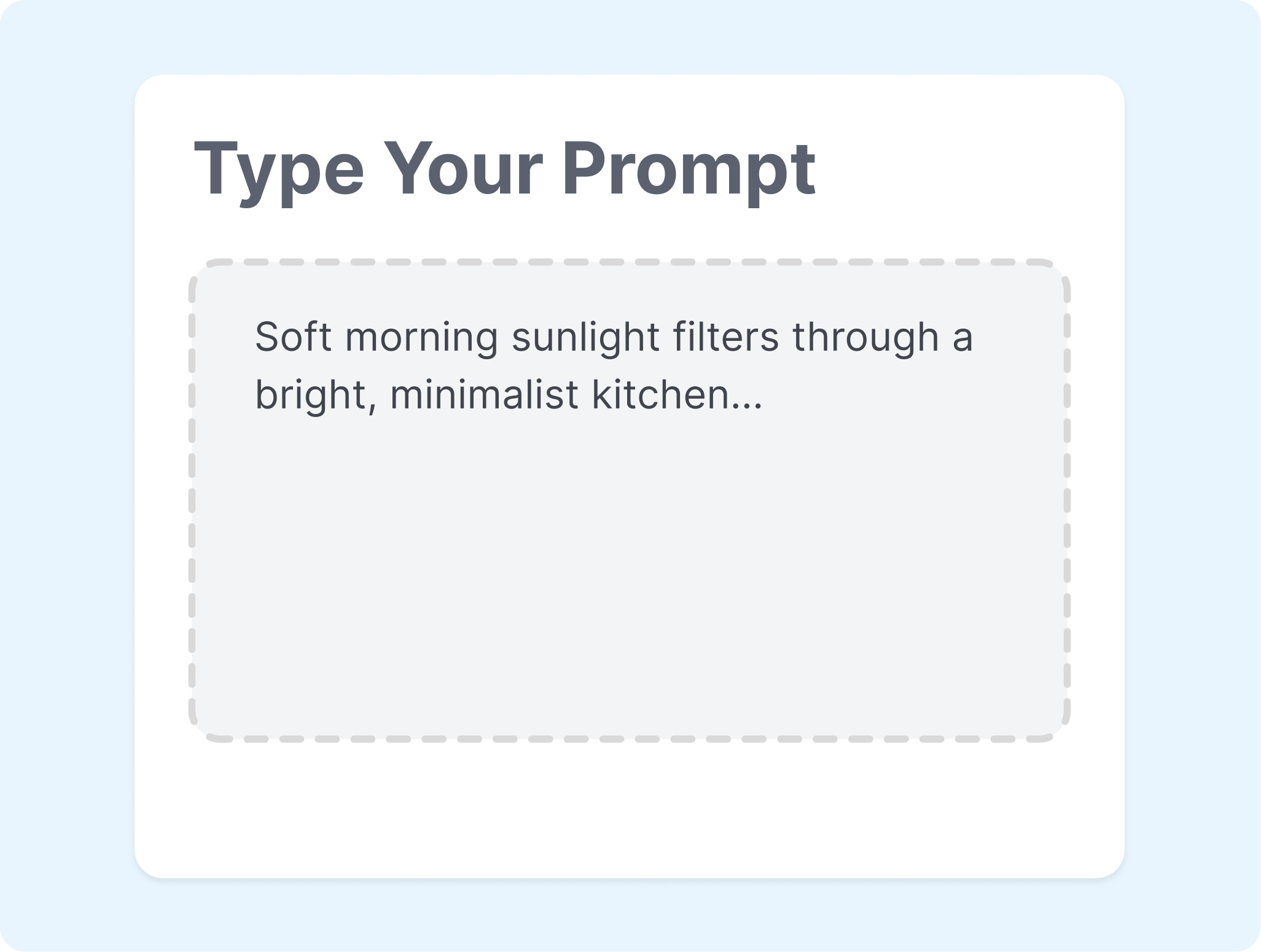
2. Add the Message and Presenter
Enter the prompt or script, then choose an avatar and voice when the video needs an on-screen presenter. Add brand media or reference assets that should guide the visuals.
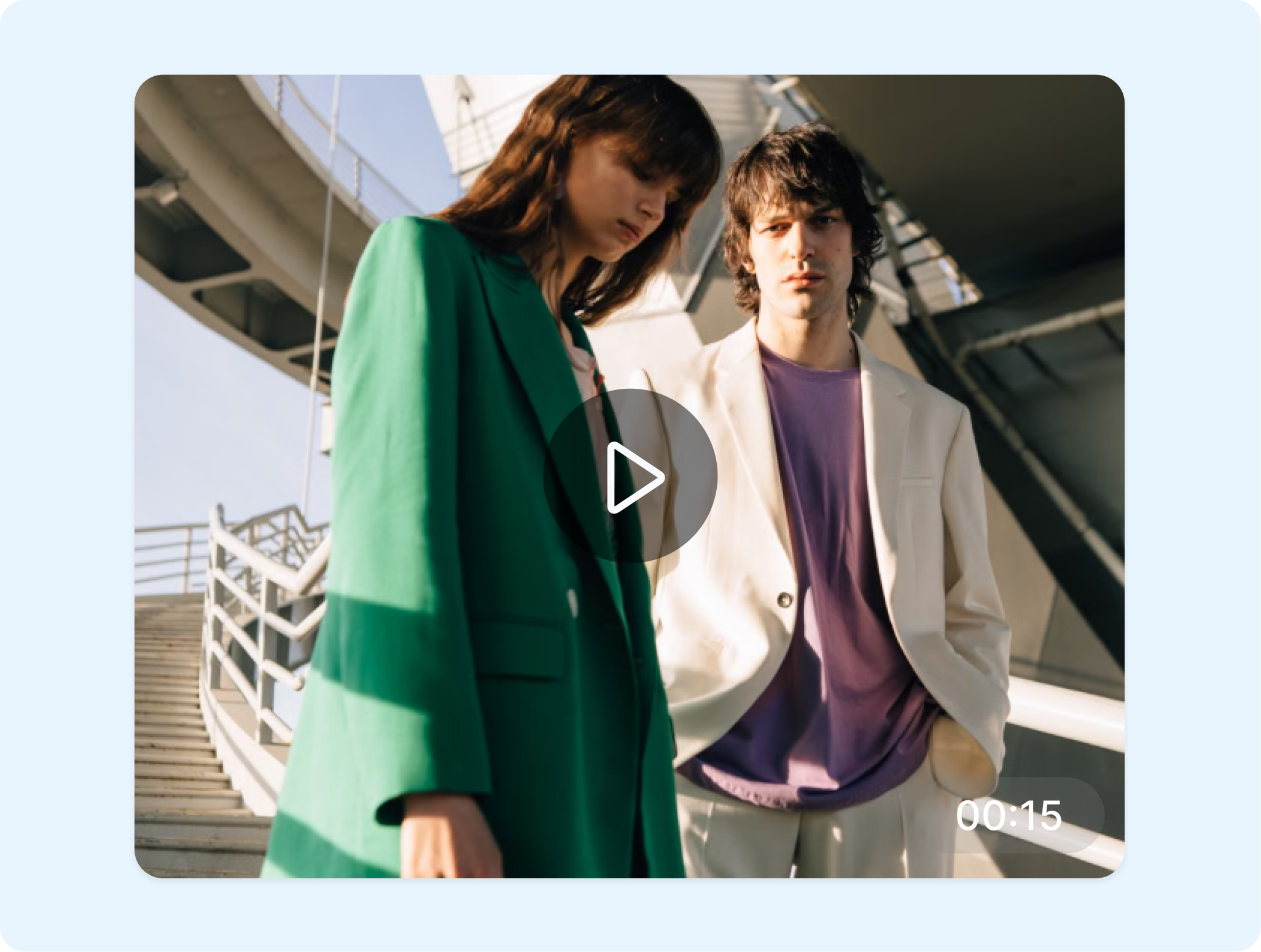
3. Generate and Refine
Generate the HeyGen video, review the pacing and delivery, and update any scene that needs attention. Adjust media, captions, or timing before exporting, and use the translation workflow when another language version is needed.
Who Uses the HeyGen AI Video Generator?
Create HeyGen videos for campaigns, outreach, learning, and recurring content without rebuilding the production workflow for every message.
Marketing Teams
Turn campaign briefs, product explanations, or social ideas into presenter-led videos and supporting scenes. Use Video Agent for a quick first draft, then refine the selected direction in AI Studio.
Sales Teams
Create prospecting videos, follow-ups, and product walkthroughs with a consistent presenter and voice. Adapt the script for different accounts or markets without scheduling another recording session.
Learning Teams
Build onboarding, training, and instructional videos from scripts, presentations, or reusable templates. Update a scene or narration when the information changes instead of reshooting the full lesson.
Creators and Localization Teams
Publish recurring avatar videos or translate existing content for additional audiences. Keep the core message recognizable while adjusting the voice, language, captions, and format for each version.
Frequently Asked Questions
What is HeyGen?
How does the HeyGen AI video generator work?
How are Video Agent and AI Studio different?
Can HeyGen animate a photo?
Can HeyGen translate an existing video?
Can HeyGen create AI music videos?
What is a good alternative to HeyGen AI Video Generator?
Looking for Another Option? Explore Nextify.ai as a HeyGen Alternative.
Explore Nextify.ai to turn product URLs, product assets, scripts, and winning references into avatar videos, UGC ads, product videos, marketplace listing image sets, and reusable marketing creatives.