Creatify AI Ad Generator
Creatify AI is an ad creation platform for turning product information into video and image creatives. Begin with a URL, brief, or visual assets, then shape the result with AI scripts, presenters, voiceovers, and an editor.
Build More Ad Formats with Creatify AI Ad Generator
Use Creatify AI to move from product inputs to avatar-led videos, product scenes, and research-informed variations.
Turn a Product Page Into an Ad Draft
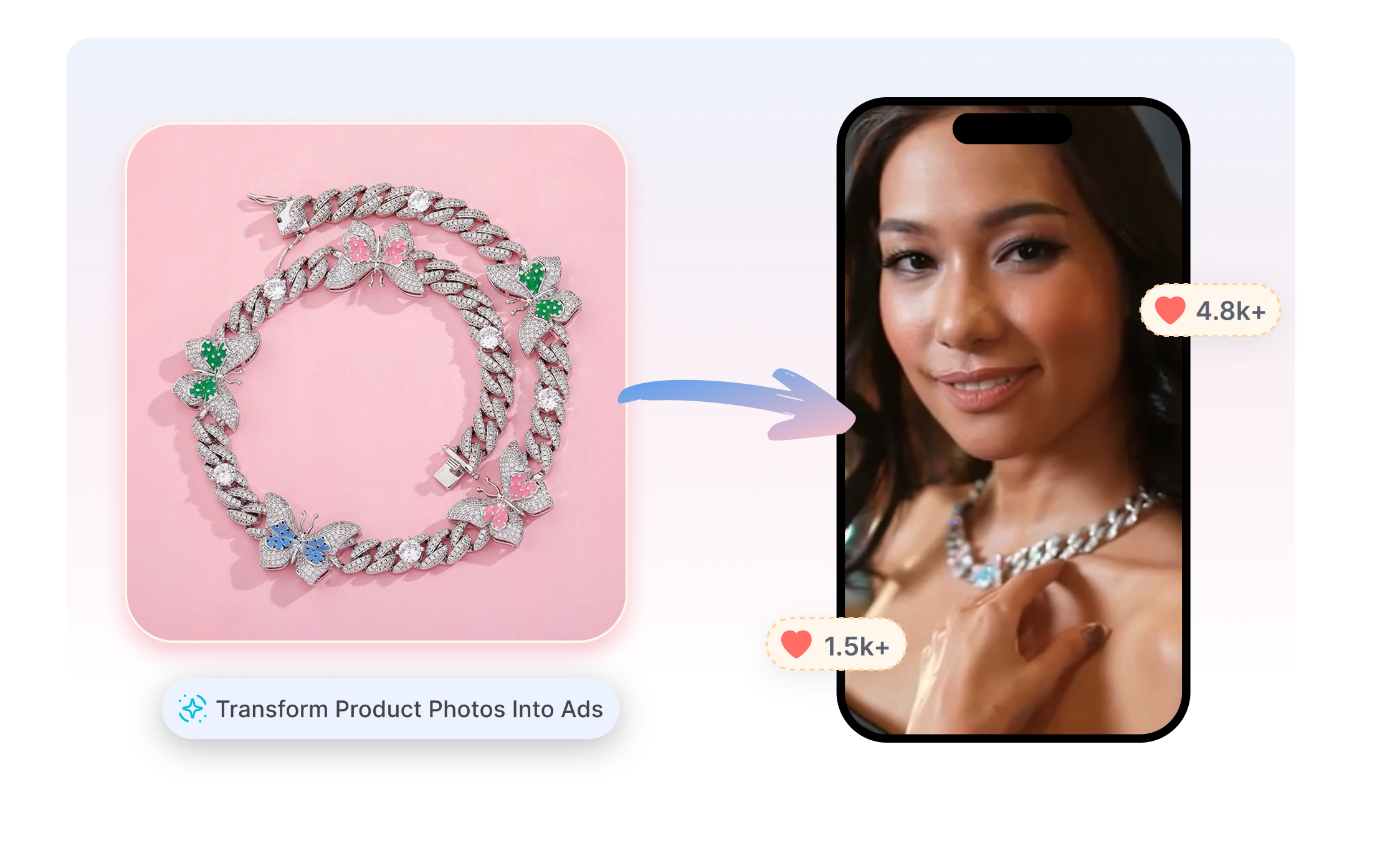
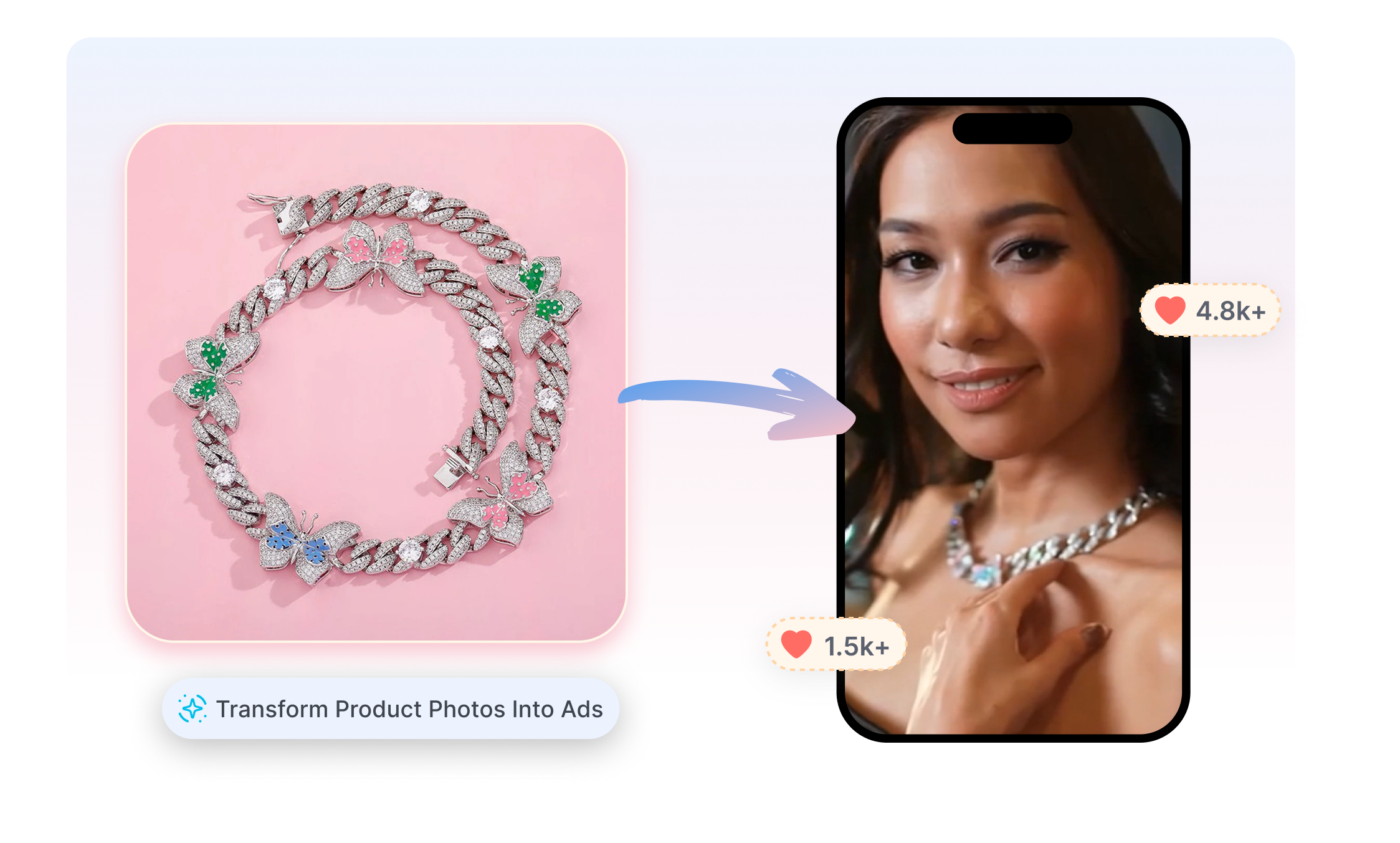
Creatify AI supports URL-to-video creation from product pages, app listings, and uploaded media. Pull product details and visuals into script options, then choose a direction for the first cut. Refine the Creatify draft before export instead of rebuilding the ad from an empty timeline.
Match the Story with an AI Presenter
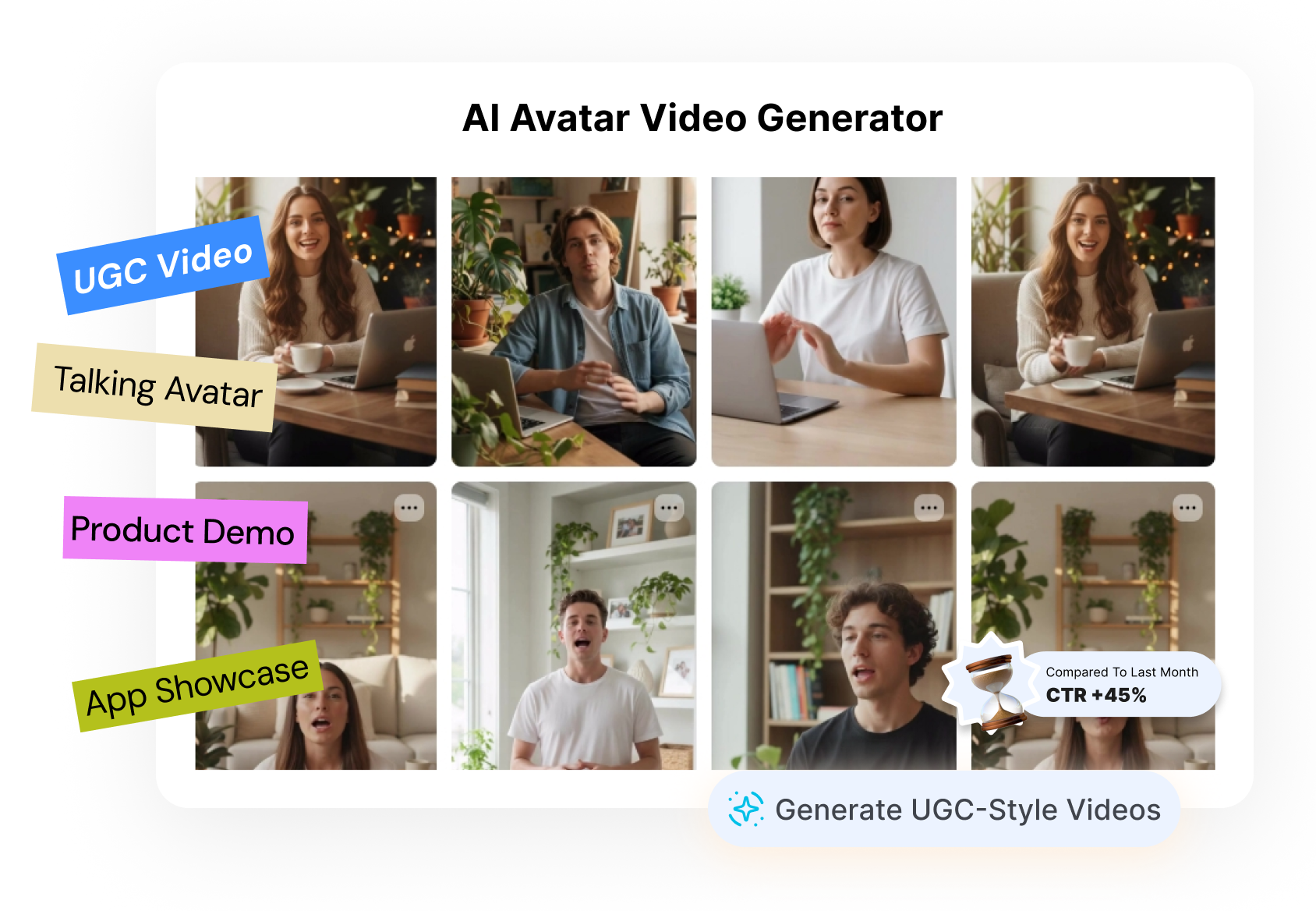
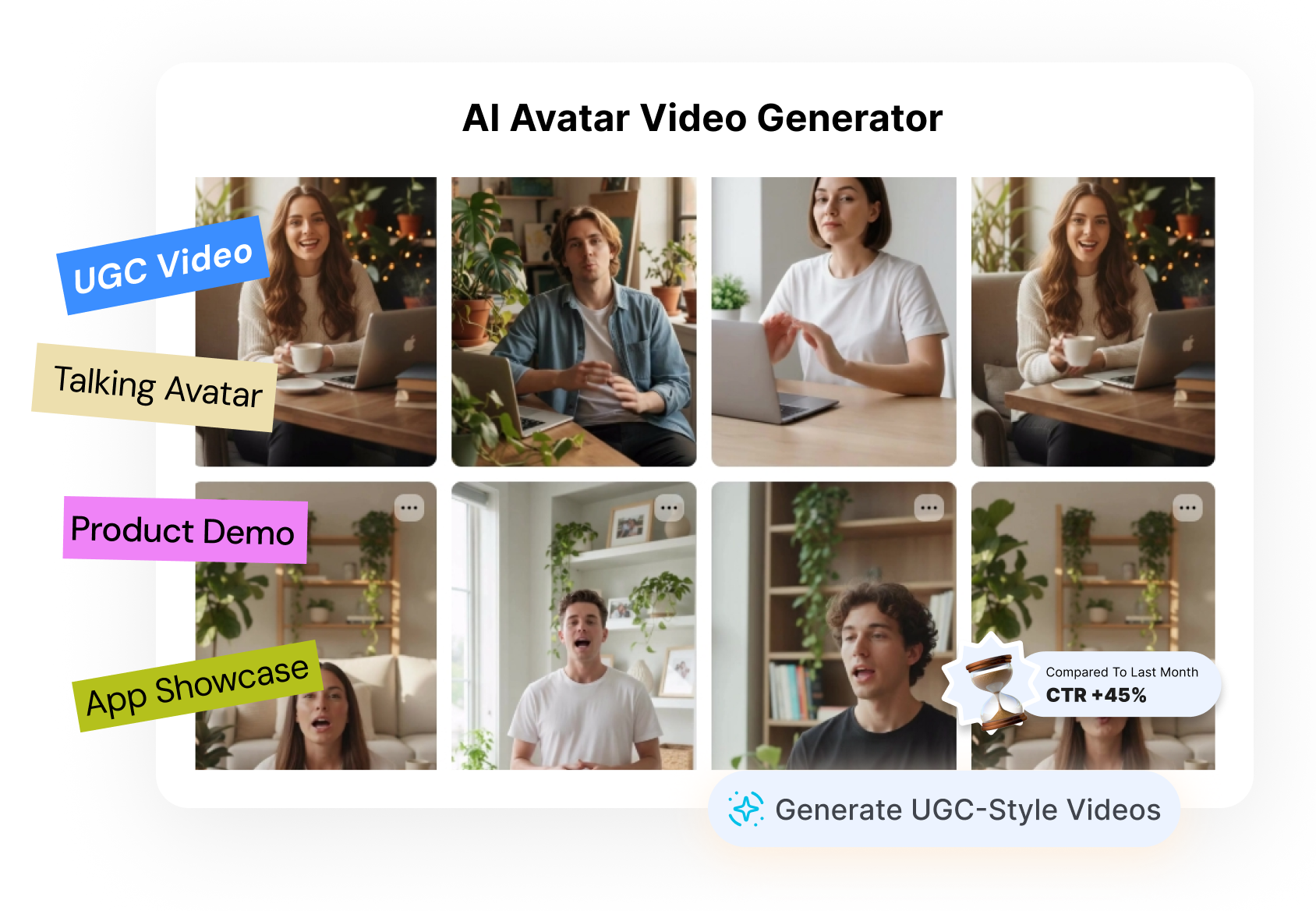
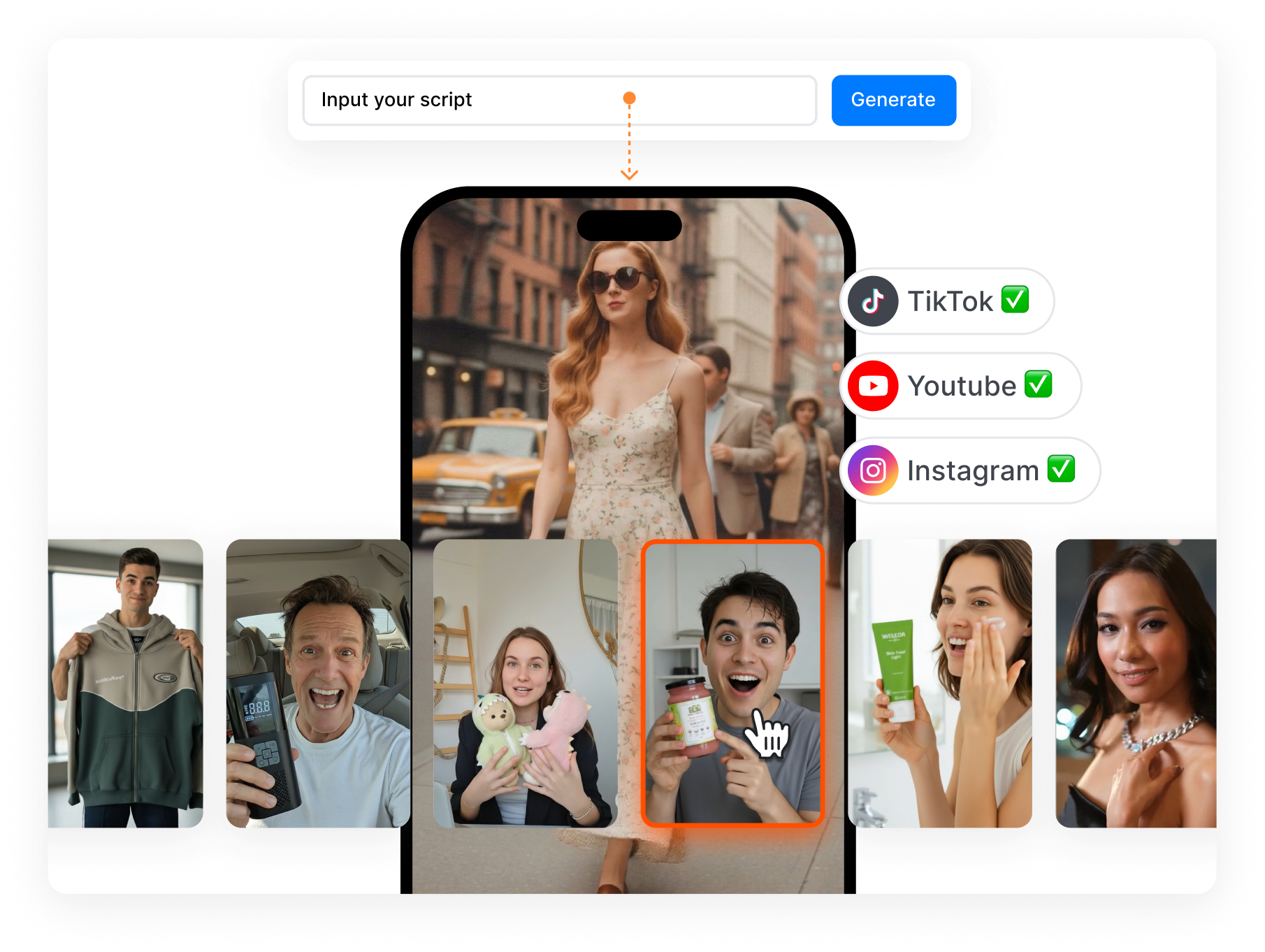
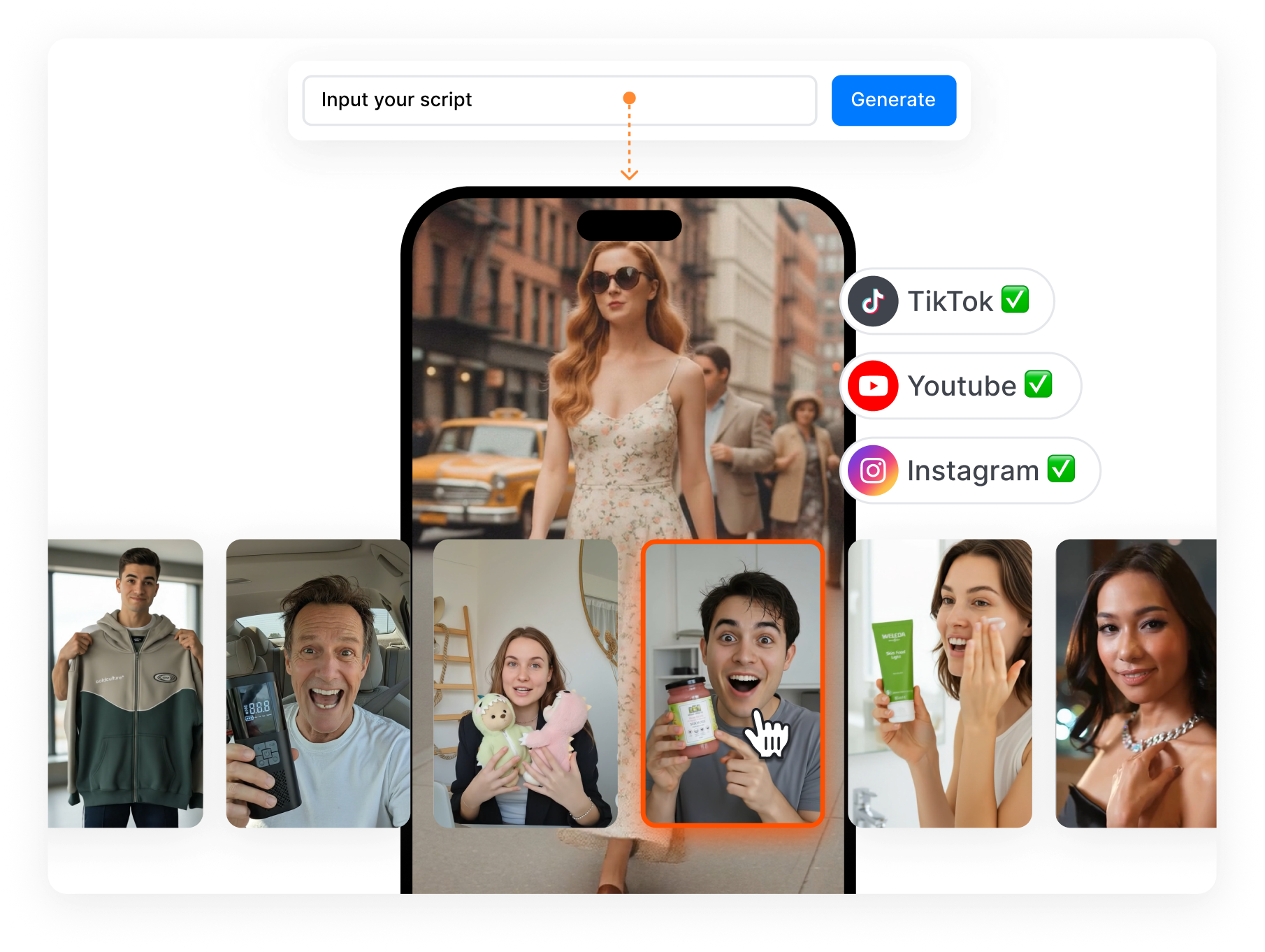
Creatify AI offers stock presenters, custom avatars, photo-based talking characters, and generated brand personas. Choose a voice and language that fit the market, or pair an avatar with product footage and B-roll. Keep the product message consistent while trying a different face, delivery, or visual setup.
Turn Ad Research Into a Fresh Direction
Creatify AI includes an Inspiration Library, competitor tracking, and Ad Clone tools for creative research. Study hooks, selling points, pacing, and CTA patterns before selecting a structure to explore. Adapt that direction around your own product, script, and visuals, then finish the Creatify version in the editor.
Create a Creatify AI Video Ad in 3 Steps
Move from a product source to an editable ad through one focused creative flow.
1. Add Your Product Source
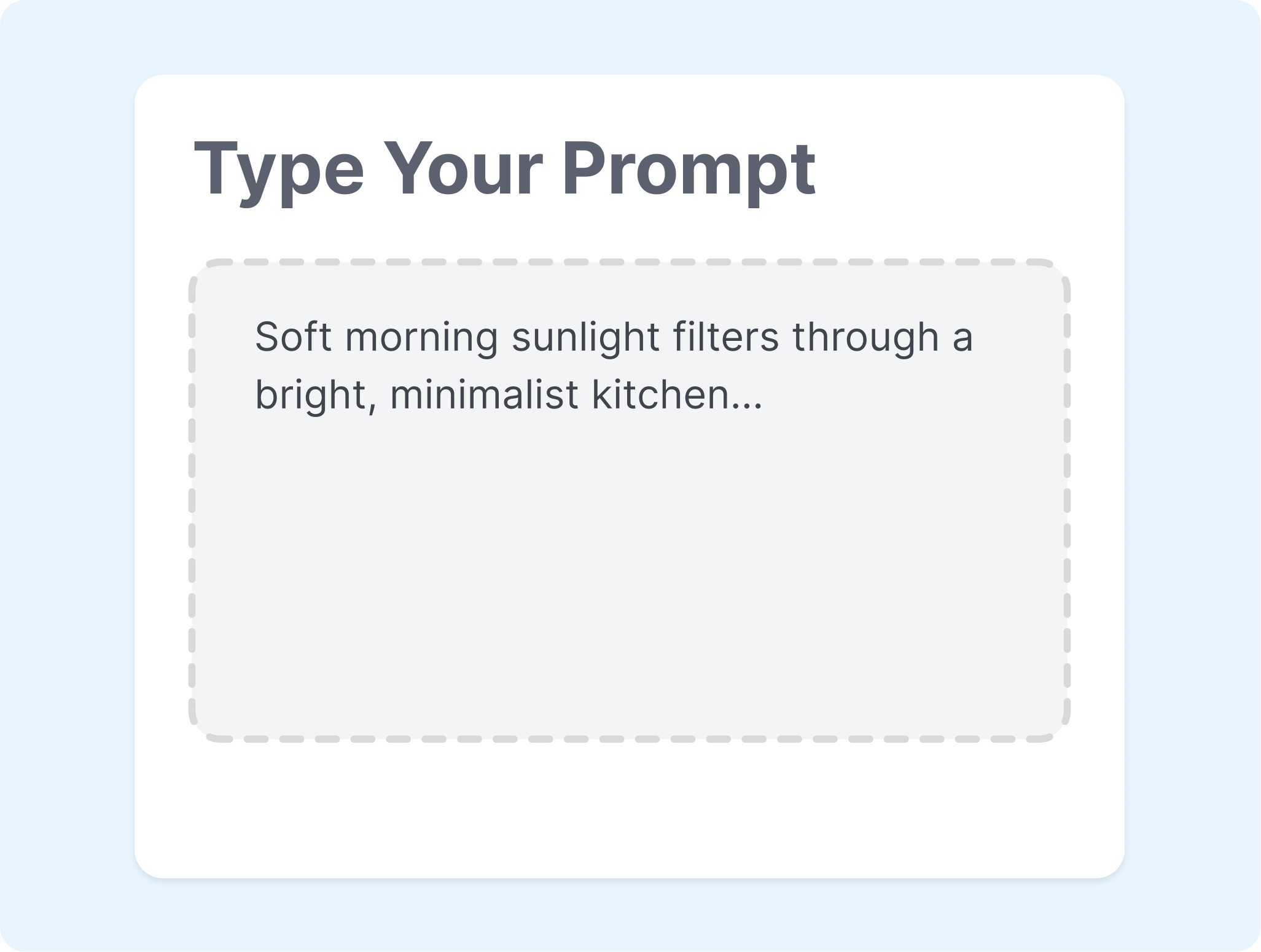
Paste a product URL or add a script, product images, video clips, and a short brief. Check the imported details before generation.
2. Choose the Creative Direction
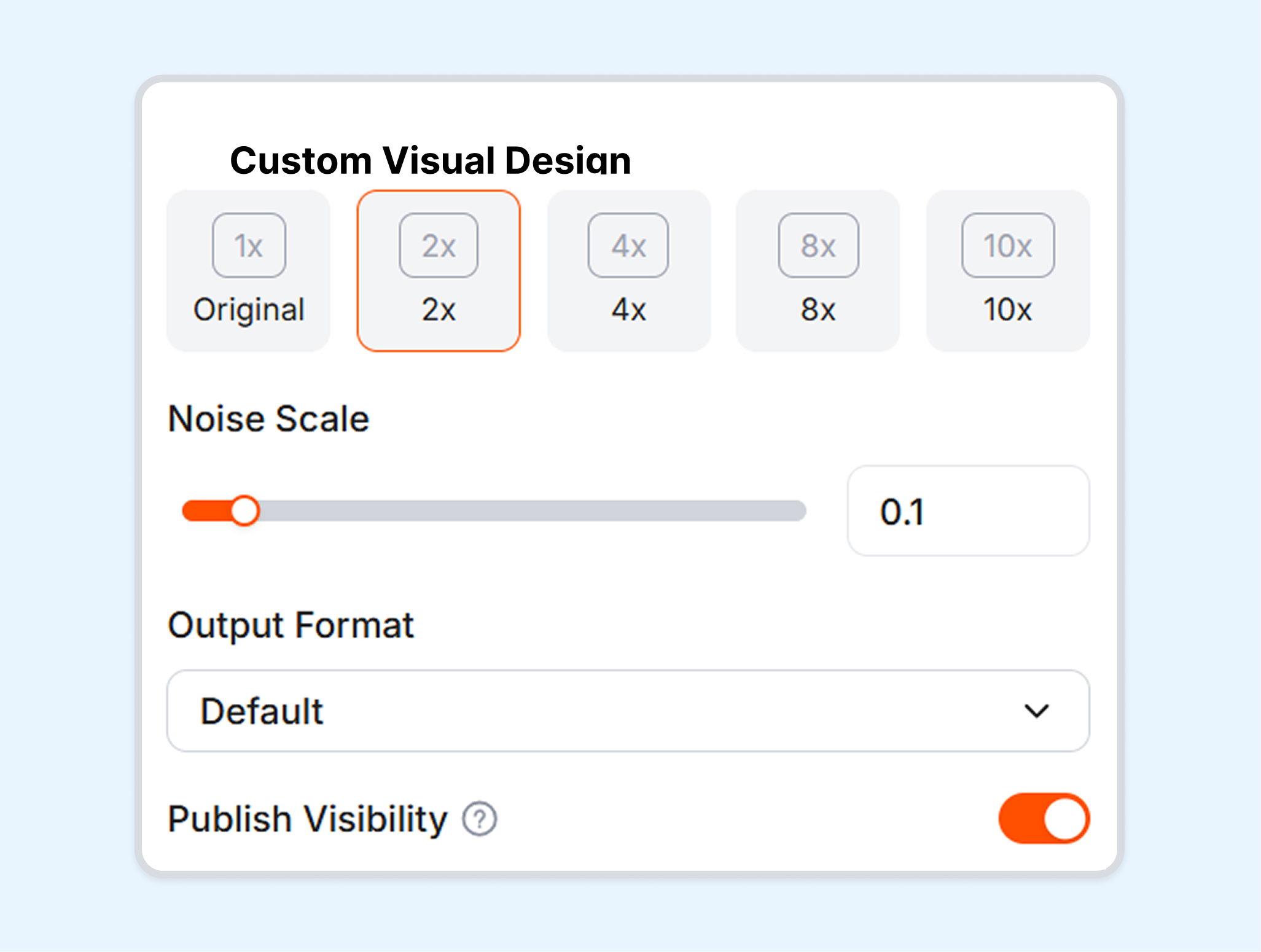
Select a script, avatar or product-led style, voice, language, and aspect ratio. Keep the setup focused on one audience and placement.

3. Generate and Refine
Generate the Creatify ad and review the preview. Adjust the script, presenter, captions, music, B-roll, or layout before export.
Creatify AI Ad Generator for Teams That Test More Creative
Use Creatify AI across ecommerce launches, paid-social testing, client production, and app acquisition.
Ecommerce Brands
Turn a product page into UGC-style, avatar-led, or product-focused ad drafts. Refresh the script, presenter, and format as the catalog or campaign changes.
Performance Marketers
Explore different hooks, angles, and visual structures around the same offer. Use Creatify research, launch, or analytics tools where the selected plan and channel support them.
Creative Agencies
Build repeatable ad workflows for several products or client accounts. Keep each brand's assets and messaging separate while reusing a familiar production process.
App and Game Teams
Start with an app listing, visual assets, or a campaign brief. Create short explainers, feature-led ads, and acquisition creative for different placements.
FAQs
What is Creatify AI used for?
How does the Creatify AI Ad Generator work?
Can Creatify AI create UGC and product video ads?
How many AI actors and languages does Creatify offer?
Can Creatify edit generated video ads?
What is a good alternative to Creatify AI?
Looking for Another Option? Explore Nextify.ai as a Creatify Alternative.
Explore Nextify.ai to turn product URLs, product assets, scripts, and creative references into UGC ads, avatar videos, product videos, and reusable campaign variations in one workspace.