Claid AI Product Photography
Claid is an AI product photography and editing suite for turning product images into catalog, lifestyle, fashion, and campaign visuals. Shape each Claid photoshoot with controlled placement, creative scene generation, reference images, background tools, and image enhancement.

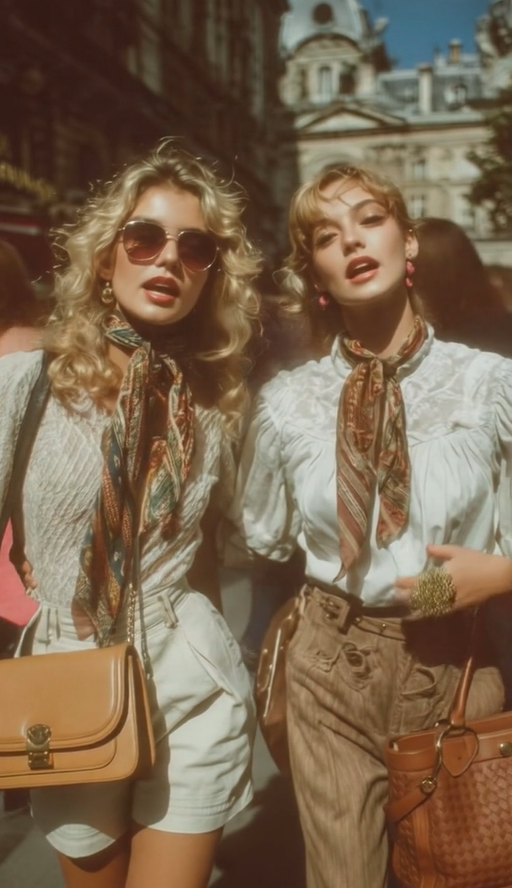
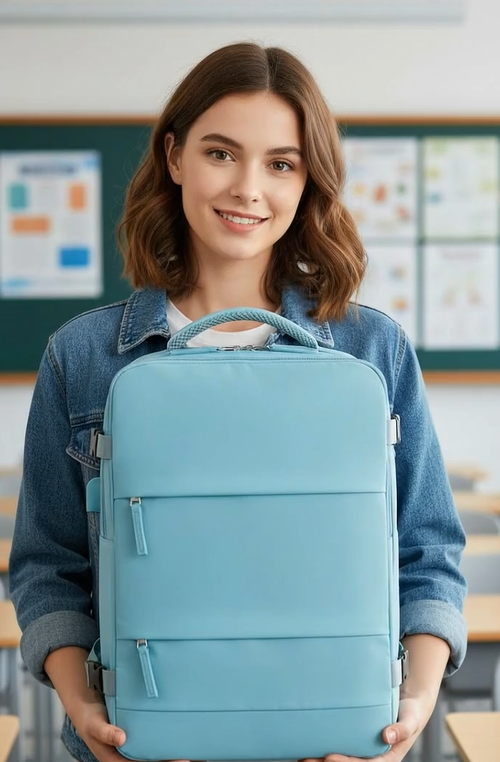


Explore Claid AI Product Photography Workflows
Claid brings scene generation, product-preserving controls, and finishing tools into one ecommerce image workflow.
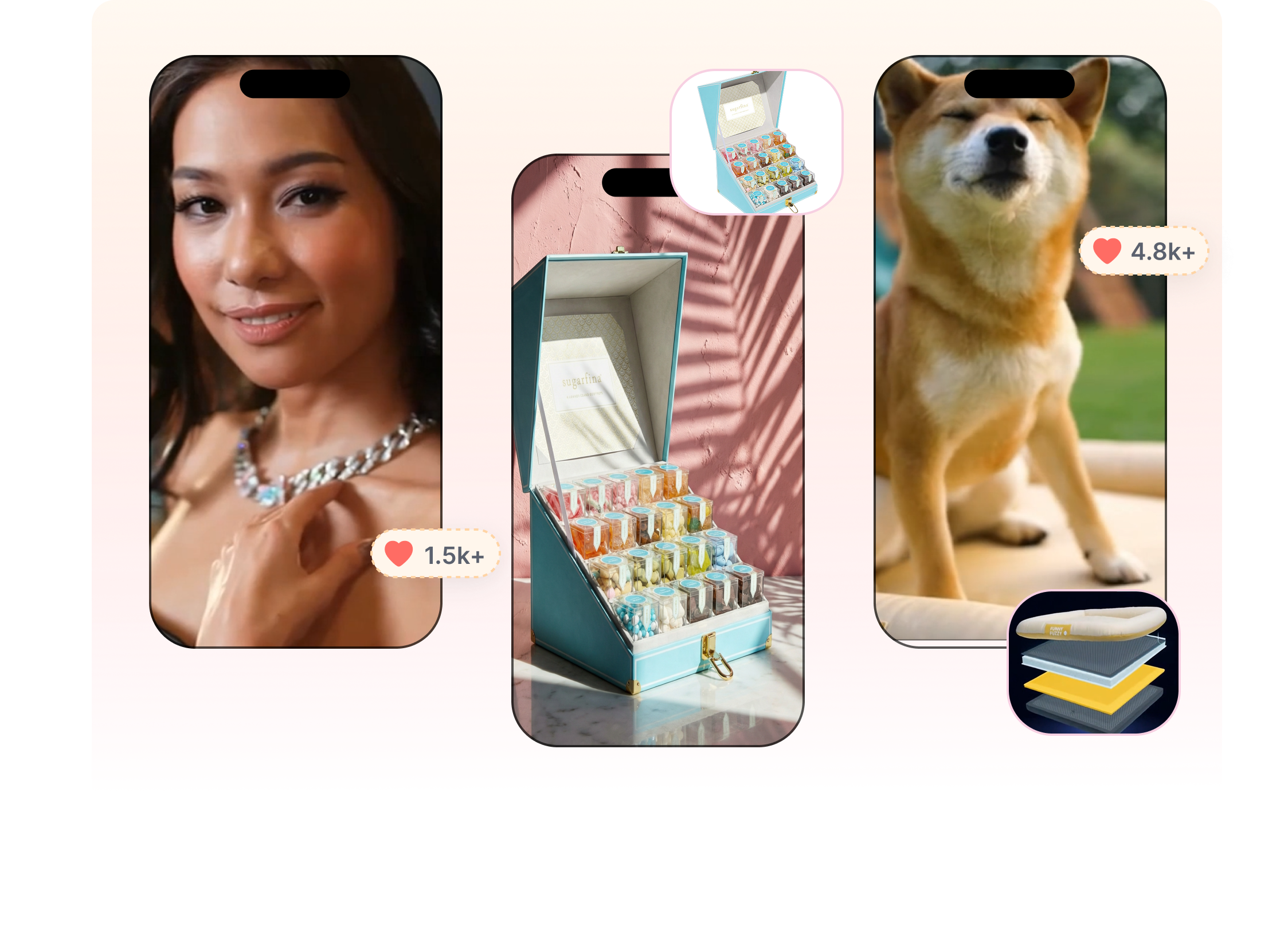
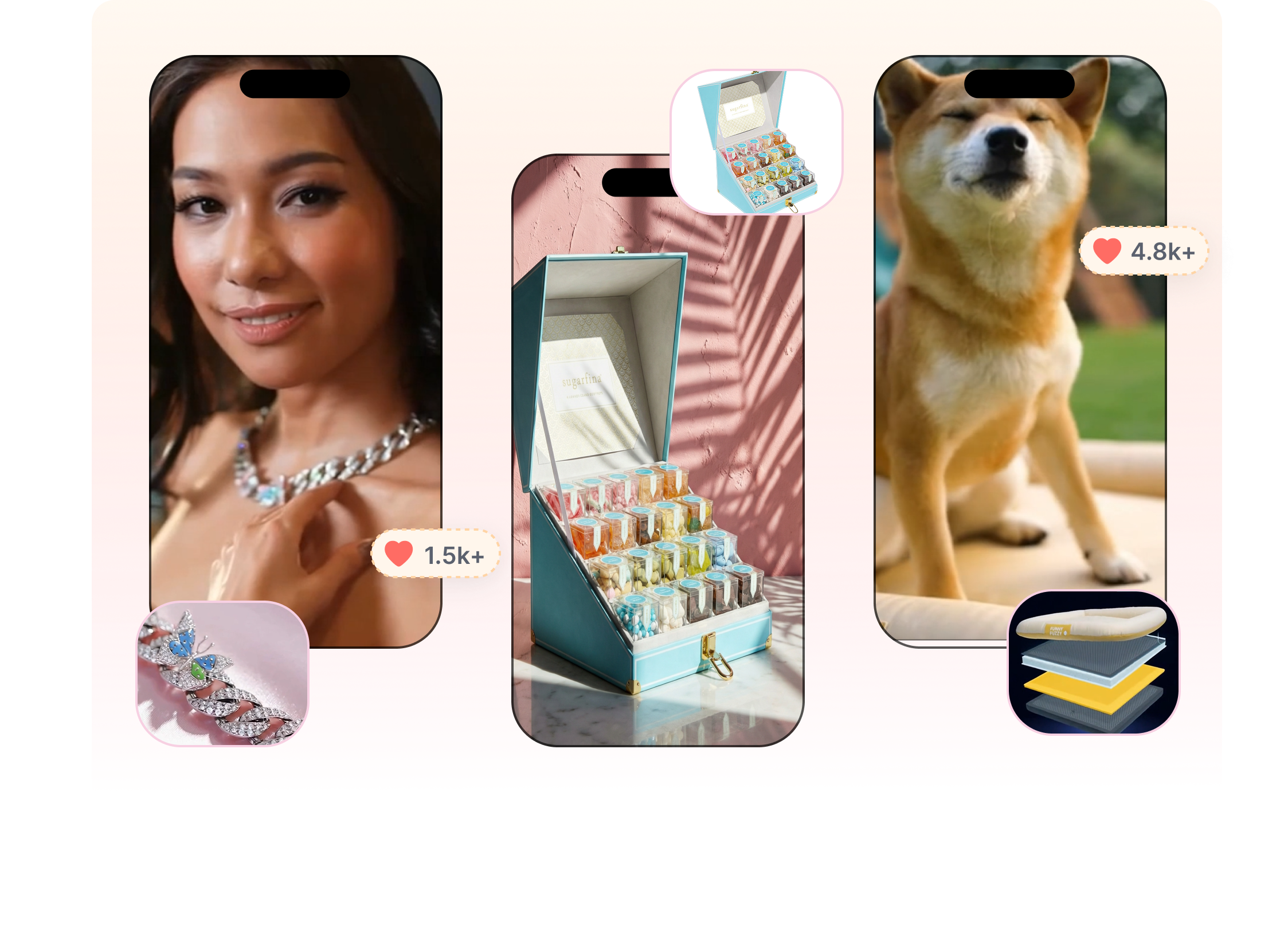
Stage Products in New Scenes
Claid AI Photoshoot turns a single product image into catalog, editorial, or lifestyle compositions. Describe the setting and lighting, or bring in a reference image to steer the visual direction. Product placement can stay fixed for a controlled gallery or shift more freely for exploratory campaign concepts.
Choose How Closely the Scene Should Follow
Creatify AI offers stock presenters, custom avatars, photo-based talking characters, and generated brand personas. Choose a voice and language that fit the market, or pair an avatar with product footage and B-roll. Keep the product message consistent while trying a different face, delivery, or visual setup.




Finish Photos for Their Next Placement
Creatify AI includes an Inspiration Library, competitor tracking, and Ad Clone tools for creative research. Study hooks, selling points, pacing, and CTA patterns before selecting a structure to explore. Adapt that direction around your own product, script, and visuals, then finish the Creatify version in the editor.
Build a Claid Product Photoshoot in 3 Steps
A clear source photo, the right scene mode, and a final quality check carry the image from upload to download.

1. Ready the Product Image
Choose a clear, well-lit photo that shows the full product and important details. Remove the existing background or enhance the source first when the image needs a cleaner starting point.
2. Direct the Scene
Select the Claid Photoshoot mode that fits the required level of control. Set the placement and aspect ratio, then describe the environment or add the relevant reference, background, or mockup asset.

3. Evaluate and Finish
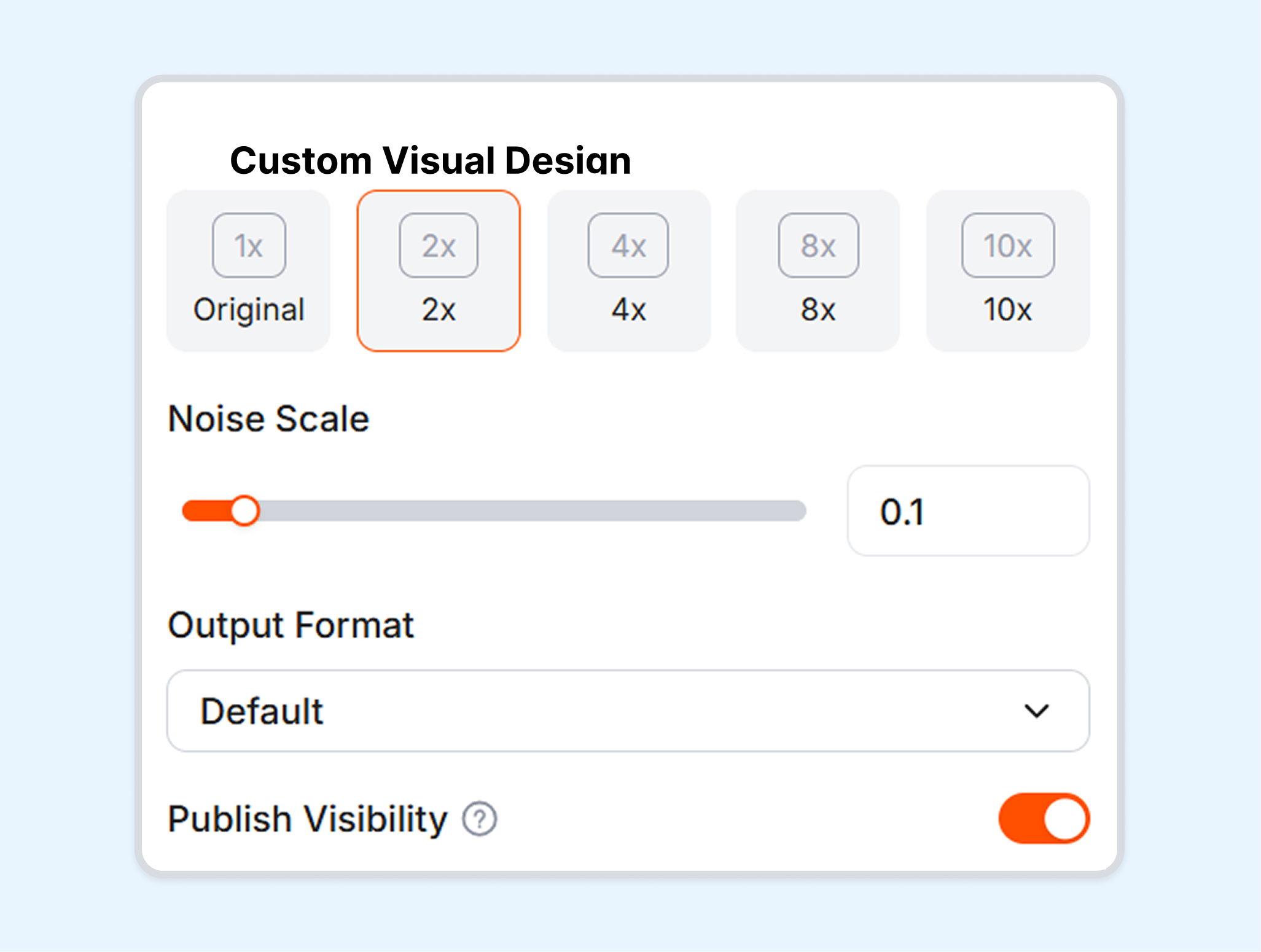
Generate the options and inspect product shape, color, labels, lighting, and shadows at full size. Refine, upscale, expand, or export the strongest image for its intended placement.
Where Claid AI Product Photography Fits
Different Claid workflows serve clean catalog production, campaign exploration, fashion imagery, and automated image operations.
Ecommerce Catalog Teams
Consistent framing and clean product presentation matter across a large group of SKUs. Precise placement, background tools, enhancement, and export controls give Claid a practical role in catalog preparation.
DTC Brands
A single packshot can lead to seasonal scenes, lifestyle concepts, and social campaign visuals. Claid lets brand teams explore new settings while retaining more control when a layout or approved background must stay recognizable.
Fashion Sellers
Apparel teams can use Claid AI Fashion Models for on-model imagery alongside the broader product photography toolkit. Model selection and fashion-specific controls keep this workflow distinct from general AI Photoshoot scenes.
Marketplaces and Developers
High-volume image pipelines often need repeatable editing rather than one-off manual exports. Claid APIs support operations such as background generation, removal, enhancement, resizing, and other automated image workflows.
Frequently Asked Questions
What is Claid?
What can Claid AI product photography create?
How are Precise and Creative modes different?
Can Claid use an existing background or reference image?
How does Claid handle product text and logos?
Does Claid support fashion product photography?
What is a useful alternative to Claid?
Looking for Another Option? Explore Nextify.ai as a Claid Alternative.
Use Nextify.ai to create product scenes, clean backgrounds, lighting and shadow treatments, virtual-model imagery, and reusable ecommerce assets across a connected creative workflow.