AI Amazon Listing Image Generator
Upload real product references and describe the item, selling points, audience, and intended scene. Nextify turns the brief into Amazon main, detail, and scene images in your selected language and ratio. Review and download the visuals that best represent your product.
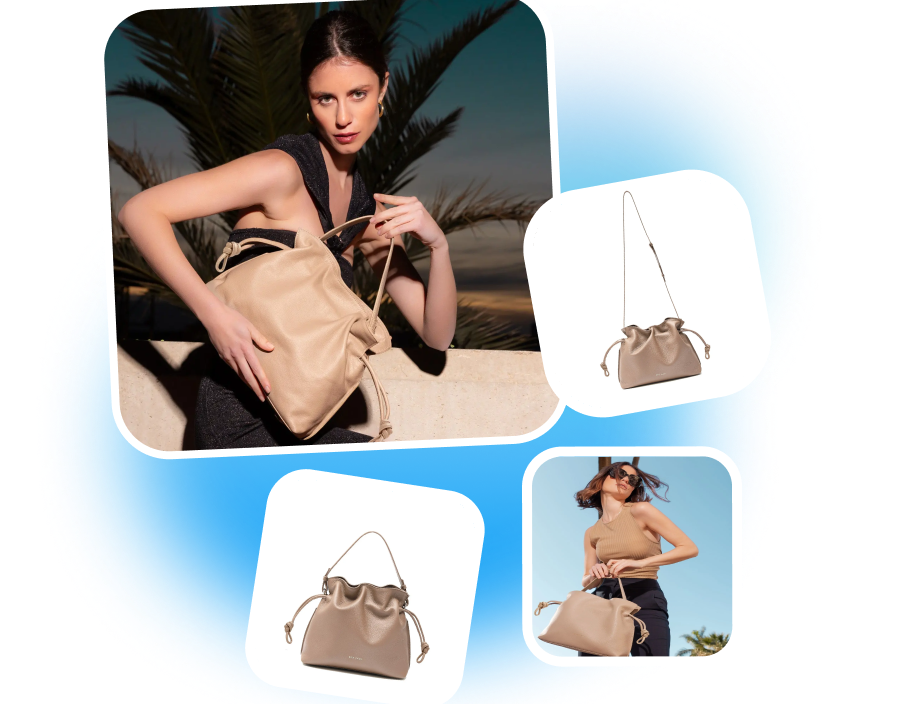
Turn Product Facts into Clear Amazon Listing Images
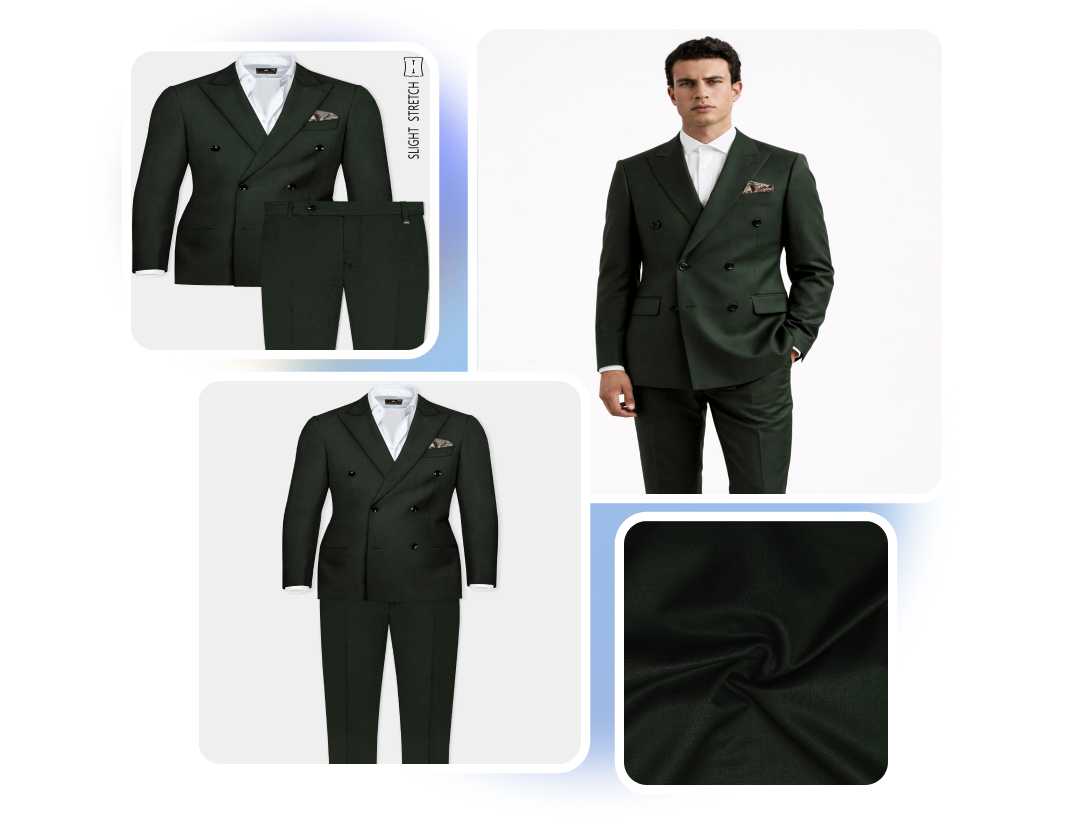
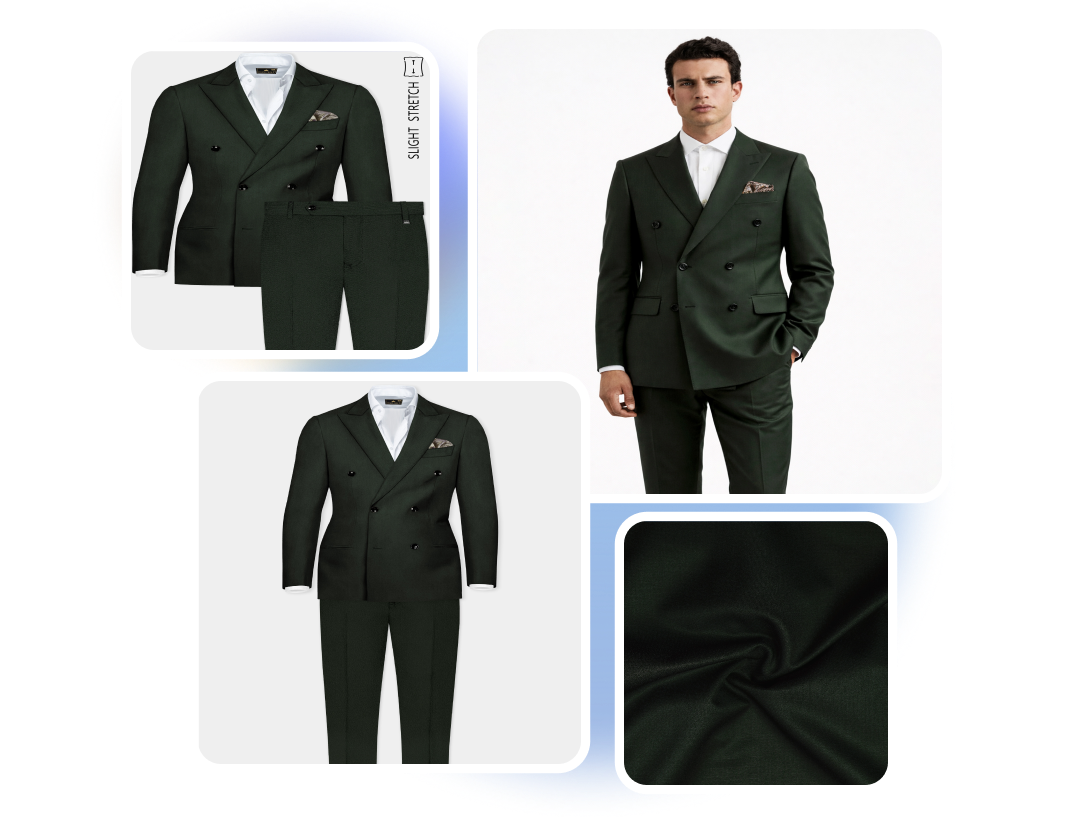
AMAZON MAIN IMAGE GENERATOR
Put the Product First
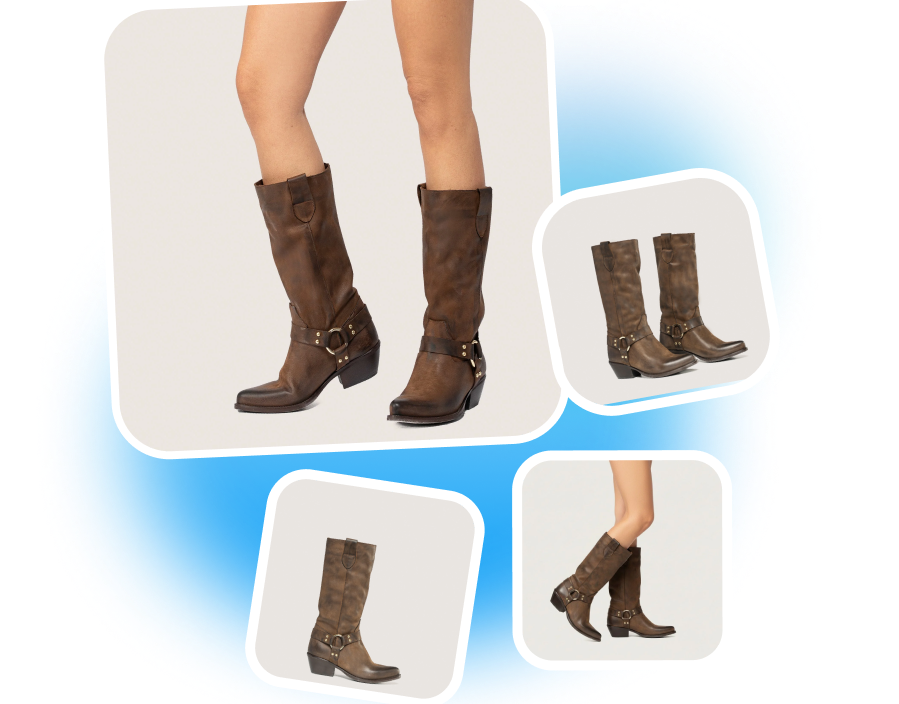
Create a clean, product-focused image for your Amazon listing. Use Custom Mode to define a plain setting, selected ratio, and clear product presentation. Give shoppers an immediate view of the item being sold.
AMAZON FEATURE IMAGE MAKER
Turn Product Facts into Visuals
Create Amazon feature images from verified product information. Use a key selling point, audience need, or use case to guide each composition. Make important details easier to understand without crowding the main image.
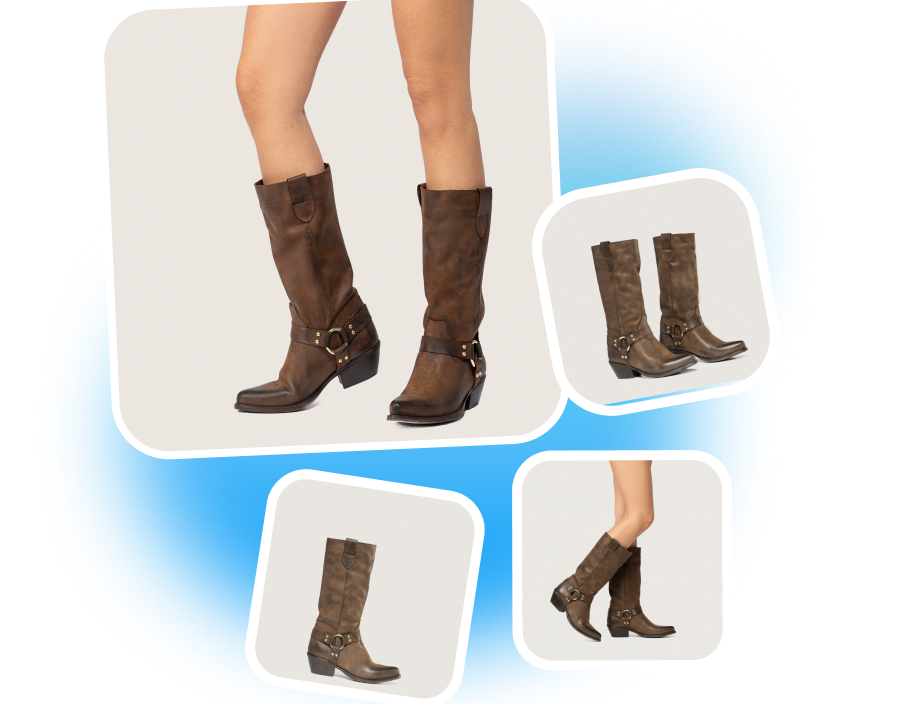
AMAZON SCENE IMAGE MAKER
Show the Product in Use
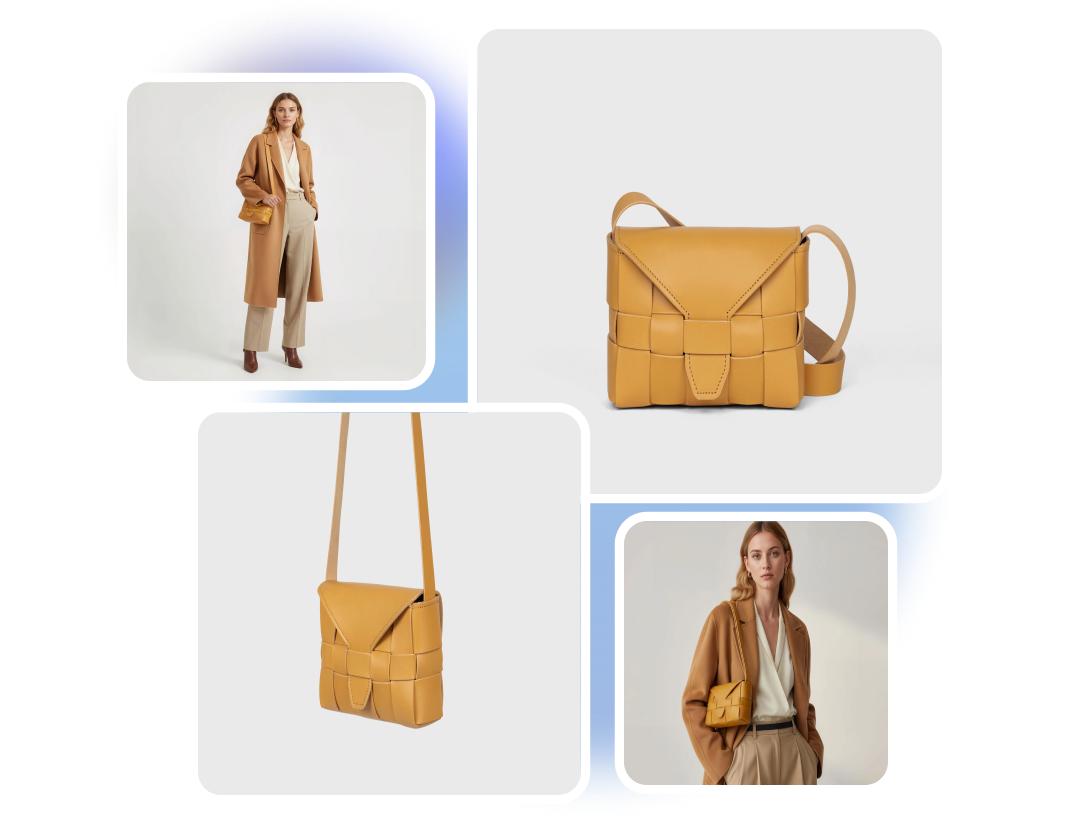
Create an Amazon scene image around a specific product use case. Define the audience, setting, supporting objects, and moment you want to show. Help shoppers understand how the product fits into a realistic situation.
AMAZON PACKAGE CONTENTS IMAGE
Show What Comes in the Box
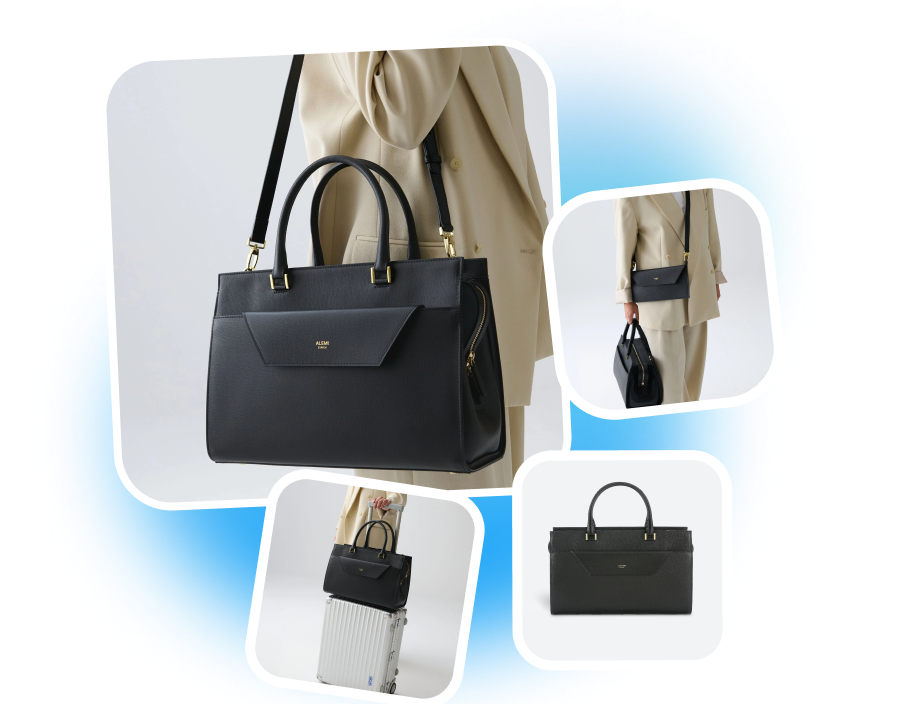
Create an Amazon image that presents the product with its included parts, accessories, and packaging. Add the verified contents and quantities to the brief. Help shoppers see exactly what they will receive.

From Product References to Amazon Listing Images
1. Set the Amazon Output
Select Amazon, then choose the target market, output language, and available image ratio.
2. Add Product Information
Upload up to three reference photos. Enter the product name, selling points, audience, intended scene, and visual requirements.
3. Generate and Select
Click Generate to create the Amazon product images. Preview the results and download the visuals you want to use.
Amazon Listing Image Generator for Real Seller Workflows

Private-Label Sellers
Turn approved product photos and selling points into Amazon listing images for a new product launch. Create different visual directions without preparing a separate manual design brief for every image.

FBA Catalog Teams
Generate main, detail, and scene images for the products currently being prepared. Use the same product information to guide different image types while keeping each generation task focused.

Amazon Agencies
Convert client references and approved product information into visual drafts. Present different image directions for review before delivering the selected assets to the listing team.
Frequently Asked Questions
It creates Amazon main images, detail images, feature visuals, and product scenes. The output follows the references and product brief you provide.
Yes. Choose the relevant image type in Custom Mode and describe the product-focused presentation you want.
Yes. Enter the approved selling points in the product brief. Nextify uses that information to guide the visual direction.
Yes. Describe the audience, environment, use case, and supporting objects you want the scene to include.
AI Auto-Match suggests a suitable mix of listing images. Custom Mode lets you request a specific main, scene, feature, detail, or supporting image.