AI Product Demo Video Generator
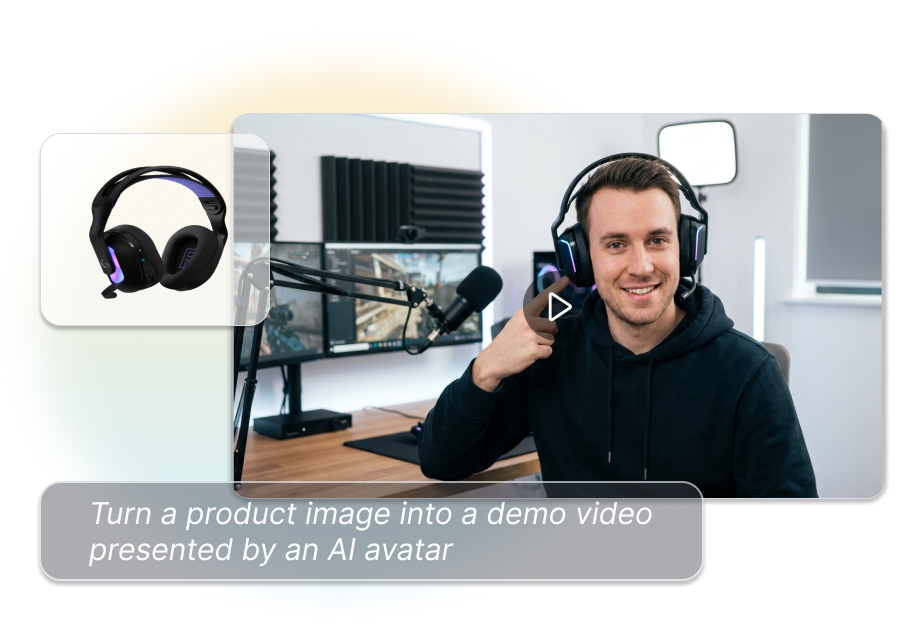
Turn a product image into a short video presented by an AI avatar. Match the item with a suitable holding, wearing, or display action, then add your script and voice. Create a human-led product demonstration without arranging a new recording session.
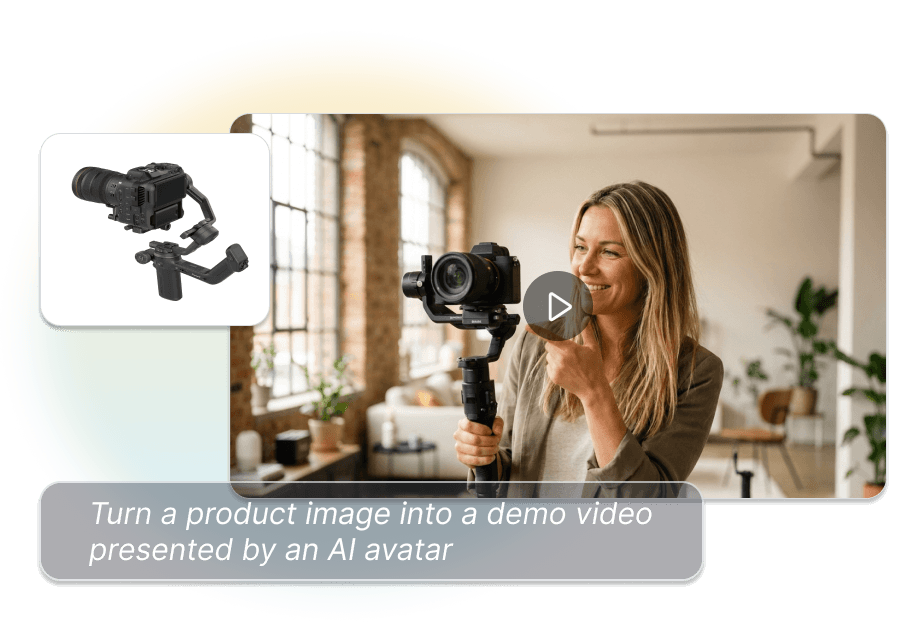
Turn Product Images into Avatar-Led Demonstrations
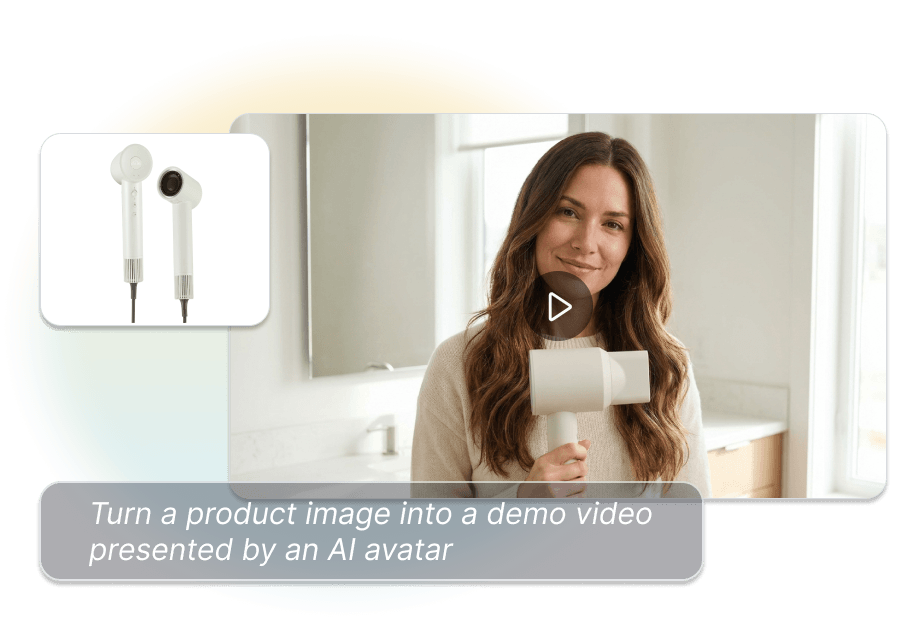
Put Products in Their Hands
Add an AI avatar and upload your product image to create a hands-on demonstration. Place the item naturally within a presenter-led video instead of showing it as a static overlay. Give viewers more visual context for the product.
Match the Right Action
Let AI match the product with a suitable display action or select one yourself. Choose palm display, one-hand grip, two-hand hold, try-on, cradle hold, or jewelry wear. Present different product categories through more relevant interactions.
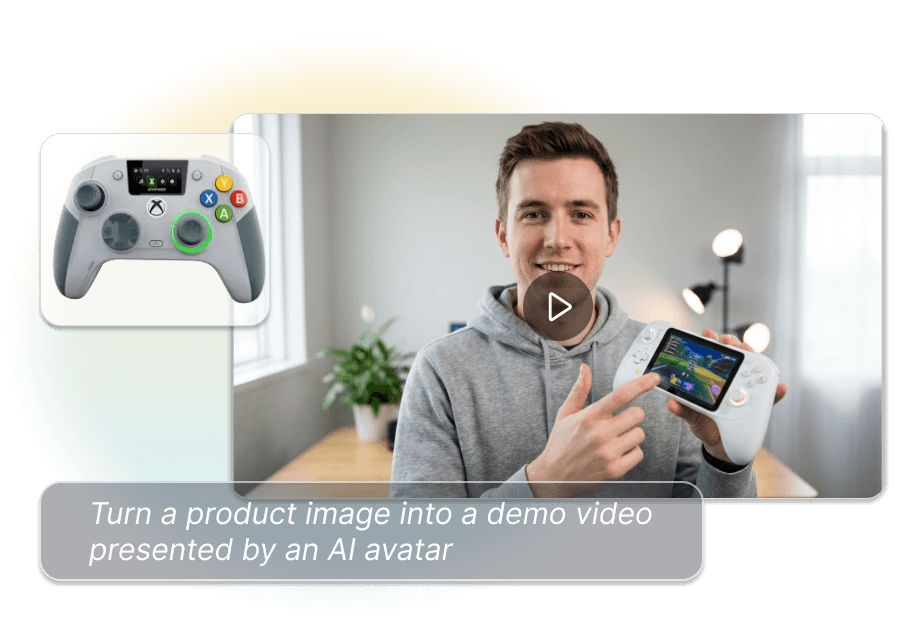
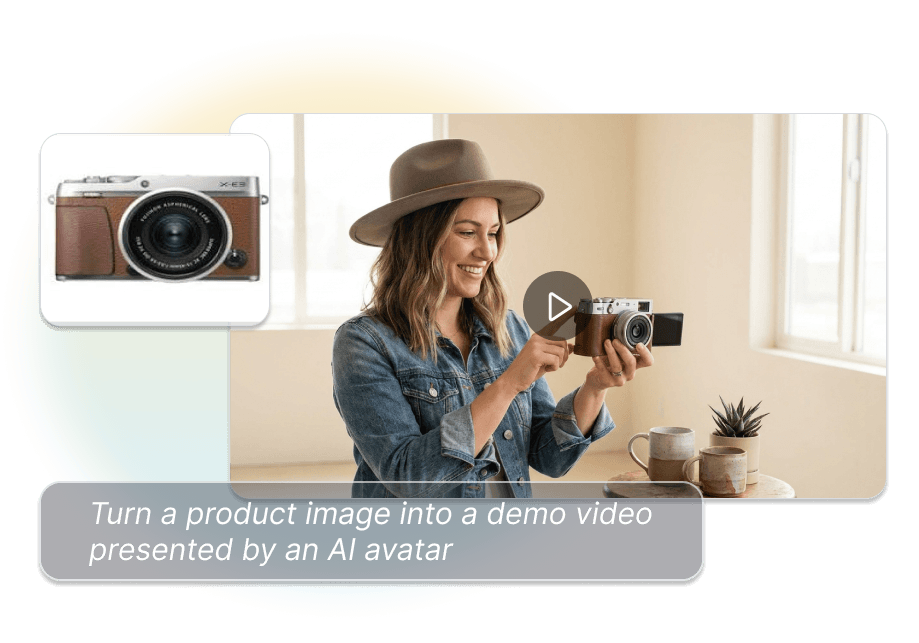
Control the Message and Mood
Enter the words you want the avatar to deliver and define the intended emotion. Coordinate the spoken message with the selected product action. Keep the presentation aligned with your product benefits and desired delivery style.
Give Every Demo a Voice
Turn written scripts into speech or transform an uploaded voice with speech-to-speech generation. Choose the voice workflow that suits your available audio and creative direction. Produce spoken product demos without recording every line again.
Create with AI Product Demo Video Generator in 3 Steps
1. Add the Avatar and Product
Select or add an AI avatar, then upload a clear image of the product you want the presenter to demonstrate.
2. Set the Action and Delivery
Let AI recommend a display action or select a specific pose. Add the script, emotion, and text-to-speech or speech-to-speech voice.
3. Configure and Generate
Set the video ratio and resolution, then render the project. Review the product appearance, avatar interaction, speech, and movement in the finished video.
Product Demonstrations for Different Selling Needs
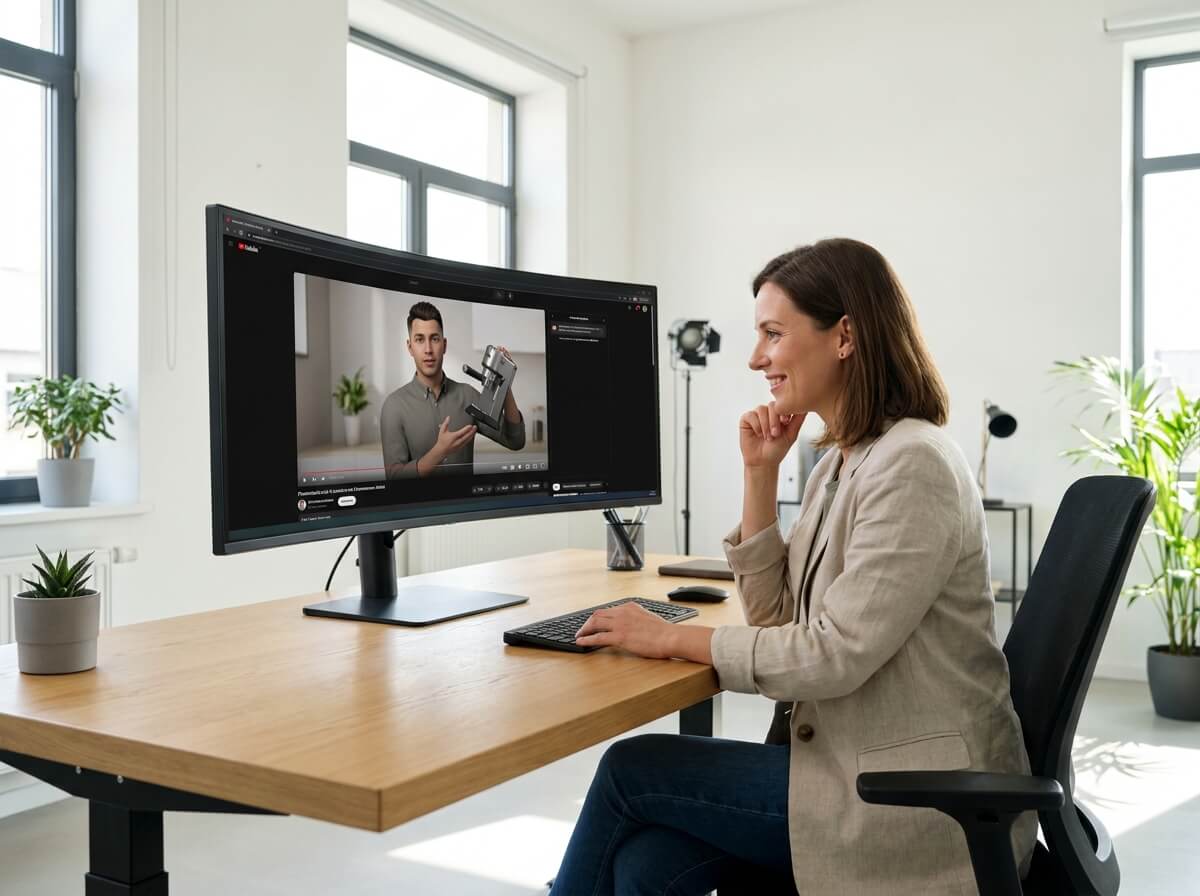
Ecommerce Product Teams
Create short avatar-led demonstrations for products that benefit from visible scale, handling, or presentation. Show how an item looks when held without organizing another presenter shoot for every product.
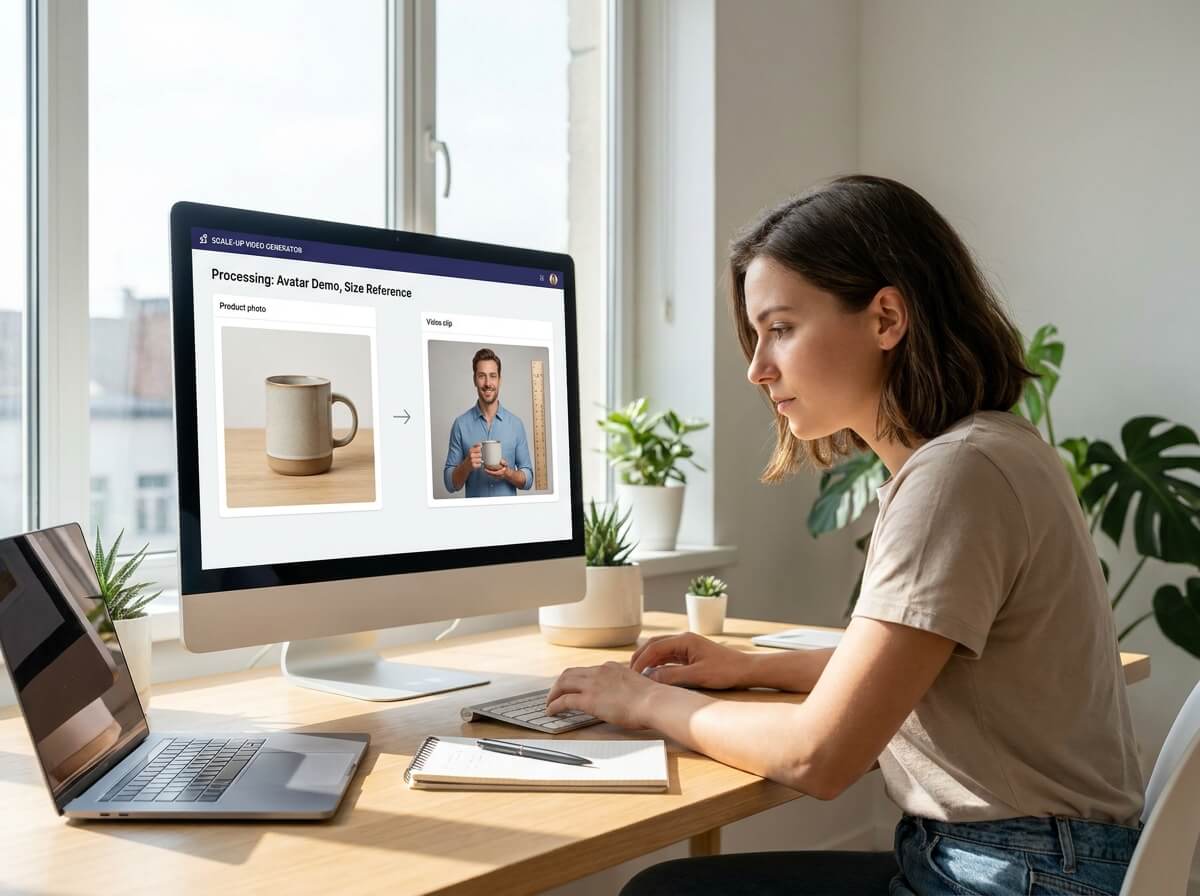
Fashion and Accessory Brands
Place apparel, jewelry, bags, and wearable products on an AI avatar using category-relevant actions. Use try-on, wearing, holding, or carrying poses to present how the item appears with a person.
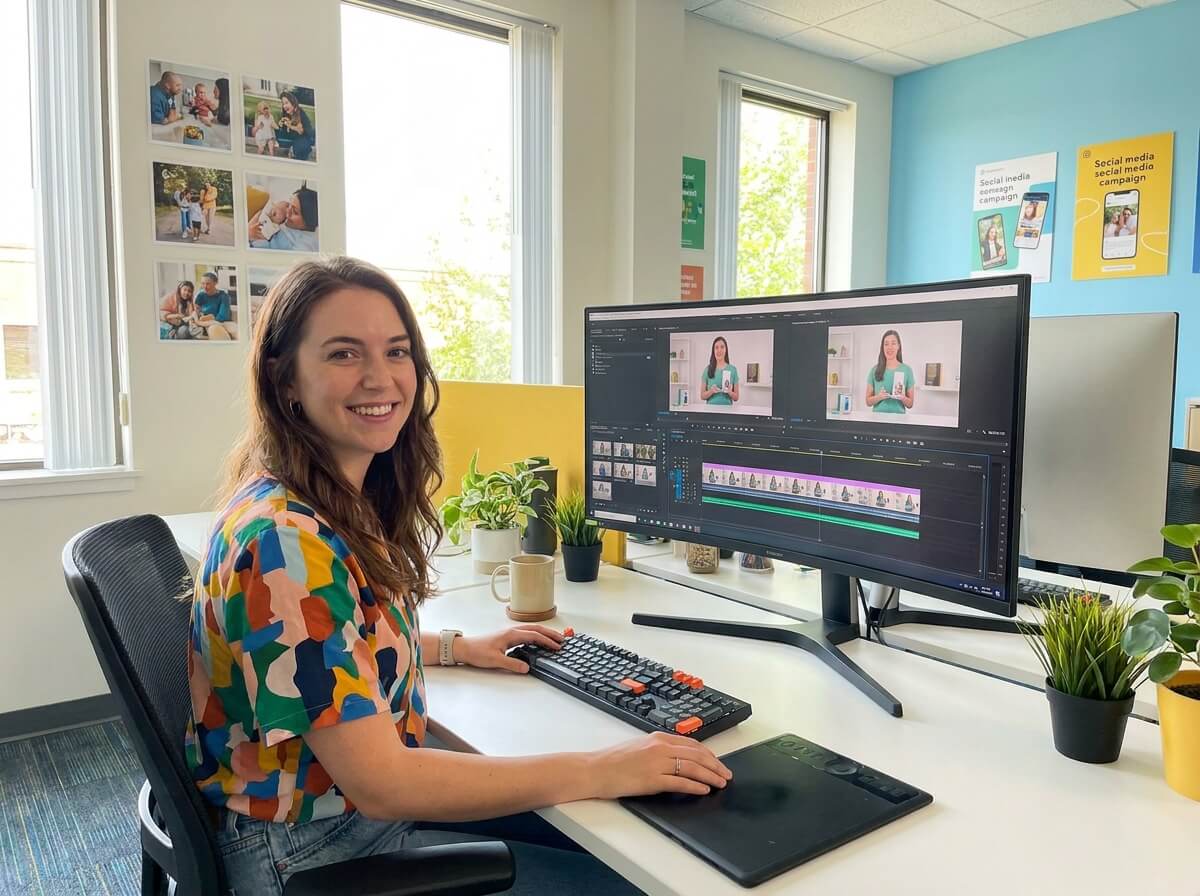
Social Creative Teams
Turn product images and short scripts into presenter-led content for different creative briefs. Adjust the emotion, voice, ratio, and resolution to prepare variations for different video placements.
Frequently Asked Questions
It creates short videos in which an AI avatar presents, holds, wears, or interacts with a product. The video is generated from the selected avatar, uploaded product image, action, script, and voice settings.
Nextify uses the uploaded product to recommend a suitable display action. You can use the suggested action or select a specific pose manually.
The AI product demo video generator supports palm display, one-hand grip, two-hand hold, try-on, cradle hold, and jewelry wear. Choose an action that suits the product’s size, category, and presentation needs.
Yes. The AI avatar product video generator provides try-on and wearing actions for applicable clothing, accessories, and jewelry. Review the fit, placement, scale, and product details after rendering.
Yes. Enter the script in the product demo video maker and select the intended emotion. Keep the dialogue concise enough for the desired video length.