AI Lip Sync Video Generator
Turn a script or uploaded audio into a speaking avatar video. Nextify uses the selected voice track to drive the avatar’s mouth movements and facial delivery. Create new spoken content without recording the actor for every line.
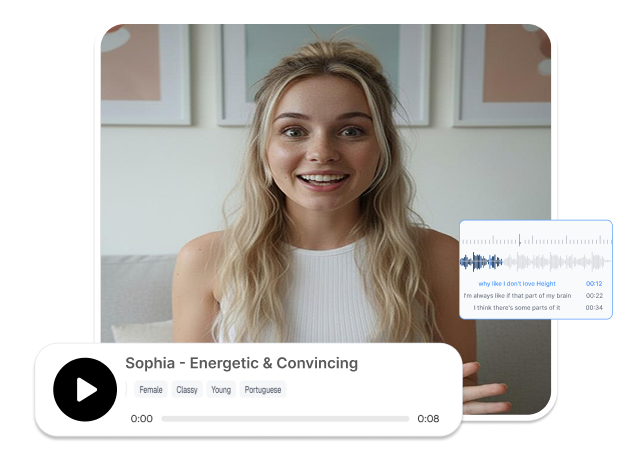
Turn Scripts and Audio into Speaking Avatar Videos
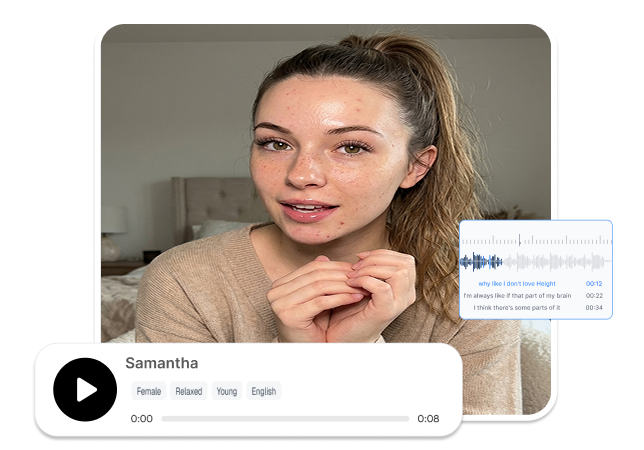
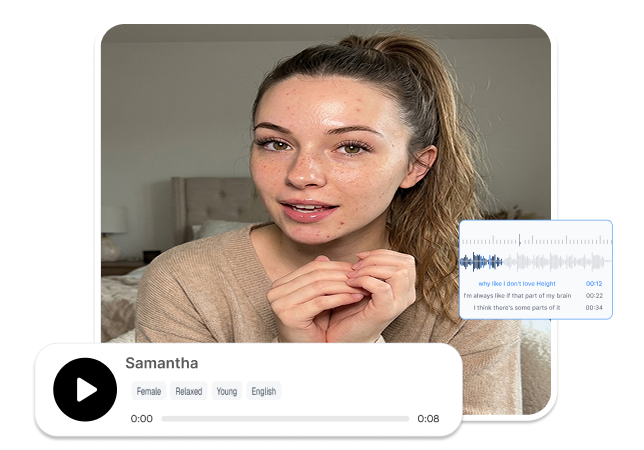
Sync Speech with the Face
Drive the selected actor’s mouth movements and facial delivery with a new speech track. Nextify aligns the visible performance with the words being spoken. Create a coordinated talking-avatar video from text or audio.
Update Lines Without Recording
Enter new dialogue in text-to-speech mode and let AI generate the voice. Add speech emotion to guide the intended tone. Update the avatar’s message without recording each revised script yourself.
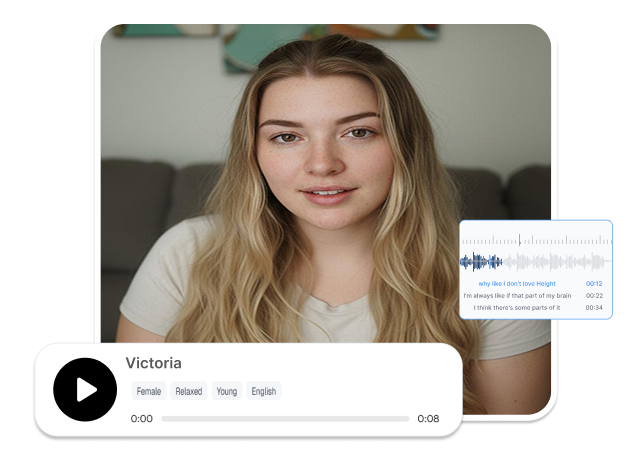
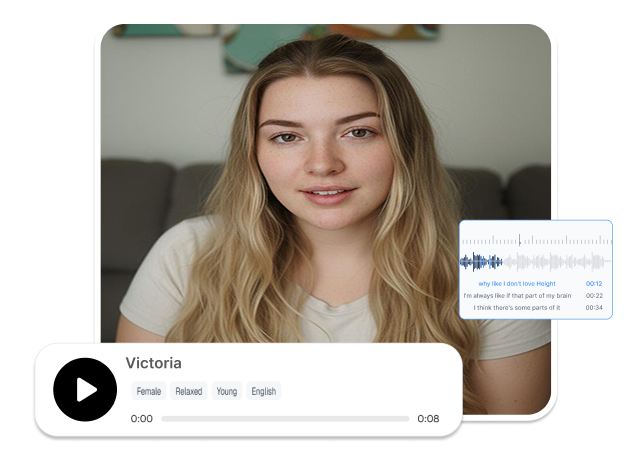
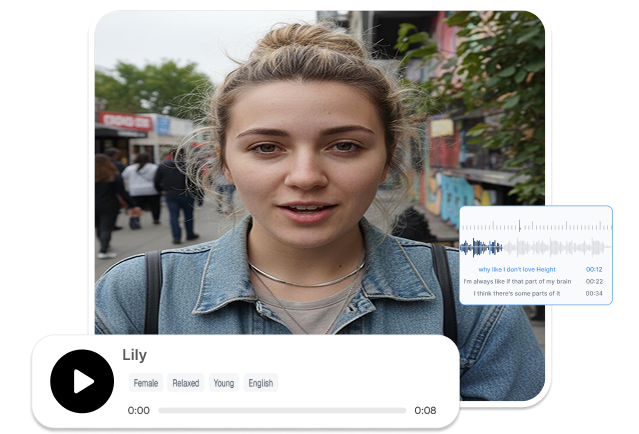
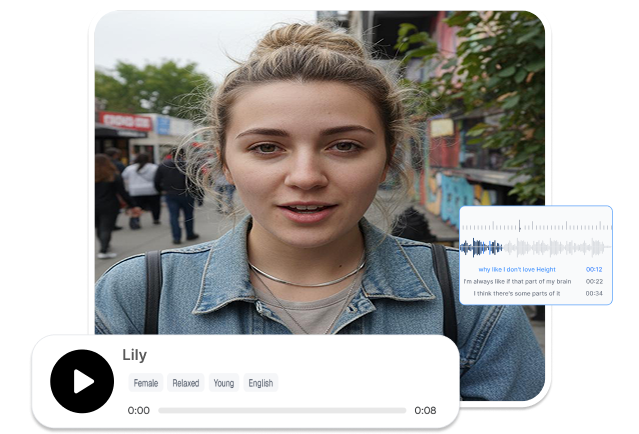
Compare Lip-Sync Versions Together
Keep generated lip-sync videos visible in the canvas and history list. Compare different actors, scripts, audio tracks, or emotional deliveries in one workspace. Choose the most suitable version before exporting.
Sync Avatars to Your Audio
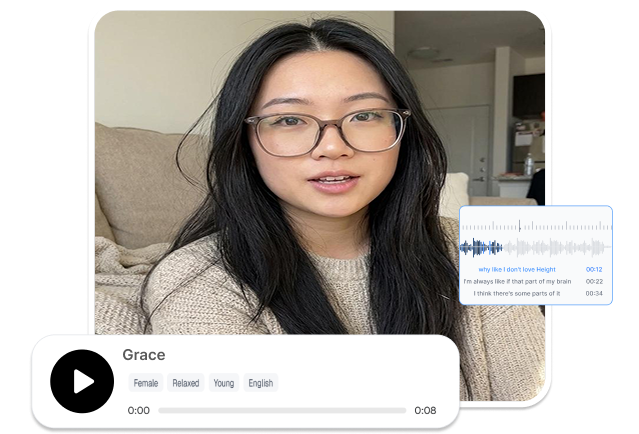
Upload a finished audio track or record directly online to drive the selected avatar. Use its original pacing, pauses, and emphasis as the timing reference for the lip sync. Turn approved audio into a new talking-avatar video.
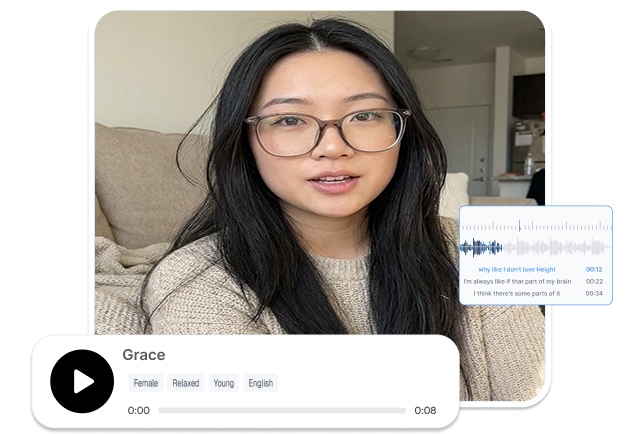
Create with AI Lip Sync Video Generator in 3 Steps
1. Choose an Actor
Select the actor or digital avatar that will deliver the message. Confirm that its appearance fits the intended content and audience.
2. Add the Speech
Enter a script in Text to Speech mode or upload an audio file in Speech to Speech mode. Add speech emotion when the delivery needs a specific tone.
3. Set and Generate
Choose the video aspect ratio and resolution. Click Generate to render the lip-synced video, then review its mouth movements, expressions, audio, and timing.
An AI Lip Sync Video Generator for Different Content Teams

Marketing Content Teams
Update promotional announcements, product introductions, and campaign messages without recording the presenter again. Change the script or audio while continuing to use an appropriate digital actor.
Training and Explainer Teams
Turn written lessons or recorded narration into presenter-led videos. Use speech emotion to distinguish instructions, explanations, warnings, and other parts of the message.

Agencies and Production Teams
Generate and manage multiple avatar videos for different briefs, actors, or scripts. Use the batch canvas to compare results and keep several client outputs organized in one place.
Frequently Asked Questions
Yes. Select text-to-speech mode and enter the dialogue you want the avatar to deliver. Nextify generates the voice and uses it to drive the lip-sync animation.
Yes. Switch to speech-to-speech mode and upload the audio file you want to use. The selected actor will be animated according to that speech track.
An AI lip sync video generator synchronizes a selected avatar’s mouth movements and facial expressions with generated speech or uploaded audio. It creates a talking-avatar video that follows the provided audio.
Yes. Select an actor or digital avatar before adding speech to the AI lip sync video maker. Preview how the chosen presenter handles the voice, mouth movements, and emotional delivery.
Yes. Choose the available aspect ratio and resolution before rendering your lip-sync video. Match the output settings to the screen or placement where the video will appear.