AdCreative AI Ad Generator
AdCreative.ai is an AI advertising platform for creating multi-format paid media assets. Add a website, product image, or short brief, then generate branded variations, review predictive scores, and adapt selected drafts for each channel.
Build More Ad Variations with AdCreative.ai
Use AdCreative.ai to move from brand inputs to scored, editable creatives sized for paid channels.
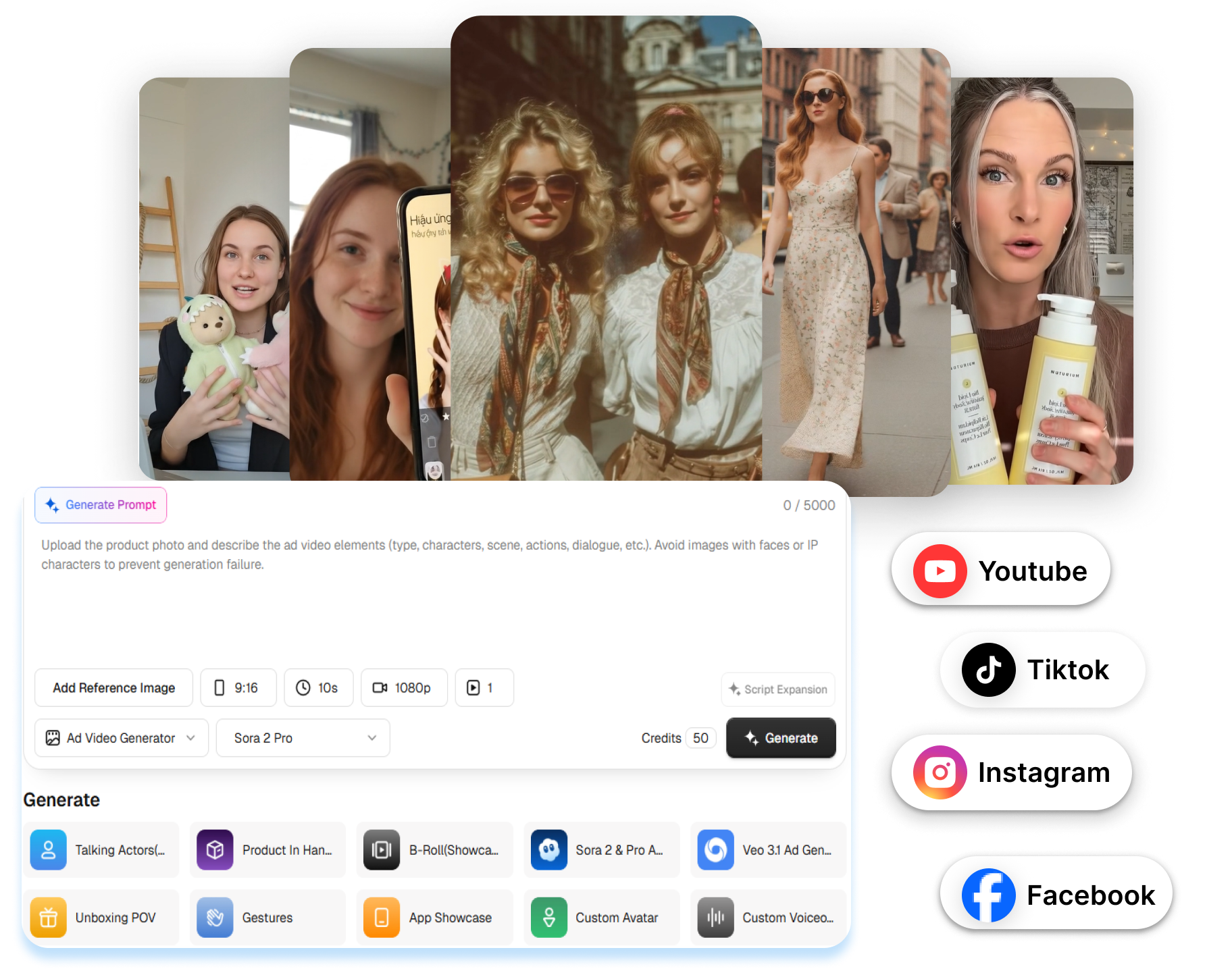

Turn Brand Inputs Into Complete Ad Drafts
AdCreative.ai supports website, product image, brand, and brief inputs for generating static and video ad creatives. Set the logo, colors, message, audience, and preferred format before generation. Compare several directions without assembling every banner or short video from a blank canvas.
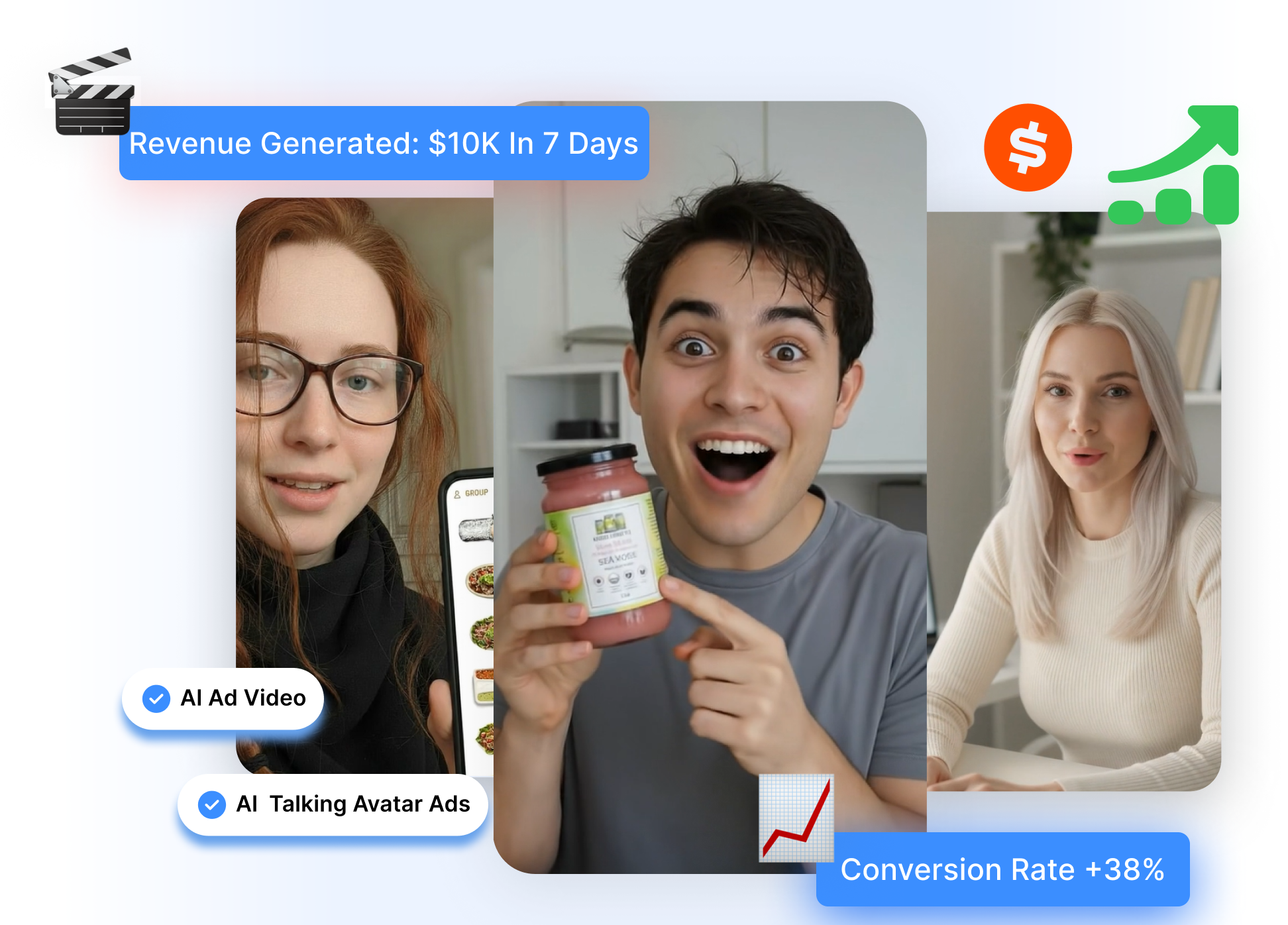
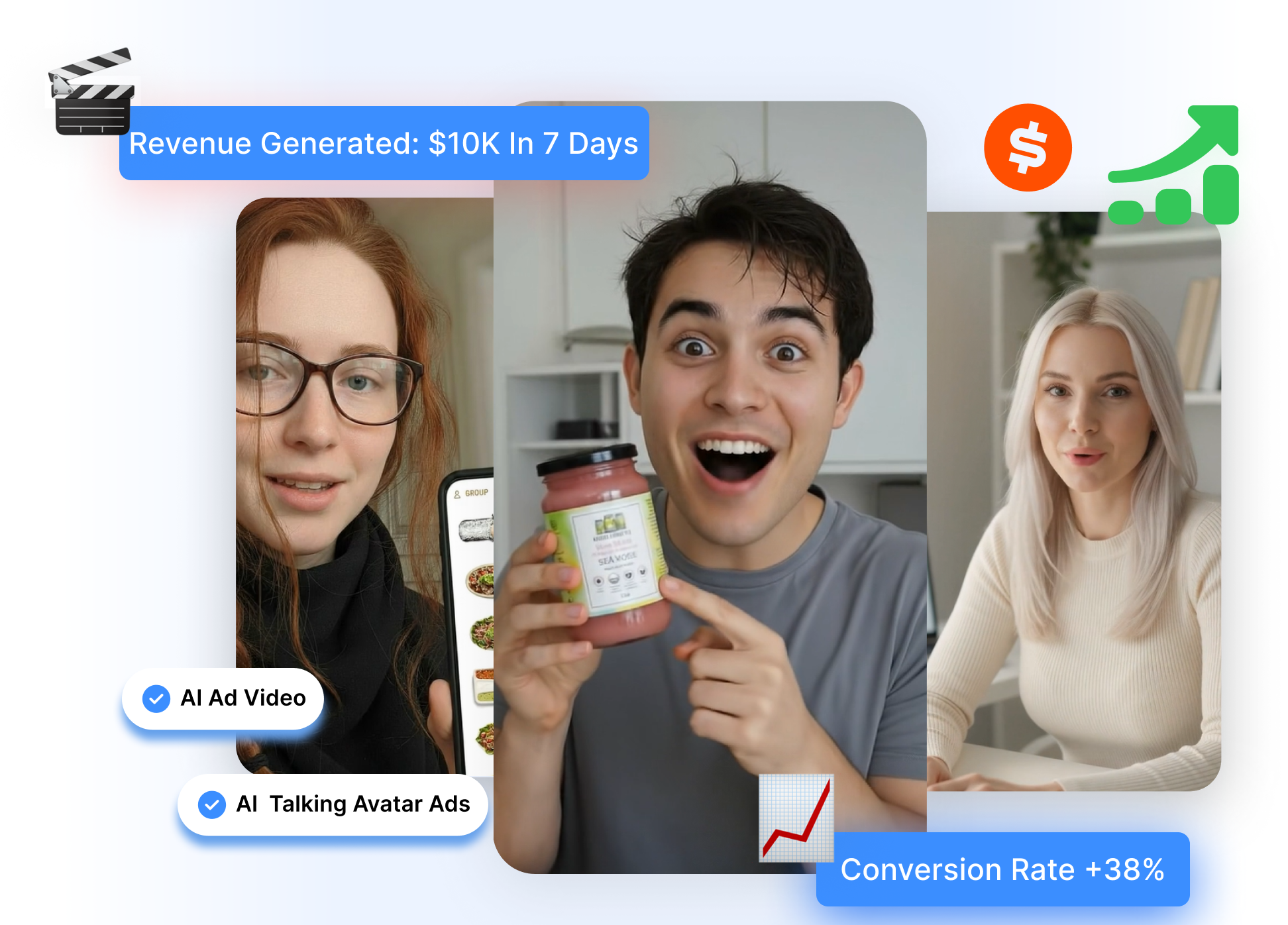
Use Predictive Signals to Shortlist Ideas
AdCreative.ai provides Creative Scoring AI to evaluate ad designs and suggest changes before launch. Review the score and feedback as a preflight signal, then decide which versions deserve campaign testing. Treat the prediction as a prioritization aid rather than a guaranteed result.
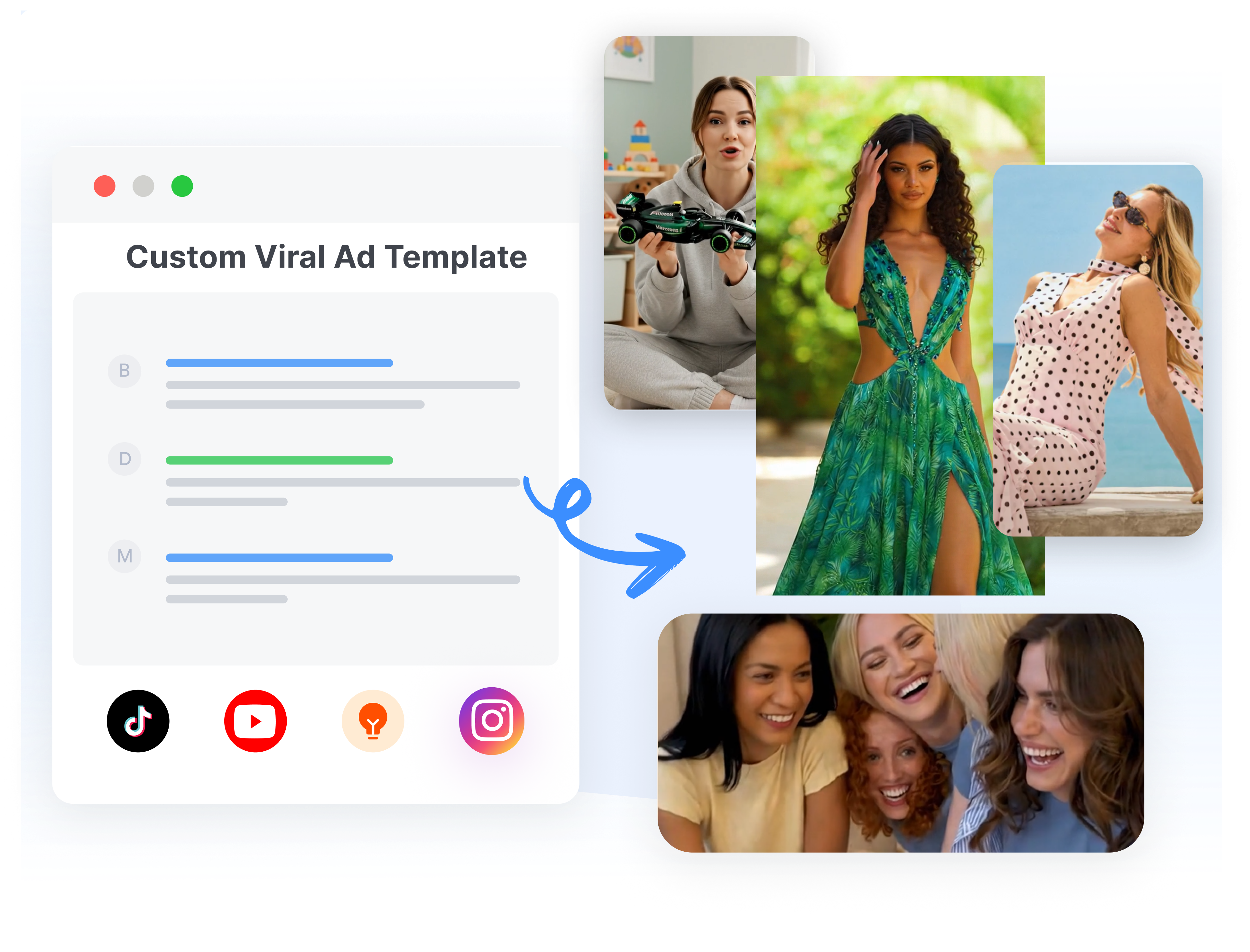
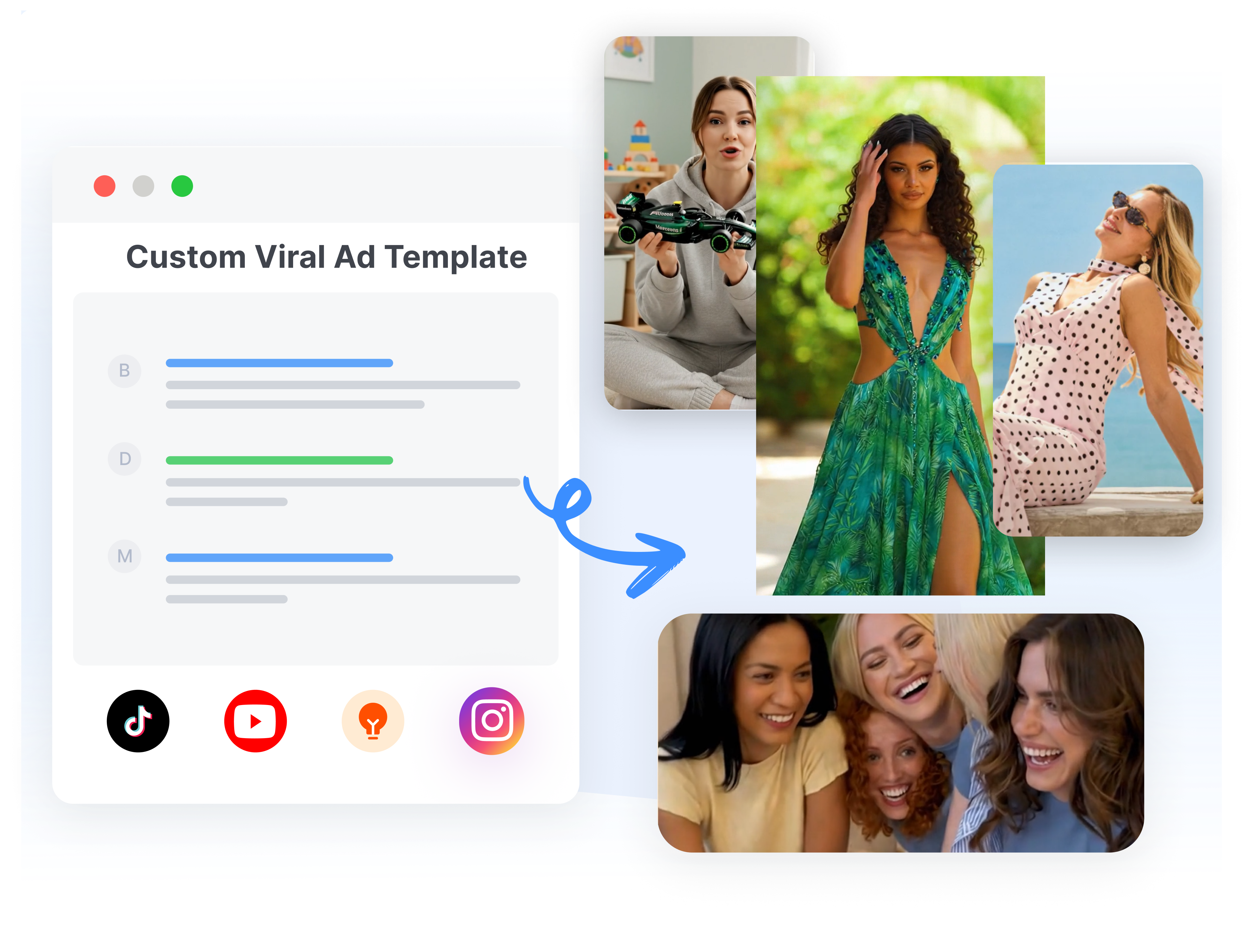
Adapt a Template Across Campaign Formats
AdCreative.ai includes custom templates, dynamic fields, resizing, and localization for repeatable production. Update products, prices, offers, and copy across on-brand variations. Convert approved designs to additional sizes or languages while keeping the campaign structure recognizable.
Create an AdCreative.ai Ad in 3 Steps
Set the brand direction, generate a group of options, and prepare selected creatives for the media plan.
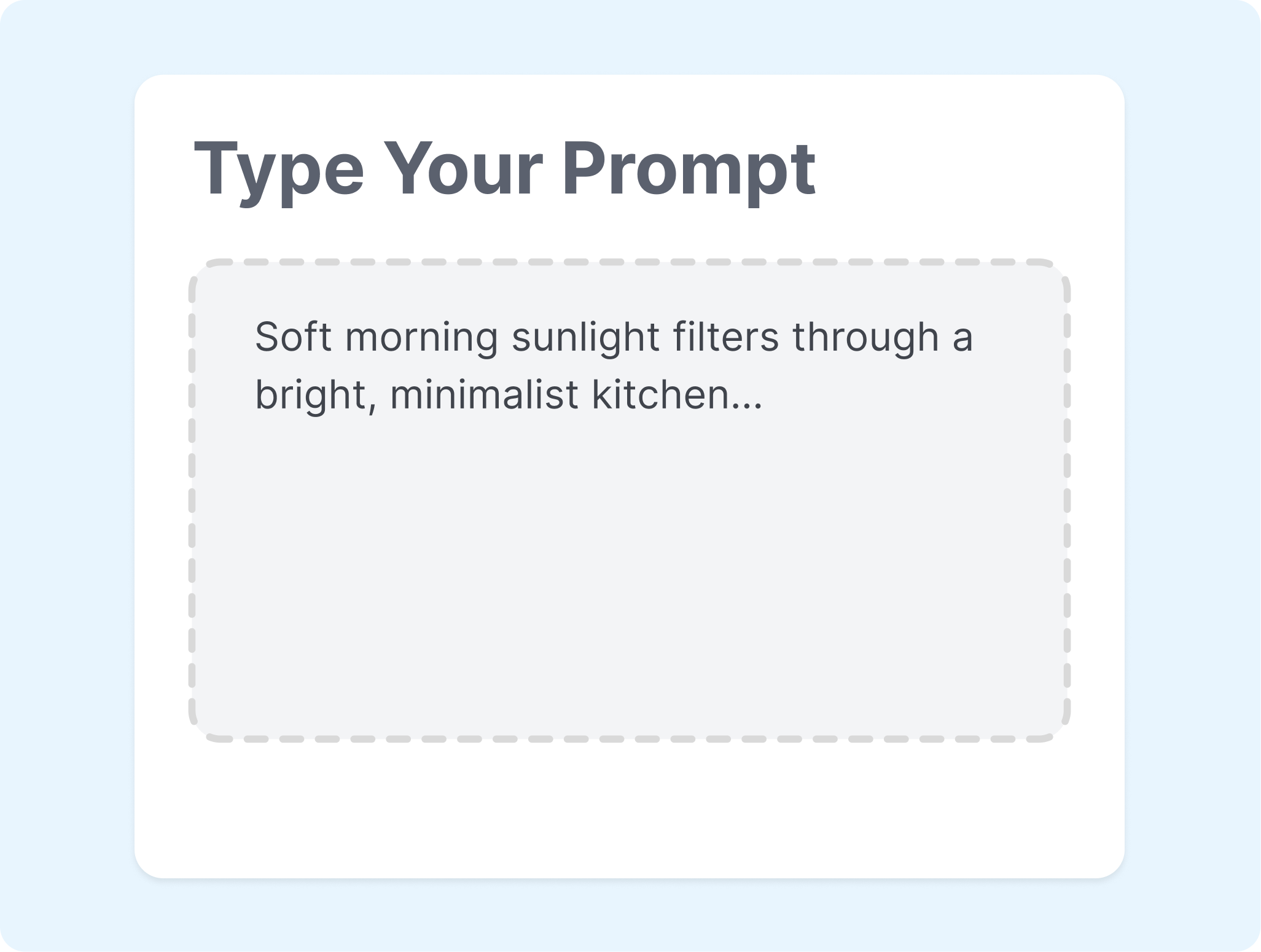
1. Set Up the Brand
Add a website or enter the brand name, logo, colors, and description. Connect an ad account when performance insights or account delivery are part of the workflow.
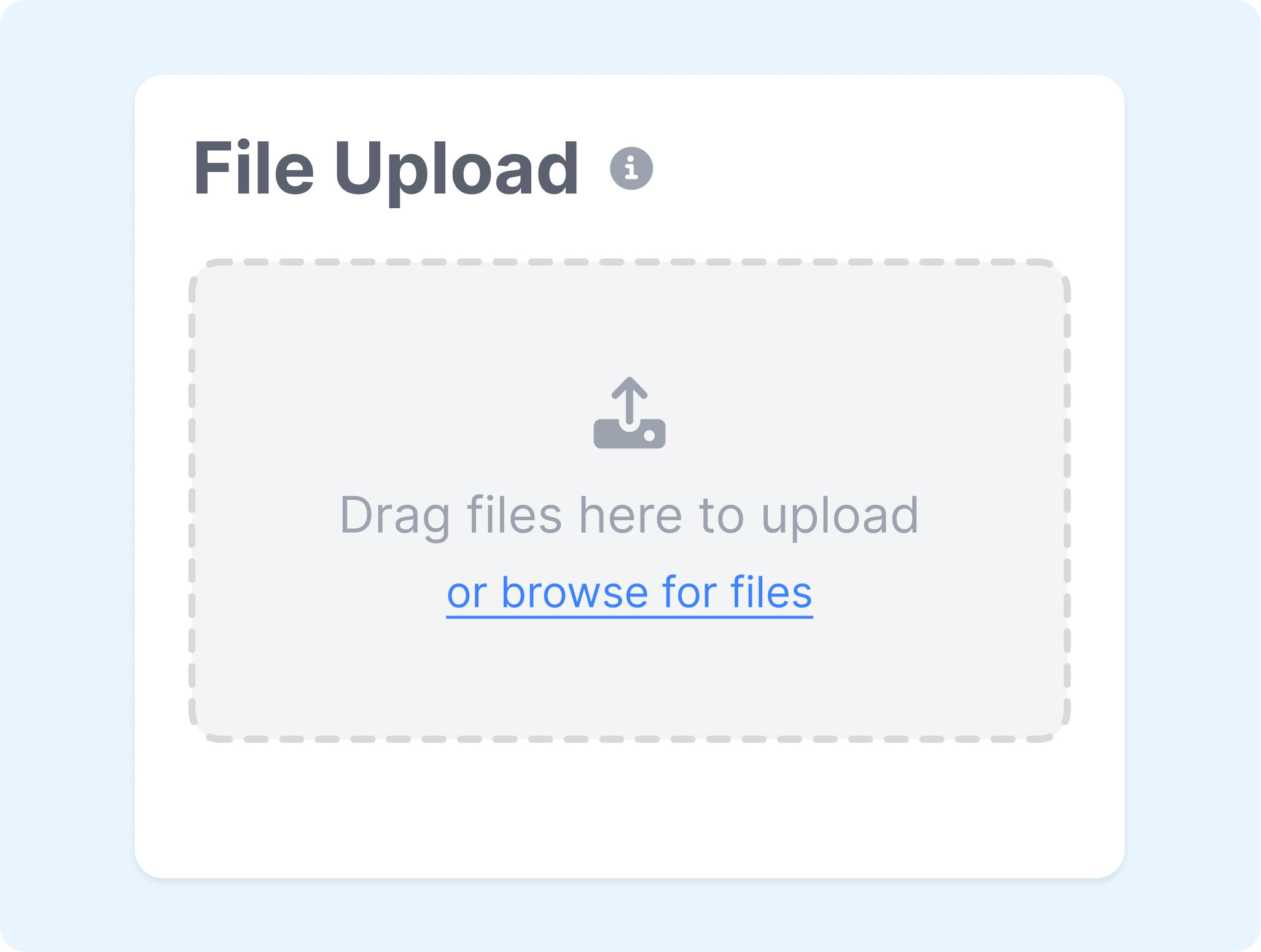
2. Choose the Creative Route
Select an image, banner, video, product, or UGC-style format. Upload the product asset and add the offer, audience, and copy needed for the draft.
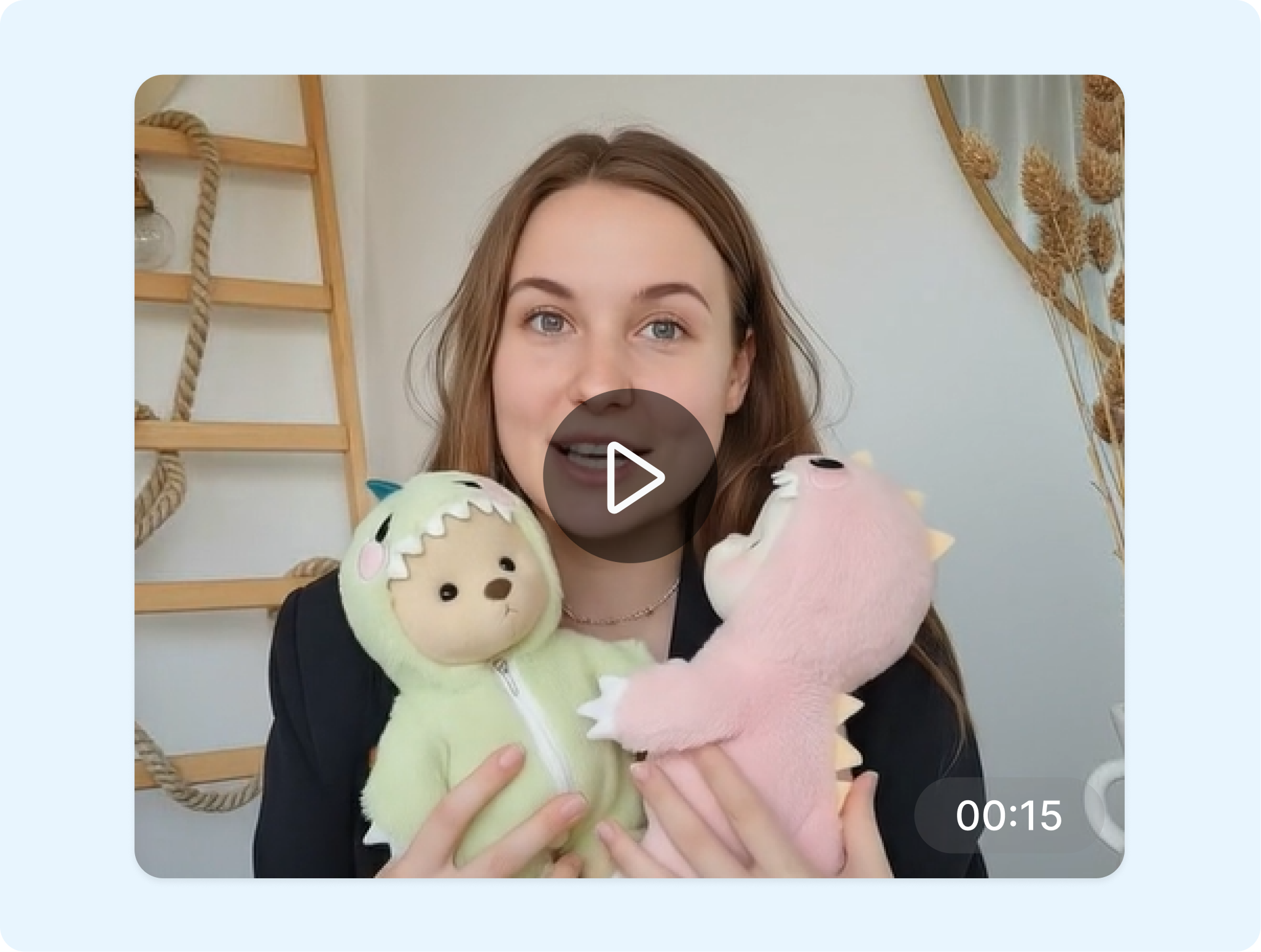
3. Generate, Review, and Export
Generate AdCreative.ai variations, then review the layouts, predictive scores, and editable details. Download selected files or push them to a connected ad account's media library when supported.
Who Uses the AdCreative AI Ad Generator?
Create AdCreative.ai assets for frequent testing, product promotion, client work, and everyday campaign production.
Paid Media Teams
Generate multiple concepts and sizes for structured creative tests. Use scoring and connected-account insights to organize the shortlist before real campaign results make the final decision.
Ecommerce Brands
Turn product images and offers into banners, product visuals, videos, and UGC-style ads. Keep logos, colors, and campaign messages connected to the same AdCreative.ai brand setup.
Creative Agencies
Separate client work by brand and build reusable templates for recurring campaigns. Adapt approved structures across offers, languages, and placements without redrawing each asset.
Small Business Teams
Start with a website, simple brand details, and a clear promotion when design resources are limited. Let AdCreative.ai assemble initial directions, then choose and refine the most relevant versions.
FAQs
What is AdCreative AI Ad Generator?
How does the AdCreative AI Ad Maker work?
What ad formats can AdCreative.ai generate?
Can AdCreative.ai create multiple banner sizes?
Is AdCreative AI Ad Generator free?
What is a good alternative to AdCreative.ai?
Looking for Another Option? Explore Nextify.ai as an AdCreative.ai Alternative.
Explore Nextify.ai to turn product URLs, product assets, scripts, and winning references into avatar videos, UGC ads, product videos, marketplace listing image sets, and reusable marketing creatives in one workspace.