AI Ad Creative Variation Generator
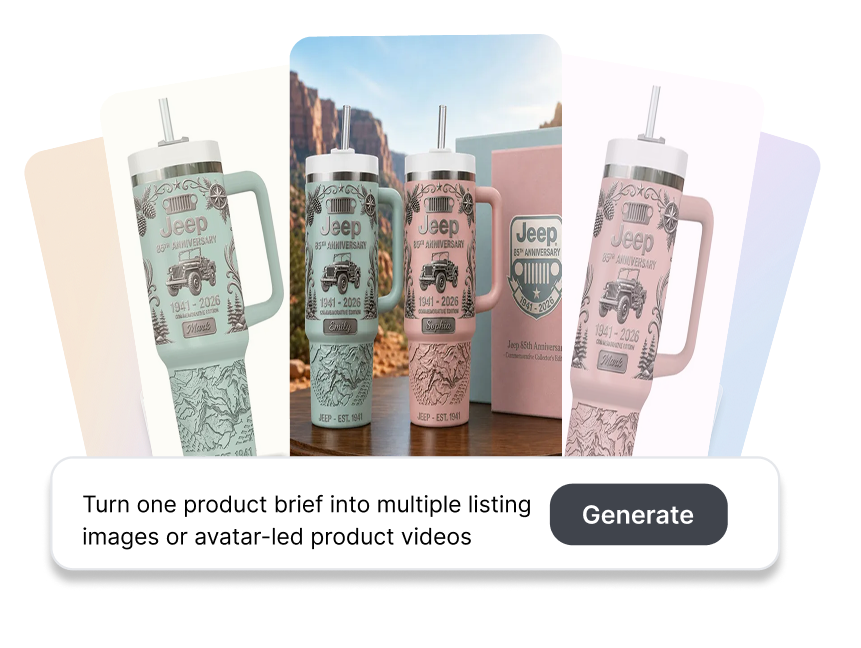
Turn one product brief into multiple listing images or avatar-led product videos. Set the quantity and variation focus before generation, then move selected outputs into a more structured creative testing workflow.
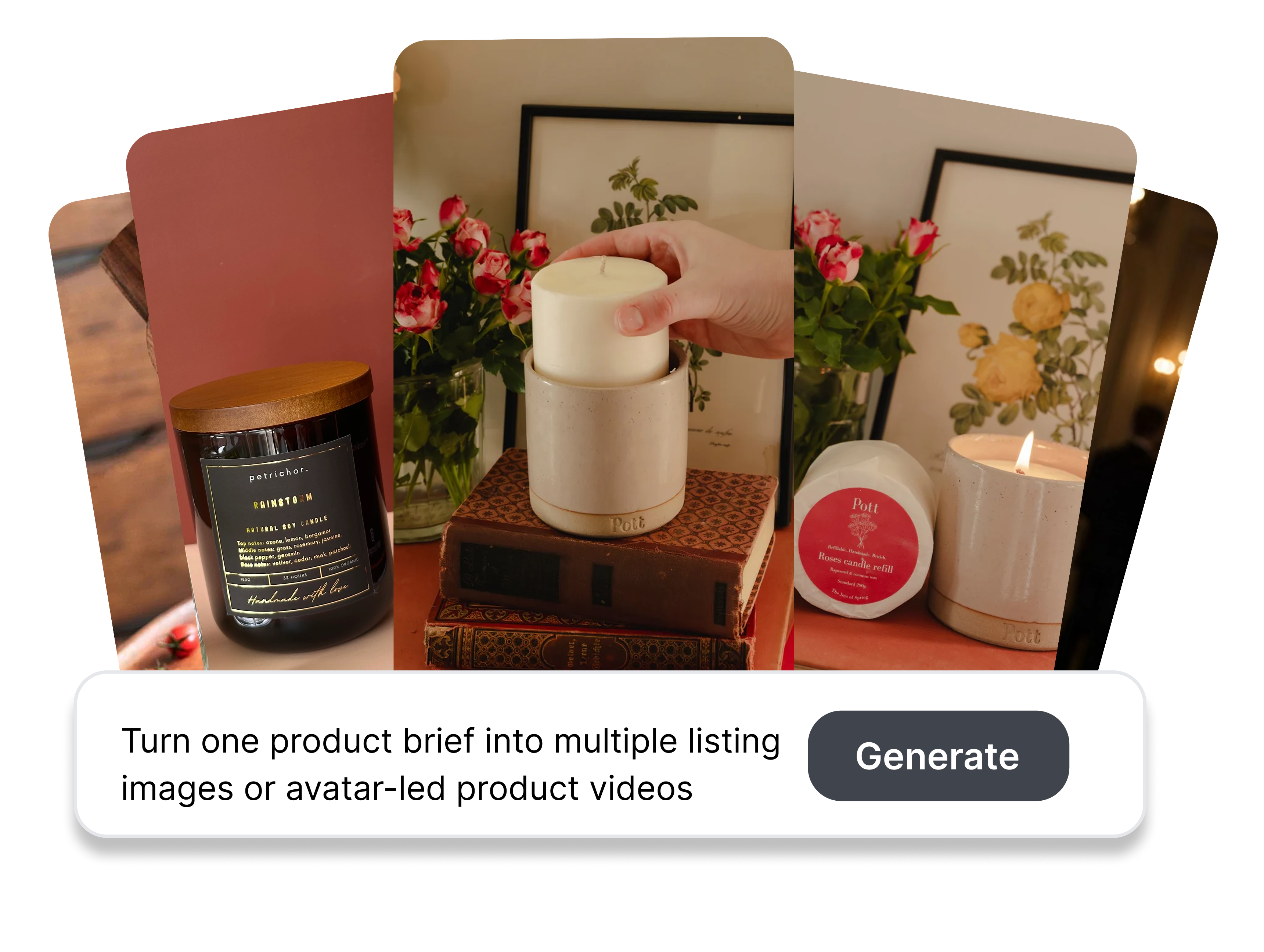
Build Test-Ready Batches with Ad Creative Variation Generator
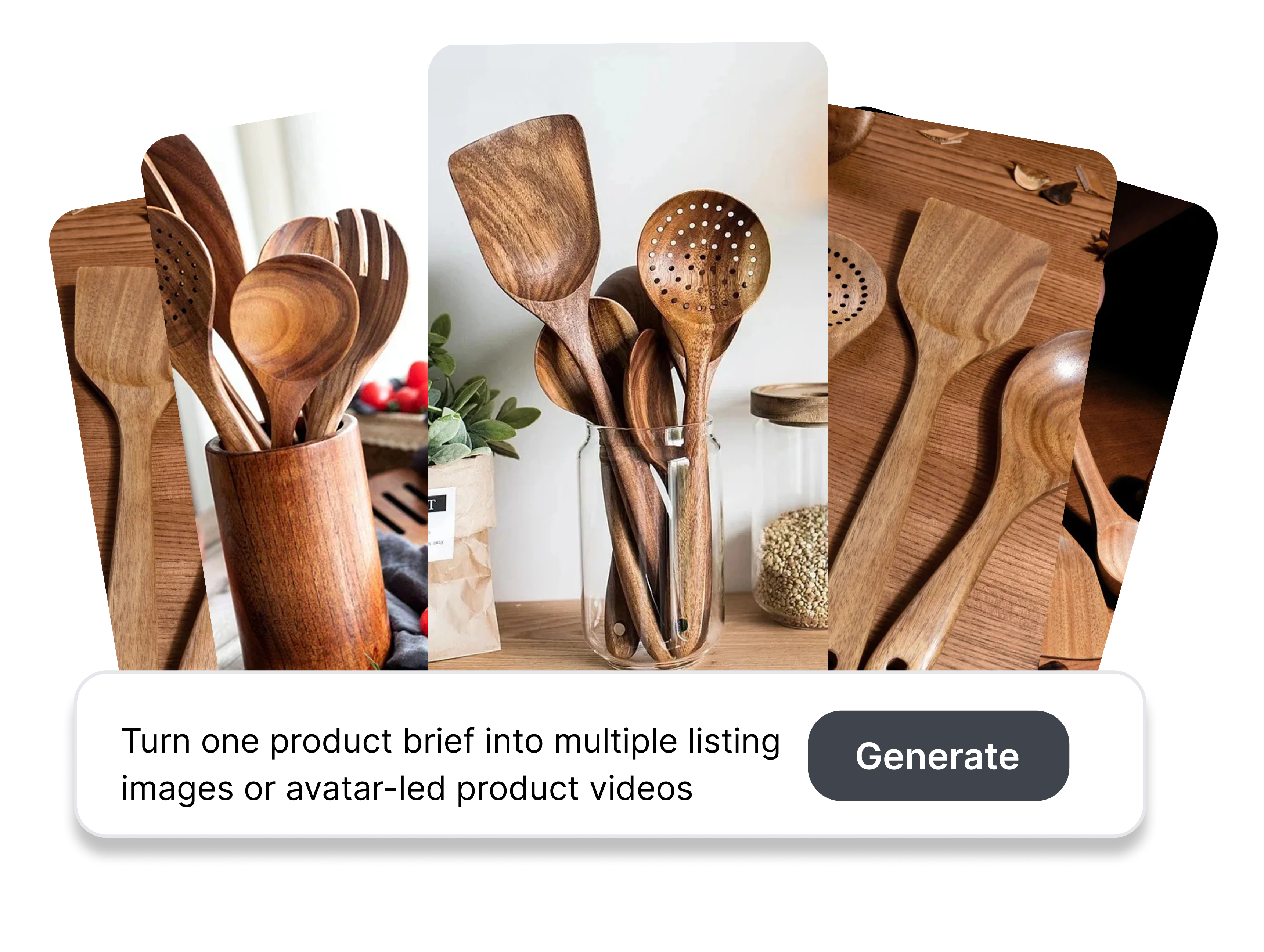
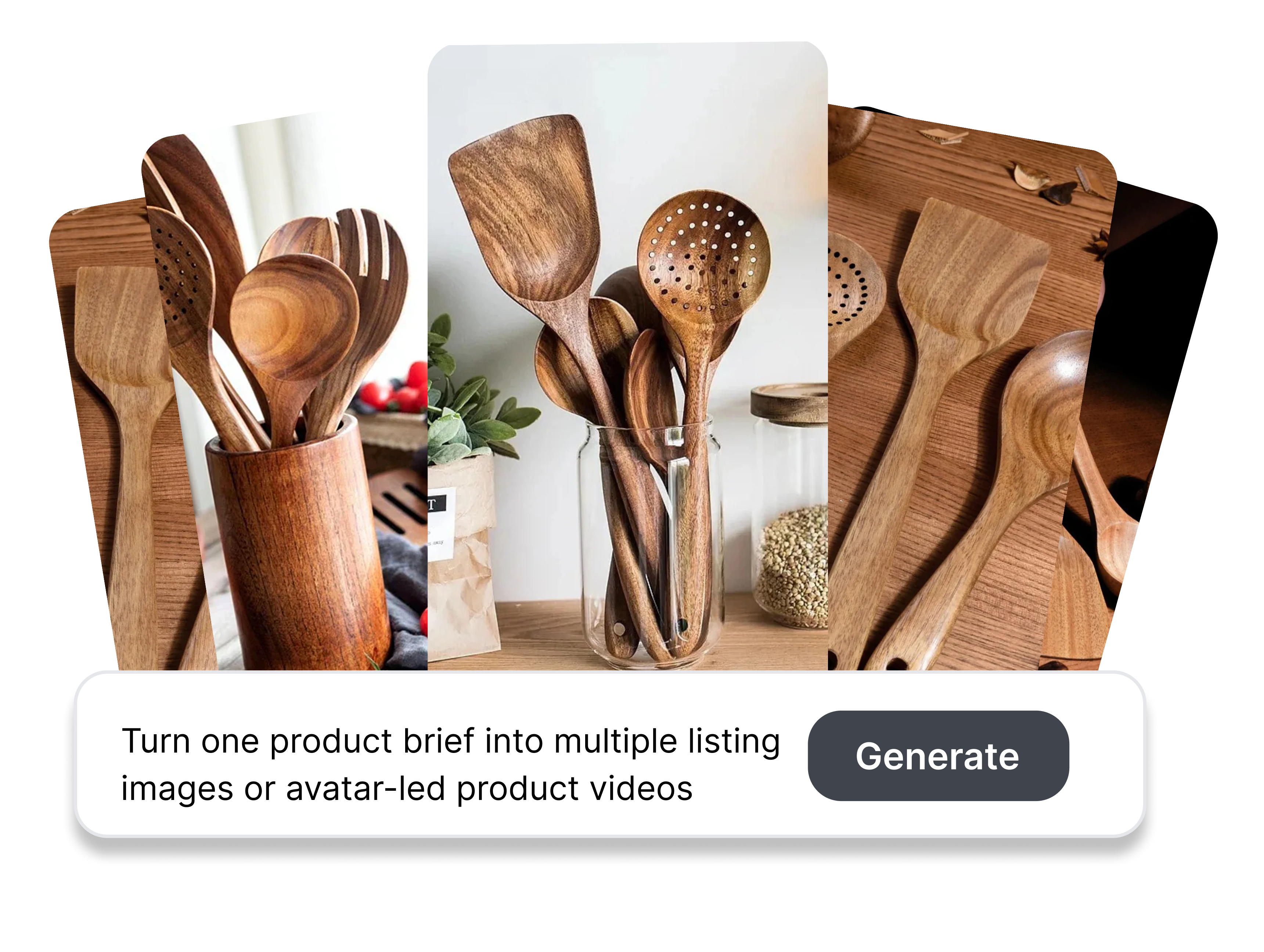
Set the Batch Size
Choose how many creative candidates you want to generate from the current setup. Set the video variation count or allocate quantities across selected listing-image types. Match production volume to the number of ideas your team can realistically review and test.
Build the Right Image Mix
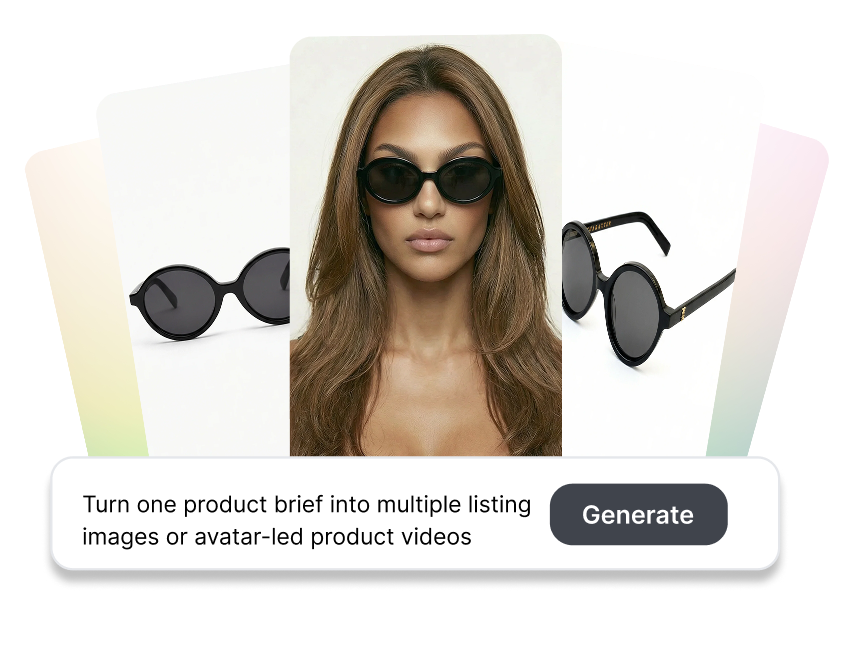
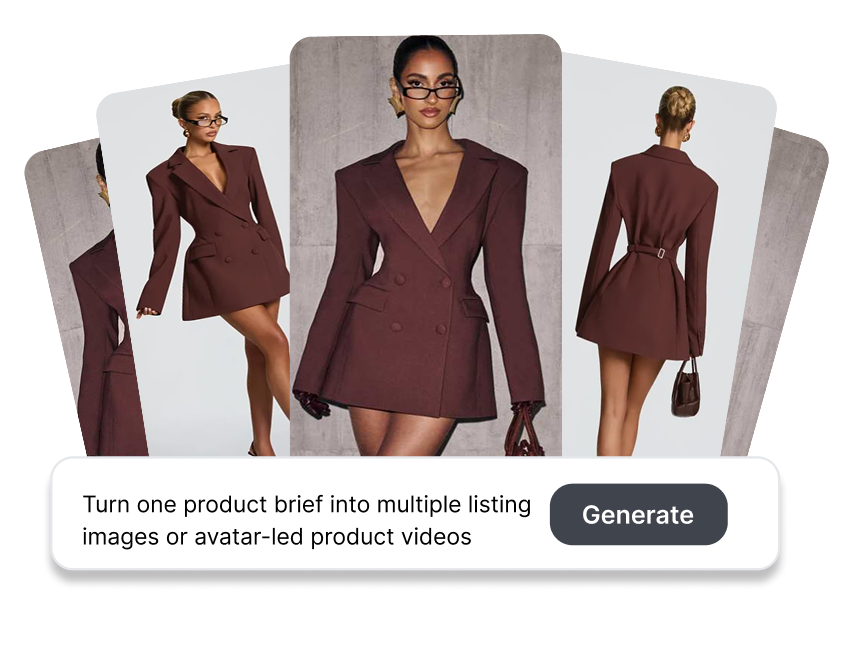
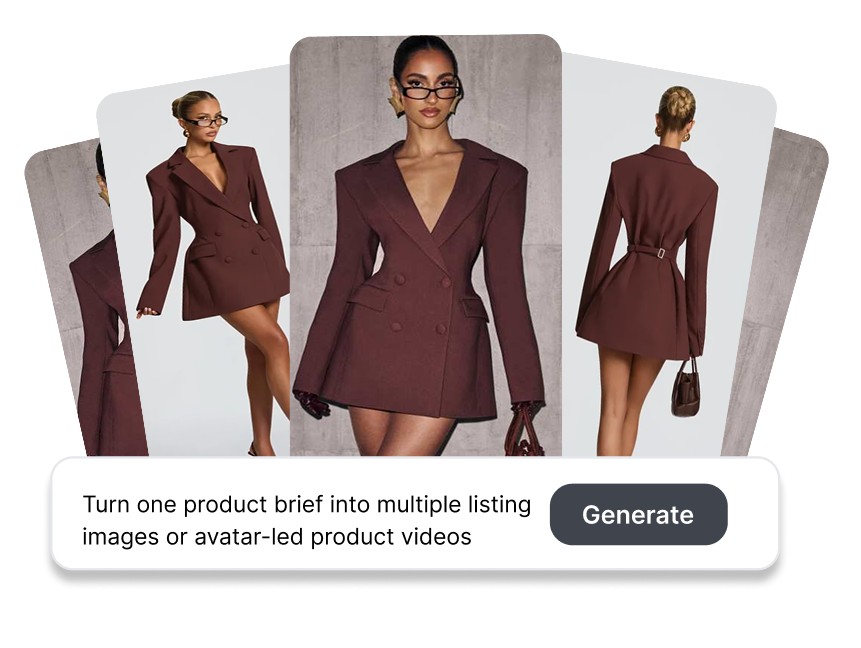
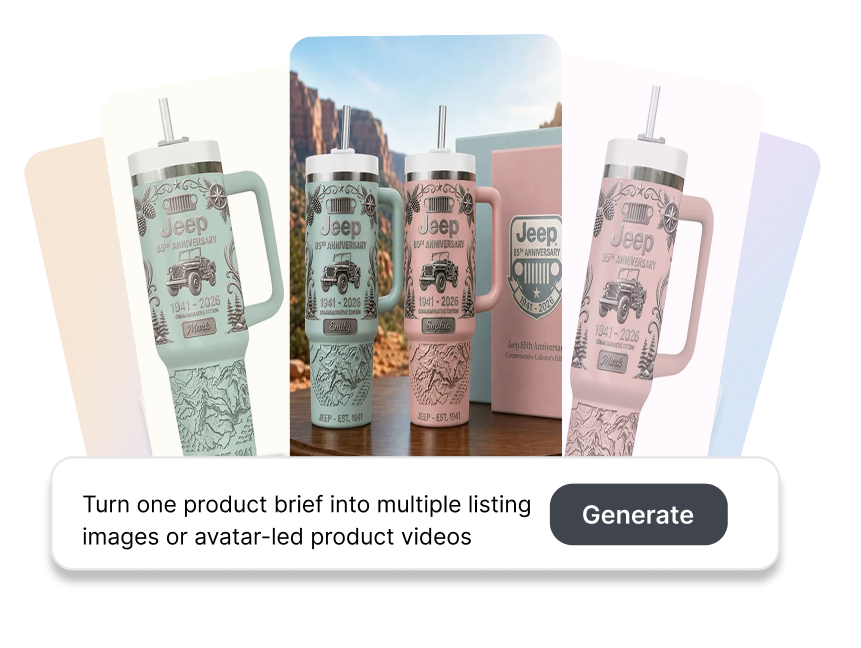
Create a structured listing-image batch rather than repeating a single visual type. Assign quantities to white-background, scene, feature, and detail images, or to AI-matched supporting images. Explore different communication roles while keeping the product brief consistent.
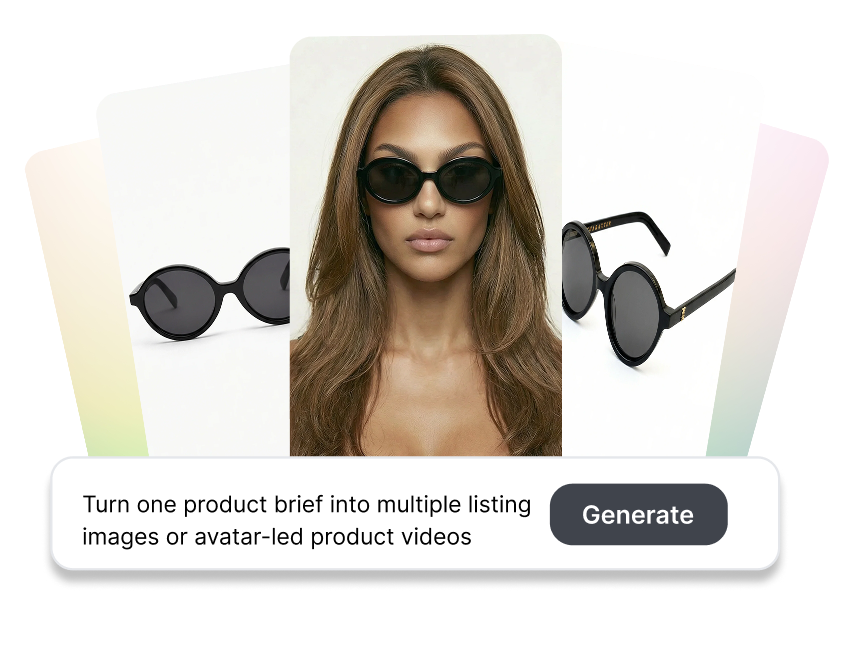
Create More Video Takes
Generate multiple avatar-led product videos from the same assets and creative brief. Explore different unboxing, review, showcase, or presentation executions without rebuilding the initial setup. Give your team more viable directions to assess before choosing what to test.
Keep Every Test Readable
Build each batch around one creative question. Keep the product, offer, and base format stable while changing the hook, scene, proof angle, image role, or presenter delivery. Make later campaign results easier to connect with the variable being tested.
Create Test Batches with Ad Creative Variation Generator
1. Choose the Creative Workflow
Select listing images or a product video workflow. Upload the product photos, reference assets, or supporting materials required for that format.
2. Define the Variation
Enter the product information and creative brief. Specify the single element you want, then configure the relevant platform, market, language, ratio, or duration settings.
3. Set the Count and Generate
Choose the total number of video variations or assign quantities to each listing-image type. Generate the batch, move the selected assets into your external testing workflow.
Who Benefits from Ad Creative Variation Generator?

Performance Marketing Teams
Turn a testing hypothesis into several candidate assets before launching media. Keep each batch focused on one variable so campaign results provide a clearer signal for the next creative decision.
Ecommerce Creative Teams
Generate listing-image mixes and avatar-led product videos from existing product assets. Prepare more visual options for merchandising and advertising without treating every variation as a separate production project.

Agencies and Creative Operations
Produce organized creative batches for different client briefs, formats, and test questions. Give strategists, designers, and media buyers a defined group of alternatives to review instead of an unstructured folder of outputs.
Frequently Asked Questions
It creates multiple image or video candidates from a shared product brief. Nextify supports listing-image batches and variations of avatar-led product content such as unboxing, review, and showcase videos.
Yes. Set the available video variation count or assign quantities to individual listing-image types before generation. The interface shows the current limits and generation cost for the selected setup.
Custom Mode supports white-background, scene, feature, and detail, and other AI-matched supporting images. You can distribute the required total across these categories based on the listing brief.
You can create alternatives for supported avatar-led formats such as product unboxing, reviews, showcases, and presentations. The available results depend on the selected workflow, references, product assets, and instructions.
Yes. AI Auto-Prompt can help expand the initial product information into generation instructions. Review the resulting brief and narrow it to the variable you actually want to explore.