Ad Creative AI for Video, Image & UGC Ads
Turn a product URL, product images, or a campaign brief into ad creatives you can actually build on. Create static ads, UGC-style videos, and product showcases for instant testing.
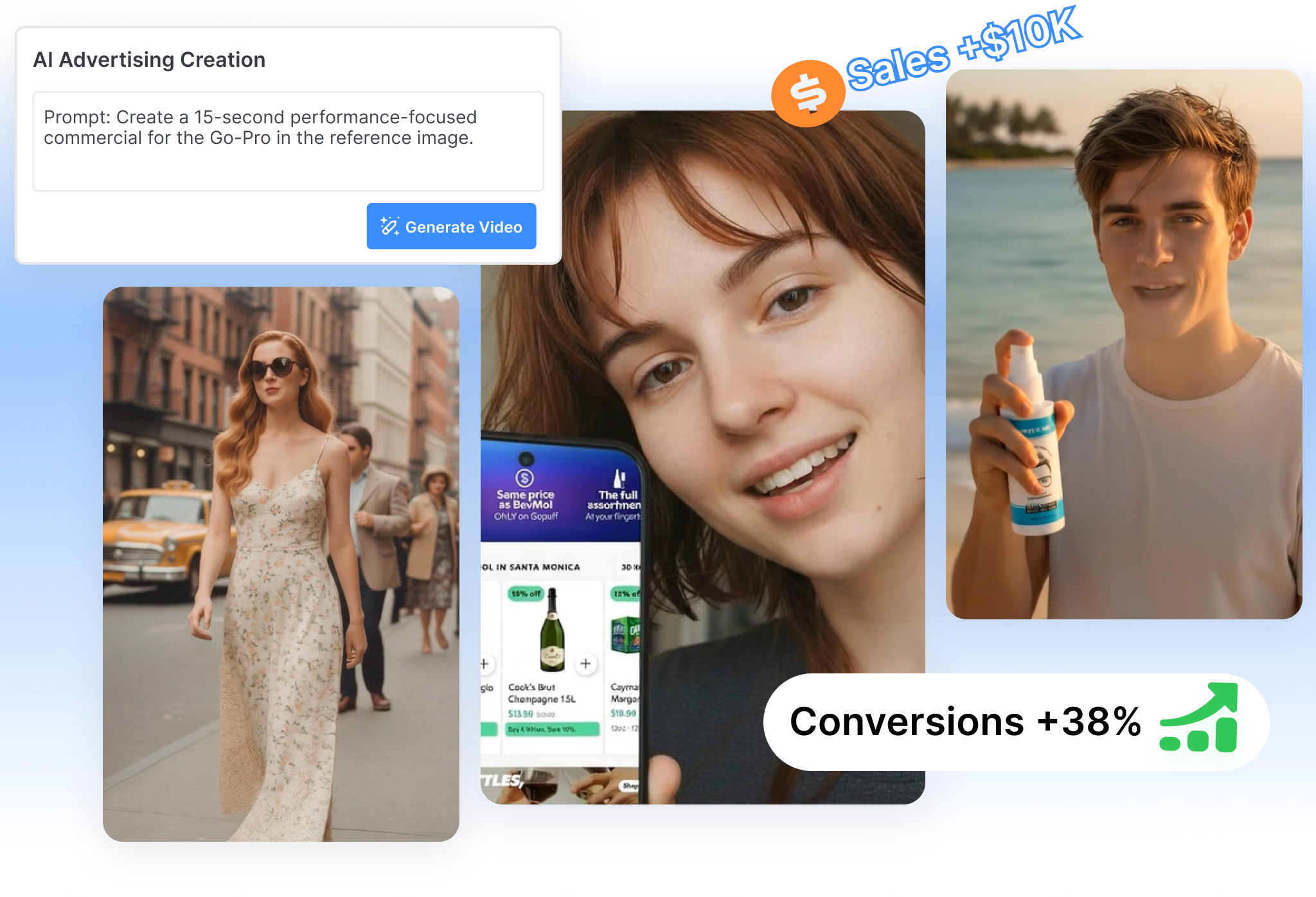
Ad Creative AI Built for More Than One Ad Format
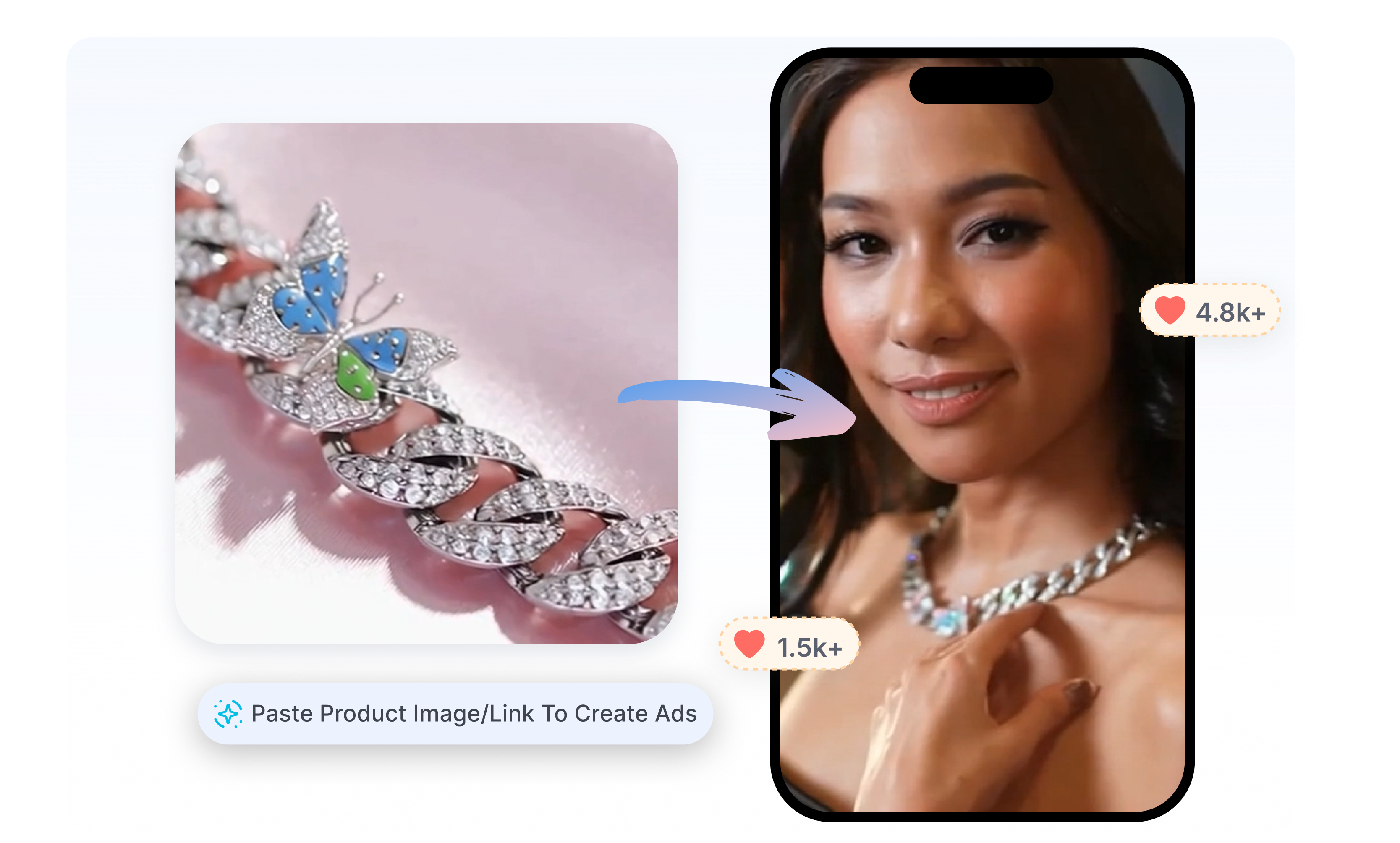
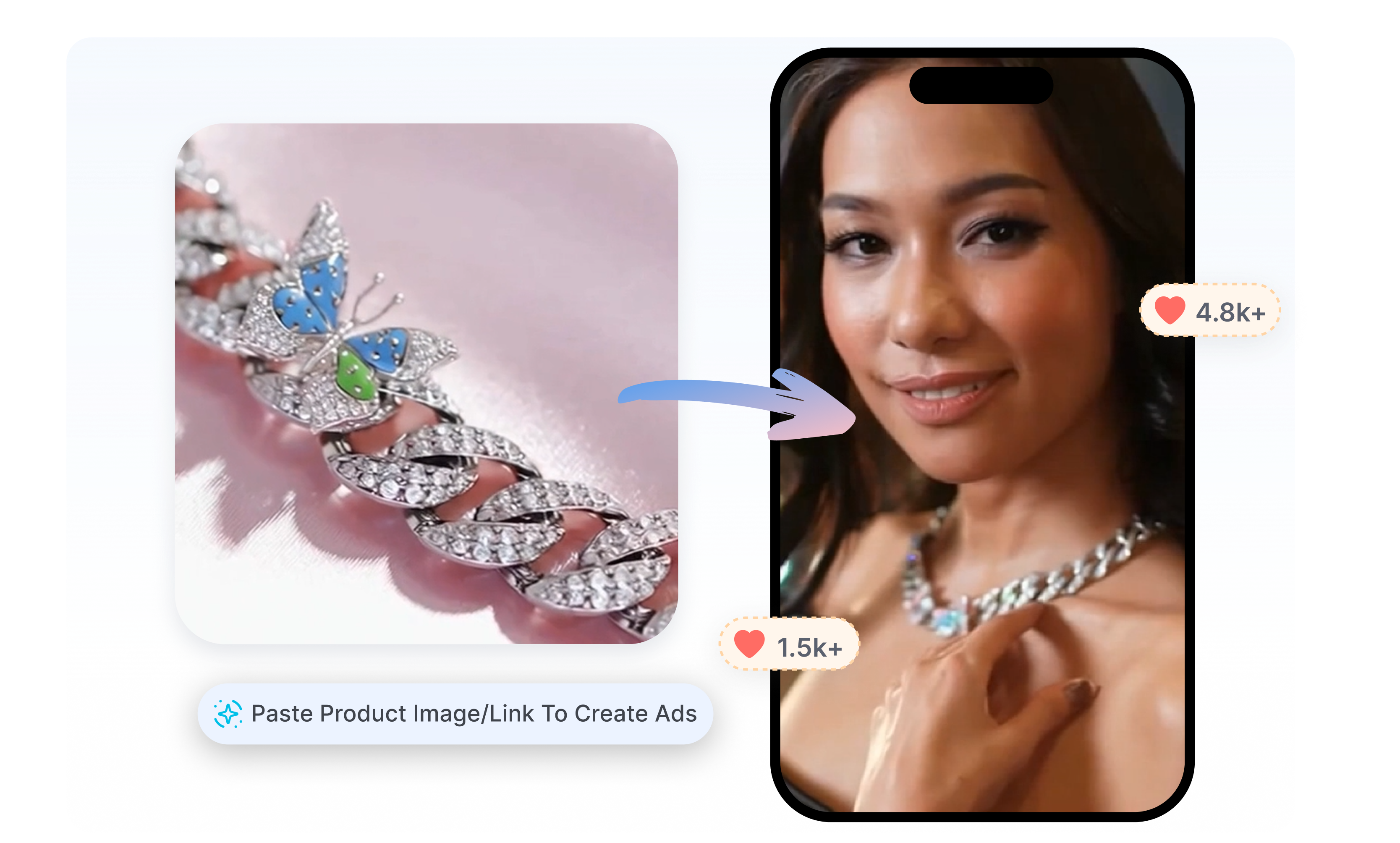
AI-Powered Ad Creative
Give the AI a Product to Work With
Start with a product URL, product images, or a written brief instead of an empty canvas. Nextify.ai can organize product details, selling points, visual assets, and campaign messaging into a usable creative direction. Move from scattered product information to an ad concept with a hook, script, scenes, and CTA.
AI Ad Creative Generator
Create the Format Your Campaign Needs
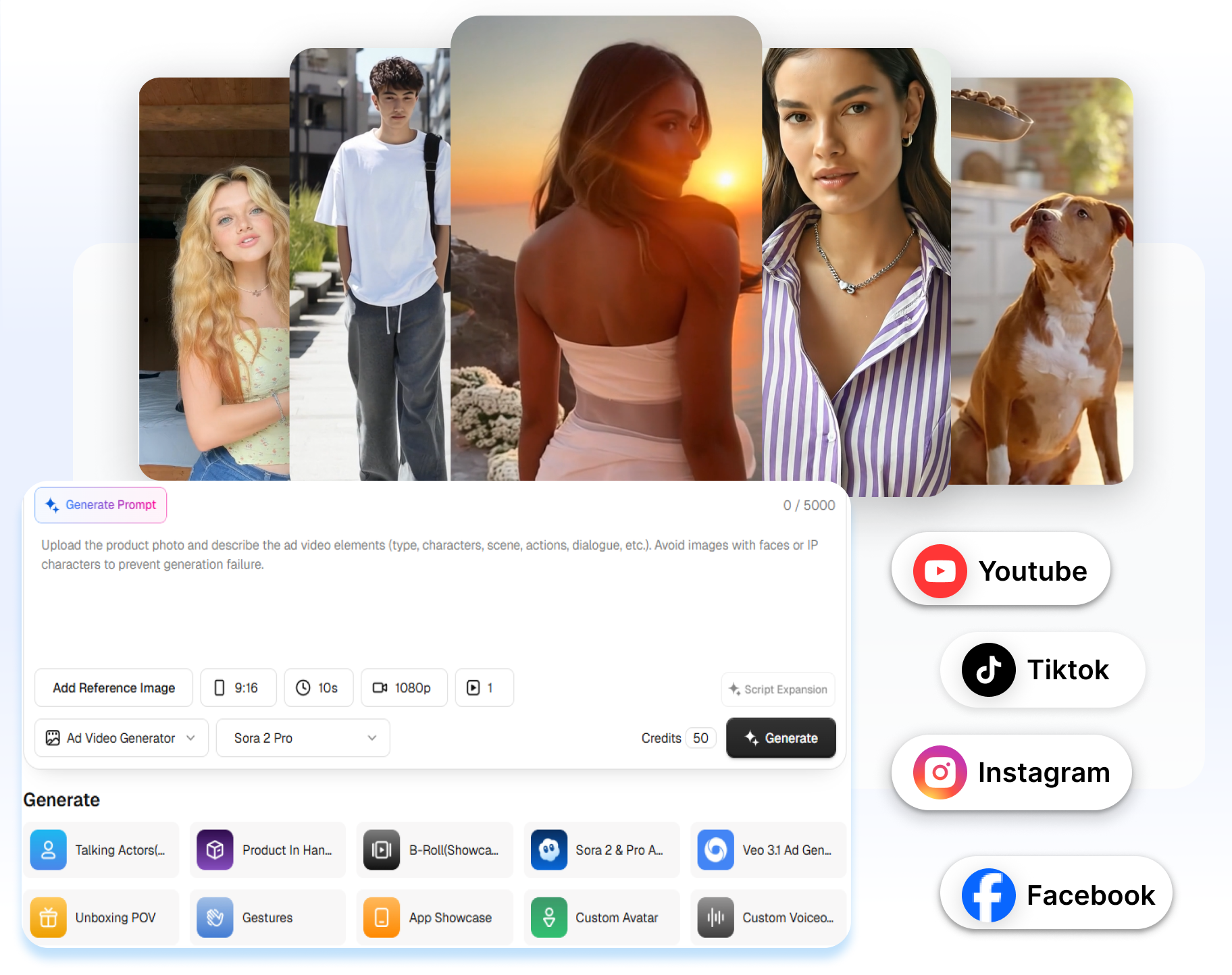
Generate static image ads, short video ads, UGC-style talking videos, and product-led promotional content in one workspace. Choose the format that fits the idea instead of forcing every campaign into the same template. Build visual assets for product launches, social campaigns, retargeting, and creative tests.
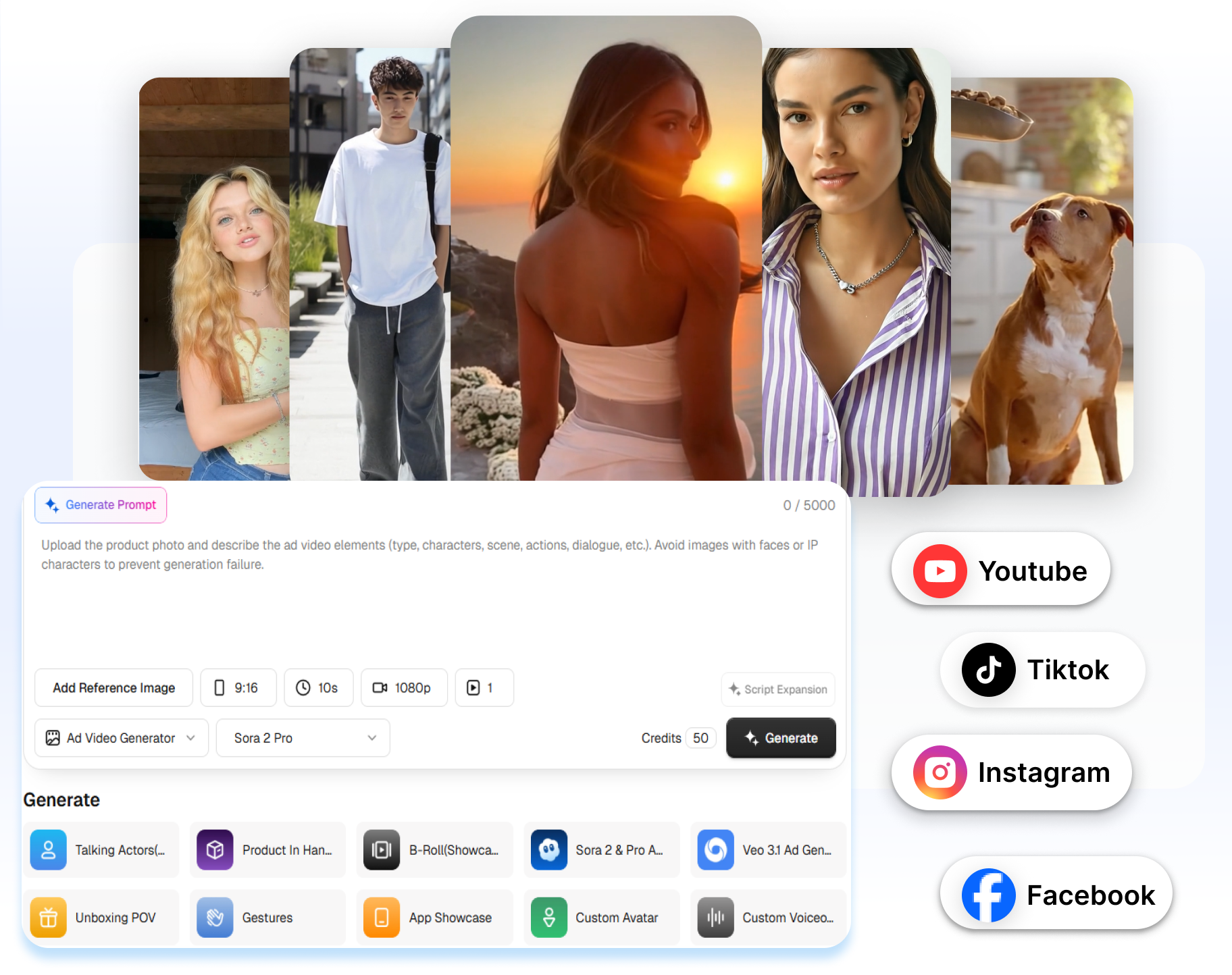
Free Ad Creative AI
Show the Product Doing Something
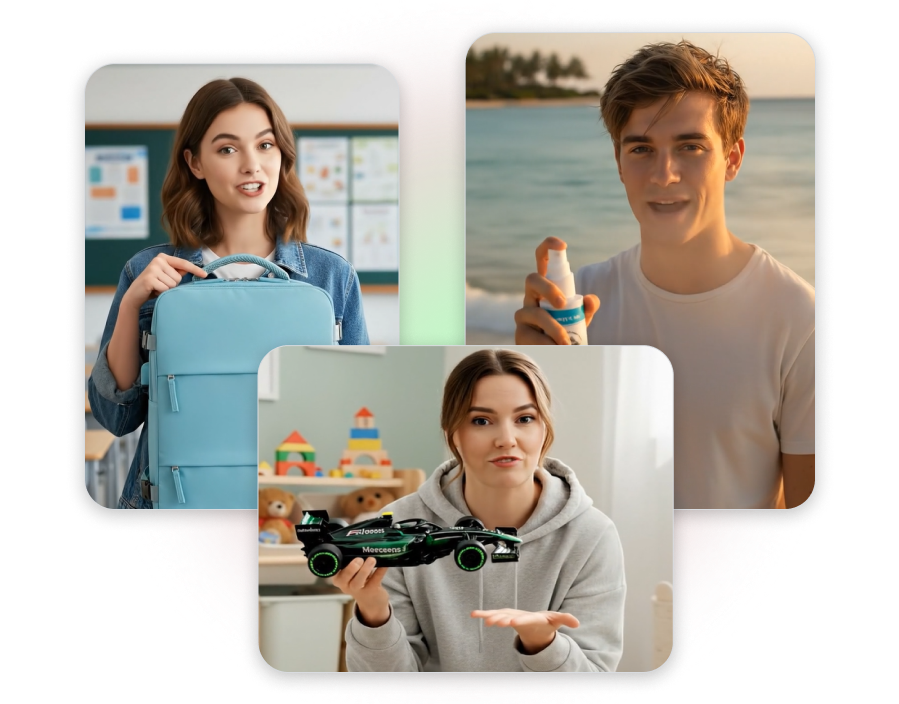
Turn product photos into scenes that demonstrate how the item looks, moves, or fits into everyday use. Use Product in Hand, Unboxing POV, B-roll Showcase, or a Talking Actor to make the benefit visible instead of leaving it buried in the copy. Give shoppers a concrete product moment they can understand in seconds.
Best AI Ad Creative Maker
Take One Direction Further
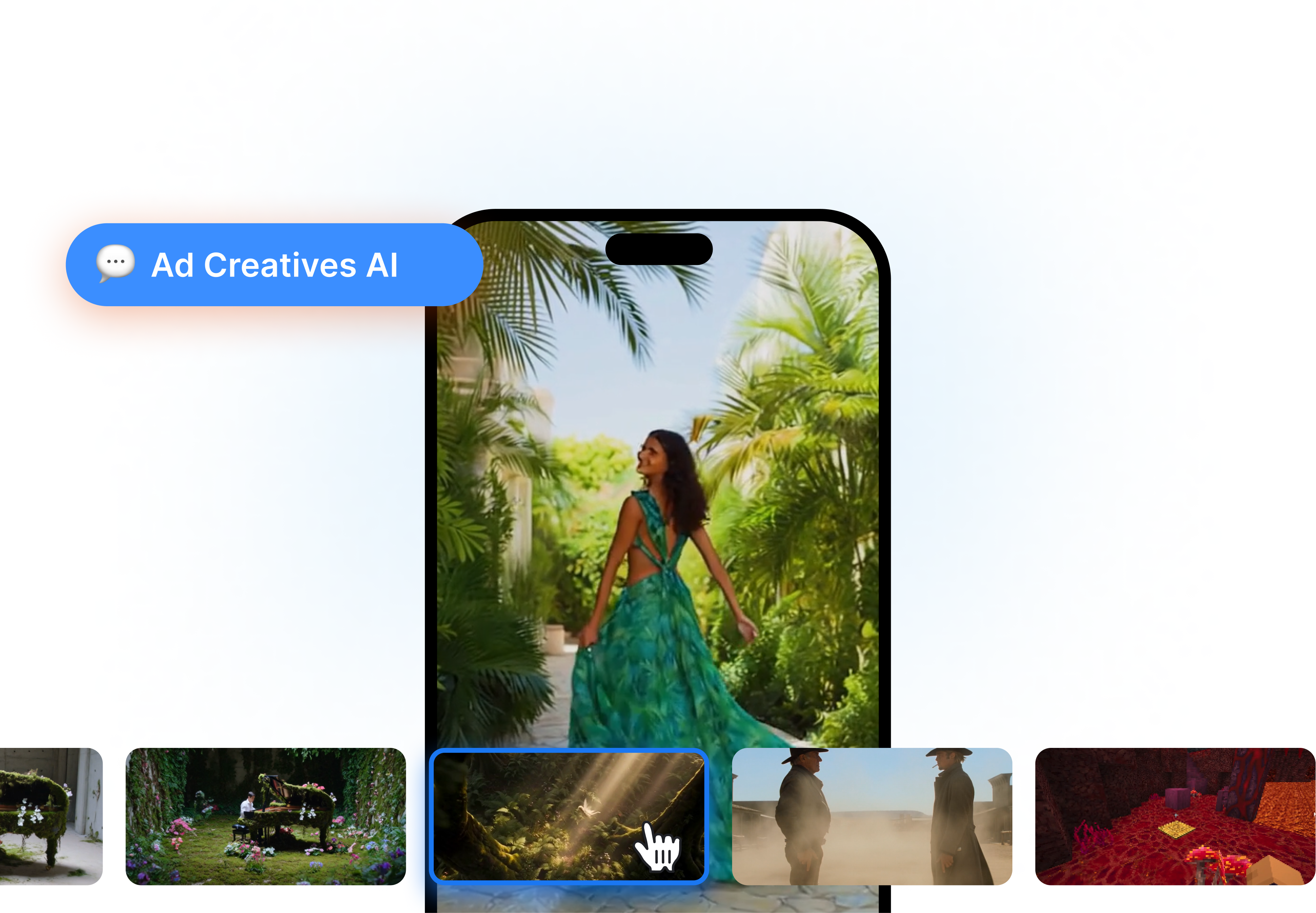
Generate up to 9 creative variations around the same product or campaign idea. Change the hook, script, presenter, scene, voiceover, captions, music, or aspect ratio while keeping the core offer consistent. Compare distinct directions without rebuilding every ad from the beginning.
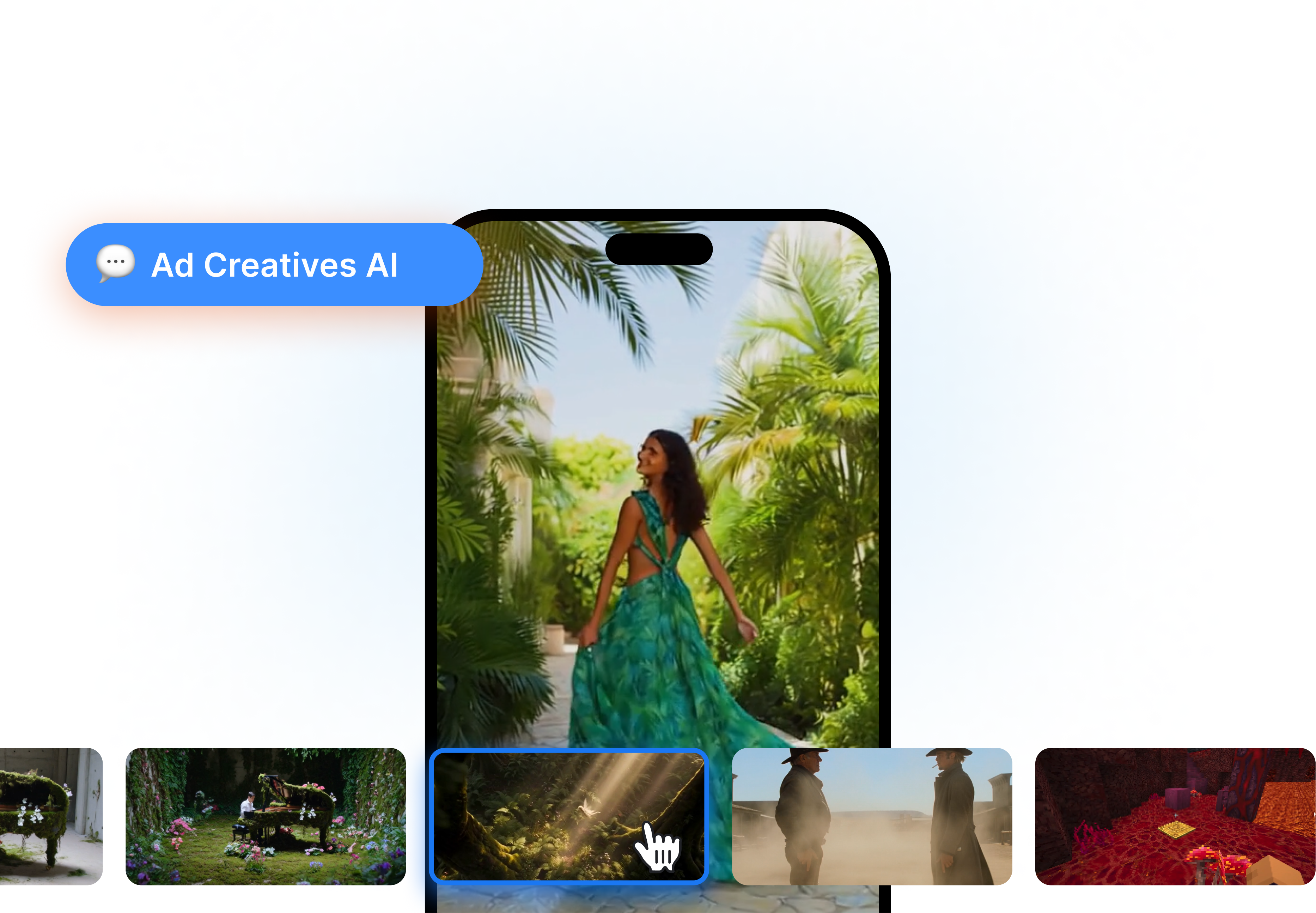
How to Generate AI Ad Creatives in 3 Steps
1. Add Your Product or Brief
Paste a product URL, upload product images, or describe the offer in a short campaign brief. Include the main selling point, target audience, and message the ad needs to deliver.
2. Choose a Creative Direction
Select a static ad, UGC-style video, Talking Actor, product showcase, or another available format. Set the script direction, presenter, scenes, voice, aspect ratio, and visual style.
3. Generate and Review Variations
Create the first batch and compare the different hooks, visuals, and formats. Refine the script, captions, voiceover, music, or scenes, then download the versions you want to use.
Ad Creative AI for Teams That Keep Campaigns Moving
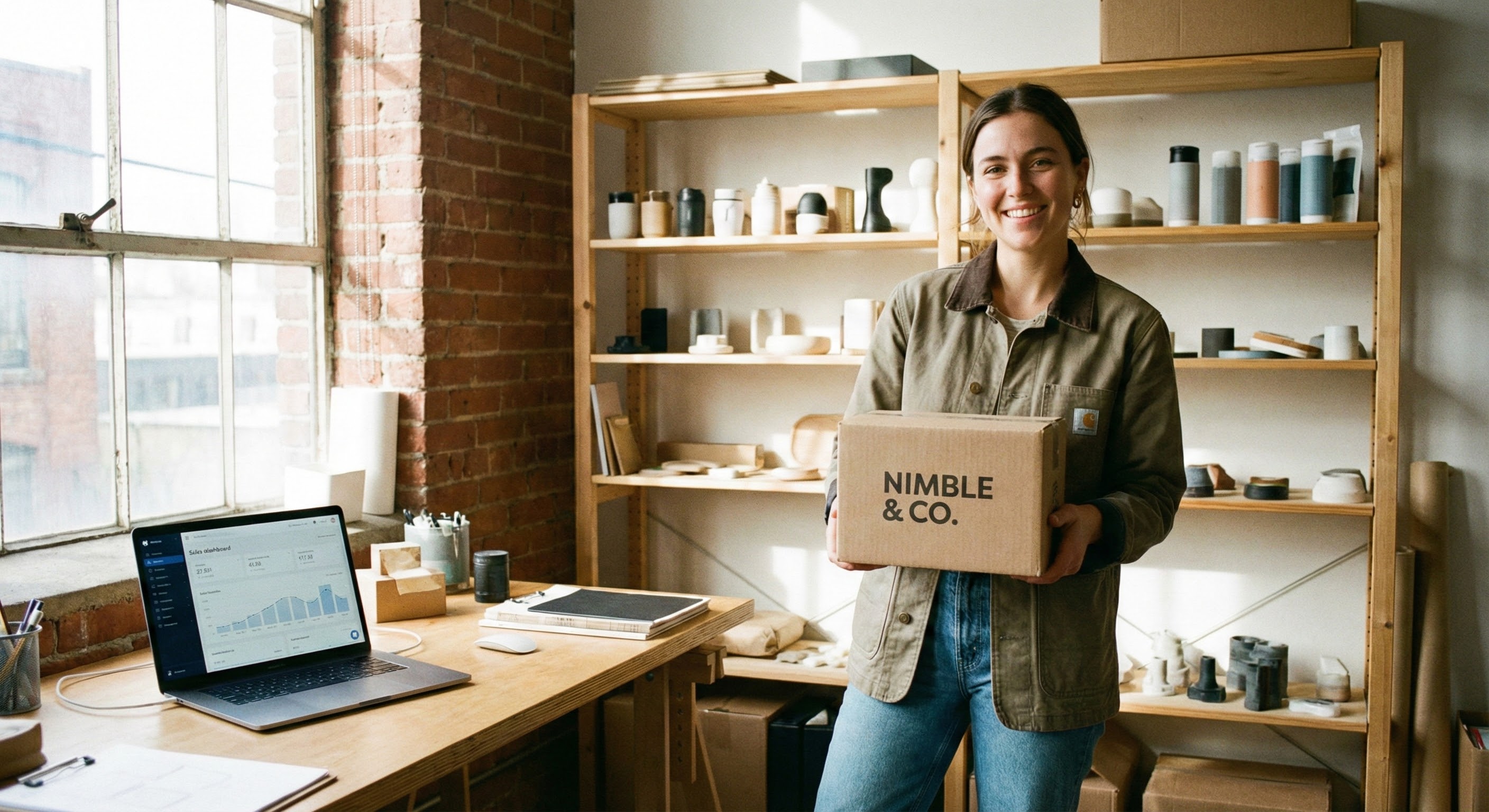
E-commerce Brands
Turn product pages and product photos into demonstrations, UGC-style videos, static ads, and promotional creatives. Keep the product and its selling points central in every version.

Performance Marketers
Generate fresh image and video concepts for creative testing without rebuilding every asset manually. Explore different hooks, formats, and campaign directions around the same offer.
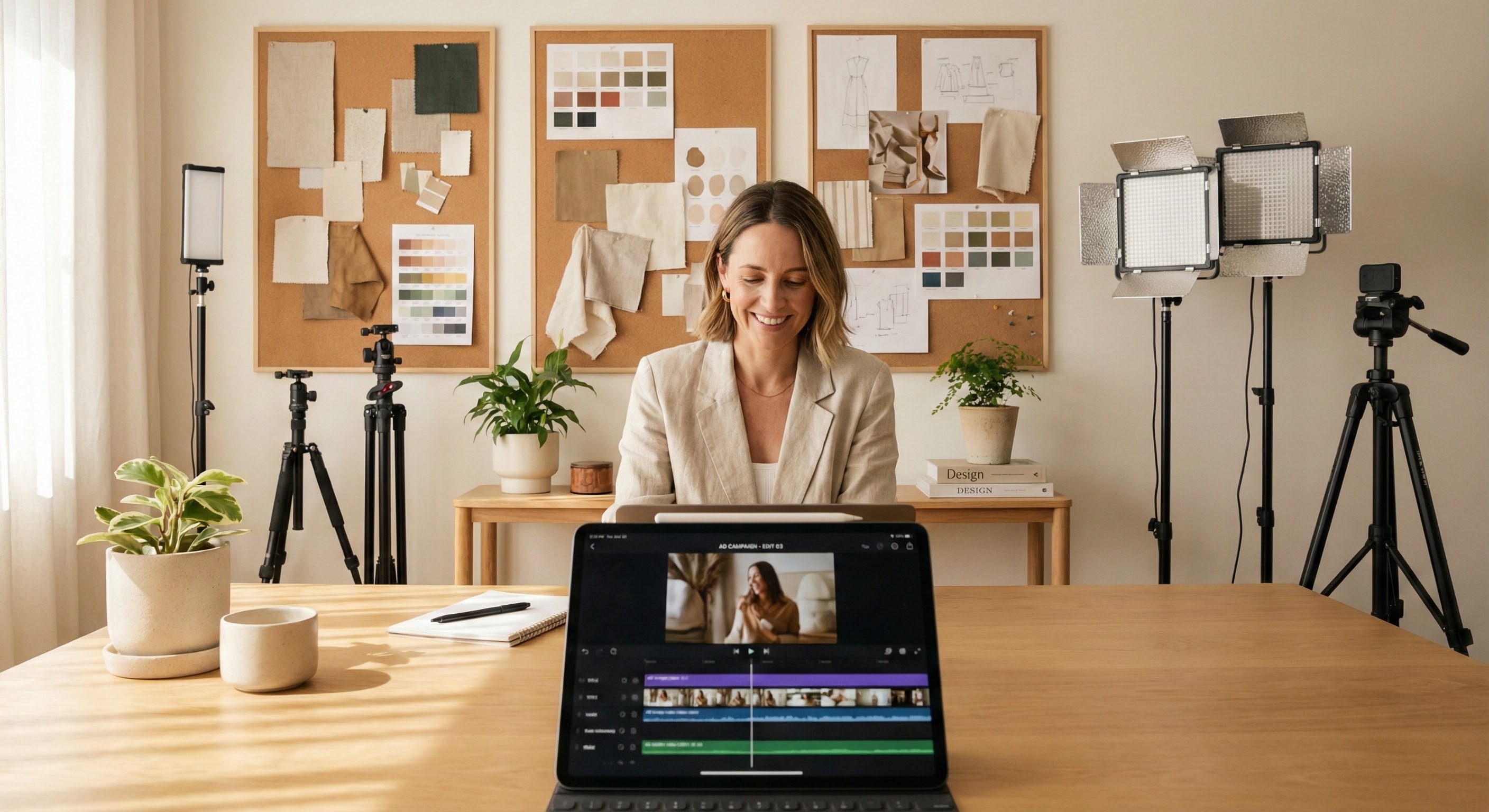
Creative Agencies
Produce more initial directions for clients without adding another full production cycle. Build variations across presenters, scenes, scripts, formats, and channel requirements.
FAQs
Ad creative AI uses artificial intelligence to help create advertising assets from product information, images, URLs, prompts, or campaign briefs. Depending on the workflow, these assets can include static ads, video ads, scripts, voiceovers, product scenes, captions, and creative variations.
Nextify.ai can create static ad images, UGC-style videos, AI avatar ads, product demonstrations, promotional videos, and other product-led marketing creatives. Available workflows include Talking Actors, Product in Hand, Unboxing POV, B-roll Showcase, and custom ad video generation.
Yes. Paste a product or website URL to let Nextify.ai extract useful product details, selling points, and images. You can review the information and use it to develop a script, scenes, captions, and ad creative.
Yes. Nextify.ai supports static image ads as well as video formats such as UGC-style ads, product demonstrations, avatar videos, promotional clips, and visually generated ad scenes.
Nextify.ai can generate up to 9 variations in one creation round where supported. Use the variations to explore different hooks, presenters, scenes, formats, or visual directions for the same campaign idea.
Nextify.ai supports creative workflows for platforms including TikTok, Instagram, YouTube, Facebook, and LinkedIn. Available ad video settings include vertical 9:16 and landscape 16:9 formats.
No advanced production experience is required to begin. Start with a product URL, images, a prompt, or a template, then use the available controls to select the format and creative direction.